Phone orders
Create an order on behalf of a customer who ordered by phone or by message.
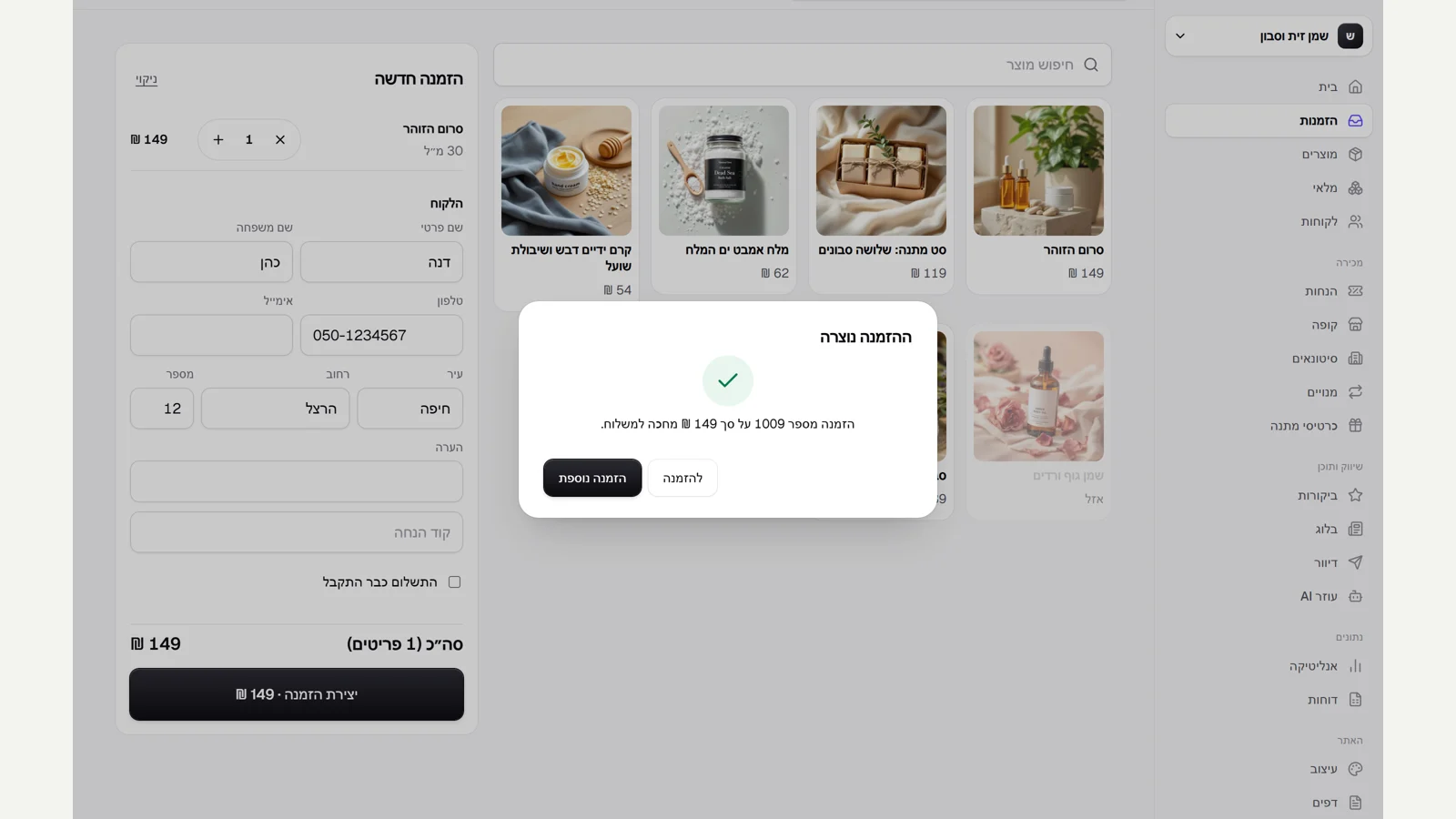
New order
On the "Orders" page, click "New order", choose products and fill in a name, a phone number or email, and an address.
Priced as on the site
The order is priced as it would be on the site, with discounts and VAT, and the stock is held for it.
Paid or not
If the customer has already paid, tick "Payment already received". Otherwise the order waits for payment, and you can still change its items.
Did not find an answer? In the admin, the "Help" button lets you write to us directly, and we reply by email.