Handling an order
Shipping, tracking, refunds, cancelling and editing items.
Ship
In the order, click "Mark as shipped", and add the courier and a tracking number. The customer gets an email.
Refund
"Refund" returns the full amount or part of it, item by item. You can put the items back in stock in the same action.
Changing items
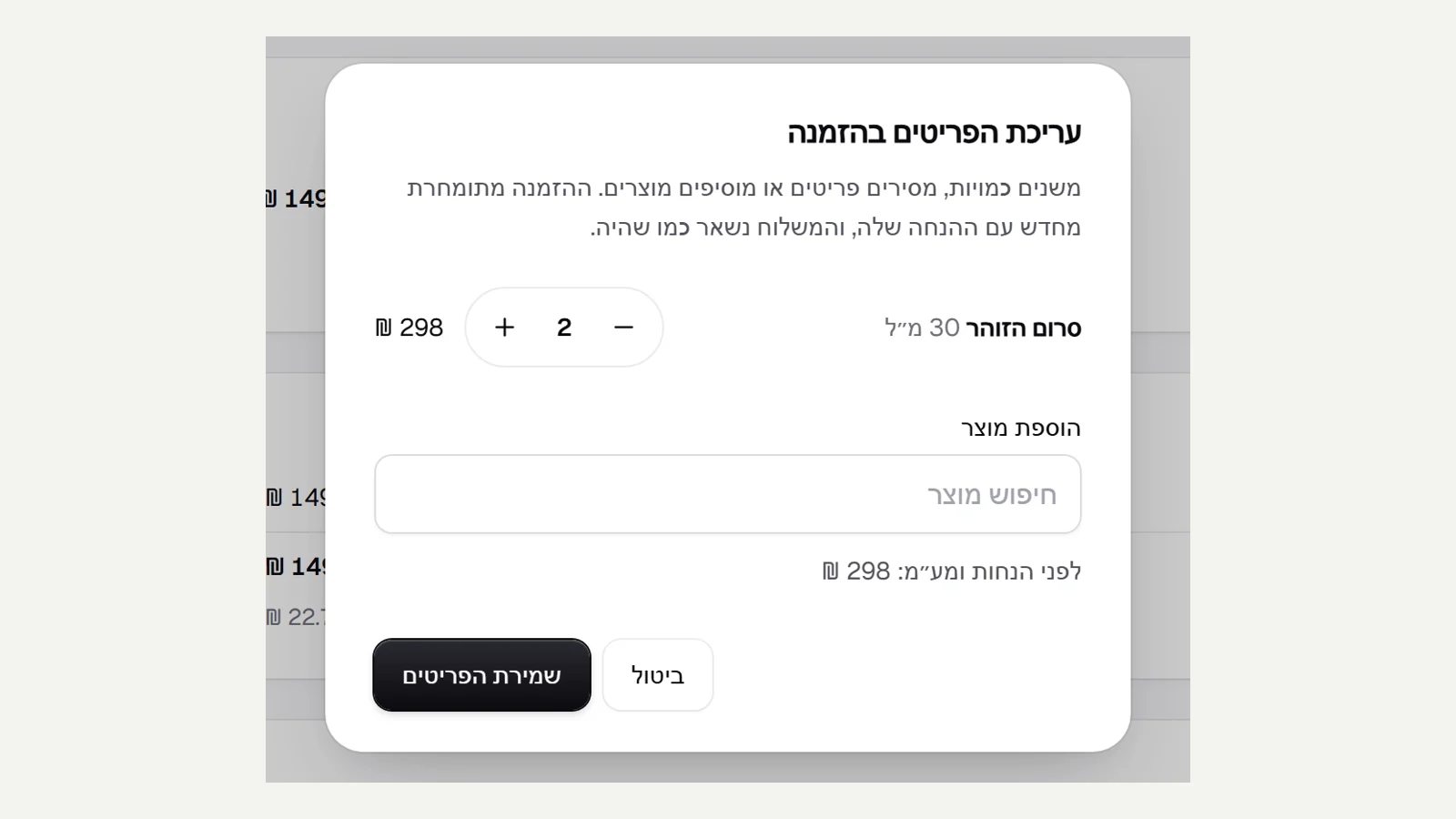
An order that is not yet paid (cash, transfer or invoice) and not yet shipped has "Edit items": change quantities, remove or add products, and the order is priced again.
Cancelling
"Cancel order" releases the stock. If the order was paid, refund it first.
Did not find an answer? In the admin, the "Help" button lets you write to us directly, and we reply by email.