Latest release, 11 November 2026
What's new in Kreaza
Every change since the beta opened, with a screenshot from the product itself. Only what already works on the site.
- Releases
- 289
- Changes
- 933
- New
- 626
- Days
- 7
No changes match your search. Try another word or clear the filter.
11 November 2026
1 release- Creatify is now Kreaza: a new name and look, English by default and payments with Stripe
Creatify is now Kreaza: a new name and look, English by default and payments with Stripe
Creatify has a new name, Kreaza, and a new address, kreaza.com. English is now the default language everywhere, with Hebrew and Arabic still available, and a store can connect its own Stripe account and take card payments in its own currency. Cardcom, PayPlus, iCredit and Grow remain for stores in Israel and charge in shekels.
New
- A new name and address: Kreaza, at kreaza.com. Stores live at your-store.kreaza.com, and the old address redirects.
- A new visual identity, ink and cobalt with a new logo, across this site, the admin and the storefront's platform pages.
- Stripe as a payment provider: a store connects its own Stripe account with a secret key and a webhook signing secret.
- Shoppers pay on Stripe's hosted Checkout page, in the store's currency. Apple Pay and Google Pay follow the store's Stripe settings.
- Full and partial refunds of Stripe payments from the admin.
- An order paid through Stripe is marked paid only by a signed webhook from Stripe.
- Choose your country, currency and time zone when you open the store.
Improved
- The admin in the new identity, including new sign-in screens and dark mode.
- English is the default language of the admin, the storefront and every platform email and document.
- Hebrew and Arabic, right to left, remain available for each user and each store.
- All 51 starter themes have English starter content, and a new store gets starter content in its own language.
29 September 2026
32 releases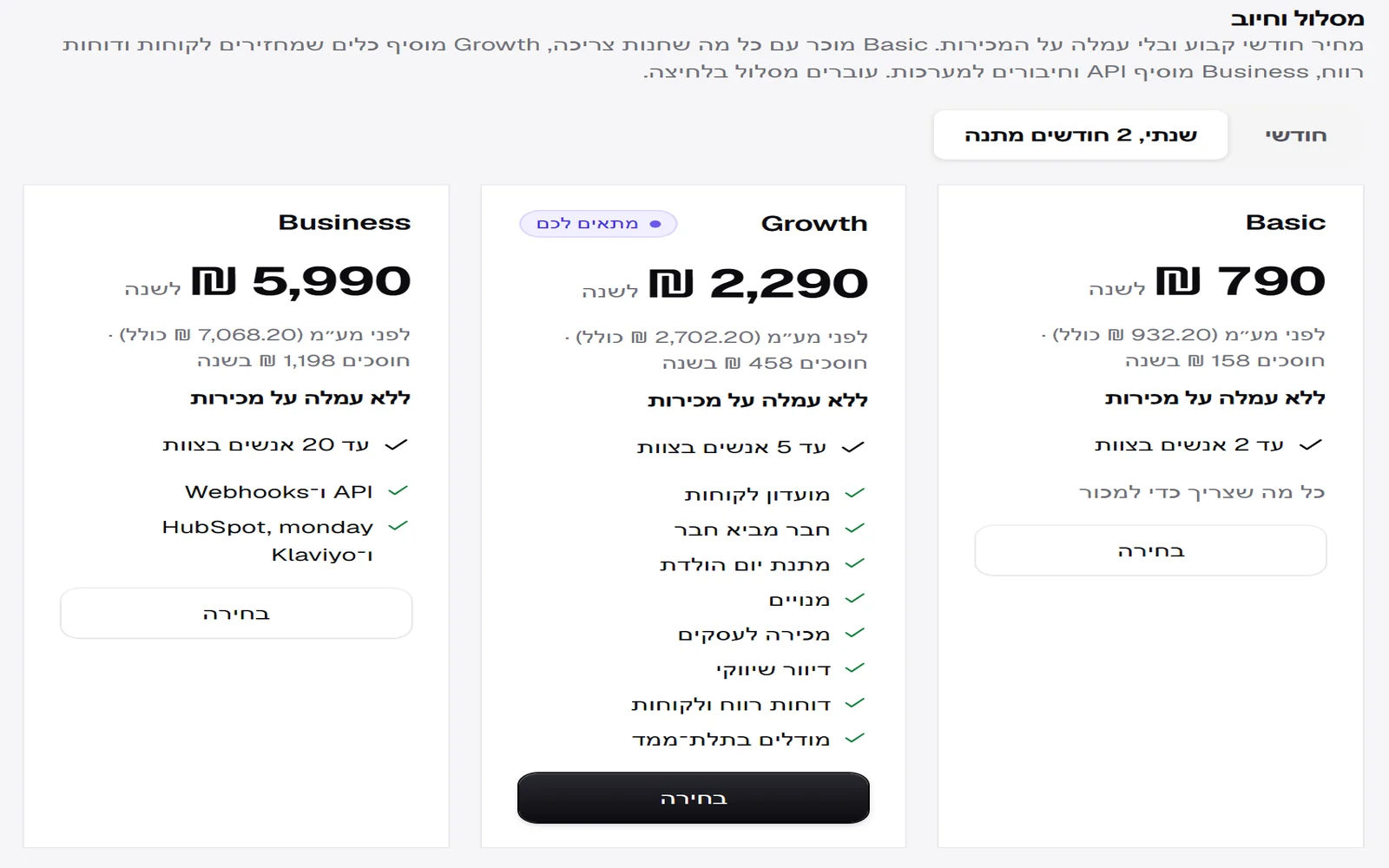 Yearly billing with two months free, a price held for a year and a plan recommendation
You can pay for a plan once a year: 12 months for the price of 10. The price you sign up at, or switch to, is held for a full year even if prices go up, and at the next renewal that day's price is set for another year. On the plan page, one plan is marked 'Fits you': the smallest one that covers your team and the features you already use.
New
- Yearly billing, two months free.
- Price held for a year from signing up or switching.
- Plan recommendation based on your team and the features in use.
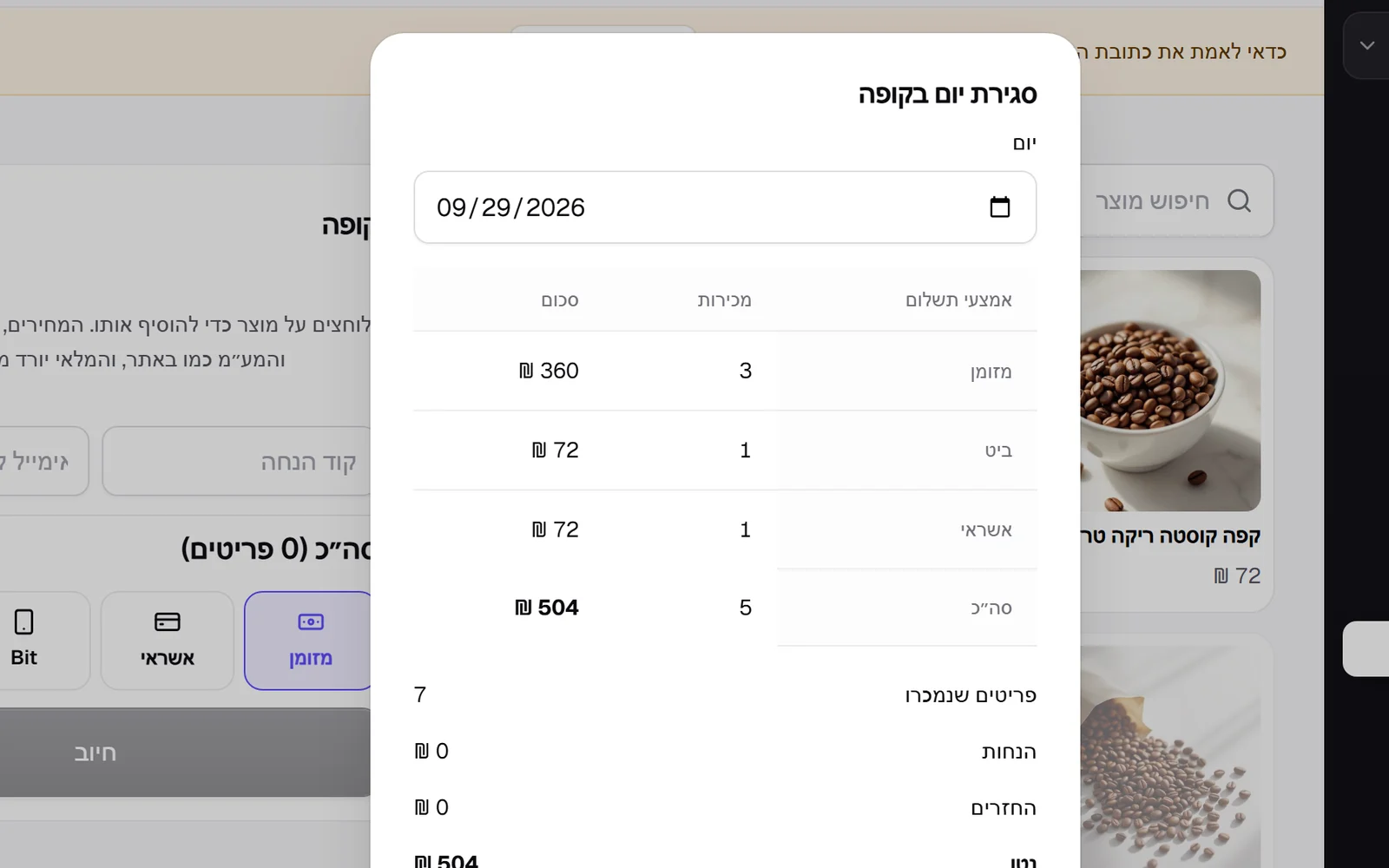 Store credit, day close at the till, and a cart that waits on every device
When refunding, you can choose store credit: the amount goes onto a gift card emailed to the customer, and the card payment stays as it is. The point of sale has a day close: sales by cash, card and Bit, discounts, refunds and net, ready to print. And a signed-in customer who arrives on another device with an empty cart finds what they left in it, at today's price and stock.
New
- Refund as store credit, on a gift card sent by email.
- Day close at the till, with printing.
- A signed-in customer's cart comes back on another device too.
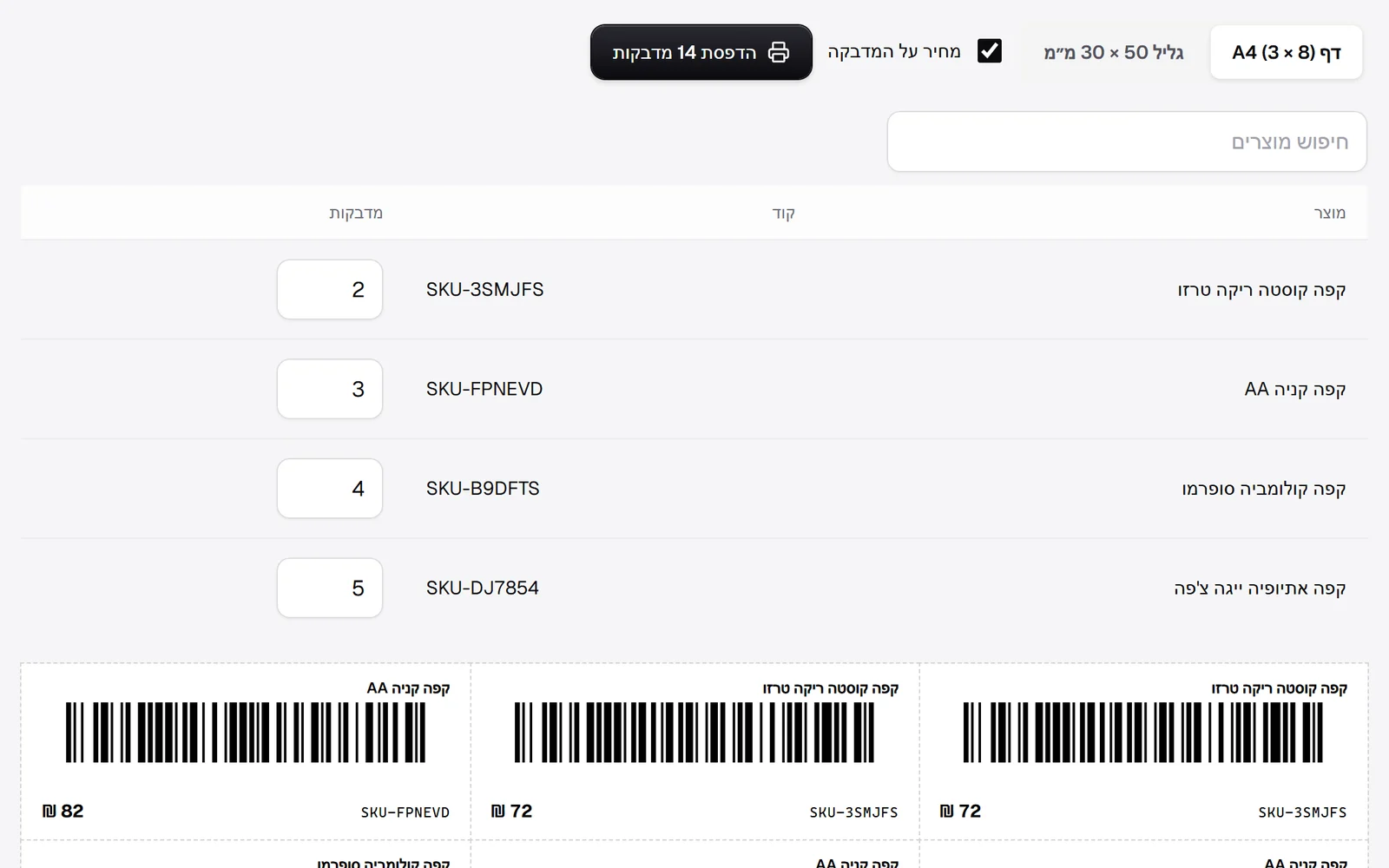 Barcode labels, scanning at the till, a morning email and picks based on real purchases
Printable barcode labels: choose how many of each item, an A4 sheet or a 50 by 30 mm roll, with or without the price. The code is the item's barcode, or its SKU, and for items with neither you can create a SKU in one click. At the point of sale, a barcode scanner adds the item straight to the sale. Store owners get a short email every morning at 8: yesterday's sales against the same day last week, and what is waiting for attention. And on the product page, 'You may also like' now shows what customers bought together with the product.
New
- Printable barcode labels on an A4 sheet or a roll.
- Barcode or SKU scanning at the till.
- A morning email for store owners, which can be turned off.
Improved
- Product page recommendations based on what was bought together.
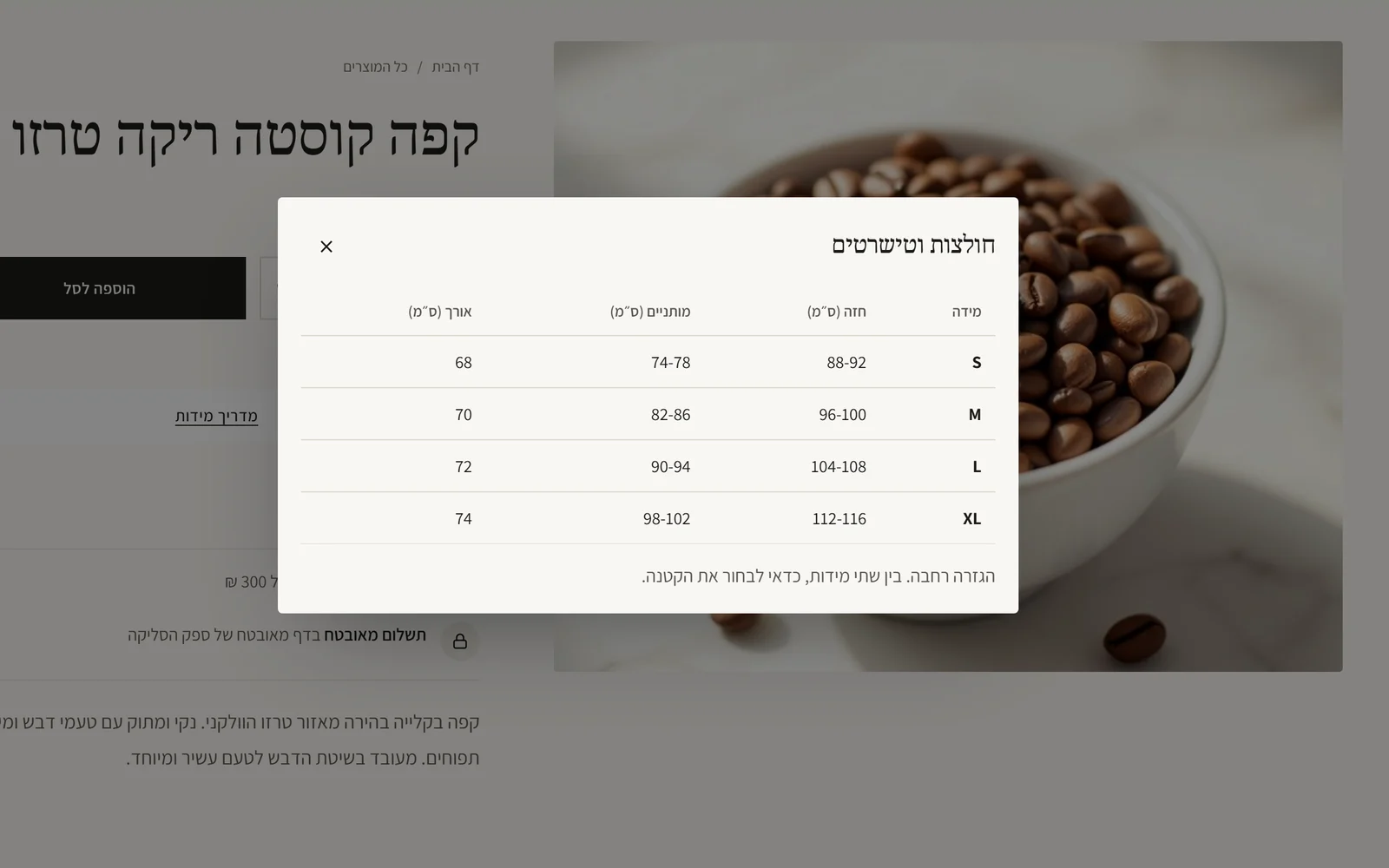 Size guides, a colour for any section, ten font pairs and colours from your logo
You can attach a size guide to a product page: a table shoppers open below the buy button, with a note on the fit. One table can serve as many products as you like. In the editor, any section can get a background in a colour you choose, and the text colour is picked automatically so it stays readable. Ten Hebrew font pairs were added, and the design panel shows the colours of your logo: one click turns them into the brand colour and the accent colour. On the platform side, all keys for outside services are now set from the dashboard.
New
- A size guide for any product, with one table shared across products.
- A background colour of your choice for any section, with readable text colour chosen automatically.
- Ten new Hebrew font pairs.
- Colour suggestions from your logo.
Improved
- Keys for outside services are set from the platform dashboard, with no redeploy.
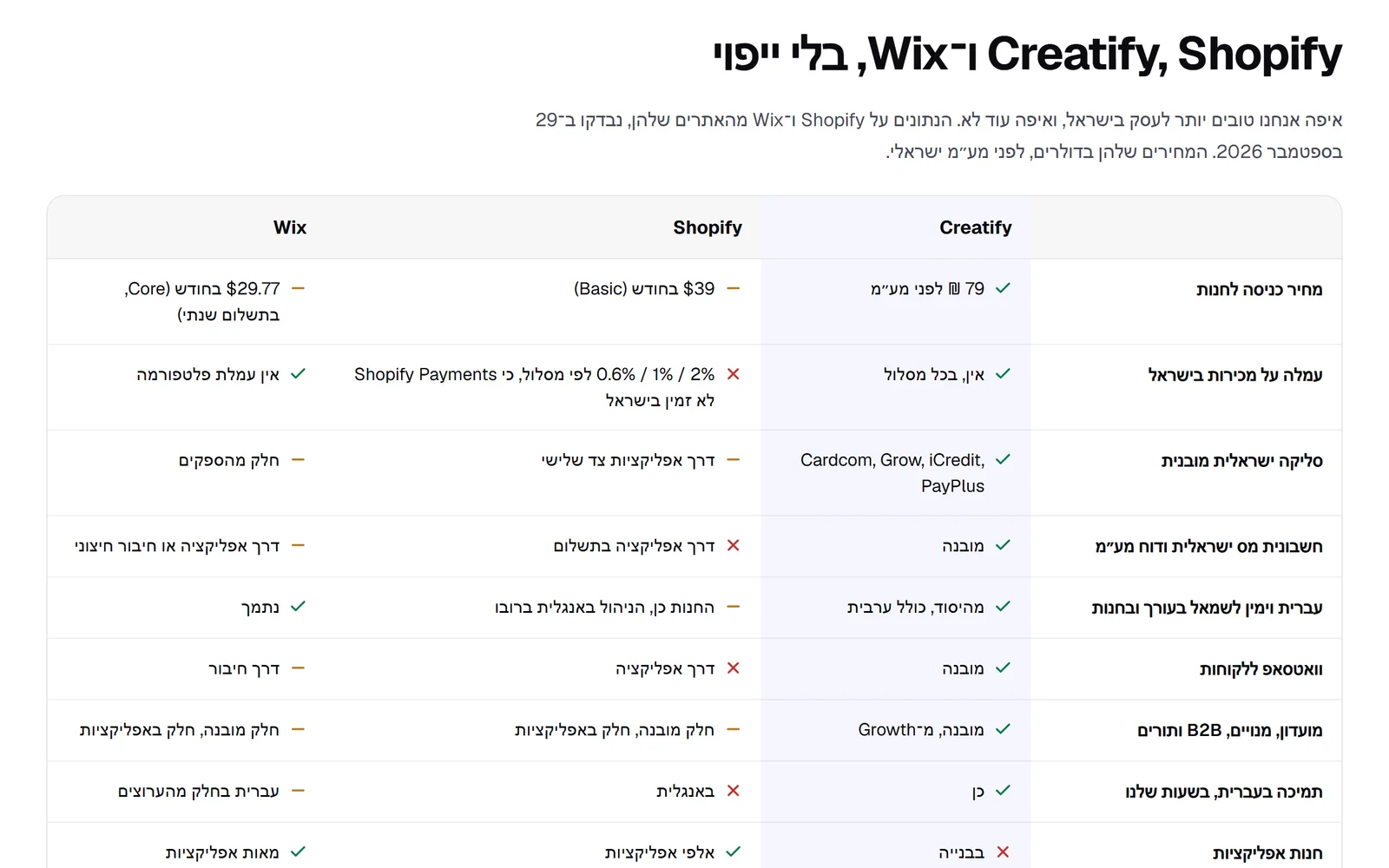 Plans by what the business needs, and an open comparison
Plans no longer differ only by team size. Basic sells with everything a store needs: a full store, payments, invoices, shipping, coupons, point of sale and AI. Growth adds the tools that bring customers back and the reports that show where you make money: loyalty club, refer a friend, birthday gift, subscriptions, email marketing, selling to businesses and profit reports. Business adds an API, webhooks and connections to HubSpot, monday and Klaviyo. Every plan keeps zero commission on sales. The pricing page now has a comparison with Shopify and Wix, including the places where they are still ahead of us.
New
- A comparison with Shopify and Wix, with sources and the date checked.
Improved
- Every plan unlocks features, not just team seats.
- Moving to a smaller plan asks you to turn off features it does not include first, so no customer loses points.
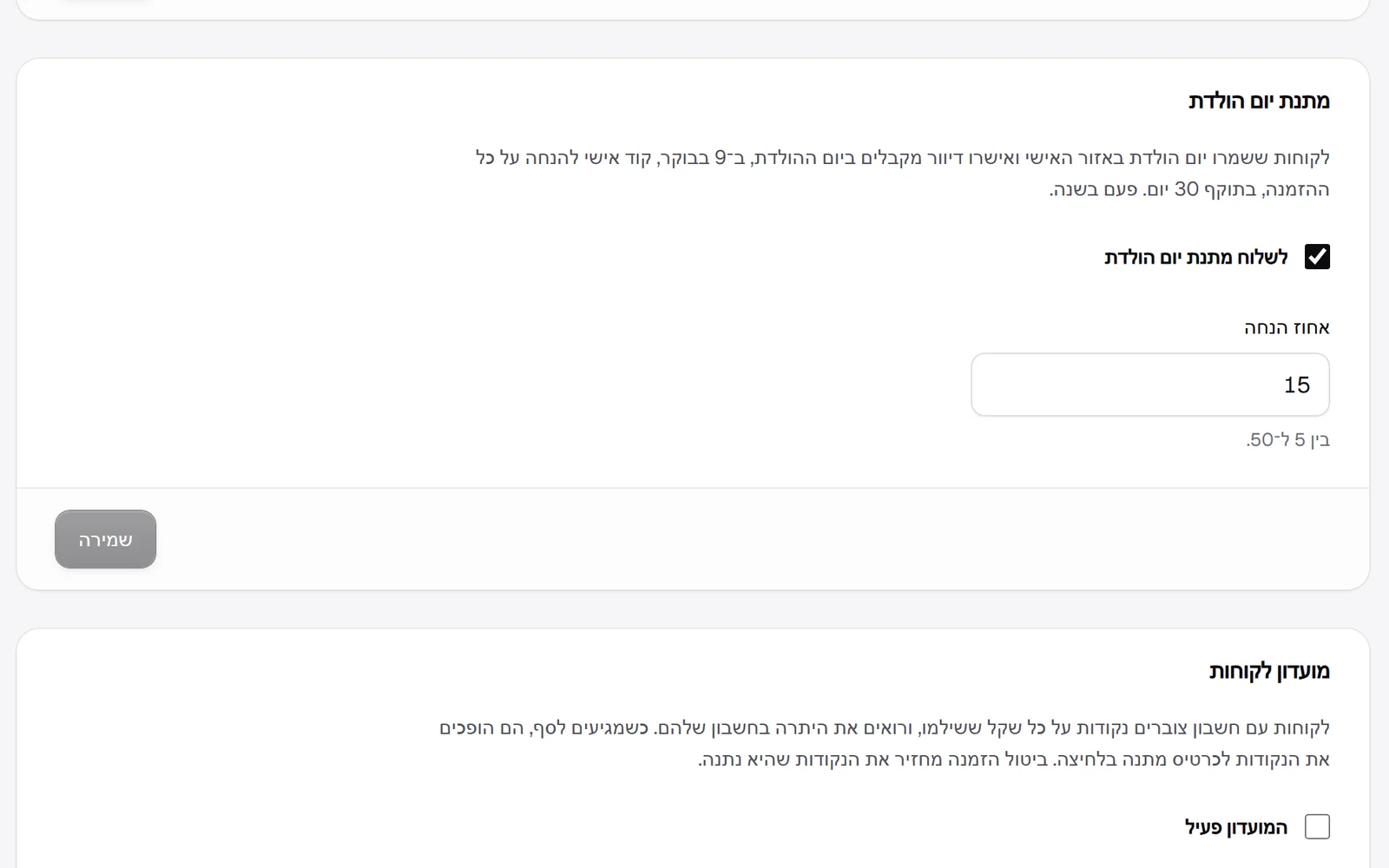 Birthday gift
On the discounts page you can turn on a birthday gift and choose a discount percentage. Customers save a day and month, with no year, in their account. On their birthday, at 9 in the morning, a customer who agreed to marketing emails gets a personal code by email for a discount on the whole order, valid for 30 days, once a year. The code also appears under 'My benefits', and the email wording can be edited like any other email.
New
- Birthday gift: a personal code by email on the birthday, valid for 30 days.
- Birthday date in the customer's account.
Improved
- Personal codes can have an expiry date.
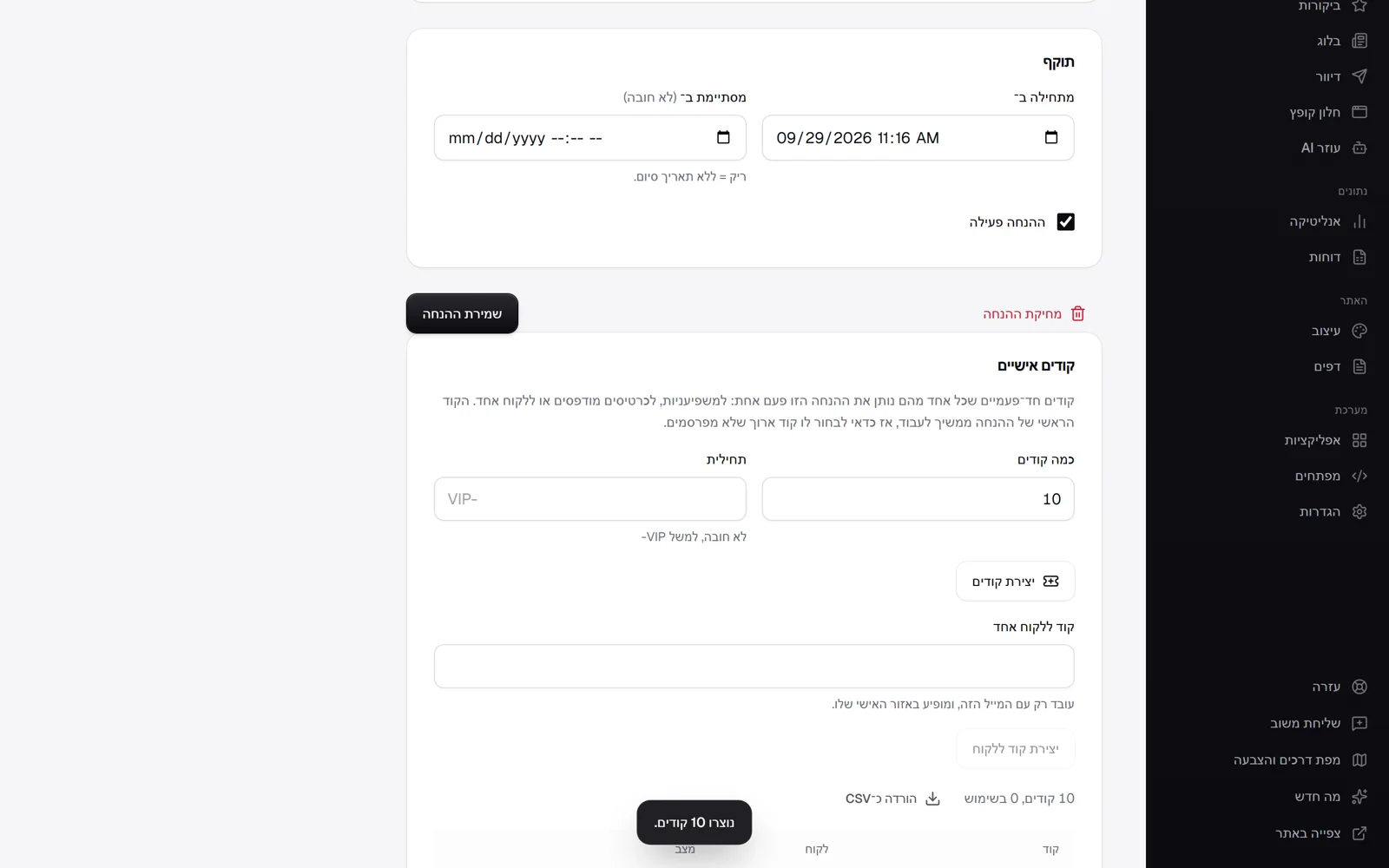 Personal, single-use discount codes
On the page of a discount with a code you can now create personal codes: as many as you like, with a prefix such as VIP-, and each code gives the discount only once. Good for influencers, printed cards or a campaign where you want to know who used it. You can also create a code for one customer, which works only with their email and appears in their account under 'My benefits'. The list shows which code was used and on which order, and you can download it as a file. An order cancelled before payment returns the code for use.
New
- Personal single-use discount codes, with a prefix and a file download.
- A code for one customer, shown in their account.
- 'My benefits' in the customer's account.
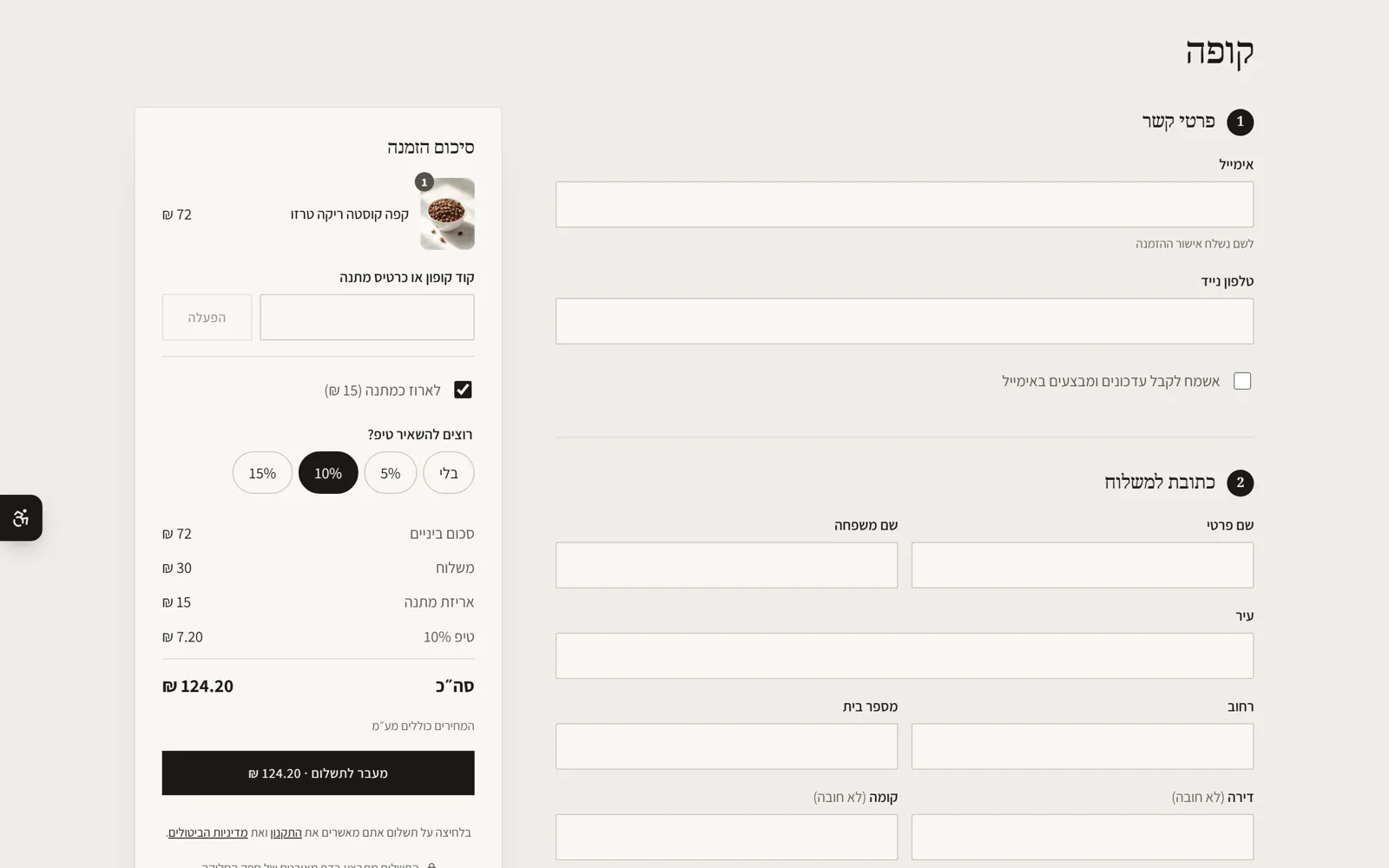 Gift wrapping and tips at checkout
In the payment settings you can now offer gift wrapping at checkout at a price you set, and a tip with up to four percentages to choose from, for example 5, 10 and 15. The shopper ticks wrapping and picks a tip, and the amounts appear in the summary, on the order and on the invoice, with VAT as on the products. The tip is calculated on the products after discounts, without shipping. A choice the store no longer offers is not counted, and the price the shopper saw is the price charged.
New
- Paid gift wrapping at checkout.
- A tip at percentages the store chooses.
 Pick list and packing slips
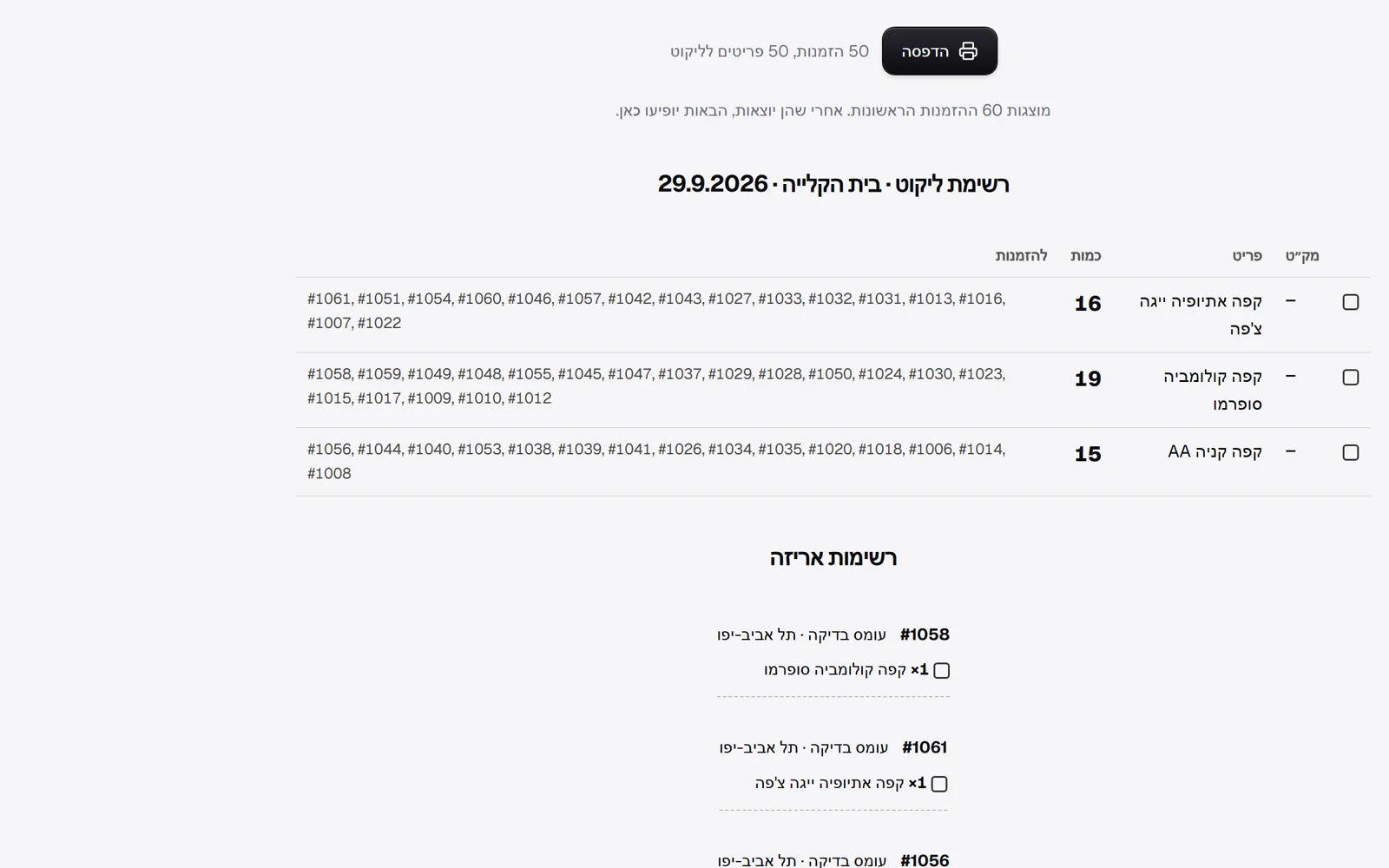
On the orders page, when orders are waiting to ship, there is a button for a pick list: a printable sheet with each item once, the total quantity to take off the shelf and the orders it belongs to, sorted by SKU so the walk through the warehouse is short. After it comes a packing slip for each order with a tick box, the customer's name, the greeting and the note, to put in the box. Printing changes nothing on the orders.
New
- A pick list for all orders waiting to ship.
- A packing slip for each order, with the greeting and note.
- Scheduled publishing, and an email on sign-in from a new device
Scheduled publishing, and an email on sign-in from a new device
The editor has a schedule button next to publish: choose a date and time, and the page as it is at the moment of scheduling goes live at the chosen time, for example a sale that starts at midnight. Changes made after scheduling do not go out with it. They wait for their own publish, so nothing goes live without someone approving it. You can cancel or reschedule, and the publish is saved in the version history like any other. Also, when someone signs in to the account from a browser that has not been used with it before, an email is sent with the device, the address and the time, and an explanation of what to do if it was not you.
New
- Schedule a page to publish at a date and time.
- An email on sign-in to the account from a new device.
 Ask about your data in Hebrew, check spelling, and FAQs from your products
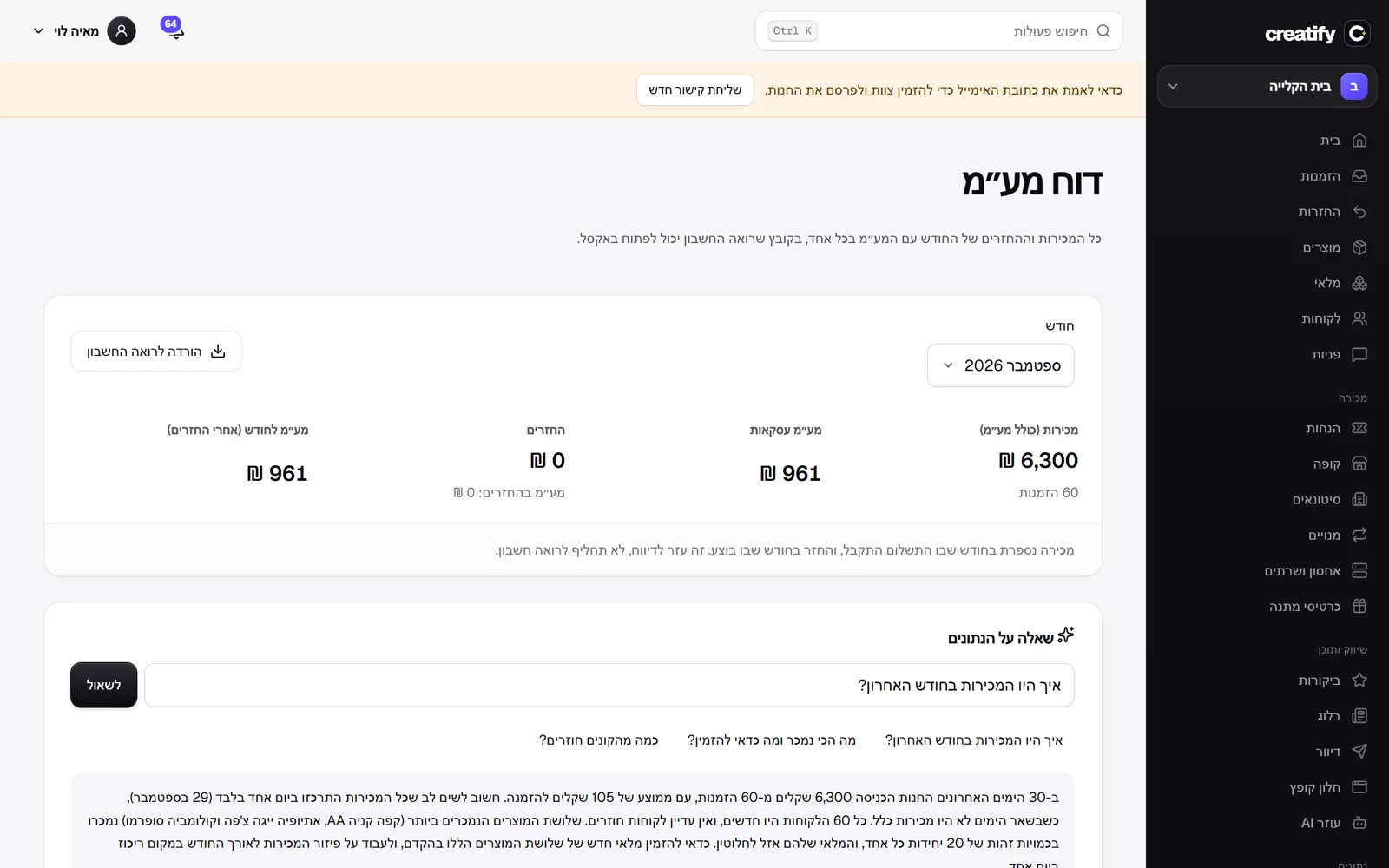
On the reports page you can now ask a question about the store in plain words, such as 'Why did sales drop?' or 'What should I reorder?', and get an answer with the real numbers of the last 30 days: sales by day, best sellers, new and returning customers, stock and profitability. When the data does not answer the question, the answer says what is missing and does not guess. The product page has a spelling and wording check for the description: it shows each correction and replaces only if you approve, without changing meaning or formatting. And the FAQ section in the editor has a button that drafts questions and answers from your products and store details, as a draft worth reading and correcting before you publish.
New
- Ask about your data in Hebrew, with an answer from the store's numbers.
- Spelling and wording check for a product description, with approval before anything is replaced.
- FAQs written from your products with AI, in the FAQ section.
- AI that summarises reviews, describes images and drafts replies
AI that summarises reviews, describes images and drafts replies
Three new kinds of help from AI, all of which read only what is already in the store and do not invent details. On the product page: a review summary, a sentence on what the reviews say and a list of what people like and what they like less. Also descriptions for images that have none, written from the image itself, for people who use a screen reader and for Google. A description that was already written is not overwritten. In the inbox: a draft reply to the customer that lands in the box for editing before you send. When the answer is not in the store's data, the draft says the team will check and does not guess a price, a date or a policy.
New
- A product's review summary: what people like and what they like less.
- Automatic image descriptions for accessibility, written from the image itself.
- AI draft replies in the inbox.
- Profitability report, and a load test with a thousand shoppers
Profitability report, and a load test with a thousand shoppers
The report now includes profitability: sales without VAT, cost of goods by the cost set for each product, gross profit and margin, and the products that earned the most. Products with no cost are left out of the calculation, and the report says how many such units there were, so the profit does not look better than it is. We also ran the load-testing tool with 1,000 shoppers at once for a minute: 340 thousand requests, browsing, cart, checkout and payment, with 95% of responses within one millisecond and 0.76% errors. The test ran on a development machine and not on the live server, so it shows that the code holds the load, not the response times on the site itself.
New
- A profitability report based on product costs, with the margin for each product.
Improved
- A load test of 1,000 shoppers at once met the target. The tool can now confirm age like a real shopper.
- What people search for in your store, and what they do not find
What people search for in your store, and what they do not find
The report has a new part: what shoppers search for in the store. The most searched words, and also the searches that found nothing, which are usually a product people want and you do not have, or a word worth adding to the description of an existing product. Only searches from the search page are counted, not letters typed into autocomplete. Only the words and the number of results are kept, with no detail about who searched, and everything is deleted after six months.
New
- A store search report: the most common words and searches with no results.
- Stock by sales pace: when it runs out and what to order
Stock by sales pace: when it runs out and what to order
The low-stock alert to your phone now looks at the pace too: a product that, going by the last two weeks of sales, will run out within a week gets an alert even if it has not yet dropped below the threshold, with how many days are left. The report has a new part, running out soon: for each product expected to run out within 30 days, how many sell per day, how many days are left and how many to order to last another 30 days. The calculation is simple and transparent, based on the actual sales pace and not on a model.
New
- A 'Running out soon' report with a recommended order quantity.
Improved
- Stock alerts based on sales pace, before stock drops below the threshold.
 More reports: slow stock, shipping, point of sale, subscriptions and loyalty club
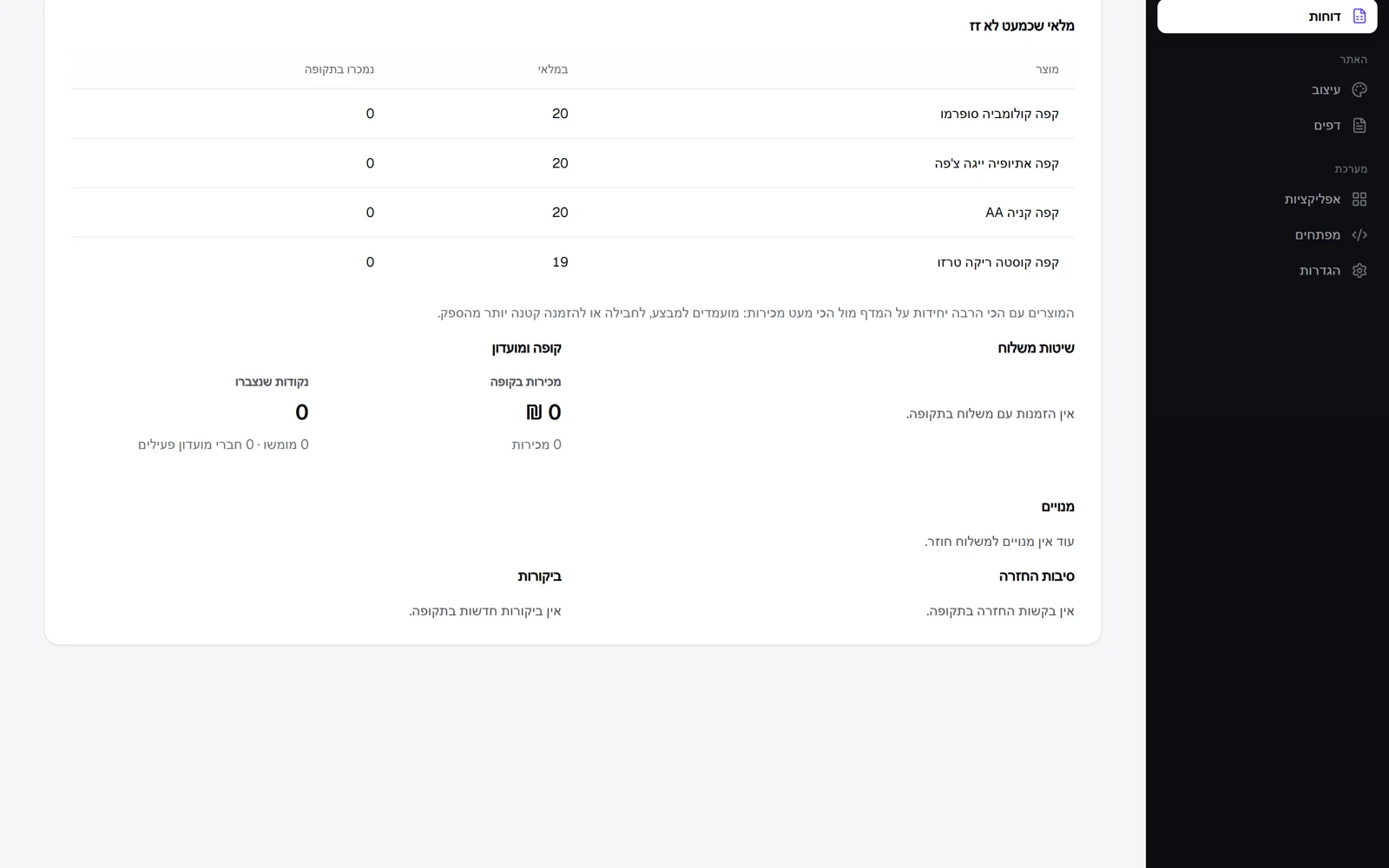
Five parts were added to the report on the reports page. Stock that barely moves: the products with the most units on the shelf against the fewest sales, candidates for a sale. Shipping methods: how many orders chose each method. Point of sale takings in the physical store. Subscriptions: active, paused, new and cancelled, and estimated monthly revenue at today's prices. And the loyalty club: points earned and redeemed and how many members are active.
New
- A report on stock that barely moves.
- A report on shipping methods and point of sale takings.
- A subscriptions report with estimated monthly revenue.
- A loyalty club report: points earned and redeemed.
 Share a draft before publishing
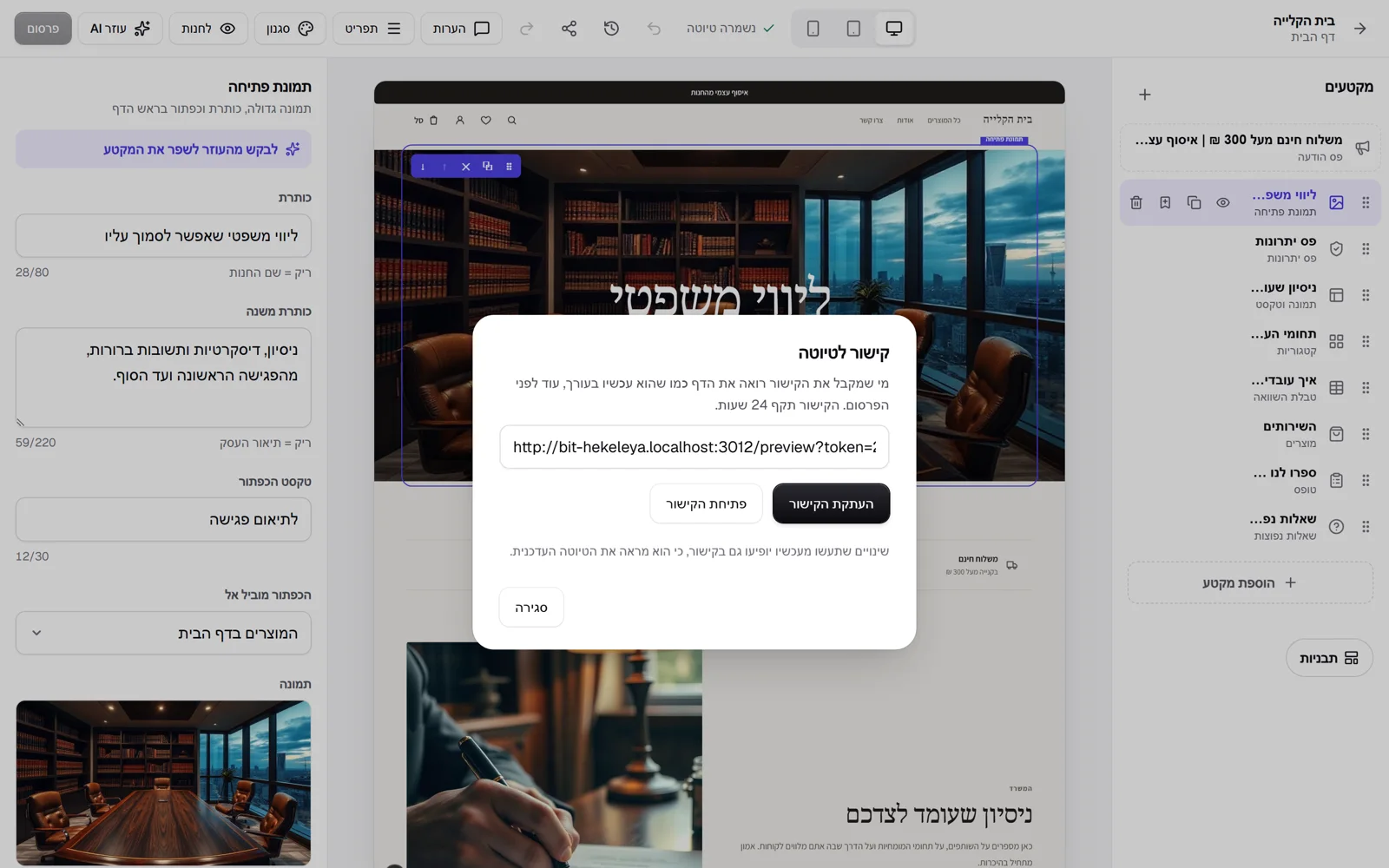
The editor has a new button for sharing a draft. It saves what is on screen and creates a link valid for 24 hours. Whoever receives it, a partner, a client or a designer, sees the page as it is in the editor, before it is published, with a small bar saying it is a draft. Changes you make afterwards show up in the link too. An expired link says so, and does not show the page that is already live in place of the draft.
New
- A link for sharing a page draft, valid for 24 hours.
Improved
- An expired link shows a clear message instead of the published page.
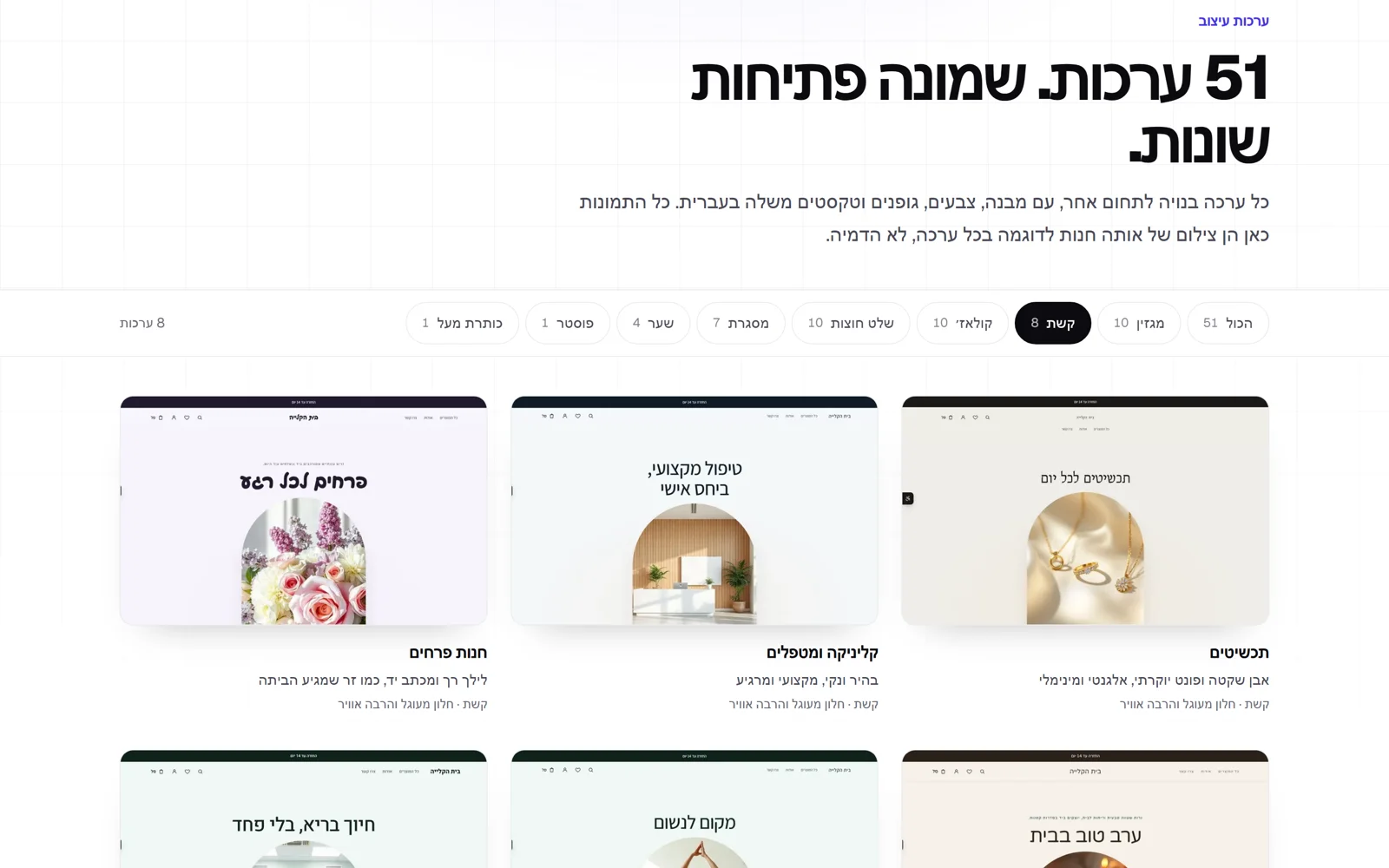 Payment links, a page of all themes, and keyboard shortcuts in the editor
An order entered by hand, from a phone call or WhatsApp, and waiting for payment now gets a payment link button: copy it or send it on WhatsApp, the customer pays by card, and the order is marked as paid by itself. The Kreaza site has a new page with all 51 themes, each with a real screenshot of the same sample store, with a filter by opening type. The editor has keyboard shortcuts: duplicate, delete, move and save, and the ? key shows them all. A page that is not found in the store now suggests products. And you can hide the 'Built with Kreaza' line at the bottom of the site.
New
- A card payment link for orders entered by hand, with sending on WhatsApp.
- A themes page with all 51 themes and a filter by opening.
- Keyboard shortcuts in the editor, listed with the ? key.
- You can hide 'Built with Kreaza'.
Improved
- The store's 'Not found' page suggests products.
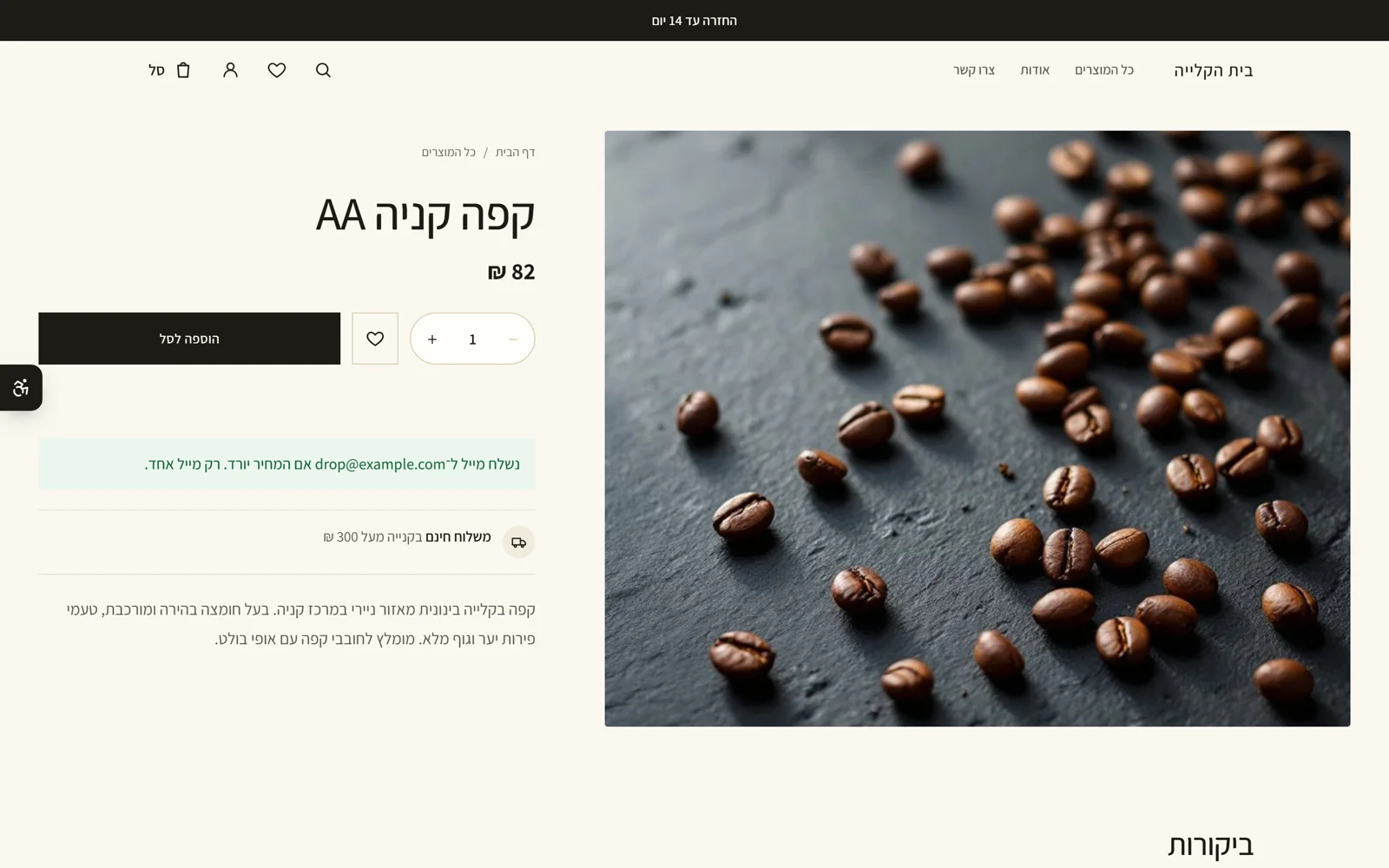 Price drop alert
Below the buy button on the product page there is now a quiet link: notify me if the price drops. The shopper leaves an email, and if the product's price drops below what they saw, they get one email with the old and new price and a link to the product. If the price goes up or stays the same, nothing is sent. You can reword the email on the emails page, like any other store email.
New
- A price drop alert on the product page, with one email when the price drops.
- The price drop email can be edited on the emails page.
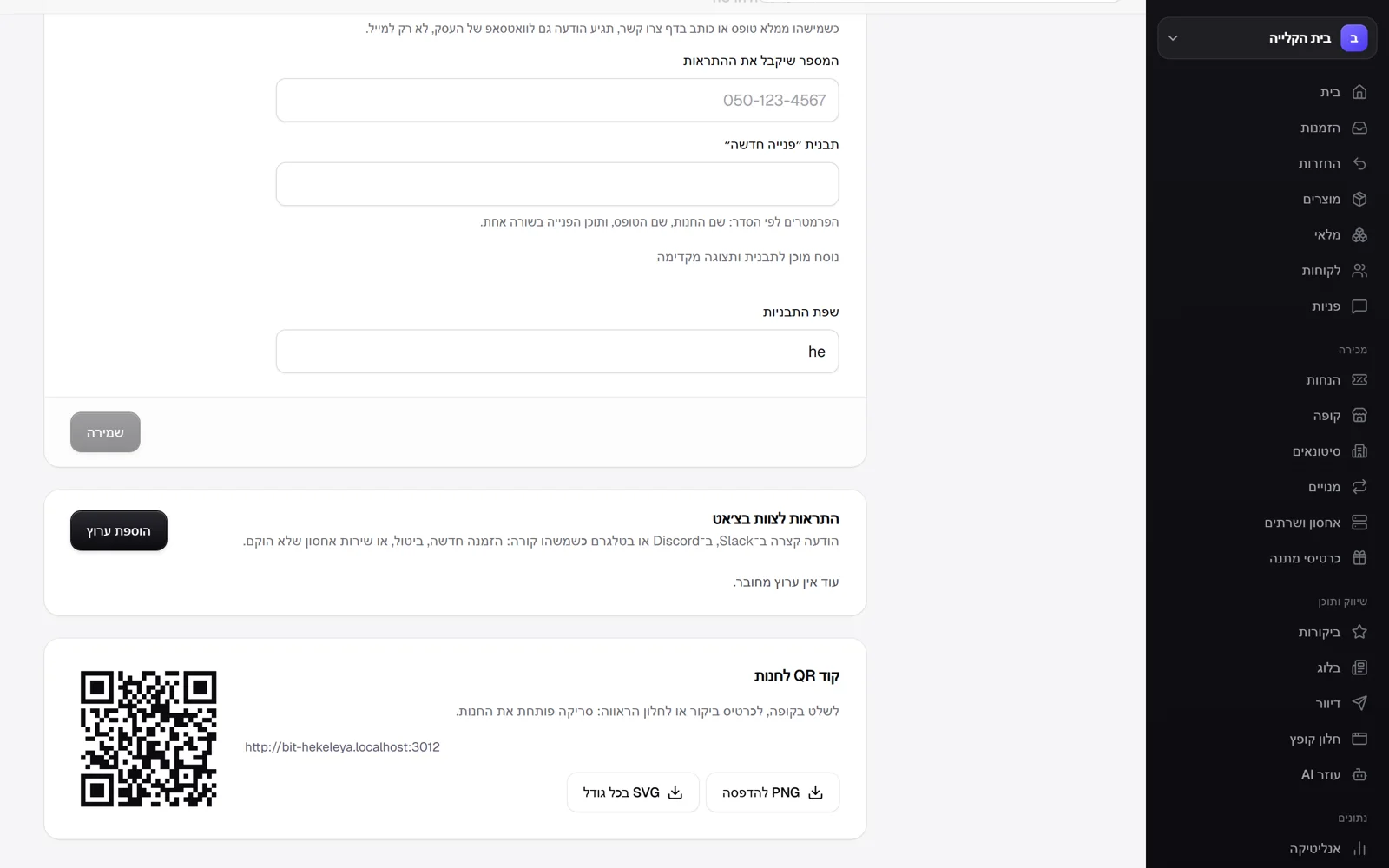 Printable QR codes and wishlist sharing
Every product and the store as a whole now have a printable QR code: on the product page, and under sales channels in settings. Download a print-size PNG or an SVG that scales to any size, and stick it on the packaging, on the shelf, on a sign at the till or on a business card. Scanning opens the product or the store. Also, shoppers can share their wishlist with a link: on a phone the share sheet opens, and on a computer the link is copied. Whoever gets the link sees the products, with no personal detail about the sender.
New
- A QR code for every product and for the store, to download as PNG or SVG.
- Share a wishlist with a link.
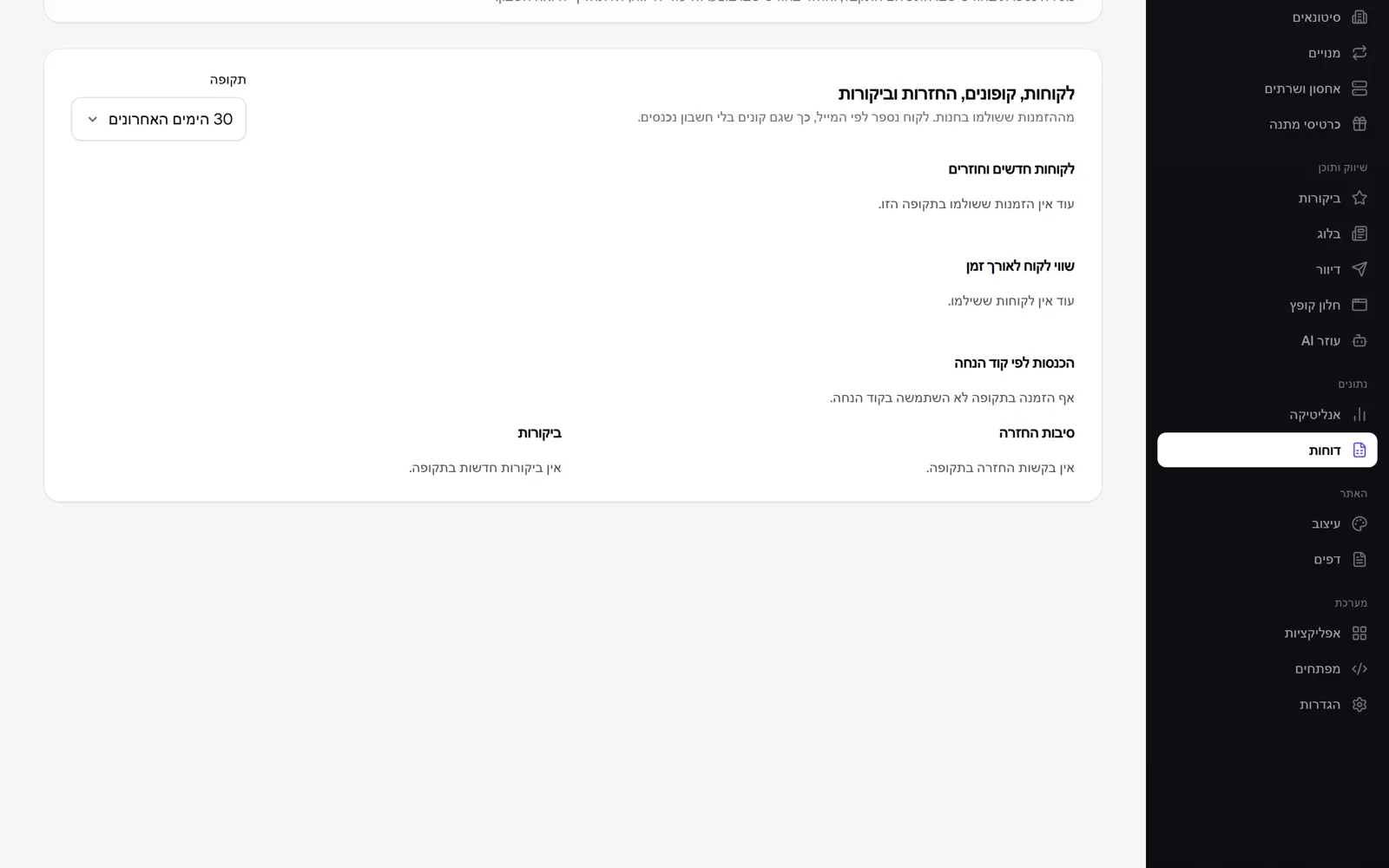 Reports: returning customers, customer value, coupons, returns and reviews
The reports page now has a new report for a period you choose: 30 days, 90 days or a year. How many shoppers are new and how many came back, and how much each side brought in. What a customer is worth over time: average revenue per customer, orders per customer, how many bought more than once, and the average of the top 10% of customers. Revenue and discount given for each discount code, so you also see what each influencer brought in. Return reasons by frequency, and the average review rating with a breakdown by stars. Everything comes from paid orders, and a customer is counted by email, so shoppers without an account are included too.
New
- A report on new against returning customers.
- Customer lifetime value and the share of repeat buyers.
- Revenue by discount code, including influencer codes.
- Return reasons and a review summary by stars.
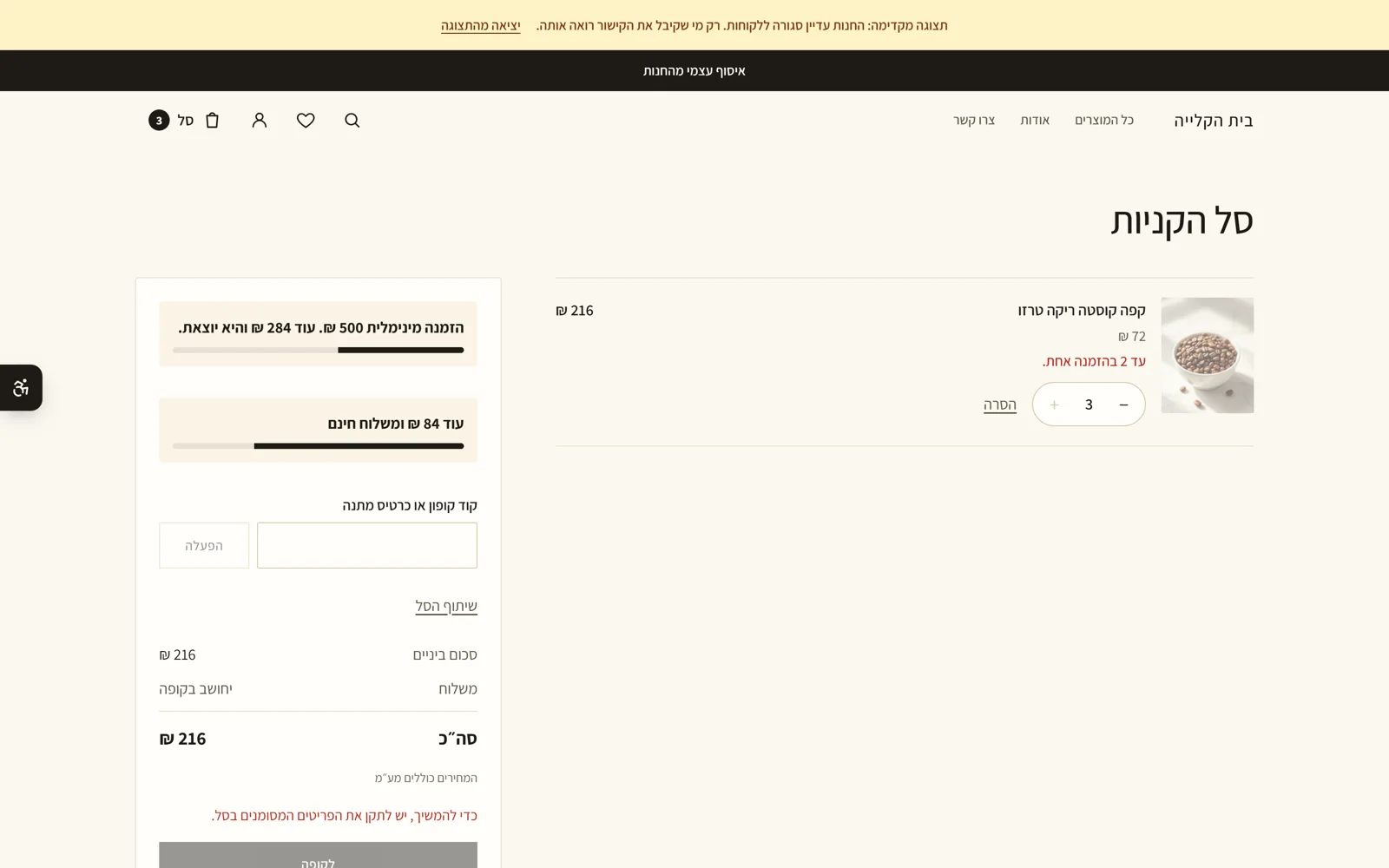 Minimum order, quantity limits and adult products
Three new rules for checkout. Minimum order: set an amount in the payment settings, and the cart shows the shopper how much is still missing, with a progress bar. The count is of products after discounts, without shipping. Quantity limit: on the product page you set how many units can be bought in one order, for example two for a limited edition, and the cart flags a line that goes over it. Adult product: mark a product as 18+, and at checkout the shopper confirms they are 18 or over before paying. The rules are enforced on the server too, so they cannot be bypassed.
New
- A minimum order for the store, with a cart message showing how much is missing.
- A quantity limit per product in one order.
- Adult products: age confirmation at checkout before payment.
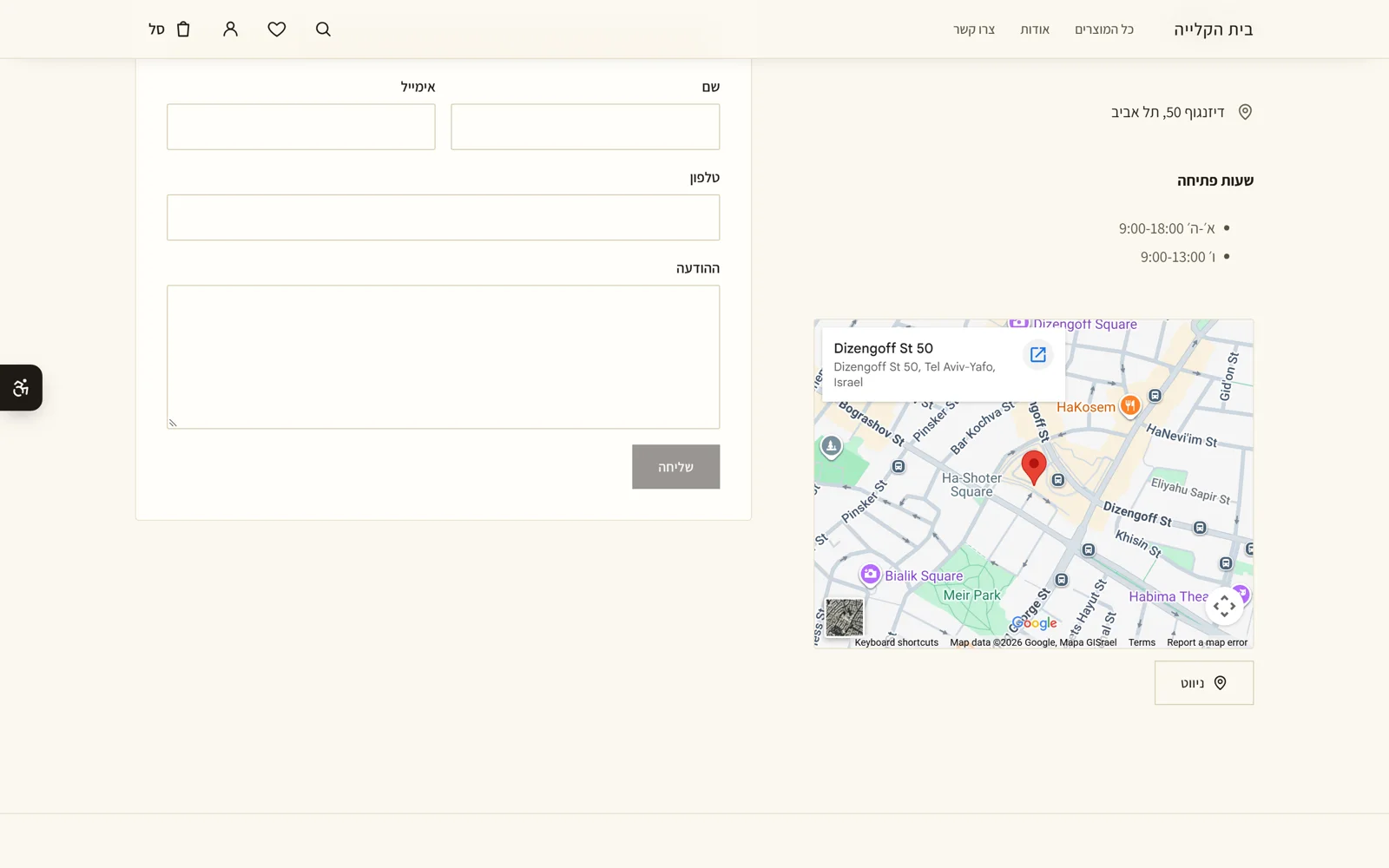 Map and opening hours, search in FAQs, and recently viewed
Four new things in the store. The contact section now shows opening hours and a map of the address from your business details, with a Waze navigation button. An FAQ section with six questions or more gets a search box. The top announcement bar can rotate several messages: separate them with | and they change every five seconds, pausing when the mouse is over them. And the product page shows the products the shopper viewed recently, which are stored only in their browser. We also checked the whole roadmap against the code and marked 32 items that already work on the site, such as purchase orders from suppliers, barcode scanning with the camera, buy X get Y, tiered discounts and refer a friend.
New
- Contact: opening hours, a map of the business address and Waze navigation.
- FAQ: a search box when there are six questions or more.
- An announcement bar with several rotating messages.
- Product page: products you viewed recently.
Improved
- Roadmap: 32 items that already work were marked as available, after a check against the code.
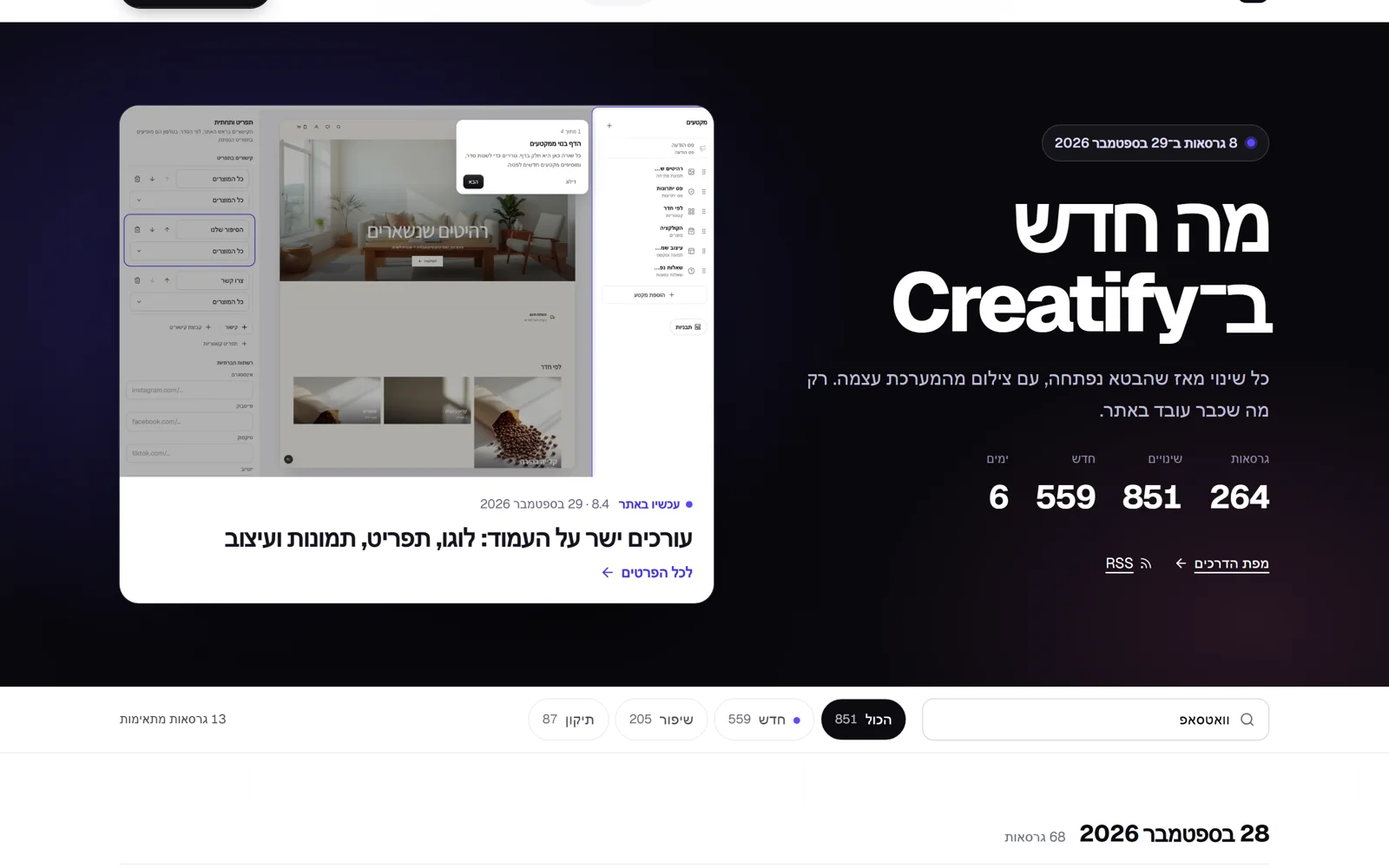 The What's new page, rebuilt
The What's new page was rebuilt, because with more than two hundred releases it had become too long to read. Now the latest release waits at the top of the page, with a large image. Below it is a search and filter bar that stays pinned to the top as you scroll, and the releases are grouped by day: the latest in cards with an image, and the rest in short rows. Clicking a release opens all its details in a side panel, with arrows to the previous and next release and a share button. Every release has its own link that opens it directly.
New
- What's new page: the latest release shown large, and releases grouped by day.
- Every release opens in a side panel, with moves to the previous and next release.
Improved
- Search and filter stay pinned to the top, and days with no results collapse.
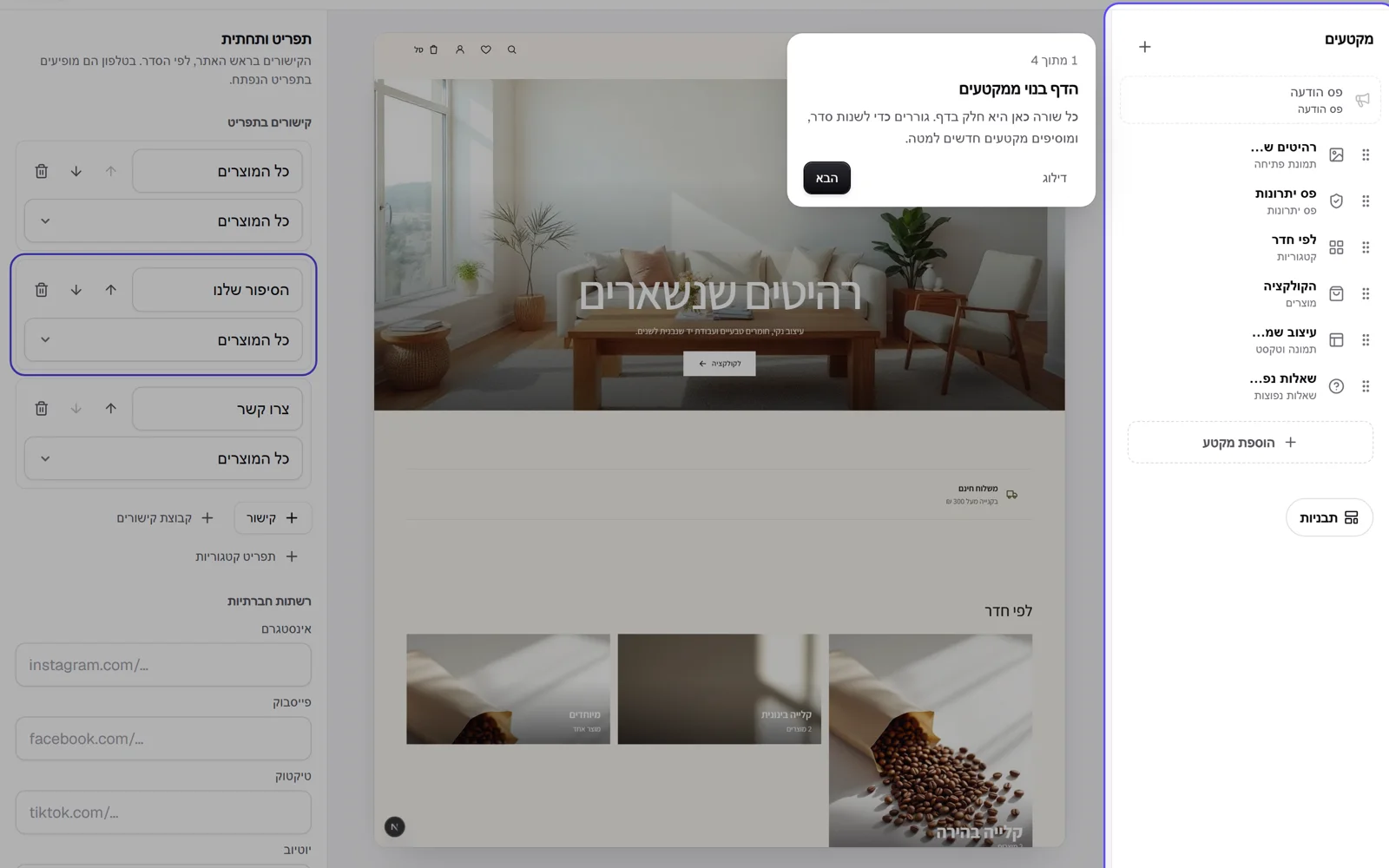 Edit right on the page: logo, menu, images and design
More parts of the site can be edited by clicking them in the preview. Clicking the logo opens a dialog with upload and the logo studio. Clicking a menu link lets you rename it in place, and the panel opens on that link so you can change where it leads. Drag a link onto another link to move it. Clicking an image opens the store's image library, with upload from your computer. And choosing a design from the gallery shows it on the whole store first, with a button to keep it or go back to the previous one.
New
- Clicking the logo in the preview opens upload and the logo studio.
- Rename a menu link right in the header, and drag to reorder.
- Clicking an image opens the image library, with upload from your computer.
- Preview a gallery design on the whole store before you decide: keep it or go back.
 A new opening for the home page, themes that look different, and a video that works
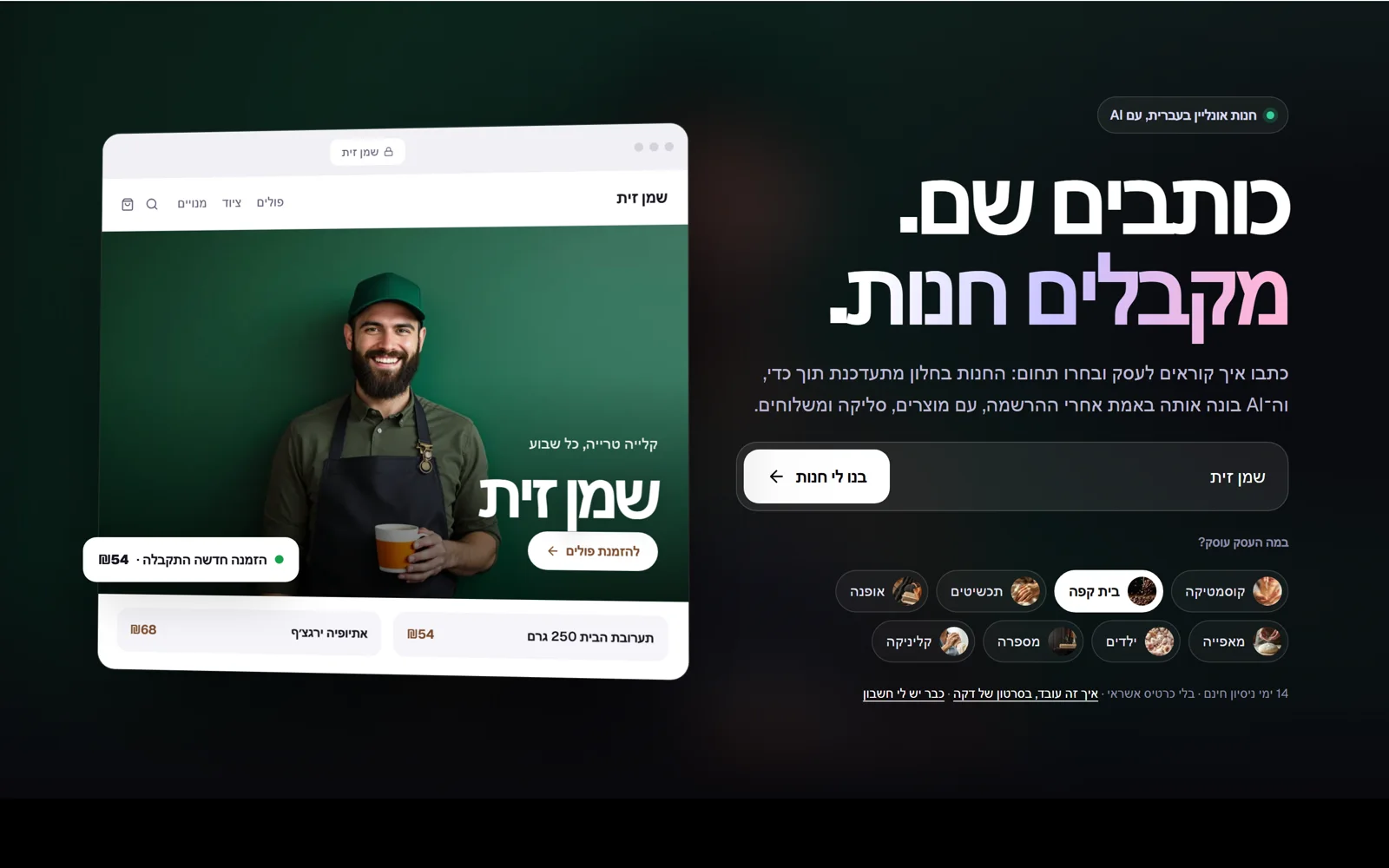
The home page opening was rebuilt: on one side the promise and the form, and on the other your store in a window, with the name you type, the image for your field, the menu and the first two products. The image for your field colours the whole screen behind. The themes part now shows eight themes in eight different openings, with new screenshots. And the store-opening video did not load for some visitors: now it starts by itself when you reach it, stops when you scroll on, and the pause button works and stays the way you set it.
Improved
- Home page: a new opening, with your store in a window next to the form.
- Themes: eight themes, eight different openings, with new screenshots.
Fixed
- The store-opening video starts by itself when you reach it, and the play and pause button works.
 Every theme with its own opening, and a full-screen home page
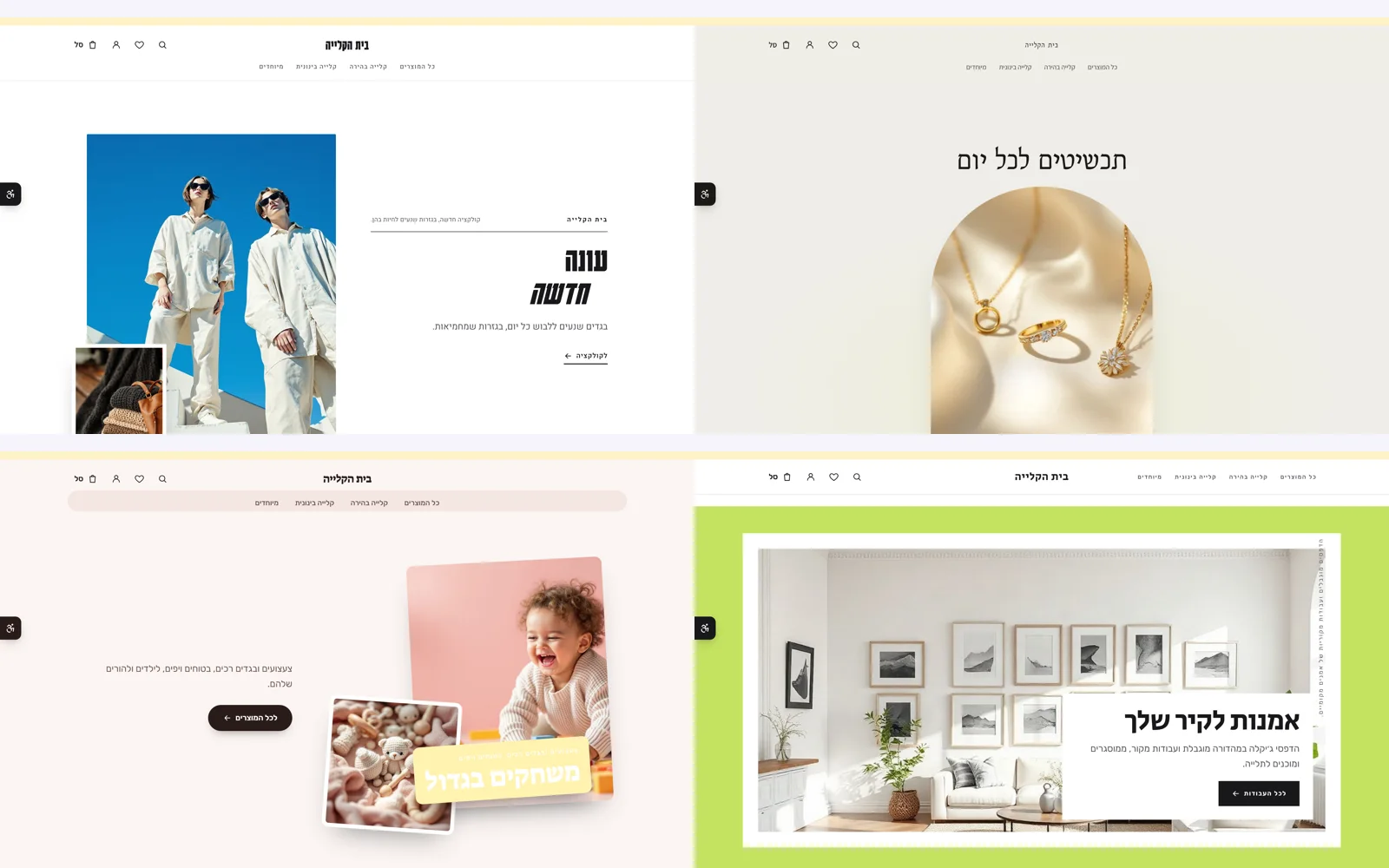
Until now most themes opened with the same layout: an image across the whole screen and a huge headline, and only the colours and the image changed. Now there are five new openings, each with a completely different layout. Magazine: a tall image next to a headline set one word per line, with a kicker line above and a second small image. Arch: an arch-shaped window, airy and calm. Collage: two images scattered like prints on a table, with the headline on a sticker. Billboard: a huge headline with the image below it as a wide band. Frame: the image in a thick coloured frame, with vertical lettering. The 51 themes are now spread across eight different openings, by field, each in the colours, fonts and corners of its own theme. Also, the opening of the Kreaza home page was rebuilt across the full width of the screen: the whole screen is your store, with the image for your field, the name you type and its menu, and each field writes the name in a different style.
New
- Five new theme openings: magazine, arch, collage, billboard and frame.
Improved
- The 51 themes are spread across eight different openings by field.
- Kreaza home page: a full-width opening where the whole screen is your store.
 Video: from sign-up to a live store, in a minute
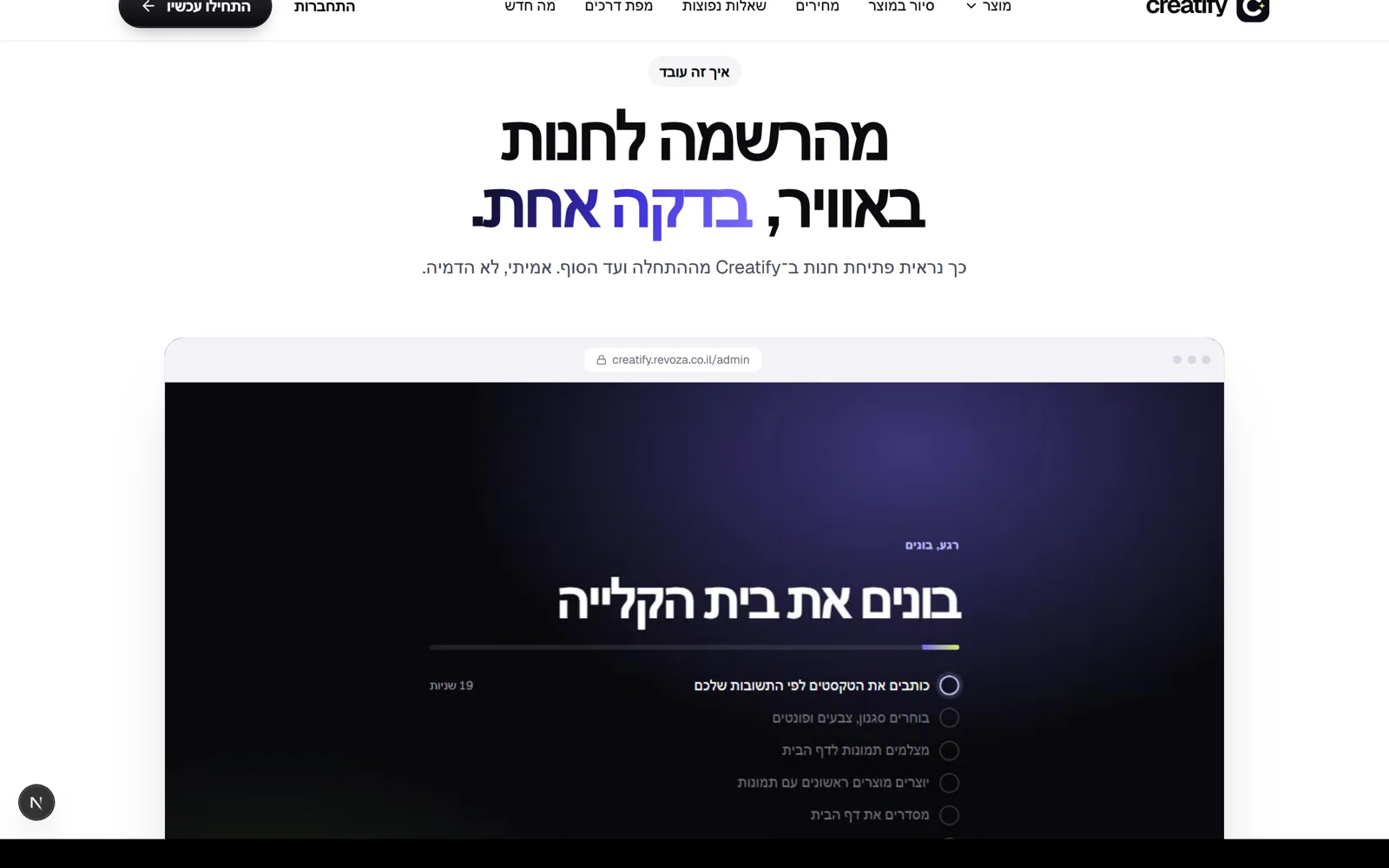
Right after the home page opening there is now a video of opening a store on Kreaza, from start to finish: you open an account, type the business name and what it sells, the AI builds the store (style, home page, first products and pages), and then you edit in the editor. It is a real recording from inside the system of a coffee store opened from scratch, and only the wait for the build was sped up, so the video runs 53 seconds. Below the video are four chapters that update as you watch, and clicking a chapter jumps to it. The video starts by itself when you reach it, without sound, and stops when you scroll on; anyone who asked for reduced motion starts it with a click. Also, a missing gap between the fee calculator and the AI part was fixed.
New
- A real video of opening a store, 53 seconds, with chapters you can jump to.
- A link to the video from the top of the home page: 'How it works, in a one-minute video'.
Fixed
- The gap between the fee calculator and the AI part.
 A new home page you can try all of
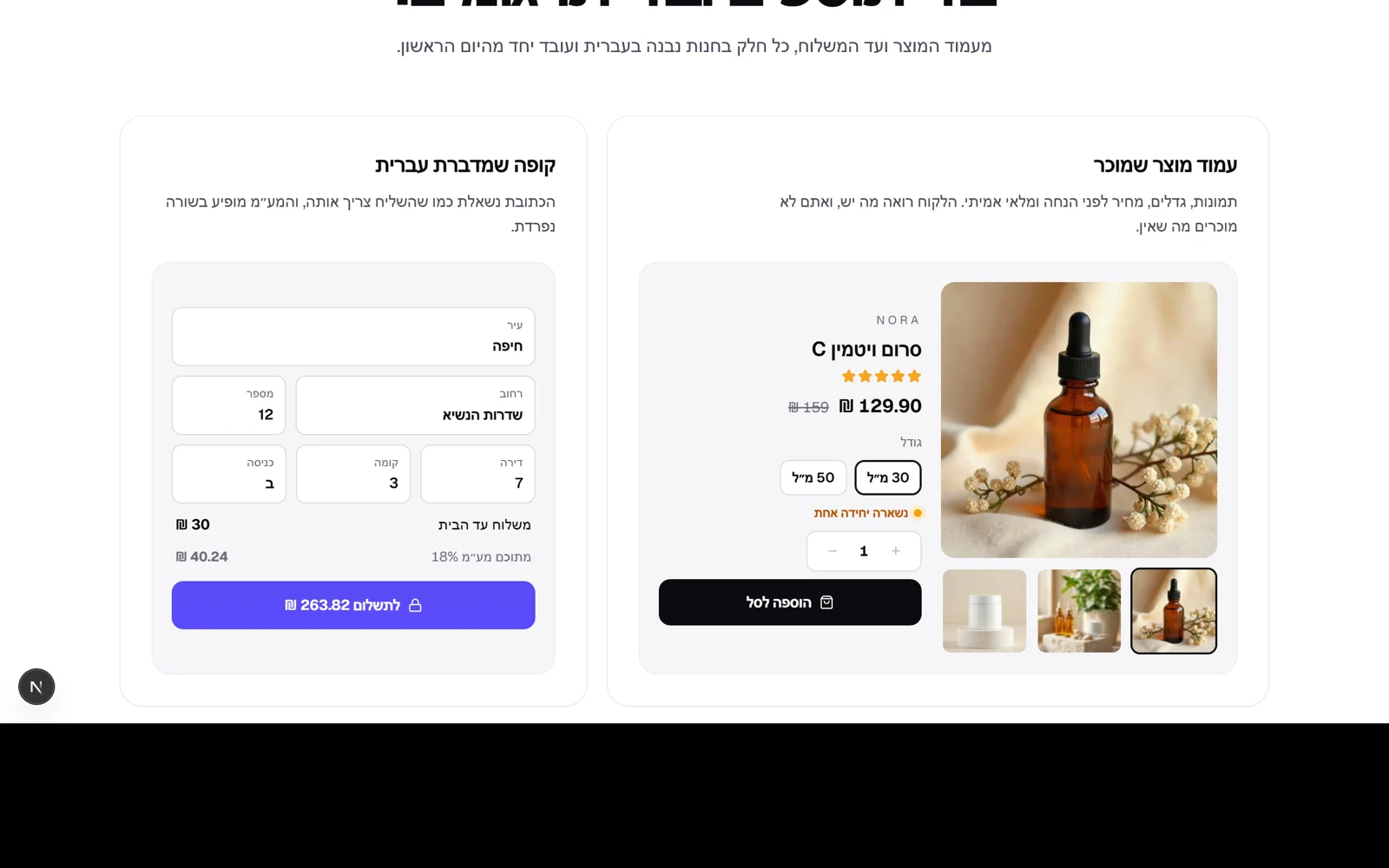
Version 8.0 completes the home page rebuild. The last part, the features grid, now works: on the product page you choose a size and the price and stock change, you add to cart and the units are kept. In inventory, every click sells a unit and the bar and the low-stock warning update. The coupon counts a use when you apply it. Together with what was built in versions 7.92 to 7.99, almost every part of the home page is something you do and not just look at: type a business name and watch a store being built, choose a theme, slide sales volume against Shopify, tell the AI what the business sells, and try the features. In Google's Lighthouse test, as a phone, the page scored 94 for performance and 100 for accessibility, best practices and SEO.
New
- The product page in the features grid works: size, quantity, add to cart and stock that is kept.
- Stock that sells with a click, and a coupon that counts uses.
Improved
- The home page rebuild is complete: every part in one visual language.
 The AI on the home page responds to what you type
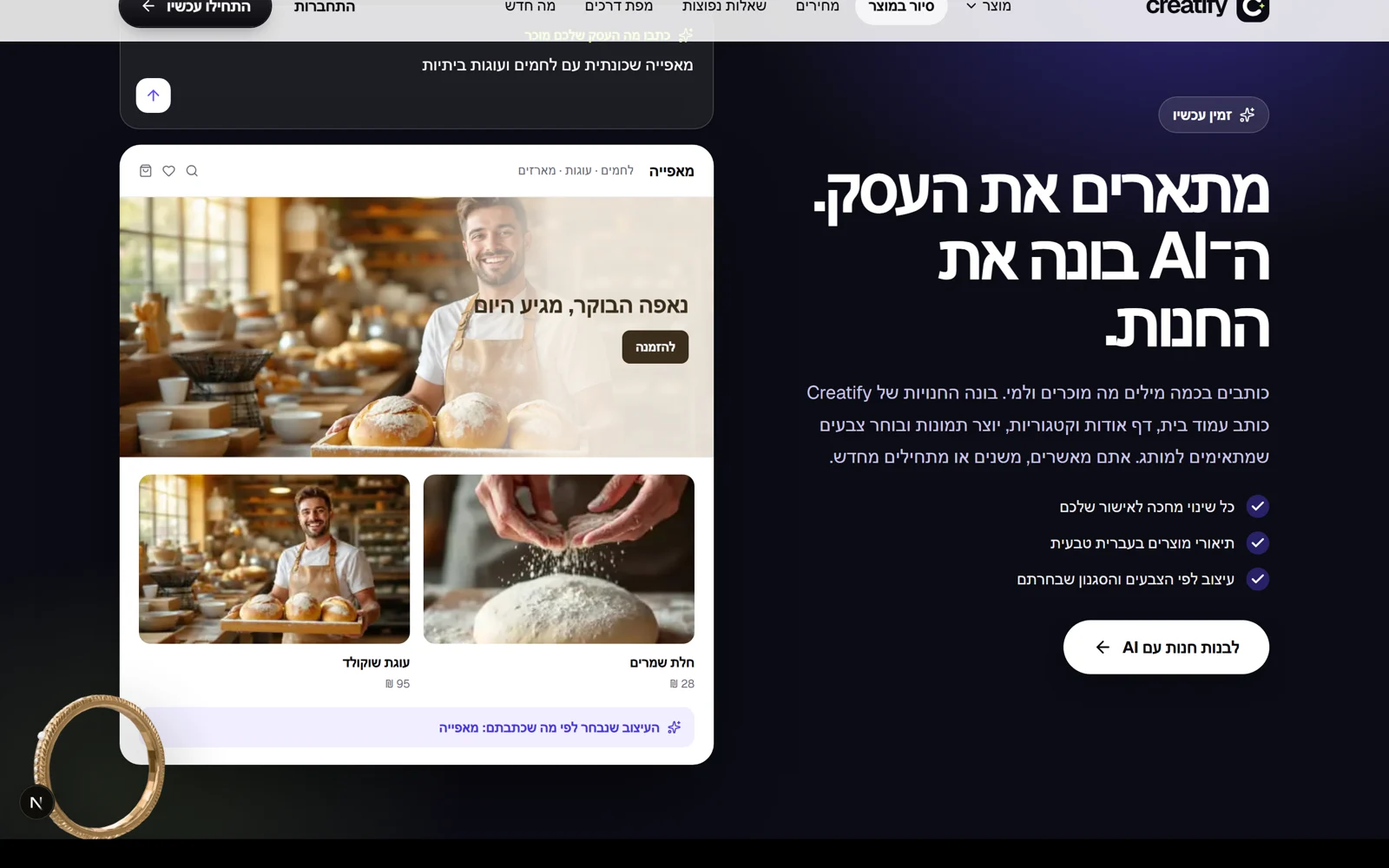
The AI part of the home page no longer only demonstrates: once the example has been typed, the box is yours. Type what the business sells, for example 'a neighbourhood bakery with breads and cakes', and the store below switches to the design for that field: images, headline, menu, button and products. The match uses the same words that setup uses to choose a design, so what you see here is the design setup will start from. When the field is not recognised, it says so, and in setup you choose a style yourself.
New
- Type what the business sells, and the sample store switches to the design for that field.
Improved
- The same design-to-field matching as in setup itself.
- The product tour loads lighter
The product tour loads lighter
The product tour on the home page has six tabs with real screenshots. Until now all six images loaded at full size on arrival. Now only the screen in the open tab loads, and the next one loads when you switch to it.
Improved
- The product tour loads only the screen you see.
 Themes, in one large window
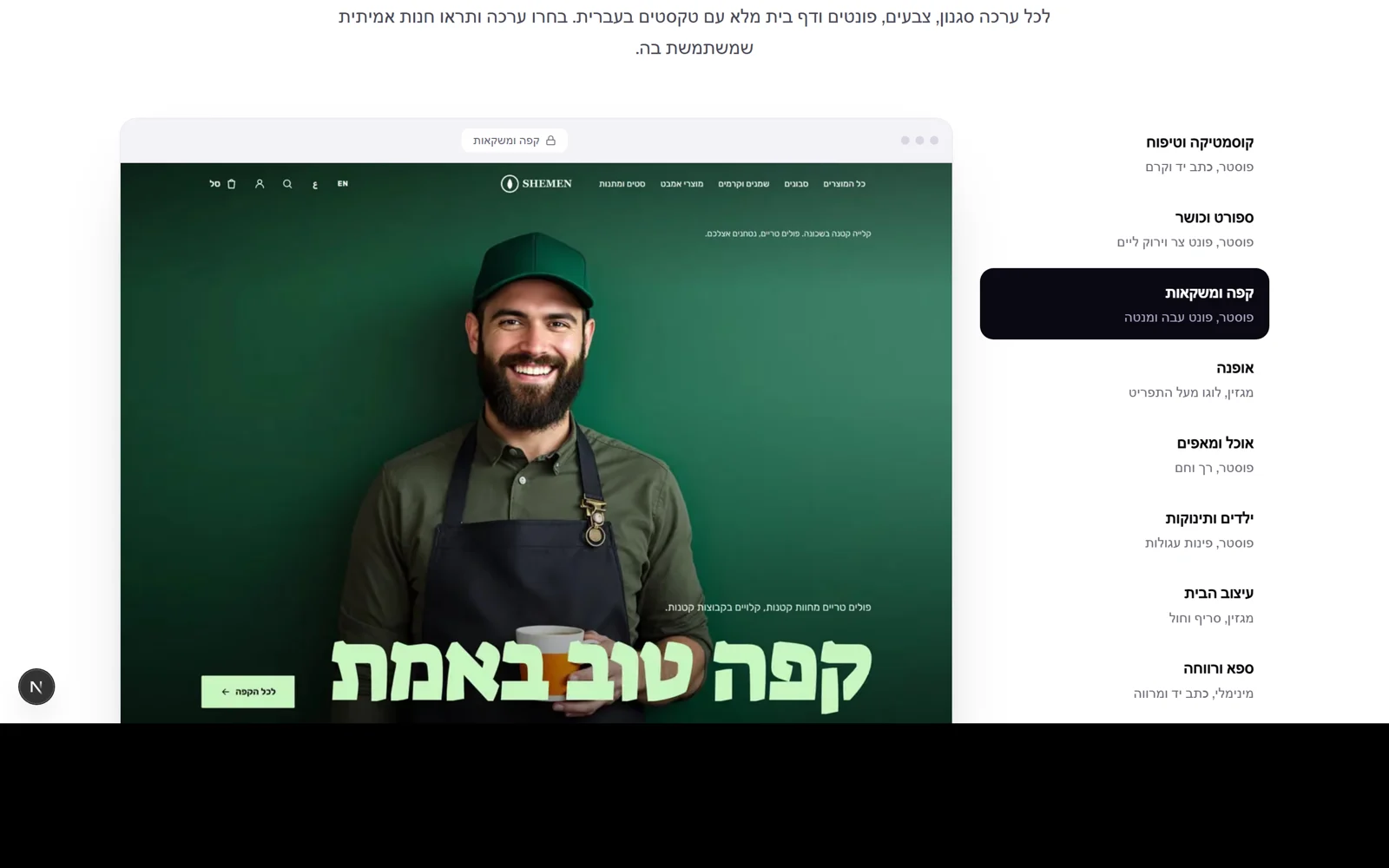
The themes part of the home page has been rebuilt: instead of a grid of ten small images, there is a list of themes with a large browser window beside it. Pick a theme, and the store in the window switches to a real store in that theme. On a phone the list becomes a row of buttons that scrolls sideways. The image changes only when you choose, never on its own.
Improved
- Themes: pick from the list and see a real store in a large window.
- On a phone: a scrolling row of buttons above the image.
28 September 2026
68 releases- The home page loads lighter
The home page loads lighter
We measured the new home page with Google's testing tool (Lighthouse), as a phone: accessibility, best practices and SEO scored 100, and performance 85. The test showed that all eight industry images loaded on arrival, including the ones you do not see. Now only the image on screen loads, at a size that fits a phone, and the small industry circles use tiny images instead of large ones. A font that was no longer in use is gone too.
Improved
- Only the industry image on screen loads, at a size that fits the device.
- Tiny images for the industry buttons, and one less font to download.
- Frequently asked questions, brought up to date
Frequently asked questions, brought up to date
The frequently asked questions on the home page have been fully updated. Two answers were no longer true: Israeli payment processing is already connected (Cardcom, Grow, iCredit and PayPlus, including Bit, Apple Pay and Google Pay through PayPlus), and you can import products, including straight from a Shopify store address or from a Shopify, Wix or CSV file. We added questions about sales commission (there is none), about using your own domain, and about moving from Shopify or Wix.
New
- New questions: sales commission, your own domain, and moving from Shopify or Wix.
Fixed
- The answers about payments and product import are corrected: both are available.
- Every 'Start' button leads to the same place
Every 'Start' button leads to the same place
The 'Start now' buttons in the menu, at the end of the home page, beside the themes and in the AI part now lead to the business name field at the top of the home page, with the cursor already in it, from any page on the site. So everyone who wants to start sees their store being built, not an empty form. The 'Three steps' part is gone from the home page, because the trial at the top of the page shows the same thing, only live.
Improved
- Start buttons across the site lead to the business name field, ready for typing.
- A shorter, more focused home page: without a part that repeated itself.
 Kreaza against Shopify, in your numbers
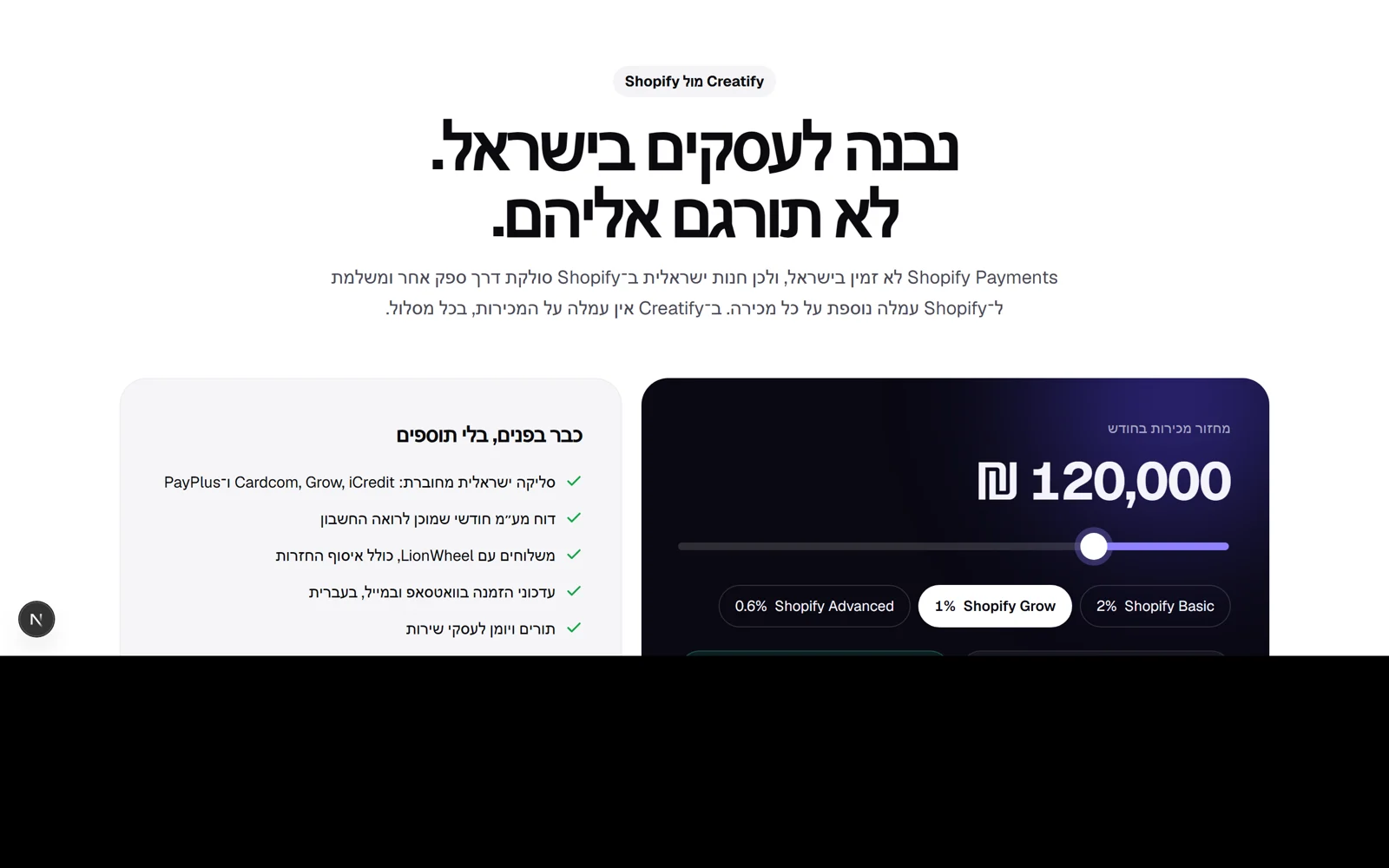
A new part of the home page: move the monthly sales volume and see how much extra commission an Israeli store pays on Shopify, by plan, against zero commission on sales with Kreaza. The calculation rests only on facts from Shopify's site: Shopify Payments is not available in Israel, so an Israeli store processes payments through another provider and pays Shopify a further 2%, 1% or 0.6% depending on the plan. The payment company's own fee is the same on both platforms and so is left out, and the sources and the date we checked them are written under the numbers. Beside the calculator: what is already built in, with no add-ons. The home page also describes Kreaza to Google as an app, with its three plans and their prices.
New
- A commission calculator against Shopify, by sales volume and plan, with sources.
- A list of what is built in: Israeli payments, VAT, shipping, WhatsApp and appointments.
Improved
- Structured data for Google about Kreaza and its prices.
 New home page: type your business name, and the store builds itself
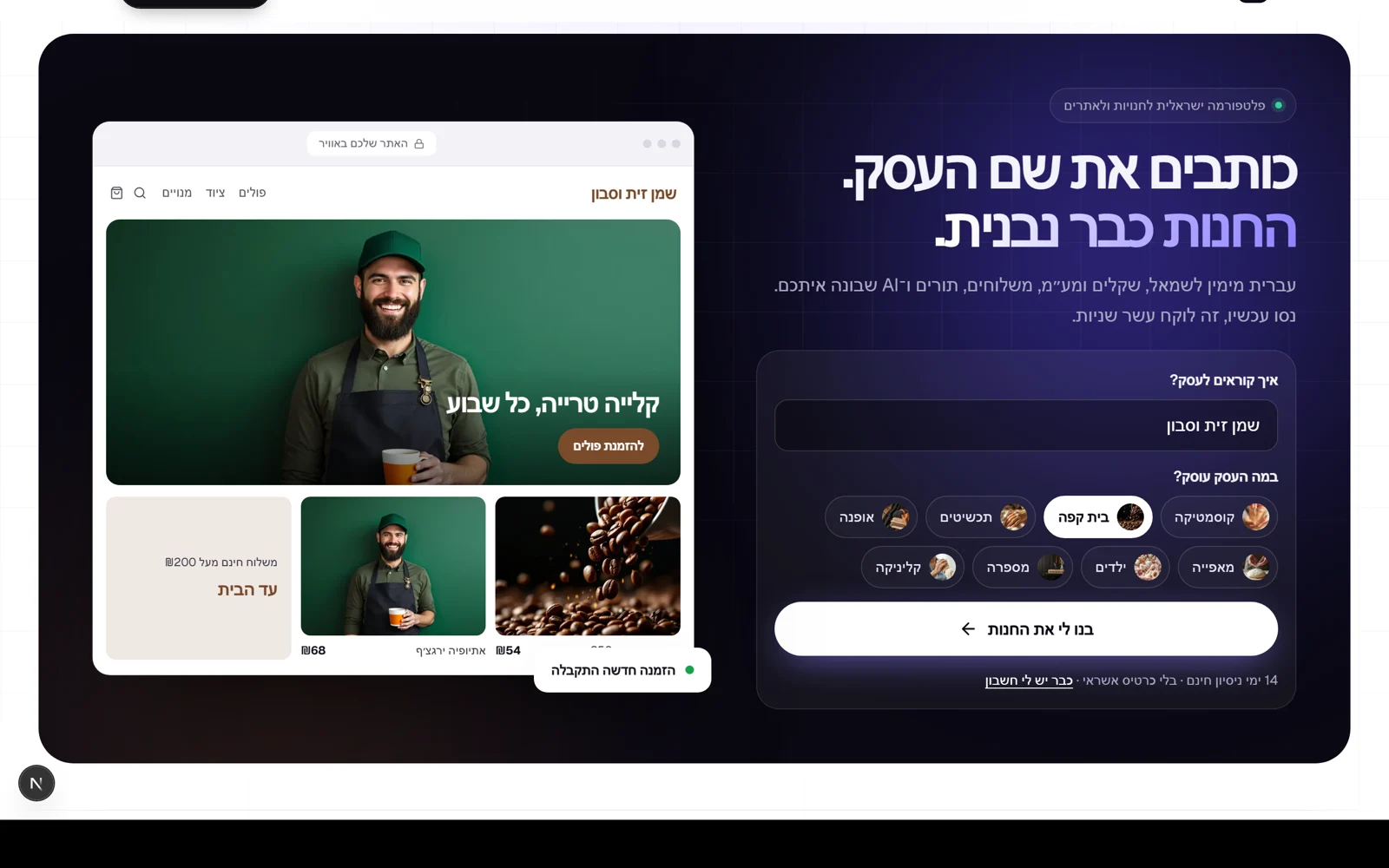
The Kreaza home page now opens on a dark stage with a real trial: type your business name and pick one of eight industries (cosmetics, cafe, jewellery, fashion, bakery, kids, hair salon and clinic), and a live store builds beside it with the name you typed and that industry's photos, menu, button and colours. One click on 'Build my store' opens an account, and the name and industry are already filled in during setup, including a site address and the industry's design, with nothing to type again. The sign-in and sign-up pages are redesigned too: the form sits beside a dark stage with real stores, in the same language as the home page, with a link back to the site, and /login leads straight to sign-in. Motion responds only to what you do, and anyone who asked for reduced motion gets a quiet page.
New
- A trial at the top of the home page: business name and industry, and a live store that updates as you type.
- The name, industry and address carry from the home page straight into setup.
- /login as a shortcut to sign-in.
Improved
- Sign-in and sign-up pages in the site's design, with a link back.
- The design pass over the admin screens is complete
The design pass over the admin screens is complete
We went through the main screens in the admin against the home page: products, orders, customers, settings and reports. Products and orders were already at that level: an image for every product, status labels, stock in colour, tabs with counts and a search that also finds barcodes. Customers got numbers at the top of the screen, initials and a VIP mark in version 7.90. In settings, the time zone now appears under a name people know, like 'Israel time', instead of a technical name. Small improvements will keep arriving as part of regular work.
Improved
- The time zone in settings is shown under a familiar name, like 'Israel time'.
- The products, orders, customers, settings and reports screens are at the same level as the home page.
 The customers screen, at a glance
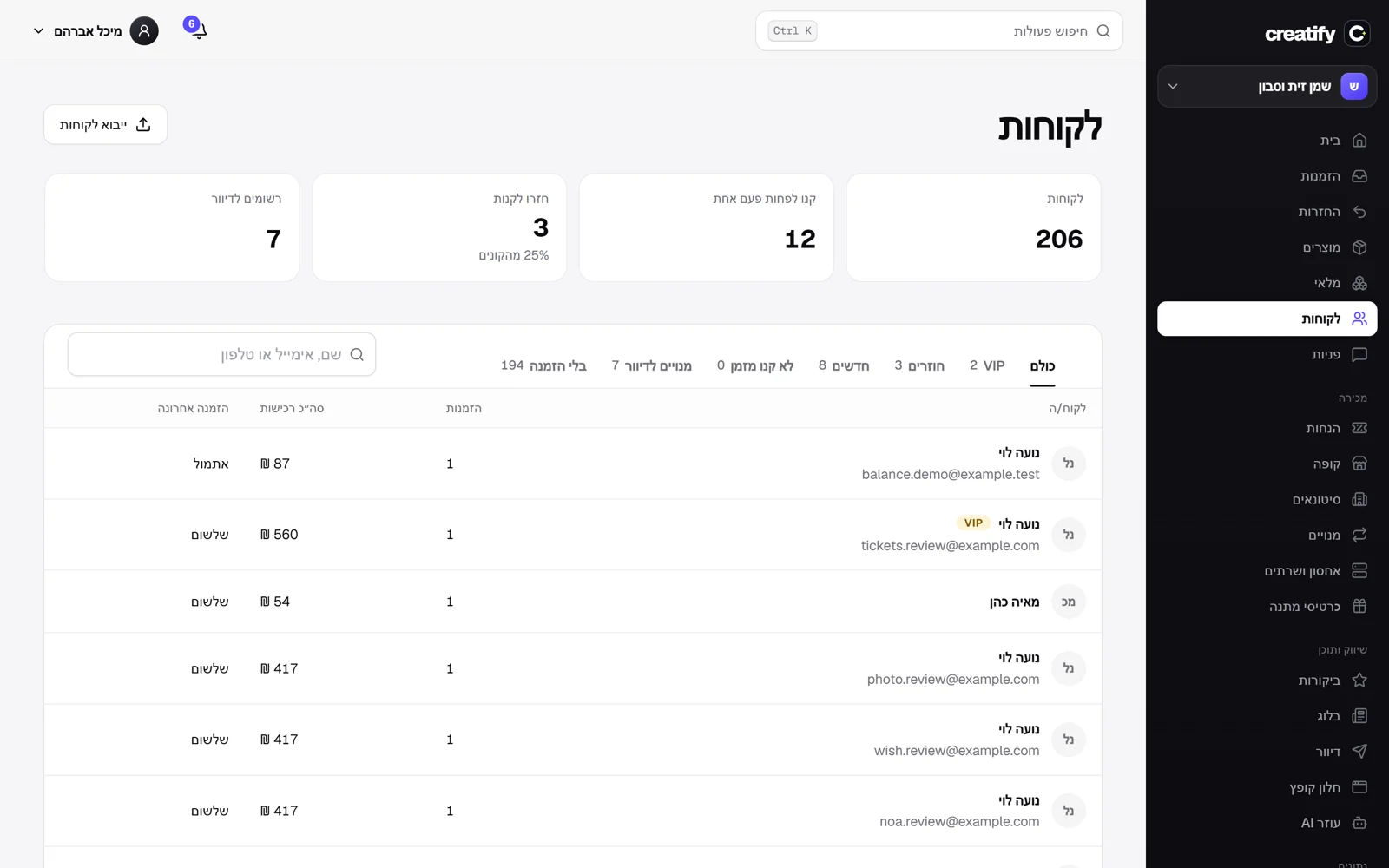
The next screen in the admin redesign: customers. At the top of the screen are four numbers: how many customers you have, how many bought at least once, how many came back to buy and what share of buyers they are, and how many are subscribed to your mailing list. Each customer in the list has a circle with their initials, and VIP customers are marked beside the name, by the same rule as the VIP tab: the top tenth of buyers. A customer who has not ordered yet is clearly marked instead of an empty cell.
Improved
- Four numbers about your customer base at the top of the screen.
- Initials for each customer and a VIP mark in the list.
- 'No orders' instead of 'Not yet' in the last order column.
 A security check, and a page for reporting vulnerabilities
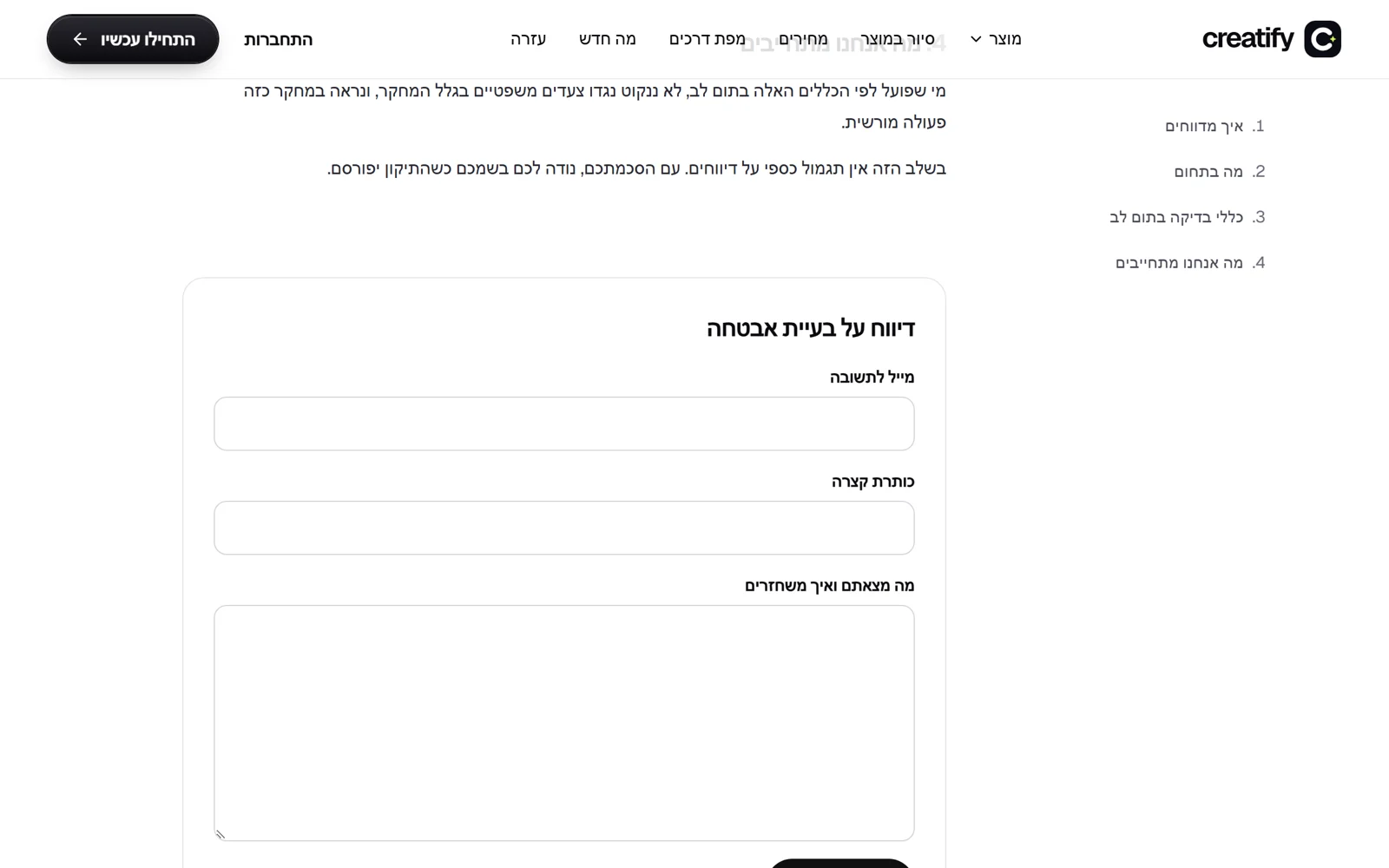
We scanned all of Kreaza's libraries against the databases of known vulnerabilities. Eight vulnerabilities were found in the version of the Go language our code uses, and one in an authentication library, and both were updated to the fixed versions. After the update the scan shows zero vulnerabilities that the code reaches, and none were found in the sites' libraries either. The check also found a setting that blocked the camera in the admin, so barcode scanning and card scanning could not open it. Fixed. There is also a new page, /security, for reporting security issues: what is in scope, rules for good-faith testing, what we commit to, and a form that goes directly to the team. The security.txt file points to it, as the standard requires. A penetration test by an outside company is still planned.
New
- A page for reporting security issues, with a form and security.txt.
Fixed
- Go updated to version 1.26.6 and the authentication library to the fixed version: zero known vulnerabilities that the code reaches.
- The camera in the admin works again, for stock scanning and for cards.
 Stock scanning from your phone
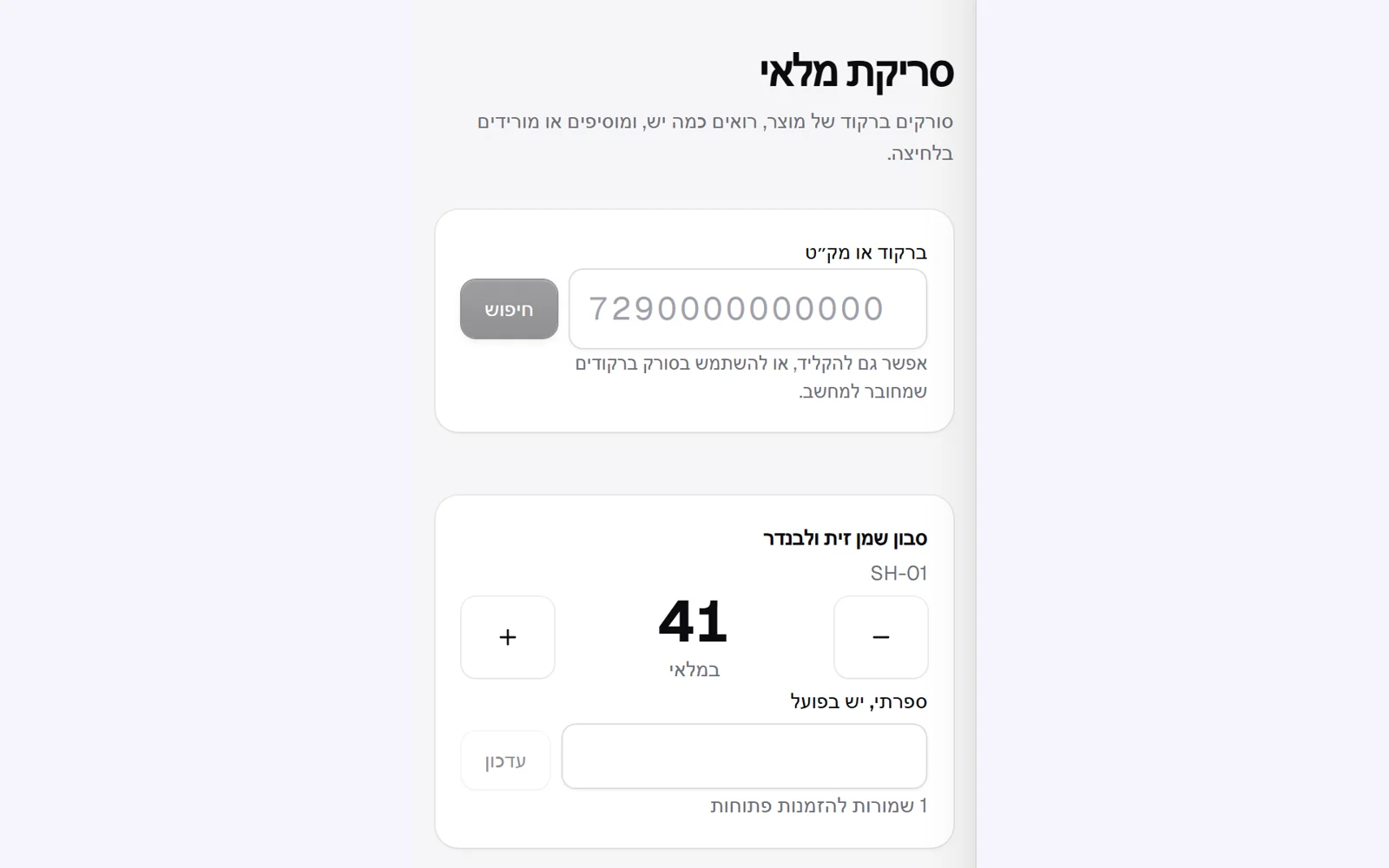
A new screen in inventory: scan a product's barcode with your phone camera, see at once how many you have, and add or remove a unit with a tap, or set the quantity you counted. You can also type a barcode or SKU, or connect a regular barcode scanner to a computer. The screen also appears in the installed app's shortcuts. Camera scanning works in browsers that can read barcodes, like Chrome on Android, and in other browsers you type the code. Also, on version 7.87: the local model is less accurate than the cloud model, so it is worth reading what it writes before publishing.
New
- Barcode scanning with the camera and a stock update in one tap.
- Exact search by barcode or SKU, also with a connected barcode scanner.
Improved
- Inventory search also finds products by barcode.
- Backup AI that runs on our own server
Backup AI that runs on our own server
Kreaza's AI tools work with a cloud model. From now on, if it does not answer, short texts such as a product description and the store assistant's replies are written by a small model (Gemma 3, 4B size) that runs on Kreaza's own server, and the data does not leave it. We tested it on the server: a product description in Hebrew in about 5 seconds, and about 20 seconds the first time after a pause. The model's memory is capped so it does not hurt the rest of the system, and it is released after five minutes without use. Building a whole page or a long article still needs the cloud model.
New
- A local AI model that handles short texts when the cloud model is unavailable.
Improved
- Product descriptions and the store assistant keep working during an outage at the AI provider.
 Chargebacks, with an evidence file ready
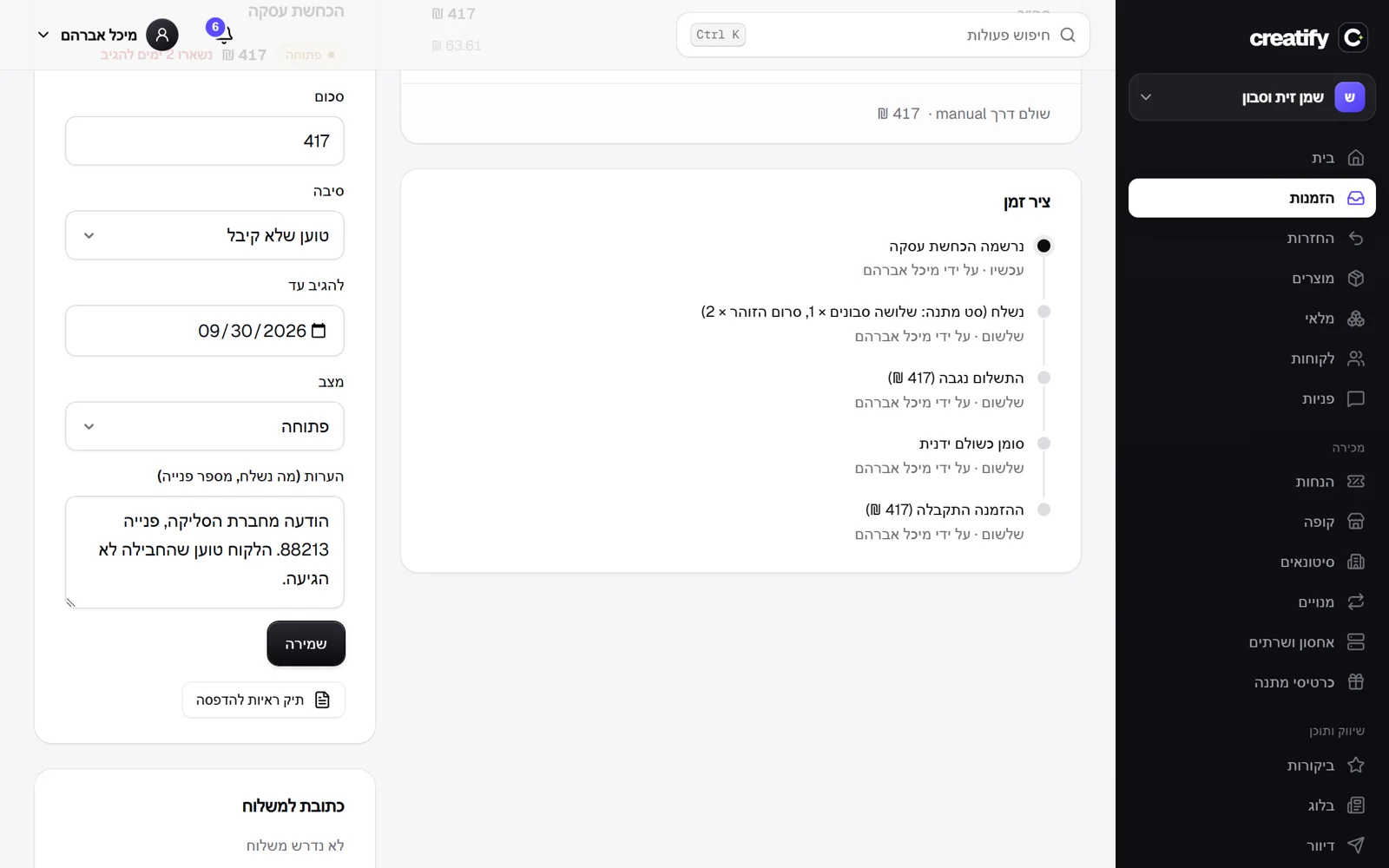
When the payment company tells you a buyer disputed a charge, you record the chargeback on the order: amount, reason and the date you must respond by. Above the order list a reminder shows the nearest chargeback and how long is left until the deadline, and the order itself has a button for an evidence file ready to print or save as a PDF: seller and buyer details, what was bought, the payments with their reference, the shipment and tracking, and the full order history. Payment companies in Israel do not report chargebacks through their APIs, so you record the chargeback by hand when you are notified of it.
New
- Record a chargeback on an order, and track it until it is closed.
- A printable evidence file, built from everything known about the order.
- A reminder above the orders with the nearest response deadline.
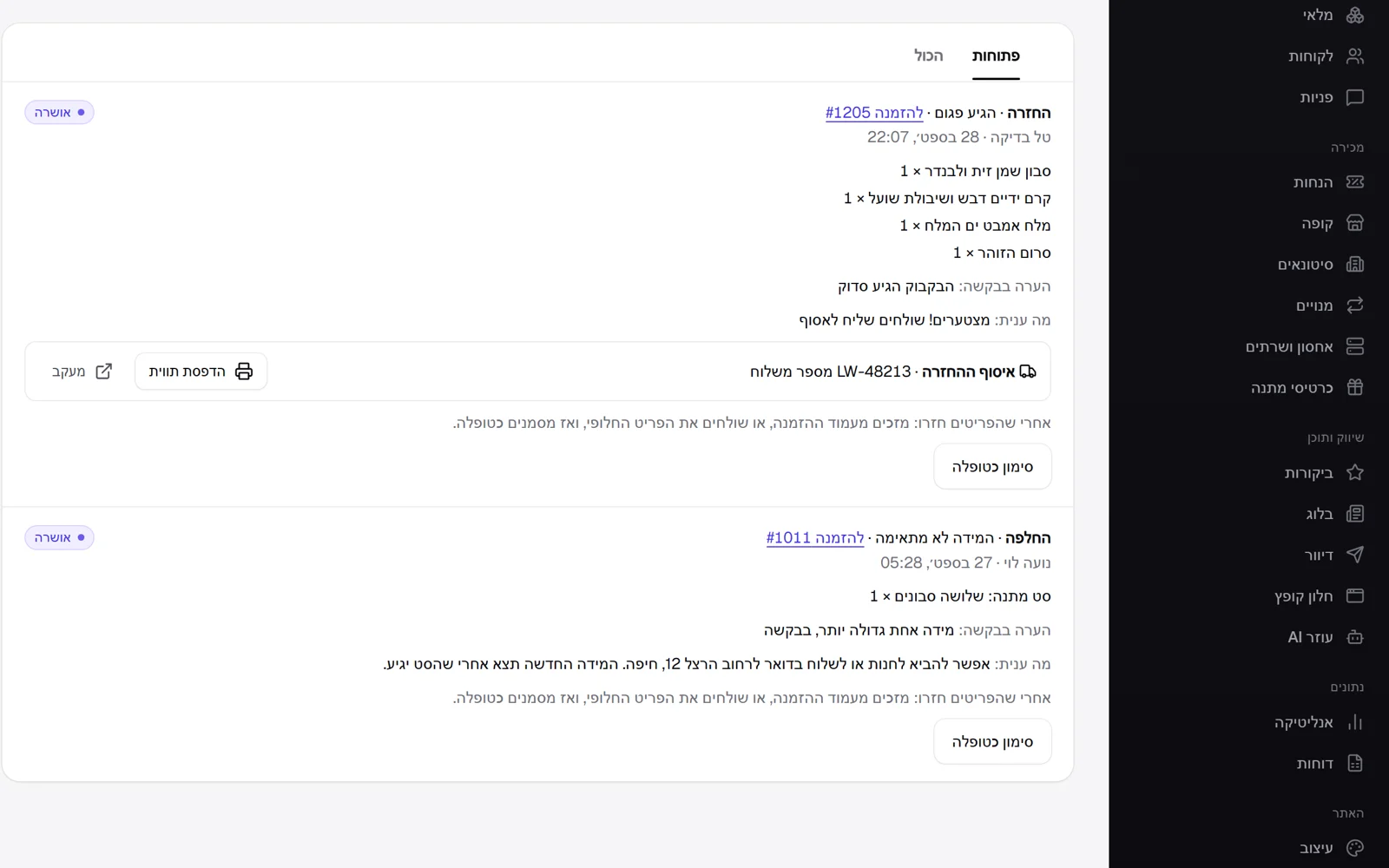 A courier to collect a return, with a label
When you approve a return, you can now book a LionWheel courier in one click to collect it from the customer's address and bring it to the store's returns address. The return shows the shipment number, a button to print the label and a tracking link, and the customer gets an email that the courier is on the way, with the link. The returns address is saved once in the shipping settings. A double click does not book a courier twice.
New
- Book a courier to collect an approved return, from the customer to the store.
- A printable label and a tracking link for every collection, and an email to the customer with the link.
- A returns address in the shipping settings.
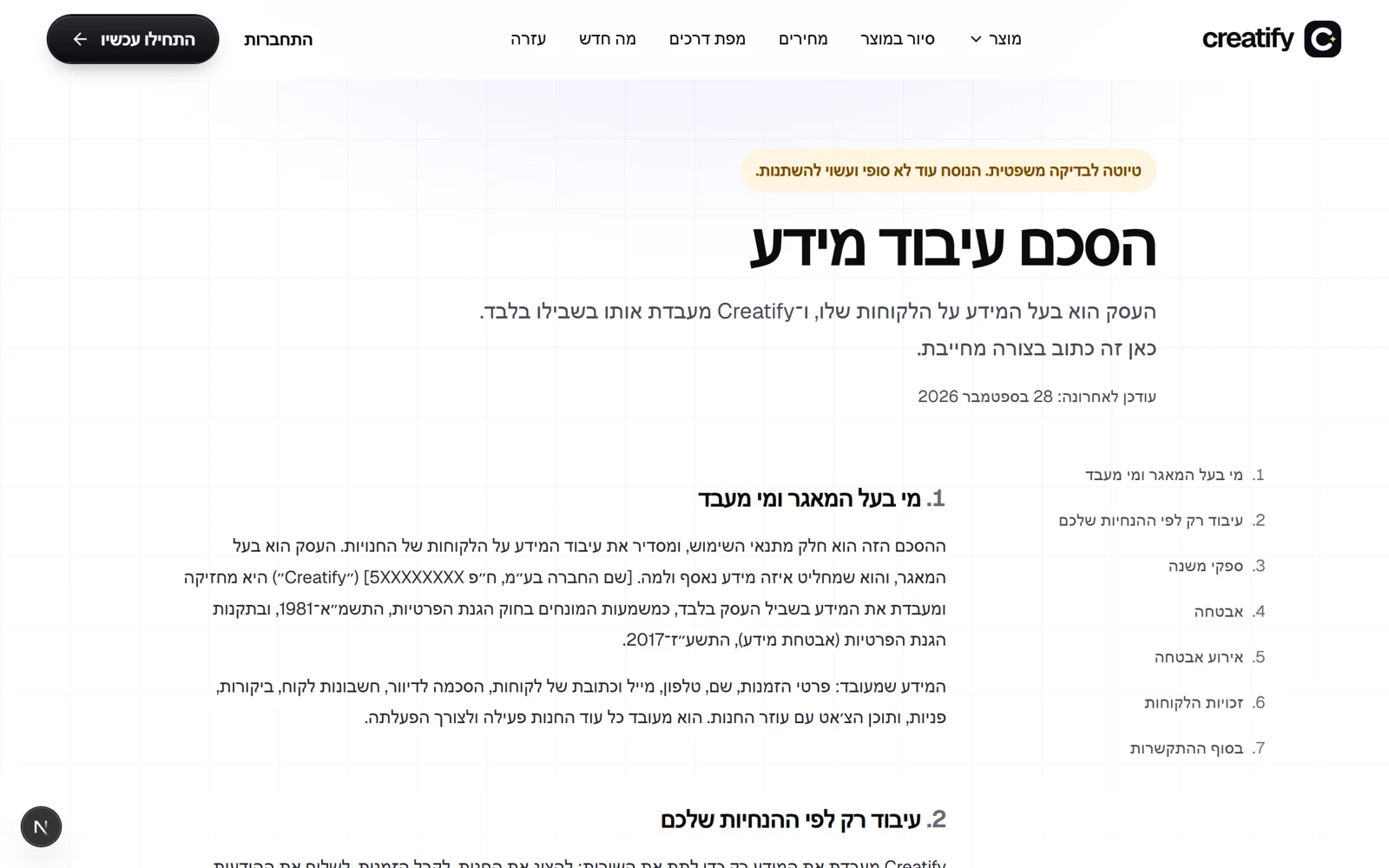 Data processing agreement and acceptable use policy
Alongside the terms of use and the privacy policy there are now two more documents: a data processing agreement, which sets out that Kreaza processes data about the store's customers only on the store's behalf, with sub-processors, security and notice of a security incident, and an acceptable use policy, which details what may not be sold, mailing rules and what happens when there is a breach. Consent is recorded at sign-up with version, time and address, and anyone already signed up is asked to approve the new version. The documents are still a draft pending legal review, and that is written at the top of each one.
New
- Data processing agreement at /dpa.
- Acceptable use policy at /acceptable-use.
Improved
- The terms of use point to both documents, and a new version asks for approval again.
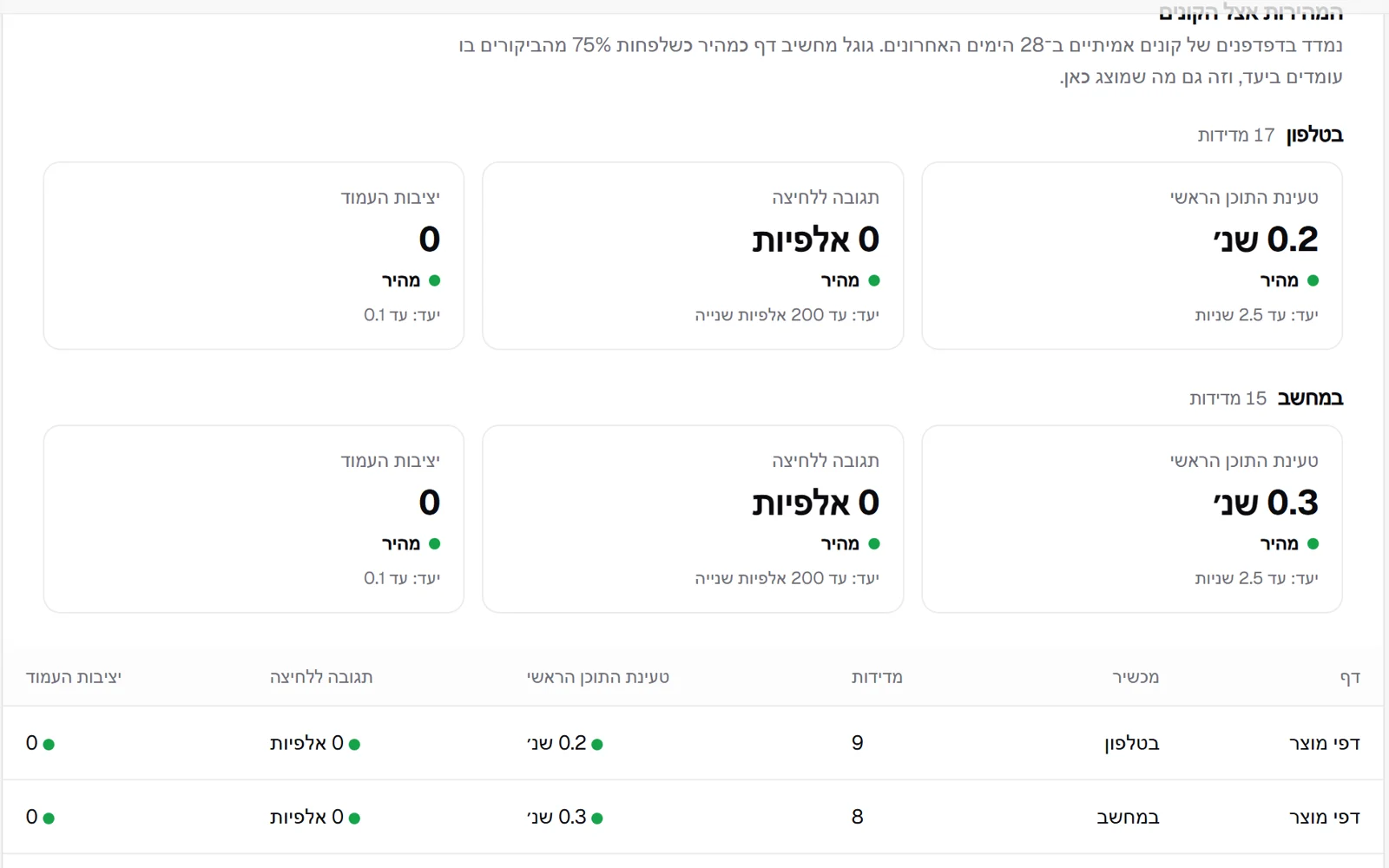 Your store's speed, as shoppers experience it
The analytics page now has a new part: how fast the store loads for real shoppers, by the three metrics Google uses for ranking: loading of the main content, response to a click and page stability. Each metric is shown against Google's target, separately for phone and computer, and also by page type: home page, product pages, categories and articles. The measurement is taken in the shopper's browser, with no cookies and no personal detail, and bots are not counted.
New
- Speed for real shoppers, against Google's targets, for phone and computer.
- A table by page type, to see which page slows the store down.
Improved
- The measurement itself is light: no outside libraries, and sent once when the shopper leaves the page.
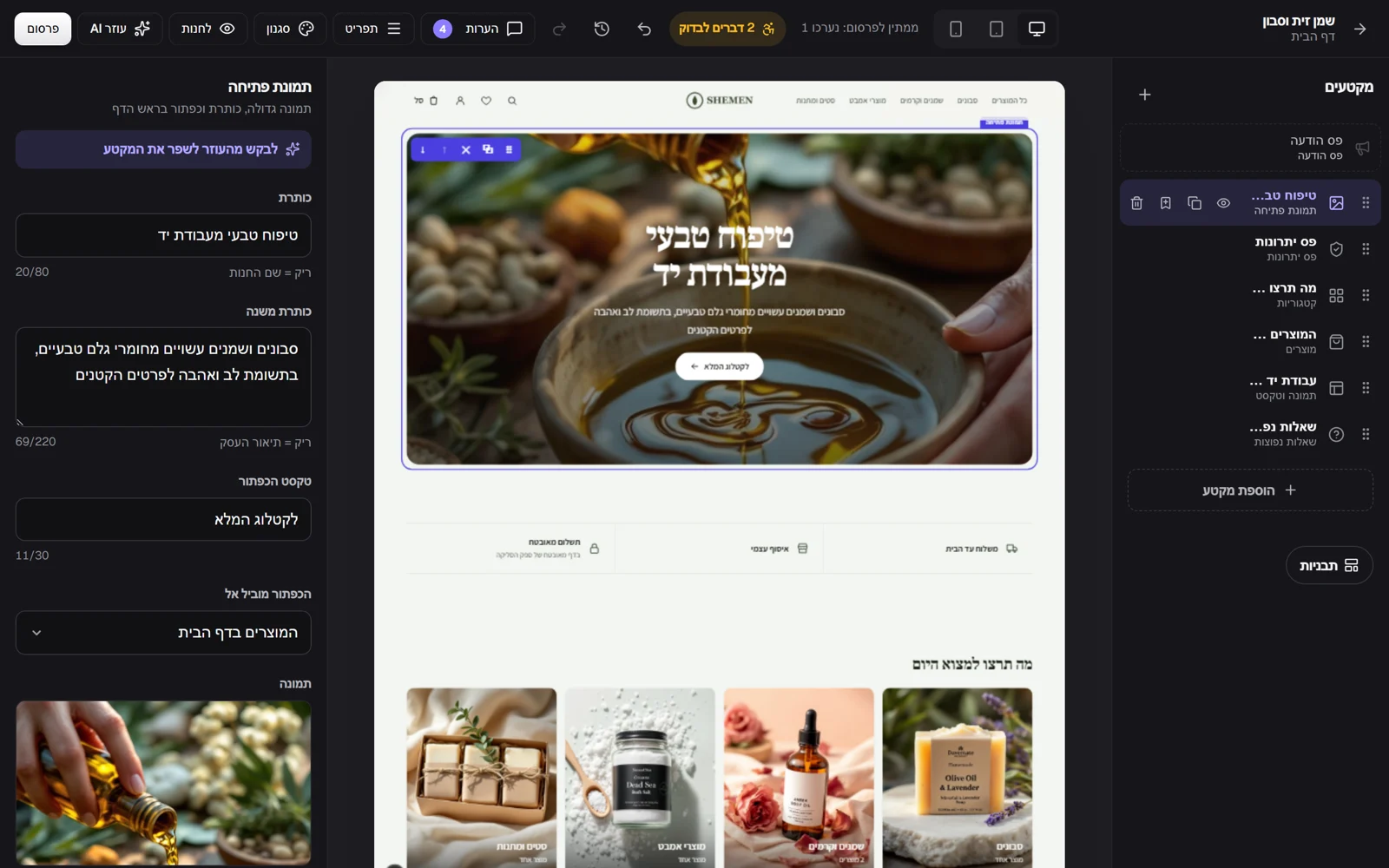 Replace an image by clicking it
In the editor you could already type straight onto headings, drag sections on the page and drag an image file from your computer. Now you click an image in the selected section, choose a file, and it is replaced in place. This also works on a hero image with text over it: a click beside the words replaces the image, and a click on the words edits them. Also, an image passed from the preview to the editor is now sent as a whole file in memory, so the upload does not depend on reading from disk.
New
- Clicking an image on the page opens a file picker and replaces it.
Improved
- On a hero image with text: a click on the words edits them, a click beside them replaces the image.
- The editor's guide explains how to edit straight on the page.
Fixed
- Uploading an image from the preview to the editor is more robust: the file passes whole in memory.
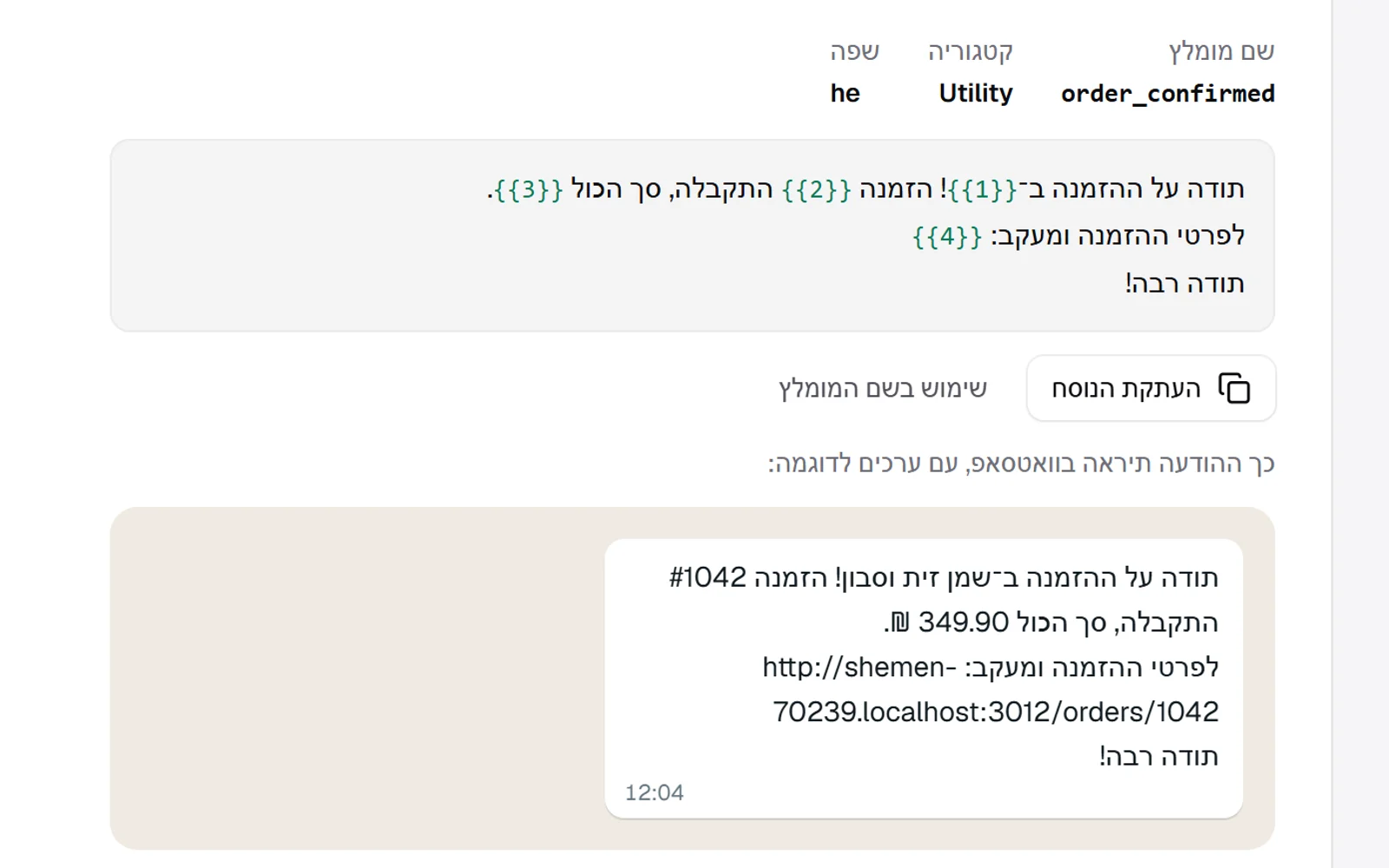 Ready-made WhatsApp templates, with a preview
To send WhatsApp messages you need a template approved by Meta, and the hard part was wording it so that it matches the details the system sends. Now every message (order received, order shipped, and a new enquiry to the business) has wording ready to copy, a recommended name and category, and a WhatsApp-style preview with the store's real name and link. So both emails and WhatsApp messages are shown before they go out.
New
- Wording ready to copy for every WhatsApp template, in Hebrew or English by the template's language.
- A WhatsApp-style preview with sample values.
Improved
- A button that fills in the recommended template name.
 Live visitors and Revoza in the site footer
The site footer now shows how many people are on the site right now and how many visits it has had since we started counting. The count uses no cookies and no personal detail, and bots are not counted. Beside it is a credit to Revoza with its logo and a link to revoza.co.il, and the relationship between Kreaza and Revoza is marked for Google too.
New
- Visitors now and total visits in the site footer, updated every half minute.
- A credit to Revoza with the logo and a link to revoza.co.il.
Improved
- Structured data that presents Revoza as the parent company.
- A warning before the reply target is missed
A warning before the reply target is missed
When an enquiry reaches three quarters of its reply target and has not been answered, the team gets an early message in chat, once: the enquiry from X reaches its target in two hours. The waiting label in the inbox goes through the same stages: normal when there is time, orange from three quarters of the target, and red once it is passed. With the reply target, urgent enquiries and the alert when the target is passed, response times are now tracked in full.
New
- An early alert in chat when an enquiry is approaching its reply target.
Improved
- The waiting label: normal, orange near the target and red after it.
- Urgent enquiries
Urgent enquiries
You can mark an enquiry as urgent in one click. An urgent enquiry has a reply target of a quarter of the regular target, and at least one hour: with a 24 hour target, it is due after 6. It is marked in red in the inbox, and the waiting label and the team's chat alert follow its shorter target.
New
- Mark an enquiry as urgent, with a shorter reply target and an alert to match.
Fixed
- The alert about a waiting enquiry said '1 hours' instead of 'an hour'.
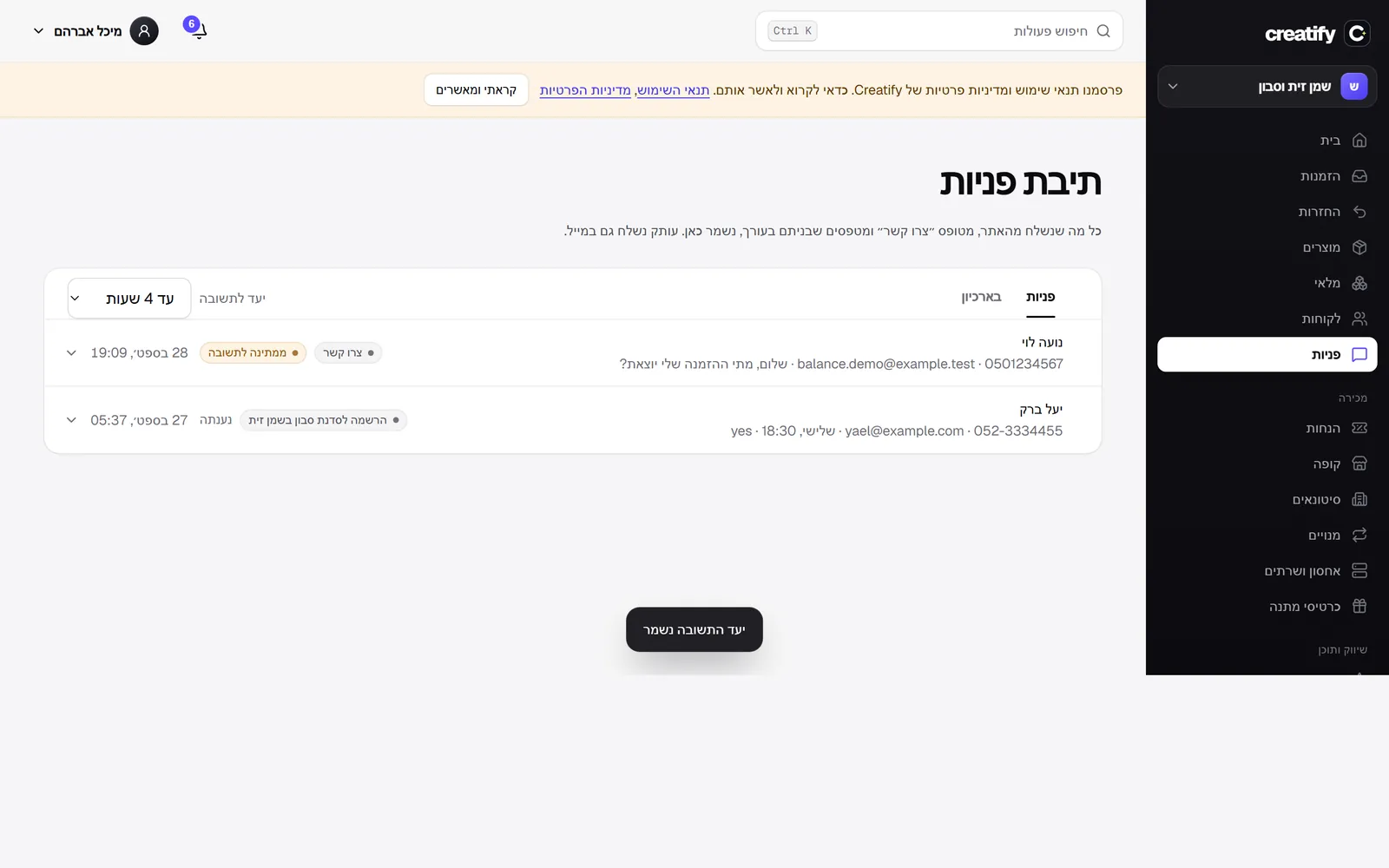 A reply target for enquiries
Every store now sets how quickly it answers enquiries: 4, 8, 24 or 48 hours, straight from the inbox toolbar. The waiting label turns red when the target is passed, and the team's chat alert is sent exactly when the target passes, with the number of hours.
New
- A reply target for enquiries, chosen by the store, with a mark and an alert when it is passed.
- An alert for an enquiry waiting more than a day
An alert for an enquiry waiting more than a day
Team alerts in Slack, Discord and Telegram now have a new event: an enquiry that has waited more than a day for a reply. When an enquiry with an email address has not been answered from the inbox after 24 hours, one message is sent to the channel, with the sender's name, so no customer is forgotten. An enquiry that was already answered, is archived or has no email does not trigger an alert.
New
- An alert in the team's chat for an enquiry that has waited more than a day for a reply.
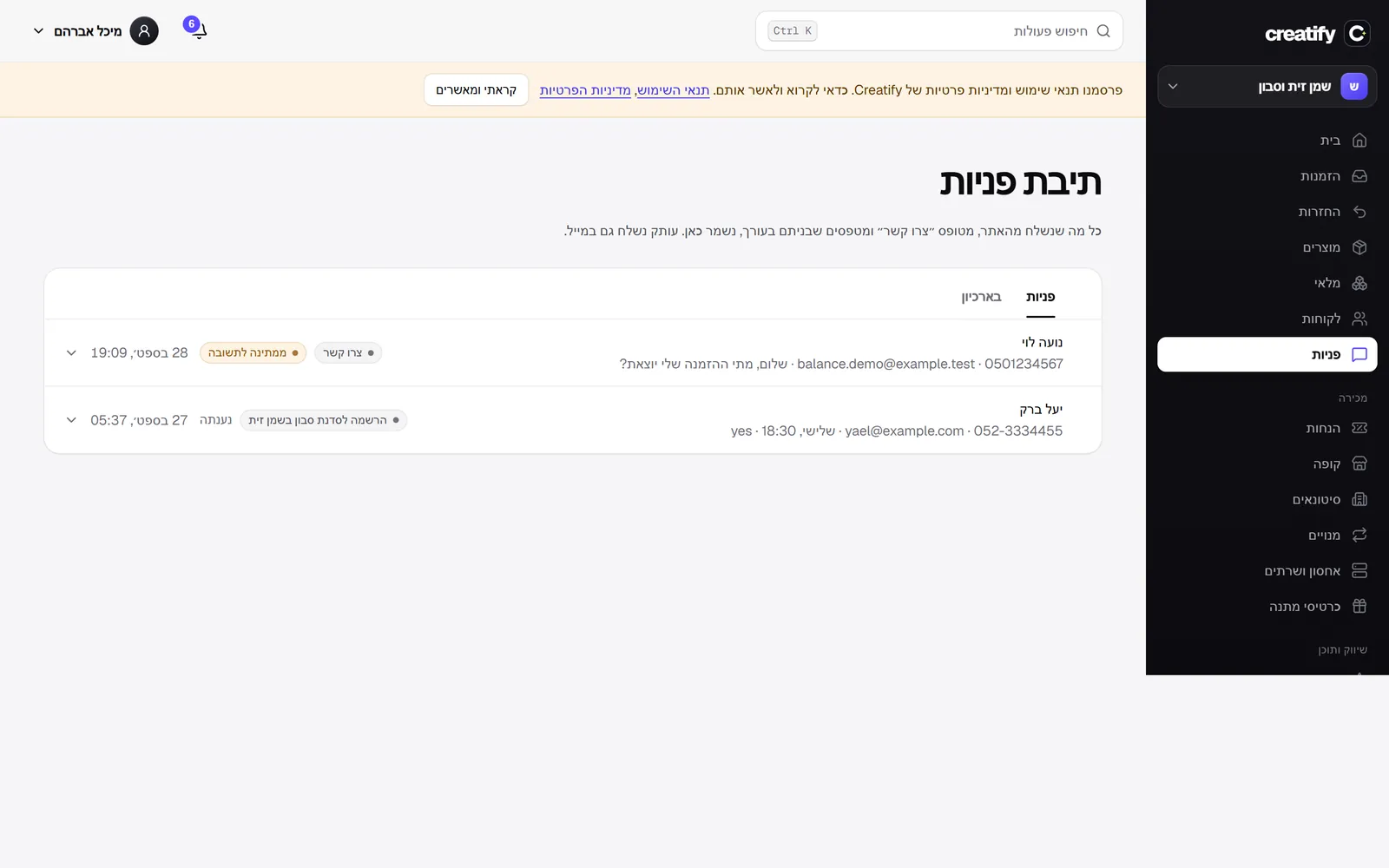 How long an enquiry has been waiting
The inbox now shows, beside every enquiry that has not been answered, how long it has been waiting, and the label turns red after a day, so it is easy to see what is urgent. An enquiry already answered from the inbox is marked 'Answered', and an enquiry with no email is not marked at all, because there is no one to reply to.
New
- The waiting time of every unanswered enquiry, in red after a day.
- An 'Answered' mark on enquiries answered from the inbox.
- How many people read each article
How many people read each article
The article list in the admin now shows, beside every published article, how many people read it in the last 30 days, using the same anonymous count as 'Most read': each reader once a day, no bots. So you see what works and what is worth writing more of.
New
- The number of reads in 30 days beside every article in the blog list.
 Most read this month
The blog page now shows a list of the articles read most in the last month, by real reads: each reader is counted once a day per article, with no cookies and no personal data, using the same anonymous measurement as the rest of the store's analytics. Bots are not counted, and drafts do not appear. The list appears only when at least two articles have been read.
New
- A list of the month's most read articles on the blog page, by real reads.
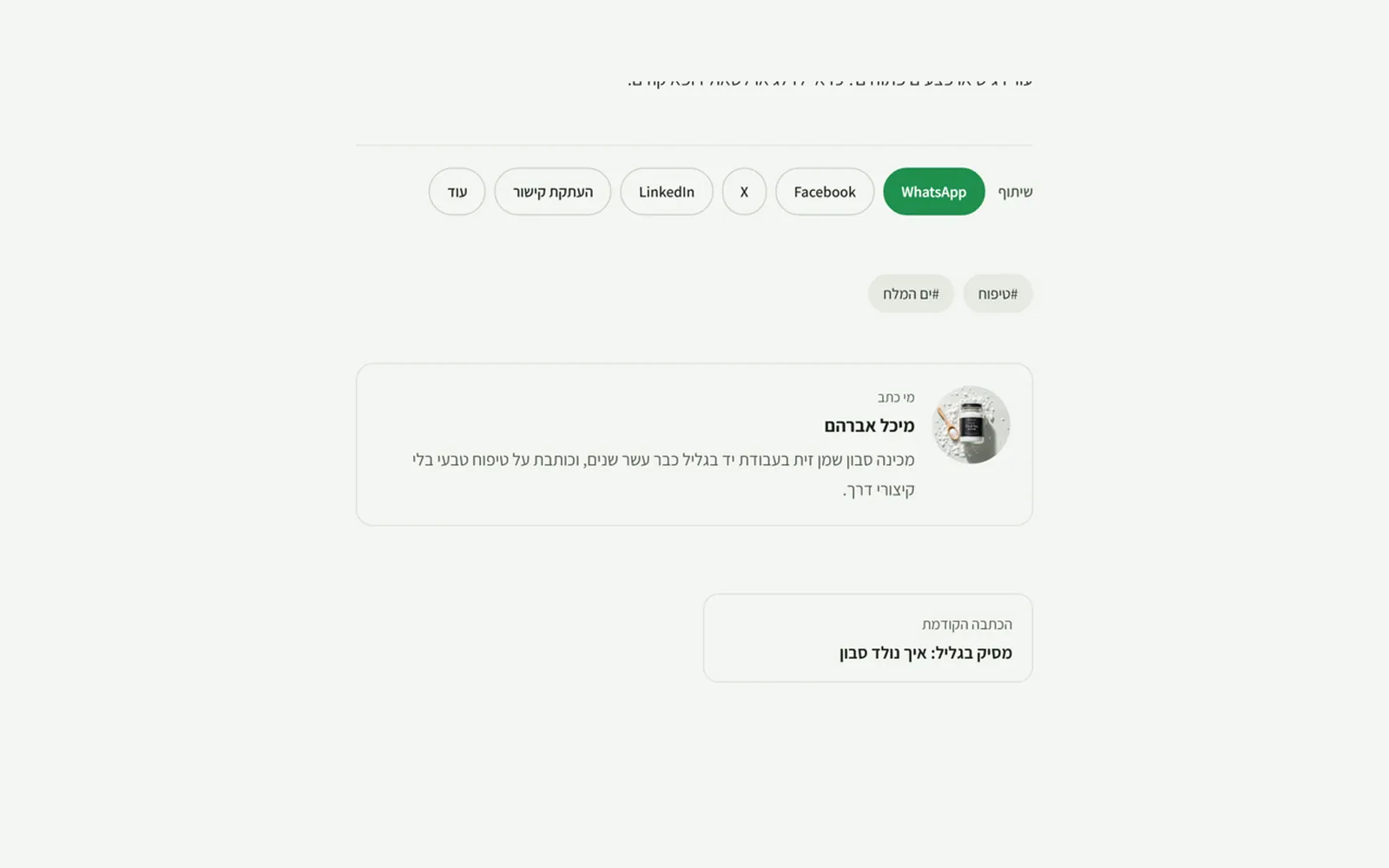 A profile for every blog author
You can now add a photo and a sentence or two about everyone who writes on the blog. They appear in the 'Written by' box at the end of each of their articles, with a link to all their articles, and at the top of their articles page. Search engines also receive the author as a person, with the description and photo. You edit this on the blog page in the admin, and the photo uploads from your computer like an article image.
New
- Author profiles, with a photo and description at the end of every article and on their page.
- A subscribe link for new articles
A subscribe link for new articles
The blog page now has a visible link for subscribing to new articles by RSS, and on a category page it leads to that category's feed only. Until now the feeds were known only to feed readers that looked for them.
Improved
- A visible RSS link on the blog and on every category.
- An RSS feed for every category
An RSS feed for every category
Every blog category now has its own RSS feed, so a reader interested only in guides can subscribe to just those, in a feed reader, an automatic mailing or an automation tool. The category page points to its own feed alongside the feed for the whole blog, and the feed carries the category's name and the description you wrote for it.
New
- An RSS feed for every category, marked on the category page.
 A page of its own for every blog category
You can now write a description for every blog category that appears at the top of its page, above the articles, as well as its own title and description for search engines. So a page like 'Guides' turns from a list of articles into a page that can be found on Google and that tells the reader what is in it. You edit this on the blog page in the admin, and the search title appears exactly as you wrote it.
New
- A description, and a search title and description, for every blog category.
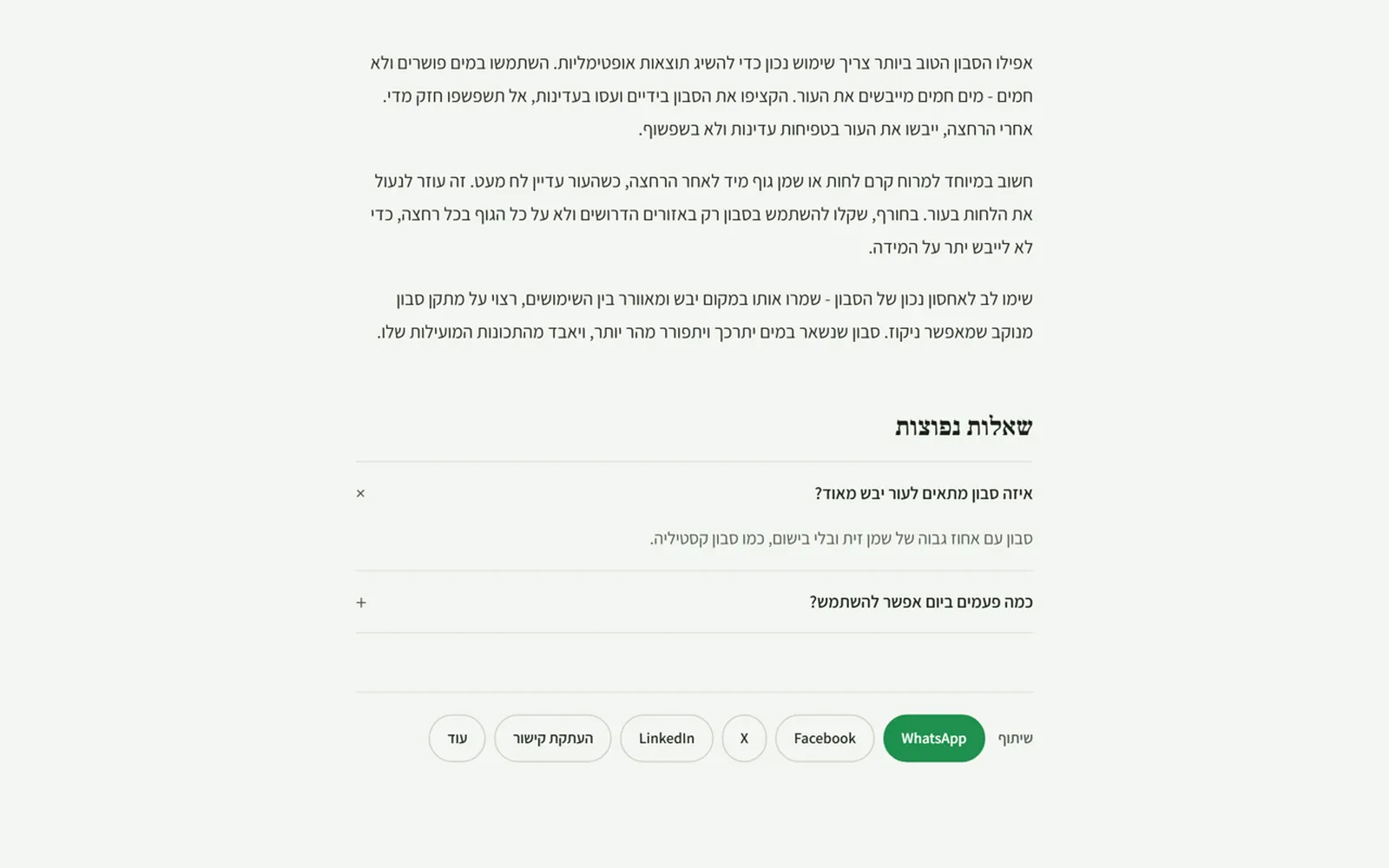 Frequently asked questions at the end of an article
In the blog editor you can now add up to 20 questions and answers to every article. In the store they appear at the end of the article as a list that opens on click, and they are marked for search engines in the standard structure for frequently asked questions, so they know which part is the question and which the answer. A question without an answer is not saved by mistake, and they are kept in the article's earlier versions too.
New
- Questions and answers for every article, with structured markup for search engines.
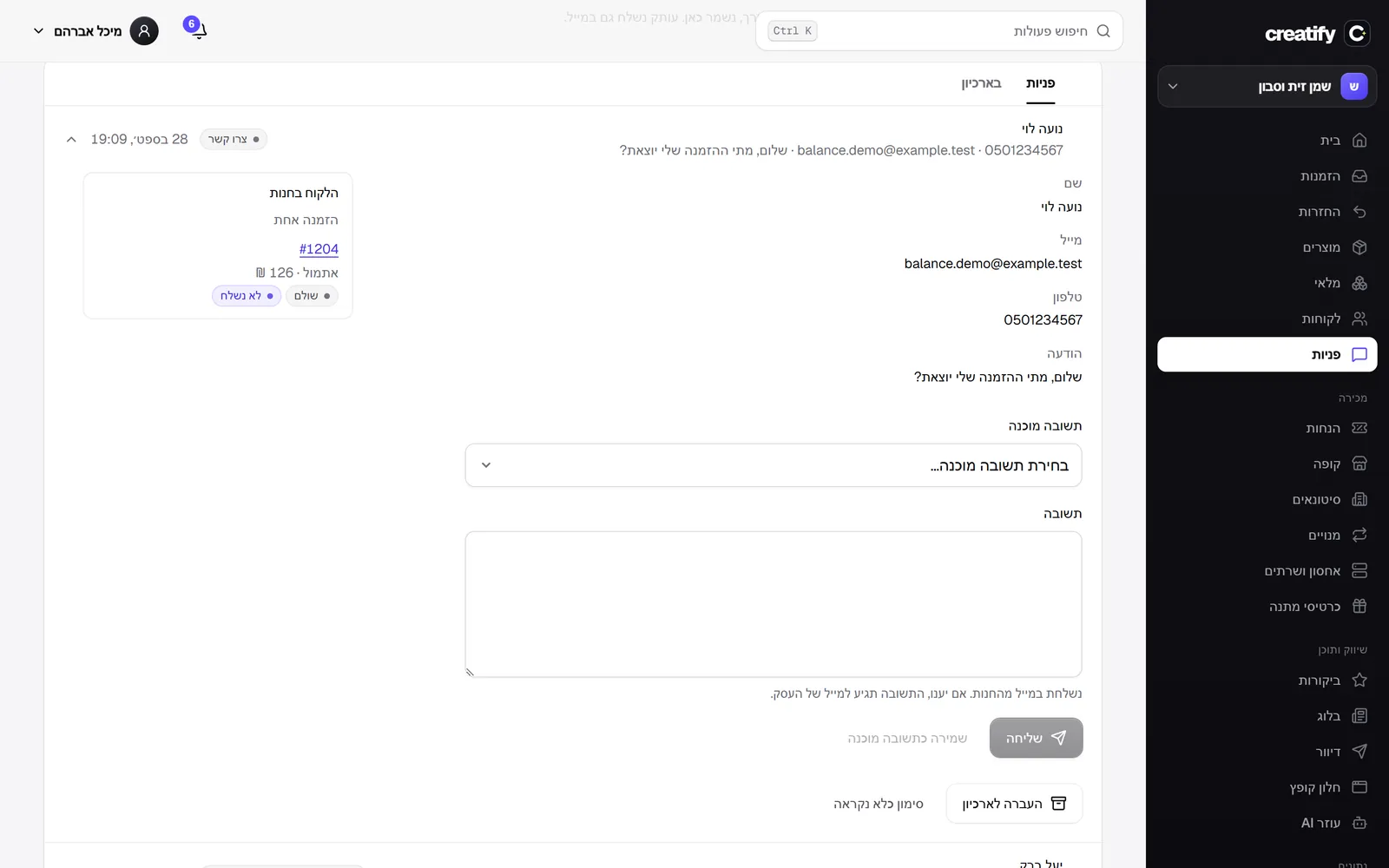 Who is writing to you, and what they ordered
Beside every enquiry in the inbox you now see the orders of the person who wrote, matched by their email: number, when, how much, and whether it was paid and shipped, with a link to each order. When someone writes 'When will my order arrive', the answer is already in front of you. Only people with permission to view orders see this.
New
- The sender's orders beside every enquiry, with payment and shipping status.
- Reply to enquiries straight from the inbox
Reply to enquiries straight from the inbox
Instead of opening your email, you now reply to an enquiry from inside the inbox: write and send, and the reply goes out by email from the store with the business's reply-to address, so if the customer answers, it reaches you. All replies are kept under the enquiry with who replied and when. Replies you repeat can be saved as saved replies and inserted in one click, with the sender's name and the store's name filled in automatically.
New
- Reply to an enquiry by email from inside the inbox, with a history of all replies.
- Saved replies with {name} and {store} that fill in automatically.
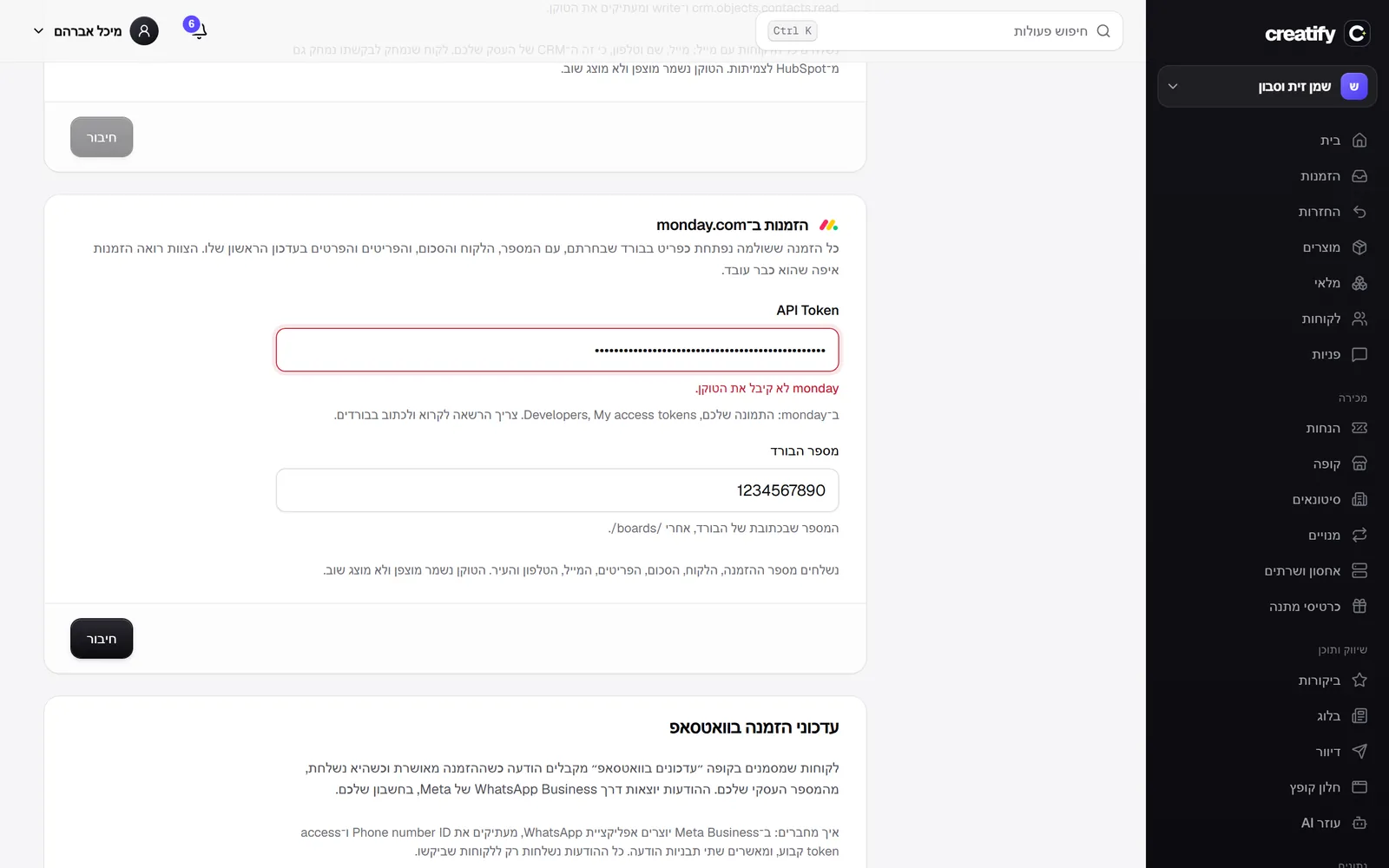 Orders in monday.com
A team that works in monday.com now sees its orders there: every paid order opens as an item on the board you chose, named with the order number, the customer and the amount, and with the items, email, phone and city in its first update. This works on any board without setting up columns. The token and the board are checked against monday before saving. Also, the event ID in the webhooks log is now aligned correctly.
New
- Every paid order opens as an item on a monday.com board.
Fixed
- The event ID in the webhooks log appeared at the wrong edge.
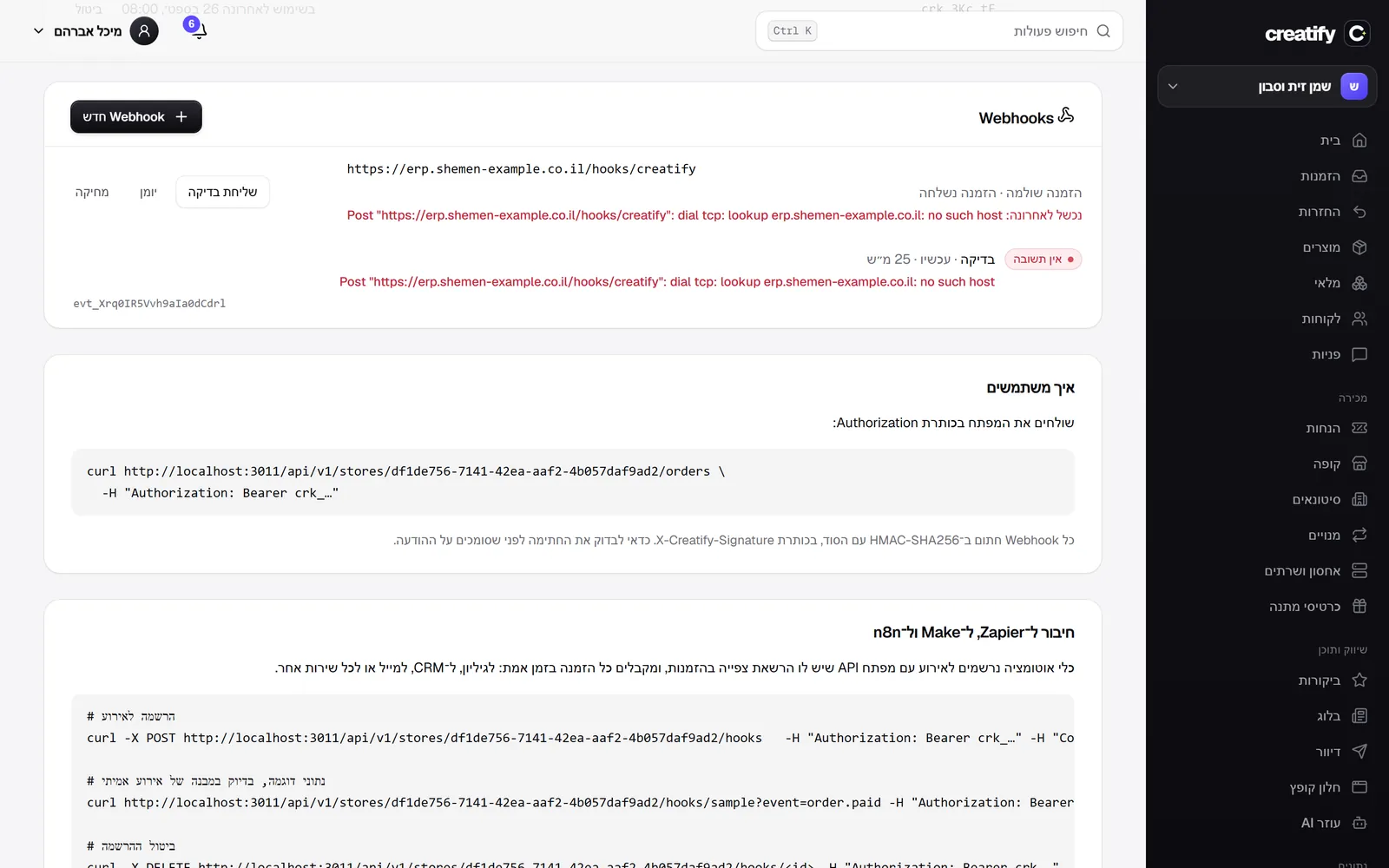 A delivery log for webhooks
Every webhook now has a log: each delivery attempt, with the response received, the time it took and the exact error if there was one. A failed event can be sent again in one click, with the same event ID, so the system receiving it knows it is a repeat and not a new order. The last 100 attempts are kept for each webhook, and automatic delivery still retries up to eight times.
New
- A delivery log for every webhook, with status, time and error.
- Resend a failed event, with the same ID.
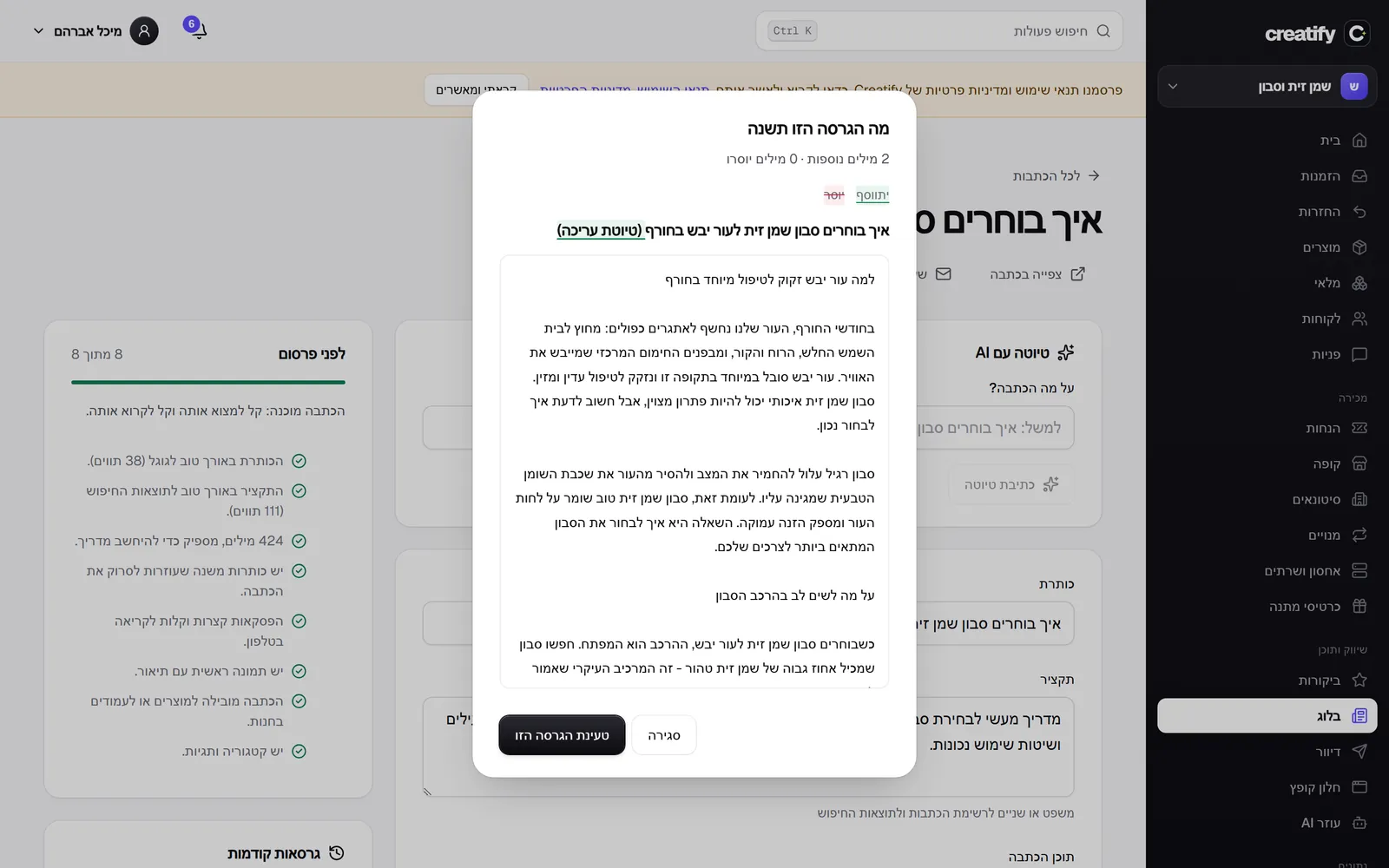 Compare versions in the blog
Beside every earlier version of an article there is now 'Compare': a dialog that shows exactly what that version would change against what is in the editor, word by word. What would be added is marked in green and what would be removed is struck through in red, with a summary of how many words would be added and how many removed, and a button to load the version straight from the dialog.
New
- A word by word comparison between an earlier version and the article in the editor.
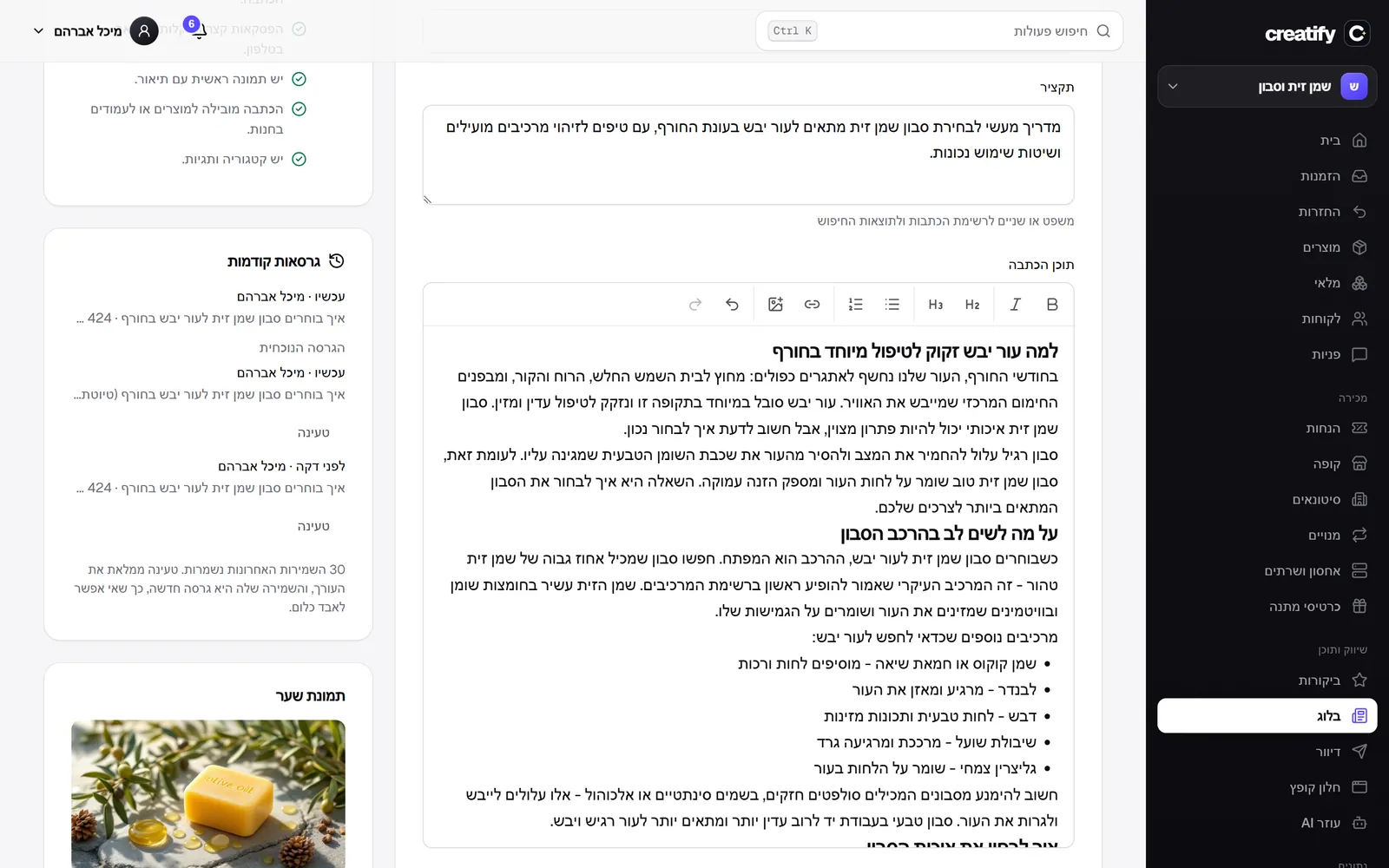 Earlier versions of every article
Every save of an article is now kept as a version, with who saved it and when. The editor has a list of the last 30 versions with each one's title and word count, and clicking 'Load' brings a version back into the editor. Nothing changes in the store until you save, and saving an old version is itself a new version, so you cannot lose work.
New
- Version history for every article, with loading back into the editor.
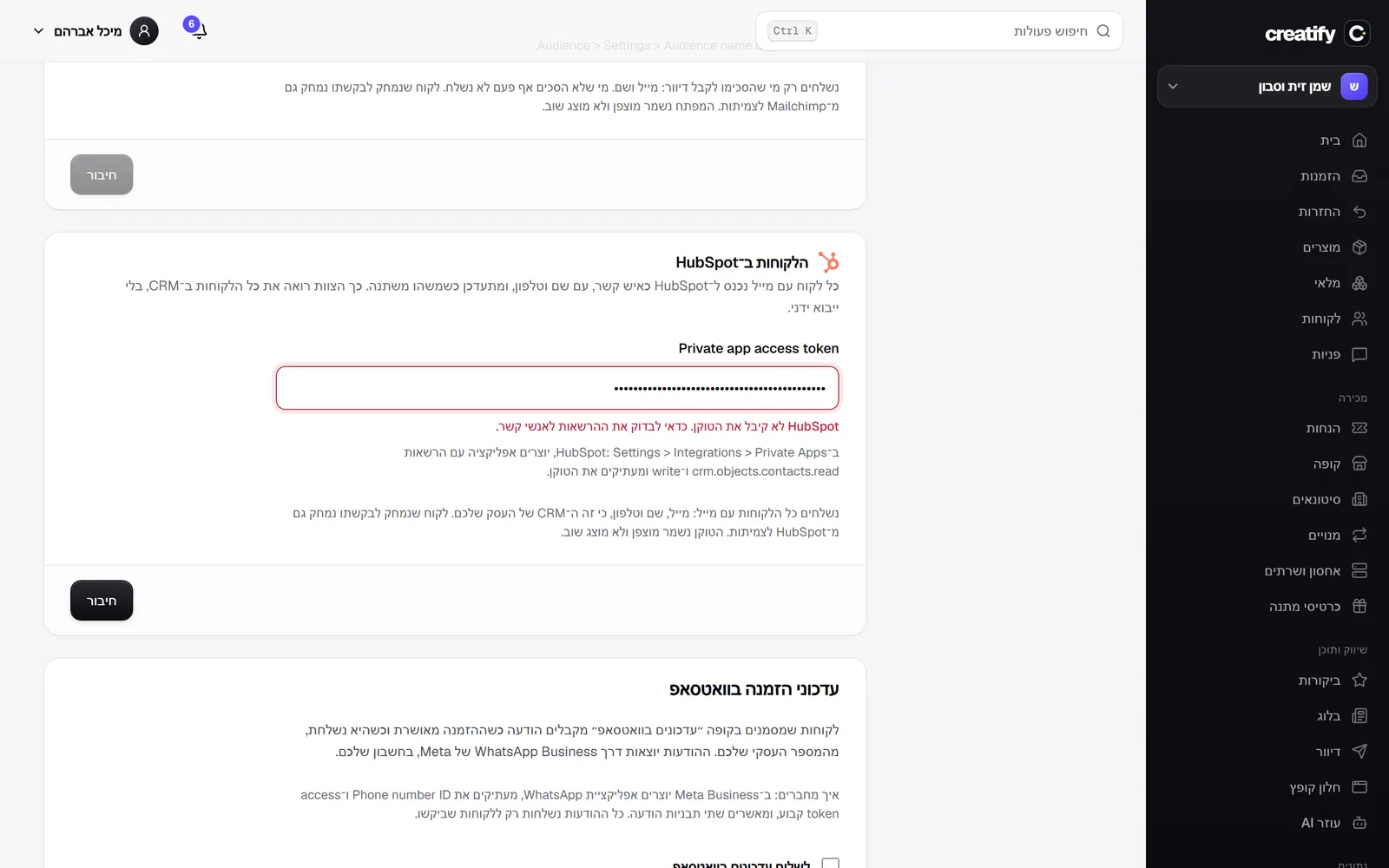 Your customers in HubSpot
Businesses that work with HubSpot can connect it with a Private App token: every customer with an email goes in as a contact, with name and phone, and is updated automatically every few minutes when something changes, a hundred at a time as HubSpot asks. The first run transfers all customers, and a customer who has not changed is not sent again. A customer deleted at their own request is deleted from HubSpot too, using its permanent delete.
New
- Customers synced to HubSpot as contacts, with name and phone.
- Deleting a customer at their request also deletes them from HubSpot permanently.
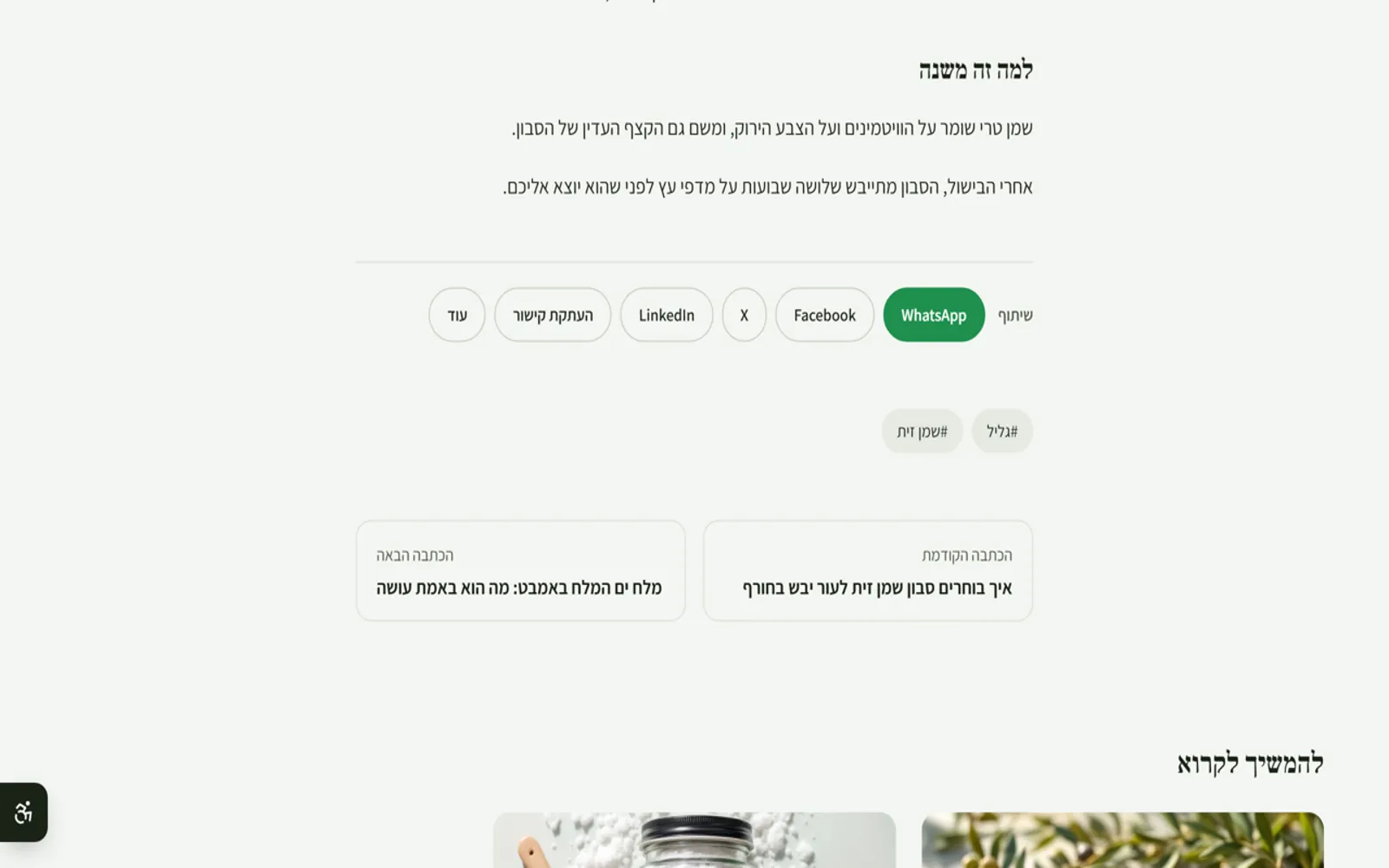 Previous and next article
At the end of every article there are now two links: to the article published before it and to the one after it, like in a magazine. Drafts and scheduled articles are skipped, and on a phone the links stack one above the other.
New
- A link to the previous article and the next article at the end of every article.
- When a Klaviyo deletion fails, you see it
When a Klaviyo deletion fails, you see it
If Klaviyo refuses to delete a customer, usually because the key has no write permission for Data Privacy, the reason now appears on the Klaviyo connection in settings, with Klaviyo's own answer, instead of failing silently.
Fixed
- A failed Klaviyo deletion was not shown anywhere.
- Deletion at a customer's request reaches Klaviyo too
Deletion at a customer's request reaches Klaviyo too
As with Mailchimp, a customer deleted at their own request in a store connected to Klaviyo is now deleted there too: the store asks Klaviyo to delete the profile and everything tied to it, through Klaviyo's privacy deletion API. Klaviyo needs the email address itself, so in the queue it is stored encrypted only. Your Klaviyo key needs write permission for Data Privacy.
Improved
- Deleting a customer at their request also deletes their Klaviyo profile.
- Deletion at a customer's request reaches Mailchimp too
Deletion at a customer's request reaches Mailchimp too
When you delete a customer at their request in a store connected to Mailchimp, they are now removed from the audience there too, permanently and with all their personal data, using Mailchimp's full delete action. The deletion is sent only if deleting the customer on our side succeeded, with retries, and the queue that holds it keeps only a hash of the email address, not the email itself.
Improved
- Deleting a customer at their request also deletes them from Mailchimp permanently.
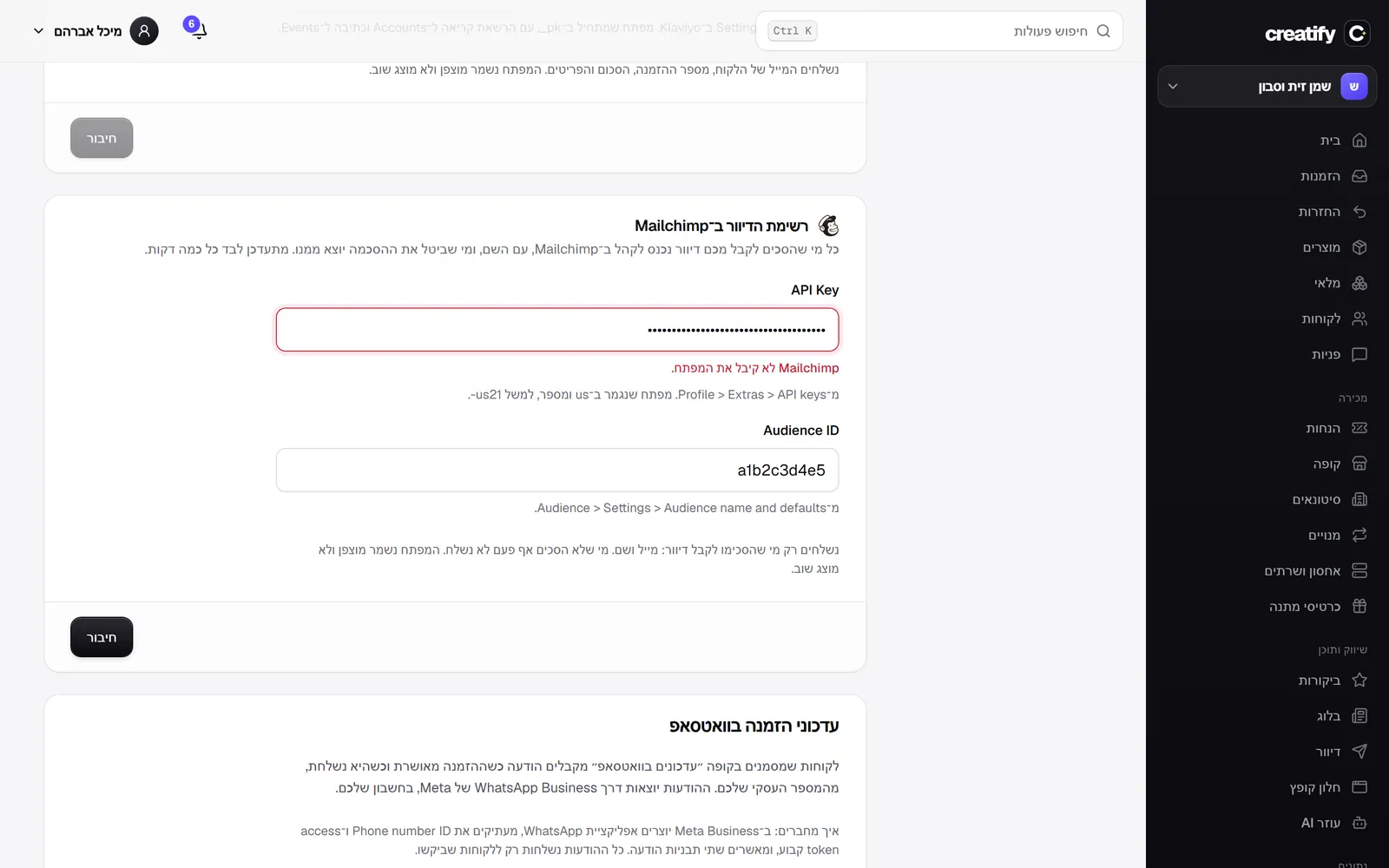 Your mailing list syncs to Mailchimp
If you work with Mailchimp, you can connect your account: everyone who agreed to receive marketing emails, at checkout, in the signup form or through a customer import, is added to the audience you chose with their name, and anyone who withdraws consent is removed from it. The sync runs on its own every few minutes, the first run sends the whole list, and a failure loses no one: whatever was not sent goes out in the next round. People who did not agree are never sent to Mailchimp at all.
New
- Automatic sync of everyone who agreed to marketing emails to a Mailchimp audience, including unsubscribes.
- The key and audience are checked with Mailchimp before saving, and you see how many people were synced.
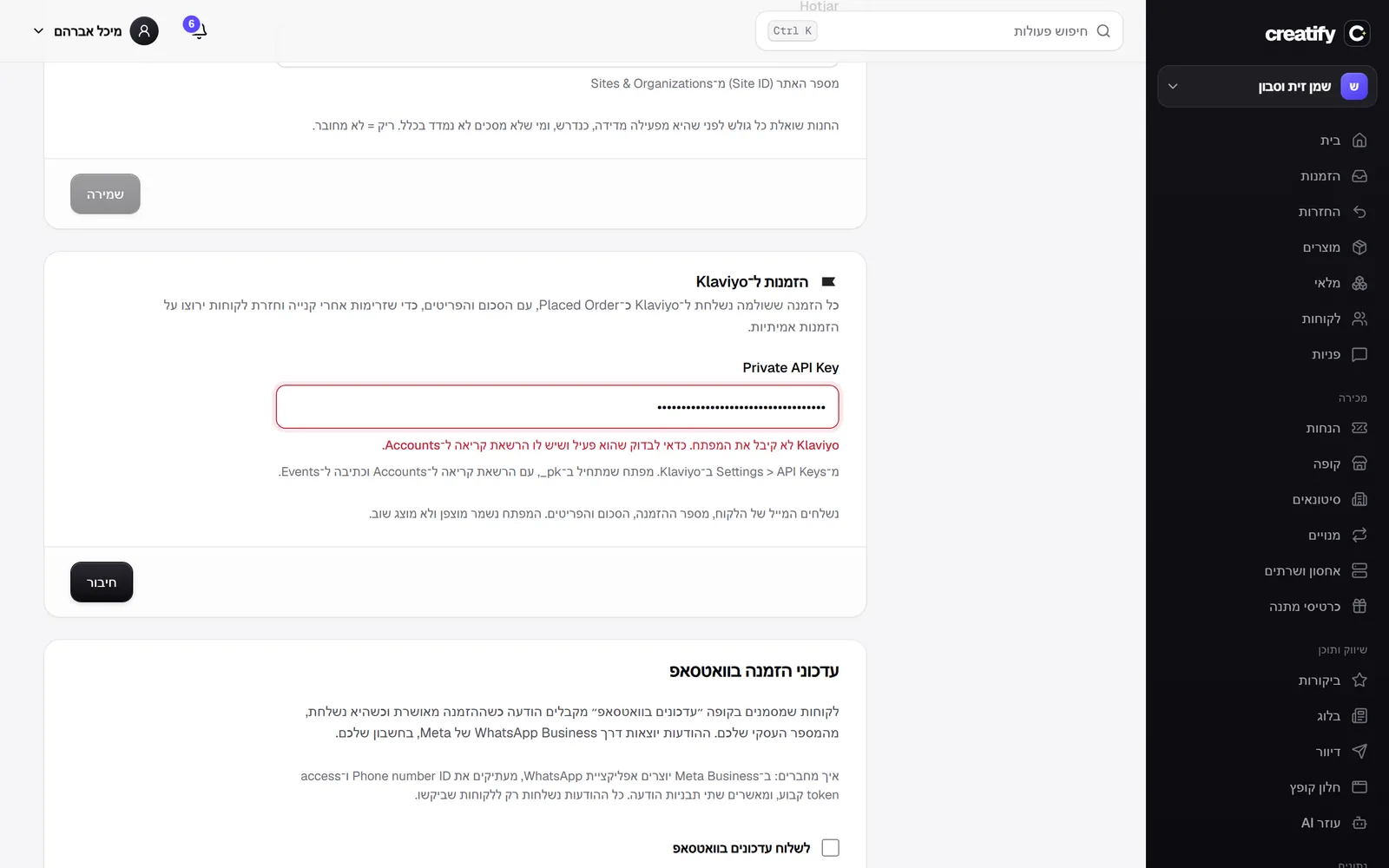 Orders to Klaviyo from the server
Every paid order is now sent to Klaviyo as a Placed Order, straight from the server: the customer's email, the order number, the total, the items and the quantities. Post-purchase flows, review requests and win-back campaigns now run on real orders the server confirmed. You connect with a Private API Key, which is checked with Klaviyo before it is saved and stored encrypted. Sending goes through a queue with retries, and an order is never counted twice.
New
- Placed Order to Klaviyo for every paid order, from the server.
- The key is checked with Klaviyo before saving, and you see the status of the last send.
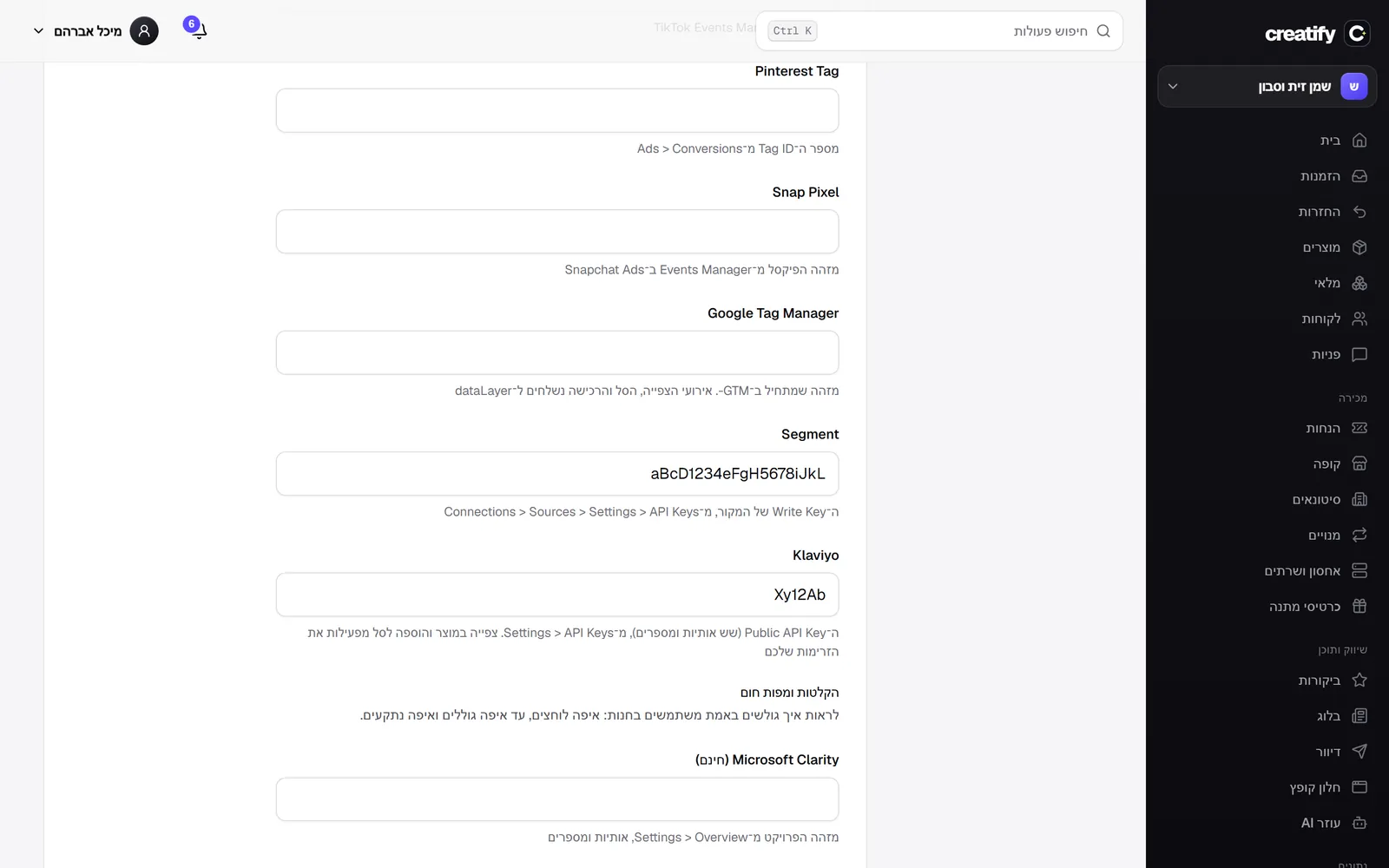 Segment and Klaviyo
Two new connections next to the pixels. Segment receives all store events in its standard format (page view, product view, add to cart and completed order), and from there they reach every tool connected to it. Klaviyo receives product views and add to cart, which triggers the viewed product and abandoned cart flows, and it also loads your signup forms. As with everything else, nothing loads before the visitor consents.
New
- Segment, with views, add to cart and orders in the standard format.
- Klaviyo, with product views and add to cart for the automated flows.
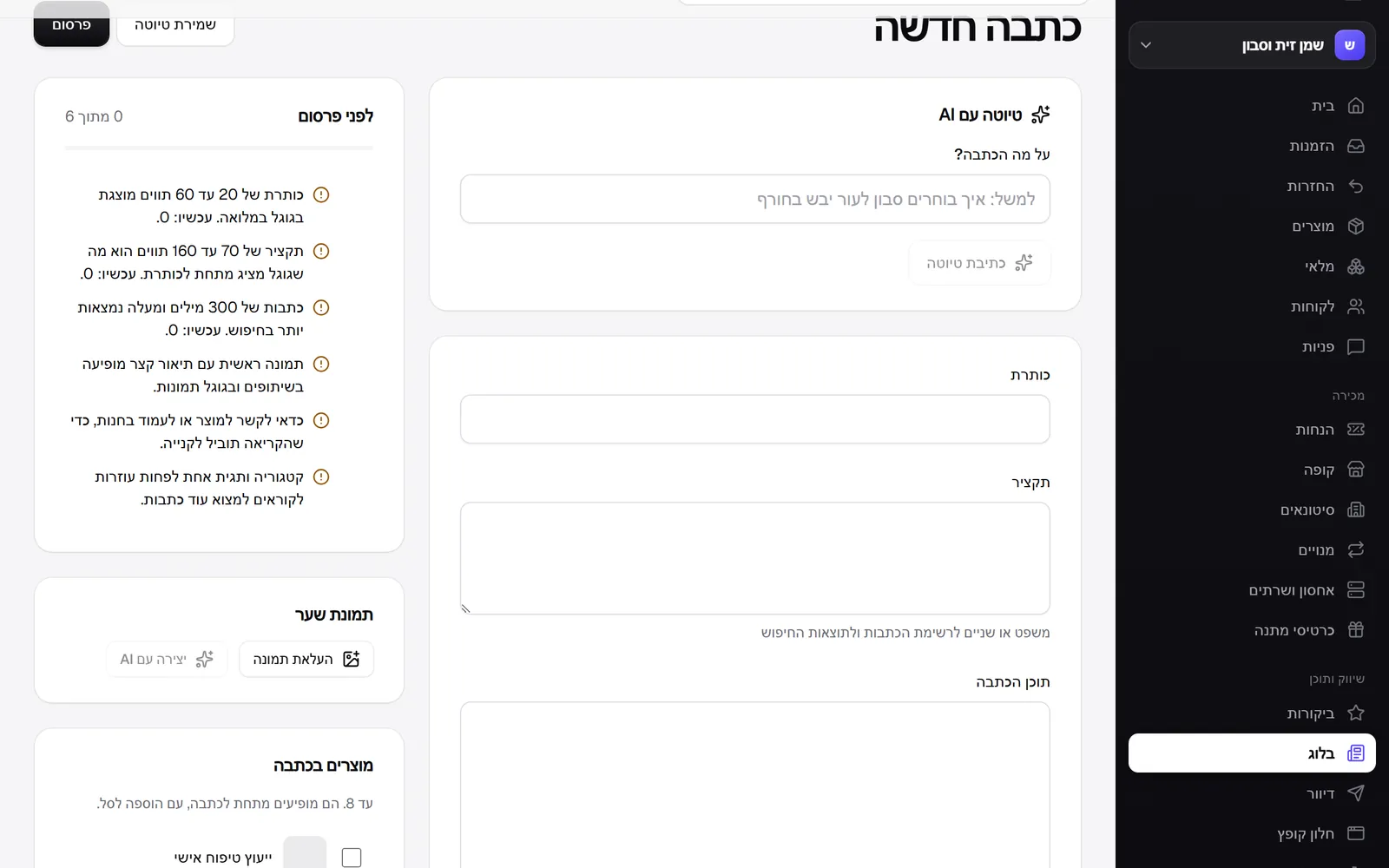 A check before you publish a blog post
The blog editor now has a short list of what the post still needs so people find it and read it to the end: the length of the title and excerpt as Google shows them, the word count, subheadings, paragraphs too long for a phone, images without a description, a link to a product, a category and tags. Each line says exactly what to change, with the real number, whatever needs fixing comes first, and the list updates as you write. Checks that have nothing to run on yet, such as paragraphs in an empty post, are not shown at all.
New
- An SEO and readability check for every post, as you write.
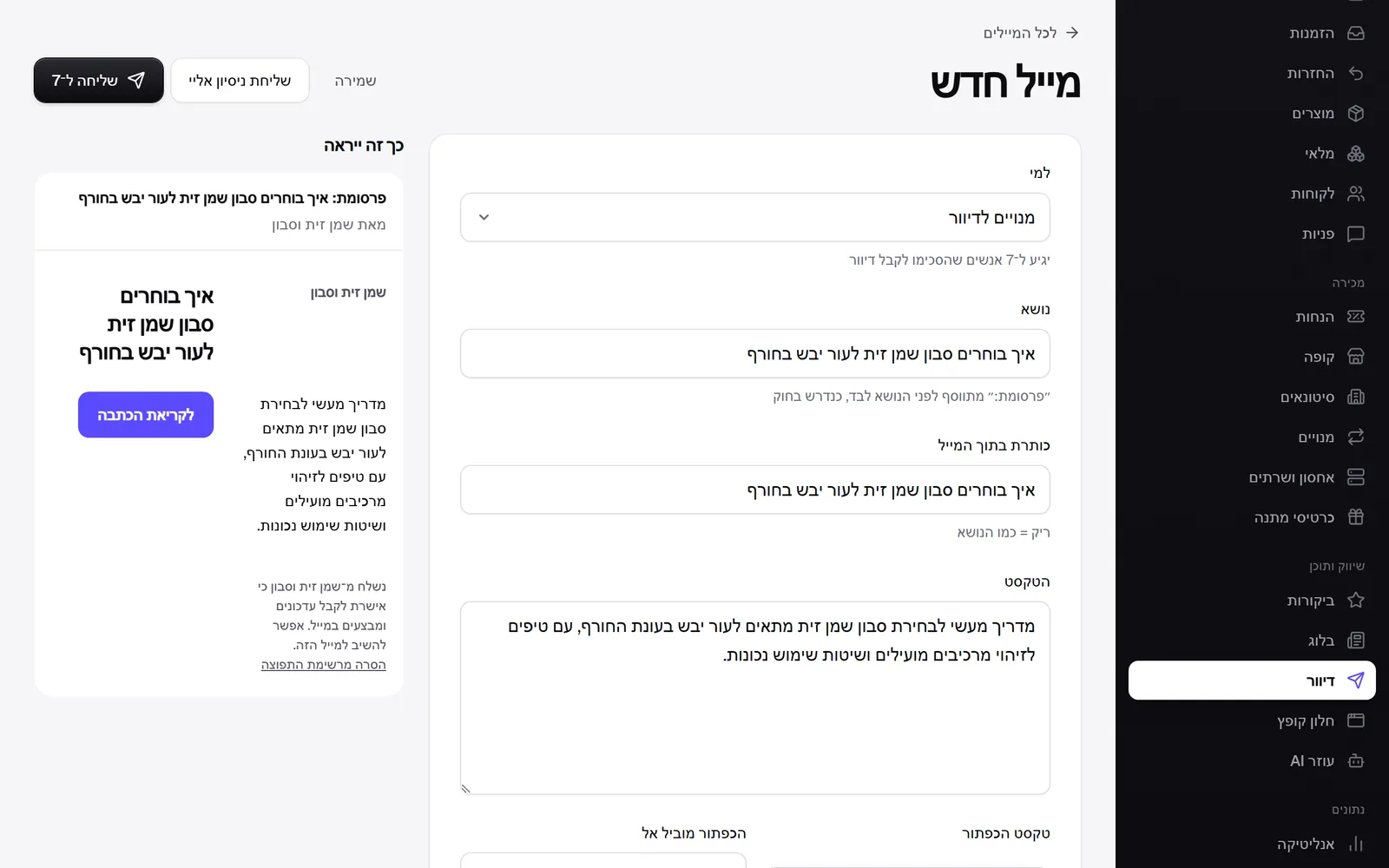 From the blog straight to email
You can send a published post to your customers in one click from the editor. A new email opens already filled in: the title as the subject and the heading, the opening of the post as the text, and a 'Read the post' button that leads to it. You see how the email will look and how many people it will reach, send a test to yourself, and only then send it. Like every campaign, it goes only to people who agreed to receive it and is marked as an advertisement, as the law requires.
New
- Send a post to your customers by email, straight from the blog editor.
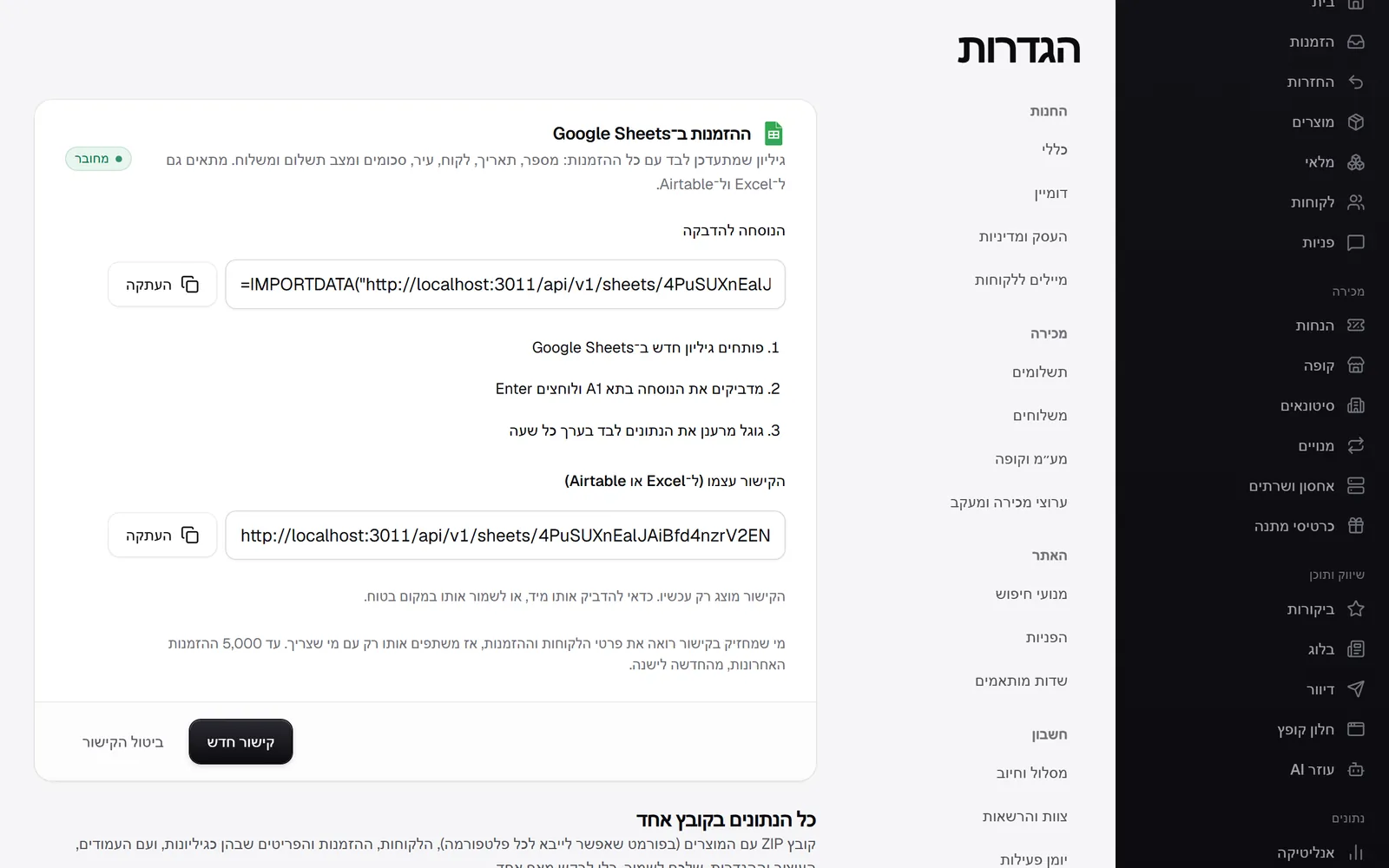 Your orders in Google Sheets
An orders sheet that updates on its own, with no exports and no copying. You create a link in settings, paste one formula into cell A1 in Google Sheets, and Google pulls the orders and refreshes them itself: number, date, customer, city, totals, and payment and shipping status, newest first. The same link works in Excel and Airtable too. Cells that look like a formula are neutralised, so no customer can run code in your sheet.
New
- A live orders sheet for Google Sheets, Excel and Airtable.
- Google Sheets in the apps list, with its connection status.
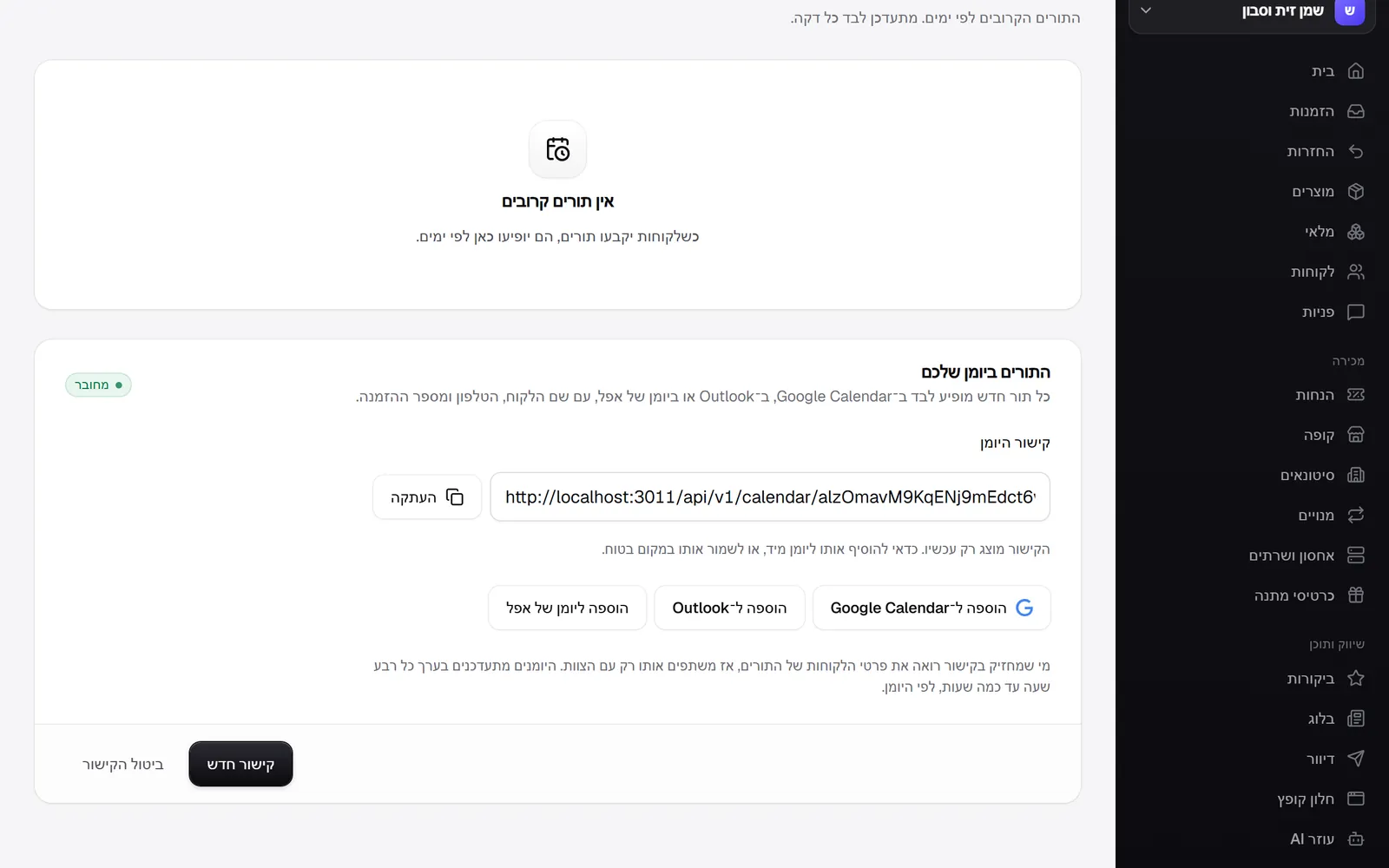 Bookings in your calendar
The bookings calendar now connects to Google Calendar, Outlook and Apple Calendar. You create a link on the bookings page, click the calendar you want, and from then on every new appointment appears on its own, with the customer's name, phone and order number, and an appointment that is not yet paid is marked as tentative. The link is secret and shown once, we store it only as an encrypted hash, and a new link cancels the previous one.
New
- A calendar link for bookings, with one-click adding to Google Calendar, Outlook and Apple.
- Revoke the link, or create a new one that cancels the previous one.
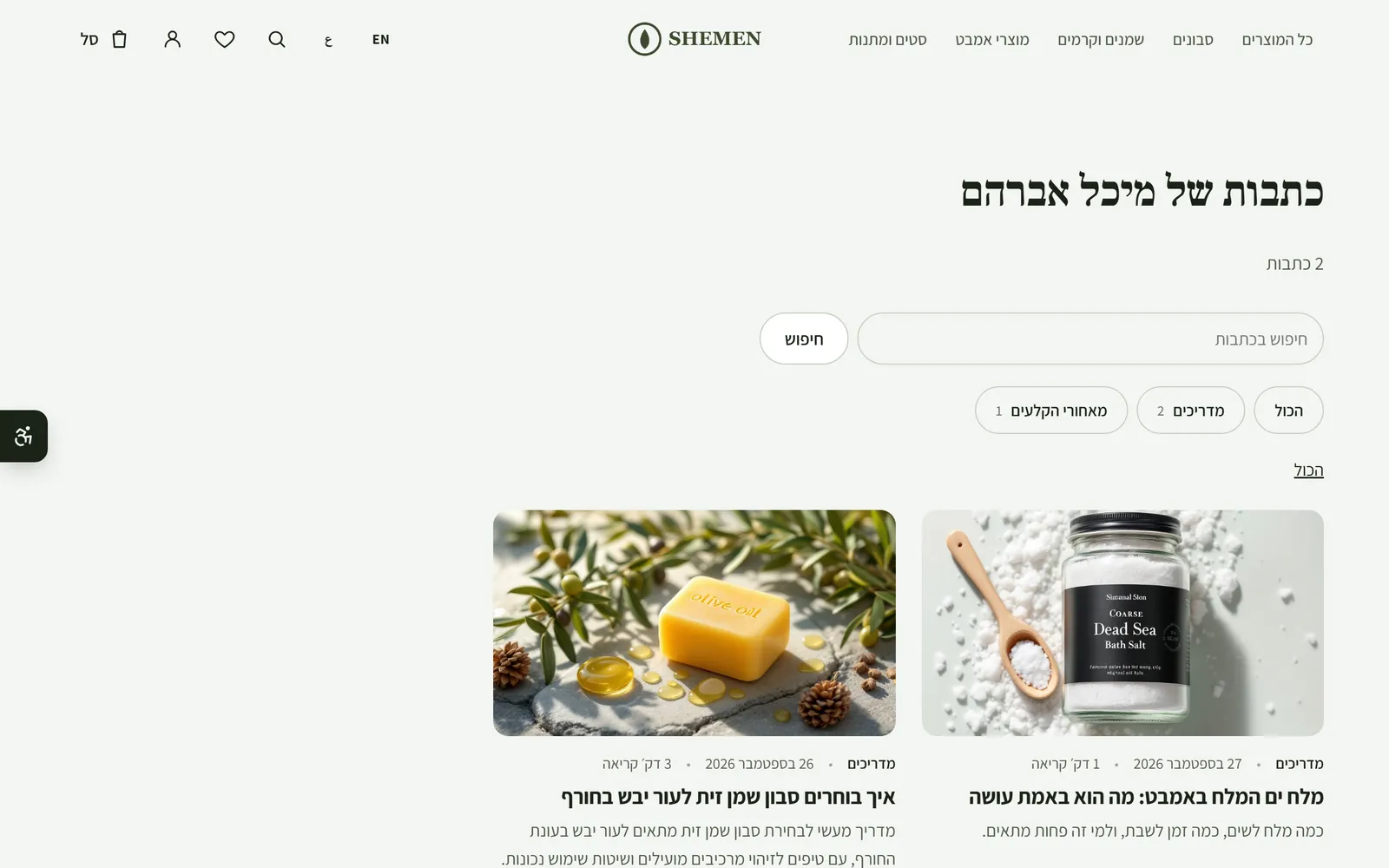 A page for every blog author
The author's name on every post is now a link to all their posts, on a page of its own with the heading 'Posts by' and the number of posts. Drafts and scheduled posts do not appear, and one link takes you back to the whole blog. These pages are a filter, not a new page, so they are not sent to Google for indexing.
New
- A page for every author, with all their posts.
Improved
- The author's name on a post leads to their page.
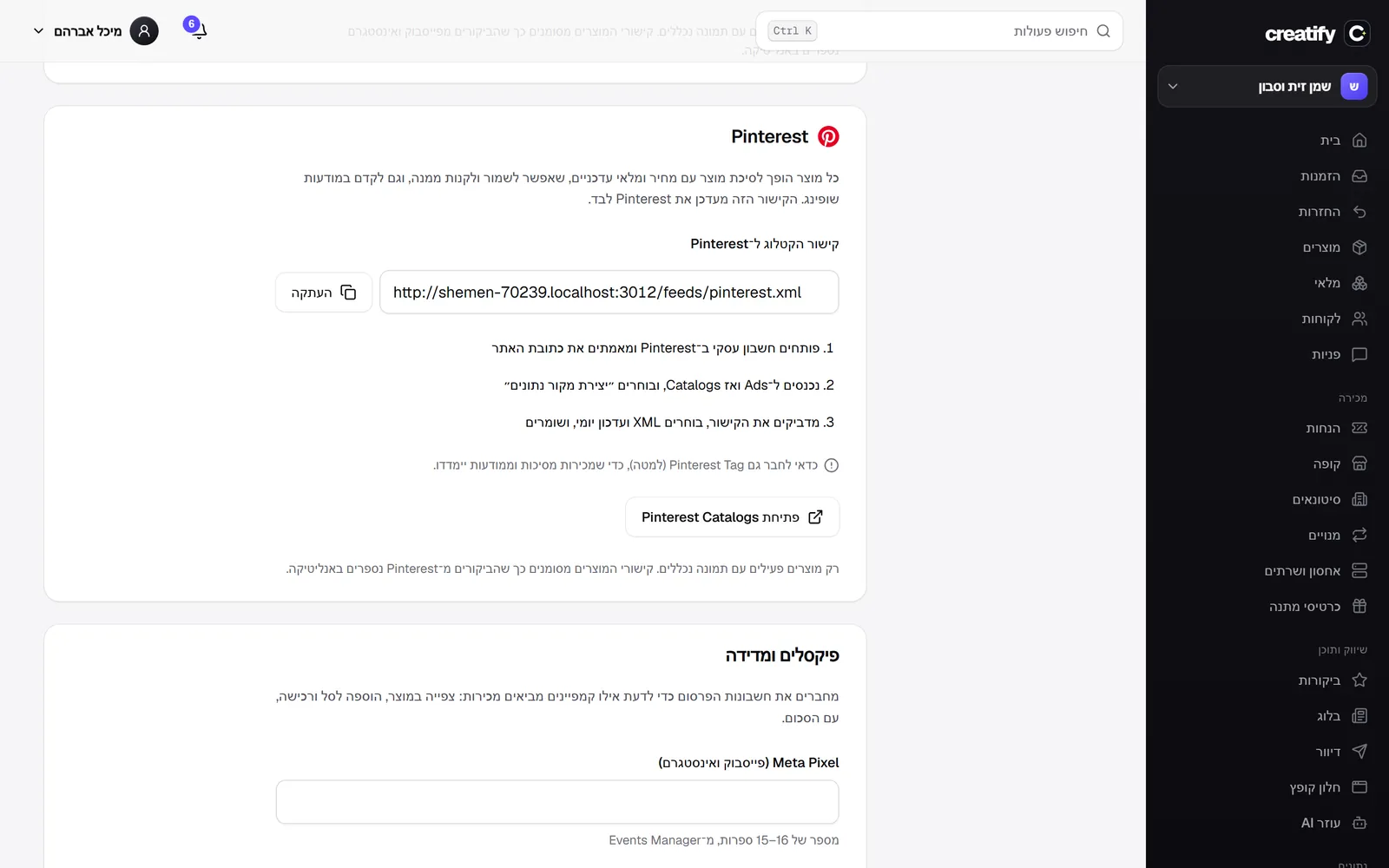 A product catalogue for Pinterest
Every product in your store can become a product Pin on Pinterest, with price and stock that update on their own, that people can save, buy from, and that you can promote in shopping ads. You paste the catalogue link into Pinterest Catalogs once. Visits from Pinterest are tagged so they show up in analytics, and the store reminds you to connect the Pinterest Tag too, so sales are measured.
New
- A product catalogue for Pinterest, for product Pins and shopping ads.
Improved
- What's new page: the latest update shown large with a screenshot, a strip of images from earlier updates, an image for every version, click to enlarge, and sharing for every version.
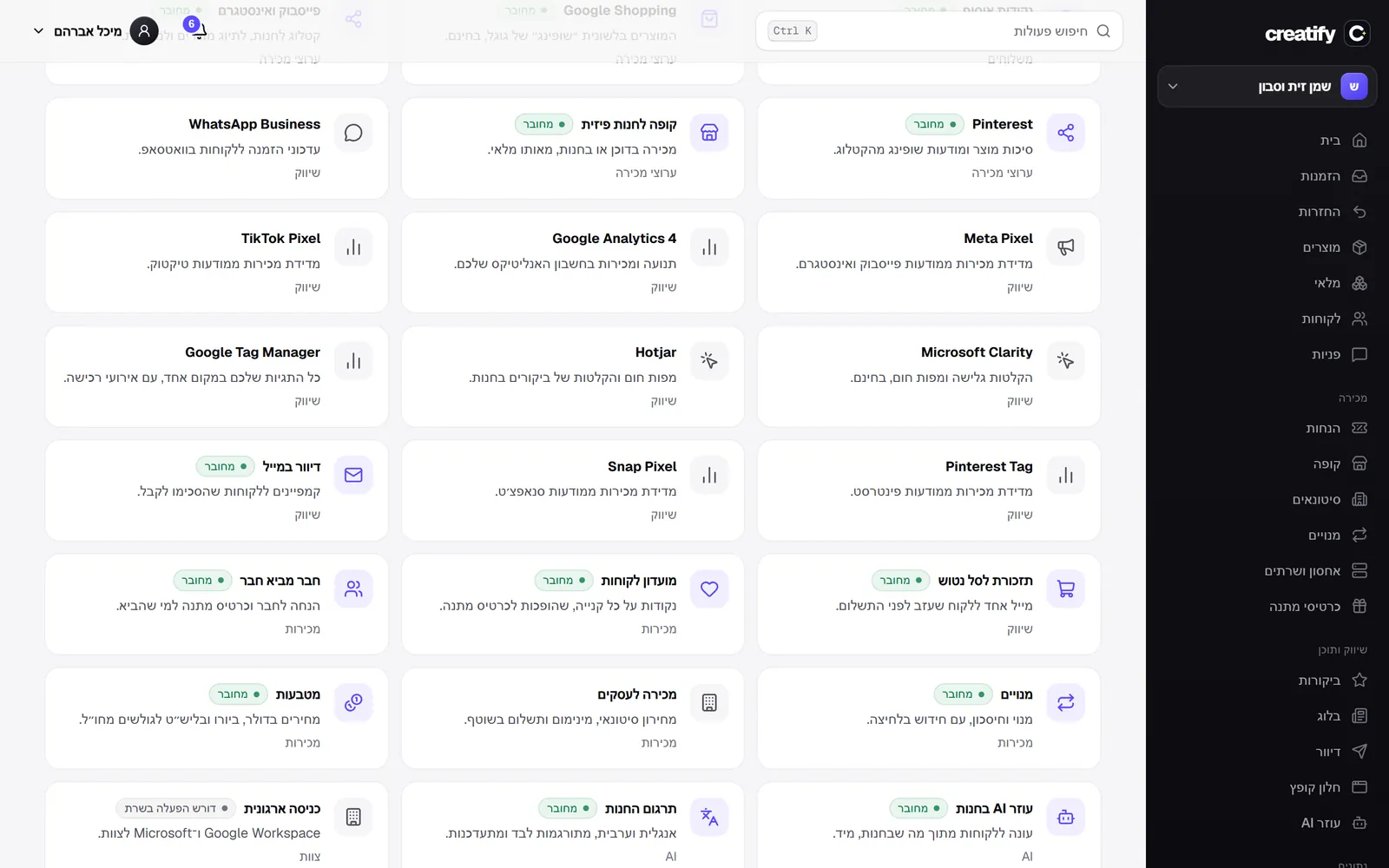 Google Tag Manager, Pinterest and Snapchat
Three new measurement connections next to the existing pixels: Google Tag Manager, Pinterest Tag and Snap Pixel. Each one receives the page view, the product view, the add to cart and the purchase with its total, and in Tag Manager the events go into the dataLayer in the standard Google Analytics 4 format, so you can build any tag on them. As with everything else, nothing loads before the visitor consents.
New
- Google Tag Manager, with view, cart and purchase events in the dataLayer.
- Pinterest Tag and Snap Pixel, to measure sales from your ads.
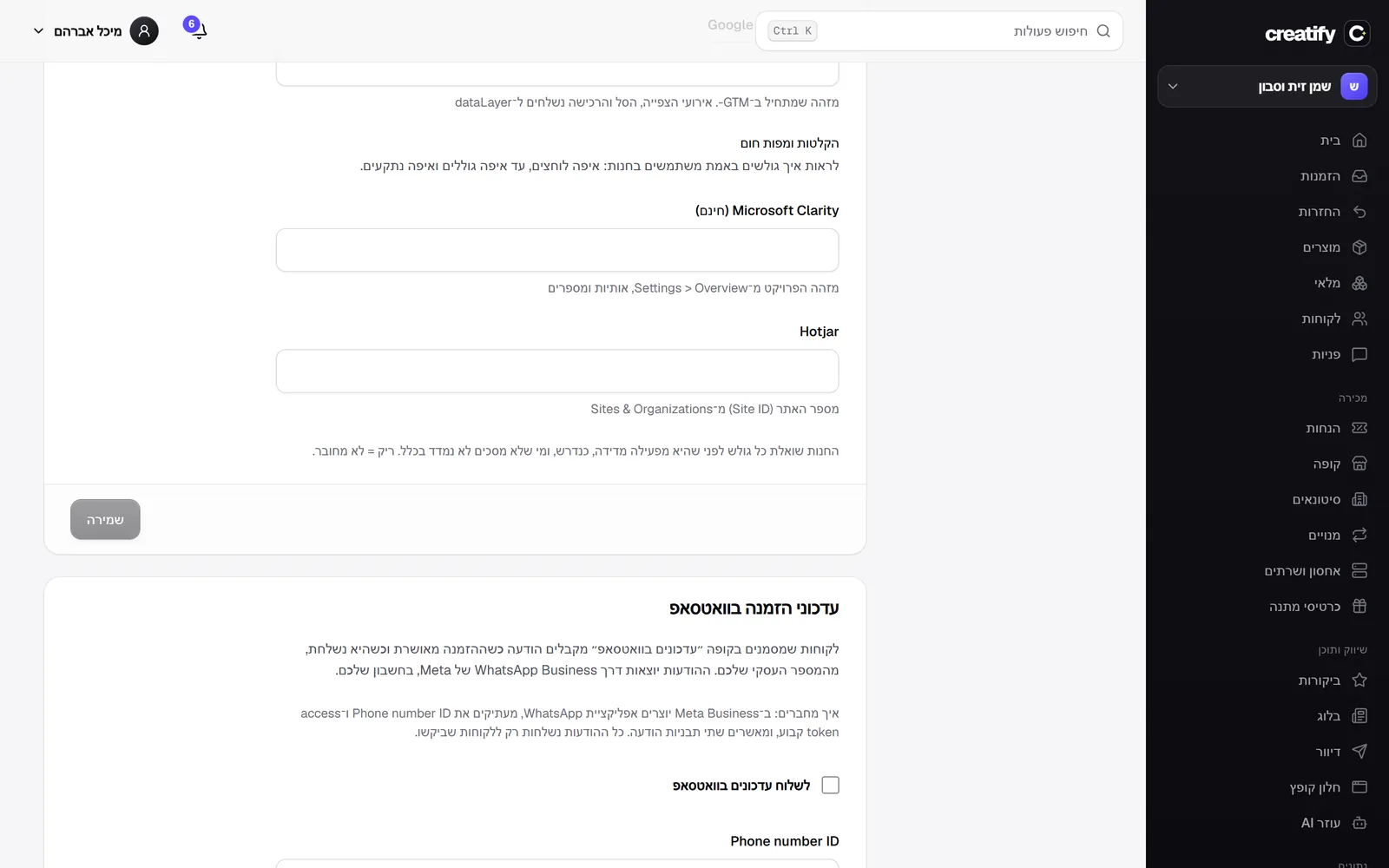 Session recordings and heatmaps
You can connect Microsoft Clarity (free) or Hotjar and see how visitors really use your store: where they click, how far they scroll and where they get stuck. You paste the ID in settings, next to the advertising pixels. Like the pixels, nothing loads before the visitor consents, and the consent notice now says explicitly that site usage is measured too. Also, the cards for the pixels, the Google and Meta catalogues and WhatsApp on the apps page now open the right page in settings.
New
- Connect Microsoft Clarity and Hotjar, loaded only after the visitor consents.
Fixed
- The pixel, catalogue and WhatsApp cards on the apps page led to a settings page without the form.
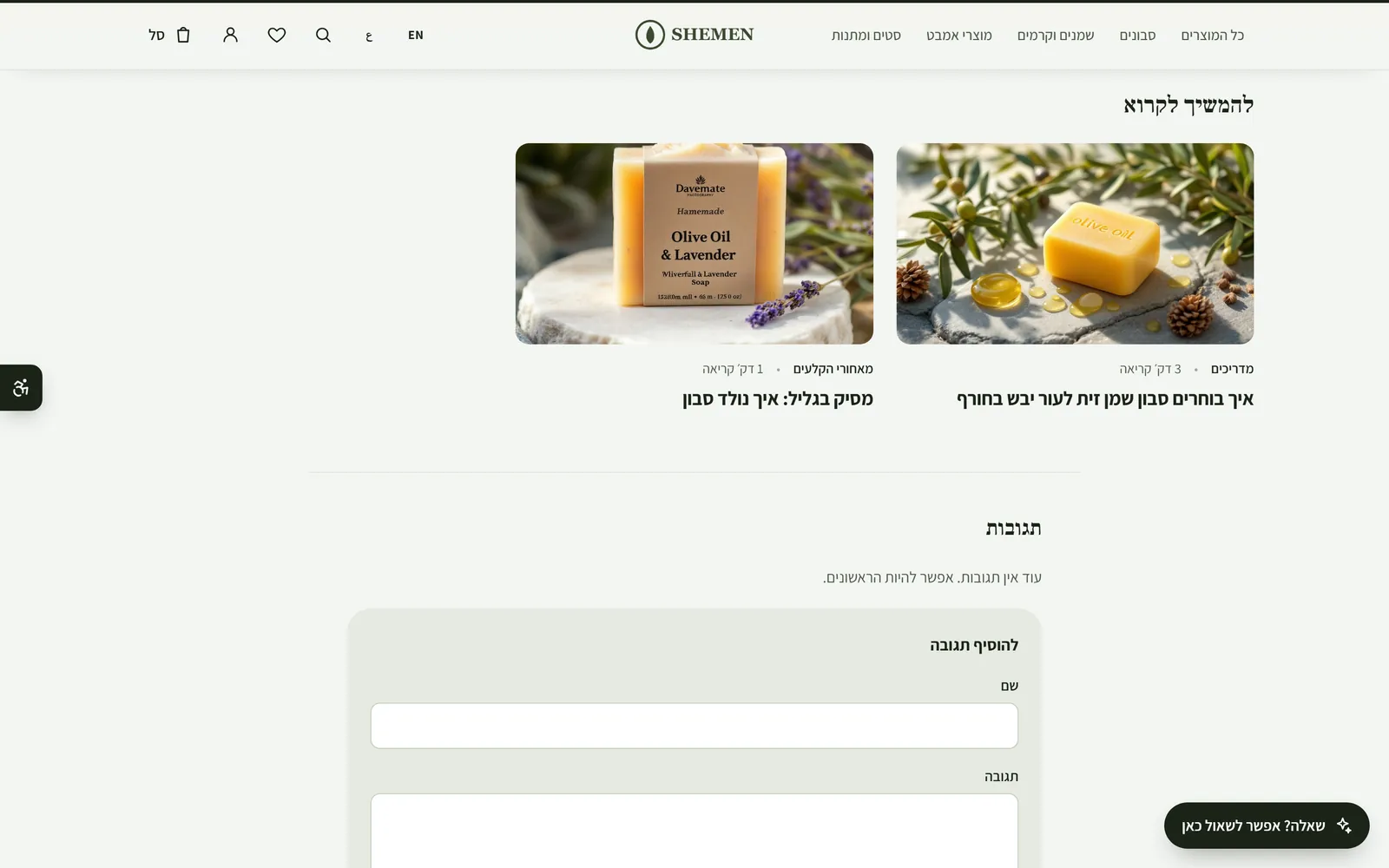 Keep reading
At the end of every blog post there are now up to three more posts to read. First the ones that share the most tags and the same category with it, then the newest, so readers never hit a dead end. Drafts and scheduled posts are not suggested. Also, the comments area on phones got margins and no longer sticks to the edge of the screen.
New
- Keep reading: up to three related posts at the end of every post.
Fixed
- The blog comments area stuck to the edge of the screen on phones.
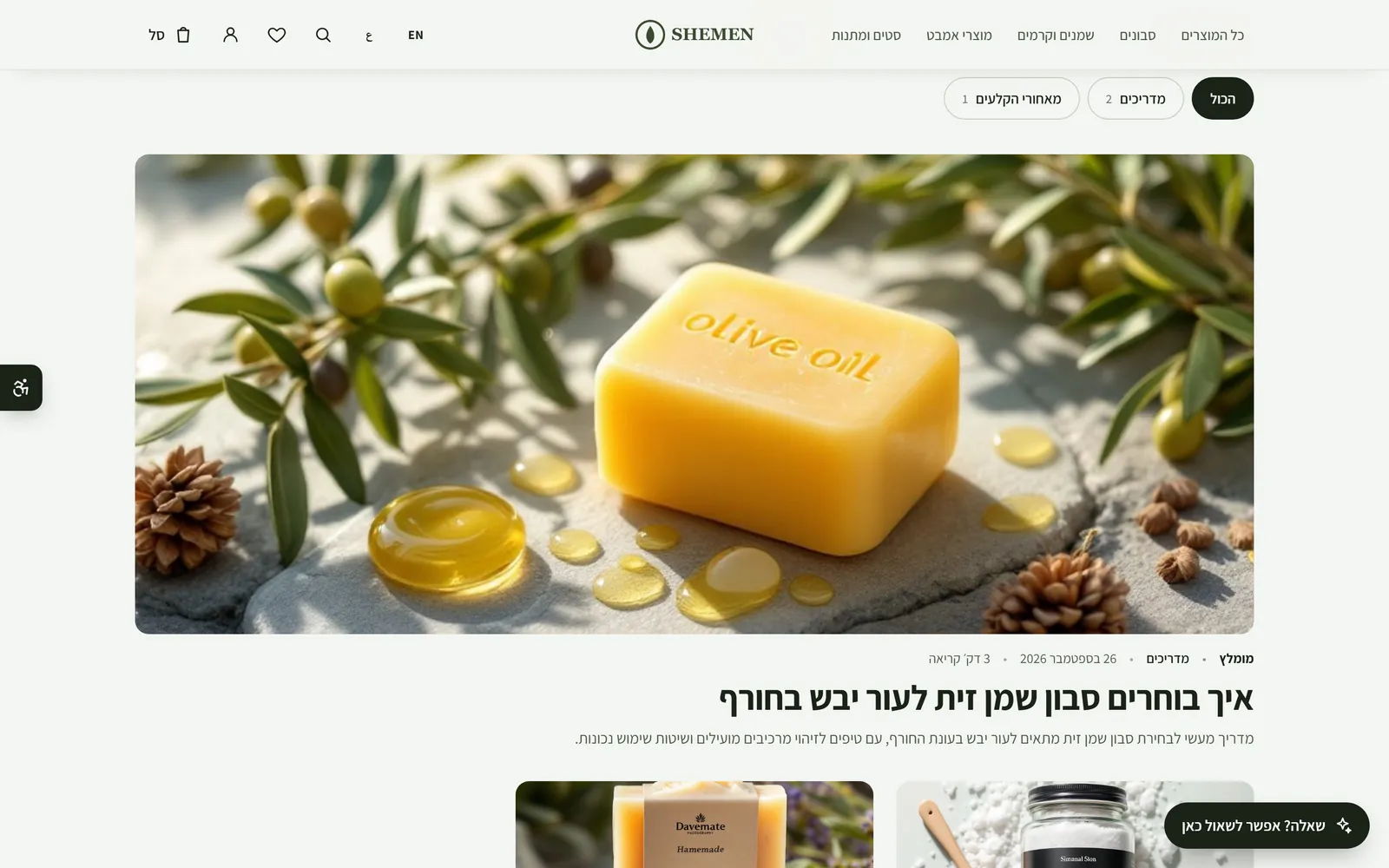 A pinned post on the blog
You can pin a post to the top of the blog with one checkbox in the editor. The pinned post appears first with a Featured label, even when there are newer posts, and all the rest stay in order of publish date.
New
- Pin a post to the top of the blog, with a Featured label in the store.
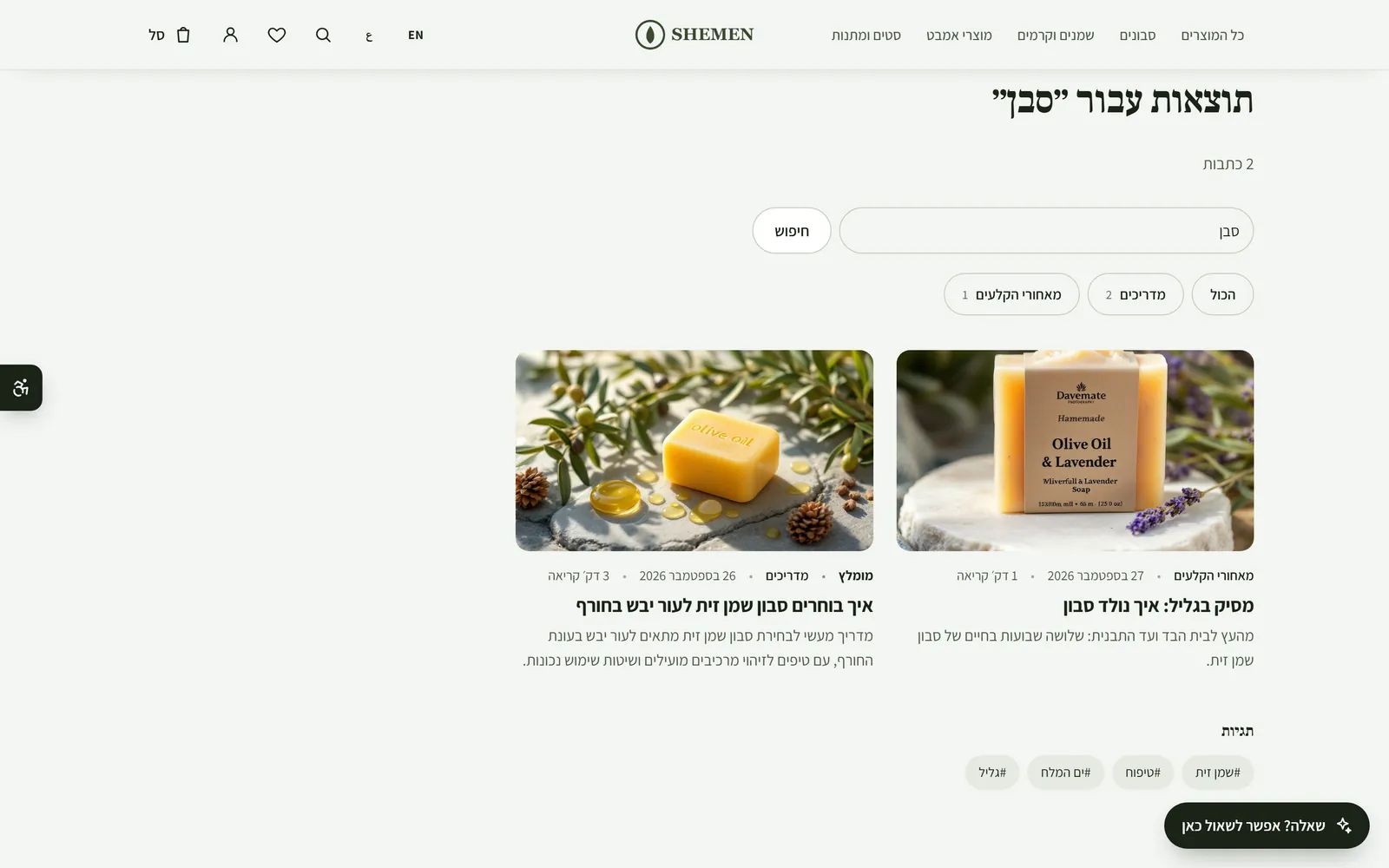 Blog search
The blog now has search, with the same understanding of Hebrew as the store search: spellings with or without the extra vowel letters, vowel marks, final letter forms and letters that sound the same. Search covers the title, the excerpt, the category, the tags and the body of the post, and a post with the word in its title comes first. Drafts and scheduled posts do not appear in the results. Also, the order of results in product search no longer depends on the server's language settings.
New
- Blog search, across titles, excerpts, tags and the body of posts.
Improved
- A post or product with the word in its title comes first.
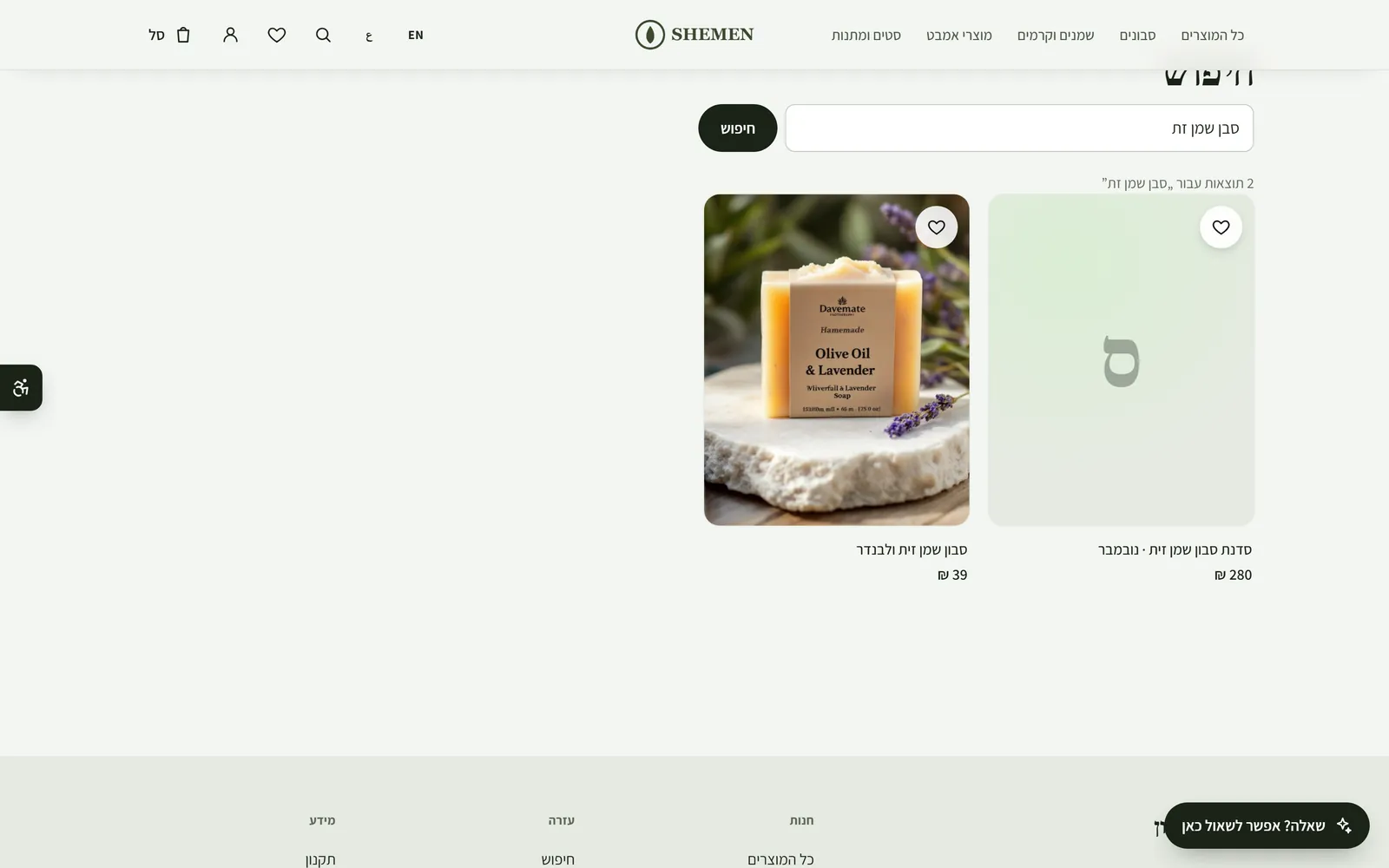 Search that understands what shoppers meant to type
Site search now finds the product even when the customer spells it differently from how it is written in your store. Hebrew spellings with or without the extra vowel letters (shampoo or soap written with or without the vav), final letter forms, vowel marks, and letters that sound the same (tet and tav, kaf, kuf and chet, samekh and shin, alef and ayin) no longer get in the way, and neither does a small typo in English (serun instead of serum). Each word in the search only has to appear somewhere in the name, the short description, the brand, the category or the tags, and results are ordered by how close they are to what was typed. A search of two letters or of a word that does not exist still does not return everything.
New
- Search that forgives Hebrew spelling variants, vowel marks and final letter forms.
- Letters that sound the same are matched: tet/tav, kaf/kuf/chet, samekh/shin, alef/ayin.
- Small typos are corrected, in any language.
Improved
- Results are ordered by how close they are to the search.
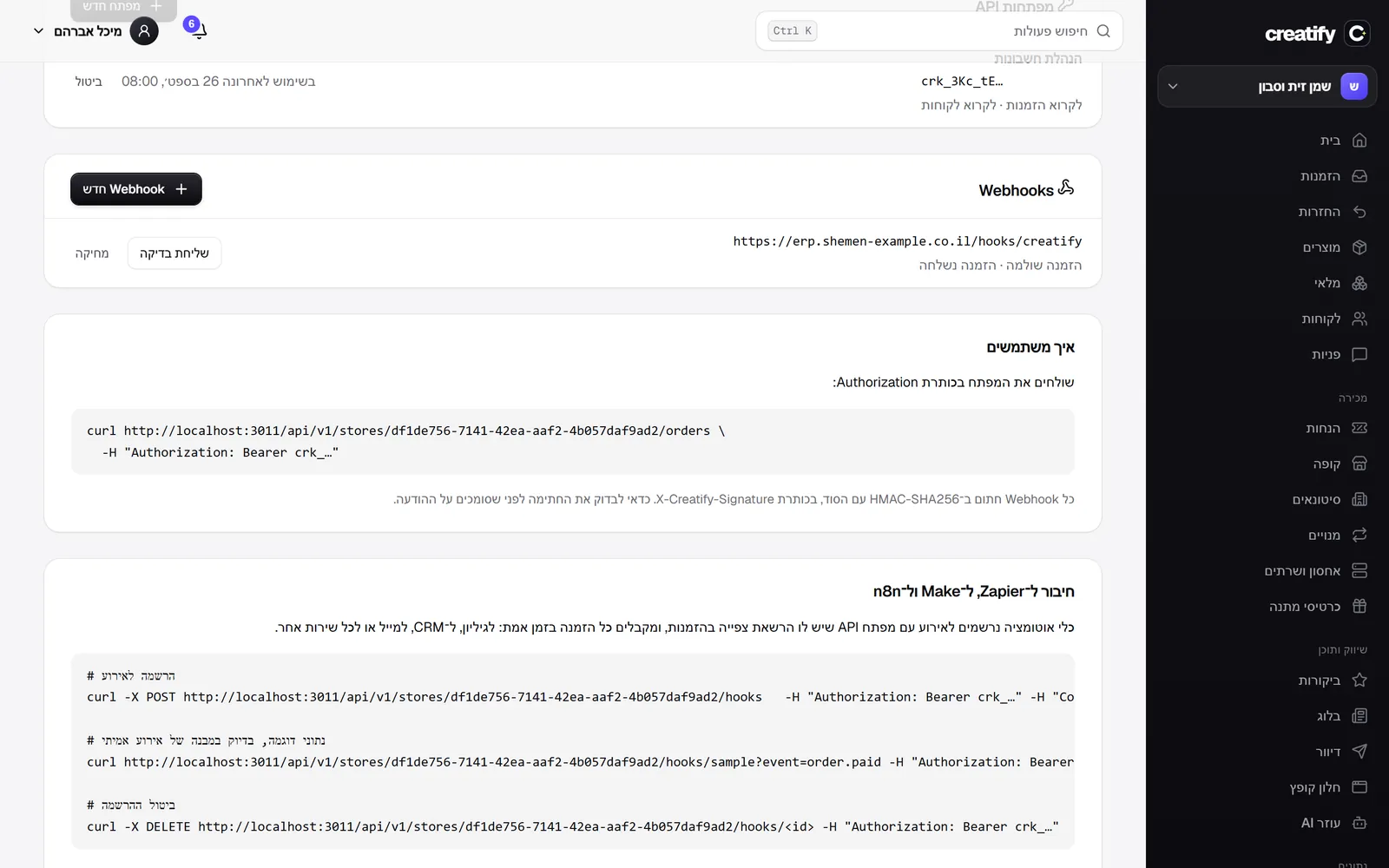 Connect Make, n8n and other automation tools
Automation tools can now connect to your store on their own: with an API key that has permission to view orders, the tool subscribes to an event (order paid, shipped or cancelled), receives sample data in the exact format of a real event so you can build the automation, and unsubscribes when you turn it off. Every order is sent in real time to the tool's URL, signed and with retries, and from there to a spreadsheet, a CRM or any other service. The developers page has a short new guide with the commands.
New
- Subscribe to order events with an API key, the way Zapier, Make and n8n work.
- Sample data in the format of a real event, for building the automation.
- A connection guide on the developers page.
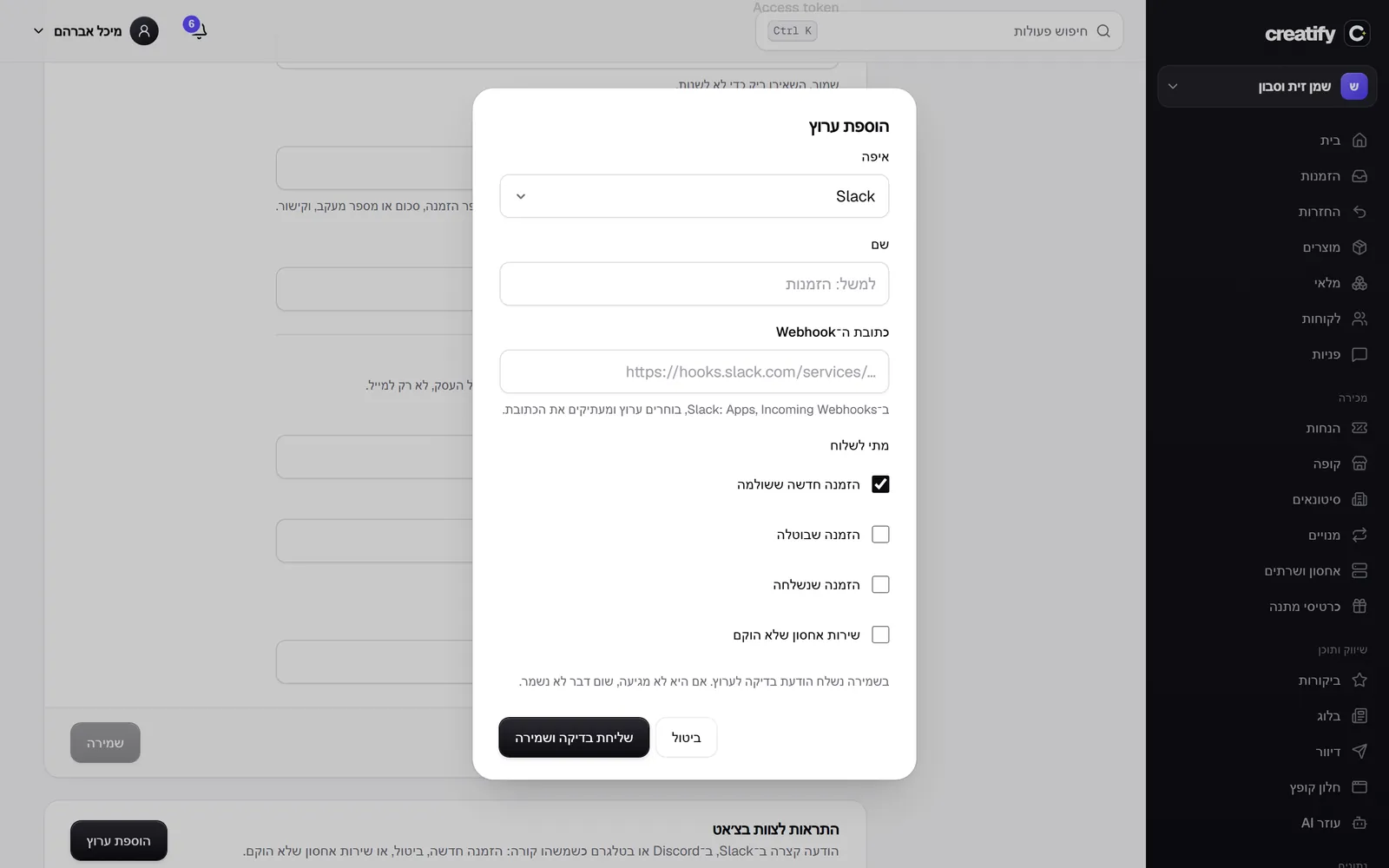 Team alerts in Slack, Discord and Telegram
Your team gets a short message in the chat it already works in when something happens in the store: a new paid order, a cancellation, an order shipped, or a hosting service that failed to set up. The message says what happened, the order number, the total and the customer's name, with a link straight to the order in the admin. You connect a channel in settings, under sales channels and tracking: a Slack or Discord webhook URL, or a Telegram bot. On save a test message is sent, and if it does not arrive nothing is saved. The URL and the token are stored encrypted, and only the addresses of those three services themselves are accepted. Messages go out through a queue with retries, so a slow chat never holds up a payment.
New
- Alerts in Slack, Discord and Telegram for orders, cancellations, shipments and hosting services that failed to set up.
- A test message on save, and the channel is saved only if it arrived.
Improved
- A message with the order number, the total, the customer and a link to the order in the admin.
- Change hosting plan without paying twice
Change hosting plan without paying twice
A customer with active hosting can change plan on their own from the customer account: they see the other plans on the same server type, what each one costs, and how many extra days they will get. They pay the price of the new plan for a period that starts today, and the time left on the previous plan becomes extra days on the new one, so no one pays twice for the same time. After payment the package changes on the server on its own. We also fixed a bug found in testing: a renewal paid from the link in the email opened a new service instead of extending the existing one. No store has turned hosting on yet, so no customer was affected.
New
- Change plan from the customer account, with the extra days and the new renewal date shown before payment.
- The time left on the previous plan becomes extra days, rounded to the nearest day.
- The package changes on the server automatically after payment.
Improved
- Only plans that can be bought right now are shown.
Fixed
- A renewal paid from the link in the email extends the existing service instead of opening a new one.
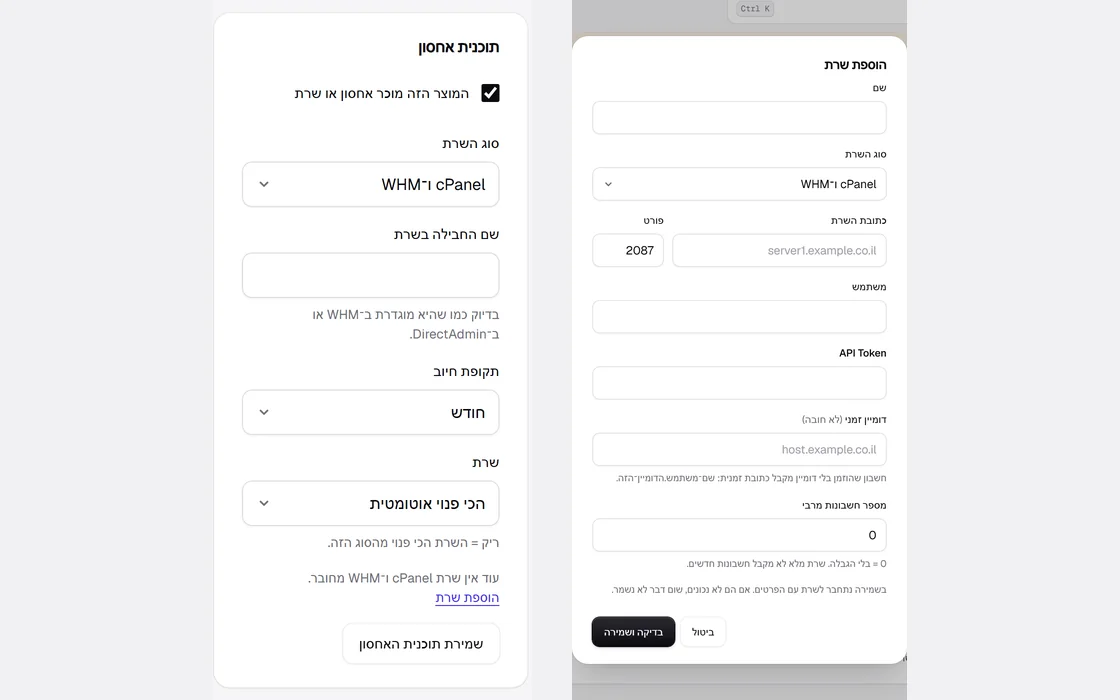 Sell hosting and servers, fully automated
Kreaza now sells hosting and servers the way a hosting company does: you connect a cPanel and WHM, DirectAdmin or SolusVM 2 server, mark a product as a hosting plan, and every paid order sets up an account on the server on its own. The server credentials are stored encrypted and checked against the server before saving. If the server does not respond, setup is retried several times, and if it refuses, the service is flagged as having a problem, with the reason. Before every renewal the customer gets a ready checkout by email. An unpaid renewal suspends the account on the server after the grace days you set, payment brings it back at once, and after a period you set the account is removed from the server. The customer account shows their services, with one-click sign-in to the control panel and no extra password.
New
- A hosting and servers screen: the services, their status, the next renewal and the servers.
- Connect cPanel and WHM, DirectAdmin and SolusVM 2, with the credentials checked before saving.
- A hosting plan on a product: server type, package, billing period and server, or the least loaded server.
- Automatic setup after payment, with retries and an email when the service is ready.
- Renewal through a ready checkout, suspension for unpaid renewals, reactivation on payment and removal after a set period.
- My services in the customer account, with one-click sign-in to the control panel.
 A blog people read to the end
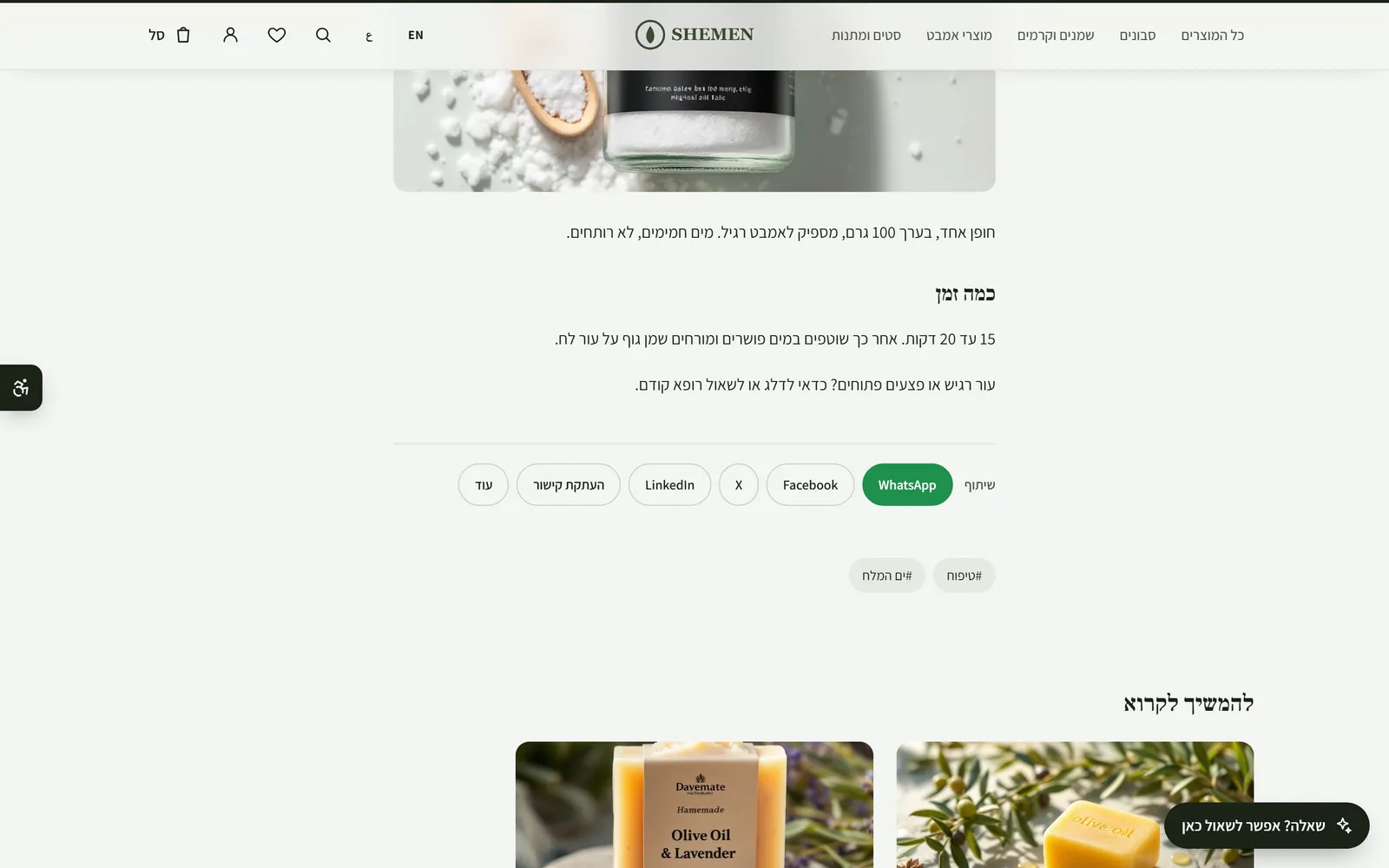
Blog posts now have reading and sharing tools. A post with three or more parts gets a table of contents at the top, with a link to each part. A thin bar at the top of the page shows how much has been read. At the end of the post readers can share on WhatsApp, Facebook, X and LinkedIn, copy the link, or open the phone's share sheet. For every post you can write its own title and description for Google, with a character count, and schedule it: a scheduled post does not appear on the blog, on its own page or in comments until its time, and in the admin's post list it is marked as scheduled.
New
- Post scheduling: pick a date and time, and the post goes live on its own.
- A title and description for Google on every post, with a character count.
- An automatic table of contents for posts with three or more parts.
- Sharing on WhatsApp, Facebook, X and LinkedIn, and copy link.
- A reading progress bar at the top of the page.
Improved
- In the admin's post list, a scheduled post is marked as scheduled.
 Designs that breathe: subtle motion and a quiet trust bar
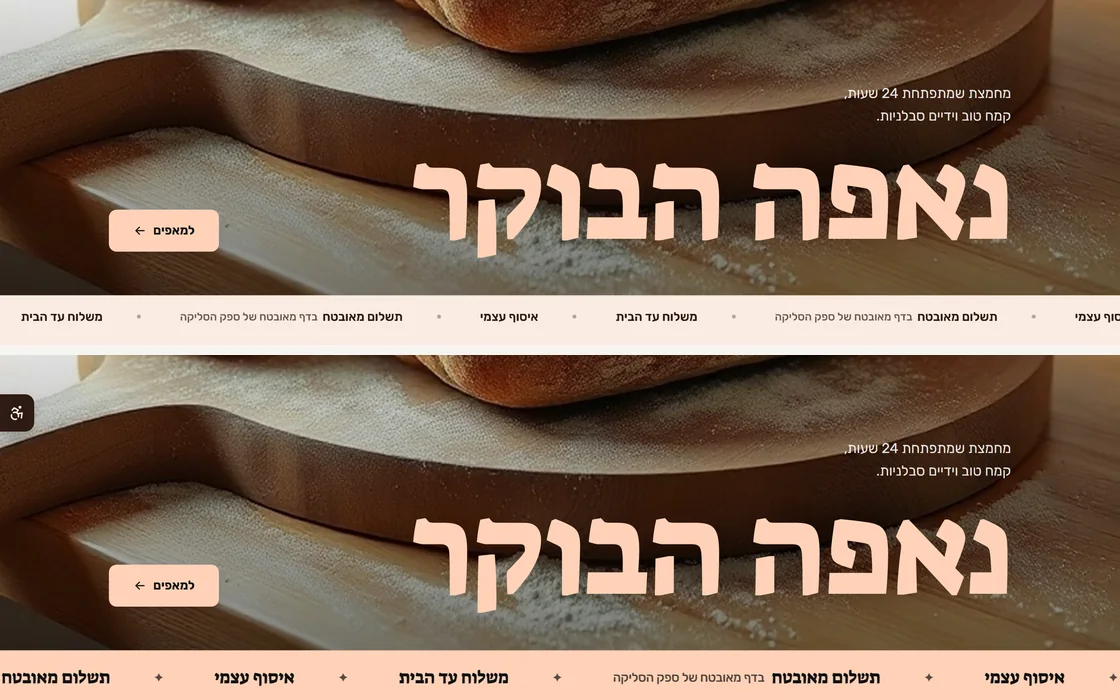
All 51 designs now ship with subtle motion: as you scroll, the product and category cards come in one after another at a short interval, and the page feels alive without getting heavy. Anyone who asked their device for less motion, or turned on pause mode with the accessibility button, sees everything static. The trust bar under the hero image stays bold only in the bold designs; in the rest it is a calm bar in the store's colours, so 25 designs no longer share the same bar. The small line at the top of the hero image now sits under a thin rule, like a magazine subheading, and a product with no image gets a designed tile in the store's colours instead of an empty box. The What's new page was redesigned: search, filtering by type of change, navigation by day and an RSS feed.
New
- Subtle motion in all 51 designs: cards come in one after another as you scroll.
- What's new page: search, filtering by new, improved and fixed, navigation by day and an RSS feed.
Improved
- The trust bar is calm, in the store's colours, and bold only in the bold designs.
- The line at the top of the hero image sits under a thin rule, as in a magazine.
- A product with no image gets a designed tile in the store's colours.
- The promises row (shipping, pickup, secure payment) has no box: thin rules and space, as in a newspaper.
- In the editor: the names of hidden and selected sections are easier to read, with contrast that meets the standard.
 Drag on the page, Cardcom, Grow, iCredit and a free shipping meter
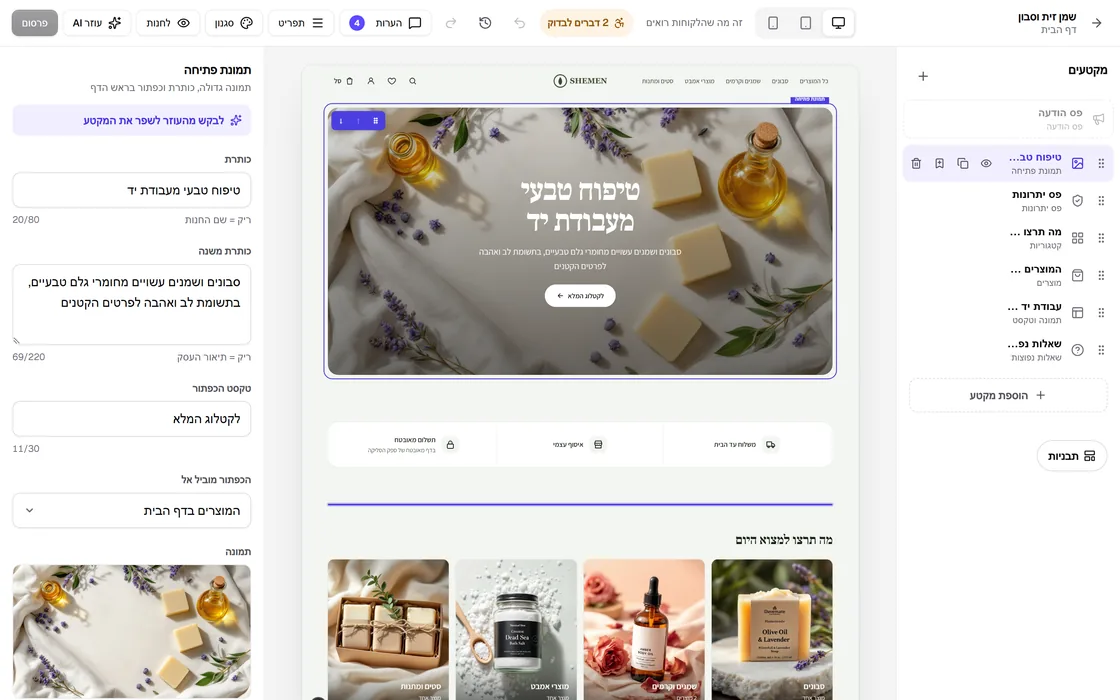
In the editor you can now drag a new section from the library straight to its place on the page, grab an existing section by its handle and drag it somewhere else, or move it with the arrows. A line shows where it will land, and everything can be undone. For advanced users there is now custom CSS, which the server checks so it cannot run code. You can crop product images to square, portrait or landscape, and the crop is saved alongside the original. Checkout now takes payments through Cardcom, Grow and iCredit on your business's own account, and the cart shows how much is missing for free shipping. When fulfilling an order you can choose HFD, Cheetah, YDM and Done, and you can schedule a product to go live on the site on a date you set.
New
- Drag sections on the page itself, with a landing line and automatic scrolling.
- Drag a new section from the library straight to its place on the page.
- Replace an image on the page by dragging a file from your computer straight onto it.
- A toolbar on the selected section on the page: drag, duplicate, delete and move with the arrows.
- Payments through Cardcom: credit card, installments, Bit, Apple Pay and Google Pay.
- Payments through Grow (Meshulam), with every payment confirmed with Grow before the order is marked as paid.
- Payments through iCredit by Rivhit, with every payment and amount verified with iCredit.
- A free shipping meter in the cart.
- Share the cart by link: whoever opens it gets the same items in their own cart.
- Crop product images to four shapes.
- Custom CSS in the editor, with a security check on the server.
- Schedule when a product goes live on the site.
Improved
- HFD, Cheetah, YDM and Done in the list of couriers.
Fixed
- Saving a product from the admin no longer deletes the schedule set for it.
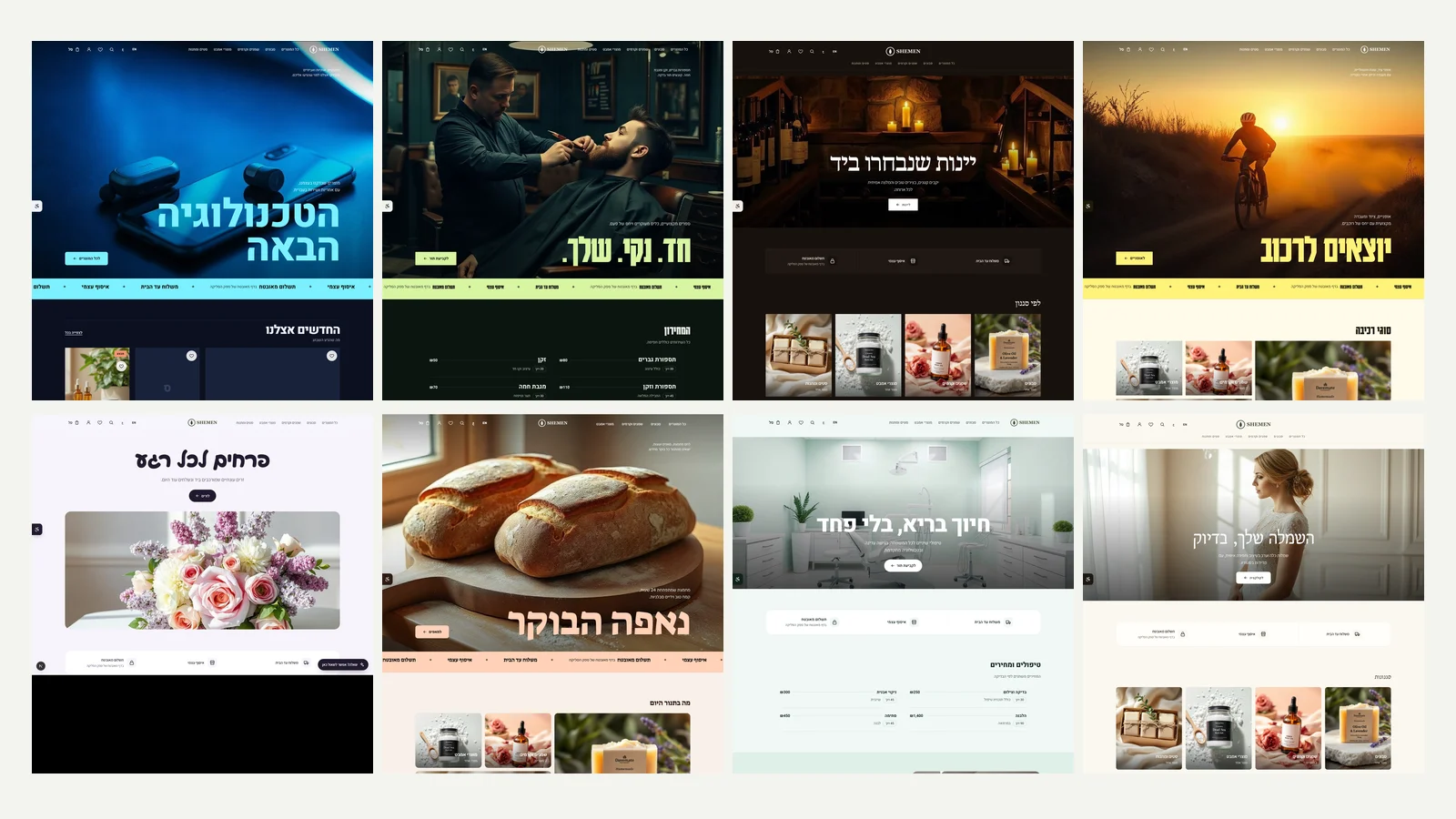 A design library of 51 sites
We added 31 new designs, so there are now 51 ready designs by industry: bakery, flower shop, wine, pets, books, gadgets, furniture, gallery, ceramics, candles, wedding dresses, barbershop, yoga, dental clinic, architecture, music, bicycles, outdoor gear, organic farm, tea, chocolate, vintage, streetwear, eyewear, perfume, leather goods, plants, travel, event production, tattoos and cleaning. Each has its own colours, fonts, page structure, images and copy, and service businesses get a built-in price list or enquiry form. There are eight new colour palettes: midnight, forest, espresso, terracotta, lilac, citrus, mint and ivory. AI setup recognises all the new industries and picks their design. The roadmap gained 500 tasks across ten new goals.
New
- 31 new designs by industry, 51 in total.
- Eight new colour palettes, three dark and five light.
- A price list for service businesses and an enquiry form for project businesses, inside the design.
Improved
- AI setup and the preview recognise all the new industries.
- AI logo marks moved to a model that draws one clean shape in the brand colour.
- Roadmap: 500 new tasks across ten goals.
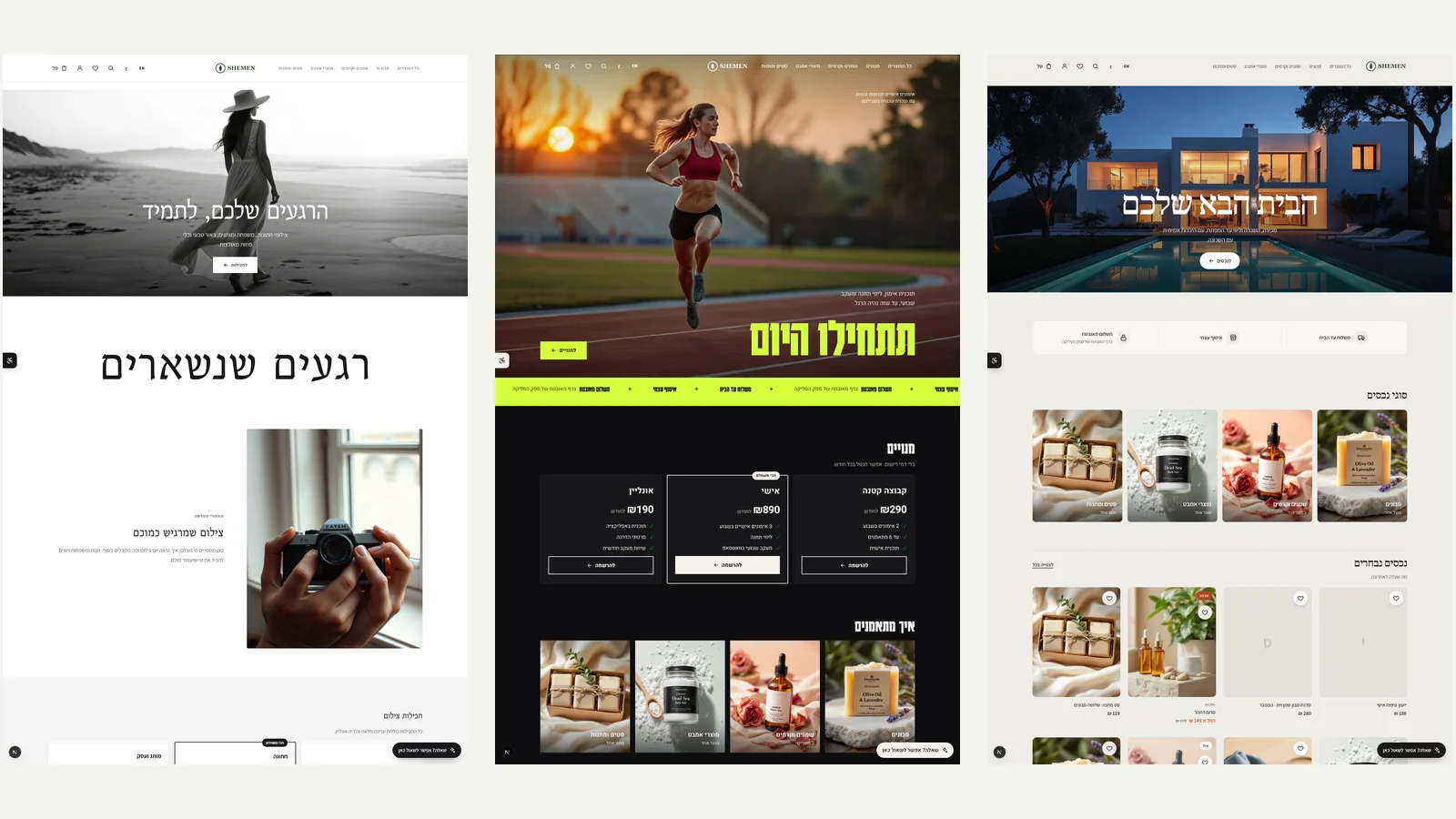 Photographers, fitness trainers and real estate agencies
Three new templates, each with a look of its own. Photographer and studio: black and white with plenty of air, with photo packages for family, wedding and brand. Fitness trainer: black with a strong lime green, a huge headline and monthly memberships with a recommended plan. Real estate and brokerage: architectural and quiet, with property types, featured properties and a form for buyers and sellers. AI setup recognises these industries and picks the template on its own. There are now 20 templates, each with a different combination of look, colours and fonts.
New
- A photographer and studio template with photo packages.
- A fitness trainer template with monthly memberships.
- A real estate and brokerage template with a form for buyers and sellers.
Improved
- New, simple pricing: three plans at a fixed monthly price, Basic ₪79, Growth ₪229 and Business ₪599, with no commission on sales. The difference between the plans is team size.
- Orders page: the 'To ship' and 'Awaiting payment' tabs show how many orders are waiting, and update every minute.
- Plan and billing screen: each plan shows what it would cost you per month based on your sales in the last 30 days, and the cheapest is marked.
- Settings: a grouped side menu (Store, Selling, Site, Account) where every part is visible, and on phones a single picker instead of a row of tabs that hid most of them.
Fixed
- AI logo marks: all six directions now draw a clean, isolated mark on a white background, instead of a full background illustration that looked like a poster.
- Email settings: the preview and the test send work for all 14 emails, and you can save the original wording of the payment, shipping and return emails without an error message.
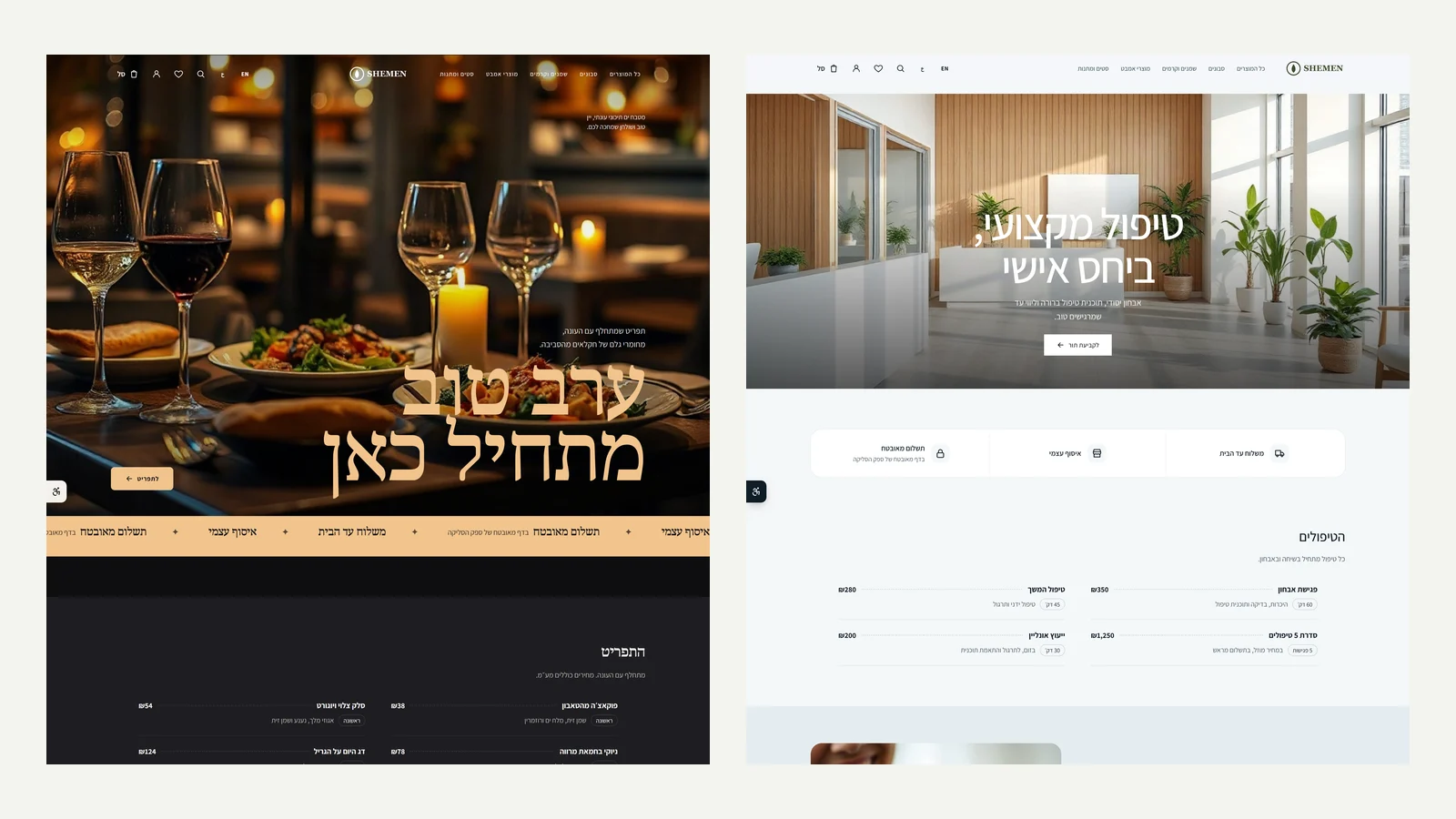 Templates for restaurants and clinics
Two new templates. Restaurant and bistro: dark and warm, a photo of a candlelit table, a huge headline and a menu of dishes with prices, split into starters, mains and desserts. Clinic and therapists: light and clean, a list of treatments with duration and price, a form for booking an appointment and questions about referrals and reimbursements. AI setup picks them on its own when the business is a restaurant, bistro, catering service, clinic, physiotherapy practice, dietitian or counselling practice. There are now 17 templates.
New
- A restaurant and bistro template with a menu of dishes and prices.
- A clinic and therapists template with a list of treatments and an appointment booking form.
Improved
- AI setup recognises restaurants and clinics and picks their template.
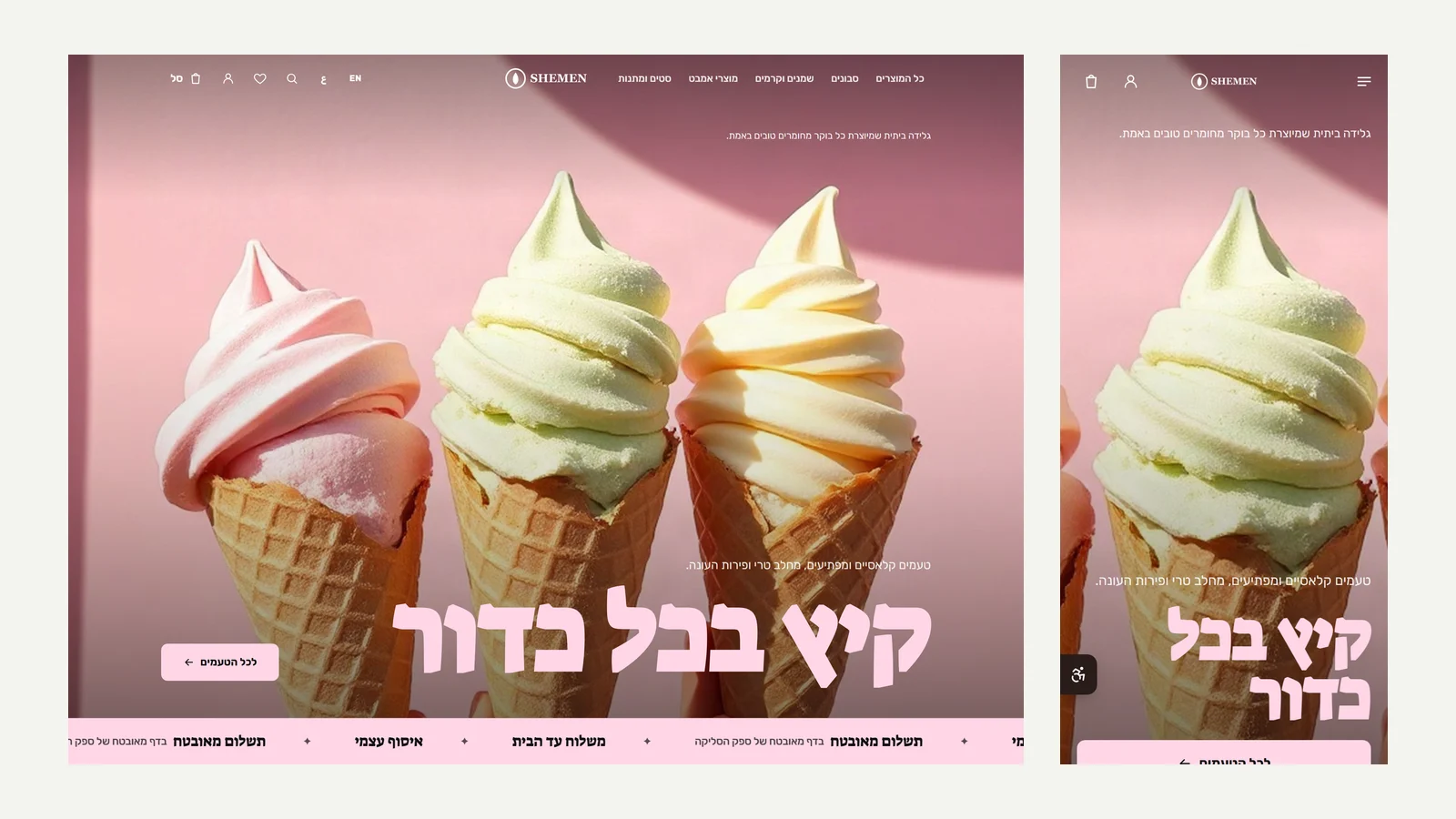 A template for ice cream shops
A new template for ice cream shops and desserts: pastel colours, a huge headline over an ice cream photo, a menu of flavours with prices, round categories and questions that suit an ice cream shop, such as vegan flavours and chilled delivery. A business that writes in AI setup that it sells ice cream, sorbet or ice pops gets this template automatically. Also, the products page now has a single primary button, and import, export, bulk editing and 3D moved to a 'More actions' menu.
New
- An ice cream shop and desserts template with a menu of flavours and prices.
- Logo studio: download a brand kit with a high-quality logo, a white version for dark backgrounds and a square icon for apps and social networks.
- Logo studio: download a true vector logo (SVG) with the letters as outlines, ready for print, signage and vehicles.
Improved
- AI setup recognises an ice cream shop and picks its template.
- Products page: one primary button and a 'More actions' menu.
- The section library in the editor: every section is drawn as its own layout, organised by purpose (opening, selling, trust, content, contact) and searchable.
- The editor shows what is waiting to be published: how many sections were added, deleted or edited, and whether the style, the menu or the announcement bar changed.
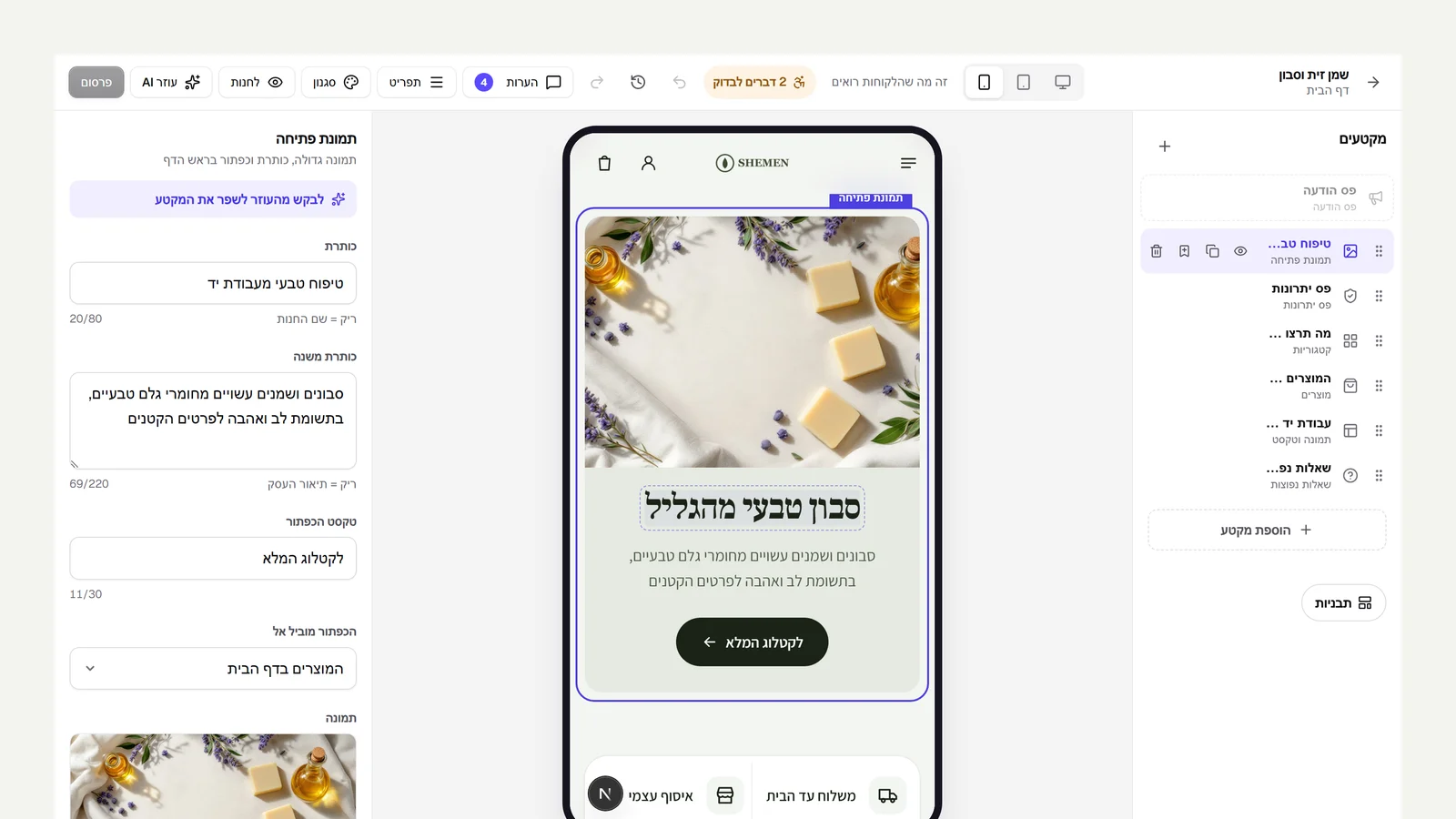 Edit text right on the page
In the editor you can now double-click a heading, a paragraph or a button's text inside the preview and type in place, just like in a document. The change lands in the matching field in the side panel, is saved as a draft, and can be undone with a regular undo. Enter saves, Esc brings back the previous text. In a section that is already selected, a single click is enough.
New
- Edit text right in the editor preview, saved to the draft and undoable.
Improved
- After publishing, a card shows the link to your site, one-click copy, and, if the site is still closed, a button to open it right away.
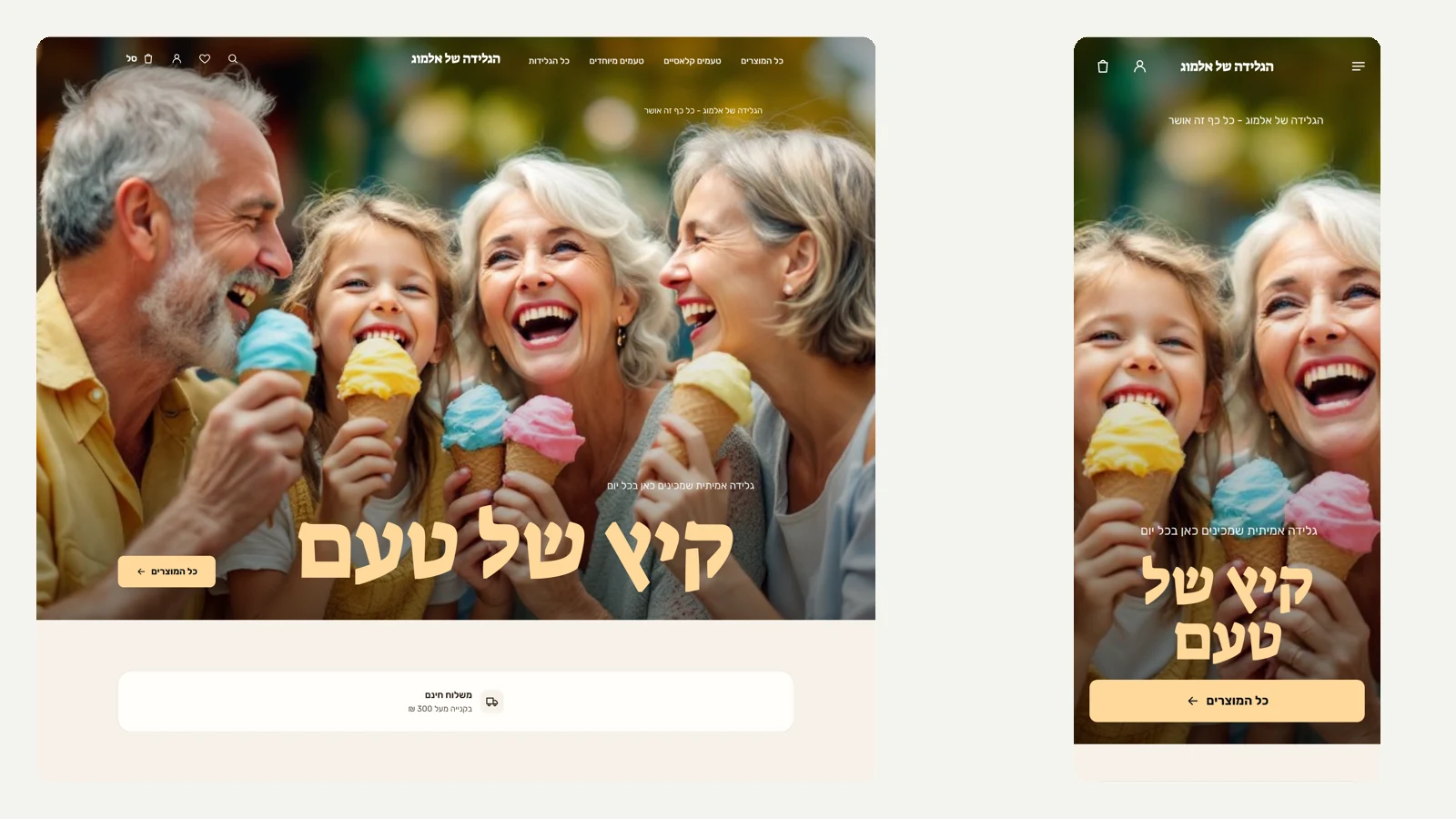 From setup to a live store, in one click
We fixed what got in the way of opening a new store. AI setup now picks the design built for your line of business: an ice cream shop gets the food and bakery template, with its fonts, colours and layouts, instead of a plain white page. It also sets up home delivery and turns on cash on delivery, so nothing blocks the opening, and all of it can be changed later. The final screen has an 'Open the store now' button, and opening the store publishes the home page that was built, so customers see the designed site and not an empty default page. The offer to set up with AI no longer comes back on the home page once the store has been built. The roadmap has a new goal, above Wix level, with what is still missing: editing right on the page, a section library with previews, premium design for every admin screen, clear publishing, and more templates by industry.
New
- An 'Open the store now' button at the end of setup, and a new goal on the roadmap.
Improved
- AI setup picks a design by line of business and sets up shipping and payment so you can open right away.
- Cash on delivery or bank transfer is enough to open the store.
Fixed
- Opening a store publishes the home page that was built, instead of a default page.
27 September 2026
105 releases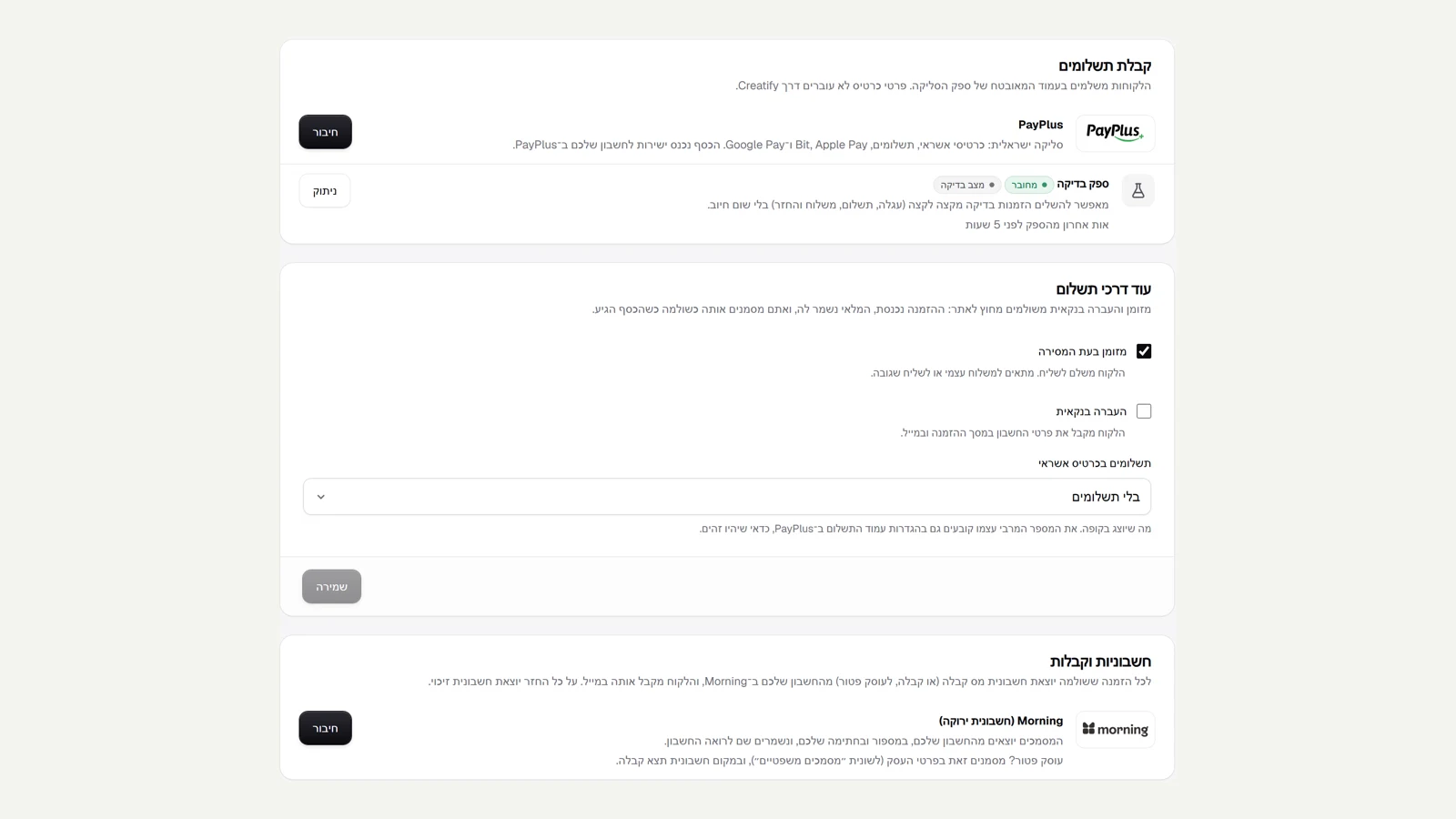 Real logos on every connection
In settings, every service you connect to now shows its real logo instead of a generic icon: PayPlus in payments, Morning in invoices, and Google and Meta where the catalogue connects to Google Shopping and to Facebook and Instagram. You see at a glance who you are connecting to.
Improved
- Real PayPlus, Morning, Google and Meta logos in settings.
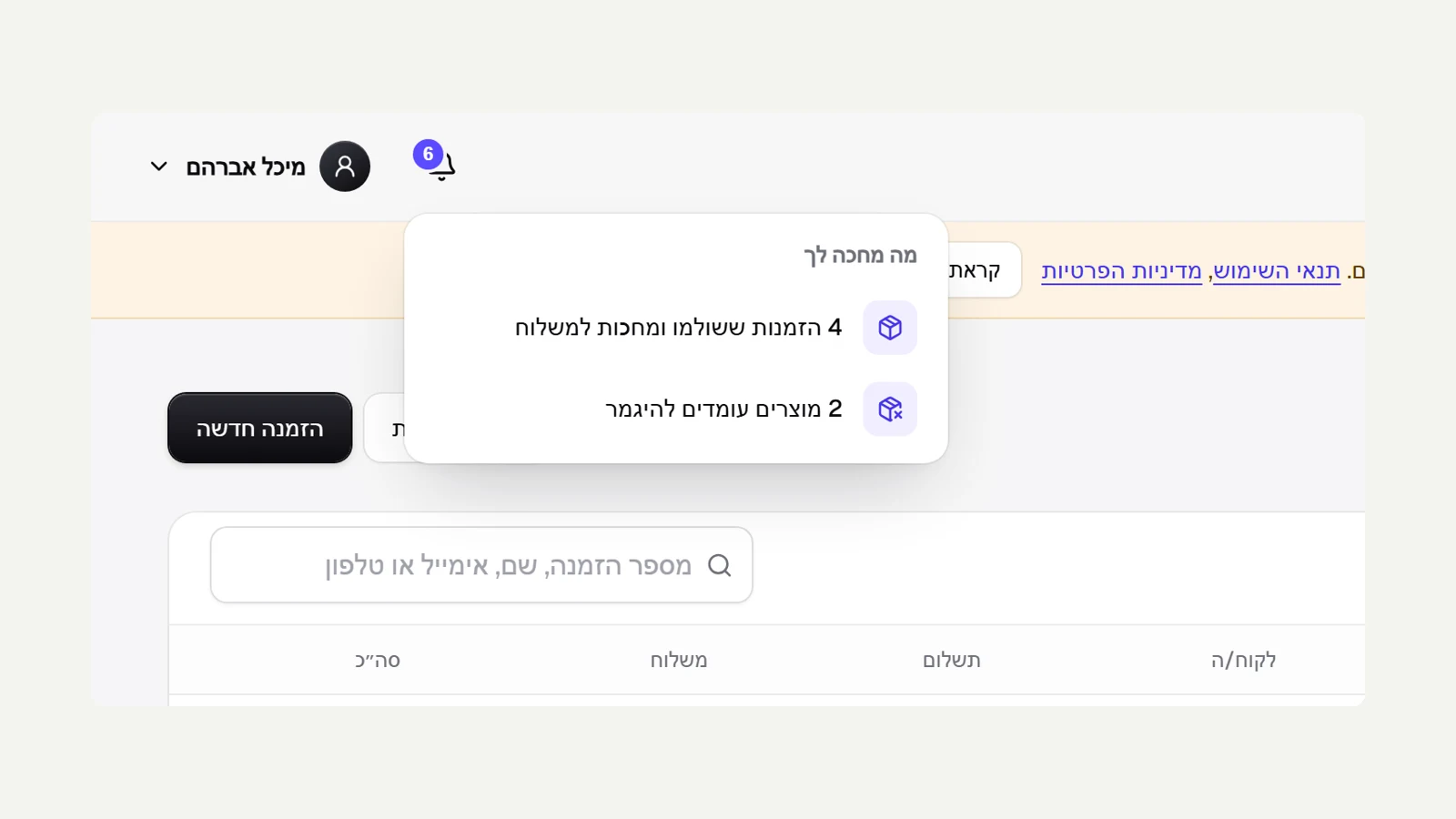 A notification bell in the admin
The top of every admin page now has a bell with a number: how many things are waiting for you. Clicking it opens a short list: unread enquiries, paid orders waiting to ship, and products about to run out, and each row takes you straight to the right place. When there is nothing, it says everything is taken care of. The number updates every minute, alongside the push notifications for new orders on your phone.
New
- Notification bell: enquiries, orders to ship and low stock, in one place.
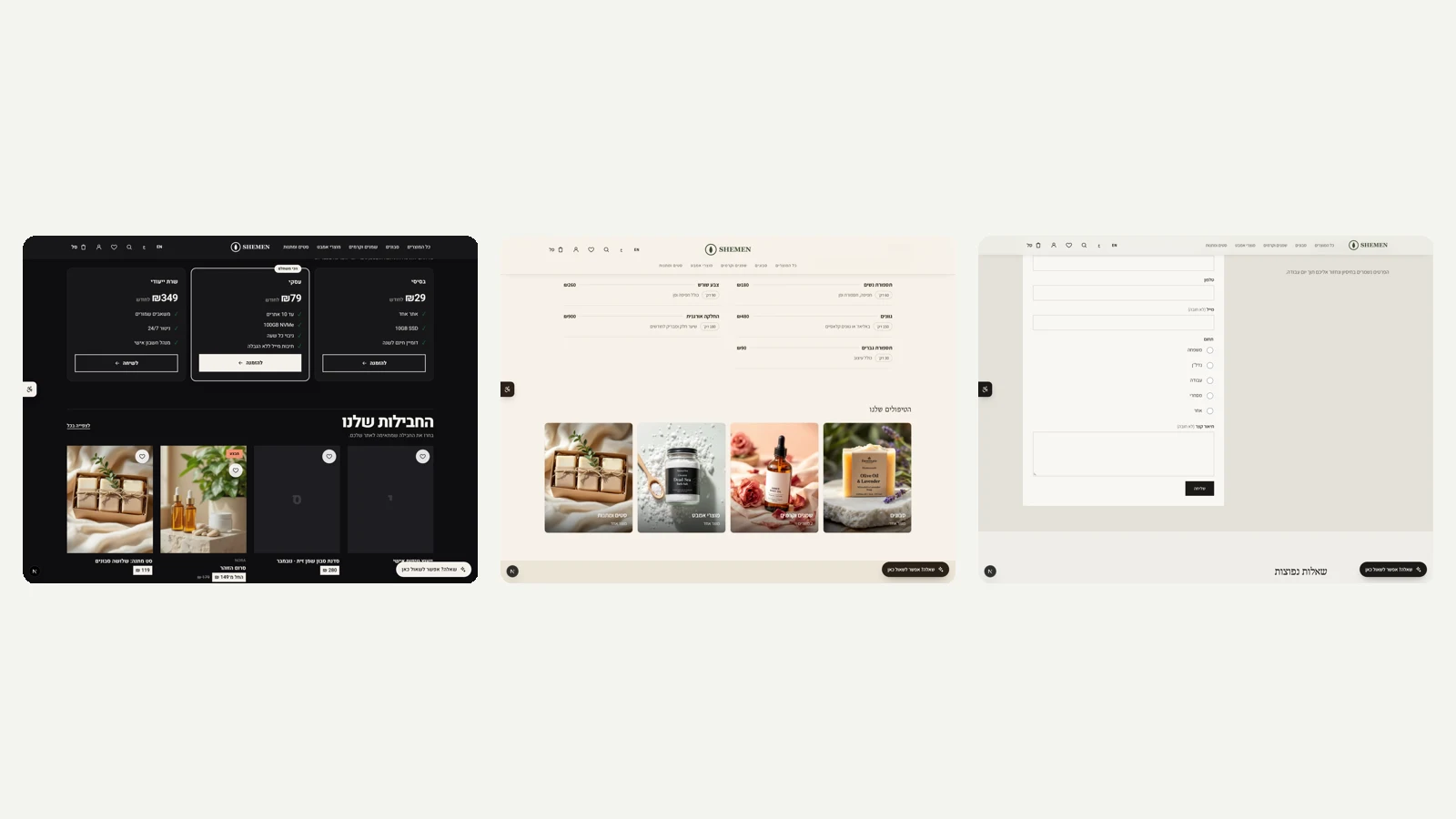 Templates with what the industry actually needs
The new templates now come with the blocks each industry needs, ready to edit. For web hosting, a plans table with three tiers and the recommended plan highlighted. For a hair salon and a nail studio, a price list with the treatment name, description, price and duration. For a law firm, a comparison of initial consultation, ongoing counsel and representation, and an enquiry form with name, phone, practice area and description, whose enquiries arrive in the inbox in the admin.
New
- A plans table for hosting, a treatment price list for hair salons and nail studios, and an enquiry form and service comparison for law firms.
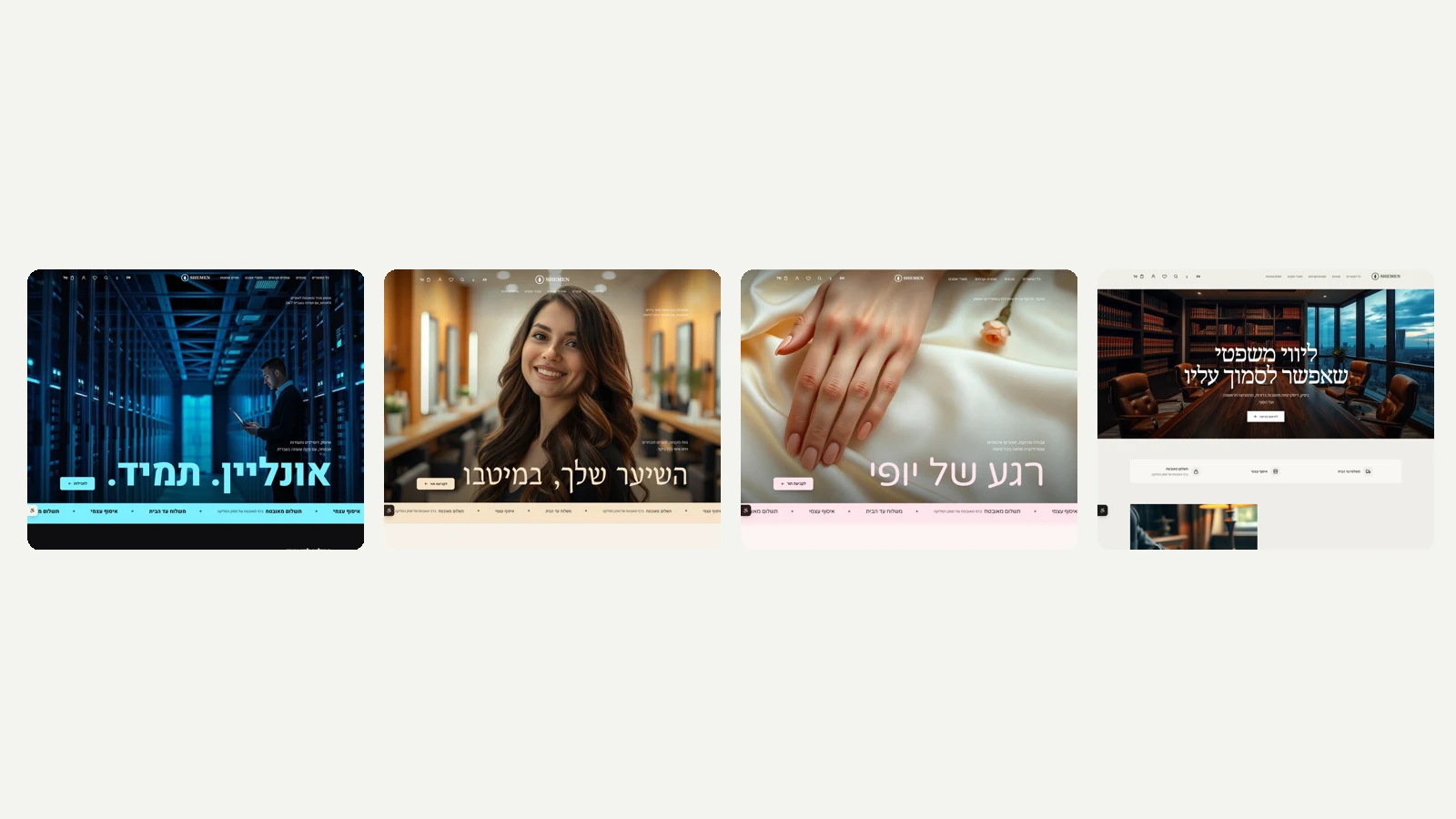 Four new industry templates, and leaner AI logo marks
Four templates were added, each with its own page structure, colours, fonts, images and FAQ: web hosting and technology, dark with a tech strip and plan rows; hair salon and styling, warm and glowing with a large heading and appointment booking; nails and beauty, powder pink with treatment circles; and law firm, dark wood, classic typography, practice areas and a statement strip to close. That makes fourteen templates in total. Also, AI mark design in the logo studio now produces two marks per request, in alternating directions and with no retries, and up to six requests a day per store, so each click costs little.
New
- Templates for web hosting, hair salons, nails and beauty, and law firms.
Improved
- AI marks: two per request, no retries, to keep the cost low.
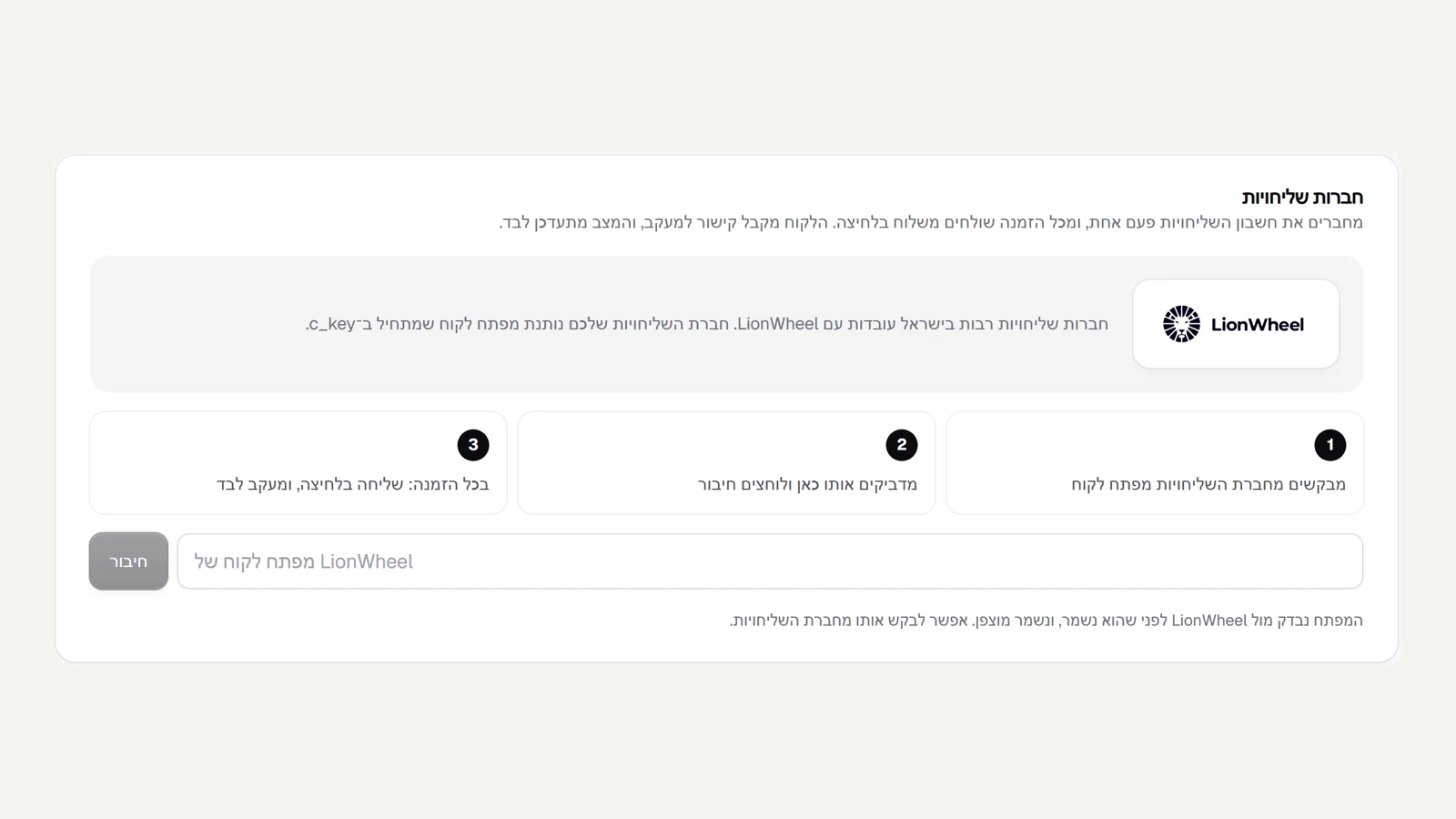 Connecting a courier, redesigned
The courier card in shipping settings has been redesigned: the LionWheel logo in its own card, three clear steps for connecting, and a green background once the account is connected.
Improved
- A courier card with a large logo and three steps to connect.
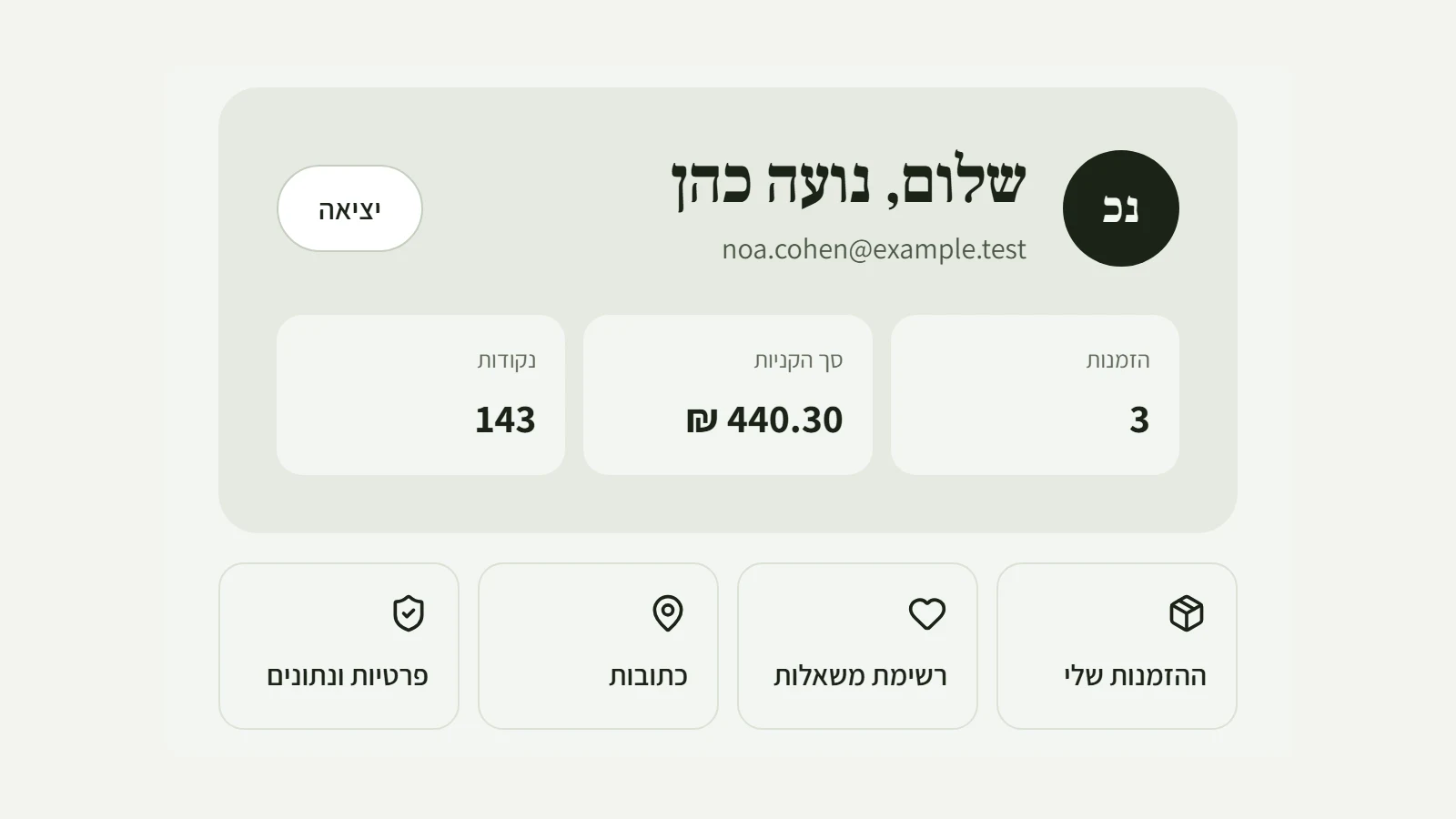 The customer account area, redesigned
Your customers' account area in the store now opens with a card of their own: initials, name and email, and a quick look at their number of orders, total spend and loyalty club points. Below it are four shortcuts: my orders, wishlist, addresses and privacy. On a phone everything fits into compact rows. Subscriptions, the loyalty club and orders still appear below as before.
New
- An opening card in the account area with orders, total spend and points.
- Shortcuts to orders, the wishlist, addresses and privacy.
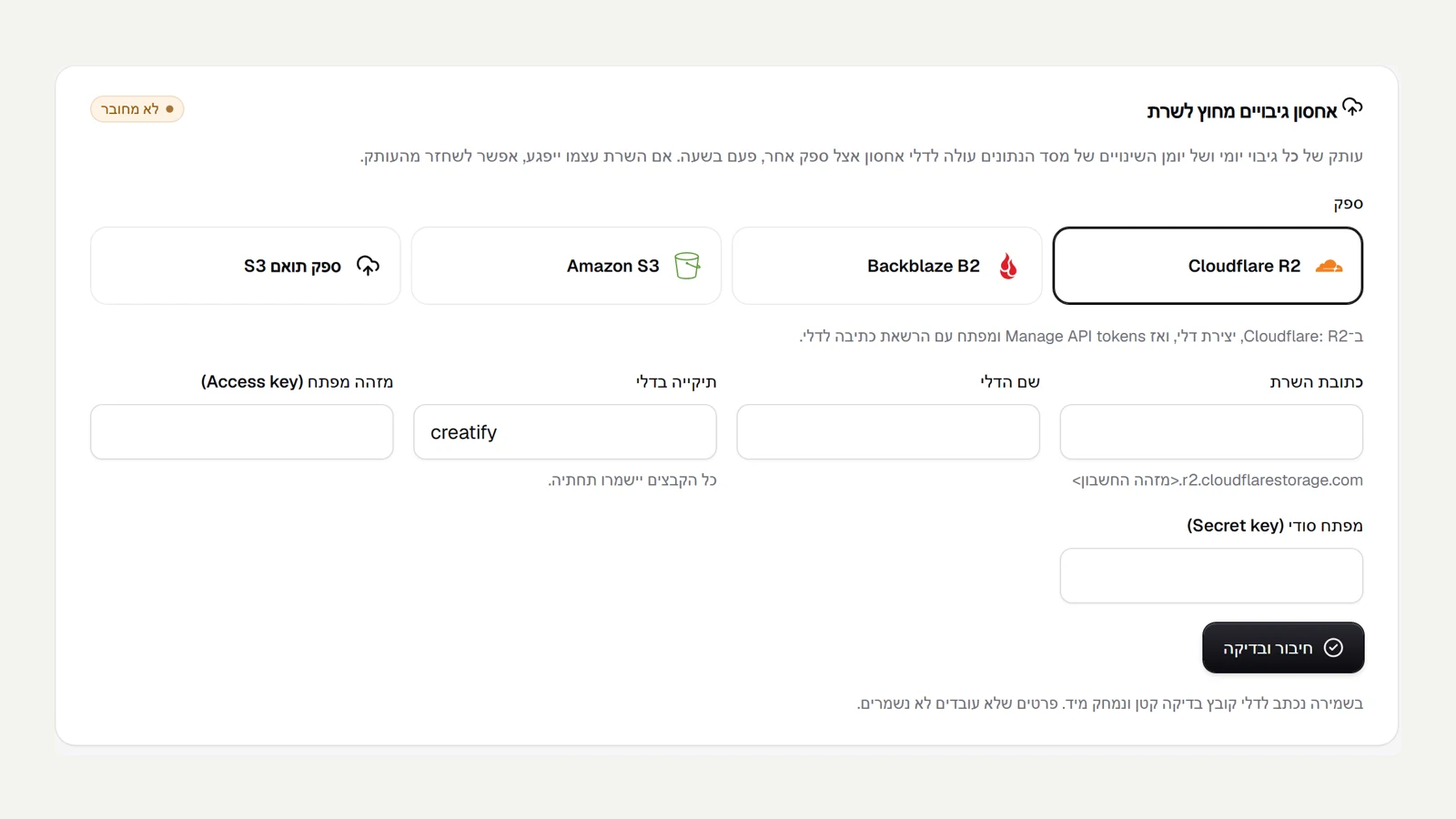 Clean AI marks, and real logos on connections
In the logo studio, every mark the AI draws is checked before it is shown: how much ink it has and how scattered it is. A mark that comes out speckled, blurry or as a solid box is not shown, so the suggestions keep only clean marks a brand would actually use. On the connections page, the storage provider picker now shows the real Cloudflare, Backblaze and Amazon S3 logos in their own colours, instead of text.
Improved
- AI marks that come out speckled or blurry are filtered out automatically.
- Real storage provider logos on the connections page.
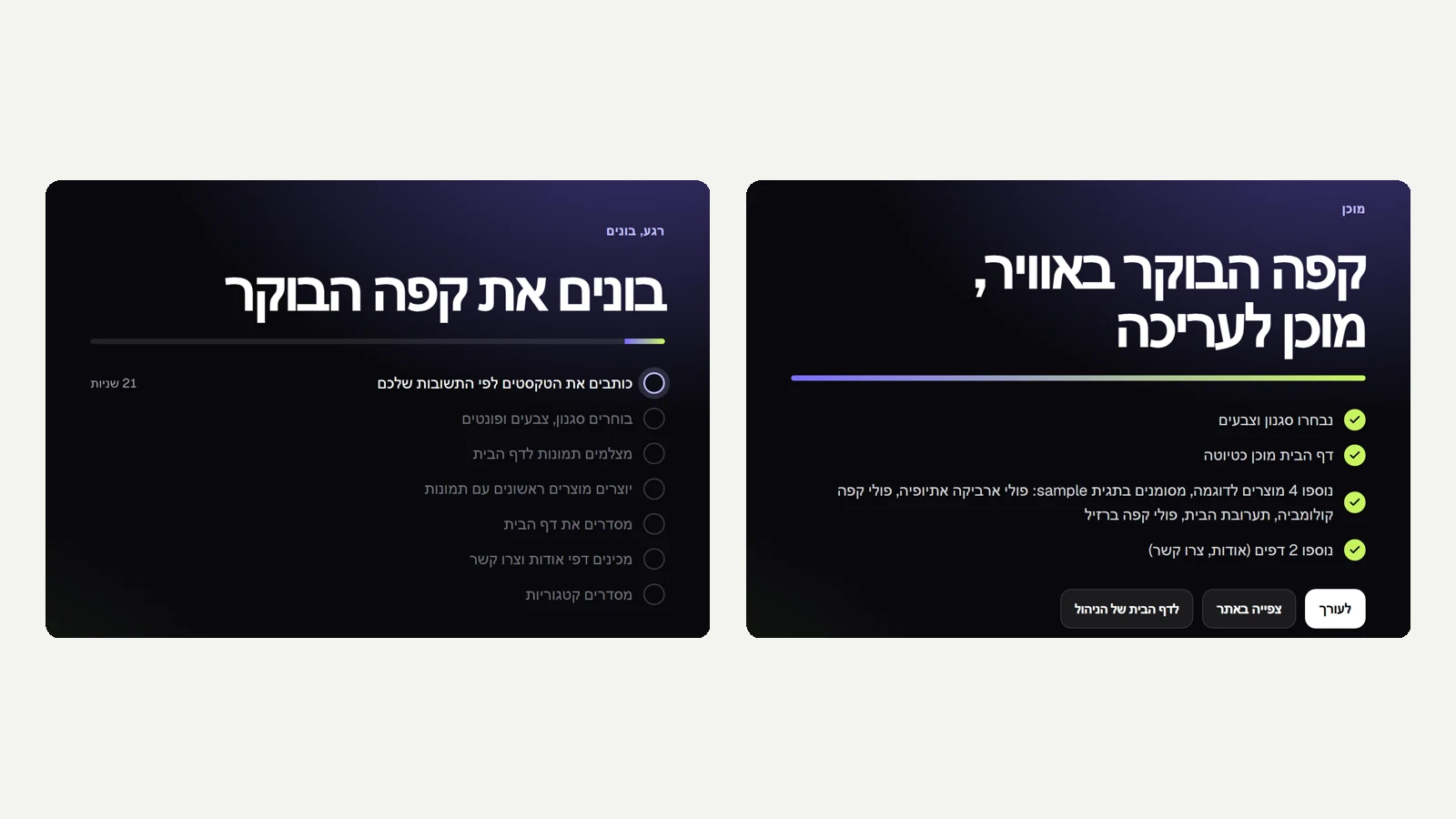 The build moment
After you open a site, the AI build takes the whole screen: 'Building' and the business name in large type, a progress bar, and each step ticked off as it finishes, with the current step and the time elapsed. At the end you see what was actually built, for example the style, the home page, sample products by name and the About and Contact pages, and three ways to continue: to the editor, to view the site, or to the admin home page.
New
- The AI build in full screen, with real steps and progress.
- A final screen with what was actually built and three ways to continue.
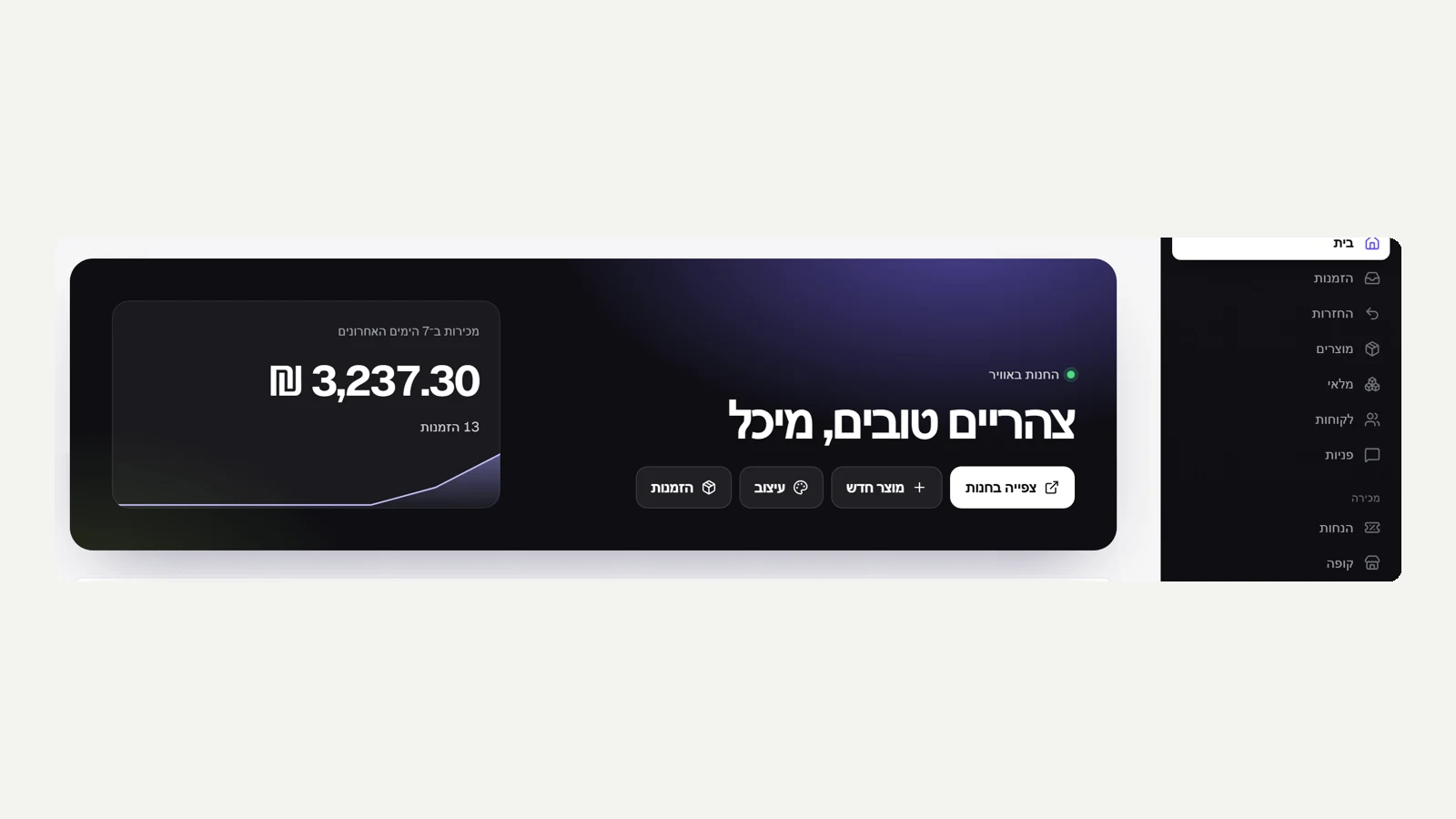 A new home page in the admin
The admin home page now opens with a dark strip: a greeting, whether the store is live, sales for the last 7 days with a small chart and the change from the week before, and four quick actions: view store, new product, design and orders. The card that lets you pause the store moved to the bottom of the page, so it does not repeat what you already see at the top.
New
- An opening strip on the home page: status, the week's sales with a chart, and quick actions.
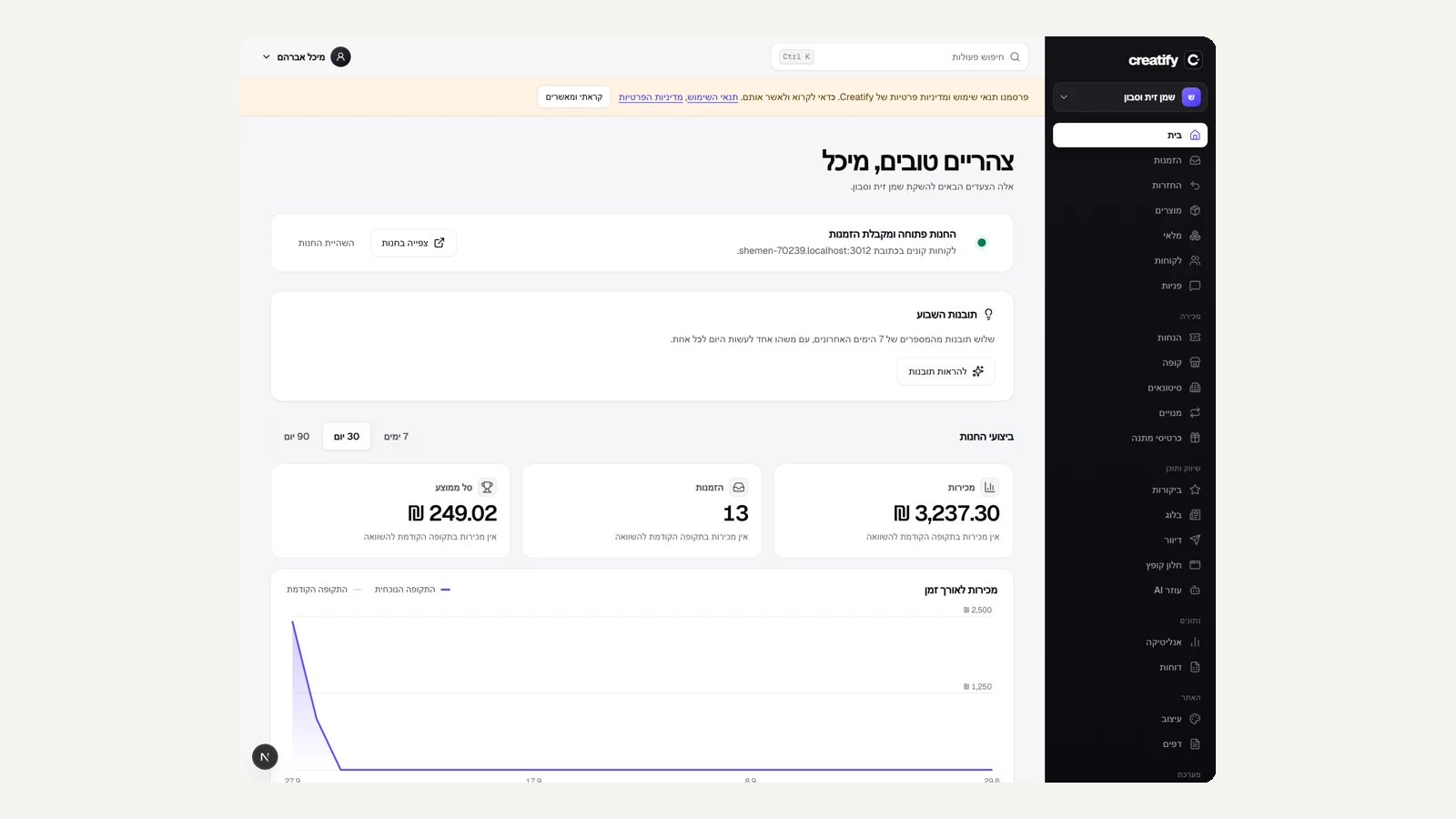 A new look for the admin
The admin got a new frame. The menu moved to a dark column, and the page you are on is marked as a white pill with an icon in the brand colour, so it is always clear where you are while the other options recede. The store switcher at the top of the menu stands out more, page titles are larger and sharper, and the settings tabs sit in a single row that scrolls sideways instead of breaking into two rows.
Improved
- A dark admin menu, with the current page clearly marked.
- Larger page titles, and the settings tabs in a single row.
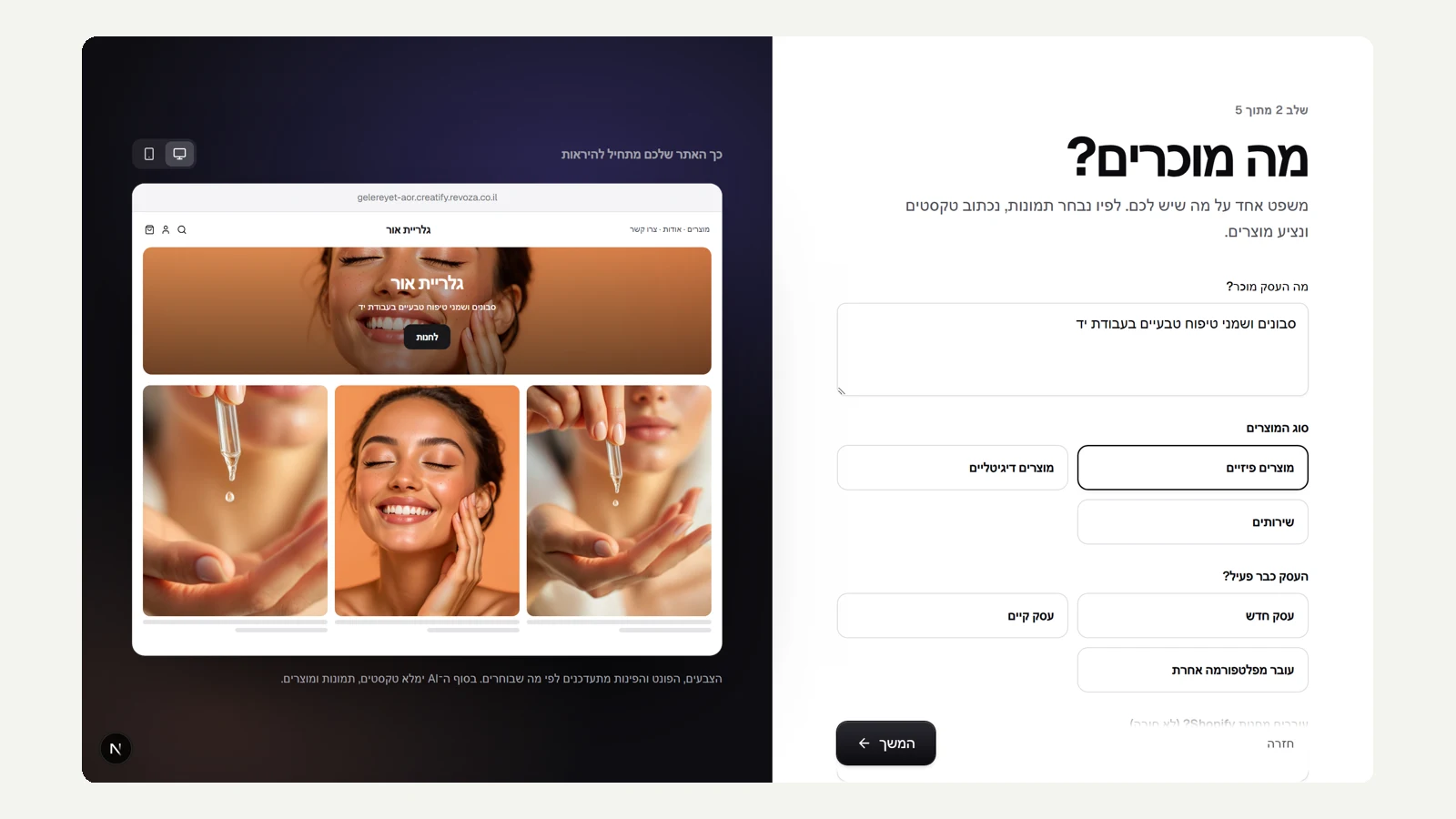 Opening a site: full screen, one question at a time
Opening a new site was rebuilt as a full screen. Each step has one large question, like 'What is the business called?' and 'What do you sell?', with a short note on why it matters. To the side, on a dark stage, the site builds as you type inside a desktop or phone frame: the name, the colours, and real images that match what you sell. Write 'soaps and care oils' and you see body care images, write 'coffee' and you see a coffee bar. On a phone the question comes first and the preview after it.
New
- Opening a site in full screen, one large question per step.
- A live preview with real images that match what the business sells.
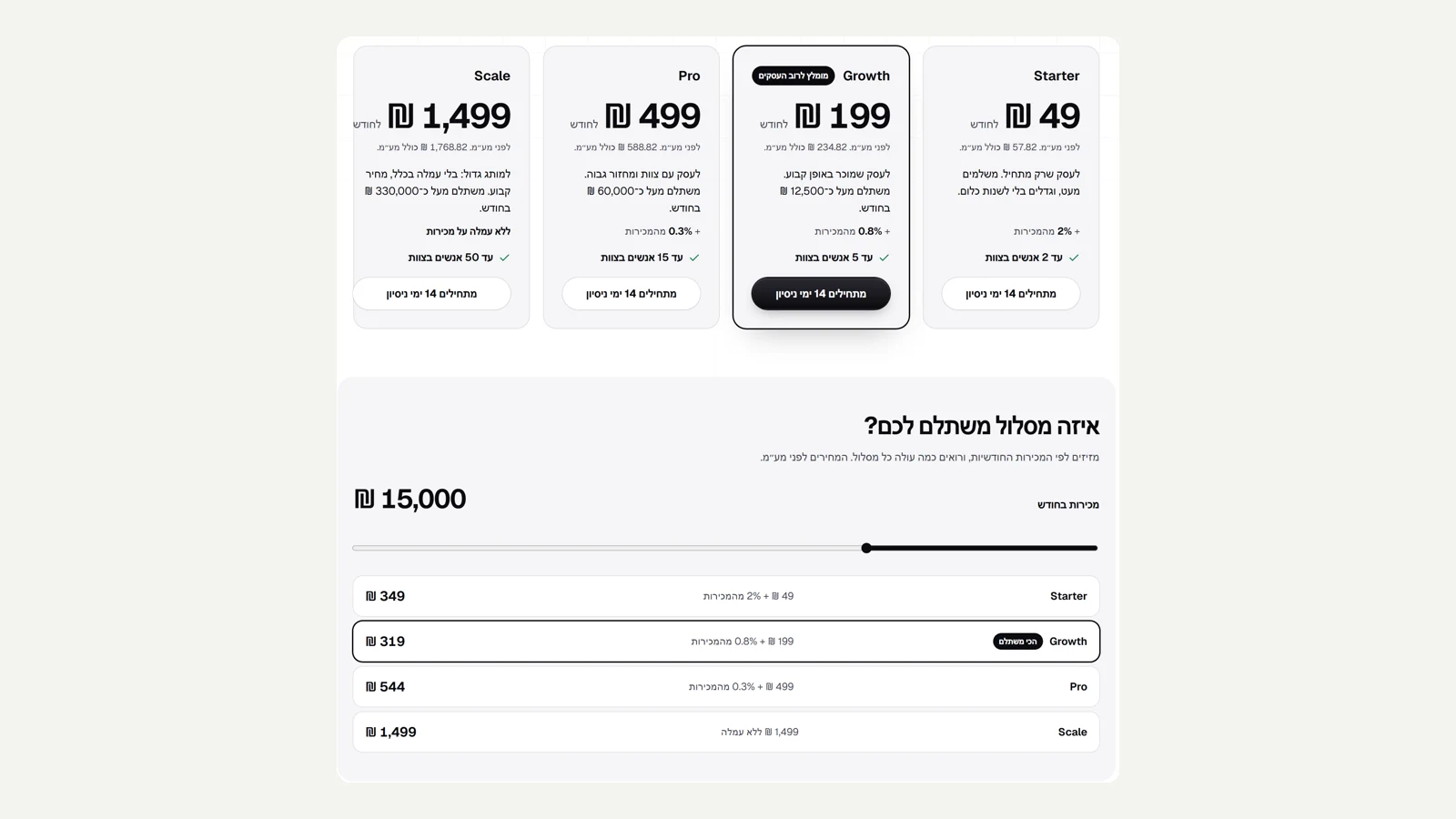 New plans: pay by your size
The plans were rebuilt so that every business has a plan where it pays the least. Starter at ₪49 plus 2% of sales, Growth at ₪199 plus 0.8%, Pro at ₪499 plus 0.3%, and Scale at ₪1,499 with no fee at all. A small business pays little, and a large business pays a fair, fixed price. The pricing page has a calculator: slide it to your monthly sales and see what each plan costs and which one is the best value. The fee is calculated only on orders that were actually paid, after refunds, excluding test orders, and appears on its own line in the monthly invoice. You switch plans in one click.
New
- Four plans: a low monthly price with a small fee, up to Scale with no fee.
- A calculator on the pricing page that shows which plan is the best value for your sales.
Improved
- The fee is calculated only on real sales and itemised on the invoice.
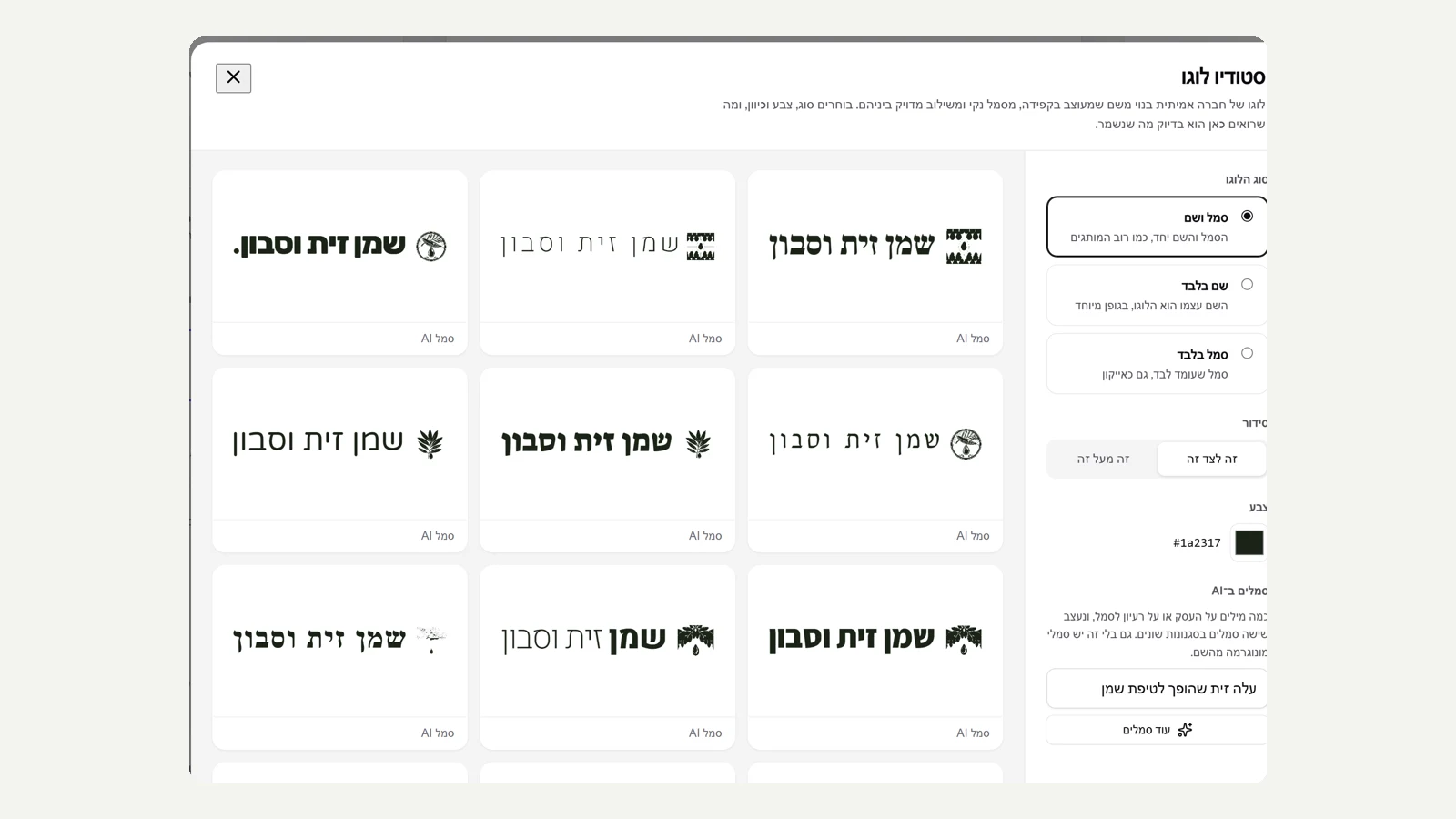 Logo studio
Logo creation was rebuilt as a full studio. You pick a type: mark and name, name only, or mark only. The name is set in thirteen brand typographic styles, such as heritage, two weights, editorial, signature with a dot, and luxury with wide spacing. The marks are monograms of the first letter in a circle, a square, an arch or a ring, or AI marks in different directions, two per request, always coloured in a single brand colour. You can place the mark and the name side by side or one above the other, choose a colour, and see right away how the logo looks on a light background and on a dark one. What you choose is exactly what is saved, along with a version for dark backgrounds.
New
- Logo studio: mark and name, name only or mark only, arranged horizontally or stacked.
- Thirteen name styles, monograms, and AI marks in a single brand colour.
Improved
- A preview on light and dark backgrounds before saving, and the file matches the preview.
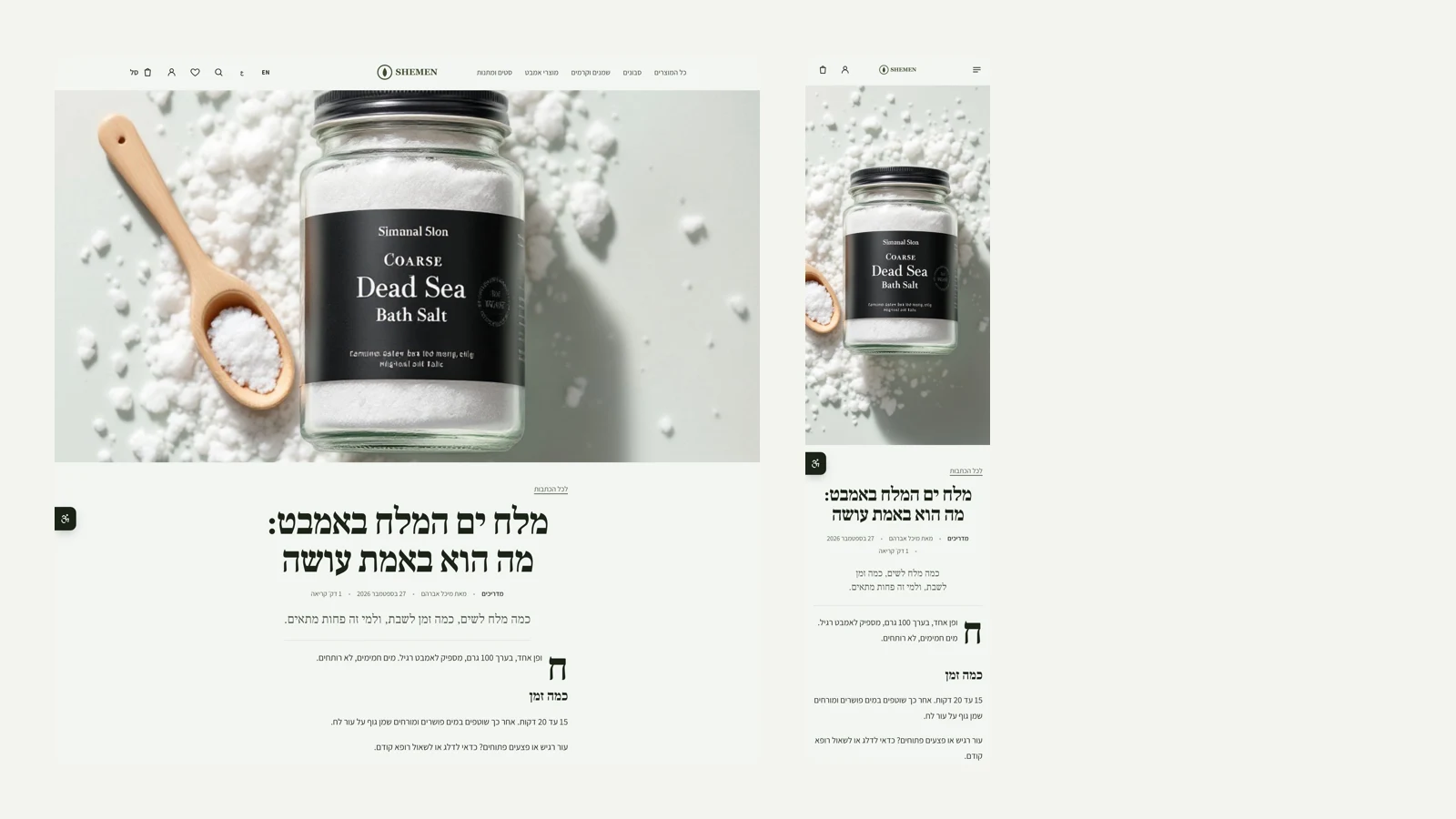 A new article layout: magazine
Blog articles now have a second layout, 'Magazine'. The cover image spans the full width of the screen at the top of the page, the title sits below it large and centred, and the excerpt line becomes a standfirst in the heading font. The text opens with a drop cap, and quotes are pulled out in large centred type, with a short rule above them. A short standfirst does not cause the next heading to squeeze in beside the drop cap. Only the order on screen changes, so the page is read and crawled by search engines exactly as before. The layout works in a dark palette and next to a side-column header, and every test scored 100 for accessibility, best practices and SEO. You choose it in design, under blog article.
New
- A 'Magazine' layout for articles: full-width cover, large centred title, drop cap and pull quotes.
Improved
- The order changes only on screen, so reading and SEO stay the same.
 A new site ending: statement
A second layout for the site footer, 'Statement'. The site ends in a strip in the store's dark colour, with its description line in large type like a headline, the links in a quiet row below it, and the store name at giant size at the bottom. Everything in the strip inverts together, including the newsletter form, the links, the payment method logos and the rules, and in a dark palette the strip turns light. The giant name is coloured so that it holds its contrast on both dark and light backgrounds. You choose it in design, under site ending, and write a short line in the menu settings. Every test scored 100 for accessibility, best practices and SEO, in the light palette and the dark one.
New
- A 'Statement' layout for the site footer: a dark strip, the store's line in large type and a giant name.
Improved
- The strip inverts together with the form, the links and the payment logos, and works in a dark palette too.
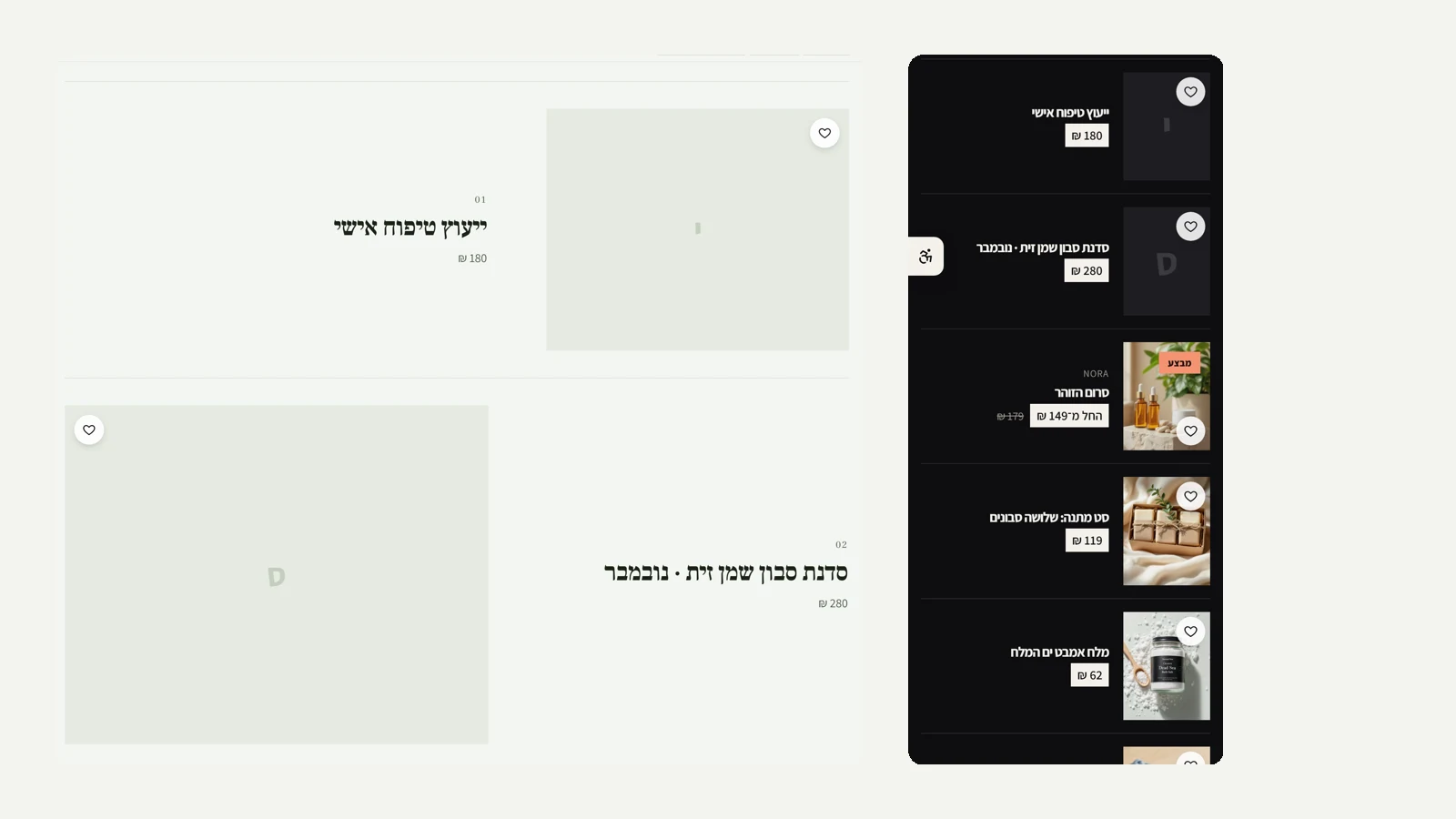 A quality check for every combination
We tested all six templates, plus combinations of the new layouts with a side-column header, a stacked header and a dark palette, on the home page, the all-products page and the product page. All 27 tests scored 100 for accessibility, best practices and SEO. Checking by eye, we found and fixed two things. In the Lookbook template with the rows layout, the template's double tiles collided with the rows and produced a huge image with a small title and two cramped rows; now the rows are clean on category pages and the home page keeps its tiles. In a dark palette, the wishlist heart was white on a white circle and almost invisible; now it is always dark and visible in every palette. On a phone, in the rows layout, the heart moved to the corner of the image, so the accessibility button at the edge of the screen does not cover it.
Improved
- 27 Lighthouse tests across all templates and combinations: 100 in every one.
Fixed
- Lookbook with the rows layout shows clean rows instead of colliding double tiles.
- The wishlist heart is visible in a dark palette too.
- On a phone, the heart in the rows layout sits on the corner of the image and not under the accessibility button.
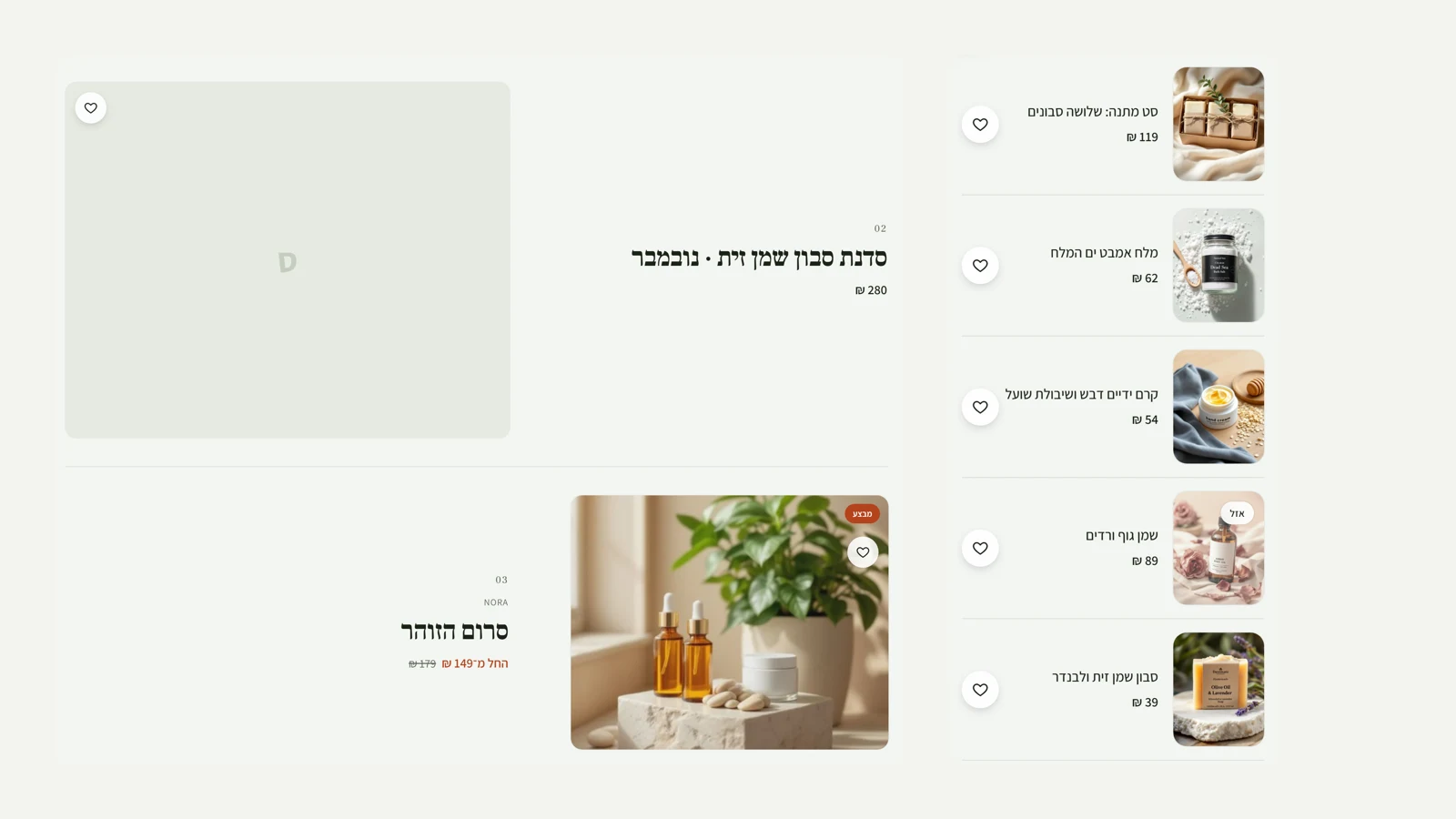 A new category layout: rows
Category pages, the all-products page and search get a second layout, 'Rows'. On desktop each product has a row of its own: a large image that alternates from side to side, and beside it a number, a large name, the price and colour swatches, with a thin rule between rows. It suits a store with few products that each deserve room. On a phone the rows become a compact list, with a small image beside the text. The wishlist heart sits on the corner of the image on desktop and beside the text on a phone, so it covers neither the image nor the sale badge. You choose it in design, under category page. Home pages keep their own sections.
New
- A 'Rows' layout for category and search pages: one product per row, with a large alternating image.
- On a phone, a compact list with a small image, and the heart does not cover the image.
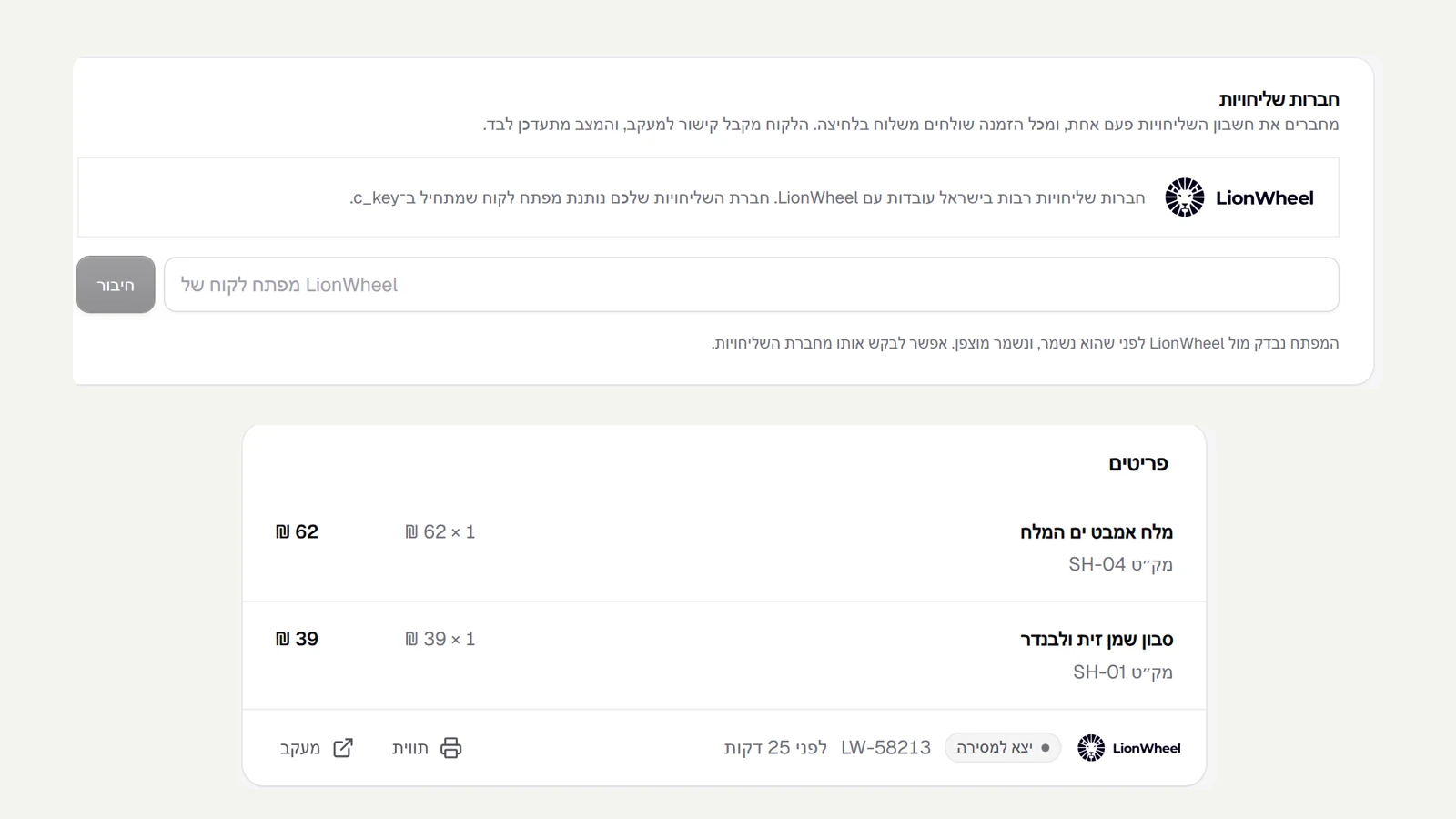 Ship with LionWheel in one click
Many couriers in Israel work with LionWheel, and now you can connect it to your store. In shipping settings you paste the customer key your courier gives you. The key is checked against LionWheel before it is saved, and it is stored encrypted. From then on, every order has a 'Ship with LionWheel' button: the address, phone and items are passed along automatically, and for cash on delivery so is the amount to collect. The order is marked as shipped, and the customer gets the LionWheel tracking link in the usual message. On the order you see the shipment number, a label to print, and the status, which updates by itself every half hour, from waiting for pickup to delivered. A double click does not create a second shipment. We also fixed a long-standing bug: a cash on delivery order could not be marked as shipped before it was marked as paid, even though it is only paid for when it arrives. Now it can, and inventory is counted correctly.
New
- Connect LionWheel by pasting a key, and ship an order in one click with the address, items and cash collection.
- The shipment status updates by itself, with a label and tracking on the order and a tracking link for the customer.
Fixed
- A cash on delivery order can be marked as shipped before payment, and inventory is counted correctly.
 Terms of use and privacy policy
Kreaza now has terms of use and a privacy policy for businesses that open a store, in plain language and with a table of contents. The terms explain the plans and payment, what the business is responsible for in its store, that the content and customer data remain the business's, and what happens on closing. The policy sets out what data is collected, why, who holds it (the servers are in Frankfurt, in the European Union, and each provider is named), and for how long. You accept both when you open an account, and we record which version was accepted and when. If you already have an account, you are asked to accept once. The wording is still a draft pending legal review, so the pages are marked as such and stay out of search engines until it is approved.
New
- Terms of use and a privacy policy, with a table of contents, linked from every page of the site.
- Acceptance of the terms when opening an account, with the version and time recorded, and a one-time acceptance request for existing accounts.
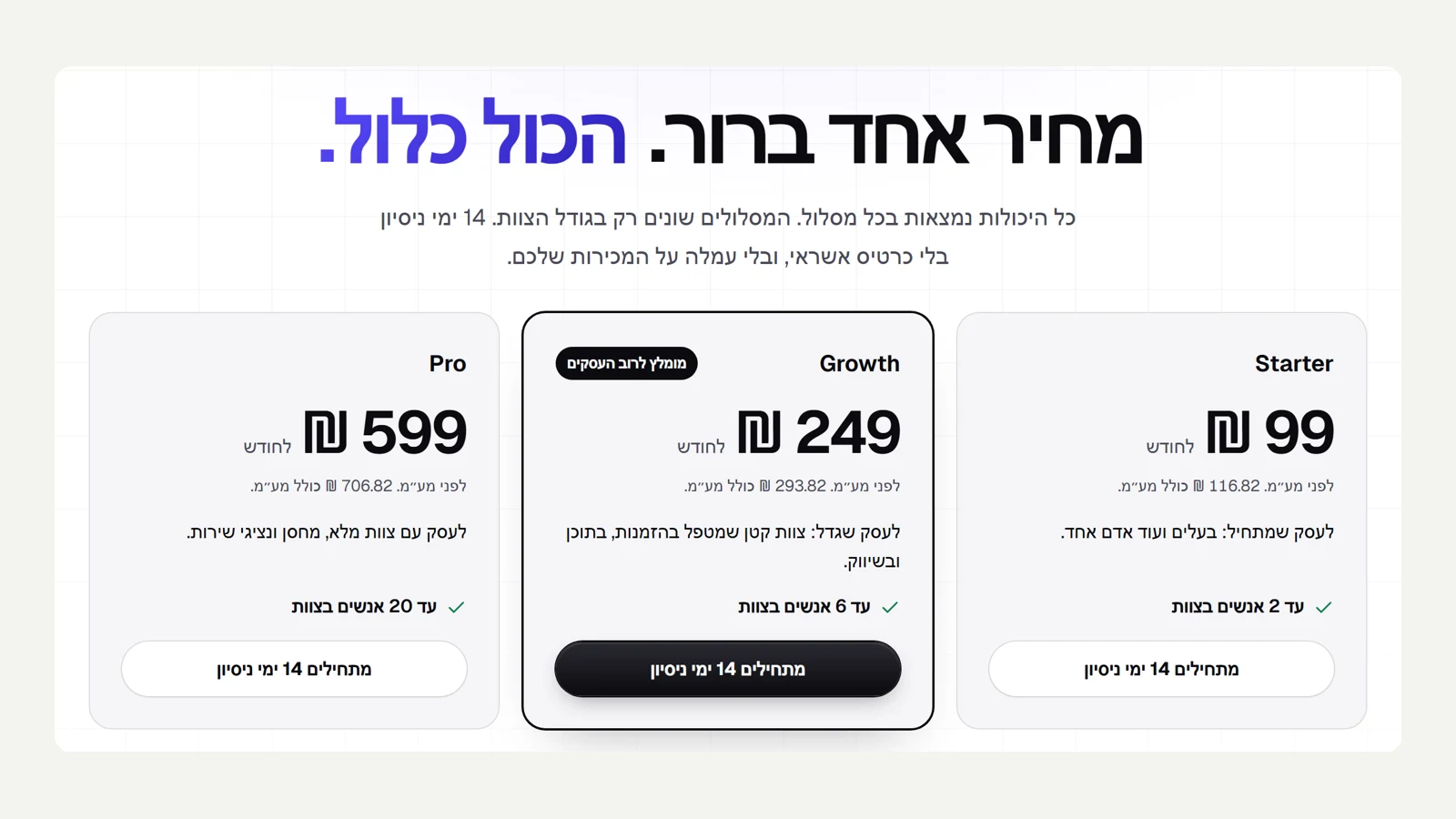 Plans and pricing
Kreaza now has a pricing page: three monthly plans, Starter at ₪99, Growth at ₪249 and Pro at ₪599, before VAT. Every feature is in every plan, and the plans differ only in team size. Every store starts with a 14-day trial with no credit card, and Kreaza takes no fee on sales. Settings has a 'Plan and billing' tab: you choose a plan, fill in your invoice details, and pay the first month on Cardcom's secure page, so card details never pass through us. From then on, each month, the saved card is charged and a tax invoice receipt arrives by email. Switching plans and cancelling renewal take one click. If a charge fails, we retry every day and the store keeps selling for a week. Billing will open once Kreaza's Cardcom terminal is connected, and until then everything stays open.
New
- A pricing page with three plans, a 14-day trial and no fee on sales.
- A 'Plan and billing' tab: secure payment with Cardcom, monthly billing and a tax invoice receipt for every charge.
- Switching plans and cancelling renewal in one click, and a daily retry when a charge fails.
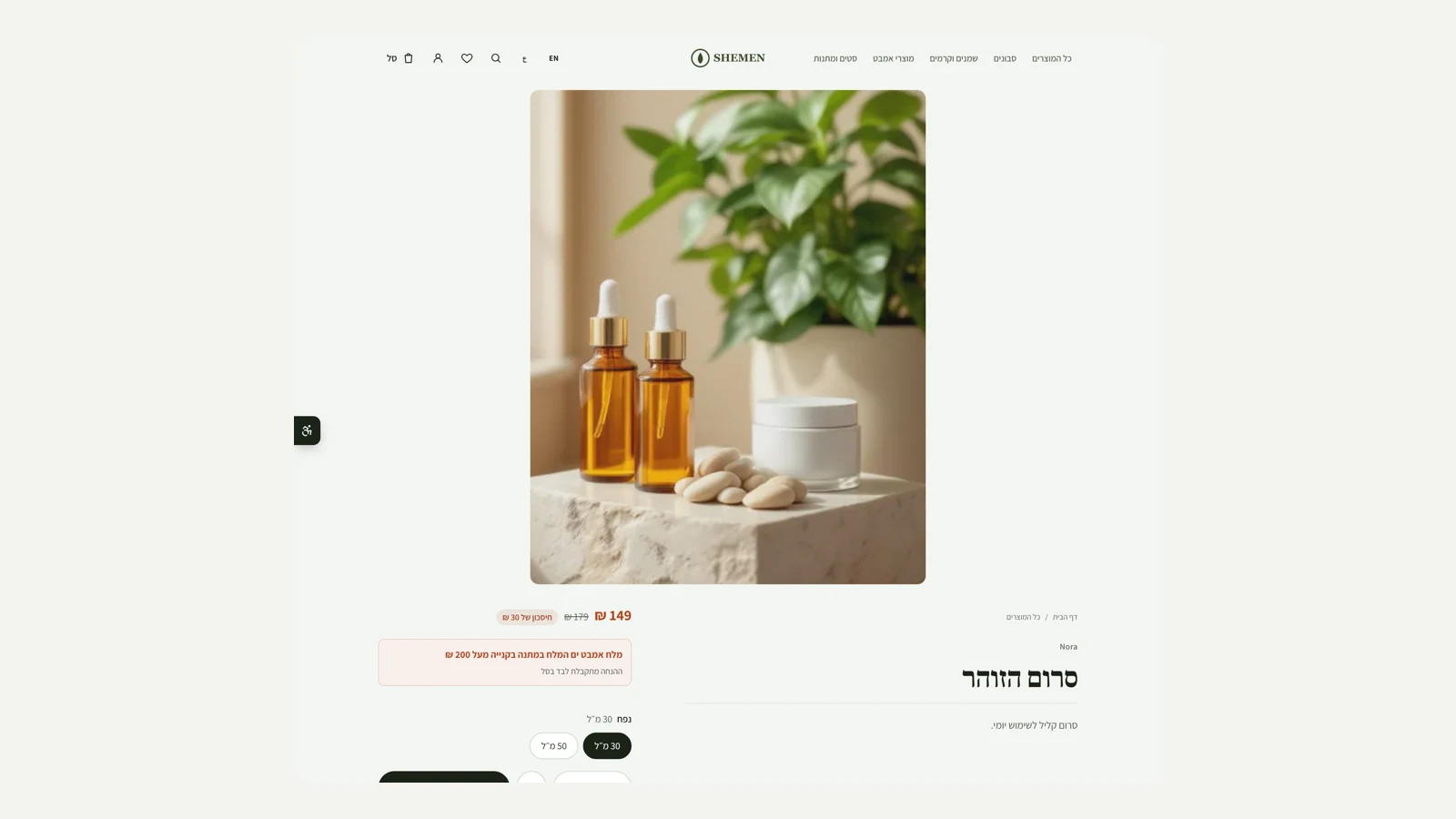 A new product page layout: image reel
A fourth layout for the product page. The images stand in a single row across the full width of the screen, at full height, and snap image by image as you scroll sideways. A product with one image gets it centred. Below the images is a two-column band: on one side the name, the story and the details, and on the other the price, the options and the button. The buying column stays pinned as you scroll, and the name always starts at the top of the band with no extra gaps. The thumbnails remain as a way to move between images with a mouse, and the video and 3D buttons move to a row below the images. The layout also works with the side-column header, and on a phone the familiar swipe strip stays. You choose it in design, under product page layout.
New
- An 'Image reel' product page layout: images across the full width of the screen and a two-column details band below them.
Improved
- The video and 3D buttons sit next to the images even when several images are on screen.
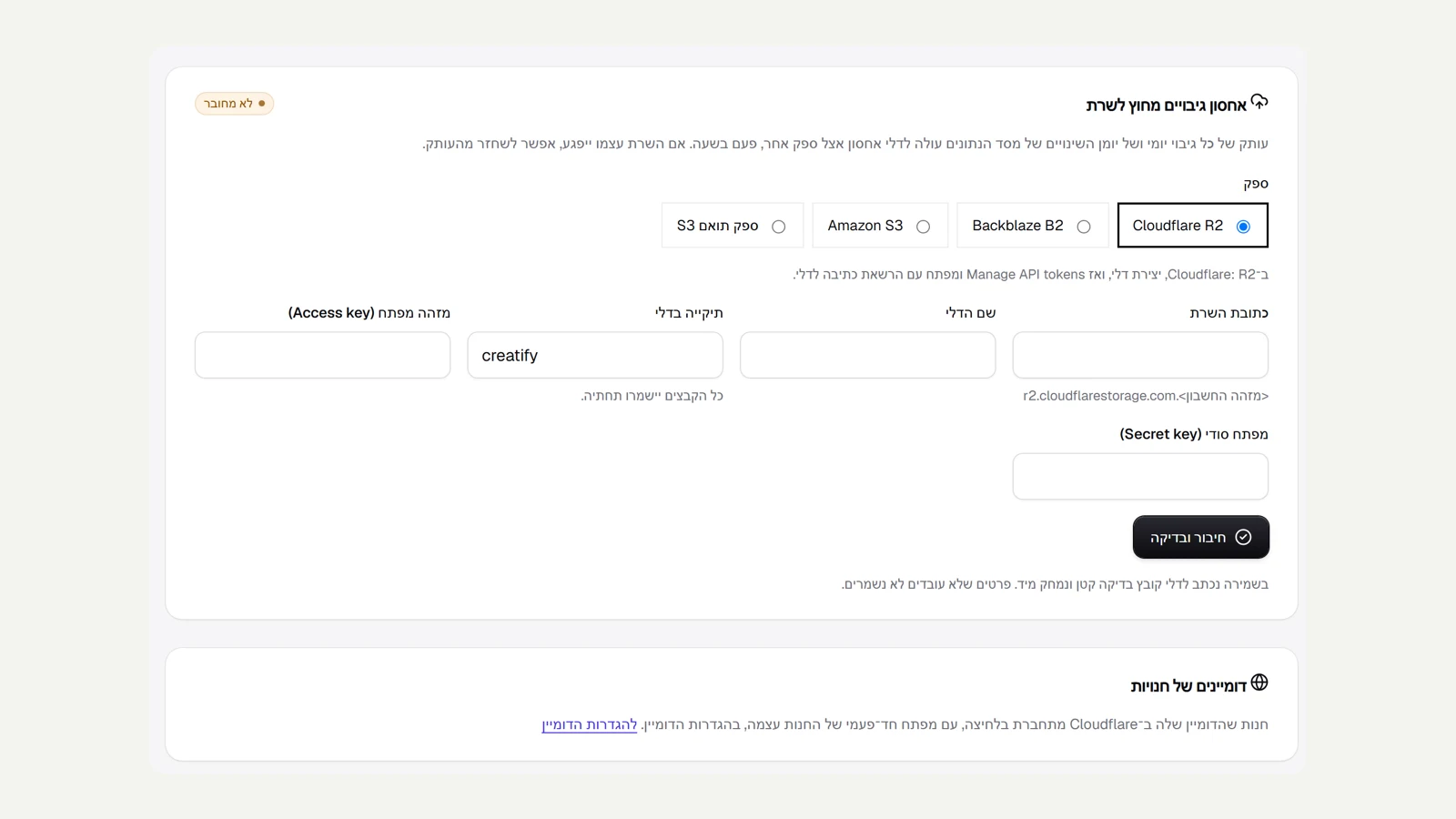 Off-server backups, with one connection
A new page for the platform team: service connections. The first is backup storage with another provider. You choose Cloudflare R2, Backblaze B2, Amazon S3 or any S3-compatible provider, paste the address, bucket name and keys, and click 'Connect and test'. Before saving, a test file is written to the bucket and deleted right away, so details that do not work are not saved, and the secret key is stored encrypted and never shown again. Once connected, every hour, each daily backup and each segment of the database change log is uploaded to the bucket, and a file that has already been uploaded is not uploaded twice. The page shows when the last upload was, how many files and how much data are already in storage and how many are waiting, and there is an 'Upload now' button. If the server itself is damaged, restore to any minute works from the copy too.
New
- Connect off-server backup storage: R2, B2, S3 or a compatible provider, tested before saving.
- Automatic hourly upload of the daily backups and the change log, with no duplicates.
Improved
- The remote backup status at a glance: last upload, files, size and waiting.
 Connect a domain in one click through Cloudflare
A domain that lives in Cloudflare now connects without copying records. In domain settings you click 'Create a key in Cloudflare', and the page there opens with the right permissions already ticked. You create the key, paste it, and click 'Connect automatically'. We find the domain in the account, write the verification record and the record that points to the store (A for a root domain, CNAME for a subdomain), replace an old record that pointed elsewhere, and check right away. The key is used only for this connection and is not saved. A wrong key, or a key that cannot see the domain, gets a clear explanation of what to fix, and if your domain is with another provider you carry on with the manual records as before. Also, the Kreaza site is now open to search engines, and every public page scored 100 for SEO. The admin and the API server stay out of search.
New
- Connect a domain from Cloudflare by pasting one key, without copying records.
Improved
- Clear messages for a wrong key or a domain the key cannot see.
- The Kreaza site is open to search engines, with 100 for SEO on every public page.
 A new header layout: column
Until now every header layout rearranged a horizontal bar. The new layout changes the structure of the whole page: on desktop, the header becomes a fixed column along the side of the page, with the logo at the top, the menu along its length and the icons (search, language, favourites, account and cart) at the bottom, and the content sits beside it. Menus open sideways, into the page. Hero images that run edge to edge are measured from the column and not from the screen, and the floating assistant button moves beside the column instead of covering the icons. On a phone the header stays compact. The layout works with all six styles, and in desktop testing the home page, the products page, a product page and the blog scored 100 for accessibility, SEO and best practices.
New
- A header in a fixed column at the side of the page, with the menu along its length.
Improved
- Menus open sideways, and wide images are measured from the column.
- Works with every style; on a phone the header stays compact.
 Security, and restore to any moment
We ran an internal security review of the system: isolation between stores, sign-in and protection against forged requests, receiving payment confirmations, file uploads, requests to outside addresses, and content written by stores and customers. One serious issue was found and fixed: the structured data the store sends to Google (product name, reviews, blog titles) was not escaped properly, and malicious content could break out of it and run code on the page. Now every dangerous character is replaced, and an automated test makes sure it stays that way. We also blocked an internal address range that product import could still reach. At the same time we moved from a daily backup alone to restore to any moment: the database change log is saved continuously and closed at least every five minutes, and a daily base backup is kept for a week. In testing, restoring to a specific second returned exactly what was there at that second and restoring to the latest moment returned everything, without touching the live database. The off-server copy is still waiting for a storage account.
New
- Restore the database to any moment, with continuous saving and a restore test.
Fixed
- The data sent to Google is escaped, and malicious content cannot break out of it.
- Product import does not reach an internal address range.
 New style: Lookbook
A sixth store style, for fashion, jewellery, art and photography, where the images lead. The hero image runs edge to edge across the screen, with no rounded corners, and on desktop it is almost the full height of the screen. In the product grid, every fifth product gets a double-width tile at exactly the same height as its neighbours, so the rows stay straight and the grid gets a lookbook rhythm. Cards have no borders, headings are thin, the menu and buttons are set in small, widely spaced letters, and every corner is square, including the category cards and the benefits bar. On a phone the grid goes back to two clean columns. The product page keeps the layout the store chose. We tested the style in a light theme and a dark one, on five page types: 100 for accessibility, SEO and best practices on all of them.
New
- Lookbook style: an edge-to-edge hero image and a grid with double tiles.
- Thin typography, a menu in widely spaced letters and square corners across the site.
Improved
- In dark and light themes, 100 for accessibility and SEO.
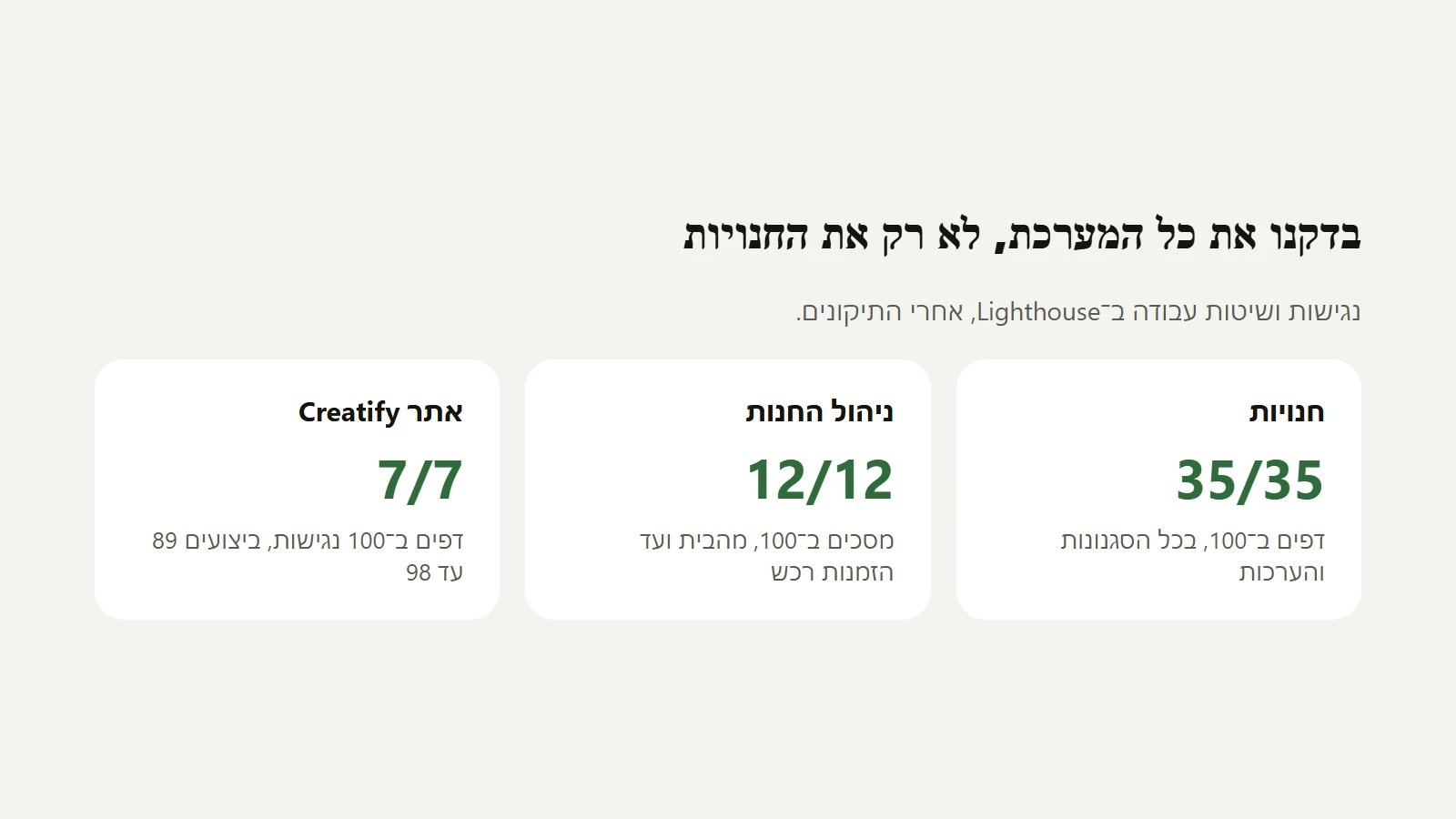 A check of the whole system
After the stores, we also checked the admin and the Kreaza site itself. In the admin we checked 12 screens, from the home screen through orders, inventory, locations and purchase orders to settings, signed in with a real account. On a phone, the search button and the account button at the top of the screen show only an icon, so a screen reader could not tell what they do. Both now have a full name. On the Kreaza site, the step numbers in the roadmap progress bar were too narrow to tap comfortably on a phone, and each one is now at least 24 pixels wide. The admin sign-in page got a description. In total: 35 store pages, 12 admin screens and 7 pages on the Kreaza site, all at 100 for accessibility and best practices.
Improved
- A description for the admin sign-in page.
Fixed
- Names for the search and account buttons at the top of the admin on a phone.
- The step numbers on the roadmap are large enough to tap on a phone.
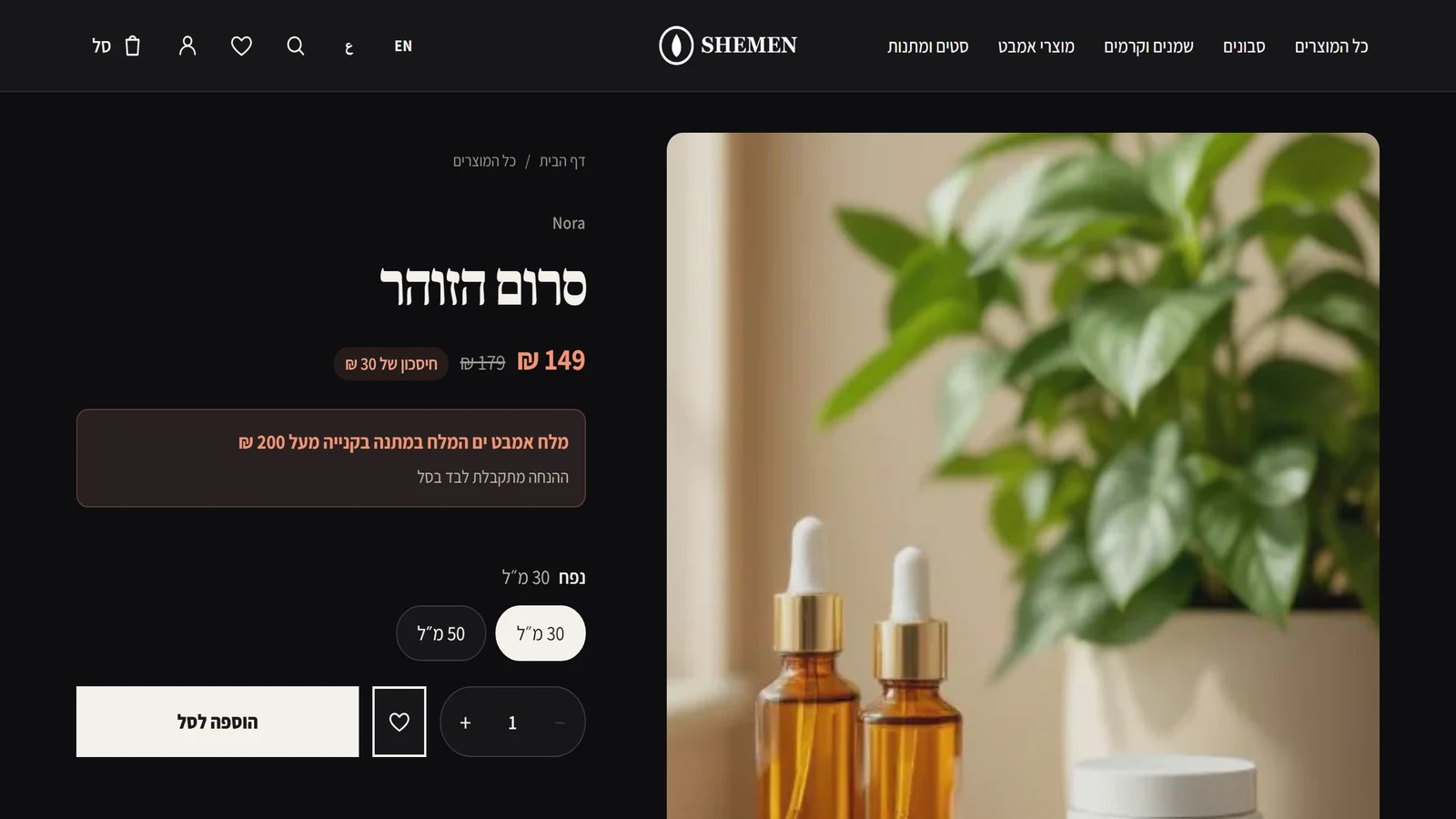 Dark themes, with no dead corners
We went through the stores in all five styles and seven colour themes, light and dark, and checked 35 pages: home, product, category, blog and cart. In dark themes we found and fixed several things. The sale colour was too dark on a dark background, and it now has a light shade of its own, and the 'Sale' label on a product card gets dark text. A logo with no light version almost disappeared in the site header, and it is now shown in white. The heart button next to 'Add to cart' in the Bold style was squeezed until the icon disappeared, and secondary buttons got an explicit text colour, because a button does not inherit colour from the page. The cart page got a sharing description, and it stays out of search results. After the fixes, all 35 pages scored 100 for accessibility and best practices, and 100 for SEO on every page meant to appear in search.
Fixed
- The sale colour and the 'Sale' label are readable in dark themes.
- A logo with no light version is shown in white on a dark site header.
- The heart button on the product page is visible in every style.
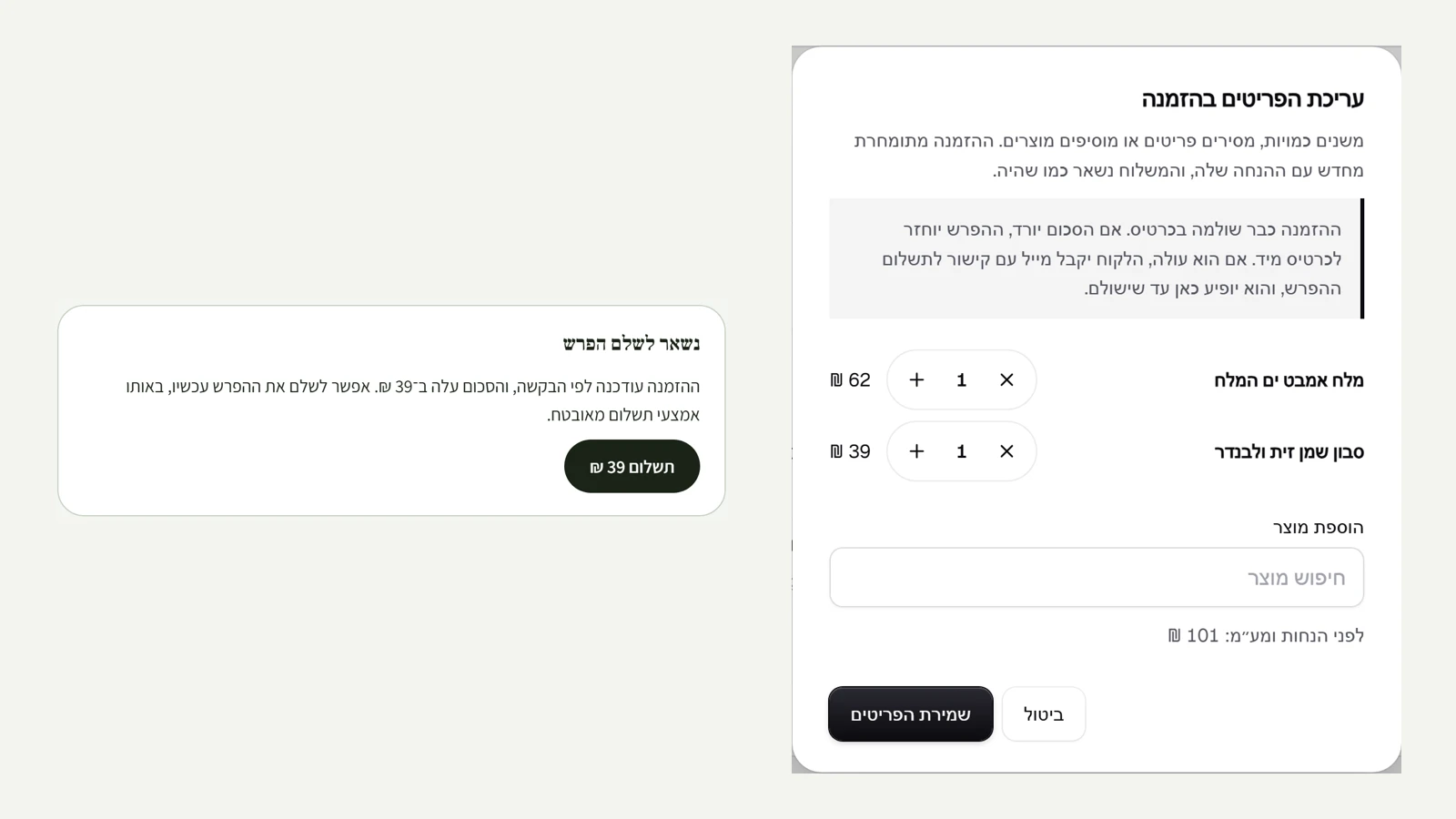 Editing a paid order
You can now change the items in a paid order too, as long as it has not shipped and nothing has been refunded on it. The order is repriced with its discount, and inventory moves to match. If the total goes down, the difference goes back to the card straight away through the payment provider, and is recorded as a refund on the order. If it goes up, the order stays 'Paid', the difference appears on it as 'Left to pay', and the customer gets an email with a link to the order page. There, one button pays the difference, with the same payment provider. A declined payment does not harm the order itself, and the difference simply stays open. Once it is paid, the difference drops to zero and is recorded on the timeline. On an order paid outside the site, the refund is recorded on the order and the difference is shown for you to collect manually. Also, AI logo drafts are now deleted automatically after a day in every store.
New
- Edit the items in a paid order, with an immediate refund when the total goes down.
- A difference to pay on the order page, by email and with one button, when the total goes up.
Fixed
- Logo drafts that were not chosen are deleted automatically after a day.
 A logo made with AI
For anyone who does not have a logo yet: in the editor, under Style, there is now 'Create a logo with AI'. You write one word about what the mark should show (or leave it empty, and it is taken from the store description), and in about half a minute you get four proposals in four directions: thin line, solid shape, stamp and geometric, all in the store's colour. The AI draws only the mark. The store name is written next to it in the design's font, as live text, so the Hebrew is always correct and sharp and search engines can read it. Each proposal is shown the way it will look in the site header. Click a proposal and it becomes the logo, and at the same moment a white version is made for dark backgrounds, in which the light details inside the mark stay transparent. The background is removed automatically, and a proposal whose background was not cleaned is simply not shown. Proposals that were not chosen are deleted after a day.
New
- Four proposals for a mark in the store's colour, in one click.
- The store name next to the mark in the design's font, as live text.
- A white version for dark backgrounds is made on its own.
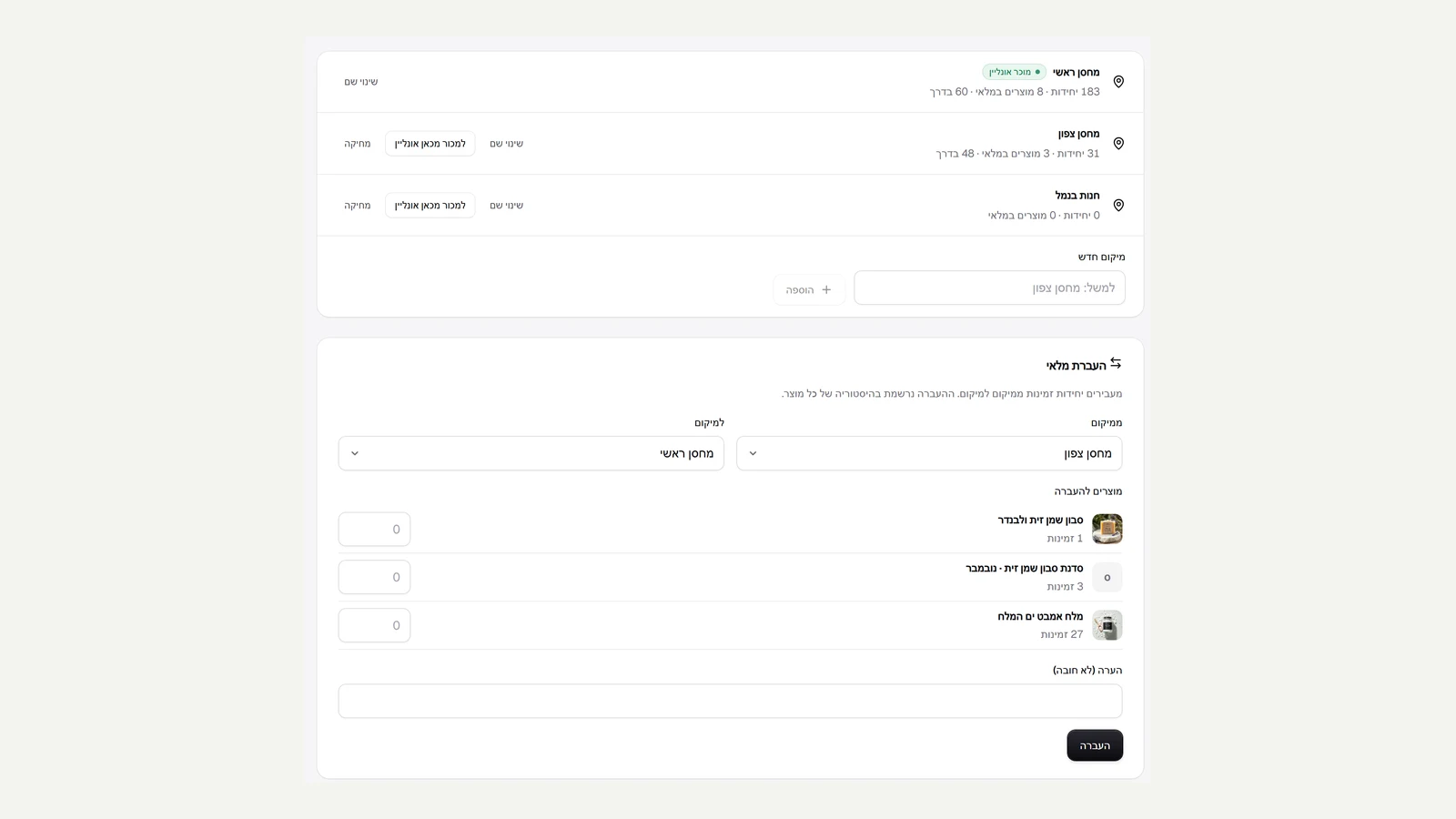 Multiple warehouses, transfers and purchase orders
A store can now hold inventory in several locations: warehouses, a physical shop or a stall. On the inventory locations page you add a location, rename it, and see how many units each one holds and how many are on the way. The site sells and ships from the location marked for online sales, and you can move online sales to another location when no open orders are holding stock in it. A stock transfer moves available units from one location to another in one go, all of them or none, and is recorded in each product's history. A purchase order from a supplier is recorded with the supplier, destination, expected date and cost per unit. The quantity is counted as 'On the way' at the location, moves into available stock when you receive it, in parts too, and whatever is cancelled stops being counted. The inventory page has a location picker when there is more than one. Inventory shared between stores stays with the location that sells online only, so a back warehouse does not change the count in the other stores.
New
- Several inventory locations, and one location the site sells from.
- Stock transfers between locations, recorded in the history.
- Purchase orders from suppliers: on the way, receiving in parts and cancelling.
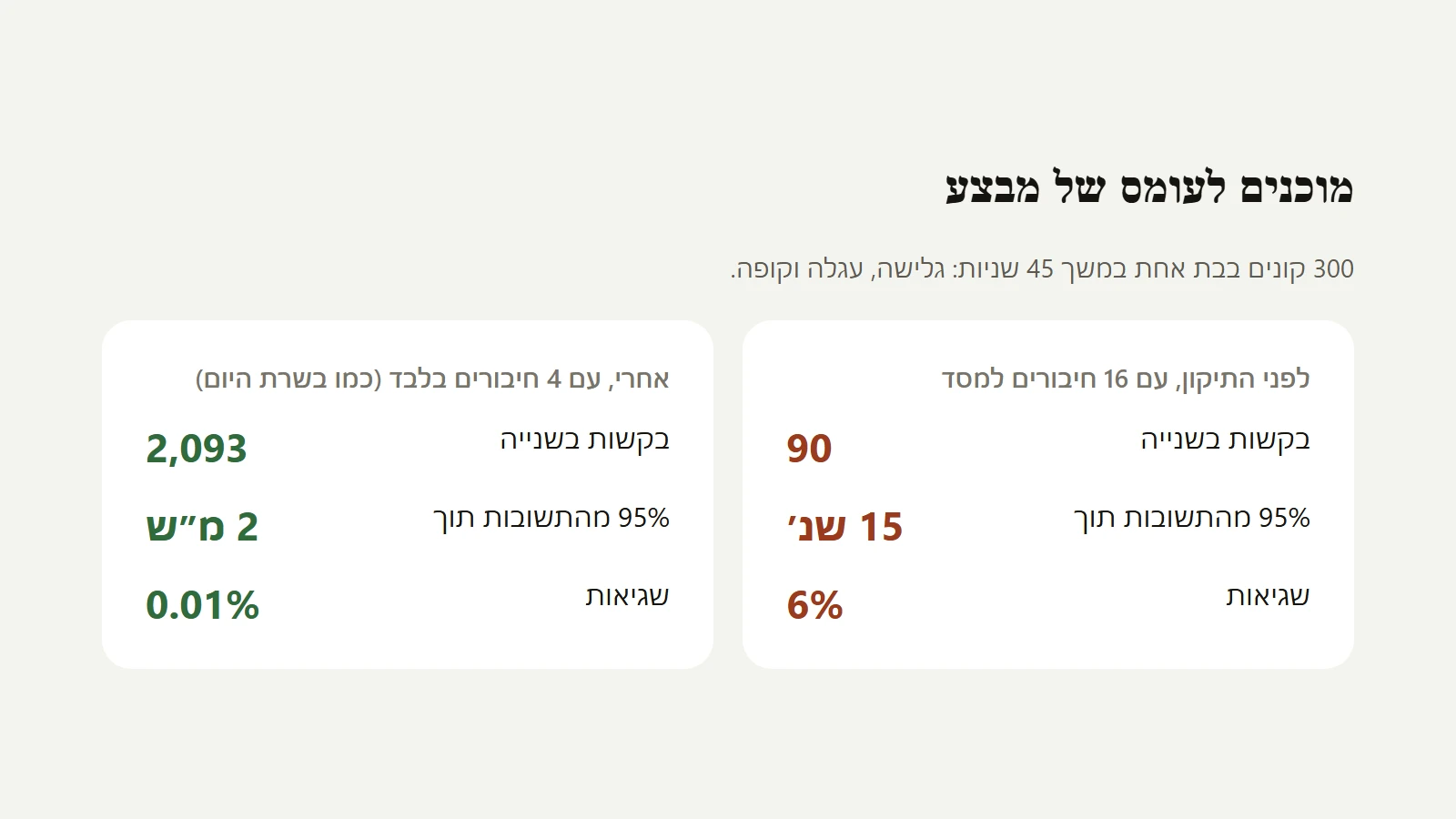 Ready for a sale rush
We tested what happens when many shoppers arrive at once, as on Black Friday, with a load testing tool that runs hundreds of shoppers in parallel: browsing the catalogue, opening products, adding to cart, details and checkout. At 300 shoppers the system jammed: 90 requests per second, 95% of responses within 15 seconds, and 6% errors. The cause was code that asked for another database connection in the middle of an open order, so under load all the connections waited for each other. We fixed two such places (the gift offer in the cart and the customer's account page), and added a check that runs all the tests with a single connection, so a bug of this kind cannot come back quietly. After the fix, with only 4 connections: 2,093 requests per second, 95% of responses within 2 milliseconds, and 0.01% errors. During the load, inventory never went below zero, and a product that sold out was blocked at checkout instead of being sold twice. The server now moves to 20 connections per process.
New
- A load testing tool that runs hundreds of shoppers in parallel and fails when the targets are not met.
Improved
- 20 database connections per server process, and a check that catches this bug in advance.
Fixed
- A store that jammed under load because of another database connection in the middle of an order.
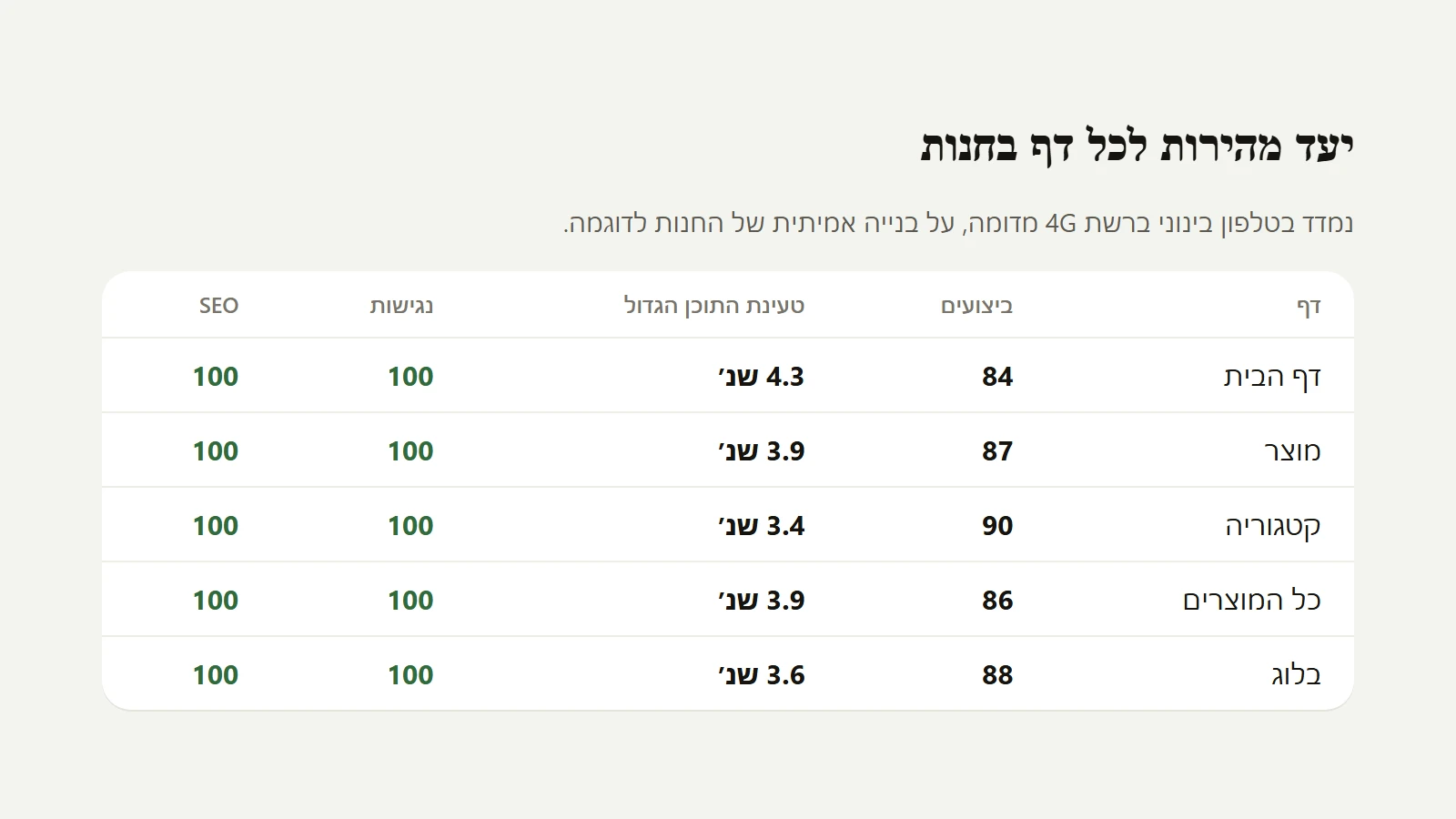 A speed target for every page
Every page type in the store now has a fixed speed target, and a check that runs Lighthouse on a mid-range phone on a simulated 4G network and fails when a page drops below the target. Along the way we found and fixed several things. Our images got an intermediate size of 900 pixels, so an ordinary phone downloads the hero image at half the weight (71KB instead of 139KB), and the images in the gallery, team, services, portfolio, menu, before and after and blog now get a size that fits the screen instead of the full file. The hero button in the centred layout was almost unreadable on a phone in some colour themes, and the savings label next to the price was slightly below the contrast threshold. Both are fixed, and accessibility stands at 100 on every page tested. The results on the home page: performance 84 and the largest content loading in 4.3 seconds, against 80 and 4.9 before. Caching close to the customer (CDN) is not active yet, because it needs an outside account.
New
- A speed target for every page type, and an automatic check that fails when a page drops below it.
Improved
- A 900 pixel image size for phones, and a screen-fitted size for all section and blog images.
Fixed
- An unreadable button in the centred hero on a phone, and the contrast of the savings label.
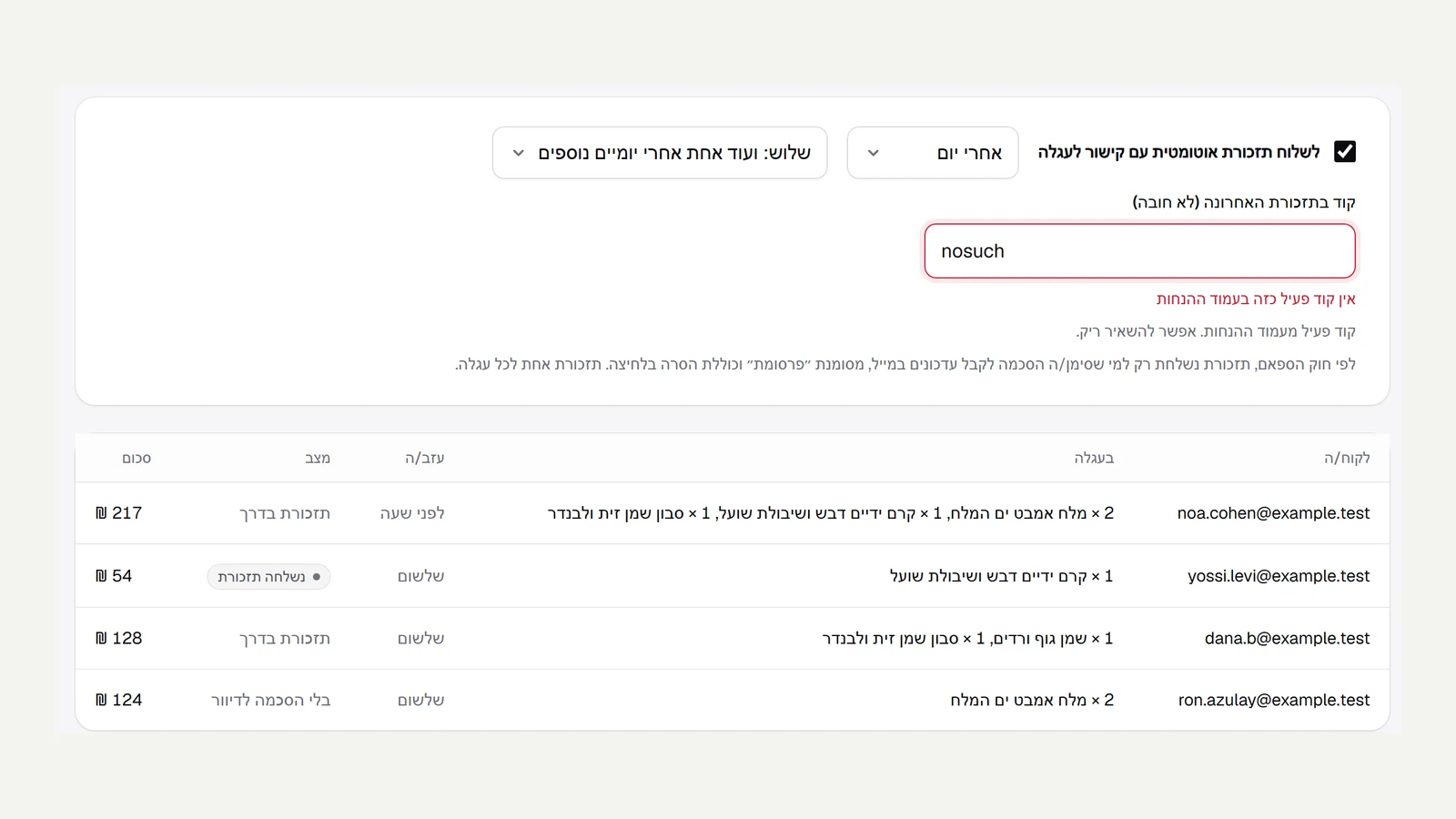 Up to three abandoned cart reminders
An abandoned cart reminder can now be a series. On the abandoned carts page you choose one reminder, two (another one a day after the first) or three (and one more after a further two days). You can attach an active discount code to the last reminder, and a code that does not exist is flagged straight away in the field itself, without deleting what was typed. The series stops the moment the customer buys, returns to the cart from the link or unsubscribes, and no more than one reminder a day is sent to the same address. The links in earlier emails keep working after a new reminder goes out, including one-click unsubscribe.
New
- Up to three cart reminders: after the delay, a day later, and two days after that.
- A discount code in the last reminder only.
Improved
- Links from earlier emails keep working, and the series stops on a purchase.
 Protection from fraudulent stores
Every store is checked automatically the first time it opens. The check looks at counterfeit words in product names and descriptions (such as replica or original copy), at well-known brands in the store name and products, at prices that are mostly discounted by more than two thirds, at a disposable email address, at an earlier store by the same owners that was suspended, at missing business details and at an account opened today. Most stores notice nothing and open straight away. A store that collects too many signals does not receive payments, the owners see a clear message that the store is waiting for a short review, and the platform team gets an email. On the store review page the team sees every waiting store, each signal and its weight, and approves (and the store opens) or rejects (and the store is suspended). Stores that were already open are not checked again.
New
- An automatic check of a new store before its first payment.
- A store review page for the team, with the reasons, approve and reject.
Improved
- An ordinary store opens straight away, with no waiting.
 Automatic emails
The email marketing page now has three emails that you turn on once and they go out on their own. Welcome goes to anyone who signs up for updates, about ten minutes after signing up, and only to people who signed up after the email was turned on. Thank you and review request goes out a few days after a paid purchase, and you choose the number of days. Win back inactive customers goes to anyone who bought in the past and has not been back for a long time, at most once every six months to the same person. You can attach an active discount code to the welcome and win-back emails, and a code that does not exist is stopped at saving. Everything is sent only to people who agreed to receive marketing and have not unsubscribed, between 9:00 and 20:00, and every email has an unsubscribe link that works in one click. You can change the wording in the email settings, and next to each email you see how many were sent in the last 30 days.
New
- A welcome email, a thank you after a purchase and a win-back for inactive customers, sent on their own.
- A discount code to attach, and a 30-day sent counter for each email.
Improved
- Only to people who agreed to marketing, at reasonable hours, with one-click unsubscribe.
 Appointment booking
A service can now sell time. On the product page in the admin you choose 'Take bookings for this service', and set the duration, how many places each slot has (one for a personal treatment, more for a workshop), opening hours for each day of the week, how many hours ahead a booking can still be made and how many days forward. On the service page on the site the customer picks a day and then a time, from free slots only, and the slot is kept in the cart. Checkout does not go ahead without a slot. A slot is held the moment the order is placed, and two customers cannot take the same last place. An unfinished payment releases the slot after half an hour, and a cancelled order does not take a place. After payment the customer gets a confirmation by email, and a reminder the day before. The admin has a bookings calendar by day, with name, phone, payment status and a link to the order.
New
- Bookings for a service: duration, places and opening hours for each day.
- Pick a free day and time on the service page, with no double booking.
- An email confirmation, a reminder the day before, and a bookings calendar in the admin.
 Events and tickets
Any product can be an event: on the product page in the admin you choose 'Make this product an event' and fill in when, where and the address. The product page on the site shows a box with the day, the hours and the venue, with a link to the map, and search engines get the event details as structured data. When an order is paid, every ticket gets its own entry code, which is sent by email and appears on the order page as a ticket with a QR code. At the door you open 'Ticket check' in the admin, type the code or scan it with the camera, and get a clear answer: green, come in, or yellow if the ticket has already been used. A ticket from a cancelled order does not get in. The event panel shows how many tickets were sold and how many have already entered.
New
- A product that is an event, with a date, a venue and structured data for Google.
- An entry code for every ticket, by email and on the order page with a QR code.
- Ticket check at the door: type or scan, and every ticket gets in once.
 Questions at checkout
Custom order fields can now appear at checkout, and the customer fills them in: a greeting for the card, the preferred delivery date, the date of the event. You tick 'Ask at checkout' in the settings, under custom fields, and the questions appear at checkout under 'A few more details', all of them optional. Every answer is checked against its type, and an invalid answer stops the payment before an order is created. The answers are saved on the order and appear on the order page in the admin, and internal fields stay with the team only.
New
- Your own questions at checkout, with the answers saved on the order.
 Combining discounts
A customer can now get two discounts on the same order: one on the price, such as a 10% code or tiers, and one on shipping. Every discount has a 'Can be combined' option, and the customer gets both only when both discounts have it ticked. If one does not, the system picks the better discount for the customer, as before. In the cart and at checkout, the shipping line shows the name of the discount that made it free. The order keeps both discounts, each one counts against its own usage limit, and if the order is cancelled before payment both are returned.
New
- A price discount and a free shipping discount on the same order.
- A 'Can be combined' option on every discount, and a separate usage count for each.
 Tiered discounts
A new discount type: buy more, save more. You set between two and five tiers, for example 10% from ₪150, 15% from ₪300 and 20% from ₪500, by order total or by number of items. It works as a discount code or as an automatic discount. The cart shows the customer how much is missing for the next tier, with a progress bar, and how much discount they already have. Along the way we fixed a bug in the cart: after choosing a shipping method, the total included shipping but the line still said 'Calculated at checkout', and the total looked wrong. The line now shows the shipping price. Also: custom field values are deleted together with the product, customer or order.
New
- A tiered discount by total or quantity, as a code or automatic.
- The cart shows how much is missing for the next tier.
Fixed
- The shipping line in the cart shows the price once a shipping method is chosen.
- Custom field values are deleted together with the product, customer or order.
 Custom fields
In the settings, under 'Custom fields', you add your own fields to products, customers and orders: ingredients, weight, production date, a customer's skin type, a greeting for the card on an order. There are five types: short text, long text, number, date and yes or no, and every value is checked against its type. The fields appear on the page of every product, customer and order in the admin. Product fields marked 'Shown on the site' appear on the product page in a tidy 'Details' table, and the rest stay internal, like the supplier's name. While we were there: the settings tabs wrap to a second row when they do not fit, instead of being cut off at the edge.
New
- Your own fields for products, customers and orders, in five types.
- A details table on the product page from the fields marked 'Shown on the site'.
Fixed
- The settings tabs are no longer cut off at the edge of the screen.
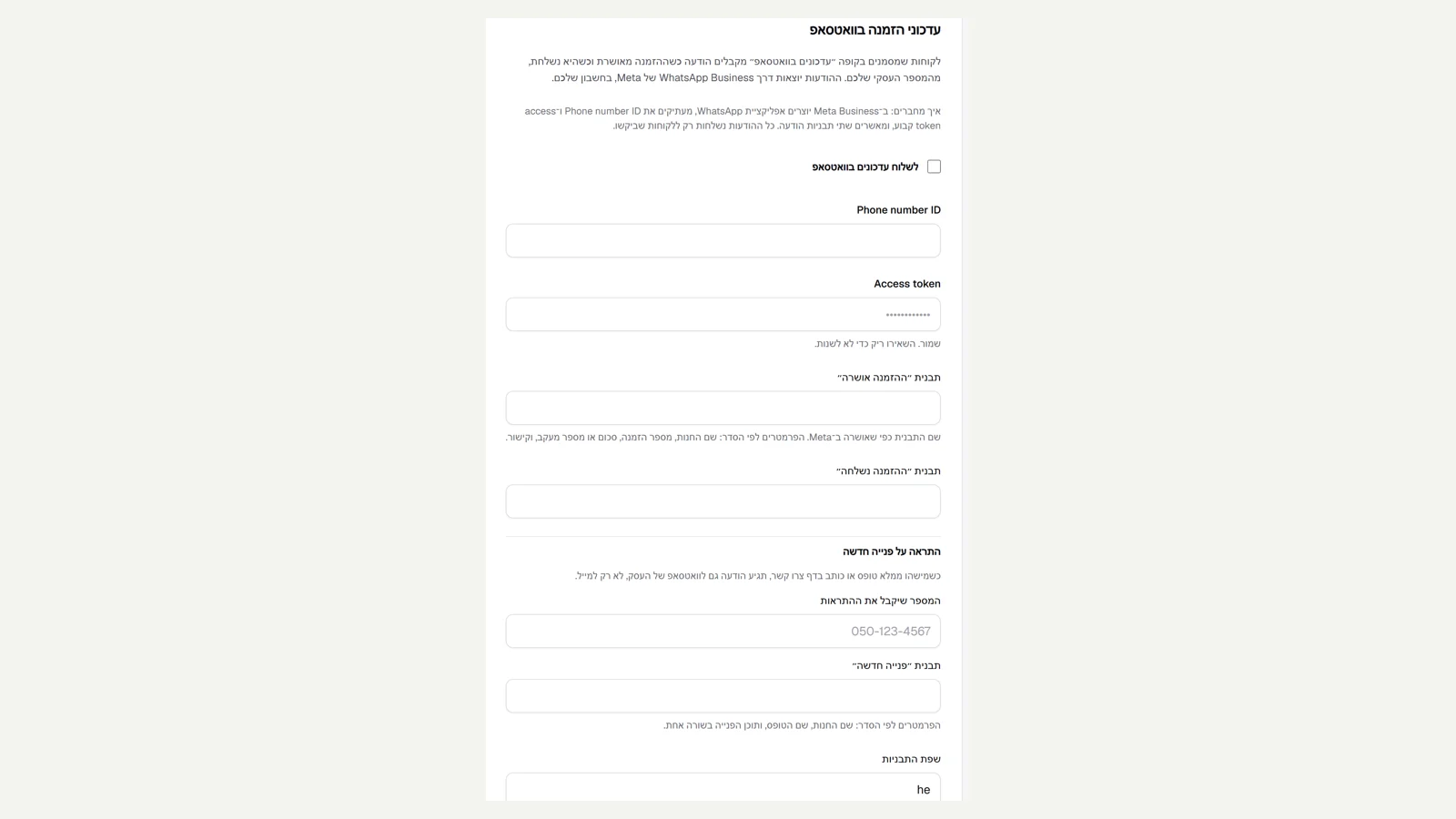 A WhatsApp alert for a new enquiry
If you have connected WhatsApp Business, you can now get a message on the business's WhatsApp for every new enquiry from the site: a form you built in the editor or a message from the contact page. In the settings, under order updates on WhatsApp, you add the number that will receive the alerts and the name of the template approved in Meta. The message includes the store name, the form name and the content of the enquiry in one line. The email keeps arriving as usual, and the enquiry is also saved in the enquiries inbox.
New
- A WhatsApp message to the business for every form and enquiry from the site.
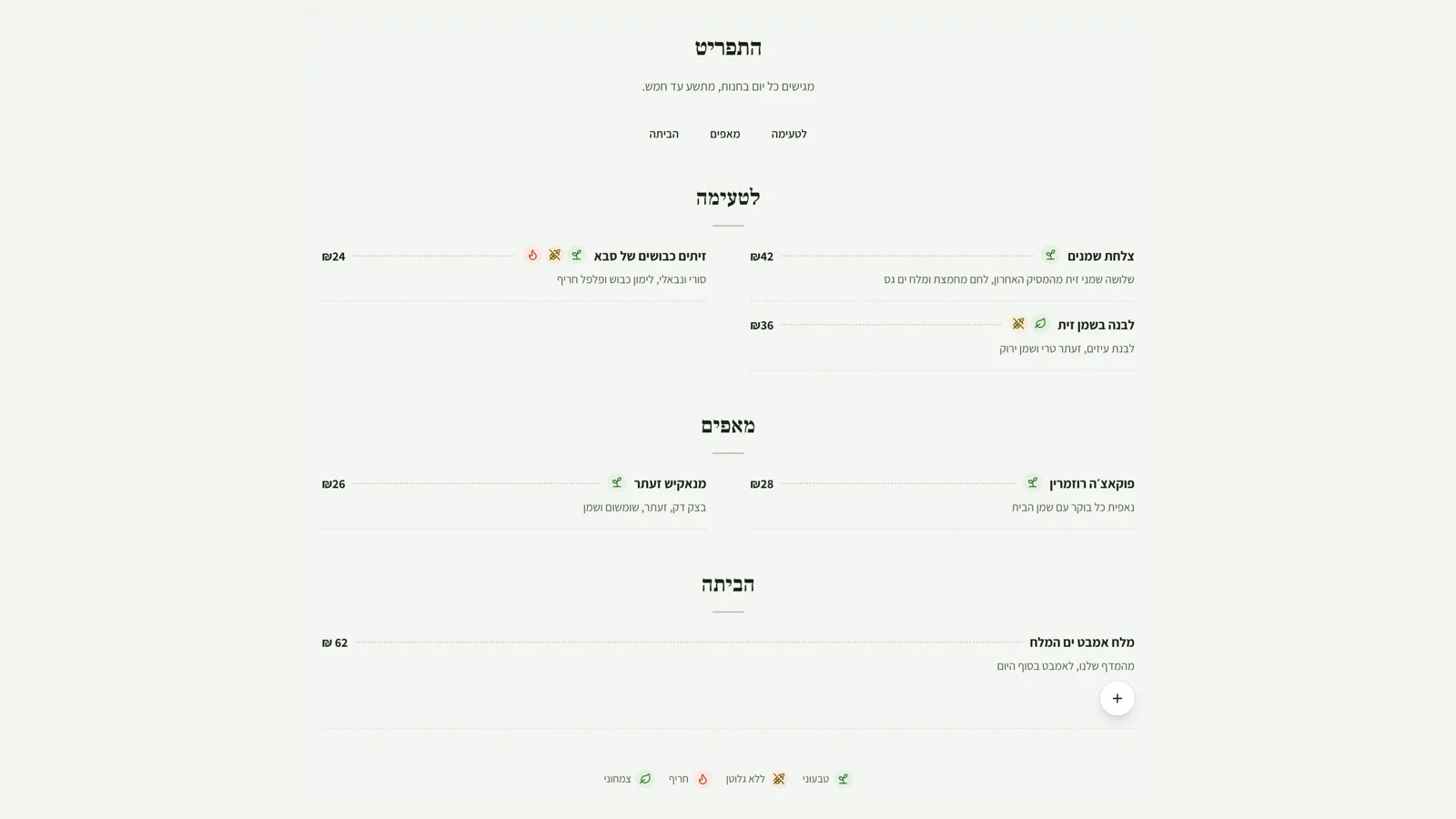 A menu for restaurants and cafes
A new section in the editor, 'Menu': dishes by category, such as starters, mains and desserts, with sticky navigation between the categories. Each dish has a name, what is in it and a price, and marks for vegetarian, vegan, gluten free and spicy, as coloured icons with a key at the bottom. There are two views: a classic two-column menu with a dotted line to the price, or cards with a picture for each dish. A dish linked to a product takes its price and availability straight from it, is marked 'Not available today' when it runs out, and is added to the cart in one click. If it has extras, the click leads to choosing them. The order itself goes through the regular checkout, with pickup or delivery. And there is a new starter page, 'Restaurant menu'.
New
- A menu section: categories, prices and dietary marks with a key.
- A dish linked to a product keeps its price and availability up to date and is added to the cart in one click.
- A new starter page: Restaurant menu.
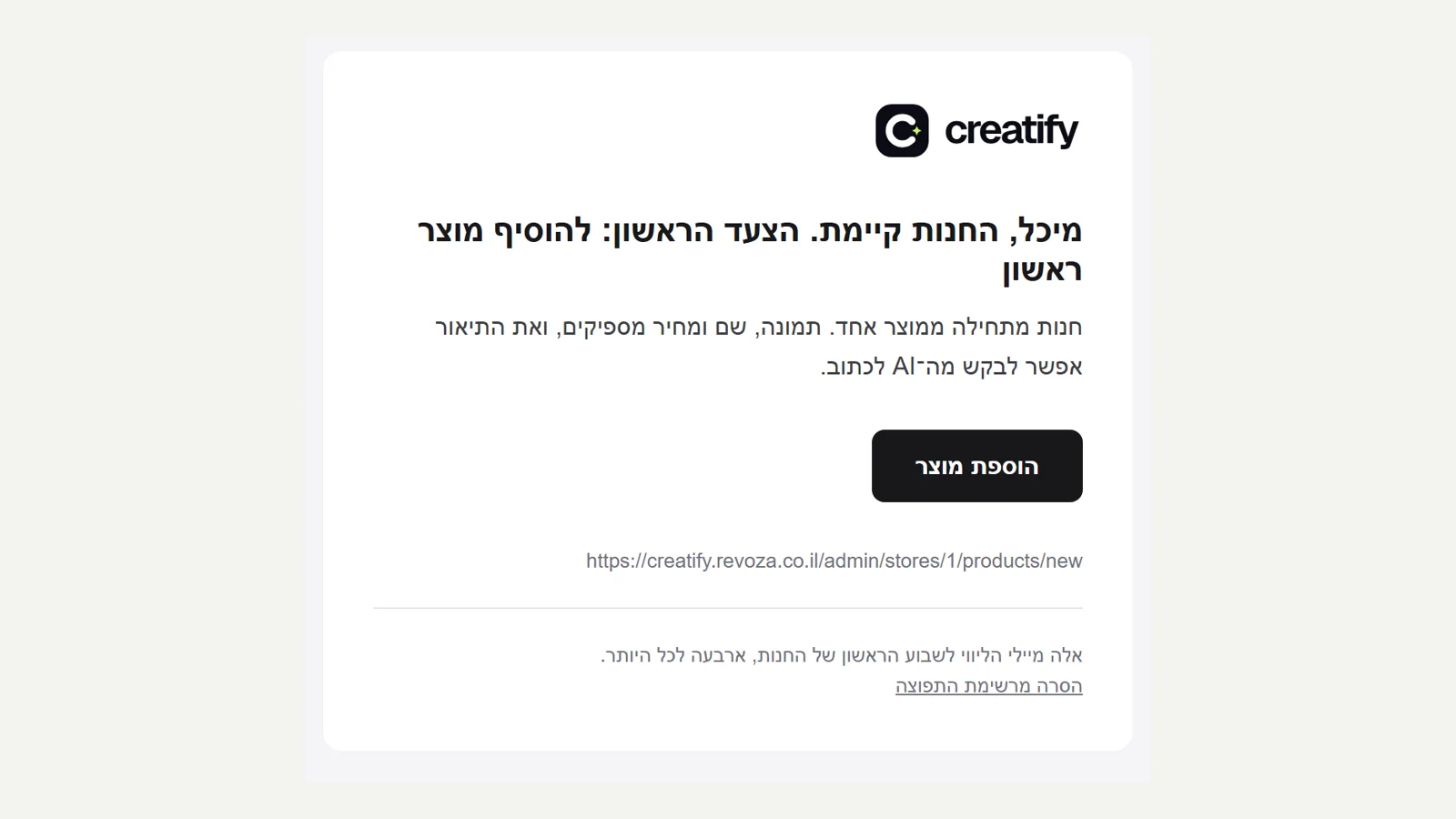 Guidance in the first week
Anyone who opens a new store gets four emails in the first week: about ten minutes after signing up, after a day, after three days and after a week. Each email gives just one step, the step that brings you closest to a first sale right now, based on what has already been done in the store: a first product, the business details the store policy is built from, payments, shipping, opening the store, and then how to bring in the first shoppers. When the first sale arrives, a congratulations email is sent and the series stops. The emails go out only between nine in the morning and eight in the evening, an email that missed its time is not sent late, and each one has a one-click unsubscribe link.
New
- Four guidance emails in the first week, based on what has already been done in the store.
- A congratulations email on the first sale, which stops the series.
- Sent at reasonable hours only, with one-click unsubscribe.
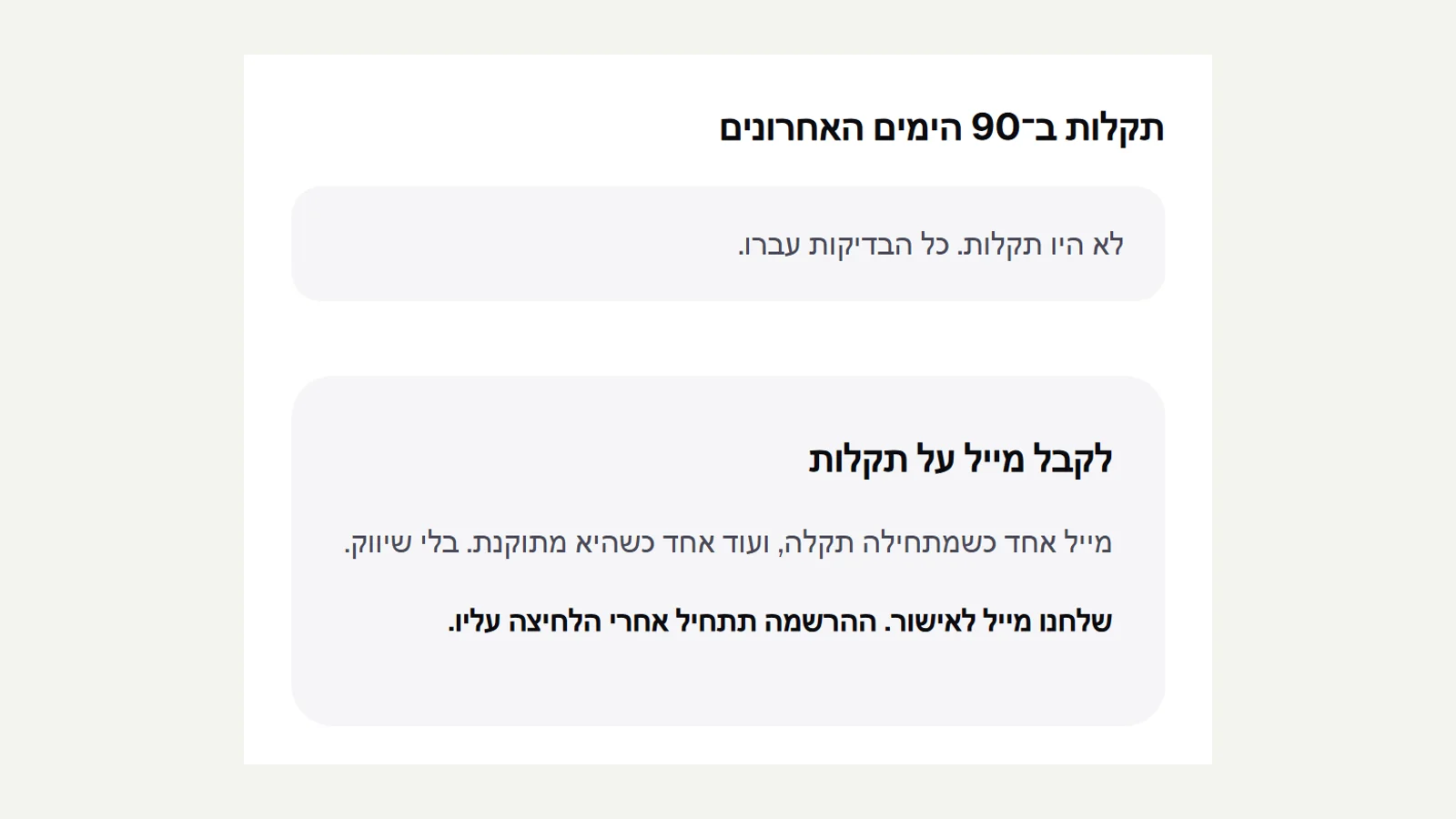 Incident history and email updates
The status page now also shows the incidents of the last 90 days: which part, when it started and how long it took to fix. Here too, nothing is written by hand. Two failed checks in a row open an incident, so that a one-minute drop does not count, and the first check that passes closes it. You can sign up on the page to get an email: one when an incident starts and one when it is fixed, with the address confirmed before signing up and an unsubscribe link in every email. While we were there: a business now gets an email when a reader comments on a blog post and the comment is waiting for approval.
New
- A list of incidents with time to fix, opened and closed automatically.
- Sign up for incident updates by email, with confirmation and unsubscribe.
Improved
- An email to the business about a new blog comment.
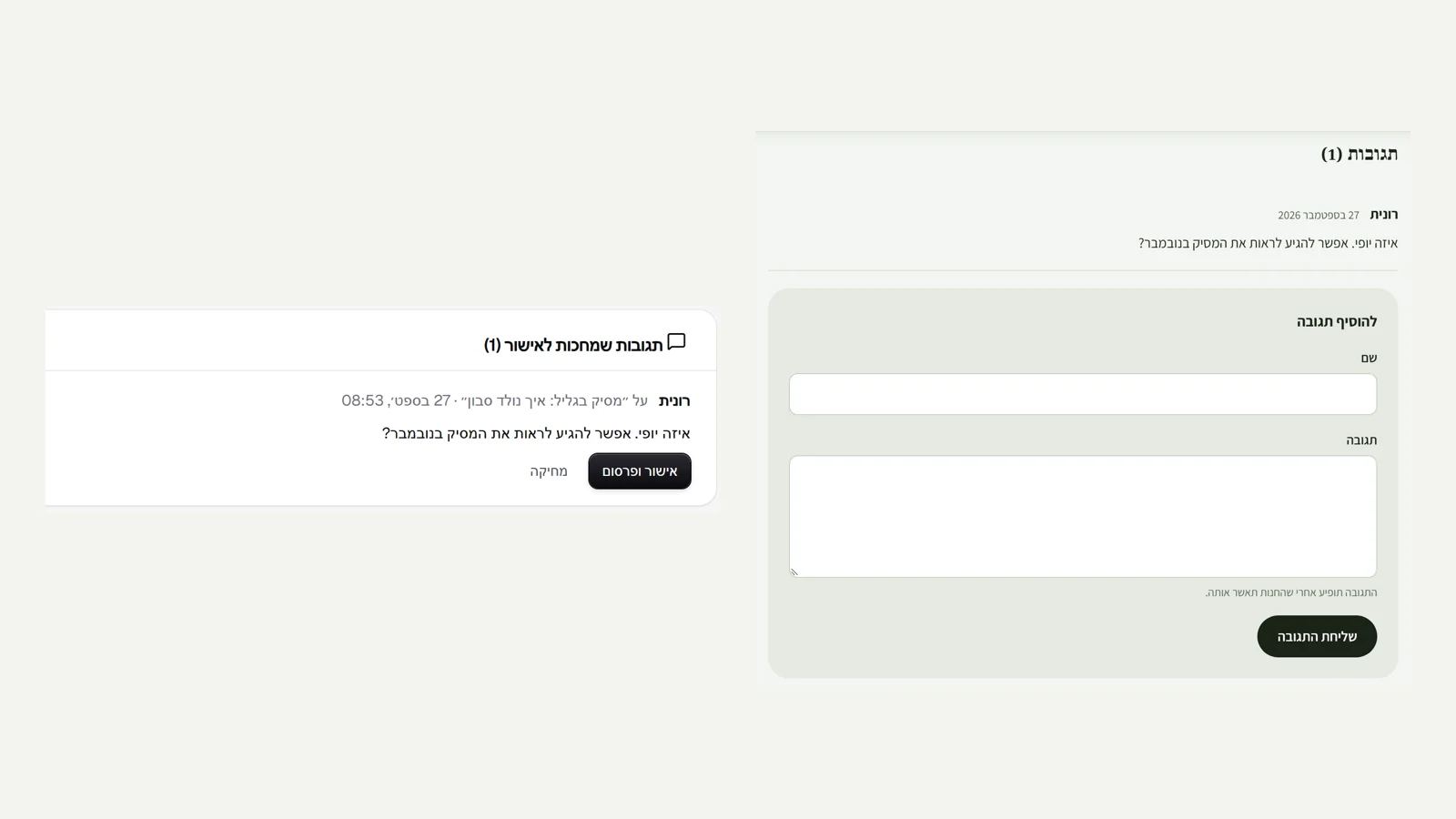 Blog comments
Readers can comment on posts: a name and a comment, with no sign-up. No comment appears on the site before the business has approved it, and the writer sees straight away that the comment was sent and is waiting for approval. The blog page in the admin shows the comments that are waiting, with the post they were written on, and you can approve and publish or delete in one click. There is spam protection: a hidden field that only bots fill in, and a limit of five comments an hour per visitor. The number of comments is also added to the data Google reads about the post.
New
- Reader comments on posts, with approval before publishing.
- An approval queue on the blog page in the admin.
- Spam protection and a rate limit.
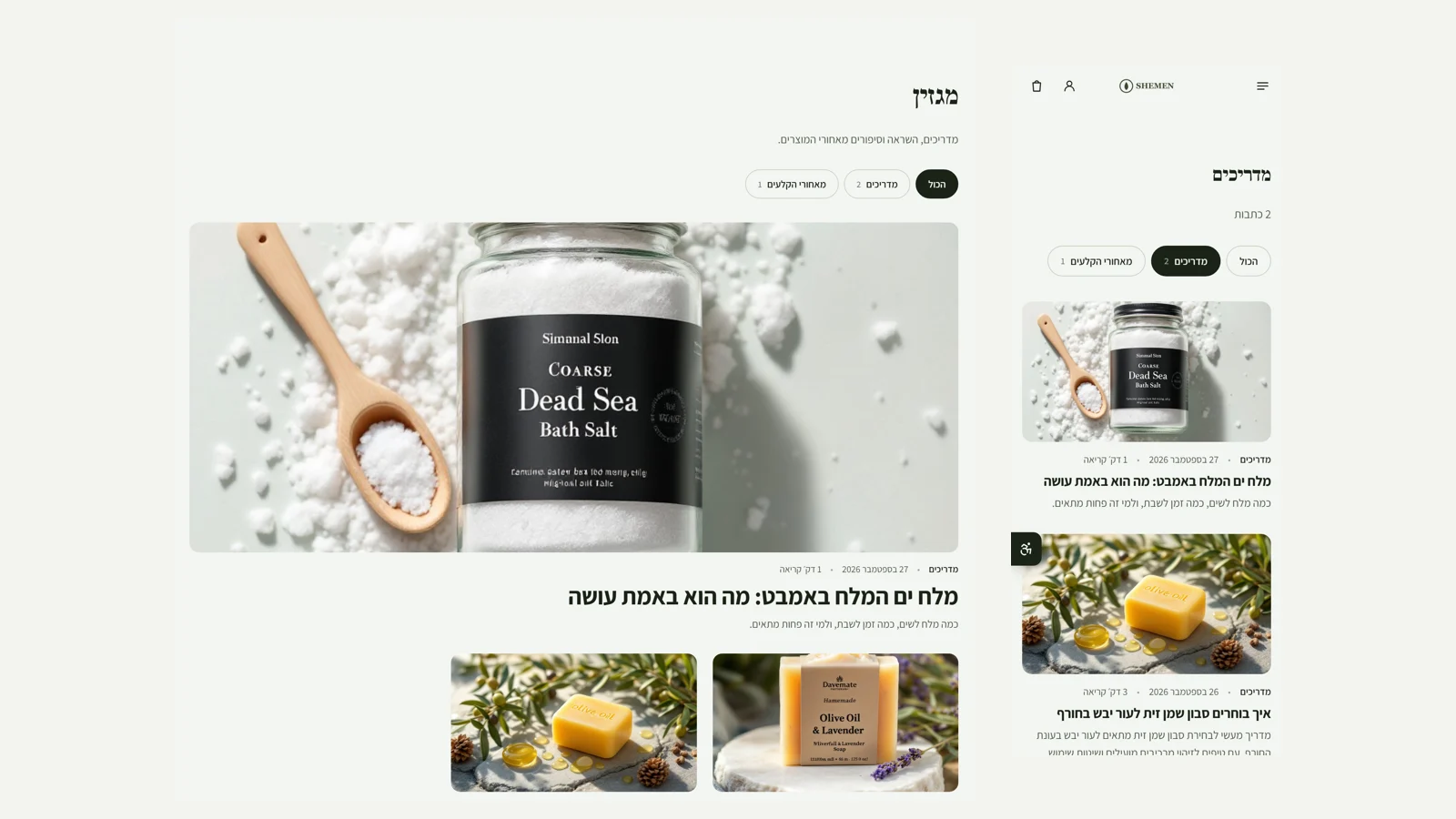 A full blog
You can give every post a category, up to eight tags and an author's name. The top of the blog shows category buttons with the number of posts in each, and the bottom a tag cloud. Every card and every post shows the category, author, date and reading time, which is calculated from the length of the text. A category page is a real page that Google can show, and a tag page is only a filter, so it does not go into search results. The blog now has an RSS feed that feed readers and automatic emails can follow, and posts hidden from search engines do not go into it. The structured data for Google now includes the author, category and tags too.
New
- A category, tags and an author for every post.
- Filtering by category and tag, and reading time.
- An RSS feed for the blog.
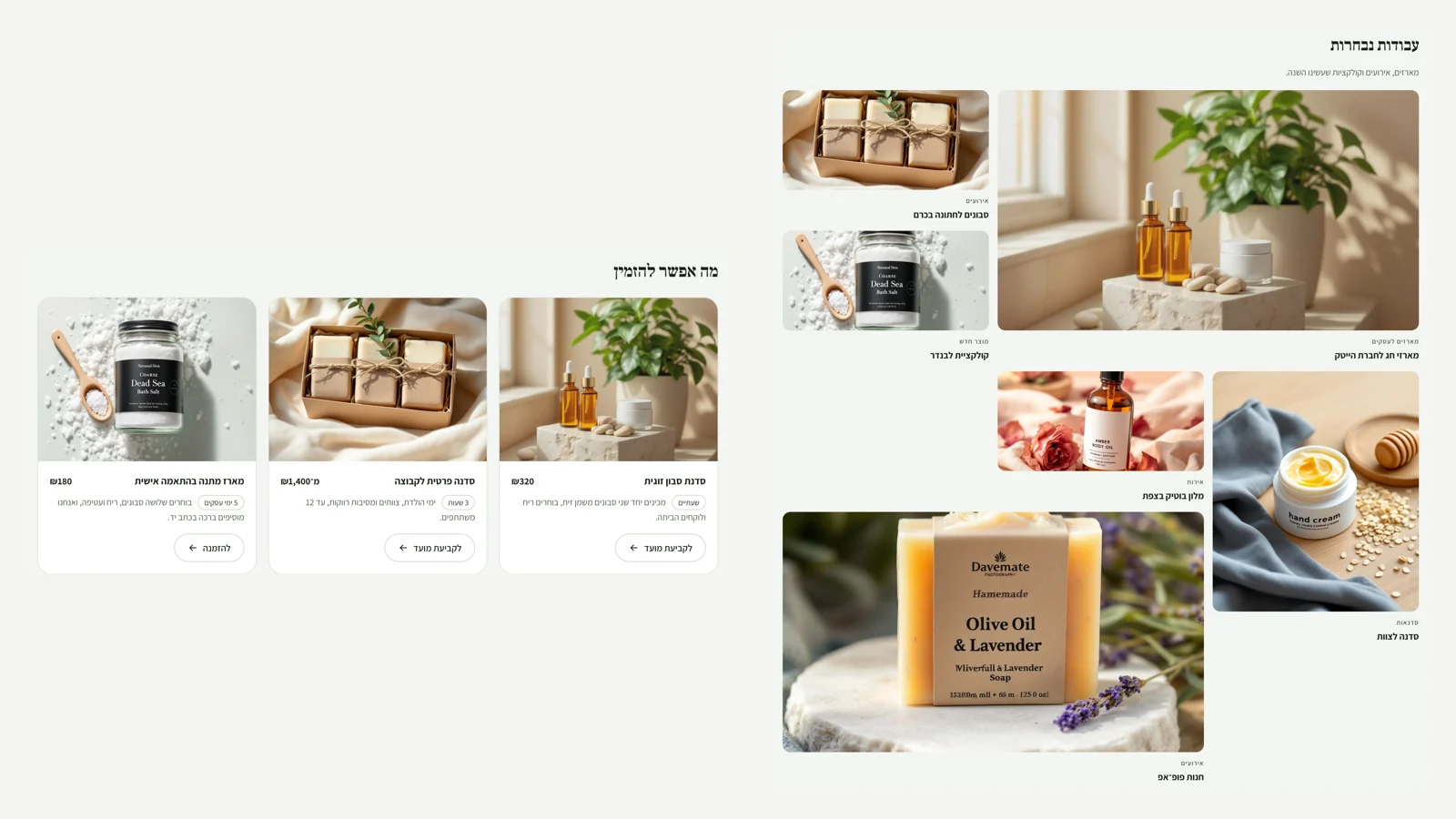 New layouts: services, team and portfolio
Three new section types in the editor, each in two completely different layouts. 'Services and prices': a printed menu with a dotted line between the name and the price, as in a spa or a studio, or cards with a picture, price, duration and a button for booking an appointment. 'The team': tall magazine-style cards, or round pictures in a row. If there is no picture, the initials appear on a background in the store's colour. 'Portfolio': an uneven mosaic in which every fifth piece takes a double space, or large rows for each project with its story, side by side. And there are four new pages to start from: services and prices, team, portfolio and landing page.
New
- A services and prices section: a menu with a dotted line, or cards with a picture.
- A team section: tall cards or round pictures.
- A portfolio section: a mosaic or rows with a story.
- New starter pages: services, team, portfolio and landing page.
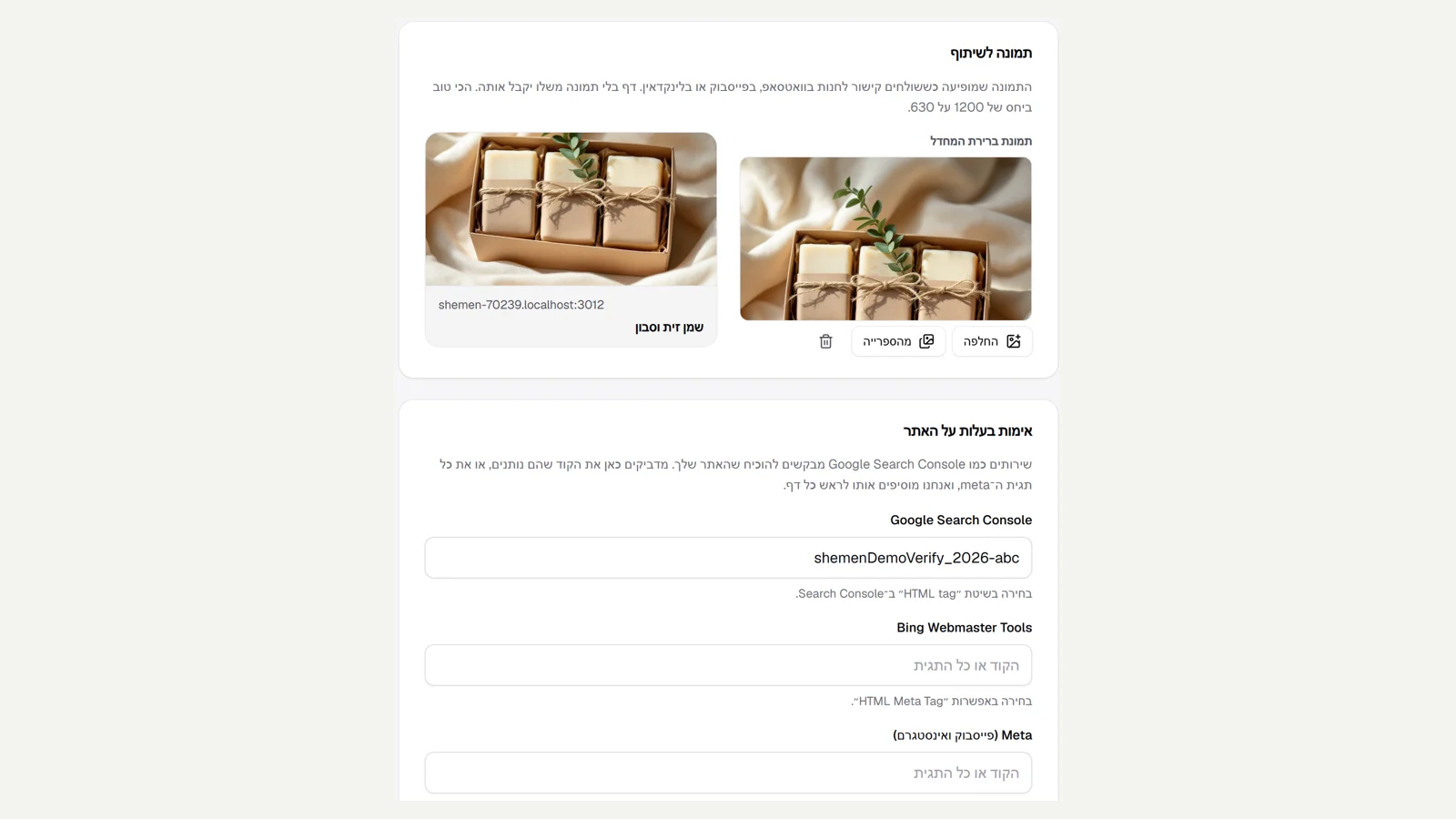 Advanced SEO
The settings have a new tab, 'Search engines'. You choose a sharing image, which appears when someone sends a link to the store on WhatsApp or Facebook, and see straight away how the link will look. You paste the verification code from Google Search Console, Bing, Meta or Pinterest, as a whole tag too, and it is added to the head of every page. On every product, post and page you can tick 'Hide from search engines': whatever is hidden leaves the sitemap and gets a noindex tag, but stays open to anyone with the link. You can choose a separate sharing image for each page. Along the way we fixed a miss: the pages you build in the editor, such as About and Contact, did not appear in the sitemap, and now they do.
New
- A sharing image for the store and for every page, with a preview of the link.
- Verification codes for Google, Bing, Meta and Pinterest.
- Hide a product, post or page from search engines.
Fixed
- Pages built in the editor are now in the sitemap.
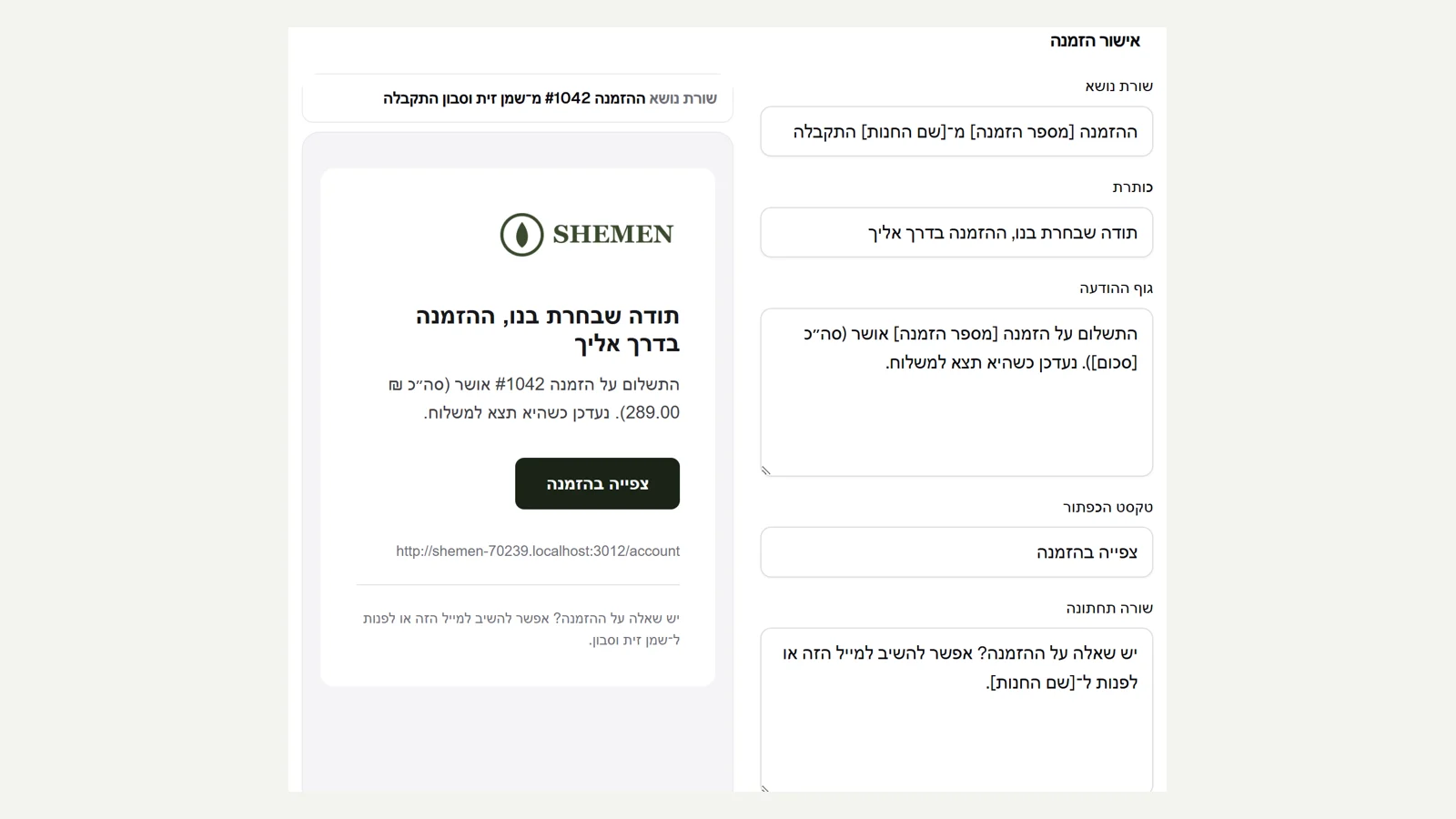 Customer emails in your store's name
Every email a customer gets from a store, from order confirmation to gift card, now goes out with the store's logo and a button in its colour, instead of the Kreaza name. In settings, under 'Customer emails', you can write the eight main emails in your own words: subject line, heading, message body, button and footer line. Order details appear as readable tags like [order number], and you add them with a click. Next to the editor there is a live preview of the email as it will arrive, with sample details, and you can send yourself a test email or go back to the original wording. A field left as the original keeps getting our improvements. Kreaza's own emails now go out with the real logo too.
New
- The store's logo and colour in every customer email.
- Edit the wording of eight emails, with a live preview and a test email.
Improved
- Kreaza's emails go out with the logo instead of the name in text.
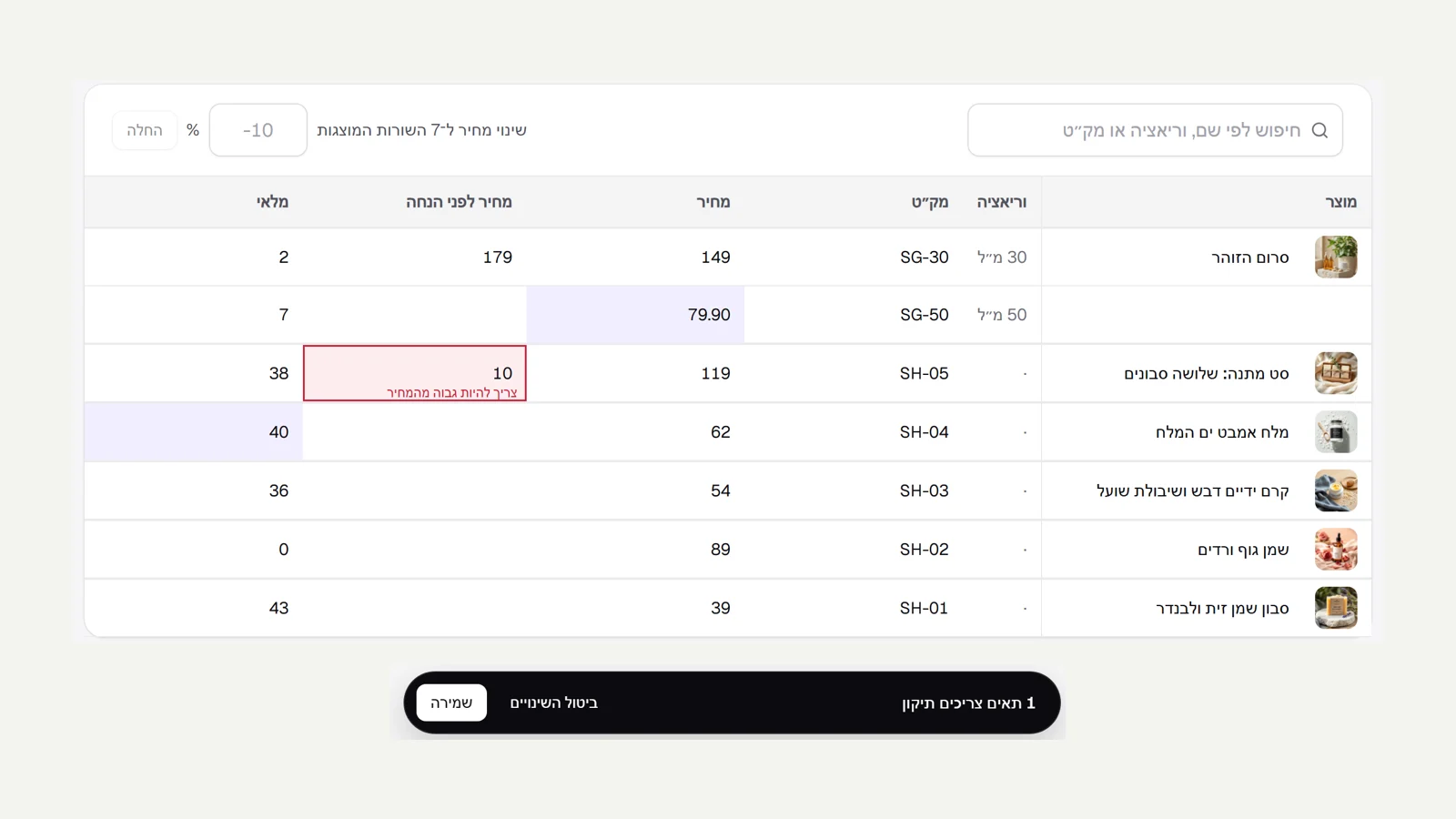 Bulk editing
The products page now has 'Bulk editing': one table with every product and every variant, where you change name, SKU, price, compare-at price and stock right in the cells. Enter moves to the next row like a spreadsheet, a changed cell is highlighted, and a bar at the bottom counts how many rows changed. You can change the price of all the rows shown by a percentage, for example after a search. Saving is all or nothing: if one cell is wrong, like a compare-at price lower than the price or a SKU already in use, nothing is saved and the cell is marked with the explanation. Stock changes are recorded in the inventory log like any adjustment.
New
- An editing table for all products: name, SKU, price, compare-at price and stock.
- Change the price by a percentage for all the rows shown.
Improved
- All-or-nothing saving, with an explanation on the cell that needs fixing.
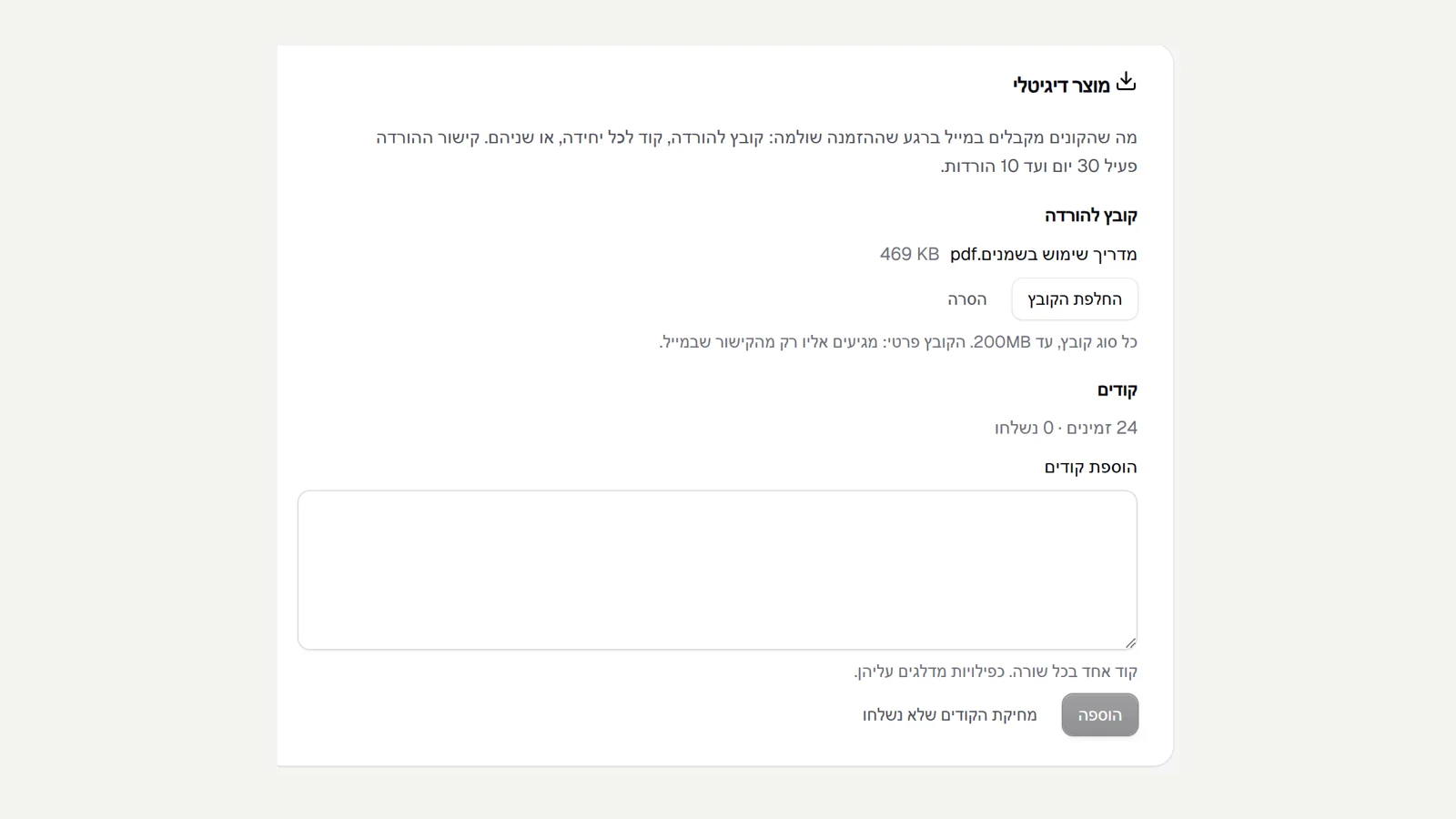 Digital products
You can sell files and codes: the product page in the admin has 'Digital product', where you upload a file for download (up to 200MB, any type) or paste a list of codes, one per line. As soon as the order is paid, the buyer gets an email with a personal download link and a code for every unit bought. The file is private: it has no public address, and the link works for 30 days and up to 10 downloads. When the codes run out, the order is marked as missing a code in its timeline, and the number of codes available and codes sent always appears next to the list.
New
- A downloadable file for a product, with a personal link emailed after payment.
- Codes sent one per unit, with a count of available and sent.
- An order placed after the codes ran out is marked in its timeline.
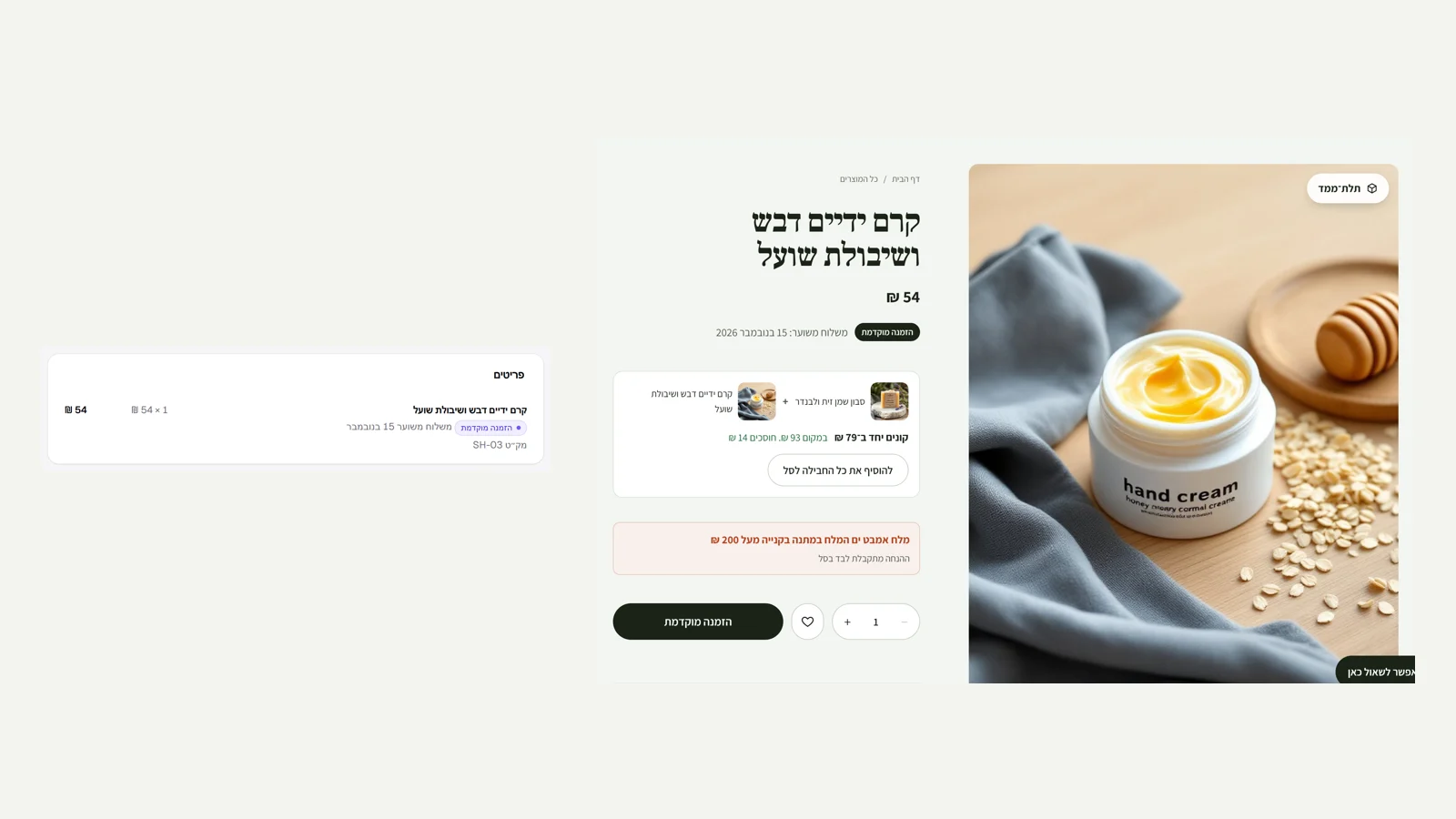 Pre-orders
You can sell a product before it arrives: the product page in the admin has 'Pre-order' with an estimated shipping date. Once it is on, customers can order the product even with no stock. On the site, 'Pre-order' appears on the product card, the product page shows a badge with the estimated shipping date, and the button says 'Pre-order' instead of 'Add to cart'. In every order, the line for a pre-ordered product is marked, along with the date promised at that moment, so it is clear what to ship and when. When you turn it off, the product goes back to selling out when stock runs out. And along the way: the 'Save for later' button on the product page is now just a heart, so the main button does not break onto two lines.
New
- Pre-order for a product, with an estimated shipping date on the site.
- Pre-ordered lines in an order are marked with the date promised.
Improved
- The save-for-later button on the product page is a heart, and the main button stays on one line.
 Reviews with photos
Customers who bought a product can now attach up to four photos to a review, straight from the phone. Every photo is re-processed on the server, which strips the location and camera details, so where it was taken is not exposed. In the admin, under 'Reviews', you see the photos before you approve, and only after approval do they appear on the site: a 'Customer photos' gallery above the reviews, each review's photos beside it, and a click opens the photo at full size. A photo that was not uploaded to this store cannot be attached to a review.
New
- Up to four photos per review, without location or camera details.
- A customer photos gallery on the product page, with full-size view.
Fixed
- The visitor's accessibility settings no longer cause a loading warning in the browser.
 Wishlist and saved addresses
Every product card and the product page now have a heart: a click saves the product for later, even without signing in. The list is kept on the device, and when the customer signs in it merges with the account and appears on all their devices. The 'Wishlist' opens from the heart in the site header (on desktop) and from the account area, and its products are shown with current prices and stock. The account area also has 'Shipping addresses': customers save up to ten addresses and pick one as the default, and it fills in the checkout by itself on the next purchase. Deleting the default address passes the role to a remaining address.
New
- Wishlist: a heart on every product, which works without an account and merges on sign-in.
- Saved addresses in the account area, and a default address that fills in the checkout.
 Accessibility button on the site
Every store site now has an accessibility button at the side of the screen, as is customary on sites in Israel. It opens a small panel: text size (regular, large, very large), high contrast, highlighted links, stop motion and a readable font, with a reset and a link to the business's accessibility statement. The settings are saved on the visitor's device and applied before the page is shown, so the regular version does not flash on every page change. The panel closes with Esc or a click outside it, and focus returns to the button. The button appears by default, and you can turn it off in the editor under 'Menu and footer'. It completes what is already there: a site built accessible from the start and an accessibility statement built from the business details. The button alone does not make a site accessible.
New
- Accessibility button: text size, contrast, links, stop motion and a readable font.
- The settings are saved and applied before the page is shown, with no flash.
Fixed
- The brand font description on the roadmap: the Hebrew letters are checked, not the weights.
 Your brand font
For businesses with a font of their own: in the editor, under 'Style', you upload a TTF or OTF file of up to 3MB. The server opens the file and checks that it has all 27 Hebrew letters, because an English-only font would show the site's text in a different typeface. A file that is not a font, or is too large, is not saved, with an explanation. The panel shows a sample in the font itself and its name, and you choose whether it is for headings only or for all text. On the site the font loads without hiding text: until it arrives the heading font you chose is shown, then it swaps.
New
- Upload your own font, with a check that it has all the Hebrew letters.
- The font for headings only or for all text, with no hidden text while it loads.
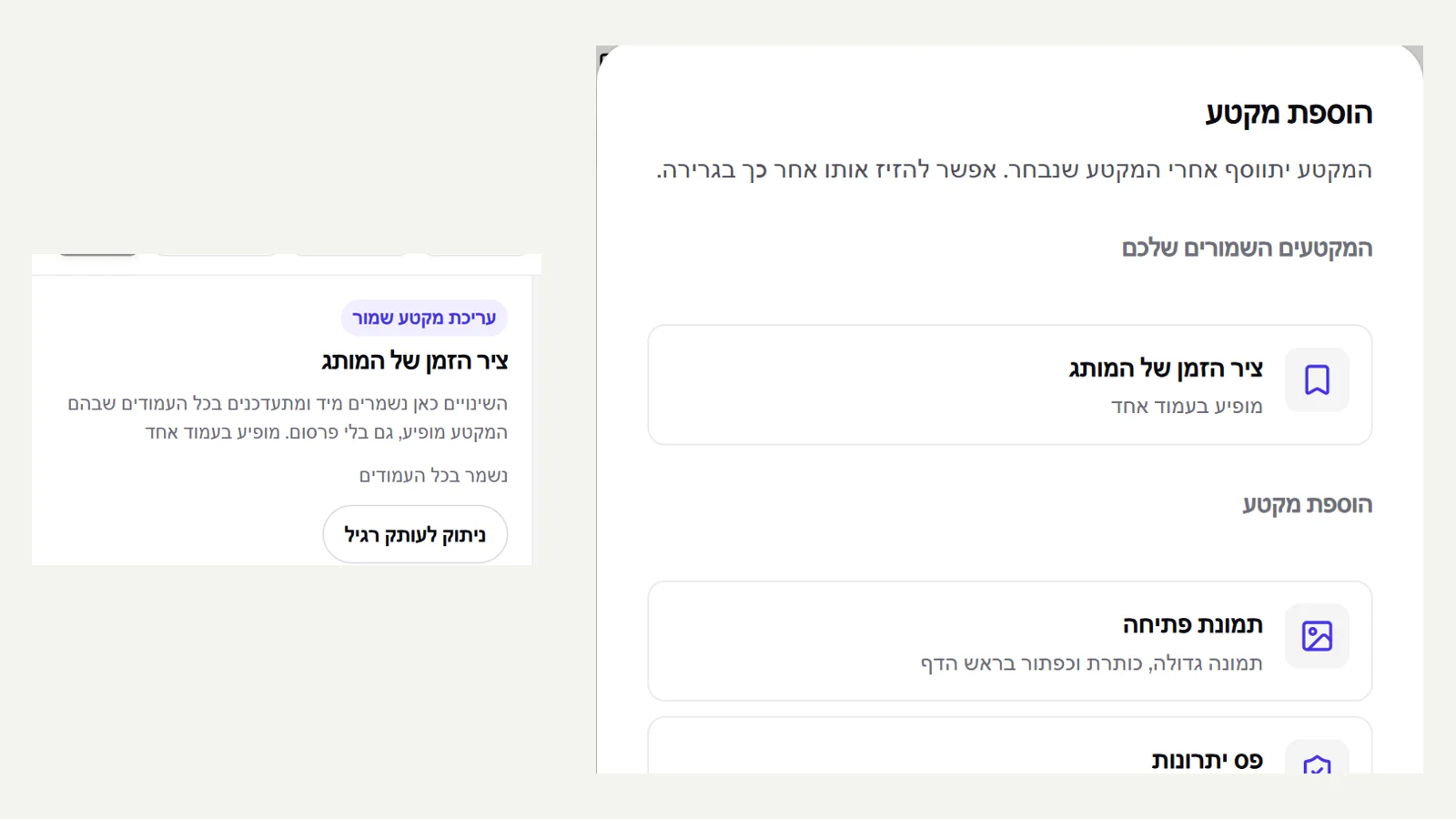 Saved sections
A free shipping banner, the brand timeline or a testimonials strip that repeats on several pages? The section list in the editor now has a 'Save as saved section' button: you give it a name, and the section goes into the library and is linked to it. In the 'Add section' window the saved sections appear at the top of the list, with the number of pages each one appears on. When you select a saved section on a page, editing changes it on all pages at once, immediately and without publishing, and 'Detach to a regular copy' turns it back into a section of this page only. A saved section that still appears on any page is not deleted, so no page loses a section without you noticing.
New
- Save a section for reuse, and add it to any page from the library.
- One edit changes the section on all pages, and you can detach it to a regular copy when needed.
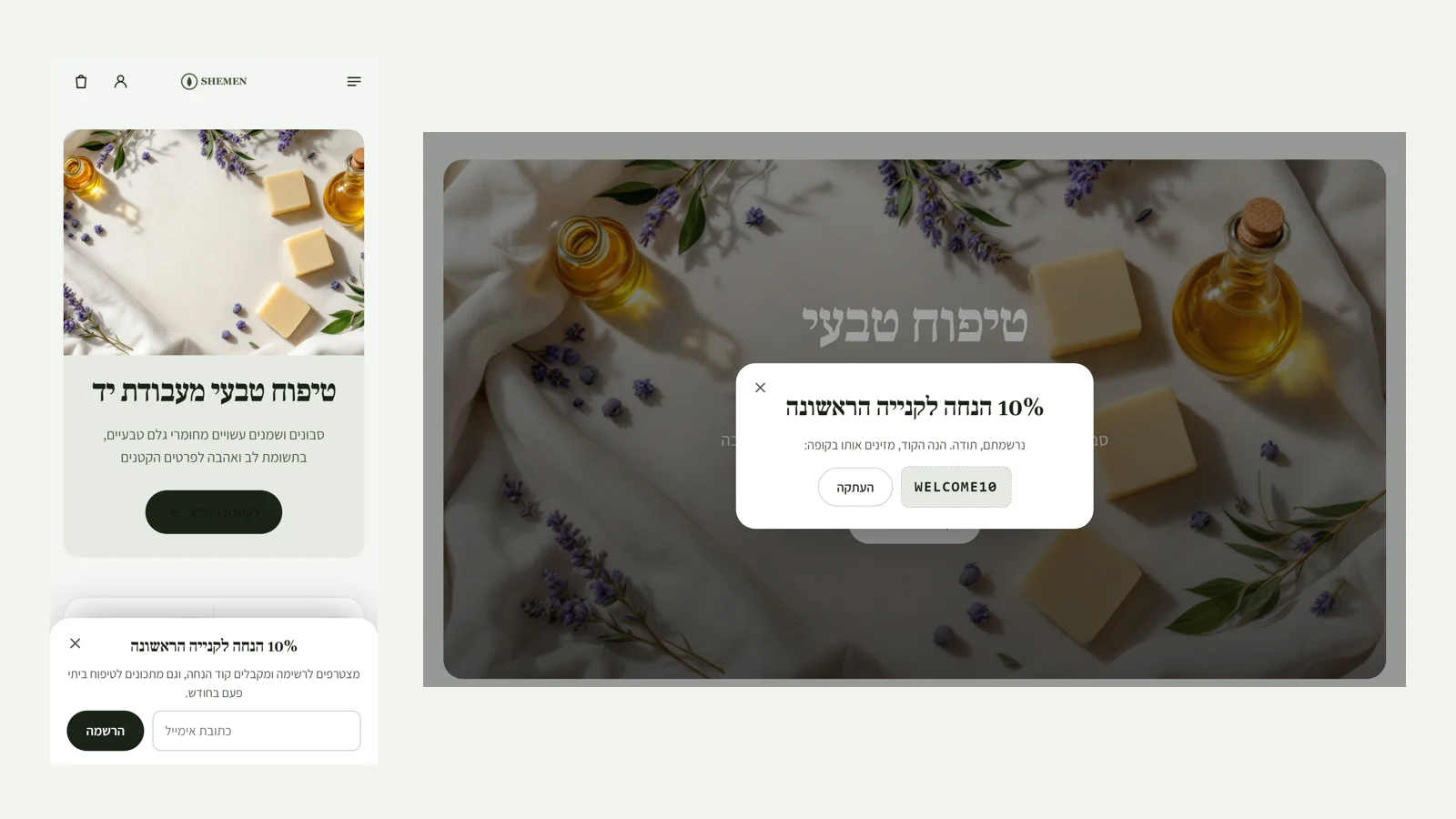 Popup
Popup
In the admin, under 'Popup', you set up one popup that every visitor sees once: a newsletter sign-up, with a coupon code that appears after signing up and can be copied with a click, or a message with a button to a page on the site. You choose when it appears: after a few seconds, after scrolling half a page, or when the visitor is about to leave the site on desktop. A coupon code is checked against the discounts page, so you do not promise a code that does not work at checkout. On desktop it is a window in the centre of the screen. On a phone it is a small drawer at the bottom that leaves the page usable, because Google ranks down sites that block the screen on entry. The popup does not appear in the cart, at checkout or in the account area, and does not come back for anyone who closed it, until you change the wording.
New
- A popup for newsletter sign-up with a coupon, or for a message with a link.
- Timing by seconds, scroll or exit, and once per visitor.
Improved
- On a phone the popup is a small drawer that does not block the page.
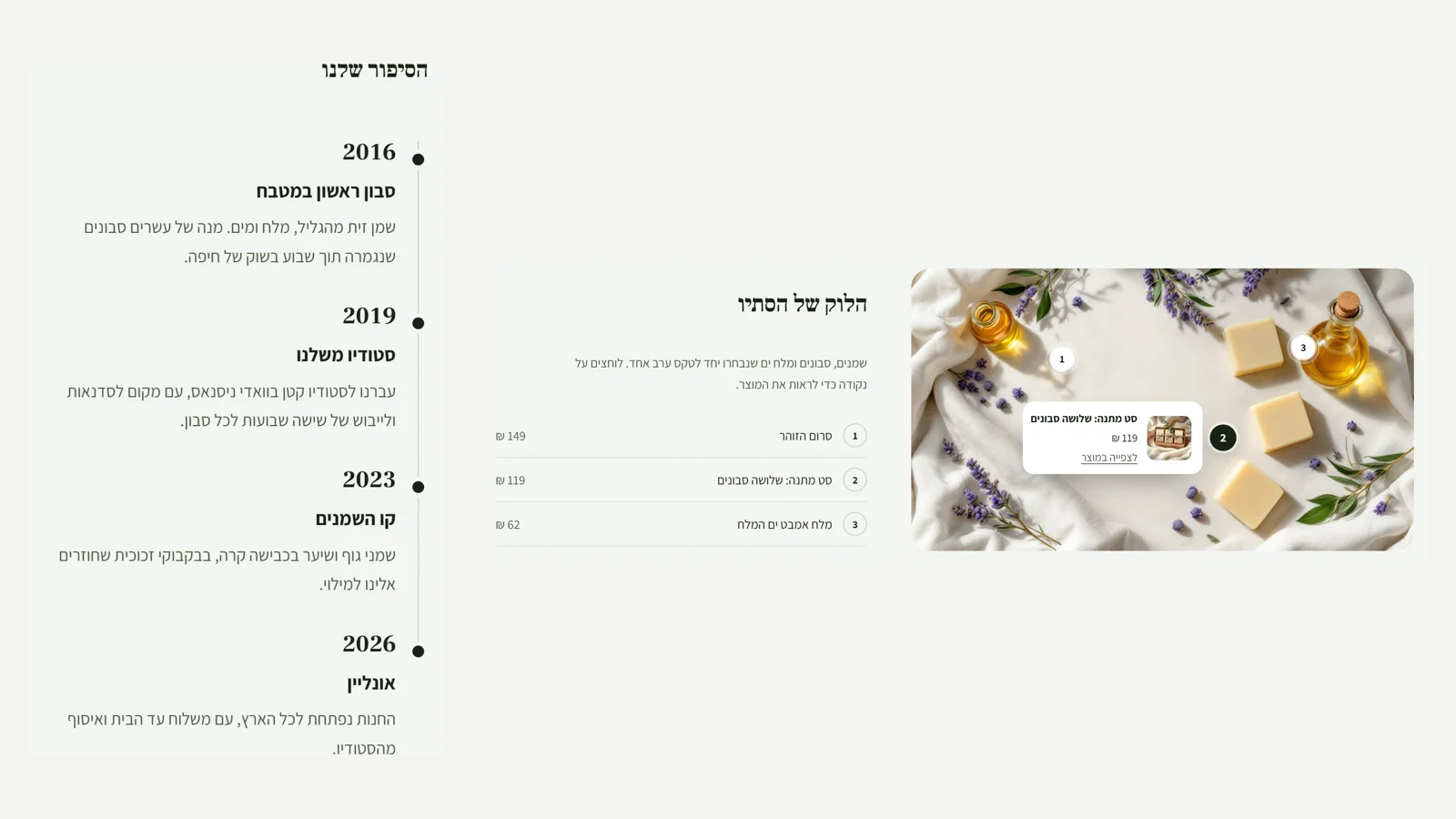 Lookbook and timeline
Two new sections in the editor. 'Lookbook': one image with up to six numbered points, each one a product from the store. Clicking a point opens a small card with an image, price and link, and beside the image the same products appear in a numbered list, so keyboards, screen readers and Google reach them too. You place a point by choosing a product and two sliders, horizontal and vertical. 'Timeline': the brand's story year by year, with a large year in the heading font, a line and a dot in the brand colour, and on a phone everything stacks into one column.
New
- Lookbook section: products tagged on an image, with an accessible list beside it.
- Timeline section for the brand story.
- In the editor: pick a product from the store in a field.
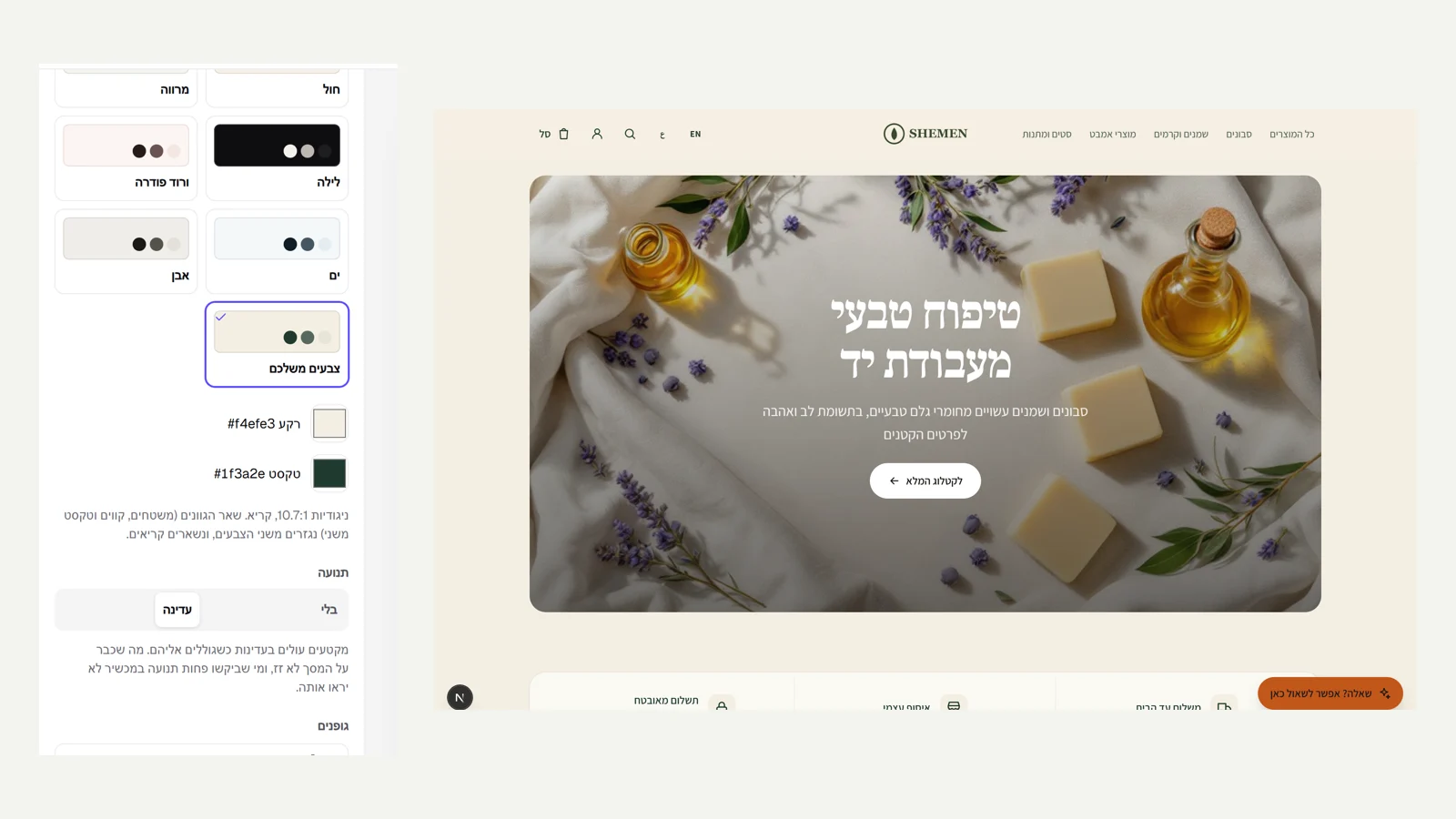 Your own colours and subtle motion
In the editor, under 'Style', there is now 'Your own colours': you choose the brand's background colour and text colour, and all the other shades on the site (surfaces, lines, secondary text) are derived from them automatically. The secondary text is checked so it stays readable everywhere, and a text colour that would not be readable on the background is not saved, with an explanation why. A dark background is detected automatically, and the site adjusts the shadows and images. In the same place, 'Motion: subtle' makes sections rise gently as you scroll to them. What is already on screen when the page opens does not move, the motion does not shift the content or hurt speed, and anyone who asked their device for reduced motion will not see it.
New
- Free choice of background and text colours, with derived shades and a readability check.
- Subtle motion: sections that rise on scroll, with no motion on load.
Fixed
- A number range in Hebrew (15 to 16) no longer flips with the text direction.
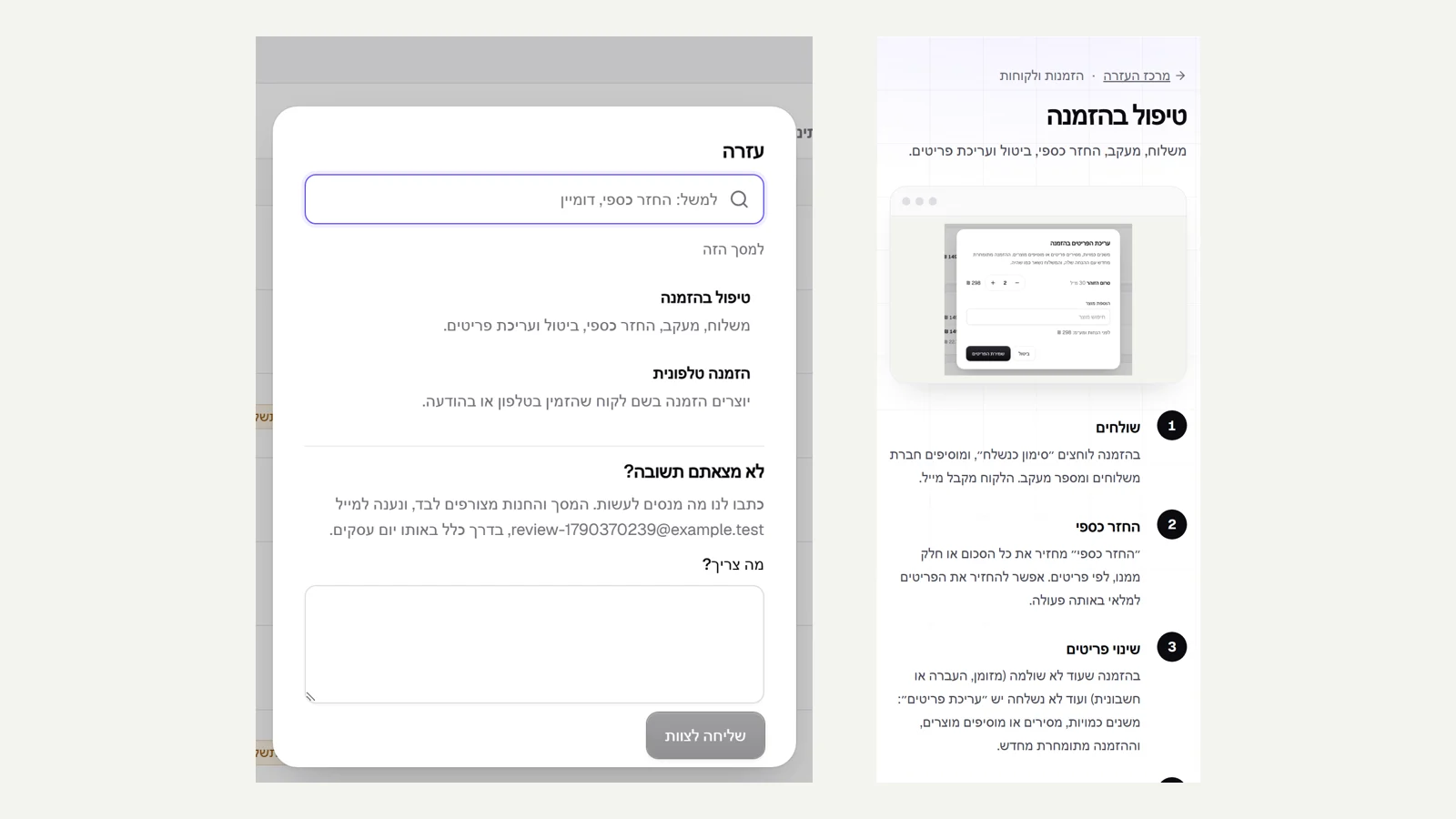 Help centre and support from inside the admin
The Kreaza site now has a help centre: 16 short step-by-step guides for everything you do in a store: opening, products, moving from another site, payments, shipping, orders, returns, design, forms, domain, Google, team, privacy and closing, with search in Hebrew. In the admin, the 'Help' button (or the ? key) opens the guides for the screen you are on, and you can read them without leaving. And if the answer is not there, you write to us from the same window: the screen, the store and the browser are attached automatically, and the reply arrives in your email.
New
- A help centre with 16 guides and search in Hebrew.
- A help window on every screen in the admin, with that screen's guides first.
- Contact the team from inside the admin, with the screen and store attached and a reply by email.
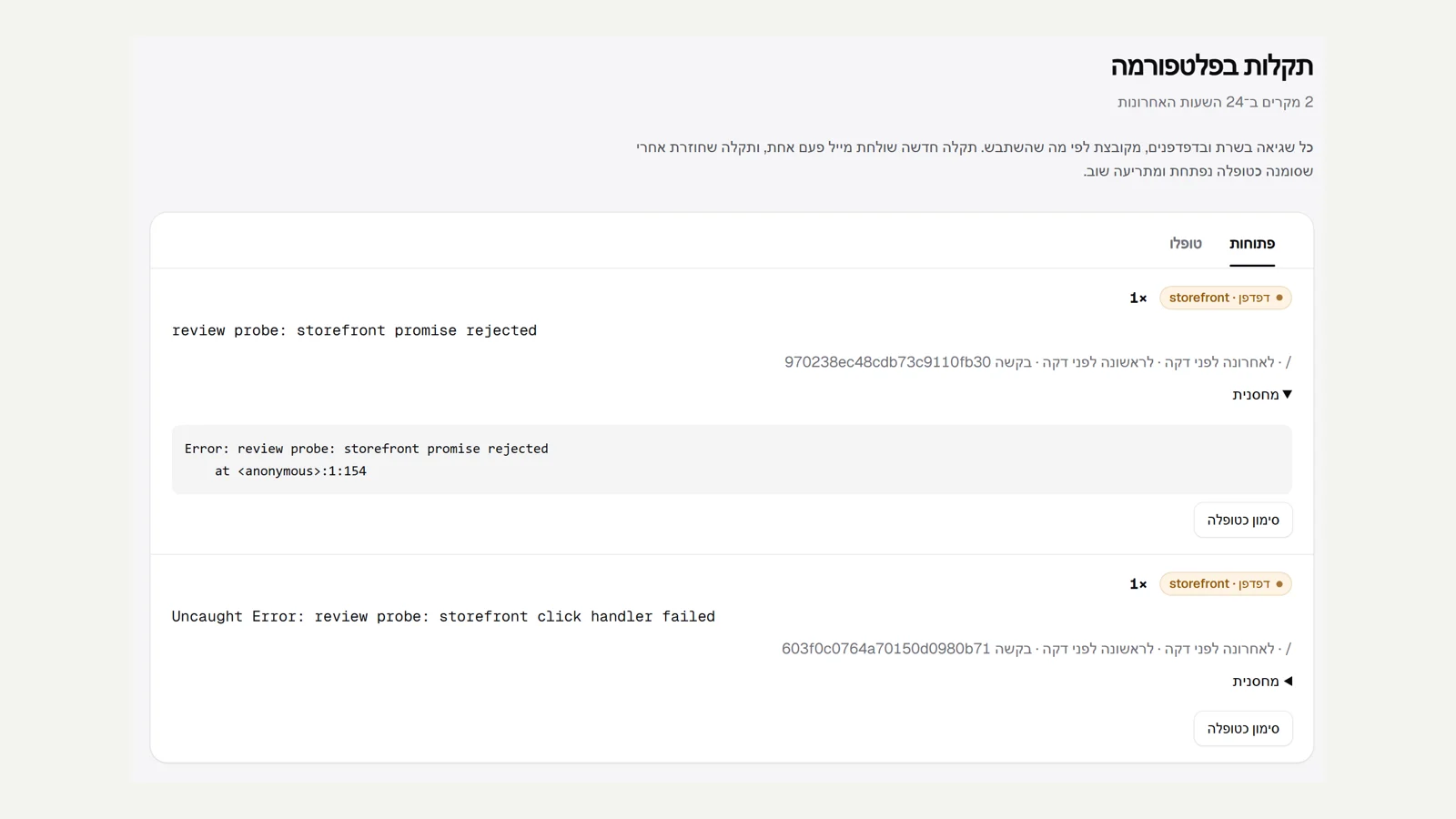 Real-time error monitoring
Every server error, every crash, and every error in the browser of anyone browsing the sites or the admin is now recorded on our side and grouped by what went wrong: the same fault in different orders is one issue, with the number of times, when it first and last happened and the request ID. A new issue emails the Kreaza team once, and an issue marked as resolved that comes back reopens and alerts again. What is stored is cleaned first: email addresses and details from the page address are not kept. And if a page on a store's site fails to load, visitors see a clear message with 'Try again' and 'Home page' instead of a technical error screen.
New
- Server and browser errors recorded and grouped, with an email alert for every new issue.
- A friendly error page on store sites, with automatic reporting to the team.
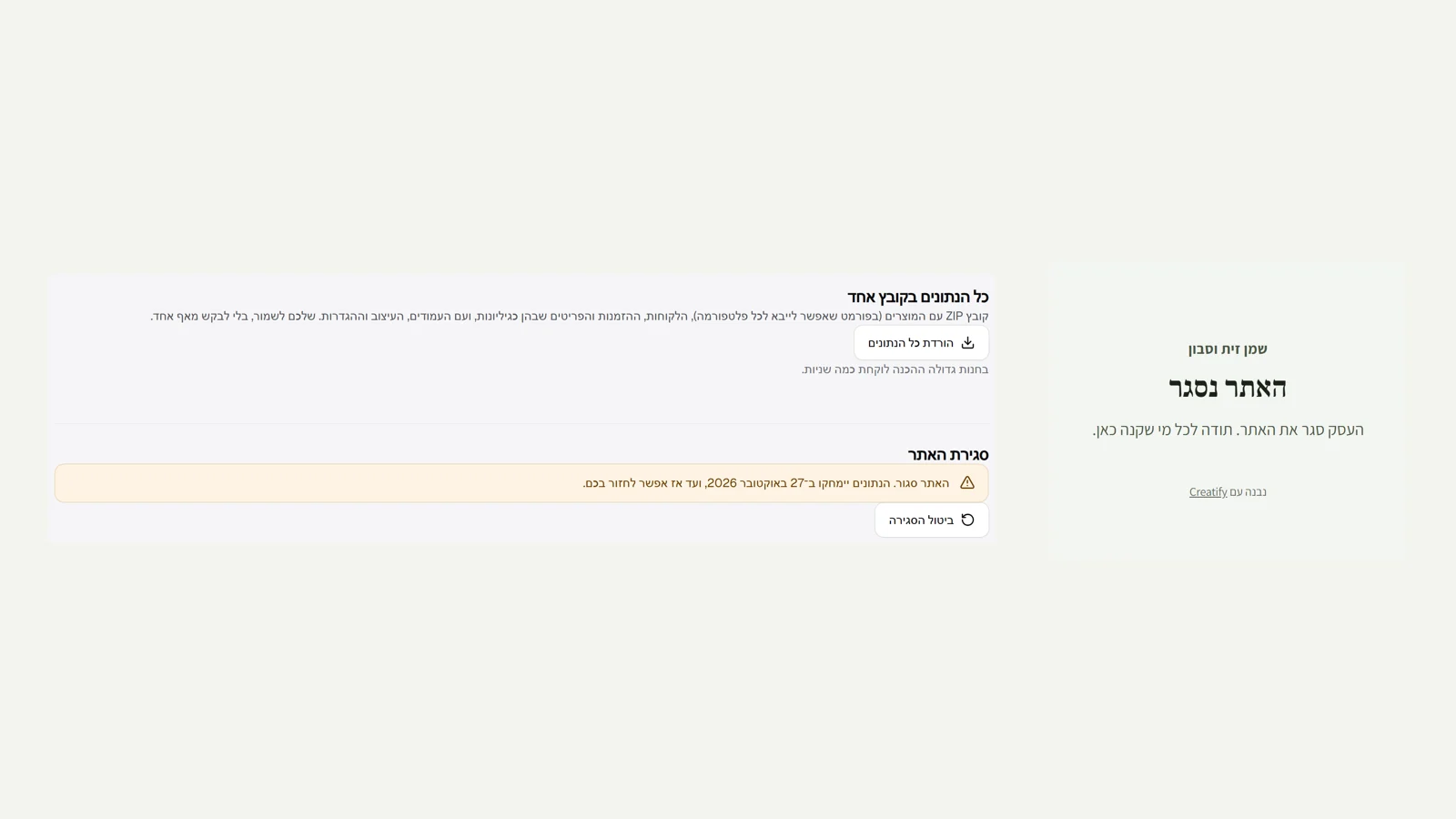 Export everything and close the site
Your data belongs to you. In settings, under 'Data and closing', one click downloads a ZIP file with the whole business: the products in a format every platform imports, the customers, the orders and their items as spreadsheets that open in Hebrew in Excel, plus the pages, design and settings. In the same place, the owners can close the site: after typing the store name to confirm, the site goes offline and tells customers it has closed, and active subscriptions are paused. For 30 days you can change your mind with a click. After 30 days the data is really deleted: customers, products, images, pages and enquiries. The orders and payments stay without the buyers' details, because the law requires keeping a record of sales.
New
- Download all the business data in one ZIP file.
- Close the site with 30 days to come back, and real deletion after that.
Fixed
- The home page of a site that is not yet open or is paused loads without an error, and is not indexed by Google.
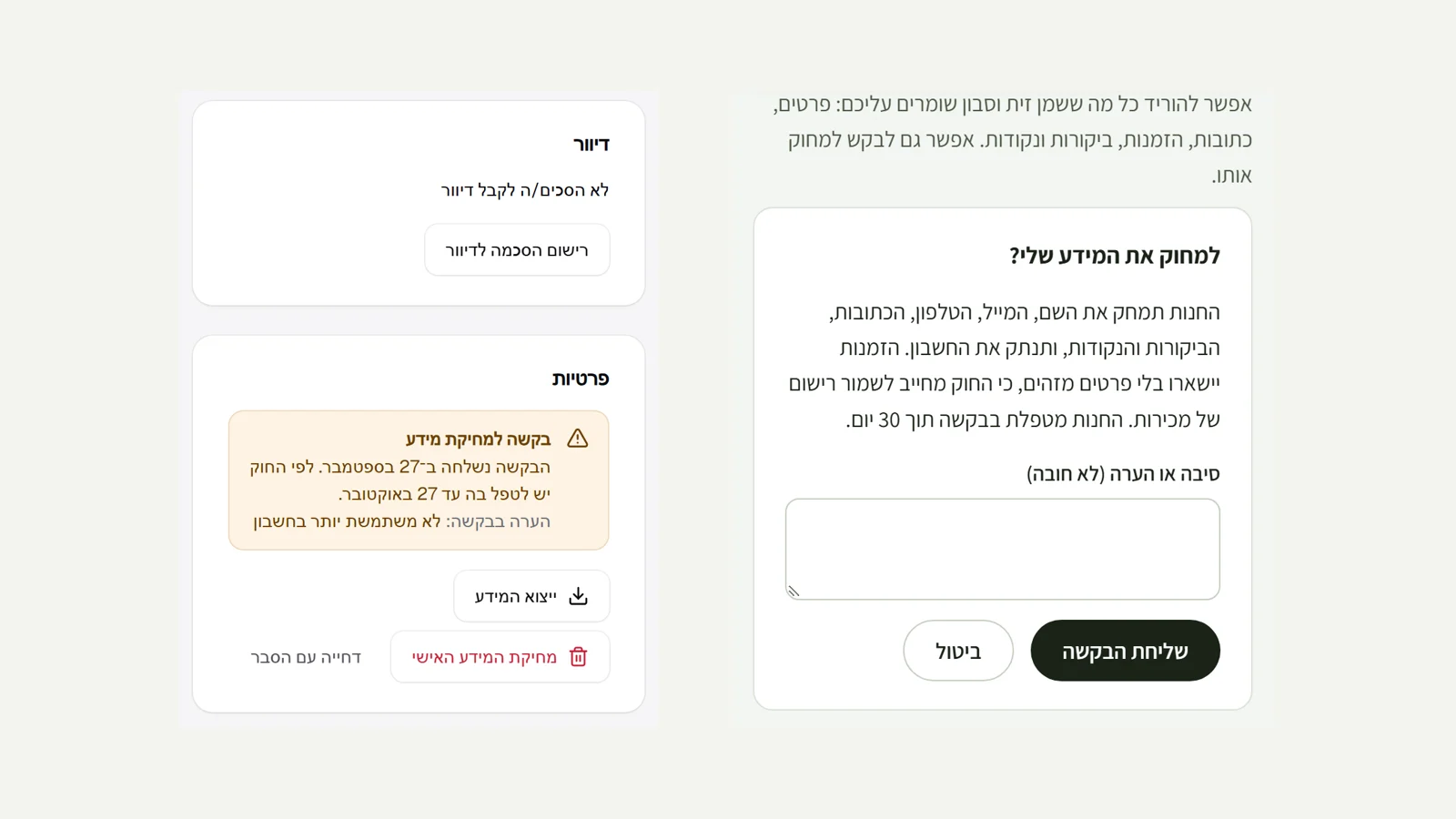 Customer privacy requests
Under Amendment 13 to the Protection of Privacy Law, customers can see the information kept about them and ask to delete it. The account area on the site now has 'My information': an instant download of everything the store keeps (details, addresses, orders, reviews, points, subscriptions, returns and enquiries) in one file, and a deletion request. A deletion request reaches you by email and appears as an alert above the customer list and on the customer card, with the deadline for handling it (30 days). On the customer card you can export the information, delete it permanently after confirming, or decline with an explanation that is sent to the customer. Deletion removes the name, email, phone, addresses, reviews, points and the site account, and the orders stay with their amounts and items without identifying details, because they are needed for the sales record.
New
- 'My information' in the account area: download all the information and request deletion.
- On the customer card: export the information, delete permanently or decline with an explanation, with a handling deadline.
- An alert for open deletion requests above the customer list.
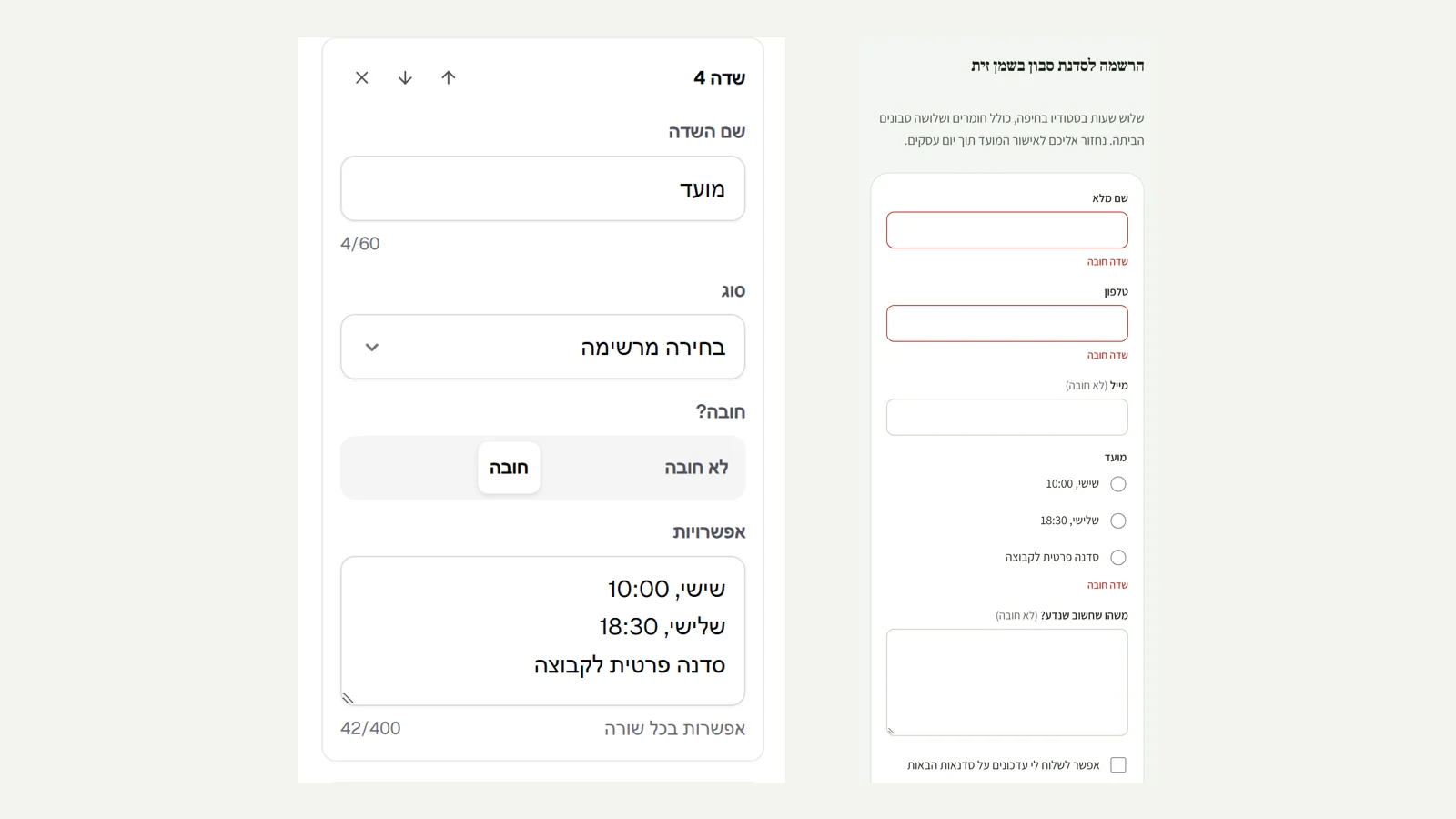 Forms and an enquiries inbox
The editor has a new section, 'Form': a workshop sign-up, a quote request, a custom order or anything else. You build up to 10 fields of different types: short or long text, email, phone, date, a choice from a list and a checkbox, and for each field you set whether it is required. You can also write the button text and the message shown after sending. Every enquiry, from forms and from 'Contact us' too, is saved on the new 'Enquiries' page in the admin, with what is new marked, one-click reply by email and an archive, and a copy also arrives by email. The form is validated on the server: a required field left empty, an invalid email or phone and a choice not on the list are marked next to the field itself.
New
- A 'Form' section in the editor with seven field types, required fields and your own thank-you message.
- An enquiries inbox in the admin for everything sent from the site, including 'Contact us'.
Improved
- In the editor, a setting relevant to only one option appears only when you choose it.
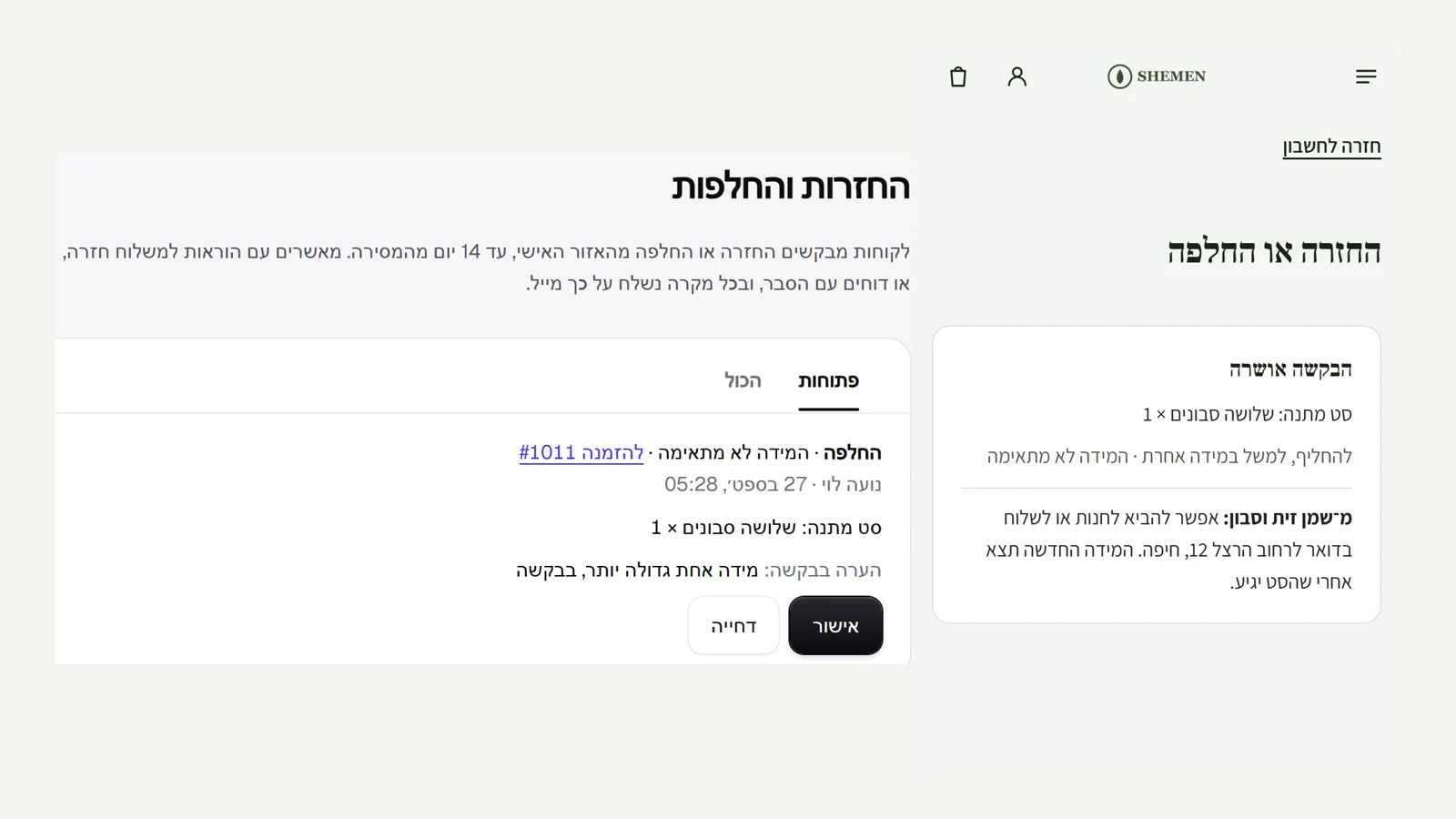 Returns and exchanges for customers
In the account area on the site, next to every order delivered in the last 14 days, there is a 'Return or exchange' button: the customer chooses what to return and how many, whether they want a refund or an exchange, a reason, and a free-text note. The request reaches you by email and on the new 'Returns' page in the admin. You approve with instructions for shipping it back, or decline with an explanation. Either way an email goes to the customer, and the customer sees the answer on the site too. When the items come back, you refund from the order page or ship the replacement item, and mark it as handled. Every step is recorded in the order's timeline.
New
- A return or exchange request from the account area, up to 14 days after delivery.
- A 'Returns' page in the admin: approve with instructions, decline with an explanation and mark as handled, with an email to the customer.
Fixed
- Editing items in an order appears in the timeline in words, not as code.
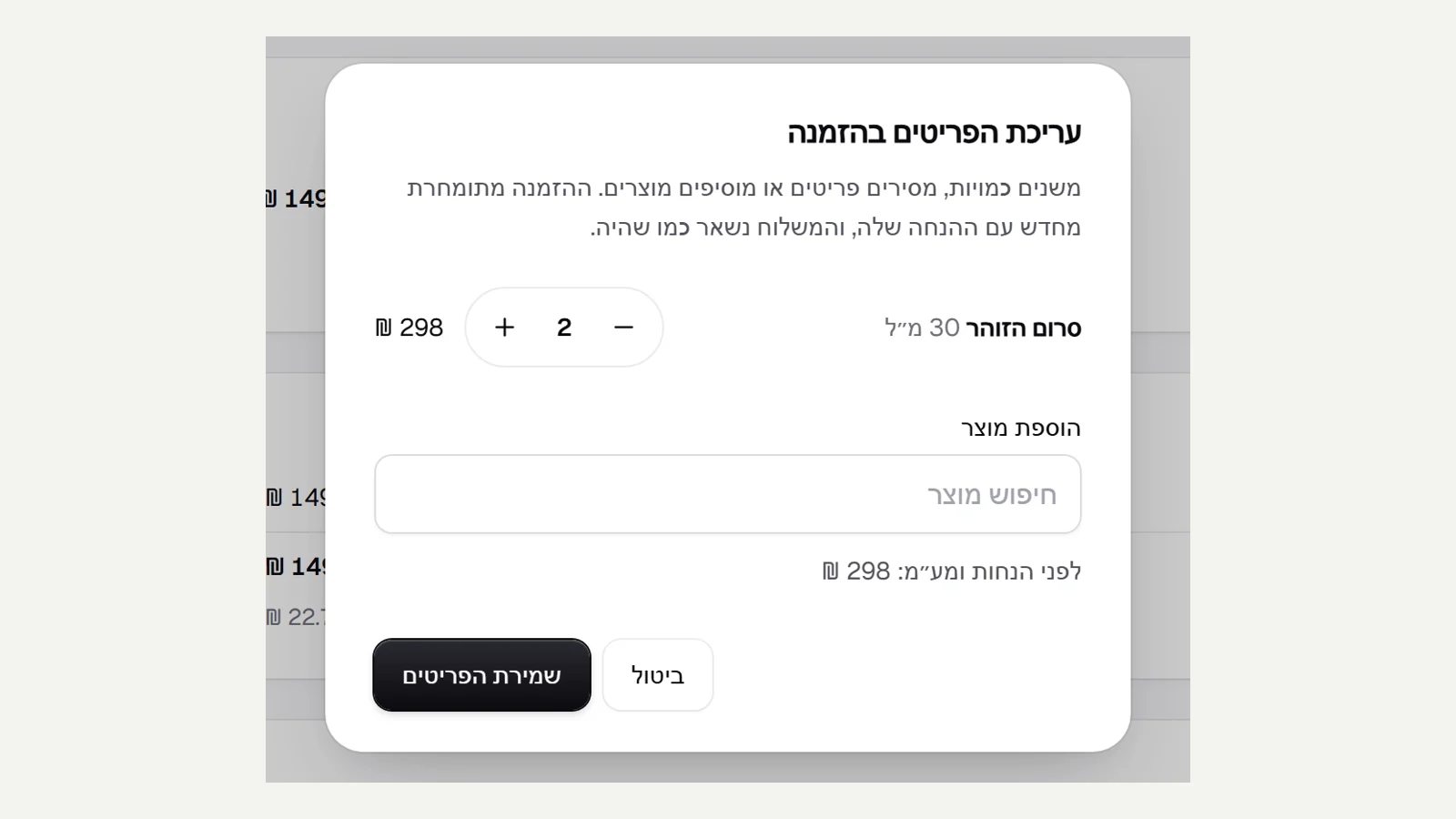 Edit an order after it comes in
A customer called to add another bottle or drop a product? An order that is not yet paid (payment in cash, by bank transfer or by invoice) and not yet shipped has an 'Edit items' button: you change quantities, remove items or add products from the catalogue. The order is repriced with its discount code and VAT, the stock is updated, the amount due is updated, and the shipping stays as it was. If there is not enough stock, or the discount code no longer applies to the new items, nothing changes and an explanation appears. Every edit is recorded in the order's timeline.
New
- Edit items in an order that is not paid and not shipped: quantities, removing and adding.
Improved
- Repricing with the order's discount, and the stock and amount due updated.
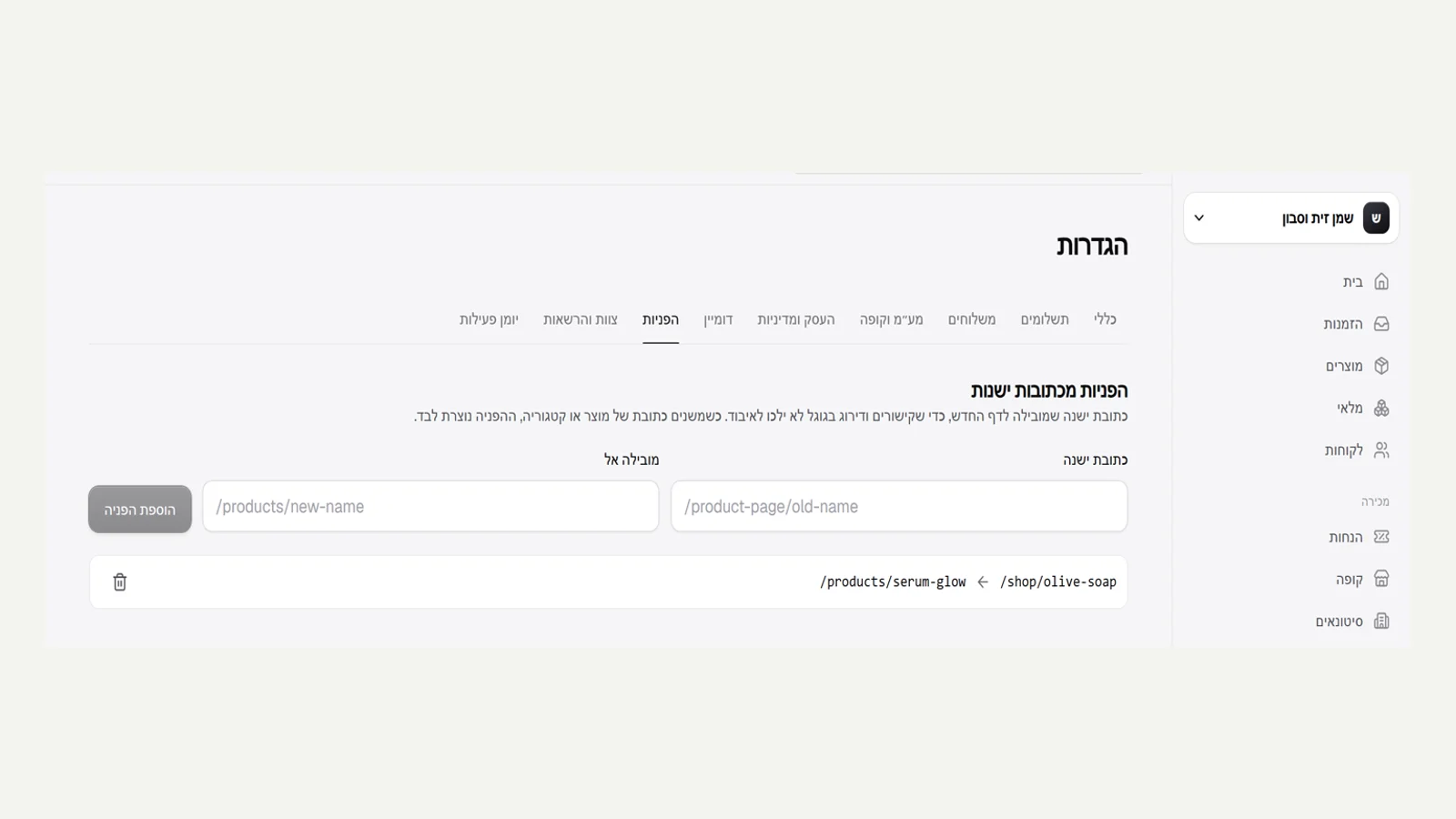 Redirects from old addresses
When you give a product or category a new address, the old address keeps working: anyone who comes to it (from an old link, a post or Google) lands on the new page through a permanent redirect, so the Google ranking is not lost. If you change it again, all the old addresses lead straight to the new one, with no chain. In settings, under 'Redirects', you can also add redirects yourself, for example from the addresses of a previous site: you paste the full old address, and we keep the path from it. A redirect can lead only to a page in the store itself.
New
- An automatic redirect when you change the address of a product or category.
- Manage redirects in settings, including addresses from a previous site.
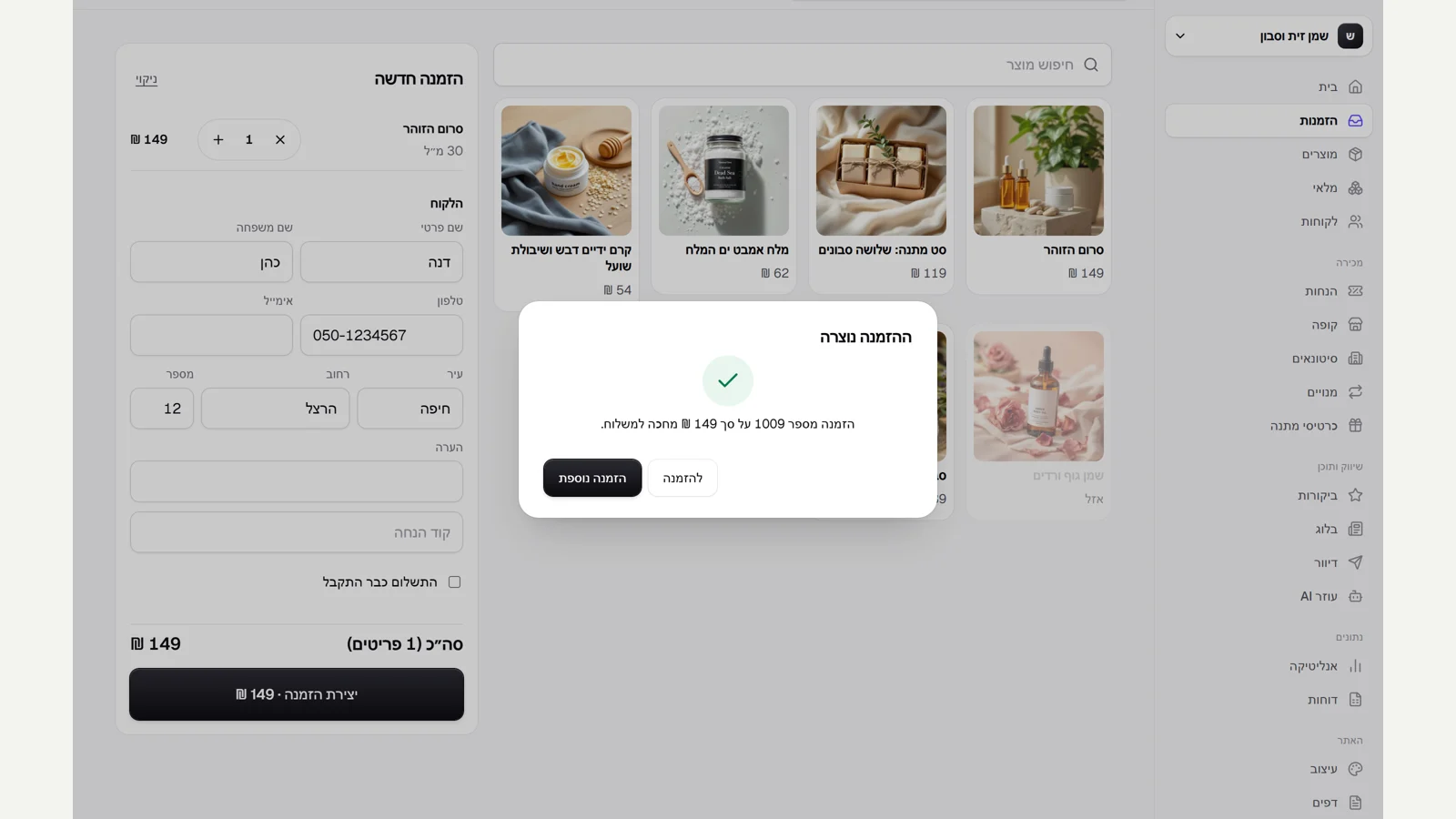 Manual orders from the admin
The orders page has a 'New order' button: you click products, choose a size, fill in a name, phone or email and an address, and create an order. It is priced exactly as on the site (automatic discounts, discount codes and VAT), reserves the stock for it, and waits in the order list for shipping. If the customer already paid by phone or bank transfer, you tick 'Payment already received'. A double click on 'Create order' does not create two orders.
New
- A manual order from the admin, with pricing, stock and shipping details.
- A 'Paid' mark for an order that is already paid.
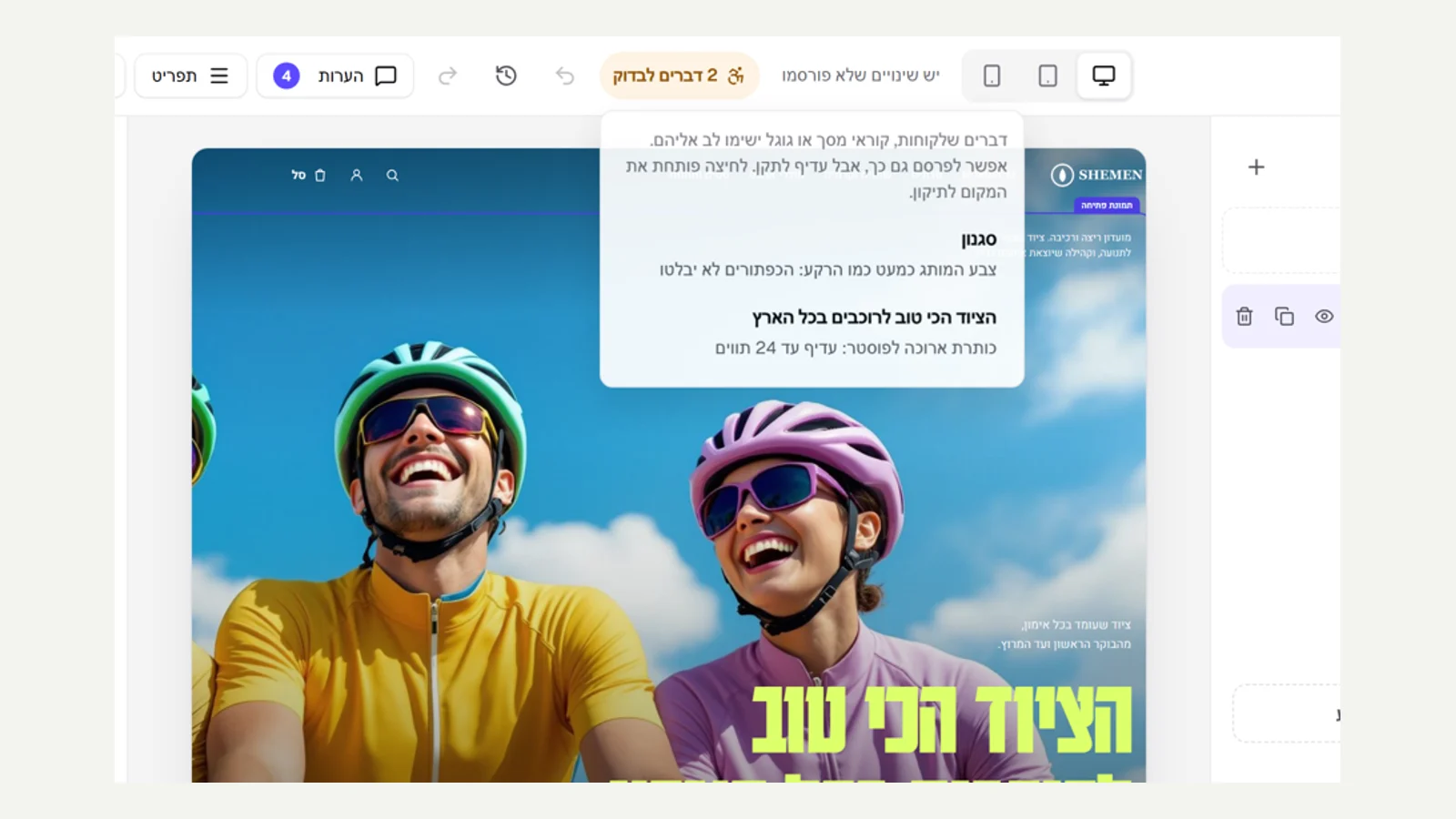 Sharp images and comfortable touch targets
The pre-publish check in the editor now also measures image width, and warns when an image is too small for where it is shown and will look blurry: a hero, a banner and a section background need at least 1600 pixels, other images 800. We also measured every button and link in the store itself, on a phone, and found some shorter than 44 pixels, the height that is comfortable for a finger: the footer links, the breadcrumbs, the filter and sort buttons, the quantity field and the reviews link. All of them are now at least 44 high.
New
- A warning in the editor about an image too small for its place.
Fixed
- Buttons and links shorter than 44 pixels on a phone.
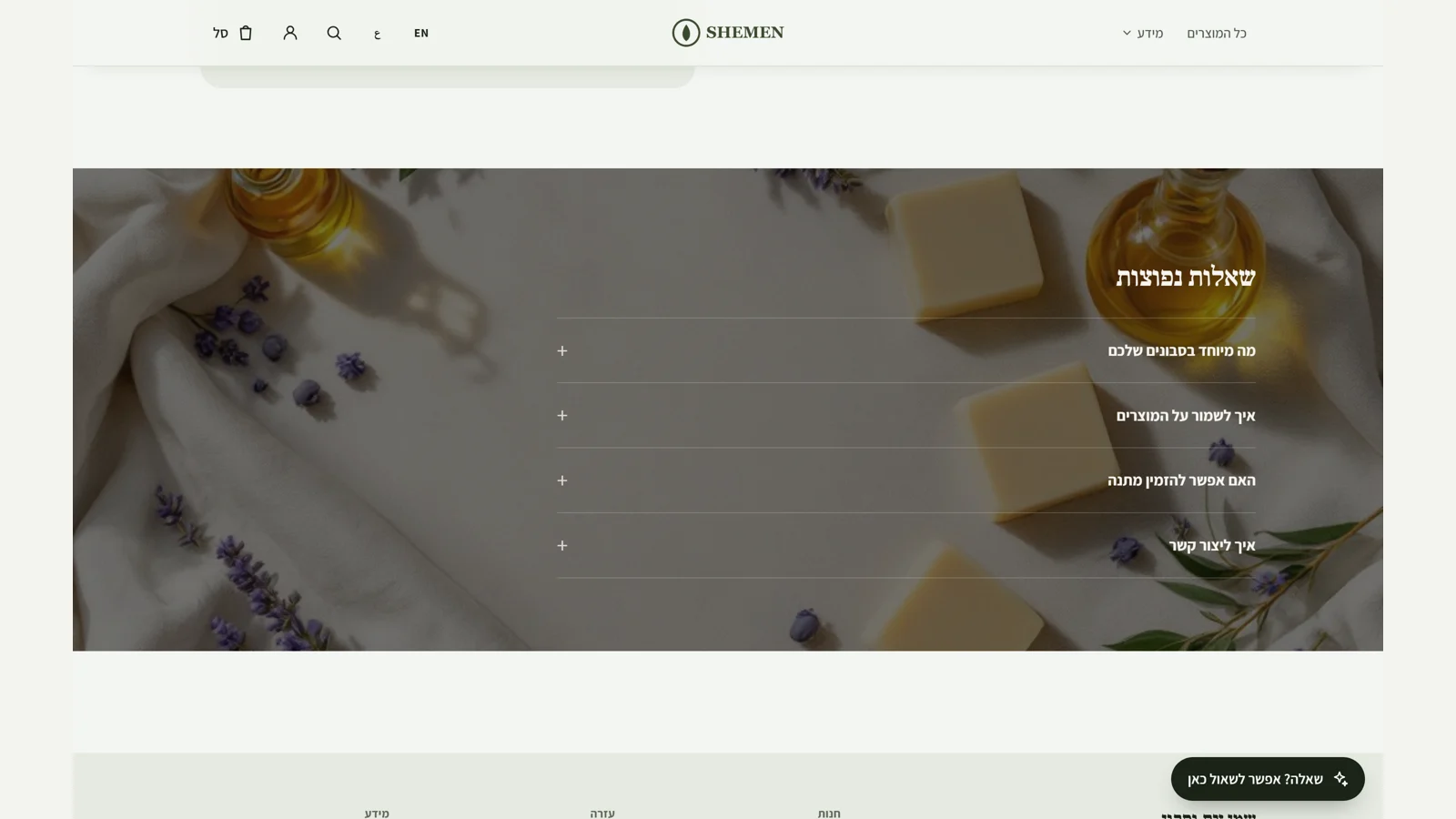 Background image behind a section
'Section background' has a new 'Image' option: you choose an image (from the library too), and it spreads across the screen width behind the section, with a darkening that keeps the text white and readable. Also, in the side menu on a phone 'All products' appeared twice when the store had added it to its own menu too, and now it appears once.
New
- A background image for any section.
Fixed
- A duplicate link in the side menu on a phone.
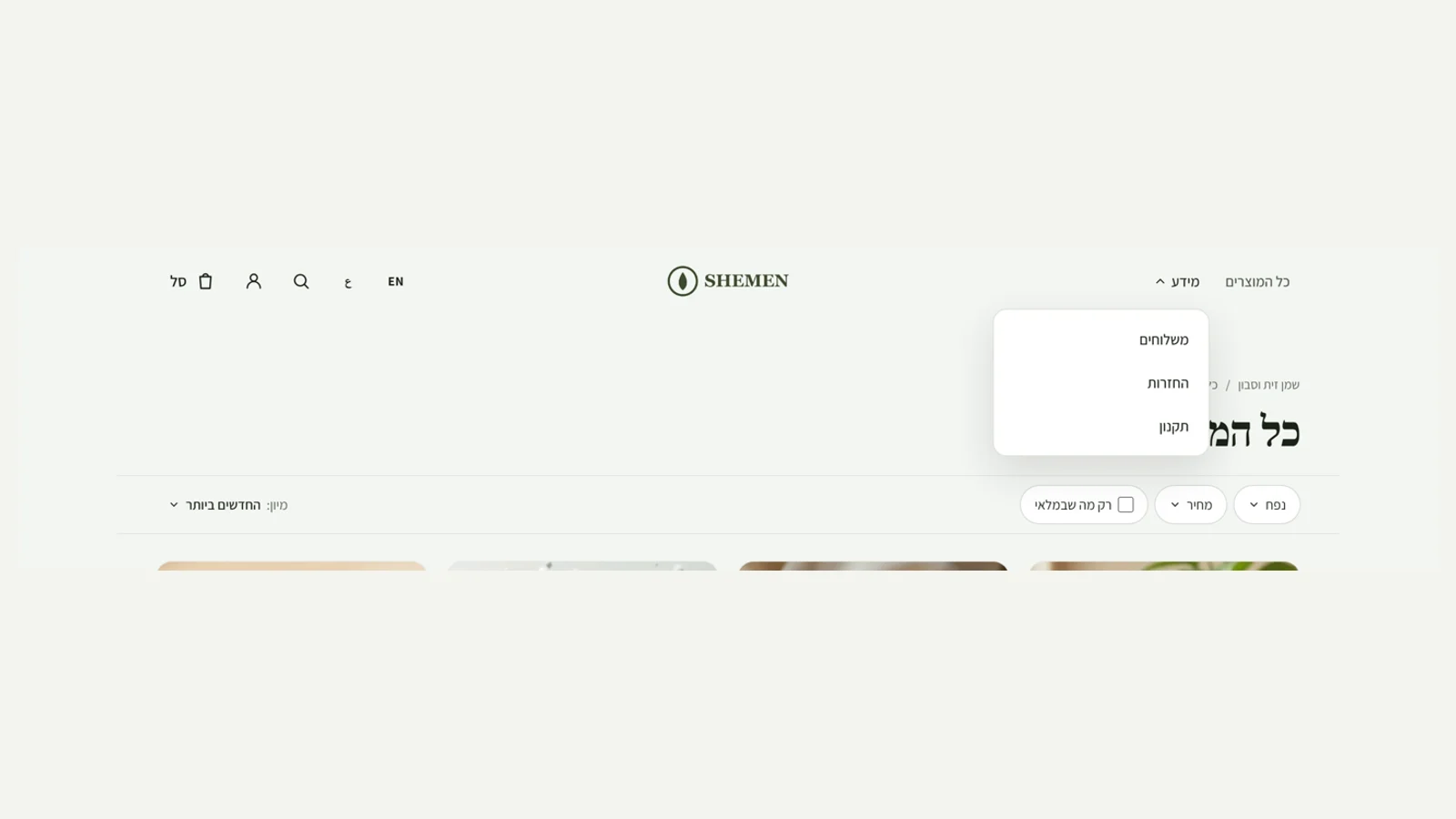 Link groups in the menu
You can now add a 'Link group' to the store's menu: one item, for example 'Info', that opens into a list of up to 6 links to pages, categories, policies or external addresses. On a phone the links appear in the side menu. Along the way we found and fixed an old bug: a dropdown list in the site header (the categories menu without images too) was clipped and did not appear at all, because the menu row hides items that do not fit in it.
New
- A link group in the menu, with up to 6 links.
Fixed
- Dropdown lists in the site header were clipped and did not appear.
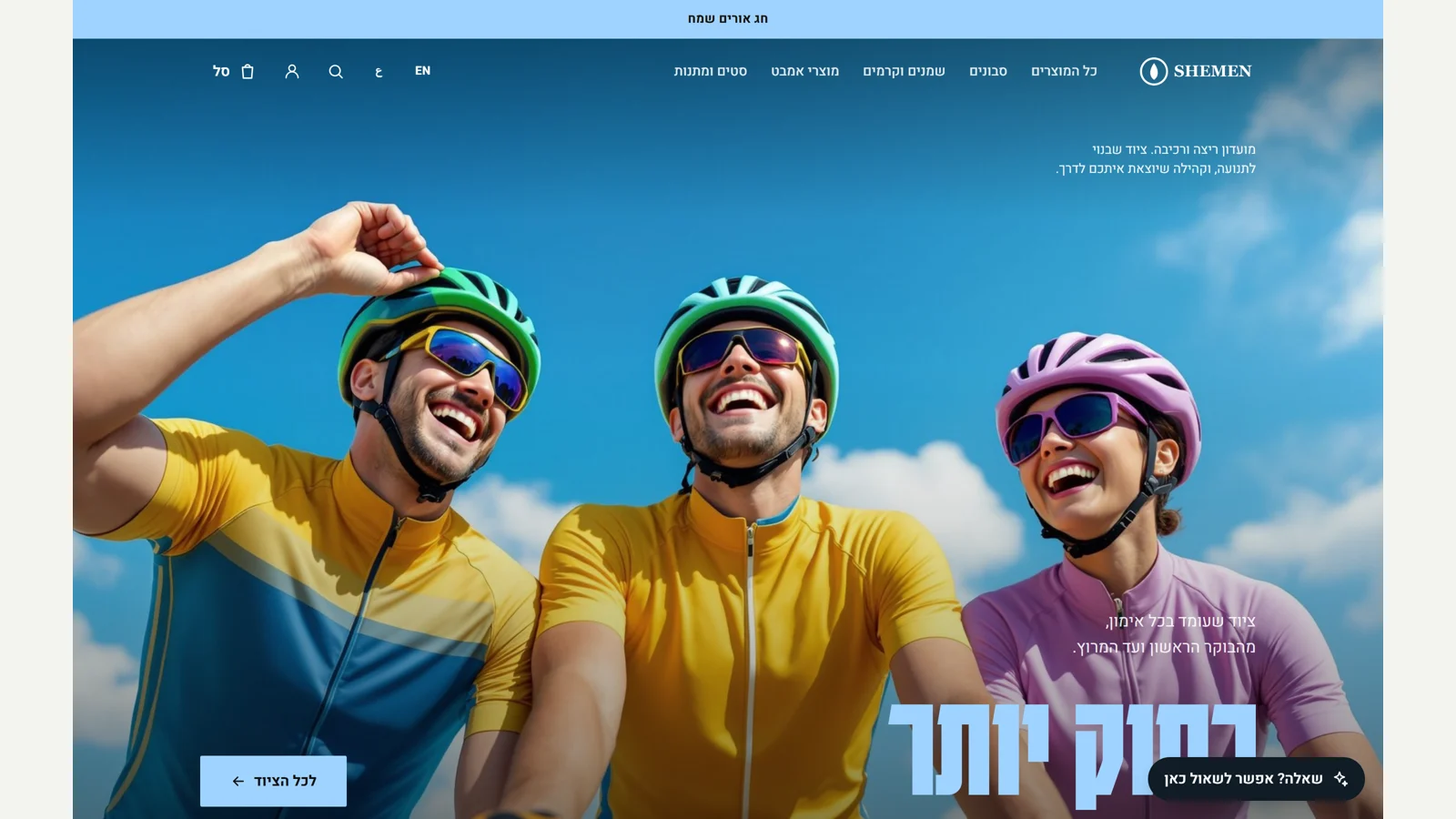 Holiday design
In the editor, under 'Design', there is now 'Holiday design': Rosh Hashanah, Hanukkah, Passover or a sale. Choosing a holiday switches the accent colour across the whole site (the poster headings, the buttons, the moving strip) to the holiday's colour, and if the announcement bar is empty a fitting greeting appears in it, for example 'Happy Festival of Lights'. After the holiday you set it back to 'None', and everything else stays as it was.
New
- Holiday design: Rosh Hashanah, Hanukkah, Passover and sale.
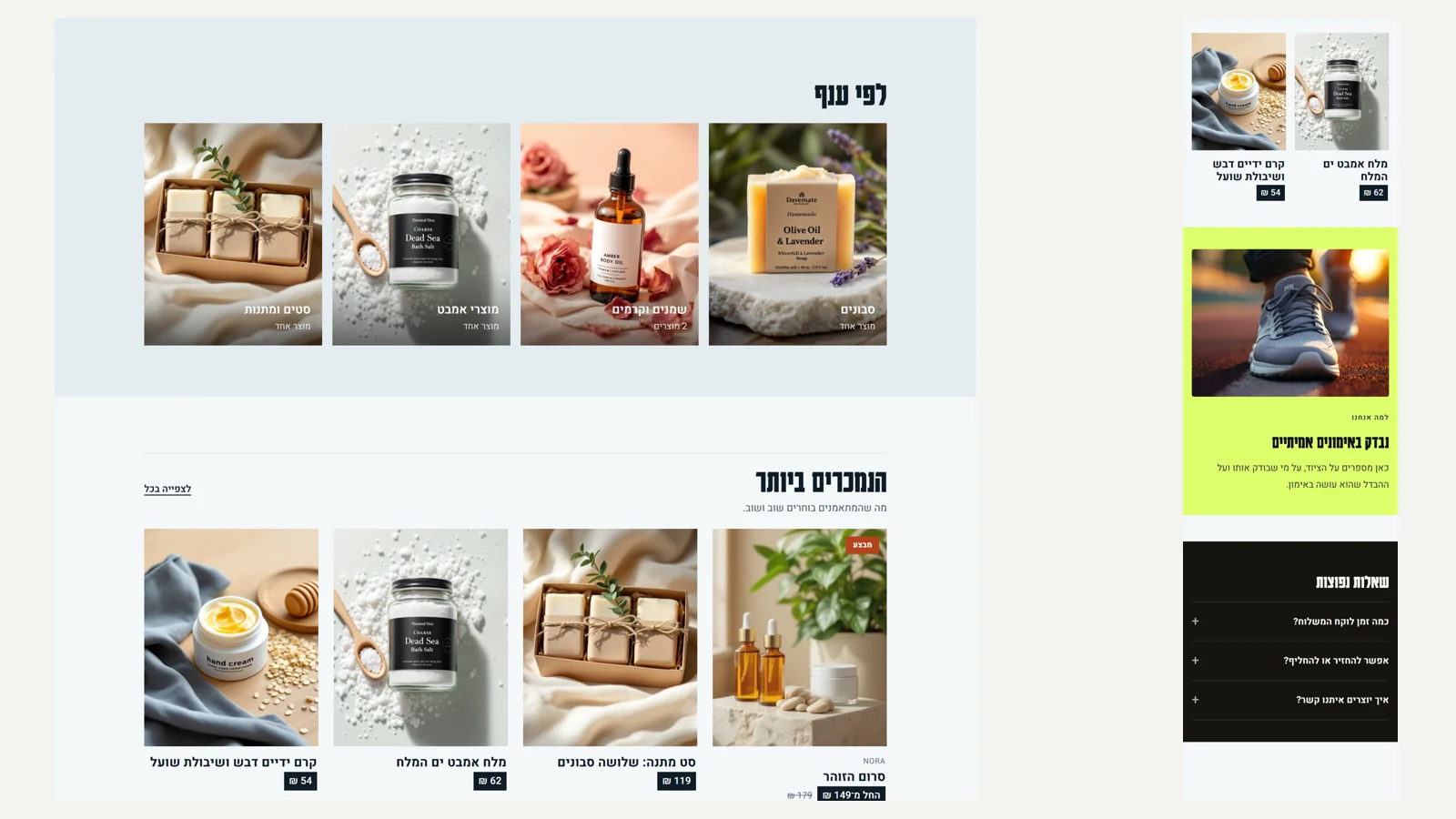 Spacing for every section
Every section in the editor now has a 'Spacing' setting: tight, regular or spacious. Tight brings the section closer to its neighbours (half the regular gap), and spacious gives it air above and below, for example for a quote or a big statement. This is how you set the rhythm of the page without touching code.
New
- A spacing setting for every section: tight, regular or spacious.
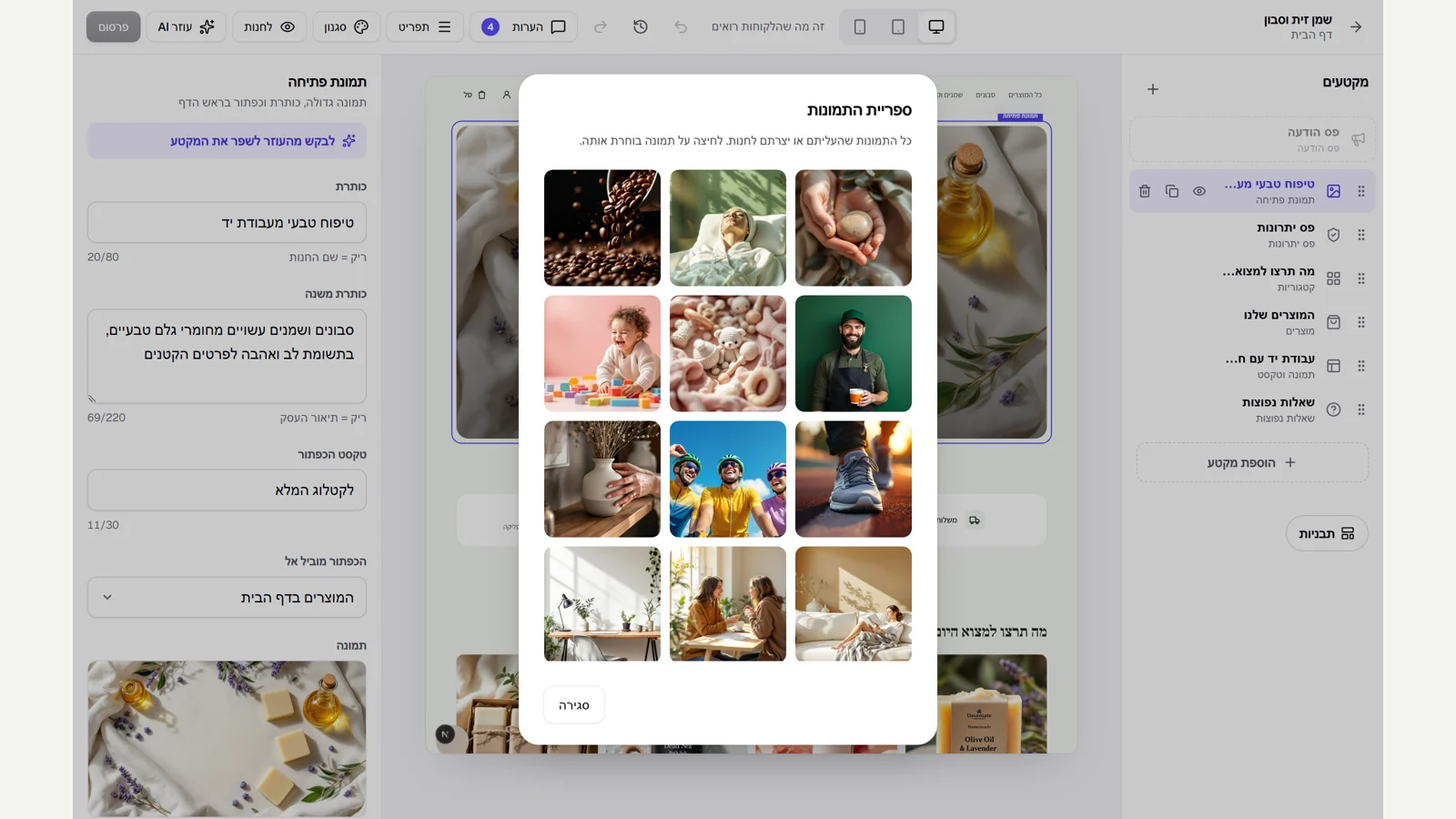 Image library in the editor
Next to every image field in the editor there is now a 'From library' button. It opens all the images you uploaded or created for the store, newest first, and clicking an image puts it into the section. This way you reuse an image without uploading it again, and the image already in use is marked.
New
- Image library: choose from images already uploaded, in every image field.
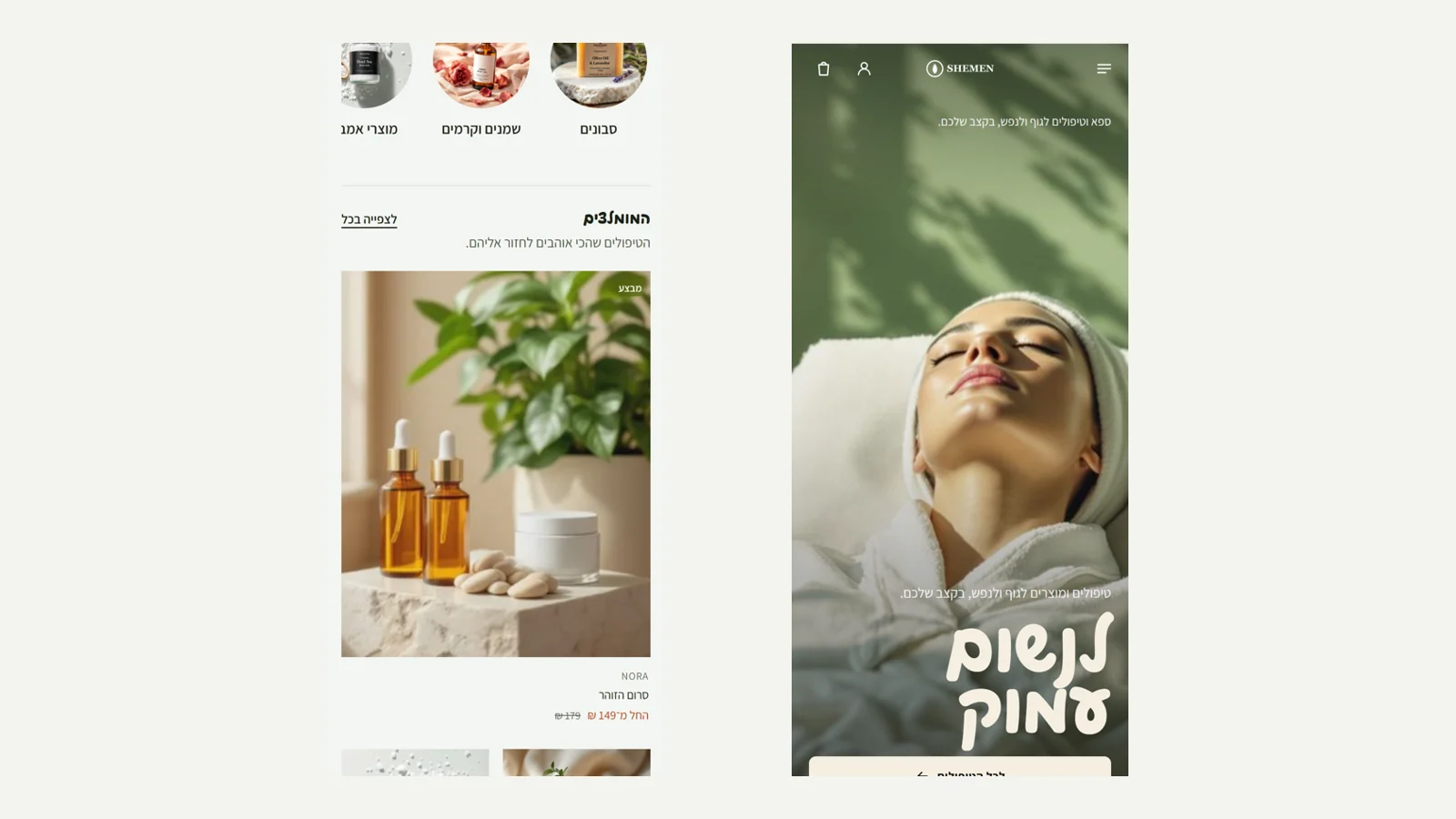 Phone fixes in every theme
We photographed all ten themes on a phone after the new layouts, and found a real bug: in some themes the page was wider than the screen, so it shifted sideways and cut off text and products at the edge. The cause was full-width sections where a long line inside them widened the whole page. We fixed it at the root, and checked in all ten themes that the page is exactly 375 pixels wide. Also, 'Showcase' on a phone now shows the main product at full width and the rest two per row, with no single product on the last row.
Fixed
- The page was wider than the screen on a phone in some themes, and cut off content at the edge.
- Showcase on a phone with no single product on the last row.
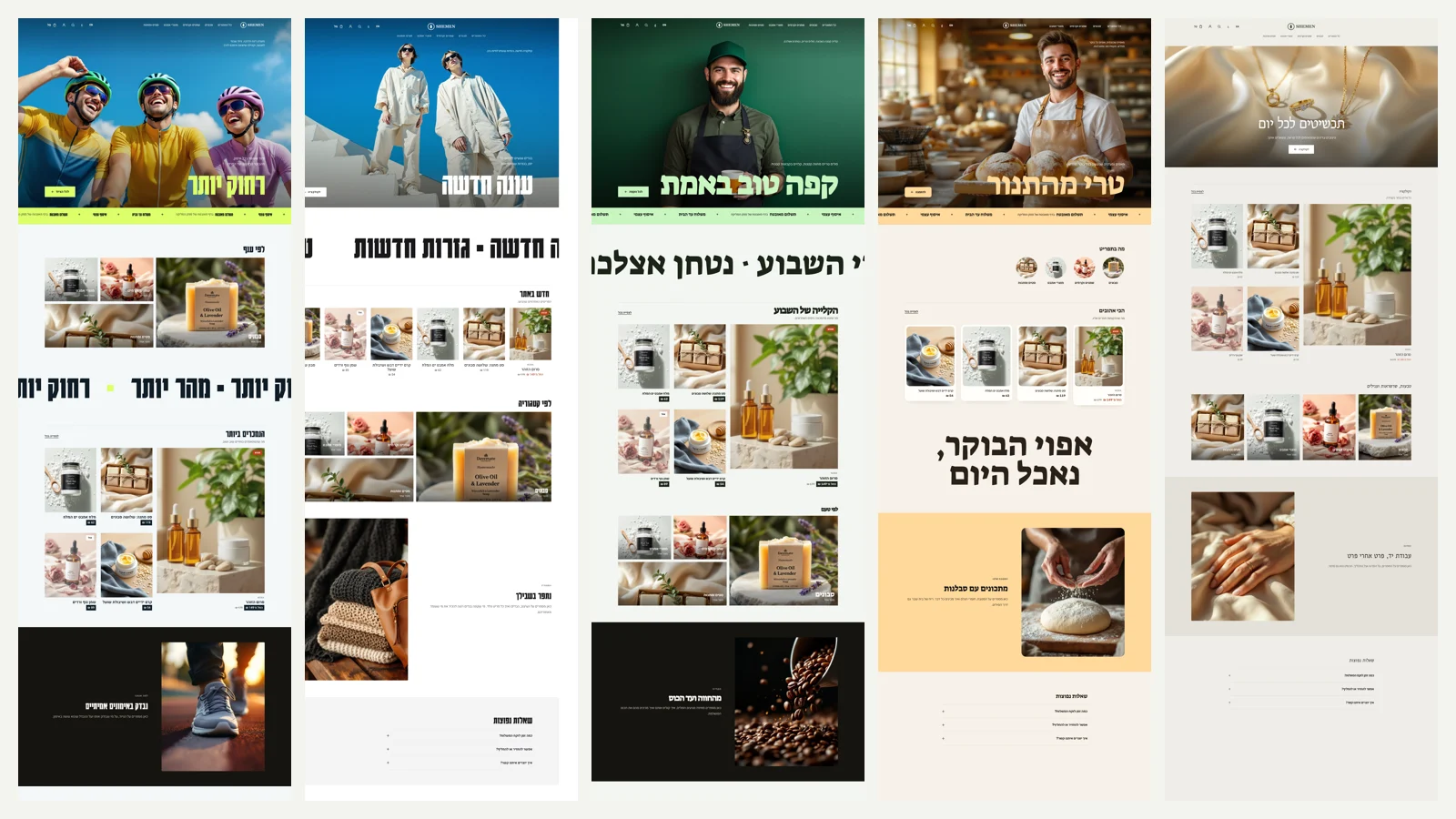 A different page layout for every theme
Until now the ten themes were the same layout with different colours and photos. From now on every theme has a page layout of its own: a different order of sections, different displays and colour bands in different places. Three new building blocks were added that you can also use in the editor: 'Giant statement' (one line in a giant font across the full page width, static or moving slowly), categories in a mosaic display where the first category is large, and products in a 'Showcase' display with a large main product and four beside it. The round categories also grew, so they are photos and not icons. An automatic check makes sure no two themes have the same layout.
New
- A 'Giant statement' section, static or moving.
- Categories in a mosaic and products in a showcase.
Improved
- Each of the ten themes has a page layout of its own.
- Larger round categories on desktop.
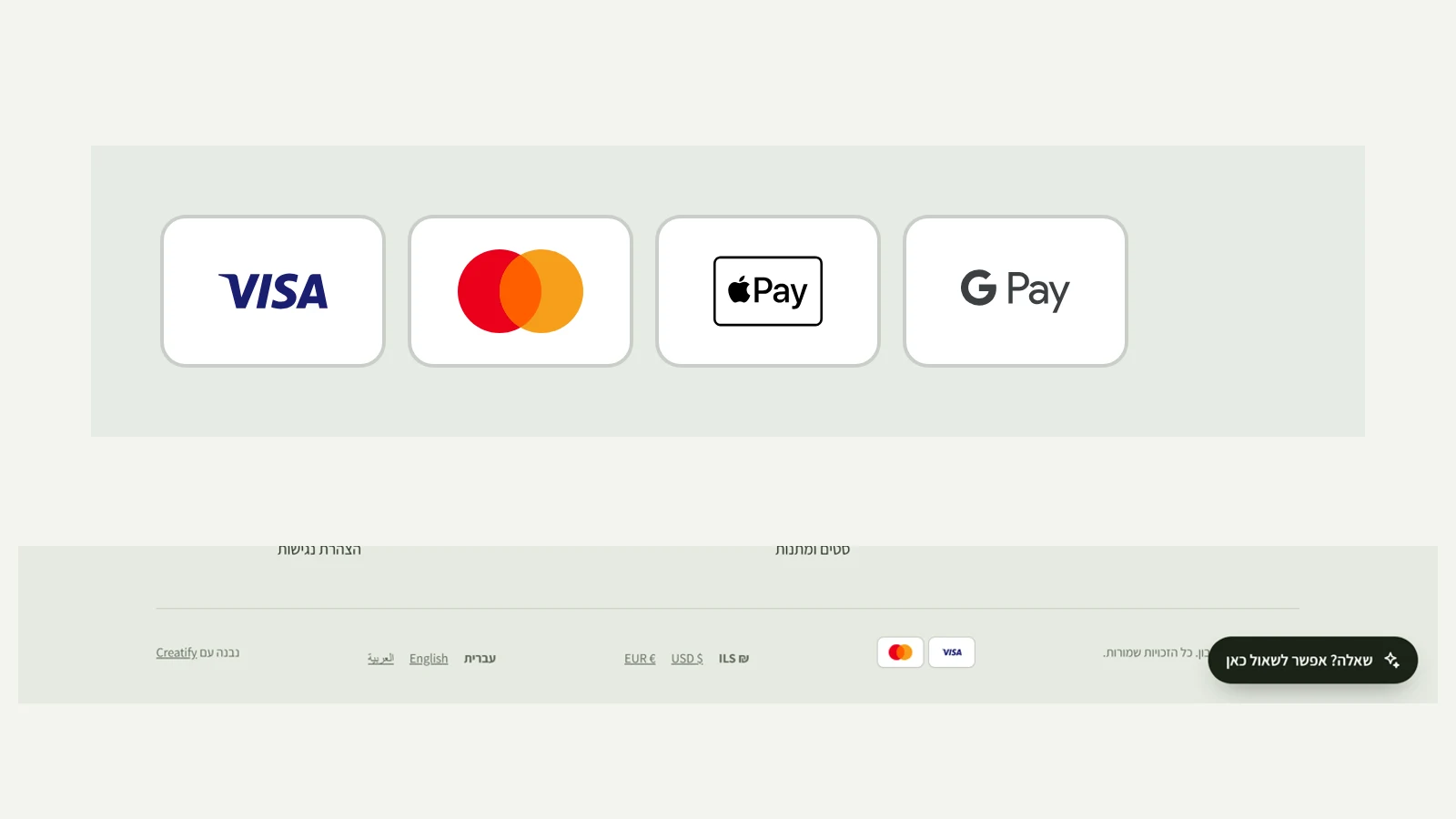 Real payment method logos
The payment method marks in the store footer used to be text. Now they are the real Visa, Mastercard, Apple Pay and Google Pay logos, each on a small white card, like in a digital wallet. The footer still shows only the payment methods your payment provider actually accepts. We don't have an official file for the Bit logo yet, so it stays hidden until we get one.
Improved
- Real logos instead of text for payment methods.
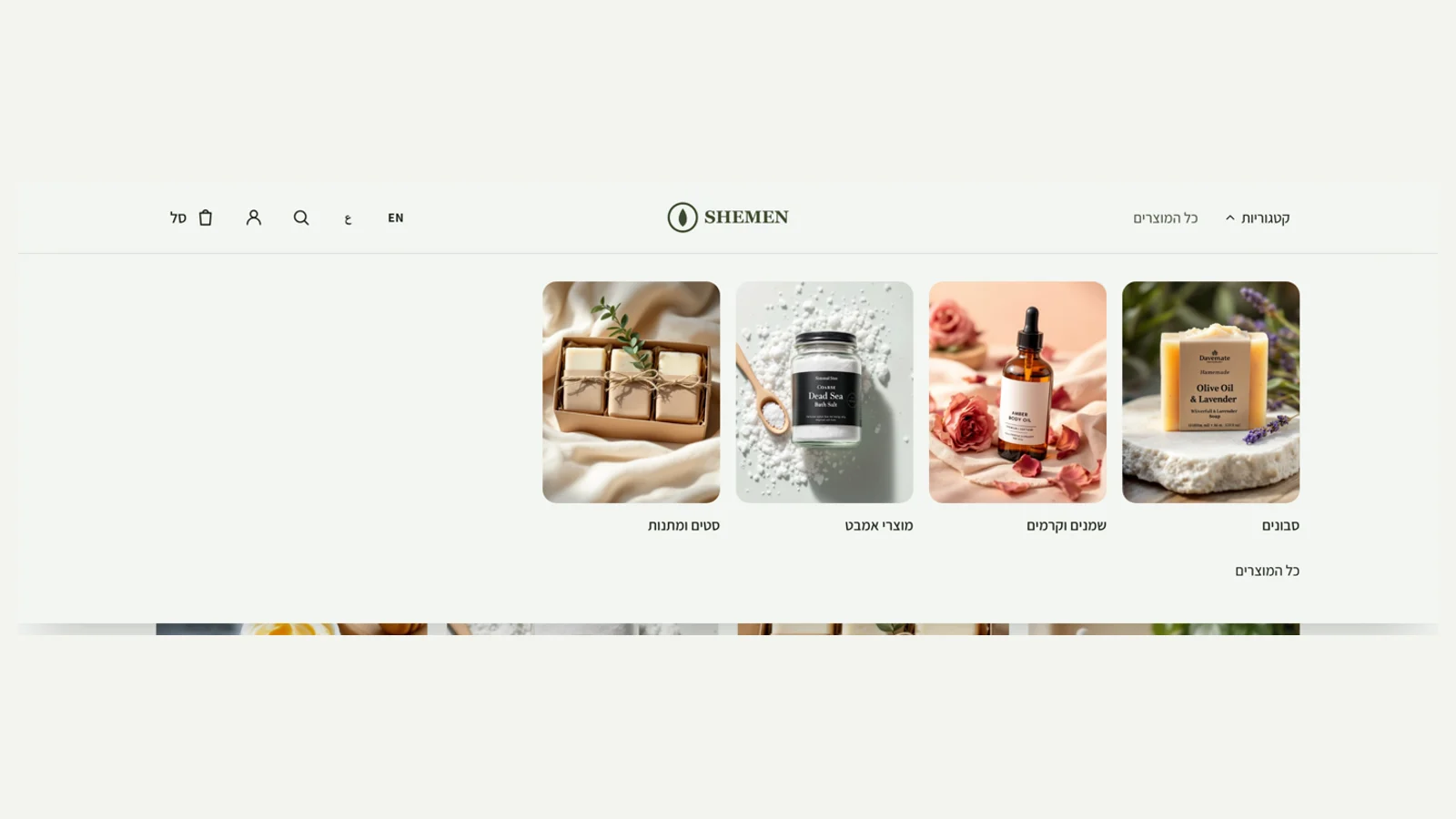 Wide category menu with images
When the store menu has a 'Categories' item and at least three categories have an image, the menu now opens as a full-width panel with a large image for each category, like the big stores. Without images it stays a simple list. Escape and a click outside the panel close it.
New
- Category menu with images, at full screen width.
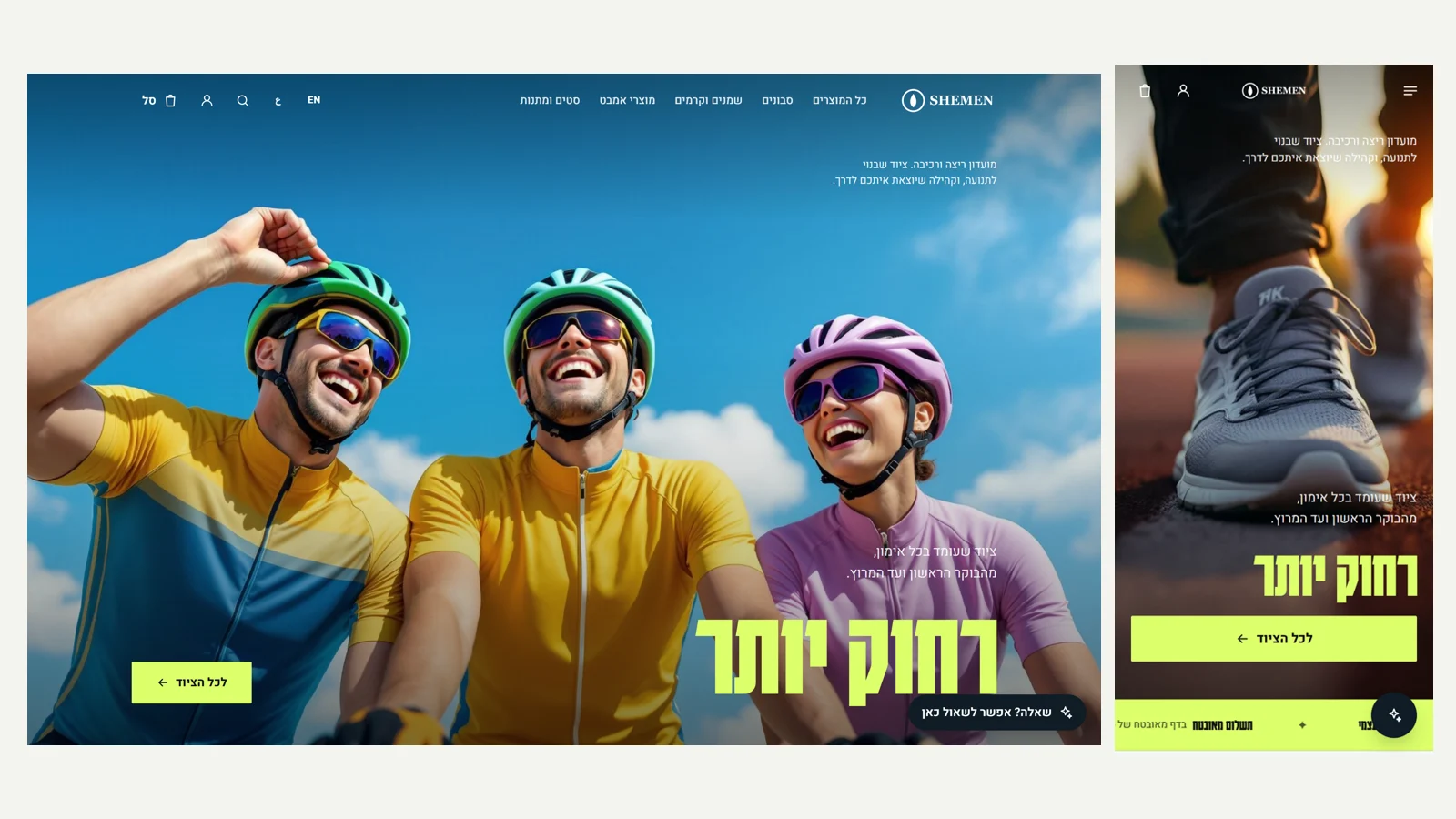 A separate hero image for phones
In the poster hero and the magazine cover you can now upload a vertical image for phones, next to the wide image for desktop. On a phone the hero is tall and narrow, and a wide image gets cropped hard. Now each screen gets an image shot for it. The browser downloads only the image for its own screen.
New
- Phone hero image in the poster and magazine cover layouts.
- Sections for desktop only or phone only
Sections for desktop only or phone only
Every section in the editor has a 'Shown on' setting: desktop and phone, desktop only or phone only. So you can, for example, show a short version of a section on phones and the full version on desktop, or hide a heavy section that is awkward to scroll on a phone. We tested it in the browser: a section set to desktop disappears at a width of 375 and appears at 1440, and the other way round.
New
- 'Shown on' setting for every section: desktop and phone, desktop only or phone only.
- Colour bands behind sections
Colour bands behind sections
Every section on the page, except the hero, now has a 'Section background' setting: none, soft, dark or the store's accent colour. The background stretches across the full screen width, and the text and buttons inside adjust their colour, so a long page breaks into clear chapters instead of one run of white.
New
- A background for every section: soft, dark or the accent colour, at full screen width.
 Payment methods in the store footer
The footer of every store now shows small marks for the payment methods customers can use: credit cards, Bit, Apple Pay and Google Pay. The list follows the payment provider connected to the store, so customers are never promised a payment method that isn't there. A store with no payment provider, or with manual payment only such as bank transfer, shows no marks.
New
- Payment method marks in the footer, based on the connected payment provider.
- A check before publishing
A check before publishing
The counter at the top of the editor, which until now found images without a description and buttons without a destination, now checks the design too: a brand colour almost identical to the background (the buttons won't stand out), a poster heading too dark to read over the image, a poster heading longer than 24 characters that will break into three lines, and a poster or magazine cover with no image. Each row says what the problem is, and a click opens the place to fix it. You can also publish without fixing.
New
- Design check in the editor: contrast of the brand colour and the poster heading, poster heading length and a poster with no image.
Improved
- A colour problem opens the style panel directly.
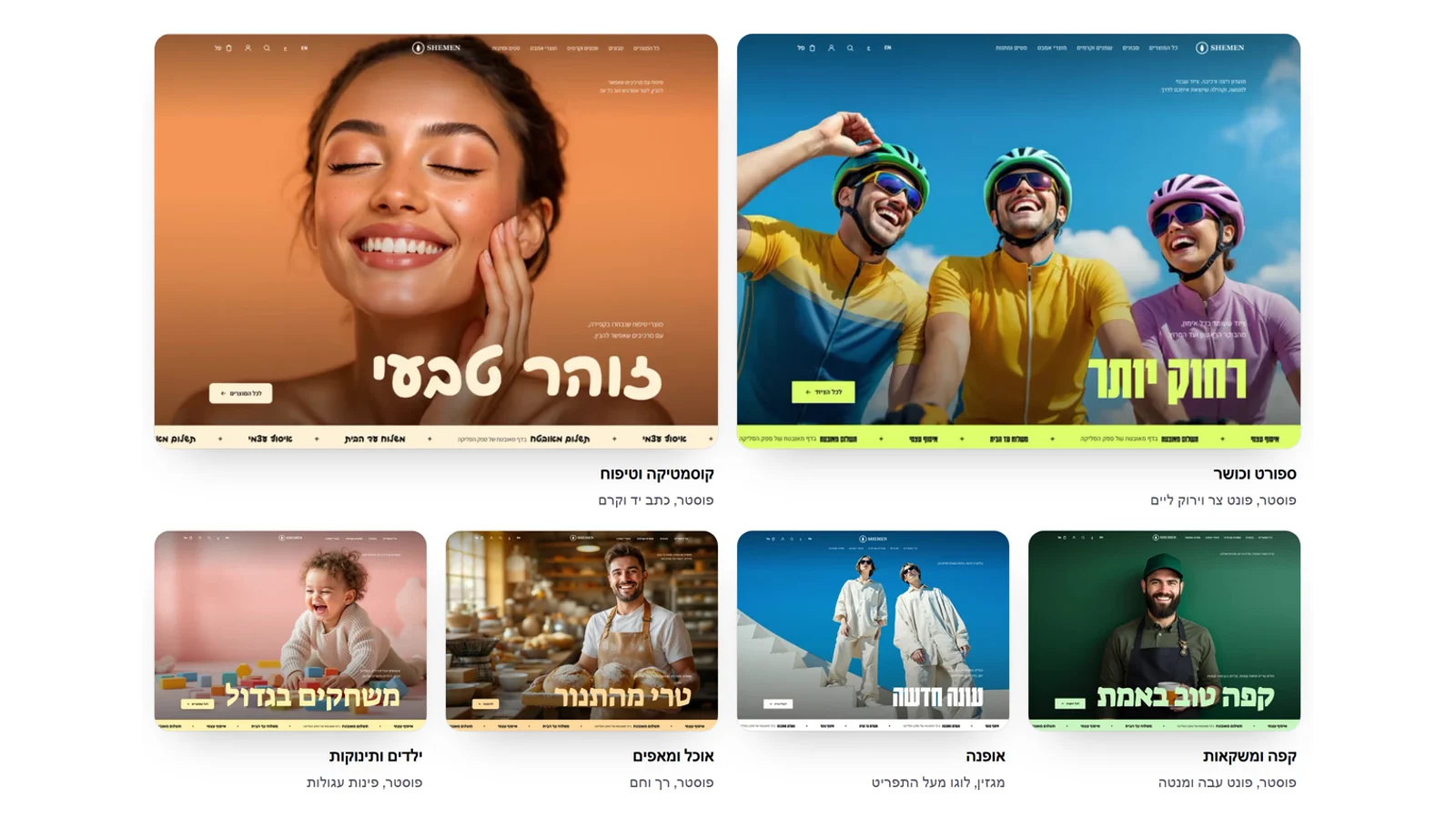 The Kreaza site shows the new stores
The hero screenshots on the Kreaza home page have been replaced: a sports store with a poster hero on desktop, and a skincare store on a phone, and the phone no longer hides the store's heading. There is a new section, 'Ten themes. Each with its own photography', with a real screenshot of each of the ten themes, including the heading and the ticker, with no cropping. On a phone you swipe between the themes.
New
- Themes section on the Kreaza home page, with a screenshot of every theme.
Improved
- The hero screenshots on the home page show the new design.
Fixed
- The phone in the hero hid the heading of the store in the screenshot.
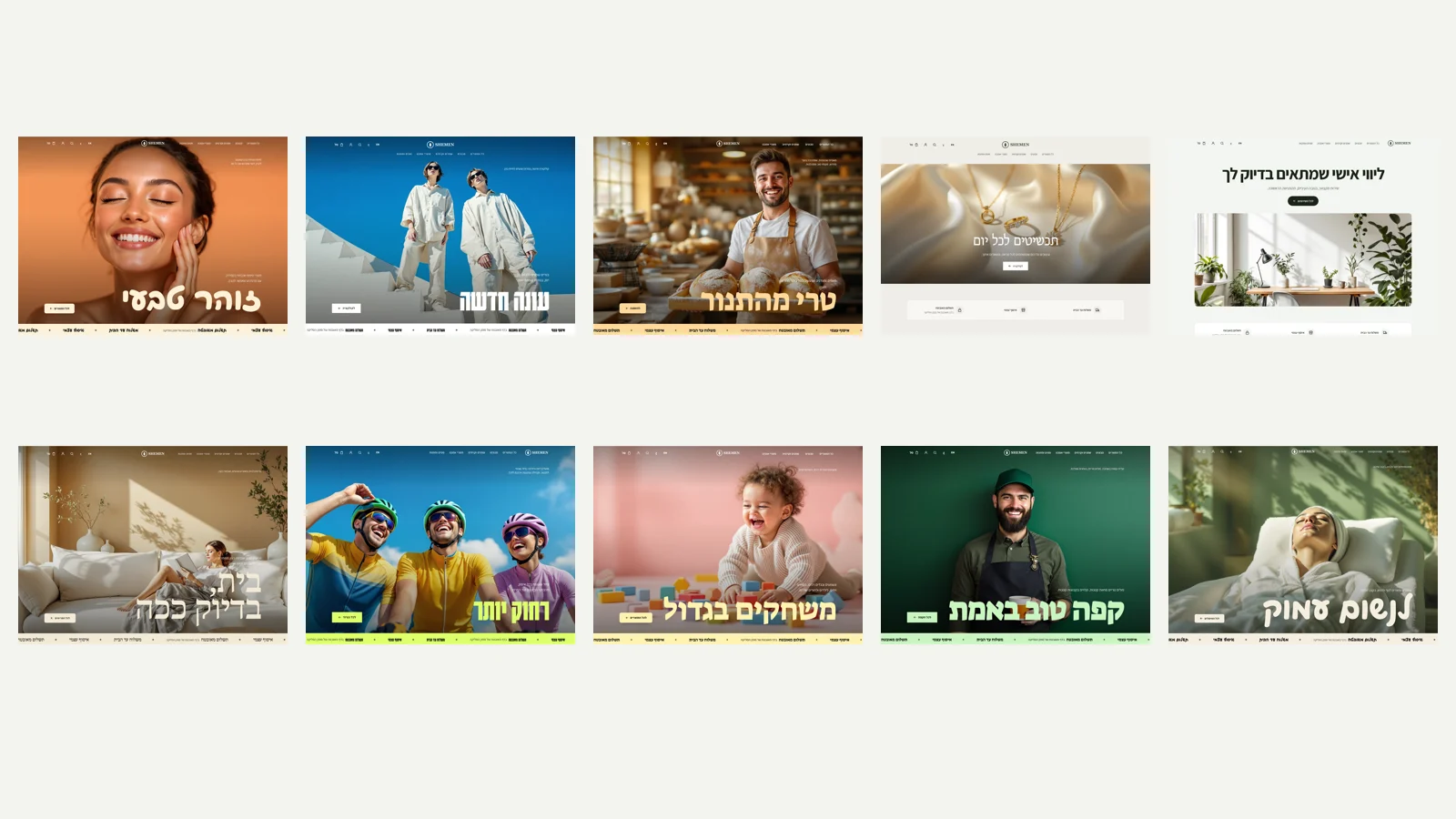 We went through all ten themes, on every page
We captured each of the ten themes on the home page, the product page and a phone, and fixed what was out of place: in the fashion theme, product names on cards appeared in the tight heading font and are now in the readable font, and the 'magazine cover' hero on phones no longer stretches beyond a reasonable height. We also measured a home page with a hero video in Lighthouse: the video now loads only after the page has finished loading, so it doesn't compete with the image and the text. Even so, Google measures the first frame of the video as the largest content on the page, so the speed score on phones drops from 96 to 75. We wrote this next to the video field in the editor, so you can decide.
Improved
- A hero video loads only after the page has loaded.
- A note in the editor on how a video affects the speed score.
Fixed
- Product names in the fashion theme use a readable font.
- The magazine cover hero on phones is limited to one screen height.
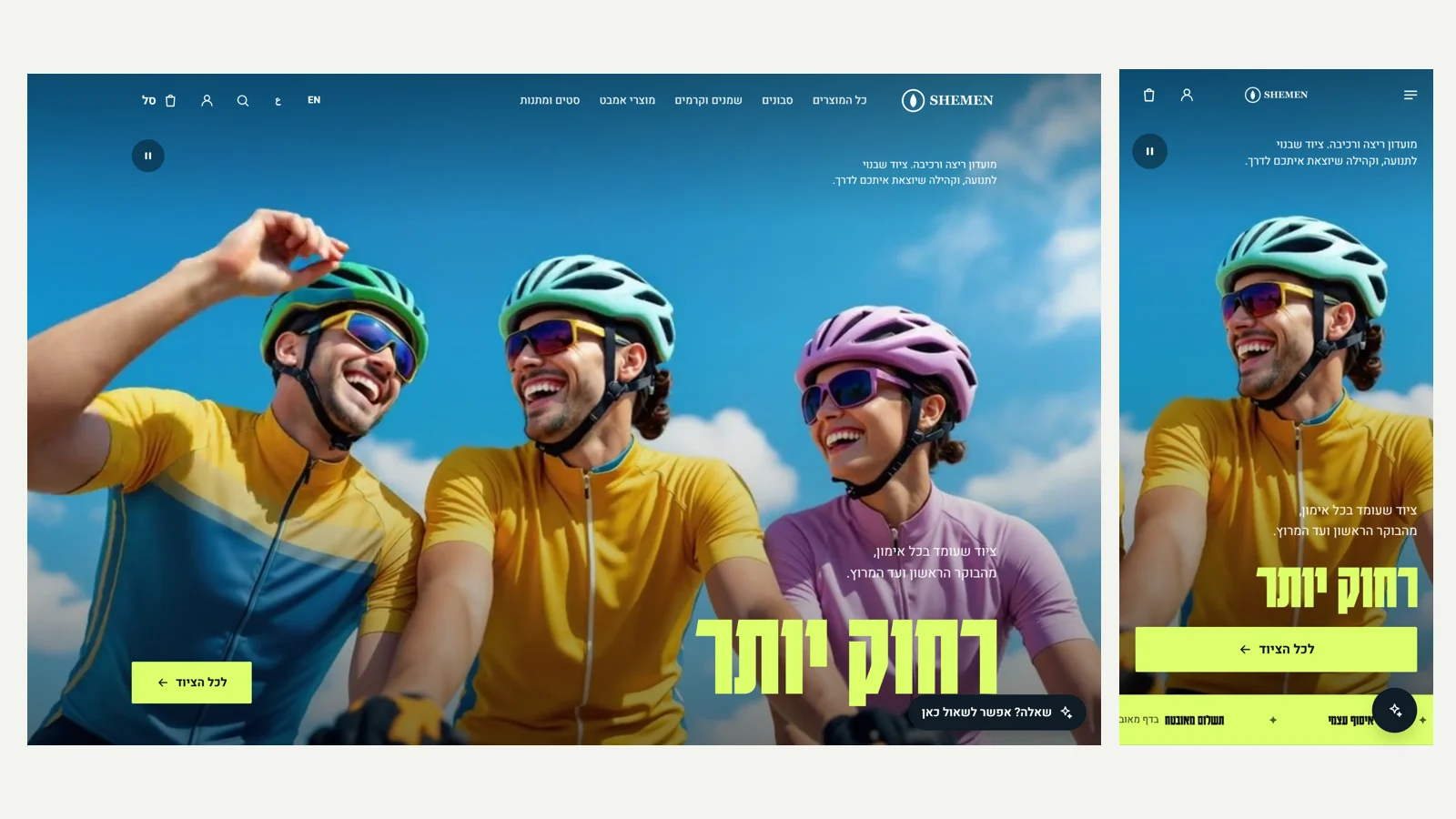 Video in the hero
In the hero you can now upload a short, silent MP4 video, up to 15MB, that loops over the image in the poster, magazine cover, centred and text on image layouts. The image stays underneath: it is what loads first, and the video fades in only once it is actually playing, so a slow connection never sees a black screen. Anyone who asked their device for reduced motion sees only the image, and everyone else gets a pause and play button. We tested with a 5 second video at a width of 1280 pixels: 477 KB.
New
- Background video in the hero, with upload and preview in the editor.
- A pause and play button, and no motion for anyone who asked for reduced motion.
Improved
- The image is still the first thing to load, so page speed isn't hurt.
 A logo for dark backgrounds, and a fix to saving the design
In the editor, under 'Design', you can upload a light version of your logo. It is shown automatically wherever the site header is dark: in dark colour palettes, in the 'Bold' style with the black header, and over a poster image. On a light header the regular logo still appears. We also fixed a bug: in a store with a logo, publishing changes to the design, the menu or the announcement bar from the editor failed. The server now accepts the theme as the editor sends it, and the editor no longer sends the images.
New
- A logo for dark backgrounds, swapped automatically by the header colour.
Fixed
- In a store with a logo you couldn't publish design, menu and announcement changes from the editor.
 A footer you build yourself: newsletter signup and a links column
In the editor, under 'Menu', you can now add a newsletter signup band to the footer: a large heading, a line explaining what subscribers get and that they can unsubscribe at any time, and an email field. People who sign up join your customer list with marketing consent, including when and where they consented, and receive the campaigns sent from your store. In the same place you can add your own links column with a heading, next to 'Shop' and 'Info', picked from the store's categories, pages and policies or an external address.
New
- Newsletter signup band in the footer, with a clear confirmation after signing up.
- Subscribers are saved as customers with marketing consent, time and source, and it is never revealed whether the address was already on the list.
- Your own links column in the footer, with a heading and an order you choose.
Improved
- The menu link editor is shared by the header and the footer.
 Three header layouts
In the editor, under 'Design', 'Header': logo in the centre with the menu at the side, logo at the side with the menu next to it (like most big stores), or a large logo in the centre with the menu in a row below it, like fashion sites. The layouts change desktop only, and on phones the header stays compact with a menu button. Everything keeps working over a poster hero too, and the filter bar in the catalogue sticks exactly below the header, whatever its height. Font samples in the editor are now shown at the size they are read at.
New
- Header layouts: logo in the centre, logo at the side, or logo above the menu.
Improved
- Fashion and jewellery come with the logo above the menu, sports and services with the logo at the side.
Fixed
- The catalogue filter bar sticks below the header at any height.
- The poster font sample in the editor was too small.
 A check of every page: speed, SEO and accessibility
We went through every store page, on desktop and on phones, and measured them in Lighthouse on a production build with slow mobile network and slow phone throttling. The home page scored 96 for performance (it was 76 in the simulated measurement), the product page 98, and the catalogue 97, with 100 for accessibility, SEO and best practices. What changed: images are served in three sizes and a phone downloads its own size, fonts load only when the page uses them (instead of 23 files, 430 KB, on every page), headings in the poster font are large and readable on every page, and there is a new 'Not found' page with search, inside the store's design.
New
- 'Not found' page in the store's design, with search and links back.
Improved
- Images in three sizes: a phone downloads a 1200 pixel image instead of 2000 (95 KB instead of 246).
- Fonts load as needed: 5 files per page instead of 23.
- Largest content paint on the home page dropped to 2.4 seconds on a slow mobile network.
Fixed
- Headings in the poster font came out small and tight on product, category and cart pages.
- The assistant button on phones got a name for screen readers, and the heading order in the catalogue was fixed.
- A Google description for the catalogue and for categories without one of their own.
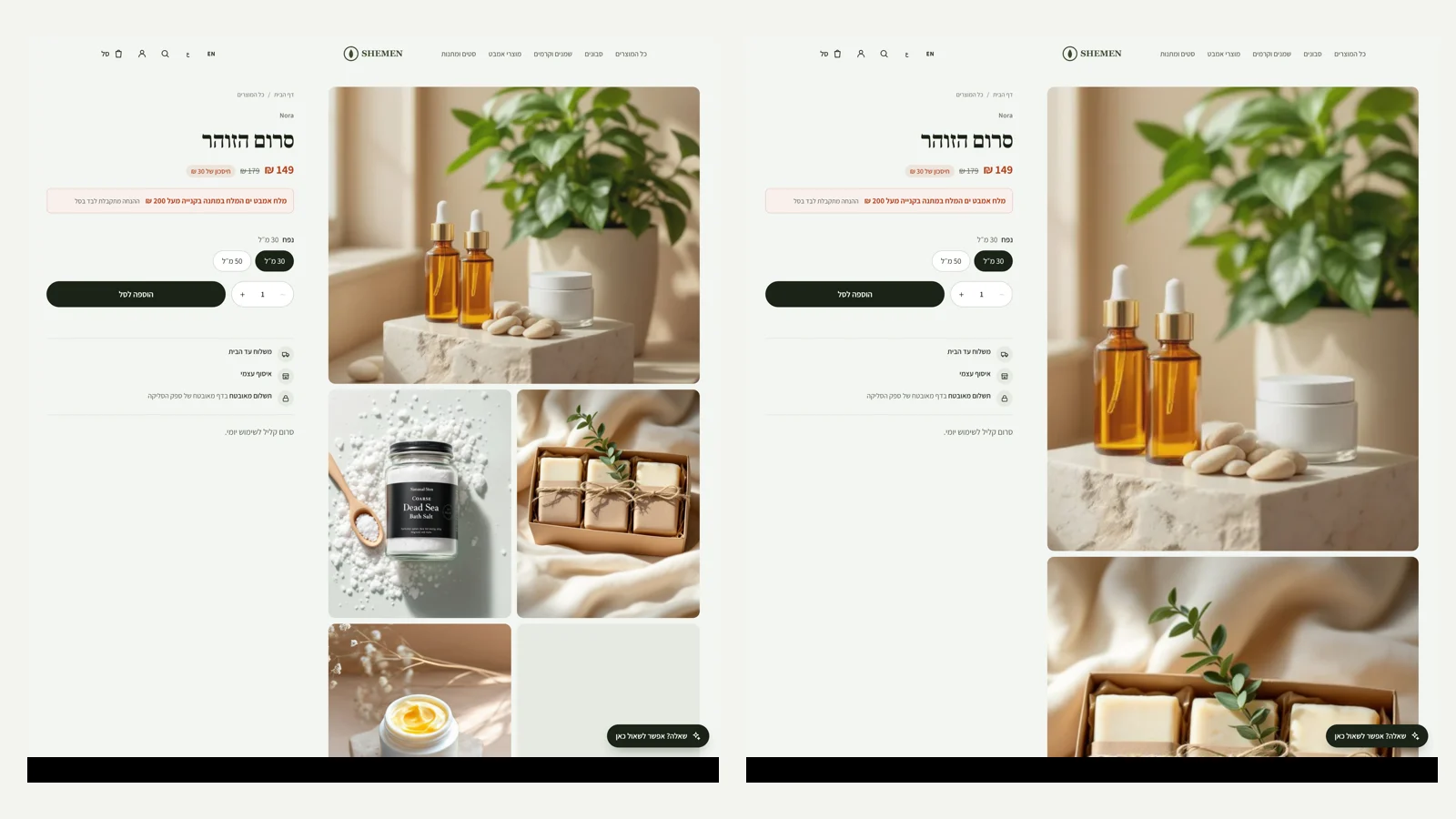 Product page in three layouts
In the editor, under 'Design', you can choose how the product page shows images on desktop: one image with thumbnails, all images stacked one below the other, or a two-column grid. In the two new layouts the images take up most of the screen, and the product name, price and button stay pinned to the side while you scroll. Nothing changed on phones: you swipe between the images. The heading on the product page is larger in every layout, and four themes come with a layout that suits them.
New
- Product page layouts: stacked images, or a two-column grid.
- In the new layouts the details and the button stay pinned while you scroll.
Improved
- A larger heading on the product page.
- Fashion and sports use stacked images, home decor and jewellery use the grid.
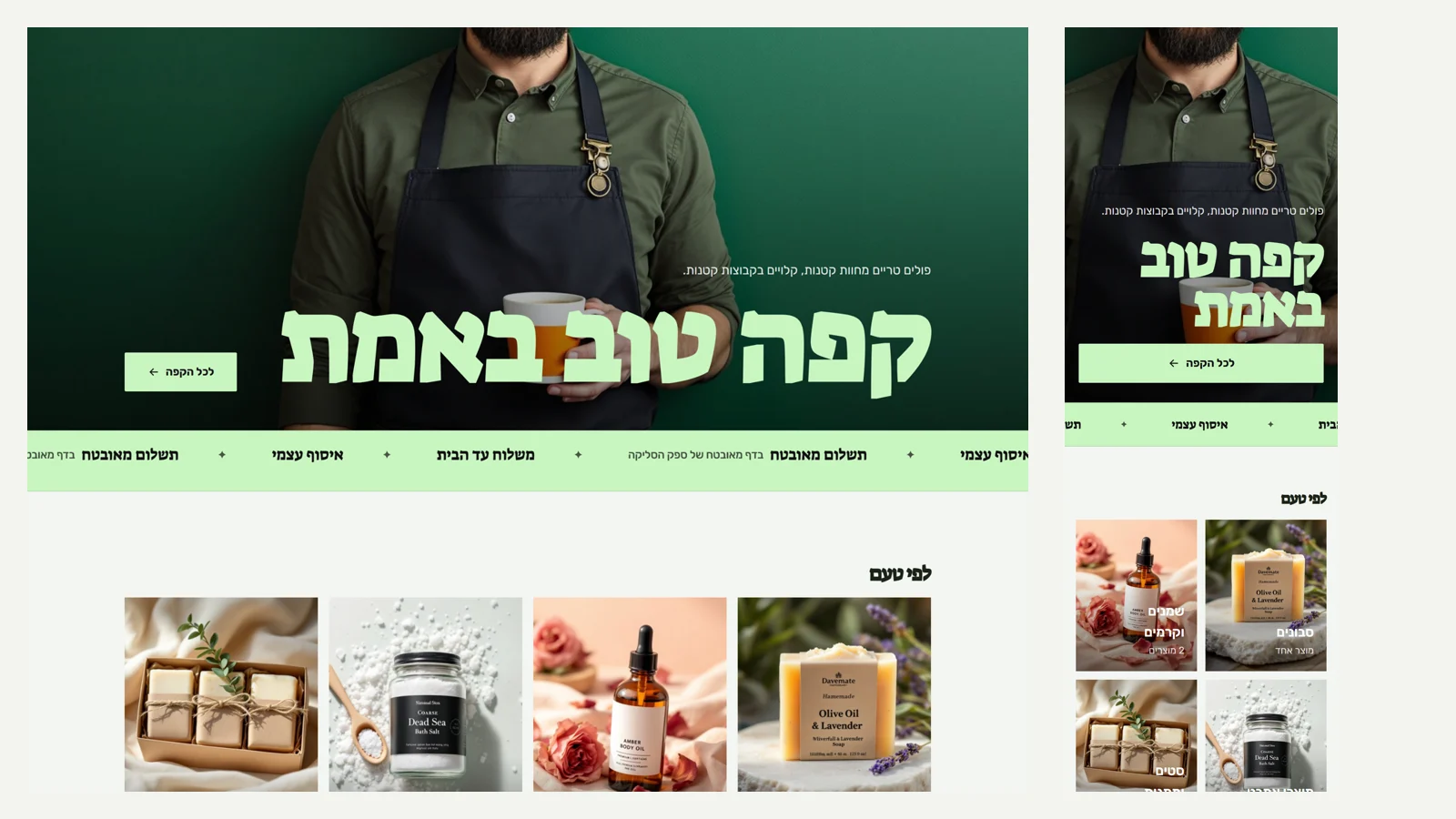 A ticker in the accent colour, and the store name huge in the footer
Below a poster hero there is now a slowly moving ticker with the store's benefits, such as home delivery and pickup, in the accent colour and the heading font. The ticker pauses when you hover over it, and for anyone who asked for reduced motion it stays still. In the footer of a site with a poster hero the store name appears large, like a signature. The ticker is available in the editor in every store, under 'Benefits bar', 'Display'.
New
- 'Ticker' display for the benefits bar, in the accent colour.
- The store name large in the footer of a site with a poster hero.
Improved
- Themes with a poster hero come with the ticker.
Fixed
- A poster hero is never taller than one screen, even on very tall screens.
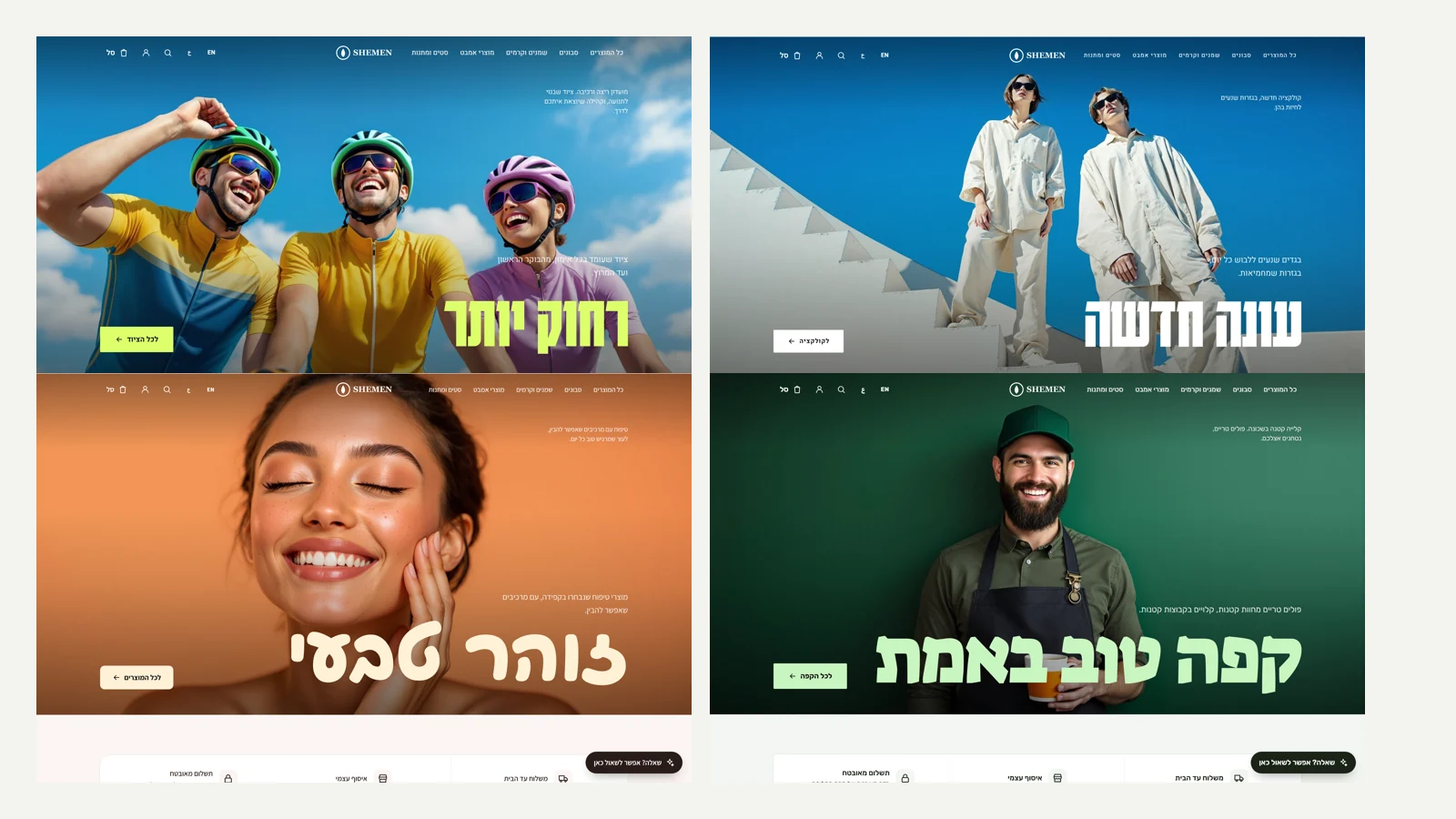 Poster hero: sites that look like a campaign
A new layout for the hero: a full-screen photo, a transparent header over it, a huge heading in an accent colour, a small line in the corner and the button at the edge. There are three new fonts for large headings: poster (Karantina), handwriting (Playpen) and thick and cheerful (Suez), and an accent colour for every colour palette that you can change in the editor. Eight of the ten themes were rebuilt around this layout, with new campaign photos of people, and automatic store setup now opens with a poster too.
New
- Poster layout for the hero, with a transparent header that returns to a regular background on scroll.
- Three heading fonts: poster, handwriting and thick and cheerful.
- An accent colour for headings over an image, from the colour palette or freely chosen.
Improved
- Eight themes with new campaign photos and short, loud headings.
- Automatic store setup asks for a campaign photo and a short poster-style heading.
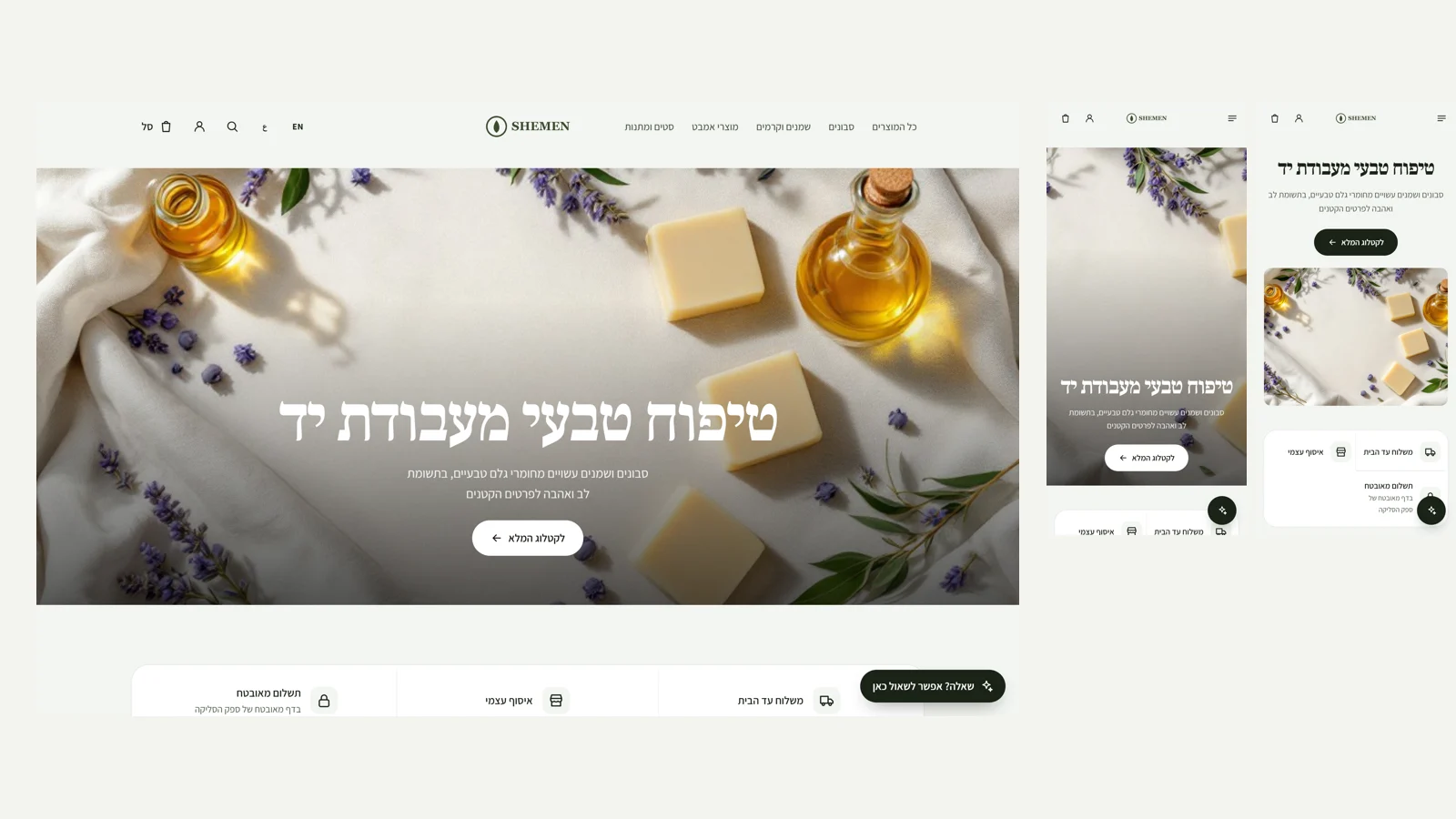 Magazine cover at full screen width, and a clean filter bar on phones
The 'magazine cover' hero layout now runs edge to edge on desktop too. When the hero is centred, the button is centred as well, and no longer stays pinned to the side. On phones, the filter and sort bar in the catalogue stays on one line that you can scroll sideways, with no buttons wrapping, and the sort list opens at full screen width.
Improved
- Magazine cover at full screen width on desktop.
Fixed
- The button in a centred hero is centred too.
- The filter bar on phones stays on one line, with no text wrapping in buttons.
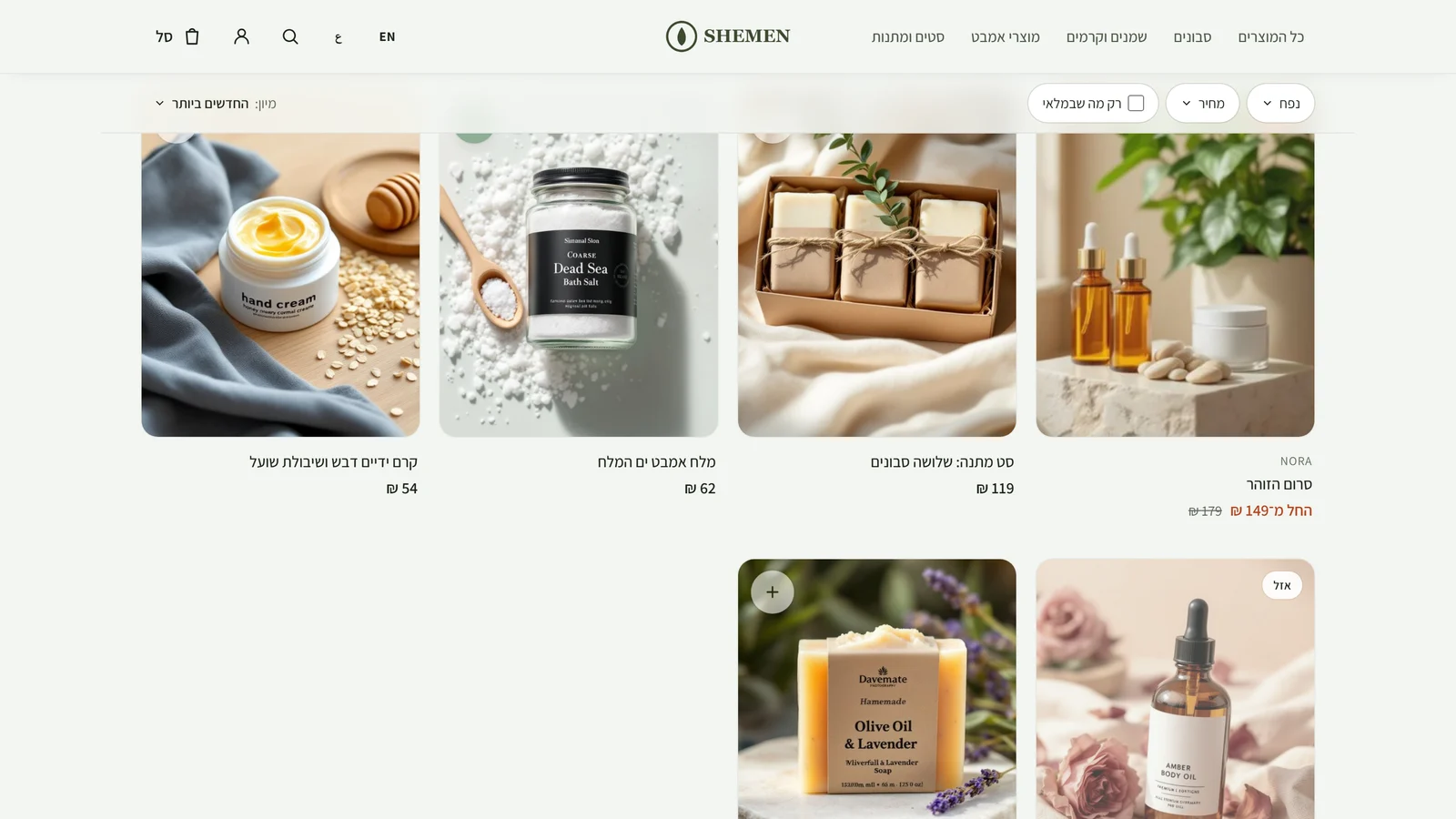 Quick add to cart and two hero layouts
A product card with a single variant now has a '+' button that adds to the cart without leaving the catalogue, and shows a tick when the product is in the cart. On desktop the button appears when you hover over the card, and on phones it is always visible. Products with a colour option show colour dots below the price. The editor has two new hero layouts: a full-width magazine cover, and a heading above a wide image.
New
- Quick add to cart from the product card, for products with a single variant that is in stock.
- Colour dots on the card for products with a 'Colour' option.
- New hero layouts: a full-width magazine cover, and a heading above a wide image.
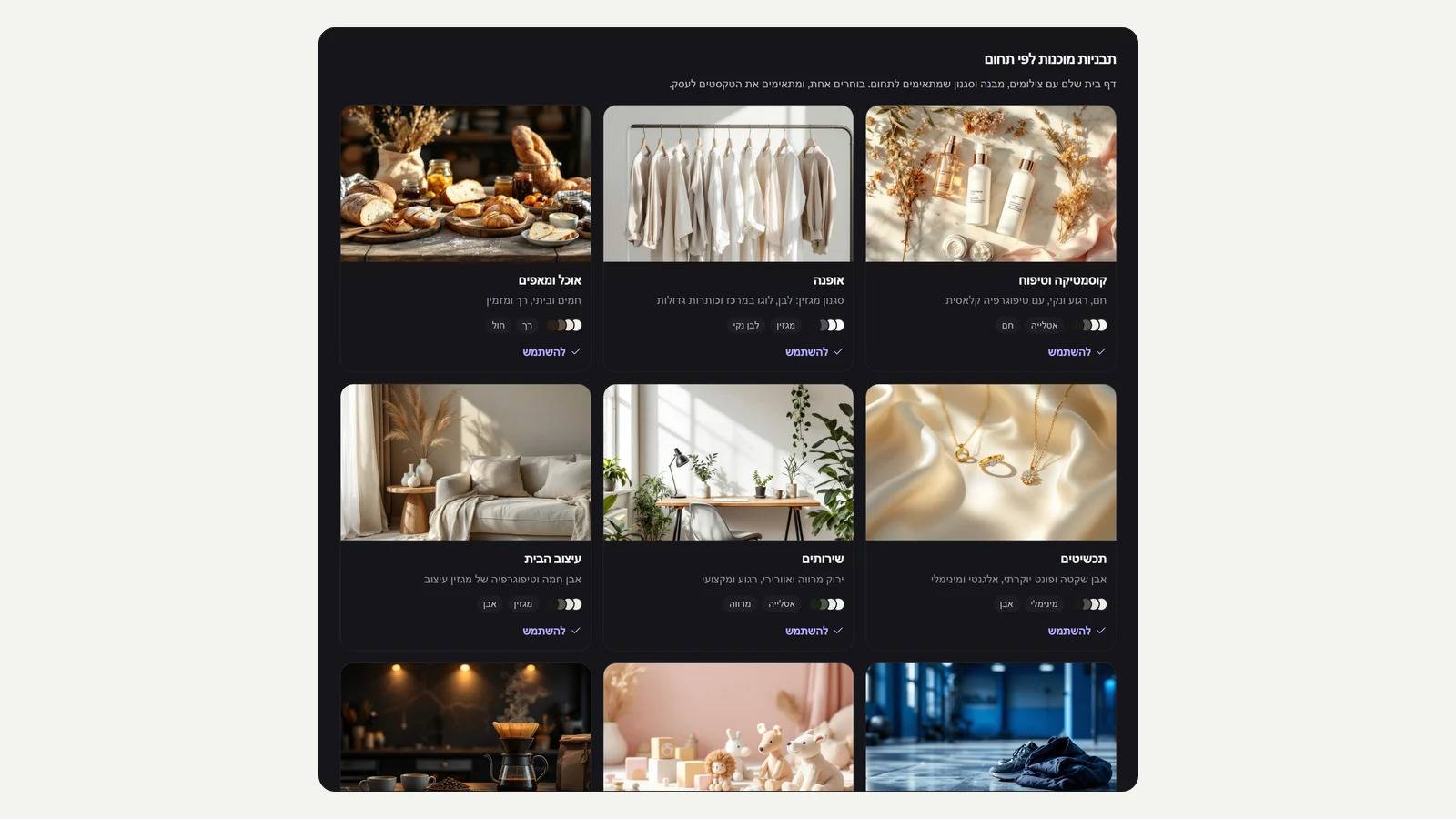 Theme library
In the editor, under 'Templates', there are now ten complete themes: cosmetics and skincare, fashion, food and baked goods, jewellery, services, and now also home decor, sports and fitness, kids and babies, coffee and drinks, and spa and wellness. Each theme comes with its own site style, colour palette, fonts, photos shot for it and a full home page with Hebrew copy, and the card shows the style and colours up front. Choosing a theme loads it into the editor as a draft, you can undo it in a click, and the store changes only after you publish.
New
- Five new themes: home decor, sports, kids, coffee and spa, with their own photos.
Improved
- The five existing themes got new site styles, colours and fonts, and every theme differs from the others.
- A large templates window with wide photos, and each theme's style and colours on the card.
Fixed
- A hero image with text over it no longer gets a white haze in a dark theme.
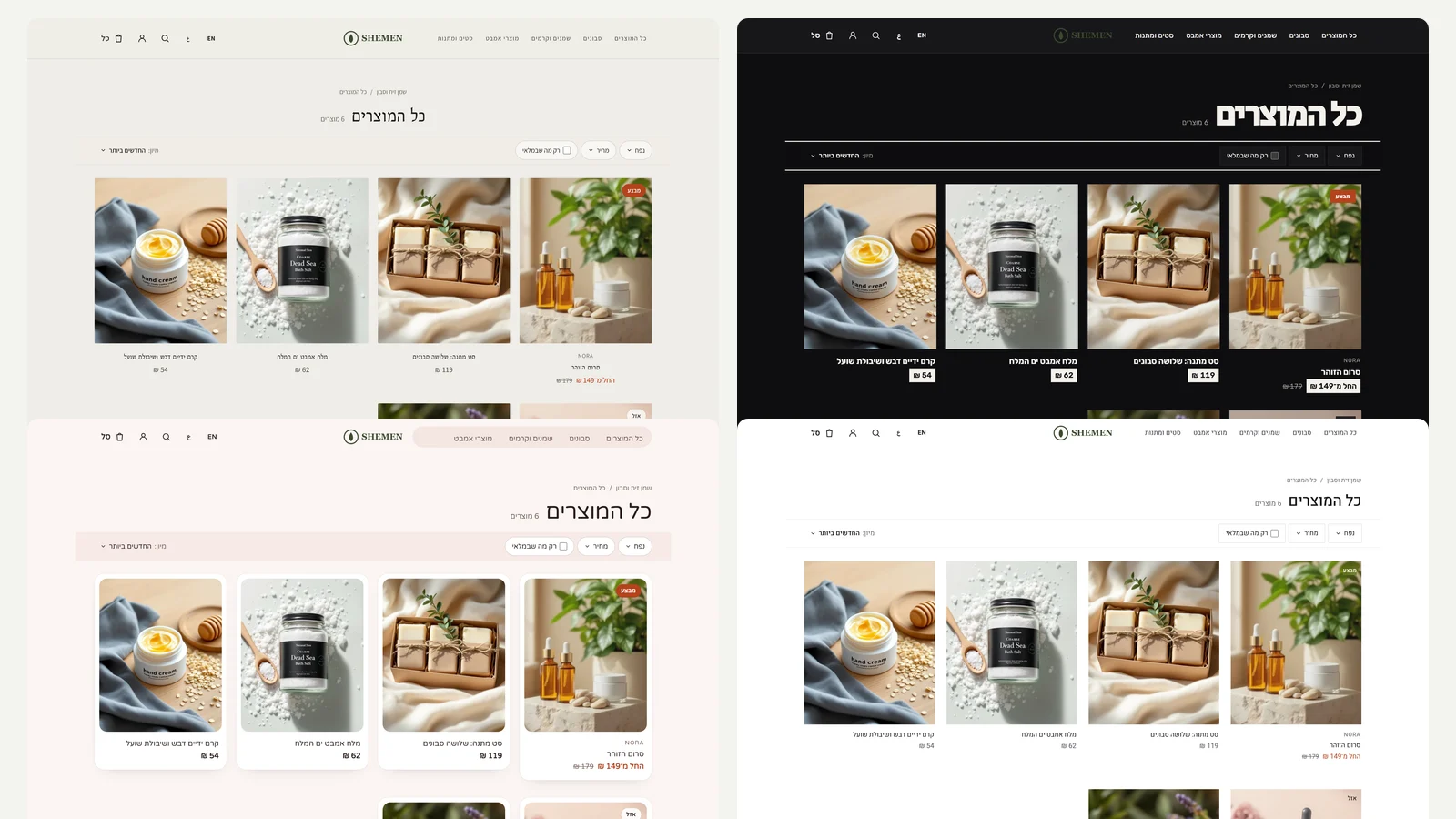 Five site styles, a dark colour palette and a new catalogue page
Store design has moved up a level. In the editor, on the style tab, you now choose a whole site style, not just colours: Atelier, the balanced one, Magazine with a centred logo and large, quiet headings, Bold with huge headings, square buttons and a dark top bar, Soft with framed cards and round buttons, and Minimal with lots of air and thin lines. There are four new colour palettes (dark Night, Powder pink, Sea and Stone) and four Hebrew font pairs (Bellefair, Noto Serif Hebrew, Secular One and Varela Round), and all the combinations work together. The catalogue page was rebuilt: a heading and product count close together, a single bar with filters on one side and sorting on the other that stays pinned to the top on scroll, and a grid of four products per row.
New
- Five site styles that change the header, headings, buttons and product cards.
- New colour palettes: Night (dark), Powder pink, Sea and Stone.
- Four new Hebrew font pairs.
- 14 new design items on the roadmap, including a theme library and local AI as a fallback.
Improved
- The catalogue page: a tight heading, a single filter and sort bar that stays pinned, and four products per row.
- Product card: the brand name above the title, a soft hover transition and subtle badges.
Fixed
- White buttons over an image, banner bands and the video button stay readable in a dark theme too.
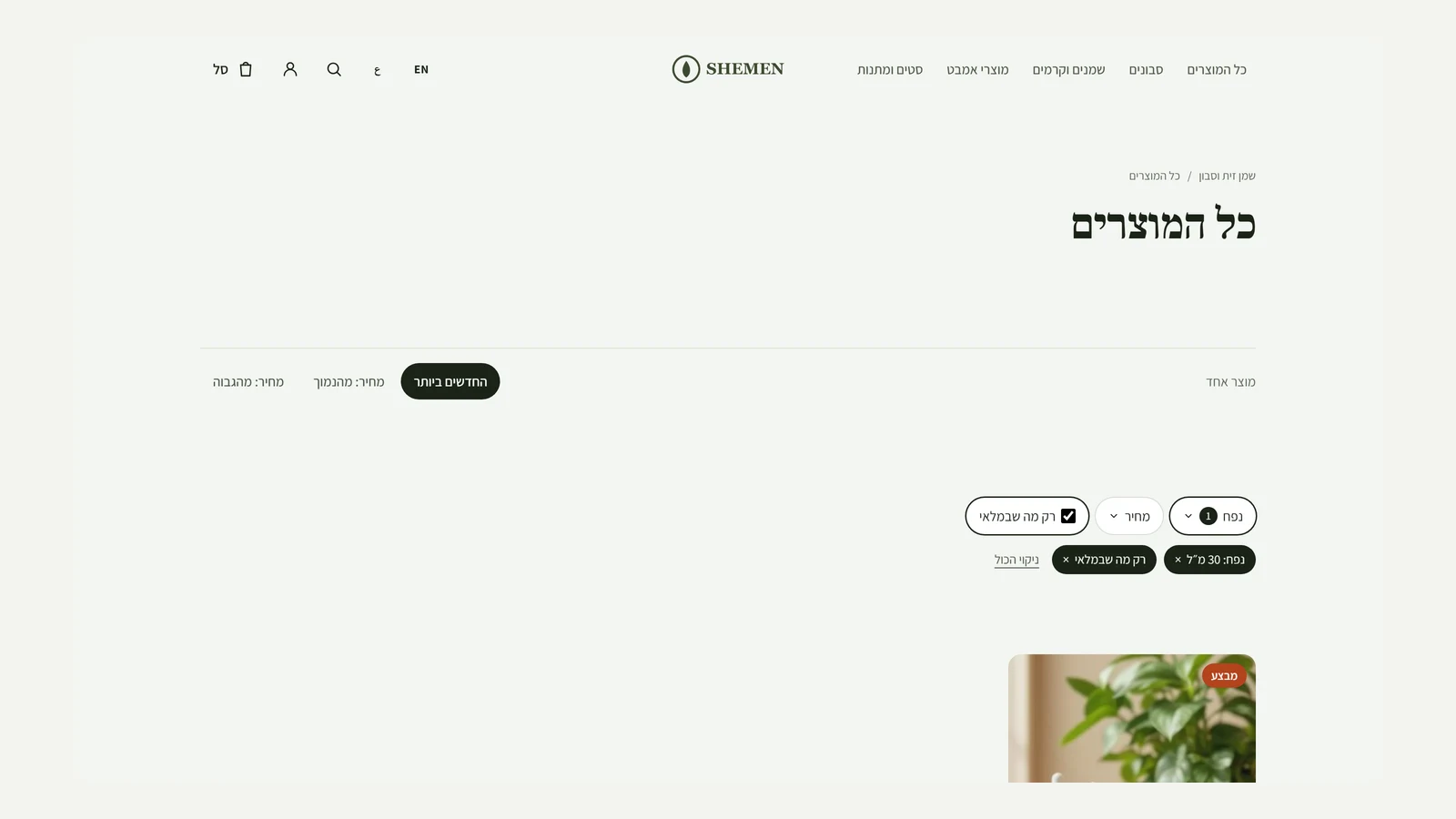 Filtering in the store
The all products page and every category now have filters: by any product option (size, colour, volume and whatever else is defined), by price range, and 'In stock only'. Each value shows how many products it has, active filters appear as tags you can remove, and the link keeps the selection, so you can share it or go back. The filter checks the same variant: a size S that is sold out won't appear under 'In stock only' just because size M is in stock. On phones the list opens as a sheet from the bottom.
New
- Filter by product options, with the number of products for each value.
- Filter by price range and by stock availability.
- Tags for active filters and a clear button, and the selection is kept in the link.
Improved
- Sorting keeps the filter, and 'More products' continues with the same filter.
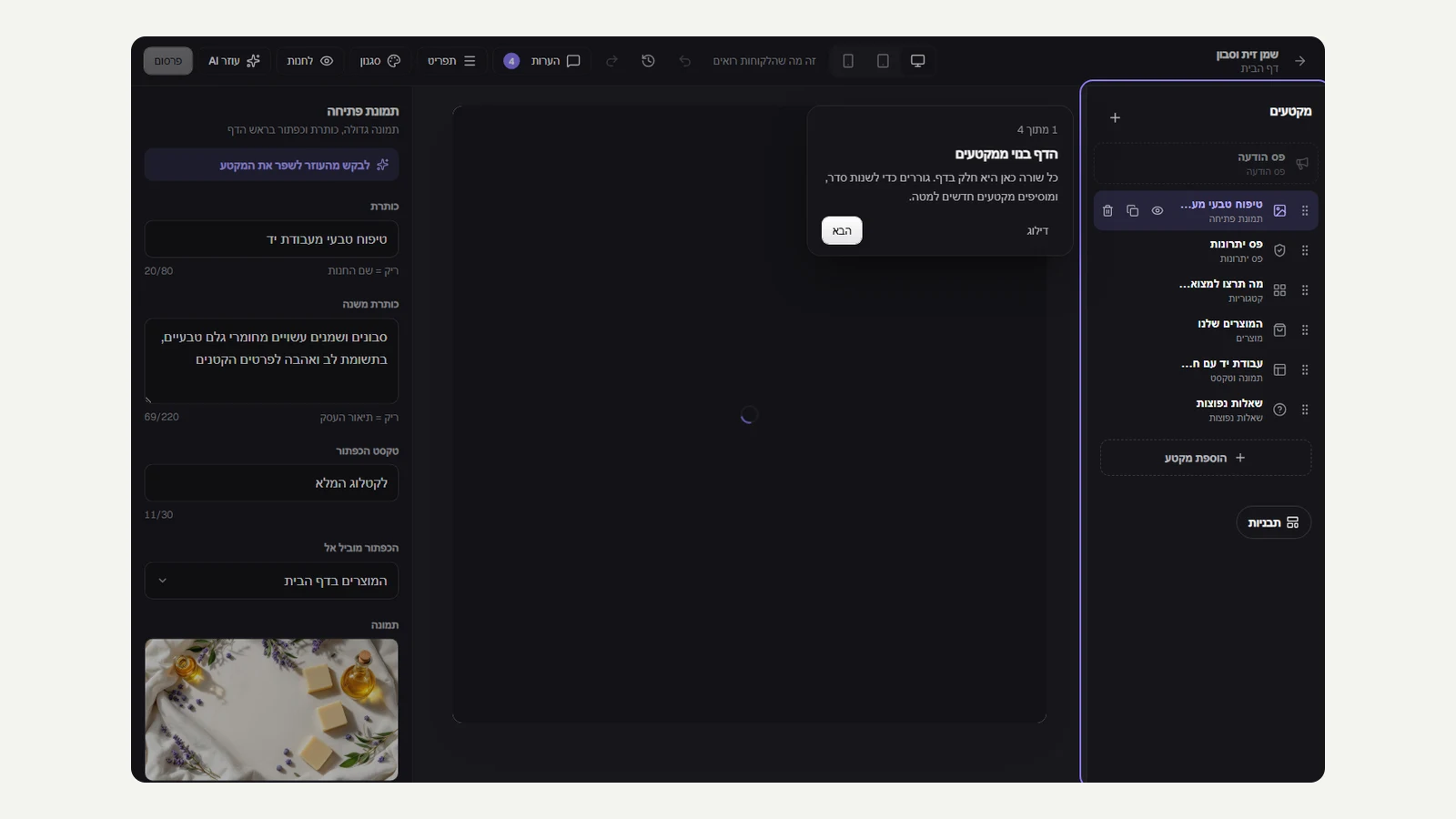 Continue from any device, and a first tour of the editor
Your answers in the setup questionnaire are now saved to your account and not just in the browser: start on your phone during a break, and finish on your computer in the evening from the same point. And the first time you enter the editor, a short four-step tour shows what matters: the sections that make up the page, clicking any part of the store to change it, the style of the whole store, and publishing. You can skip at any time, and the tour doesn't come back.
New
- The setup questionnaire is saved to your account and continues from any device.
- A four-step tour on your first visit to the editor, with skip and back.
Improved
- The tour opens next to what it shows and not over it, and works with the keyboard.
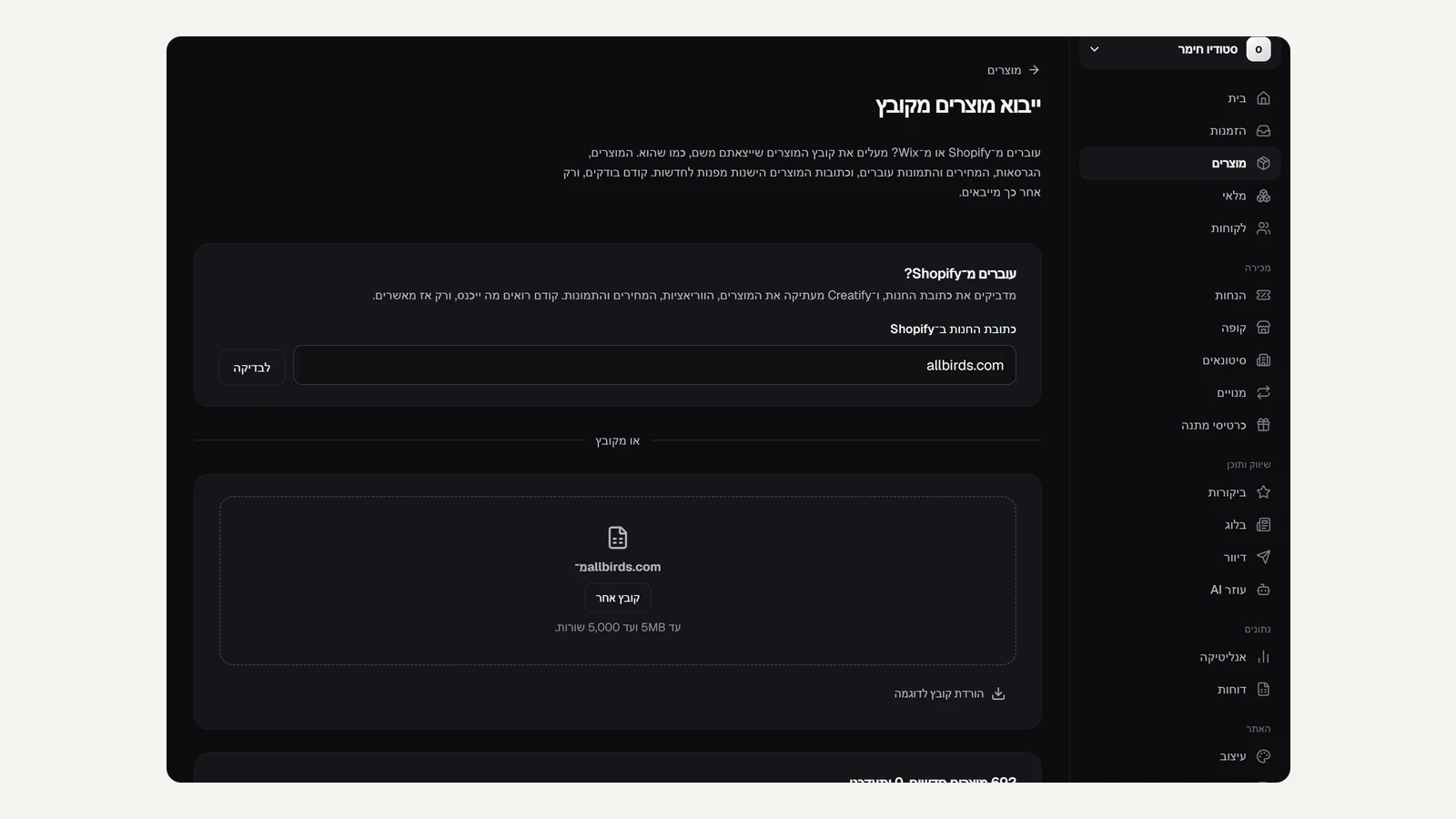 Move from Shopify with a link
To move from Shopify you no longer need to export a file. Paste your store address, Kreaza reads its public catalogue, and shows what will come in before you confirm: every product with its variants, prices, compare-at prices and up to ten images. You can do this on the product import page, or already in the setup questionnaire, in which case the products come in before the AI builds the store, and it sorts them into categories instead of creating sample products. We tested on a real Shopify store with almost 700 products. Shopify doesn't publish stock quantities, so an available product comes in with one unit and a sold-out product with zero, and the preview says so.
New
- Import products from a Shopify store by address, with a preview before you confirm.
- 'Moving from a Shopify store?' field in the setup questionnaire.
Improved
- The AI sorts imported products into categories, and doesn't create sample products when products exist.
- Shopify's internal tags, duplicate SKUs in the same product and more than ten images don't fail the import.
- The link is read only from public internet addresses, never from internal ones.
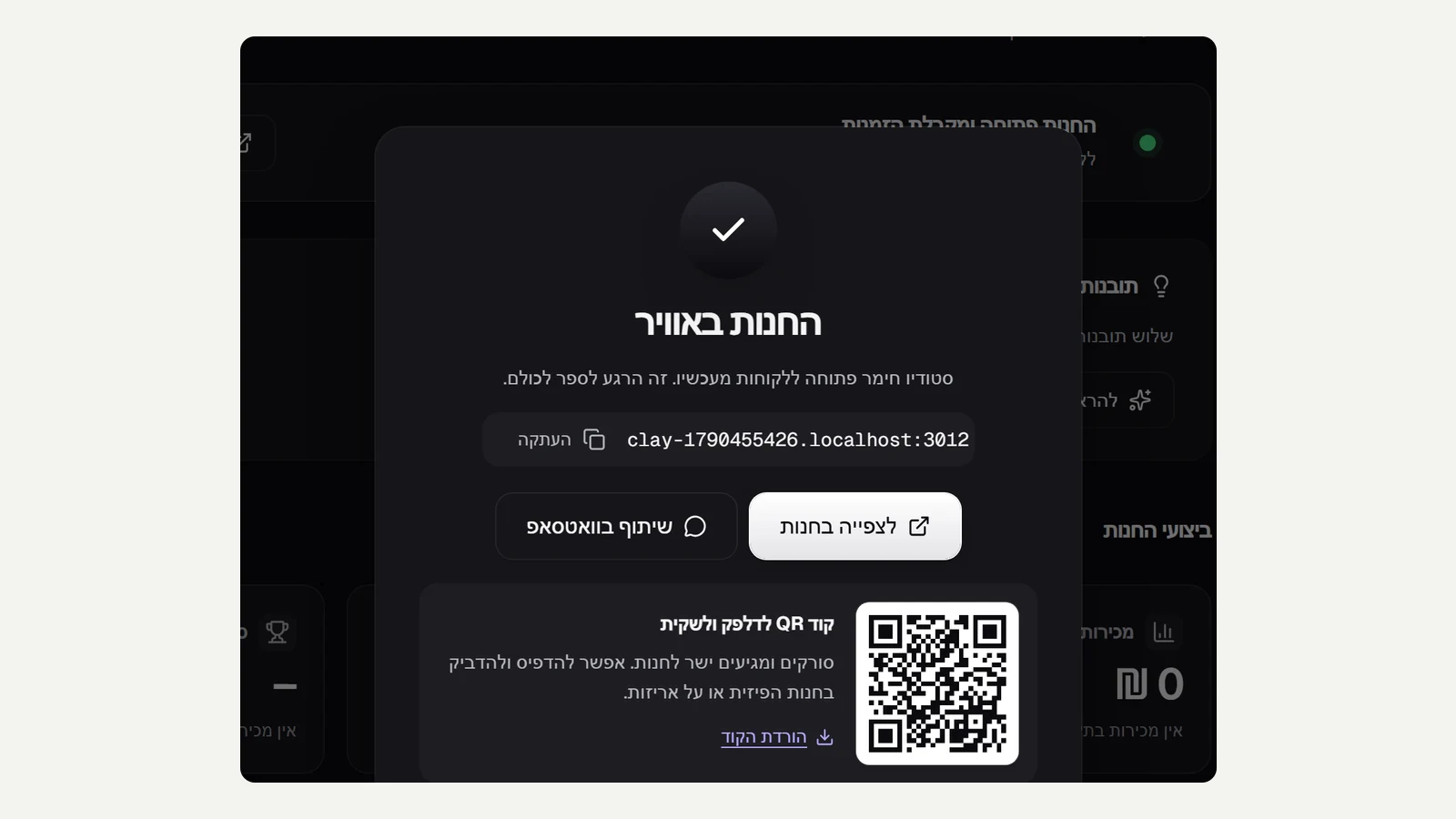 The moment your store goes live
Opening your store no longer passes with a small message in the corner. The first time you click to open the store, a 'Your store is live' screen opens: the store address with a copy button, a link to the store, a ready-made WhatsApp share, and a QR code to download and stick on the counter, on bags or on packaging. Resuming after a pause stays quiet, with just a short message.
New
- 'Your store is live' screen the first time the store opens.
- Share the store on WhatsApp in a click, with a ready-made message.
- A QR code for the store to download and print.
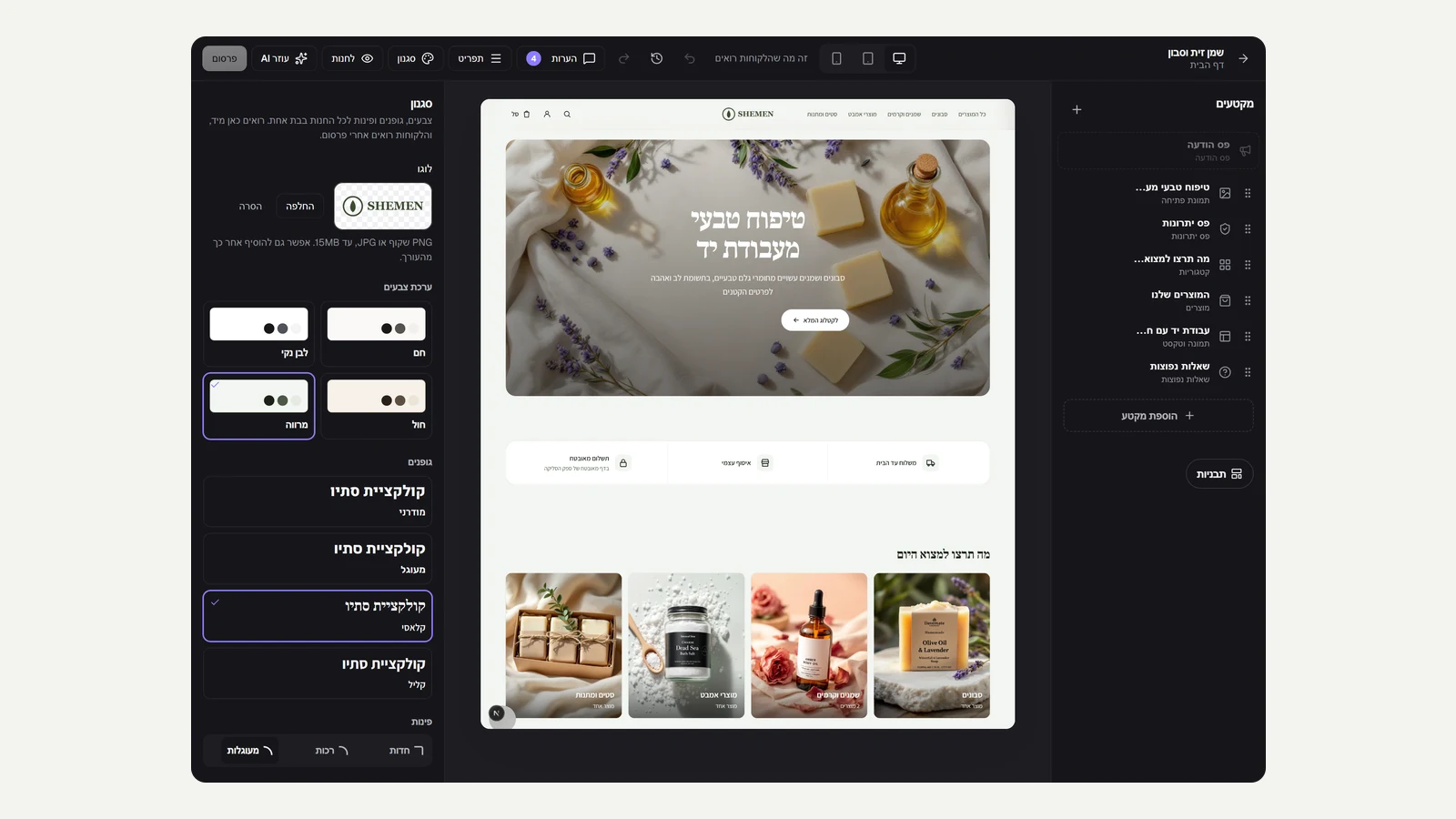 A logo for your store
Stores on Kreaza now have a logo. Upload it already in the setup questionnaire and see it straight away in the live preview of the site, or add and replace it in the editor, on the style tab. In the store header the logo appears in place of the business name in text, and fits itself to the header height on desktop and on phones. A transparent PNG logo stays transparent, and screen readers read it as the business name.
New
- Logo upload in the setup questionnaire, with a live preview.
- Logo in the editor, on the style tab: upload, replace and remove, with an instant update in the preview.
- The logo in the store header in place of the business name, at every screen size.
Improved
- A transparent logo stays transparent, and is shown on a checkerboard background so you can see the transparency.
26 September 2026
63 releases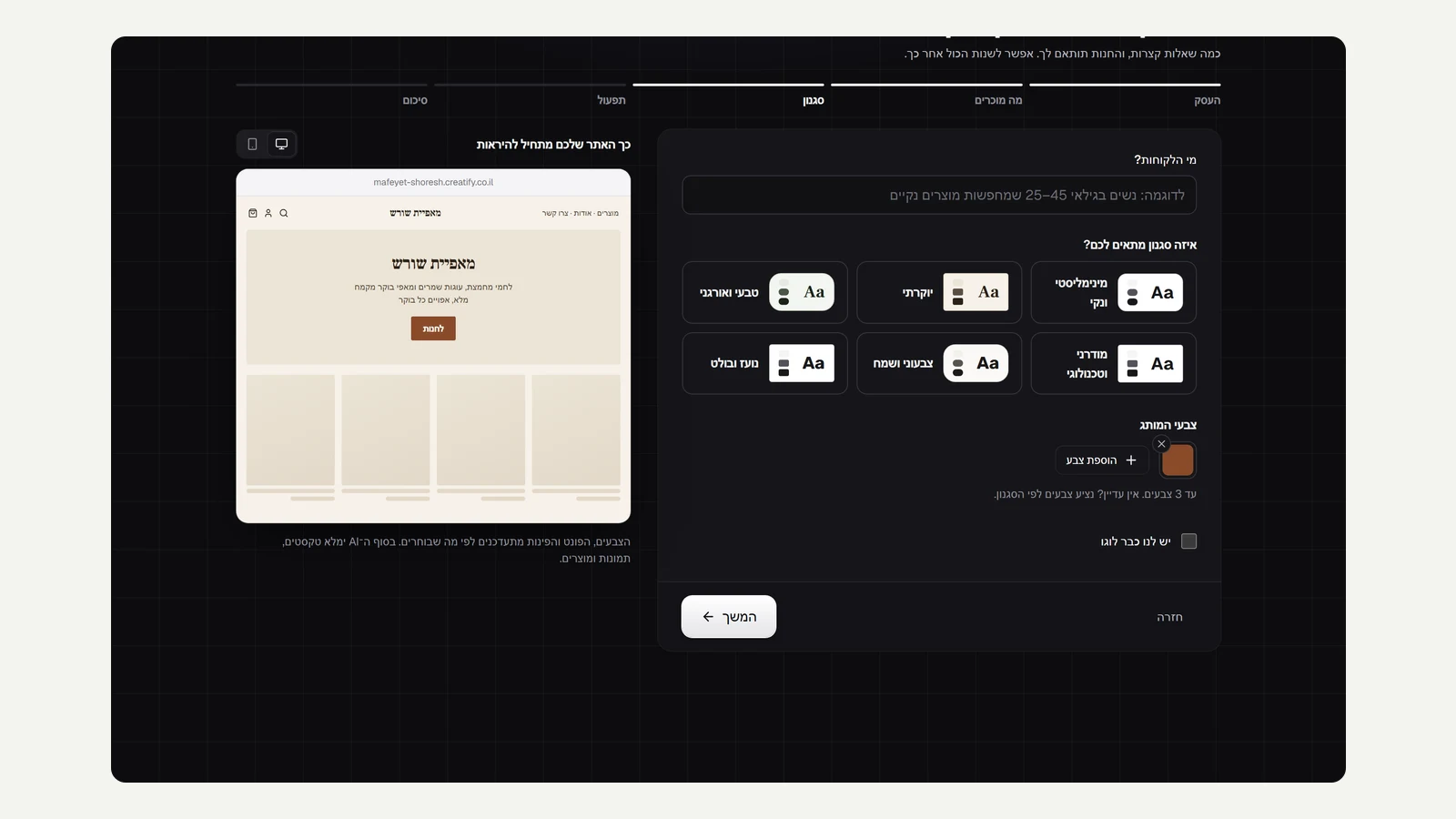 See your site while you answer the questionnaire
The setup questionnaire now has a live preview of the site next to the form. The name you type appears in the header and the logo, the site address in the address bar, the sentence about what you sell in the hero image, and the style you choose changes the colours, font and corners straight away. The brand colour colours the main button, and you can switch between desktop and phone views. On phones the preview appears above the form.
New
- A live preview of the site next to the setup questionnaire, changing with every answer.
- Switch between desktop and phone views during setup.
Improved
- Next in the works: a logo in setup and the go-live moment.
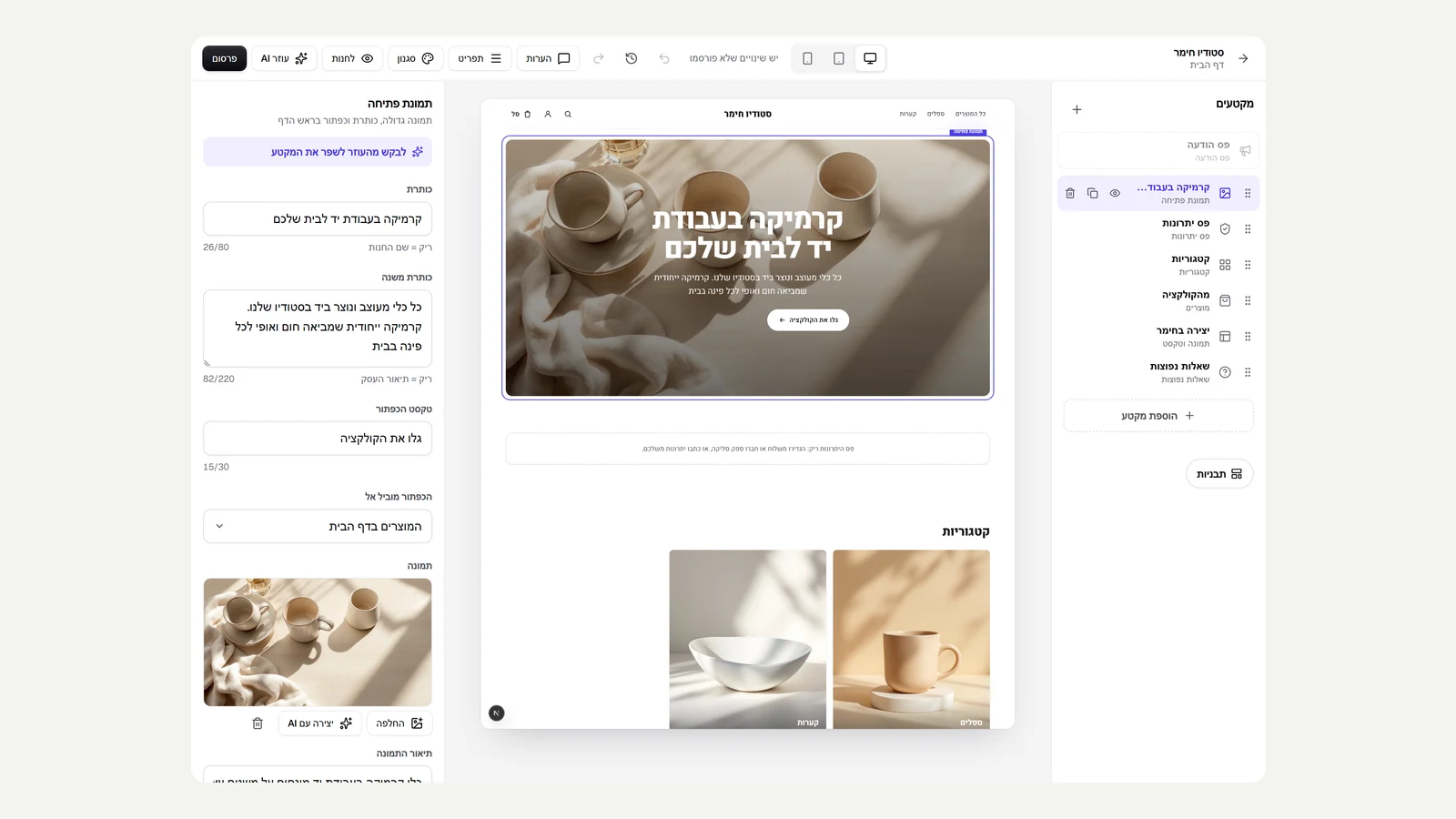 A new store opens with products
A store with no products yet no longer opens with empty sections. Store setup with AI creates four first products that match exactly what the business sells, each with a description, a price and a generated studio image, and puts them into categories. The products are tagged sample, so they are easy to find and replace with your real products. In a store that already has products, no product is added.
New
- Four sample products with images, a price and a description in a new store with no products.
- The sample products go into the categories the AI created, and the page looks full from the first moment.
Improved
- A new step in the progress list: creating first products with images.
Fixed
- A sample product with an invalid price doesn't take the place of a valid product.
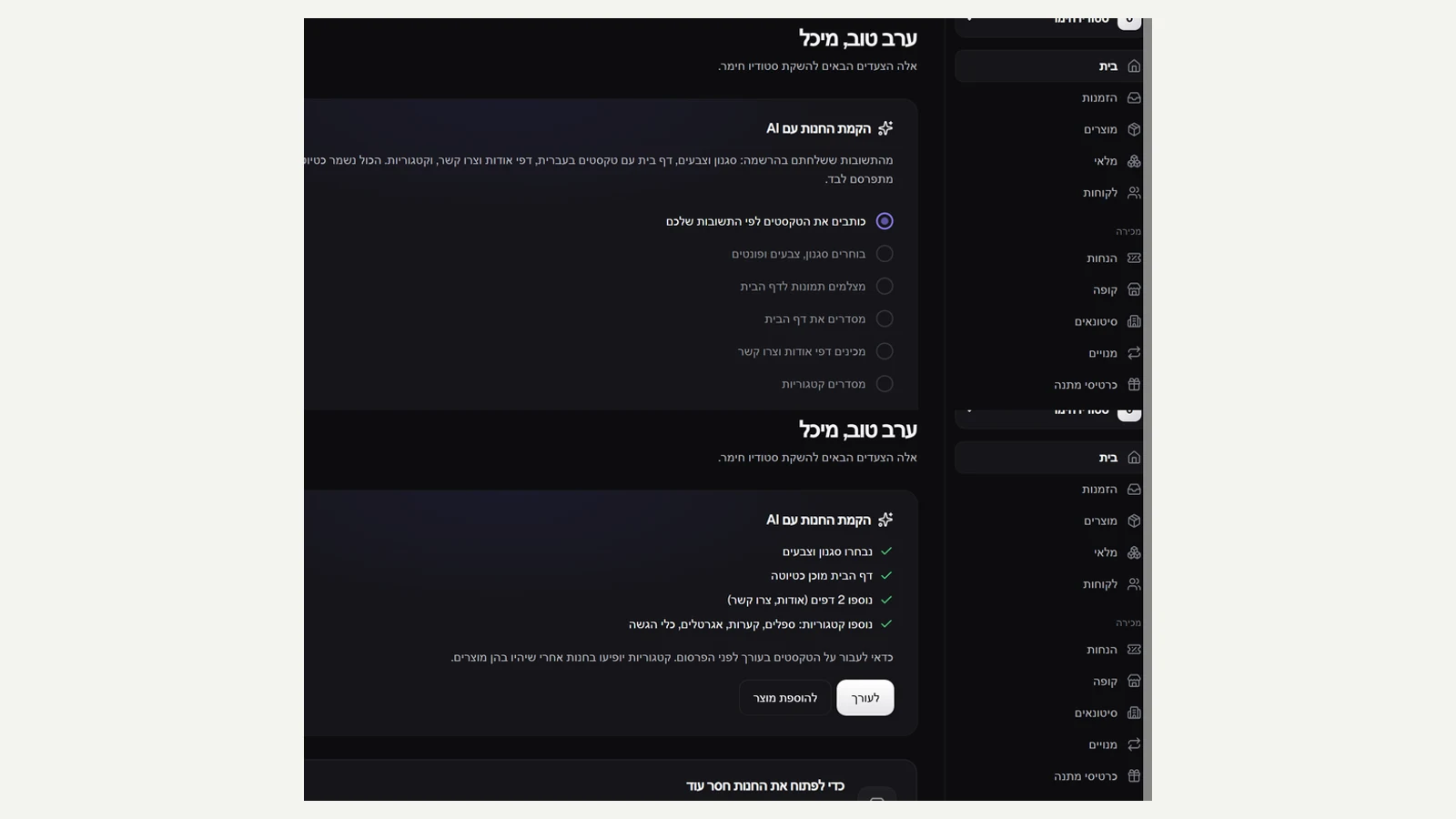 Sign up with Google, and watch the site being built
On the sign-up page you can now open an account in one click with Google or Microsoft, with no new password and an email that is already verified. After the questionnaire, the AI store setup runs in the background and shows what is really happening: writing the copy, choosing the style, creating the images, laying out the home page, the About and Contact pages and the categories. Each step is ticked when it finishes on the server, with a running clock, instead of a message that changed on a timer. You can refresh or open another window midway, and the setup carries on and is shown from the same point.
New
- Sign up with Google or Microsoft in one click, with a verified email.
- The AI store setup shows the real step from the server and a running clock.
Improved
- Setup runs in the background: a slow connection does not interrupt it, and it carries on after a refresh.
- Two setups can no longer run at the same time for the same store.
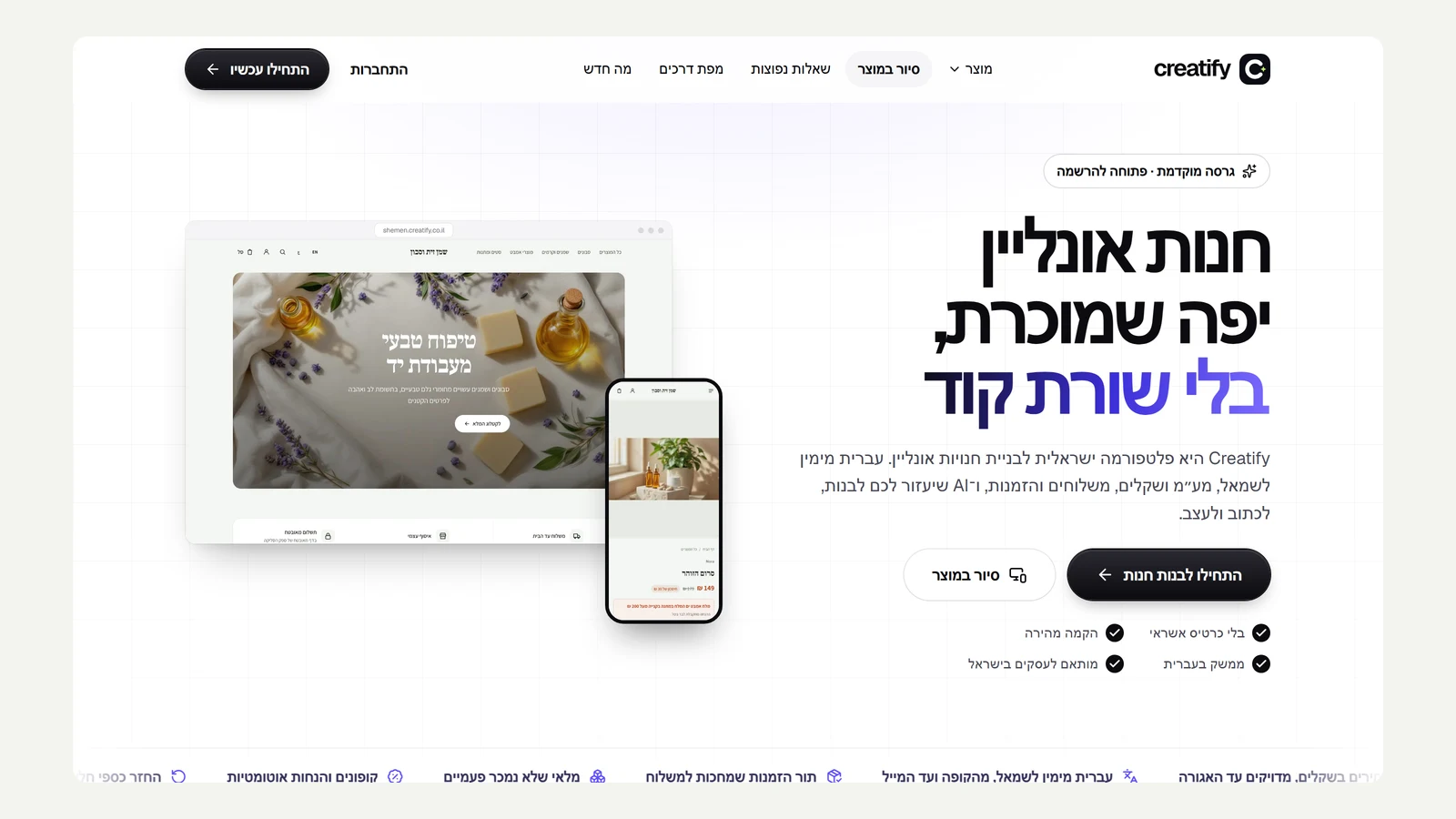 A home page with the real product
The Kreaza home page now shows the product itself, not mock-ups: real screenshots of a store built with it, on desktop and phone, and a product tour with six tabs: the store, a product page, the editor, the dashboard, an order and dark mode. The three setup steps are shown with their screens, the AI section says it is already available, and the example stores that were not real have been removed. The roadmap has an eleventh stage, Ready for the real world, with 14 items covering plans and payment, support, monitoring, privacy and security.
New
- A product tour on the home page with real screenshots in six tabs.
- A new roadmap stage: Ready for the real world, with 14 items.
Improved
- The top of the page shows a real store built with Kreaza, on desktop and phone.
Fixed
- Roadmap: stage names are no longer squeezed under the progress bar, and each stage has its own image.
- The vote buttons on the roadmap no longer stay empty when the count fails to load.
- In the store, on a phone, a wide product image fills the frame instead of leaving empty bands above and below it.
- The AI section on the home page no longer shows 'Coming soon' on a feature that is available.
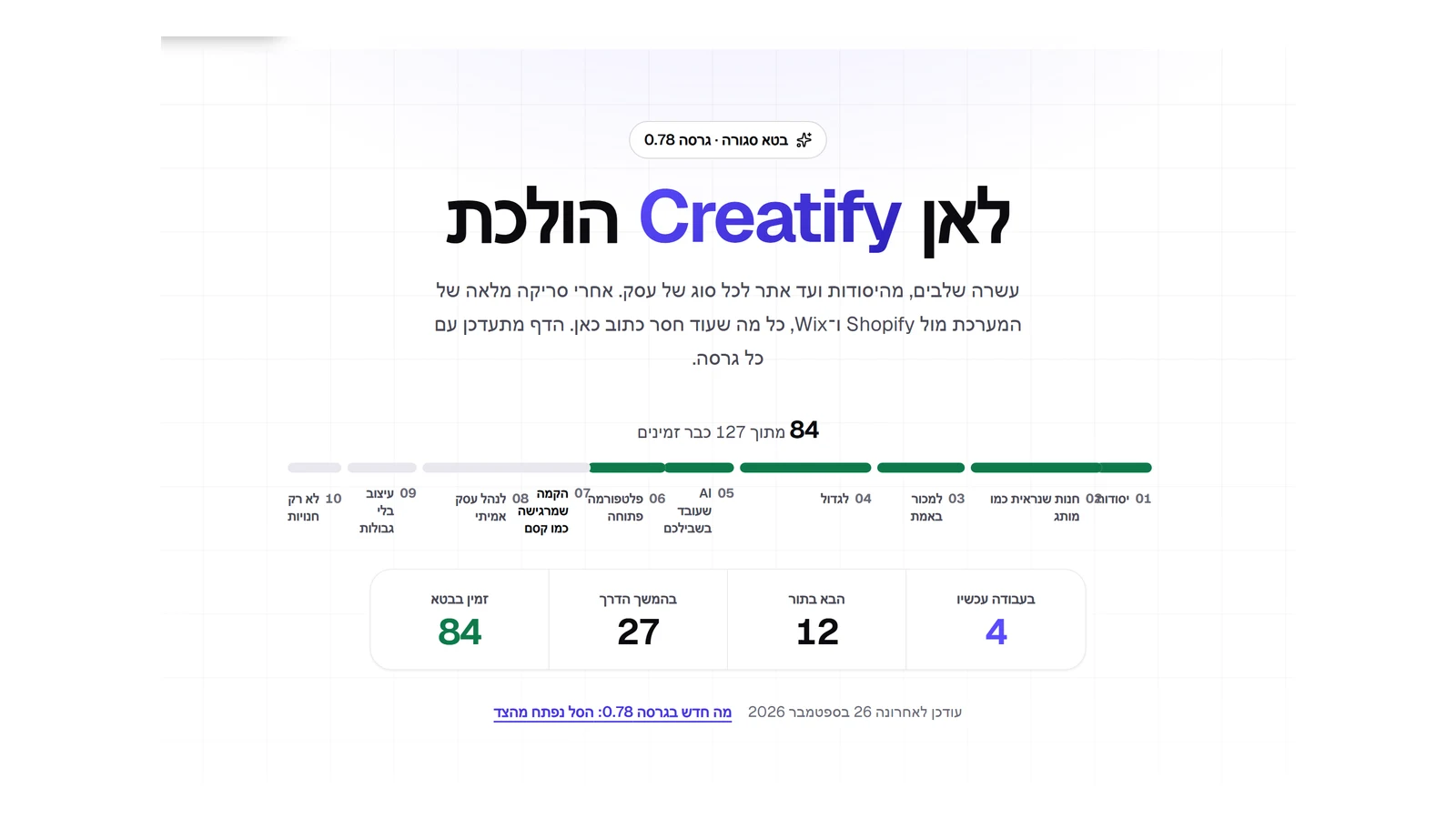 A real roadmap: what is still missing
We went through the whole platform against Shopify and Wix: sign-up and setup, order and inventory management, the editor and the site. That produced 43 new items in four new stages: Setup that feels like magic, Run a real business, Design without limits, and Not just stores. Among them: sign up with Google, a site built before your eyes, filtering in the store, manual orders, returns, a form builder and appointment booking. Work on setup has already started.
New
- Four new stages on the roadmap, with 43 items that came out of a review of the whole platform.
Improved
- The next stages are shown at the top of the page, with a card for each.
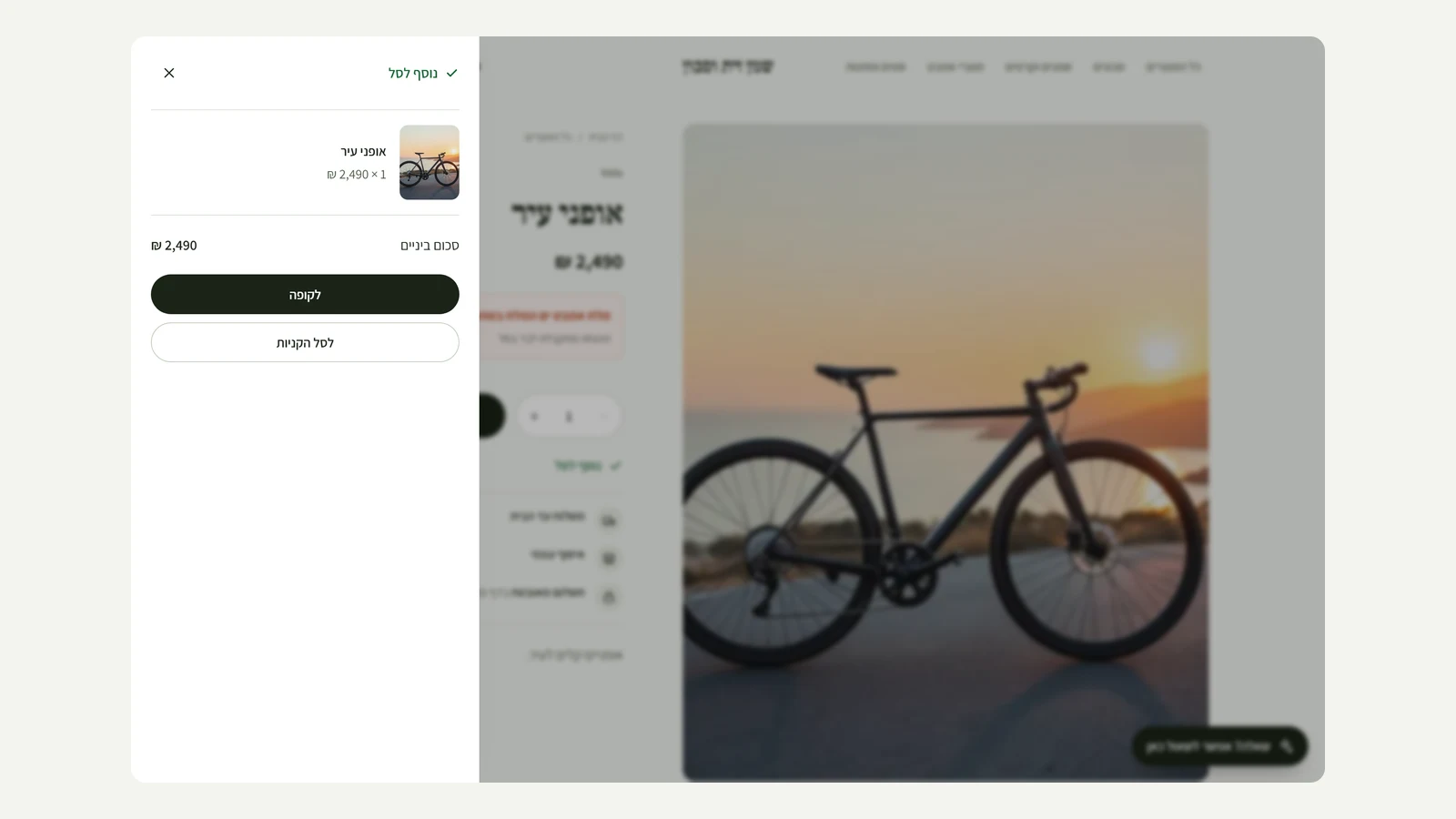 The cart opens from the side
When a shopper adds a product, the cart opens from the side of the screen with what was added, the quantity, the subtotal and two ways to continue: straight to checkout or to the full cart. All without leaving the product page. It closes with a click on the backdrop, the close button or the Escape key, and on a phone it takes the full screen.
New
- A cart panel that opens from the side after adding, with the product, the quantity and the subtotal.
- Go straight to checkout from the panel.
Improved
- The panel closes with Escape, a click on the backdrop or the button, and respects the reduced motion setting.
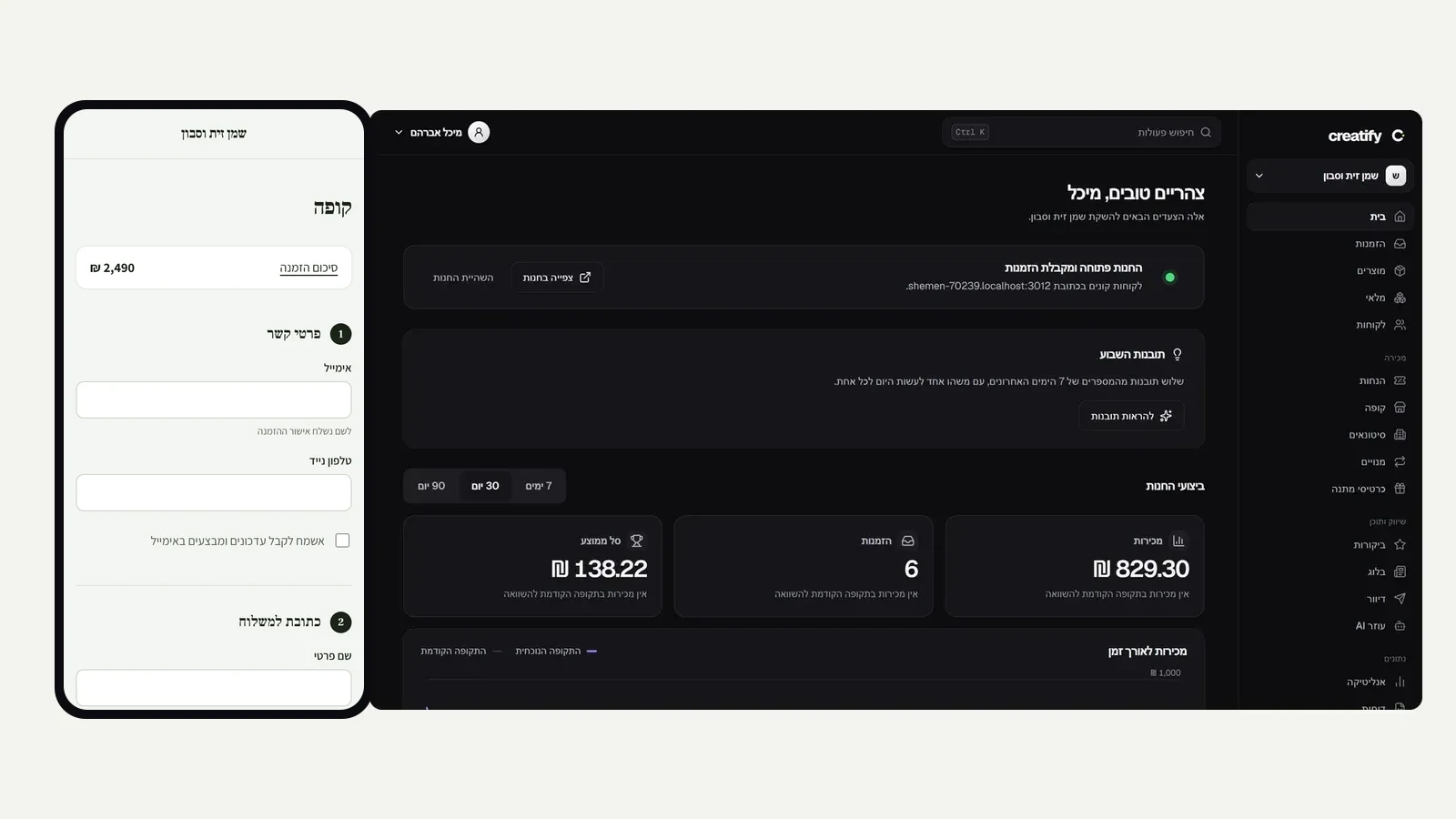 A focused checkout and dark mode
The store checkout is now a short path with four numbered steps: contact details, address, shipping and payment. Once a shopper reaches it, the menu, search, footer and chat assistant step aside and only the store name stays at the top, as in the checkouts of the big stores. On a phone, the amount to pay appears at the top and a tap on it leads to the full summary. And in the admin: a full dark mode that turns on by itself when the device is set to dark, with the same design language, light action buttons and a purple accent.
New
- On a phone, an amount-to-pay row at the top of the checkout that leads to the order summary.
- Dark mode across the whole admin, following the device setting.
Improved
- A focused checkout: no menu, search or footer, only the store name.
- Four numbered steps in the checkout, separated by a thin line.
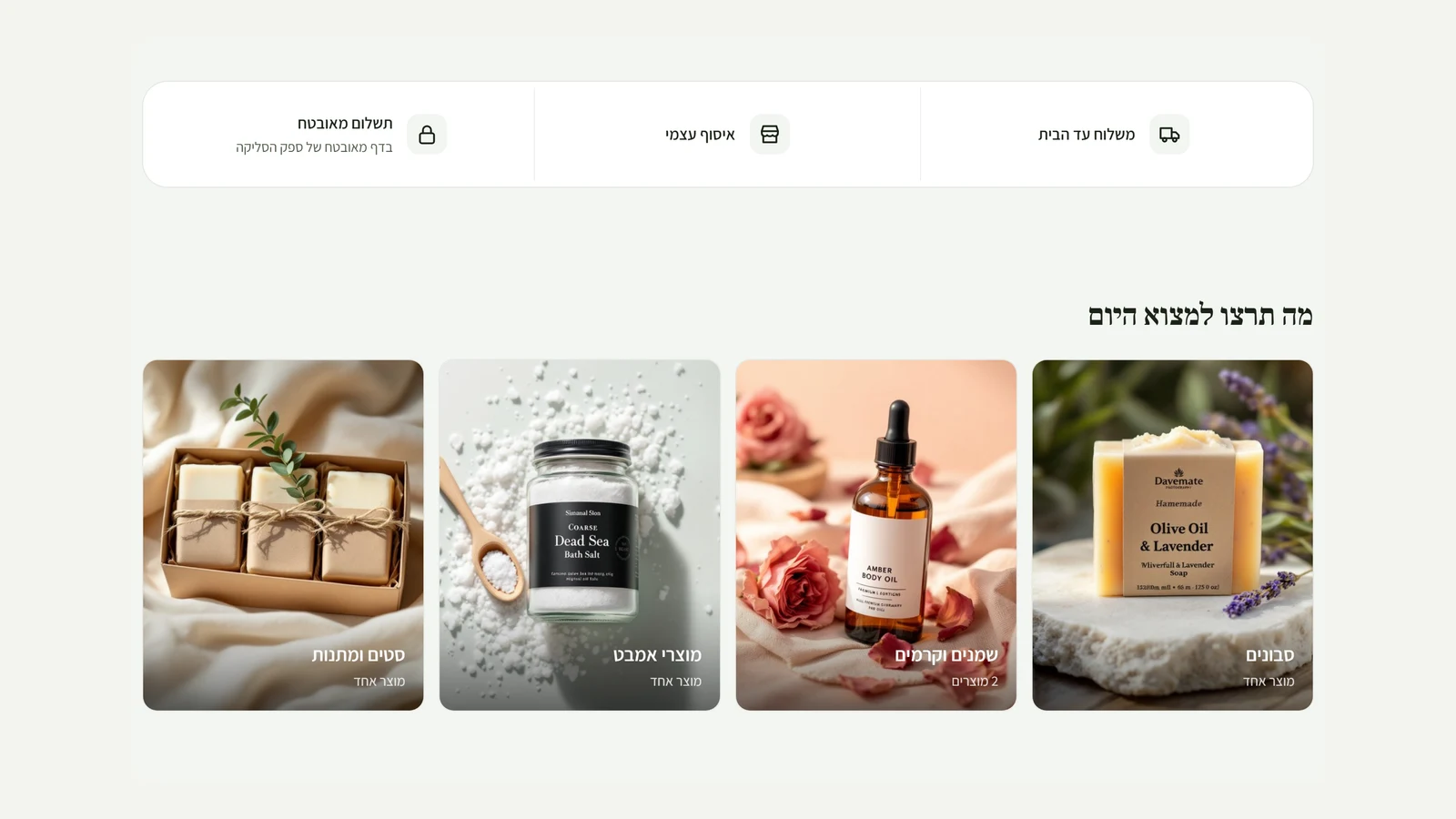 A store that looks like a magazine, and an admin that is easy to scan
In the store: category cards are now the image itself, with the category name on top, and the benefits bar has become one quiet panel. An empty cart is no longer a dead end: it shows the store's newest products, and the footer is laid out in a single row. In the admin: the product list leads with each product's image, the menu is split into groups (Selling, Marketing and content, Data, The site, System), and the activity log is written in clear sentences instead of technical codes.
Improved
- Category cards with a large image and the name on the image.
- An empty cart shows the store's newest products, with a button back to shopping.
- The product list in the admin leads with each product's image.
- The admin menu is split into groups with quiet headings.
- Activity log: every action is written as a clear sentence, with who did it underneath.
Fixed
- On the product page, shipping and payment details no longer appear twice.
- The footer columns in the store sit in a single row.
- In the customer's account area, the refer-a-friend WhatsApp share button is built identically on the server and in the browser.
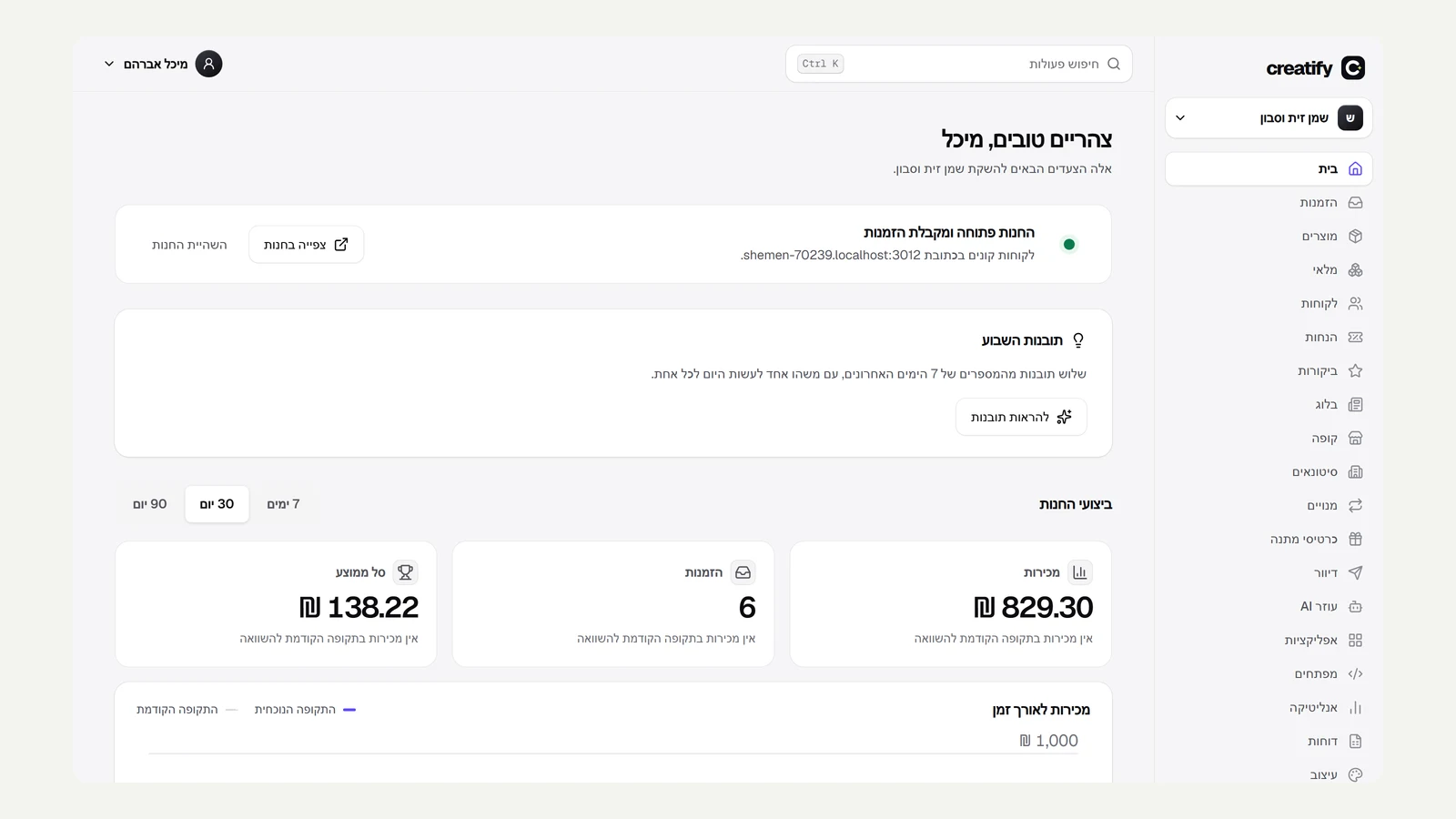 A new design: ink and light
The whole admin and the site have a new design language. Primary action buttons are ink black instead of blue, surfaces are separated by a thin line and a soft shadow instead of grey borders, corners are softer and headings calmer. The accent colour, electric purple, appears only where it means something: the page you are on, a focused field, or a data point in a chart. Confirmation dialogs open over a blurred backdrop, and the new fonts are IBM Plex Sans Hebrew for Hebrew and Geist for Latin letters and numbers.
Improved
- Buttons, fields, dialogs, tables, tags and alerts in one design language, across the whole admin.
- Side menu: the current page is marked with a white card instead of a coloured background.
- New fonts: IBM Plex Sans Hebrew for Hebrew and Geist for Latin text and numbers.
- The site, the roadmap and the changelog in the same language, with ink black buttons and a purple accent on key words.
Fixed
- Axis labels on the sales chart no longer escape the card in Hebrew.
 PayPlus is ready to connect
Israeli payment processing moves to the stores themselves: in the payment settings you paste the API key, the secret key and the payment page ID from your business's PayPlus account, and from that moment the checkout takes credit cards, installments, Bit and Apple Pay, and refunds are issued from the order. Until you connect, the store keeps working in a test environment with no real charge. The connection was tested against a mock PayPlus server, including payment, confirmation and refund. The first test against PayPlus itself will happen with the first account that connects.
New
- Connect the store's PayPlus account from the payment settings, with no change on the server.
- Credit cards, installments, Bit and Apple Pay at checkout, and refunds from the order screen.
Improved
- 'Shared inventory': the message after sharing again no longer promises that the quantities were combined, because on a repeat share they are not.
- 'Stop sharing' opens in the admin's own confirmation dialog, with cancel and confirm, instead of the browser's dialog.
Fixed
- Settings sections that failed to load (languages, currencies, organisation sign-in and shared inventory) no longer disappear silently: they appear with their heading, a clear message and a 'Try again' button.
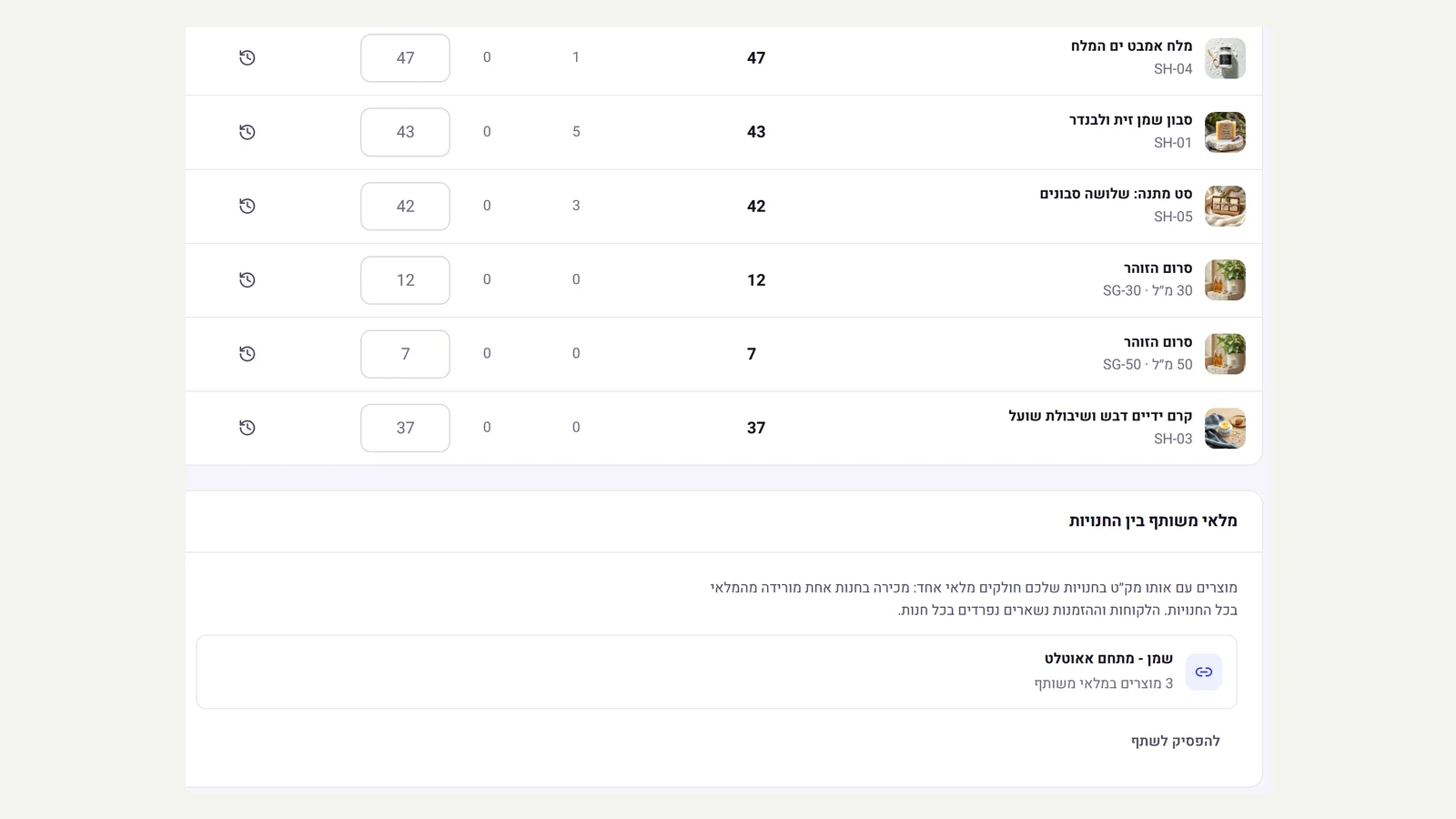 Several stores, one inventory
For anyone running more than one store, for example several brands or a store per country: the inventory page now has 'Shared inventory between stores'. Products with the same SKU in both stores are linked in a click, their quantities are combined into one, and from then on every sale, return, stock receipt or correction in one store changes the other too. Two stores selling the same item at the same moment wait for each other, so you never sell more than you have. Customers and orders stay separate in each store, and you can stop sharing at any time: each store keeps the current quantity as its own stock.
New
- Shared inventory between stores of the same business, by SKU, from the inventory page.
- On linking, the available, reserved and sold quantities of both stores are combined into one.
- Every stock movement in one store is recorded in the other too, with the note 'shared stock' in the history.
- Stop sharing in a click: each store keeps the quantity it had at that moment.
Improved
- Simultaneous sales of the same item in two stores wait in a queue, with no overselling.
Fixed
- Sharing again after stopping does not count the same stock twice.
- The 'Share inventory' button is announced by name in a screen reader, and the explanation about combining quantities appears as visible text.
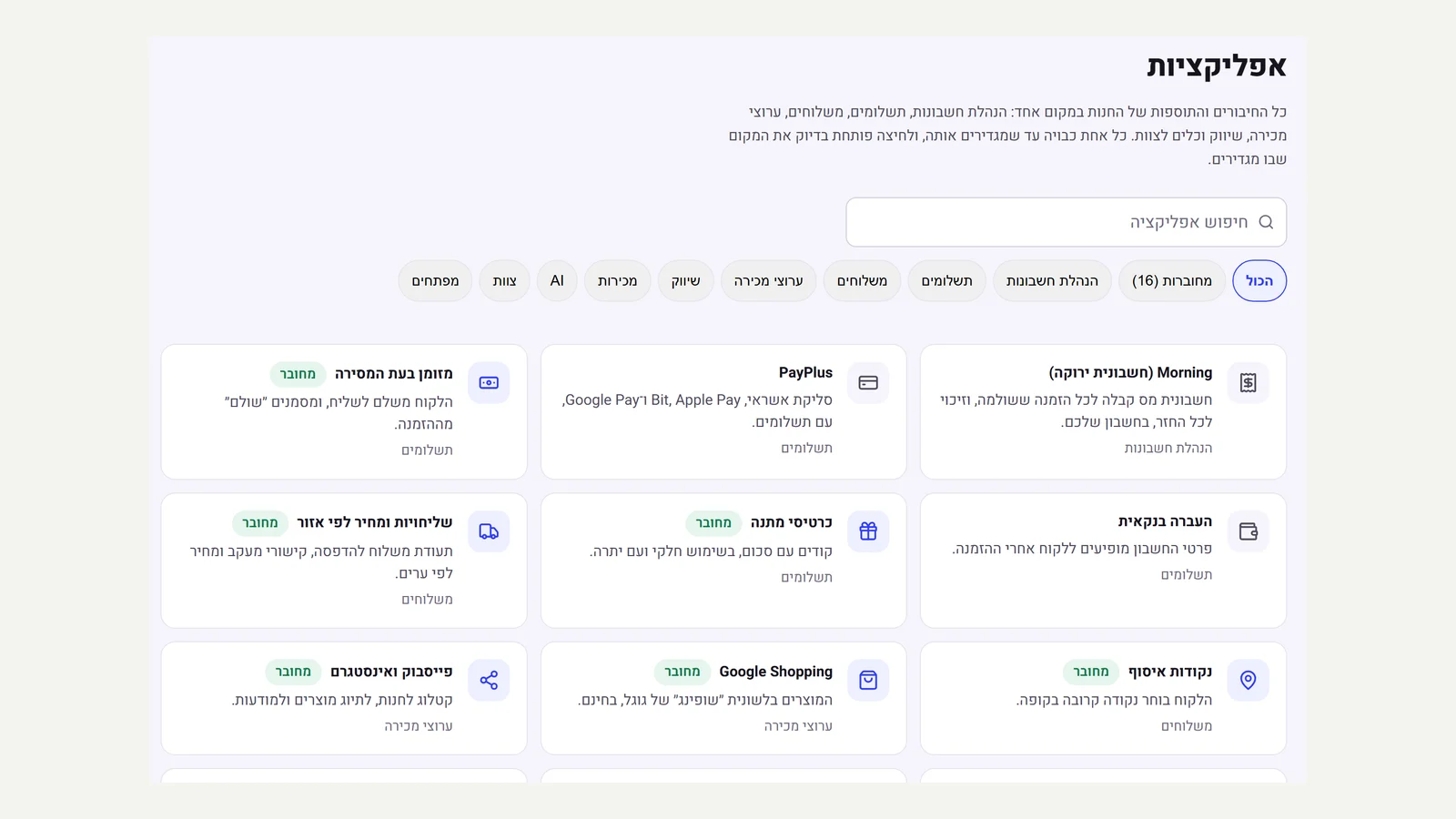 The app store
The admin menu now has 'Apps': all the store's integrations and add-ons in one place, 25 in total, grouped into accounting, payments, shipping, sales channels, marketing, sales, AI, team and developers. Each card says what the app does and whether it is connected in your store right now, and a click opens exactly the place where you set it up. You can search, filter by category or show only the connected ones, and connect your own systems with API keys and webhooks.
New
- 25 integrations and add-ons in one place, with a live connection status for each
- Search, categories and a 'Connected' view
- Each card opens its own setting directly
- Apps that need to be enabled on the server are marked as such
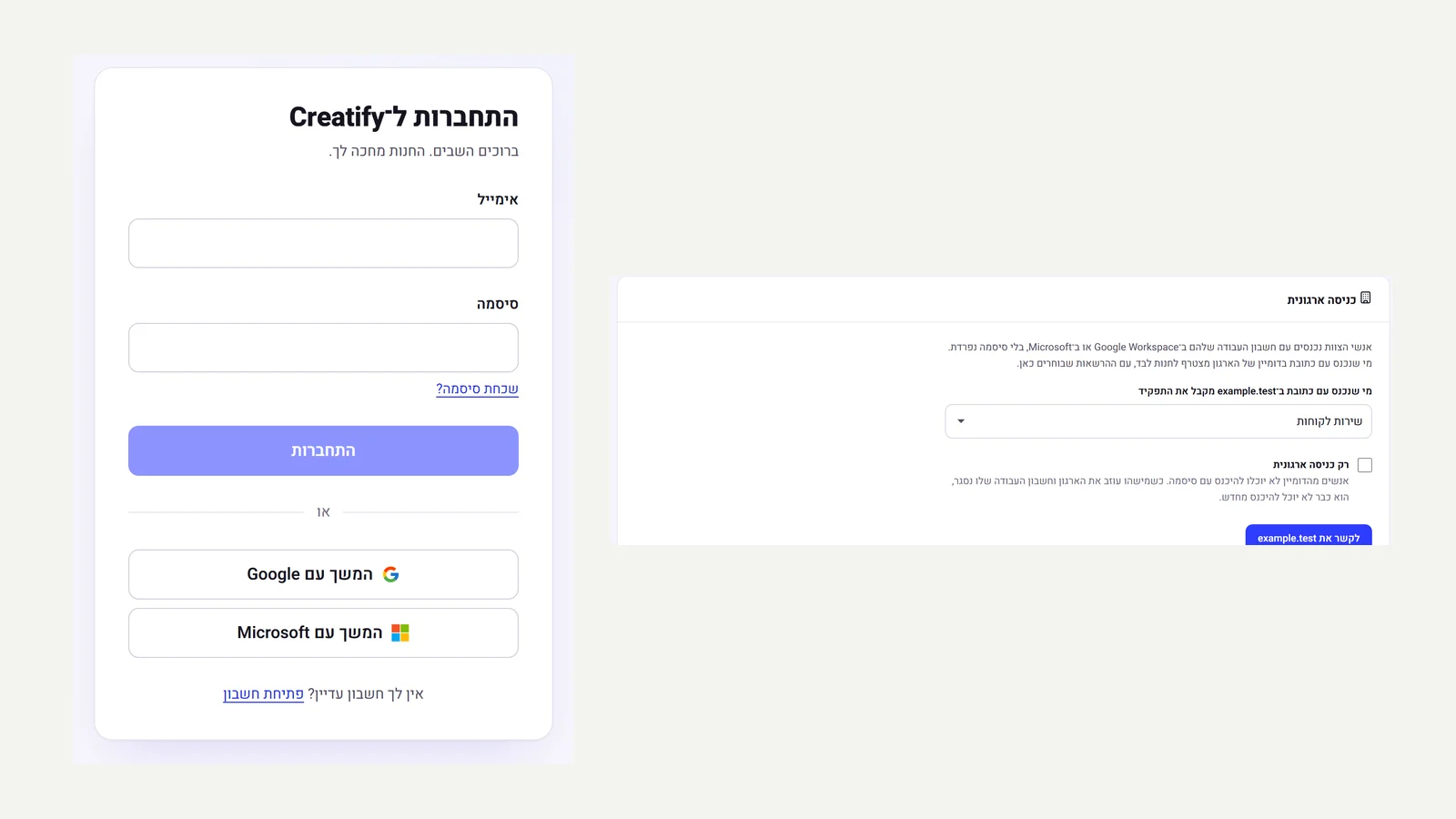 Organisation sign-in with Google and Microsoft
On the admin sign-in screen you can continue with Google or with Microsoft, with no separate password. In the team settings you link your organisation's domain: anyone who signs in with a work address on that domain joins the store automatically, in the role you choose, and you can require everyone on the domain to sign in only this way. Only someone signed in with an address on the domain can link it, and open mail services such as Gmail cannot be linked. Sign-in uses PKCE, and only addresses verified by the sign-in provider are accepted.
New
- Sign in to the admin with Google Workspace and with Microsoft
- Link your organisation's domain: people join the team automatically in the chosen role
- An option to require organisation sign-in and turn off passwords for the domain
Improved
- Sign-in is protected with PKCE, and only an address verified by the sign-in provider is accepted
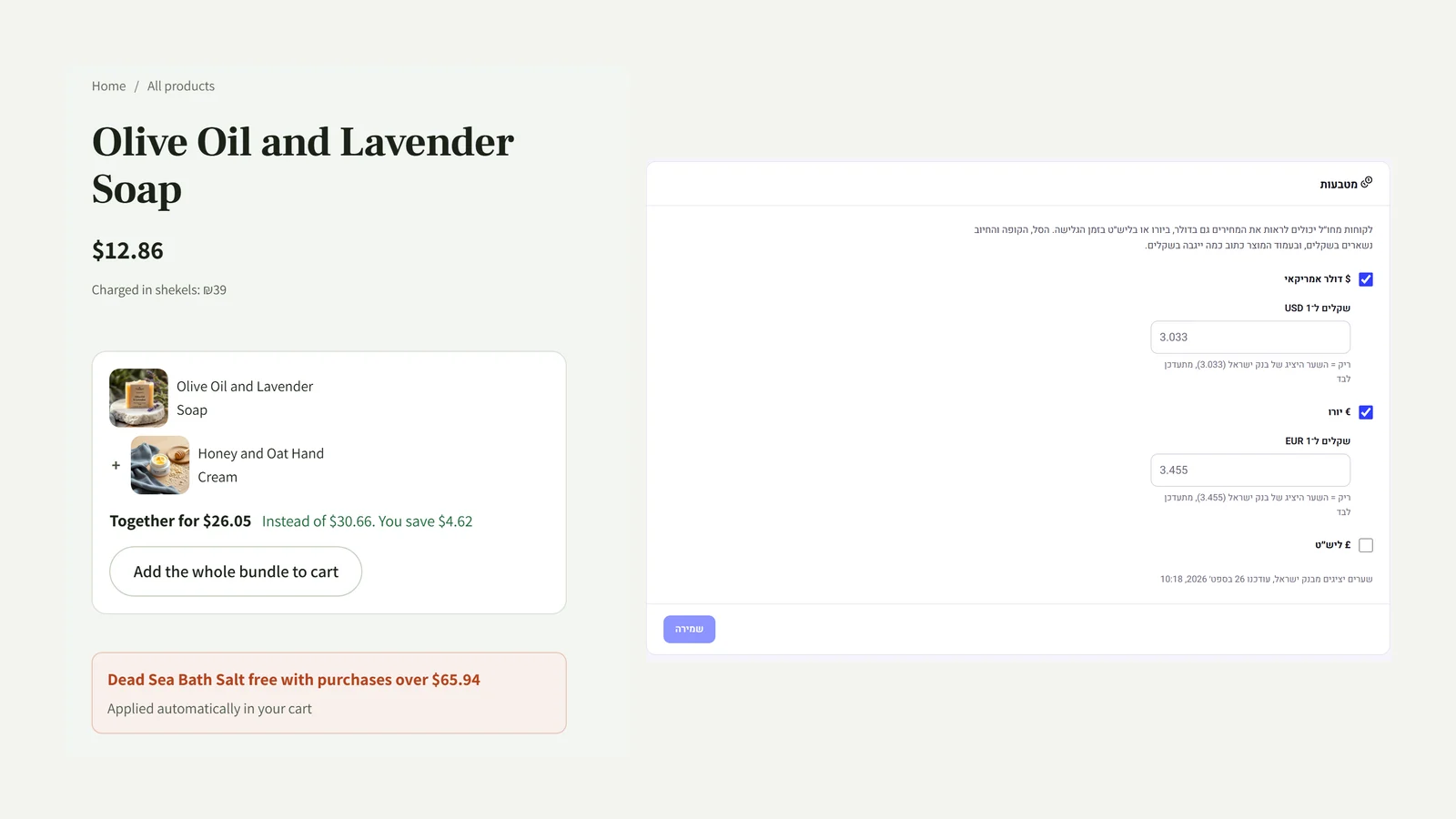 Prices in dollars, euros and pounds
In the settings, in the 'Currencies' panel, you tick which currencies to show prices in for visitors from abroad. The Bank of Israel's representative rate is loaded and updated automatically, and you can set a rate of your own. The customer picks a currency at the bottom of the page, and prices on product pages, in categories and in bundles are shown in it. The cart, the checkout and the charge stay in shekels, and the product page says exactly how much will be charged in shekels. Together with the languages from the previous versions, this completes the store in several languages and currencies.
New
- Prices shown in dollars, euros and pounds, as the customer chooses
- A Bank of Israel representative rate that updates automatically, or a fixed rate of your own
- The charge is always in shekels, and the product page says how much will be charged
Fixed
- Product names in the cart and in the gift appear in the language the customer chose
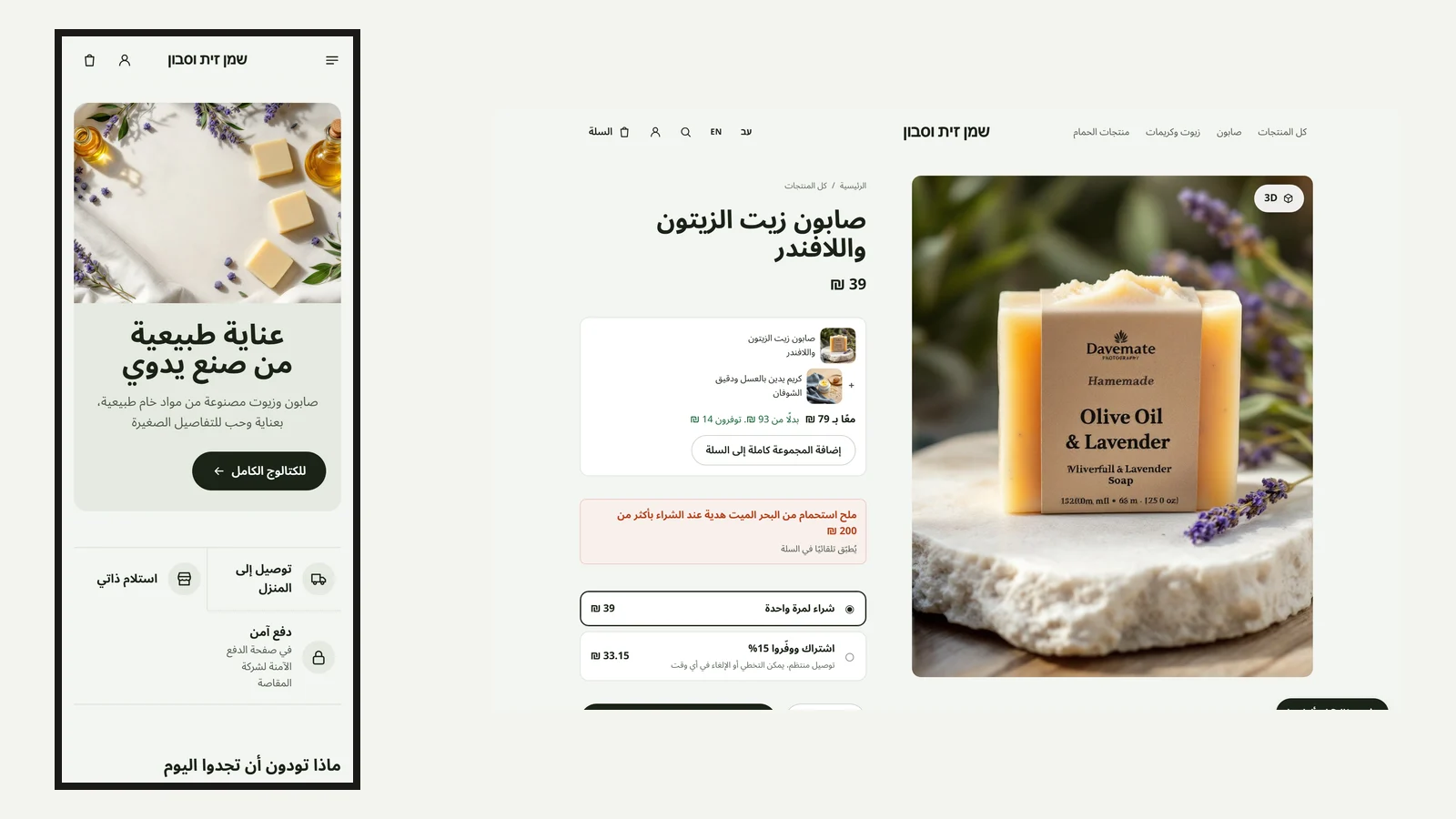 The store in Arabic too
Arabic has been added as a store language, alongside Hebrew and English. The whole site interface is written in Arabic, from the buttons to the checkout and the account, in a clean Arabic font and right-to-left, with Western digits in prices. Products, categories, pages and the announcement bar are translated automatically, as they are into English, and on the product page in the admin you choose which language to edit. Customers switch language from the header on desktop and from the bottom of the page on a phone.
New
- The full site interface in Arabic, in an Arabic font and right-to-left
- Automatic translation into Arabic of products, categories, pages and the announcement bar
Improved
- Edit the translation for each language separately on the product page
Fixed
- A long menu in the header no longer touches the store name, and on a phone the language picker has moved to the bottom of the page
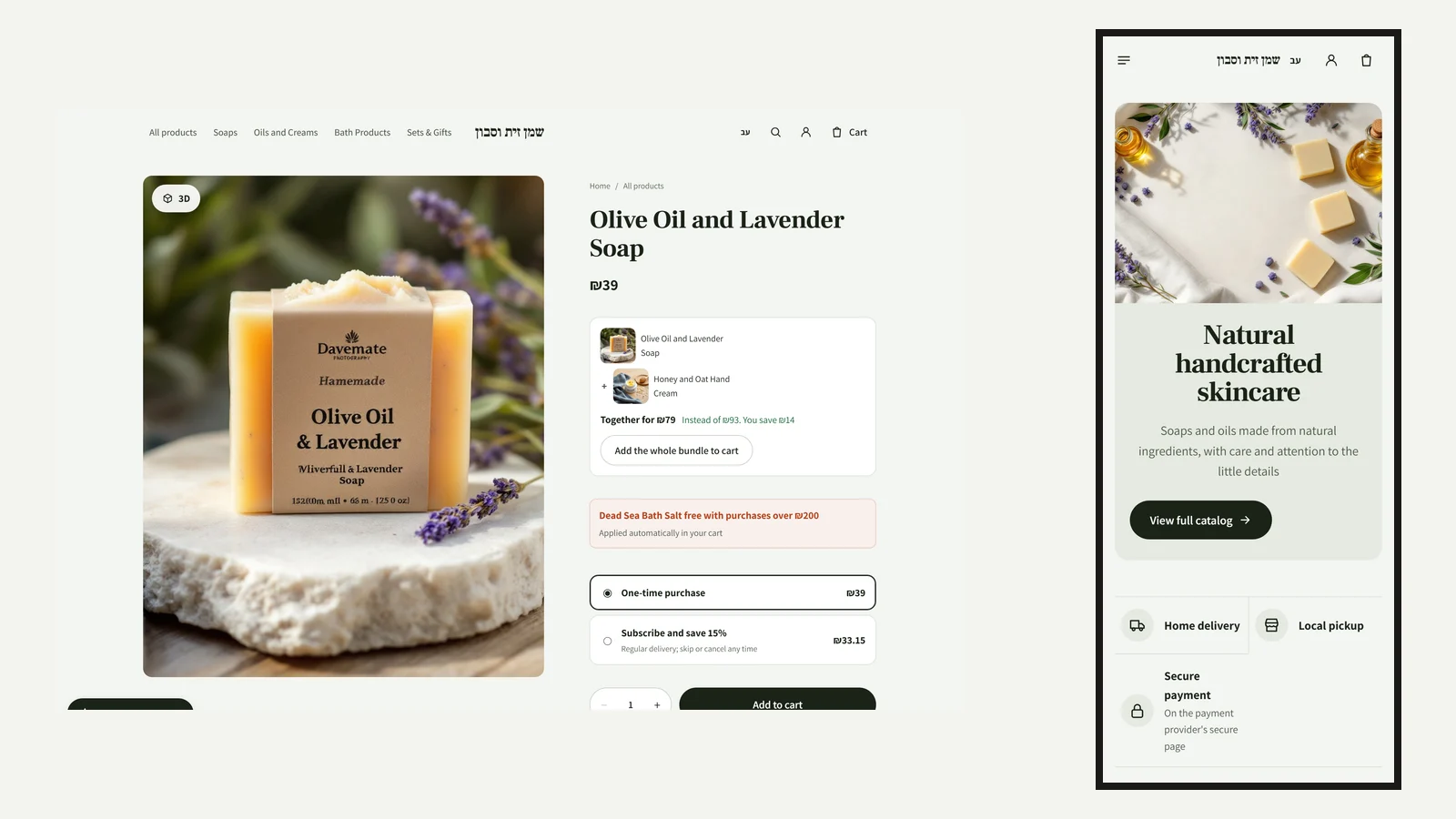 The site in English, translated automatically
In the settings, in the 'Languages' panel, you add English to a Hebrew site (or Hebrew to an English site). Everything is translated in the background: products, variants, categories, the home page and every page built in the editor, the announcement bar and the menu. When you change the source text, the translation updates automatically, and a translation edited by hand on the product page stays as it is. Customers switch language from the header, and the interface, the direction and the copy change together, without losing the cart.
New
- A second language for the site: English for a Hebrew store, or Hebrew for an English store
- Automatic translation of products, variants, categories, pages and the announcement bar
- The translation updates when the source changes, and a manual translation is not overwritten
- Language switching from the header, with the interface and direction changing together
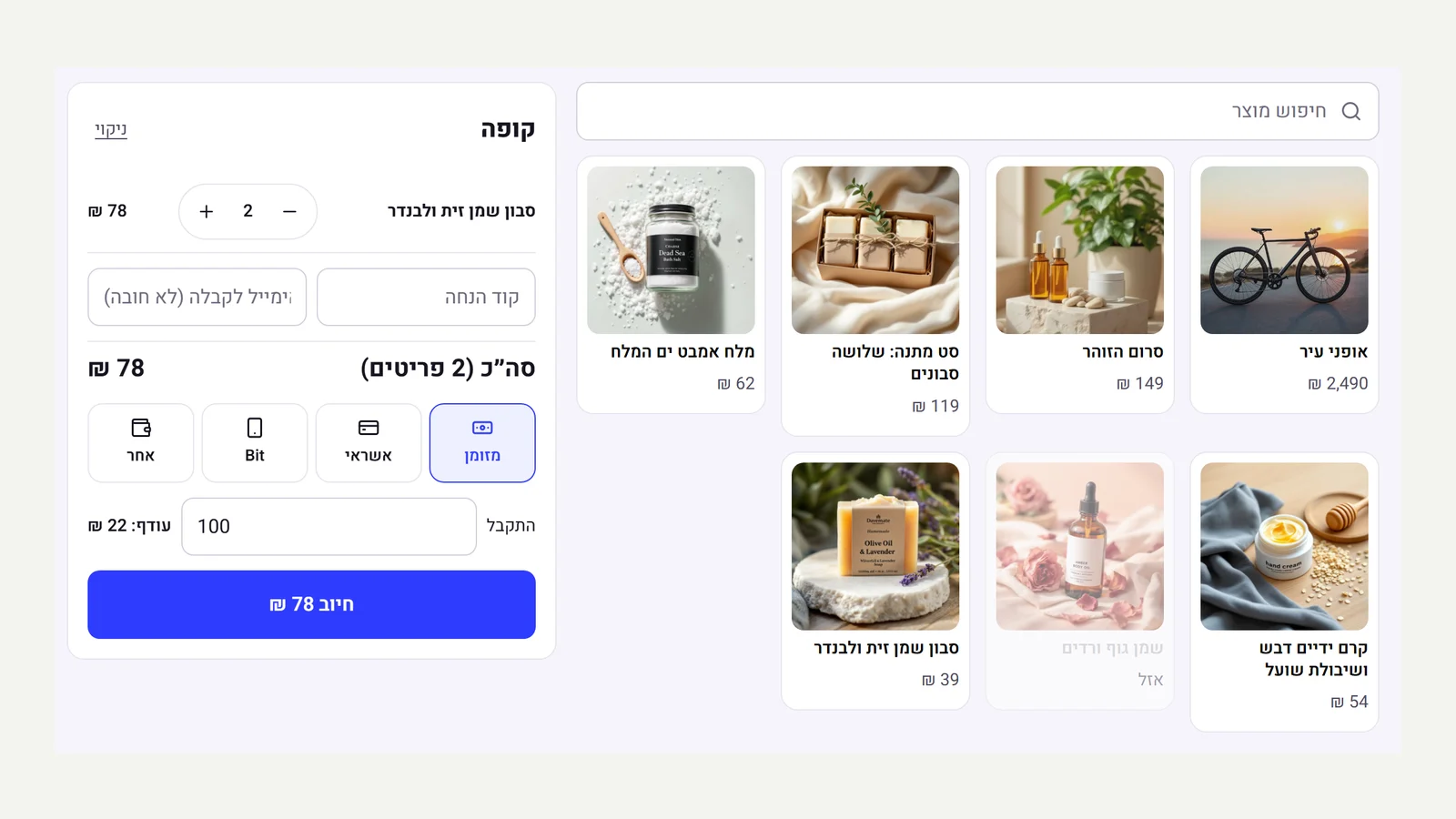 A point of sale for a physical shop
The admin now has a 'Point of sale' for selling at a stall, a market or a shop. You tap products and they go into the cart, and the total is calculated exactly as on the site: automatic discounts, discount codes and VAT. You choose cash, card, Bit or other, and for cash the till works out the change. The sale is recorded as an order that was paid and delivered, stock comes off the same inventory as the site, and if an email was entered a receipt is sent. A double tap on 'Charge' does not record the sale twice.
New
- A touch point of sale: search, product and variant selection, quantities
- The same pricing as the site: automatic discounts, codes and VAT
- Cash, card, Bit and other, with change calculated
- Inventory shared with the site, the order marked 'Point of sale' and a receipt by email
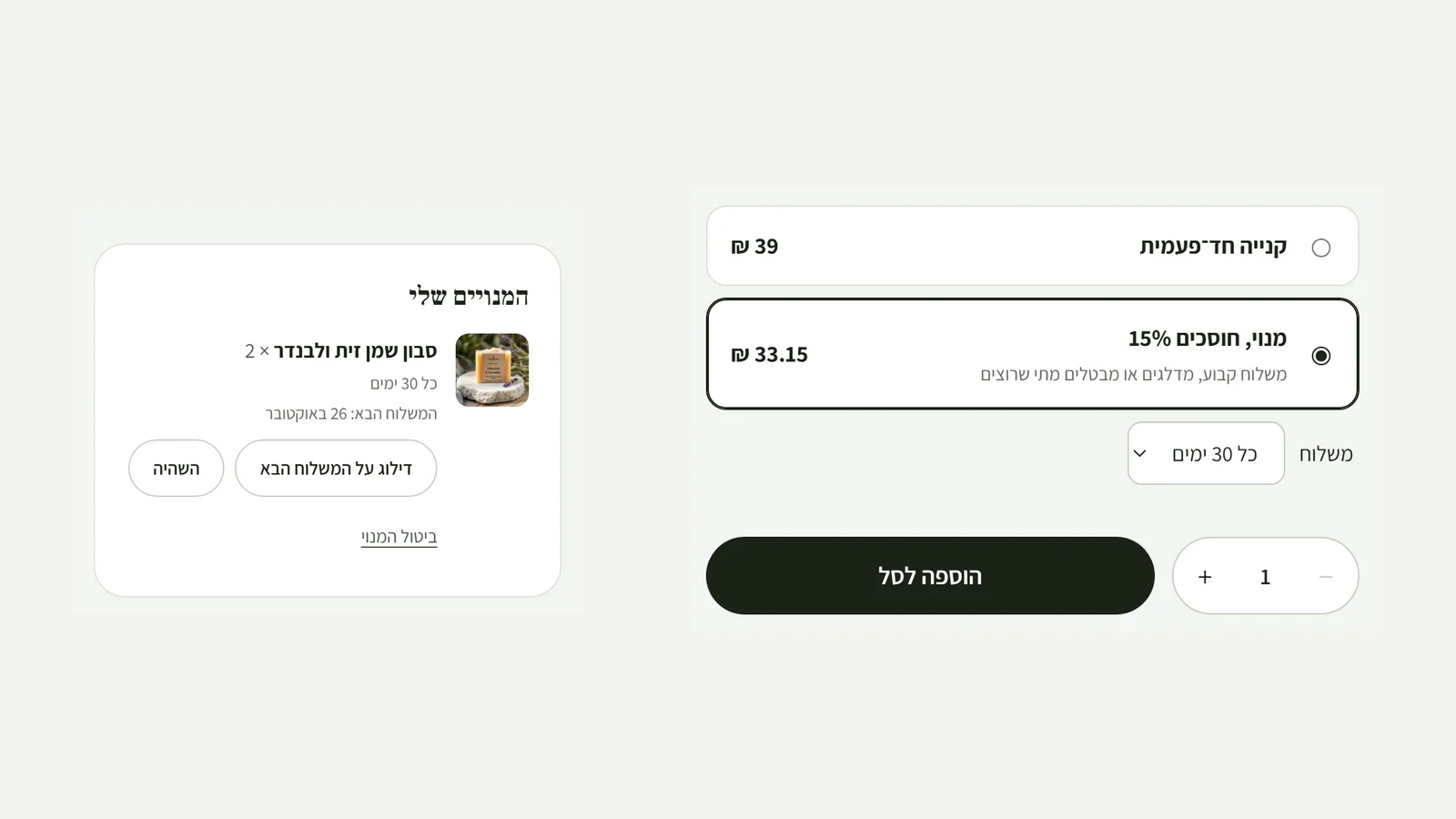 Subscriptions: subscribe and save
On a product's page you can turn on 'Subscribe and save': you choose how often it can be delivered and what discount subscribers get. Next to the add to cart button the customer sees 'One-time purchase' or 'Subscribe, save 15%', and picks a frequency. When the next delivery is due they get an email with a ready cart, the address and shipping already filled in, and they confirm and pay in a click, with Bit or Apple Pay too. In their account on the site they can skip a delivery, pause or cancel. The admin has a 'Subscriptions' page with every subscription, each one's next delivery and the revenue from renewals.
New
- Subscribe and save for any product: a choice of frequencies and a discount on every delivery
- One-click renewal: a ready cart by email that opens straight in a pre-filled checkout
- Skip, pause and cancel from the customer's account
- A subscriptions page in the admin, with the next delivery and the revenue from renewals
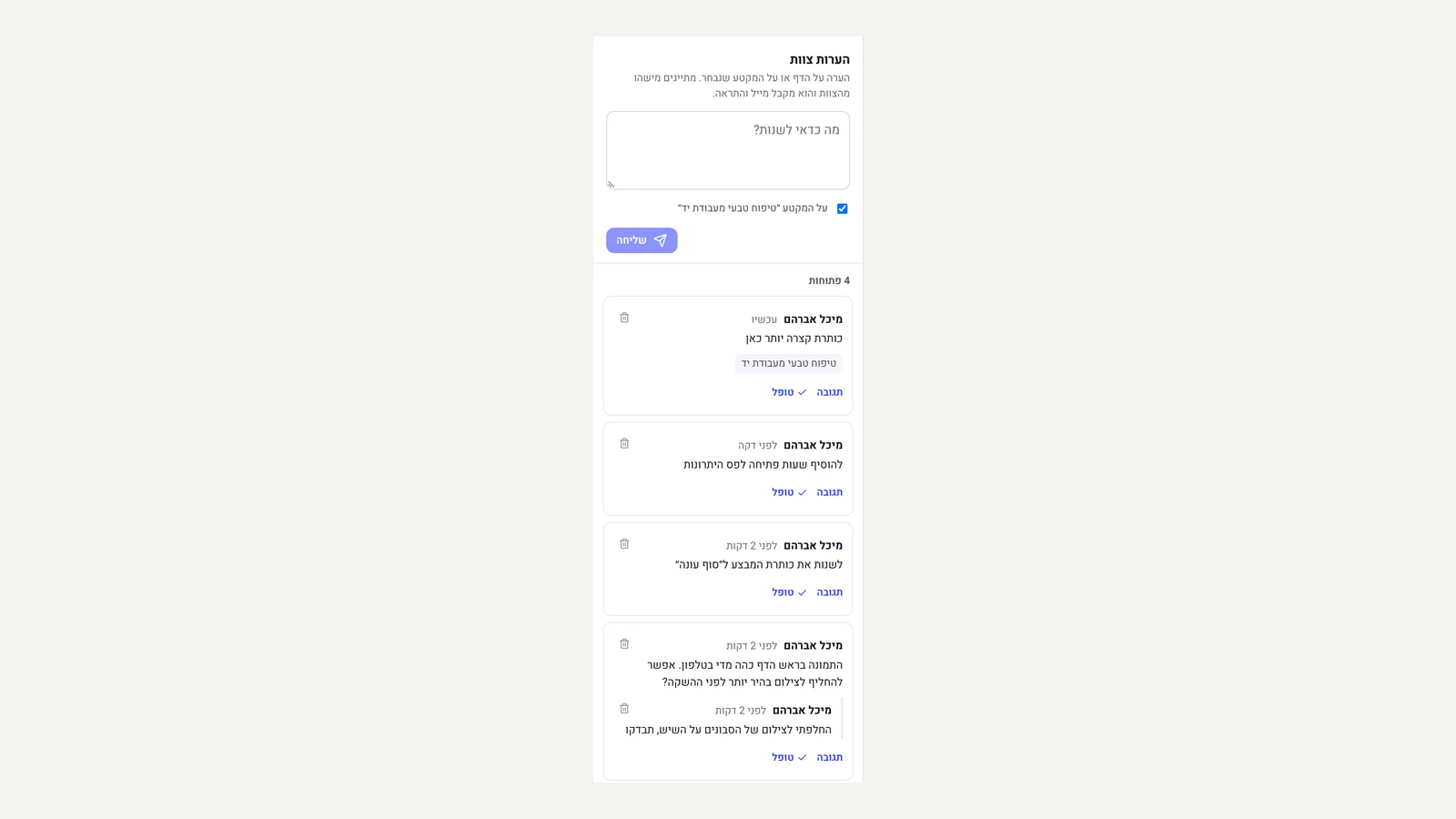 Team comments in the editor
The editor now has a 'Comments' button with the number of open comments. You write a comment on the page or on the selected section and mention someone on the team, and they get an email and a notification with a link that opens the editor right on the comment. You can reply, mark it 'Resolved' and reopen it, and a click on the section name takes you to it. Anyone without permission to publish clicks 'Request to publish', and everyone who can publish is notified.
New
- Comments on a page or a section, with threaded replies
- Mention team members, with an email and a notification that open the comment in the editor
- Mark as 'Resolved' and reopen, and show resolved comments on request
- 'Request to publish' for anyone without publishing permission
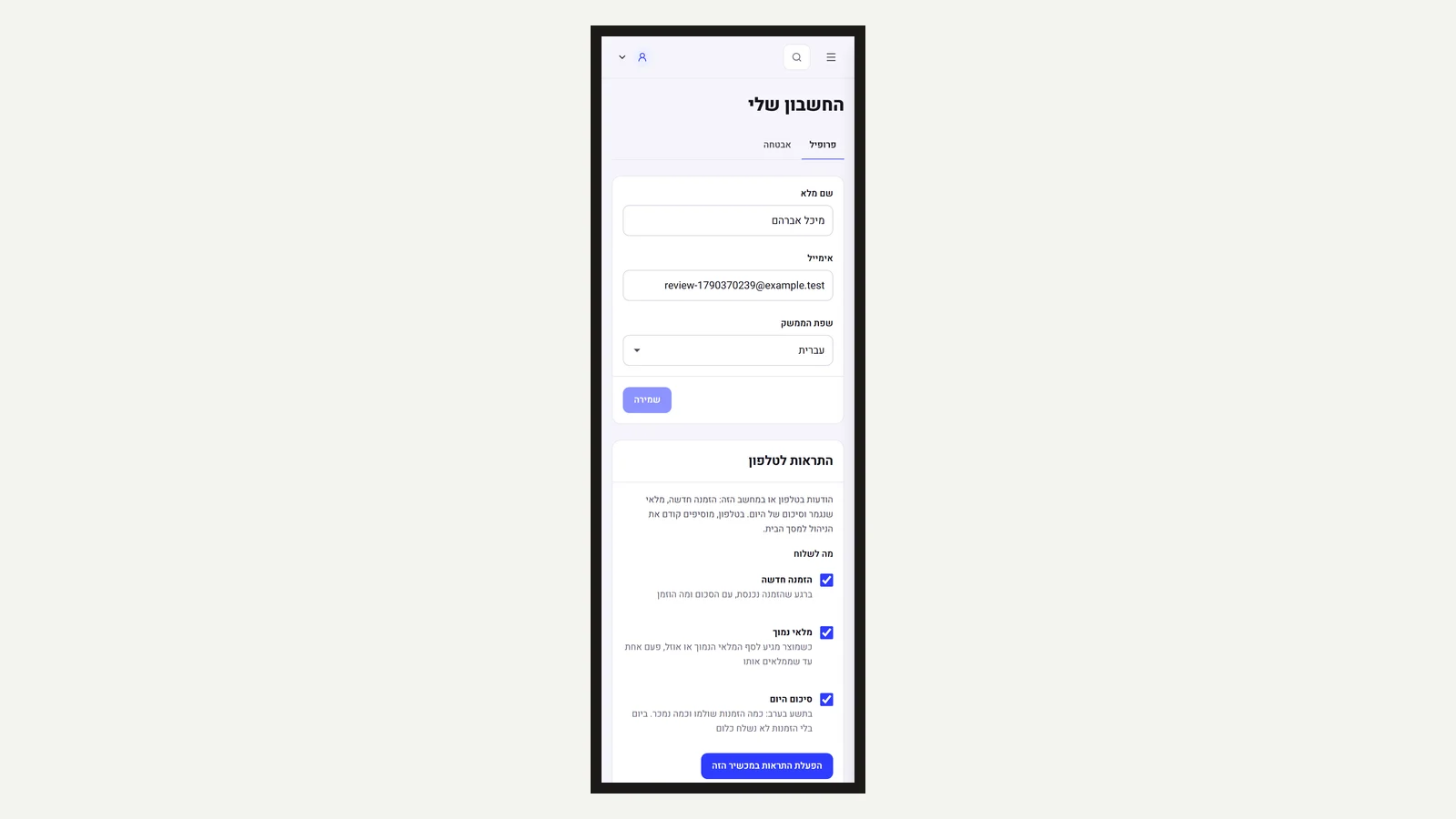 The admin on your phone: low stock and the daily summary
The admin already opens as an app from the home screen, and now it also notifies you about more than new orders. When a product reaches the low stock threshold or runs out, you get one alert, and another only after you restock it and it happens again. At nine in the evening, by the store's clock, a summary arrives: how many orders were paid today and how much was sold, and on a day with no orders nothing is sent. Everyone on the team chooses which alerts to receive, and alerts go only to people with permission to see that information. A long press on the app icon opens orders, inventory or a new product directly.
New
- A low stock alert, sent once until you restock the product
- A daily summary at nine in the evening: paid orders and total sales
- Everyone on the team chooses which alerts to receive
- Shortcuts from the app icon: orders, inventory, new product
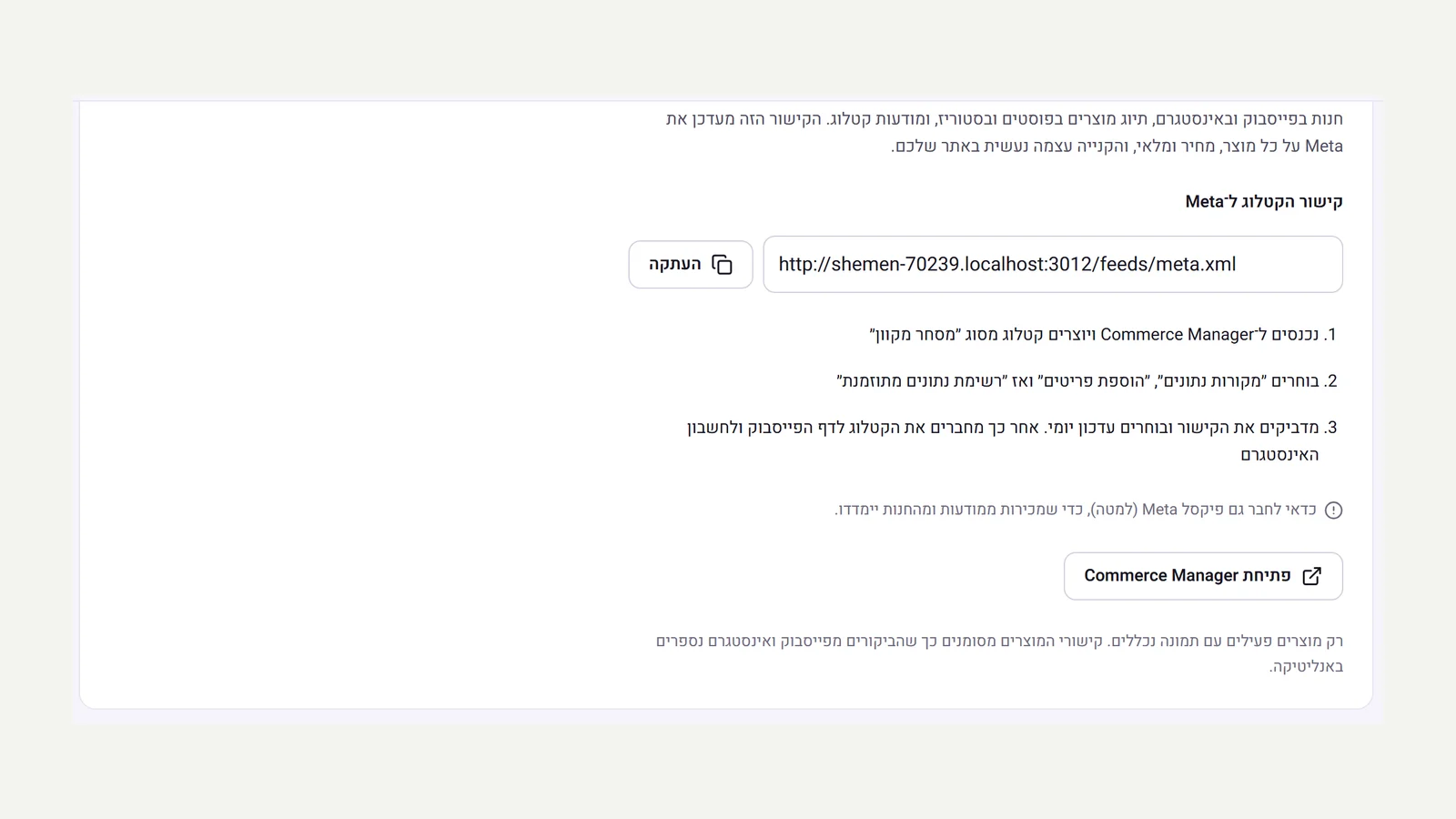 Facebook and Instagram
The settings now have a catalogue link for Meta, alongside the Google Shopping link. You paste it once into Commerce Manager, and Meta reads your products, prices, sale prices and stock from it every day. From the catalogue you can open a shop on Facebook and Instagram, tag products in posts and stories and run catalogue ads, and the purchase itself happens on your site. Product links are tagged, so visits from Facebook and Instagram are counted in the store's analytics.
New
- A catalogue link for Meta that updates automatically: products, variants, sale prices and stock
- Connection instructions in three steps, and a check that the Meta pixel is connected
Improved
- Visits from the catalogue on Facebook and Instagram are counted in analytics under the source 'Facebook'
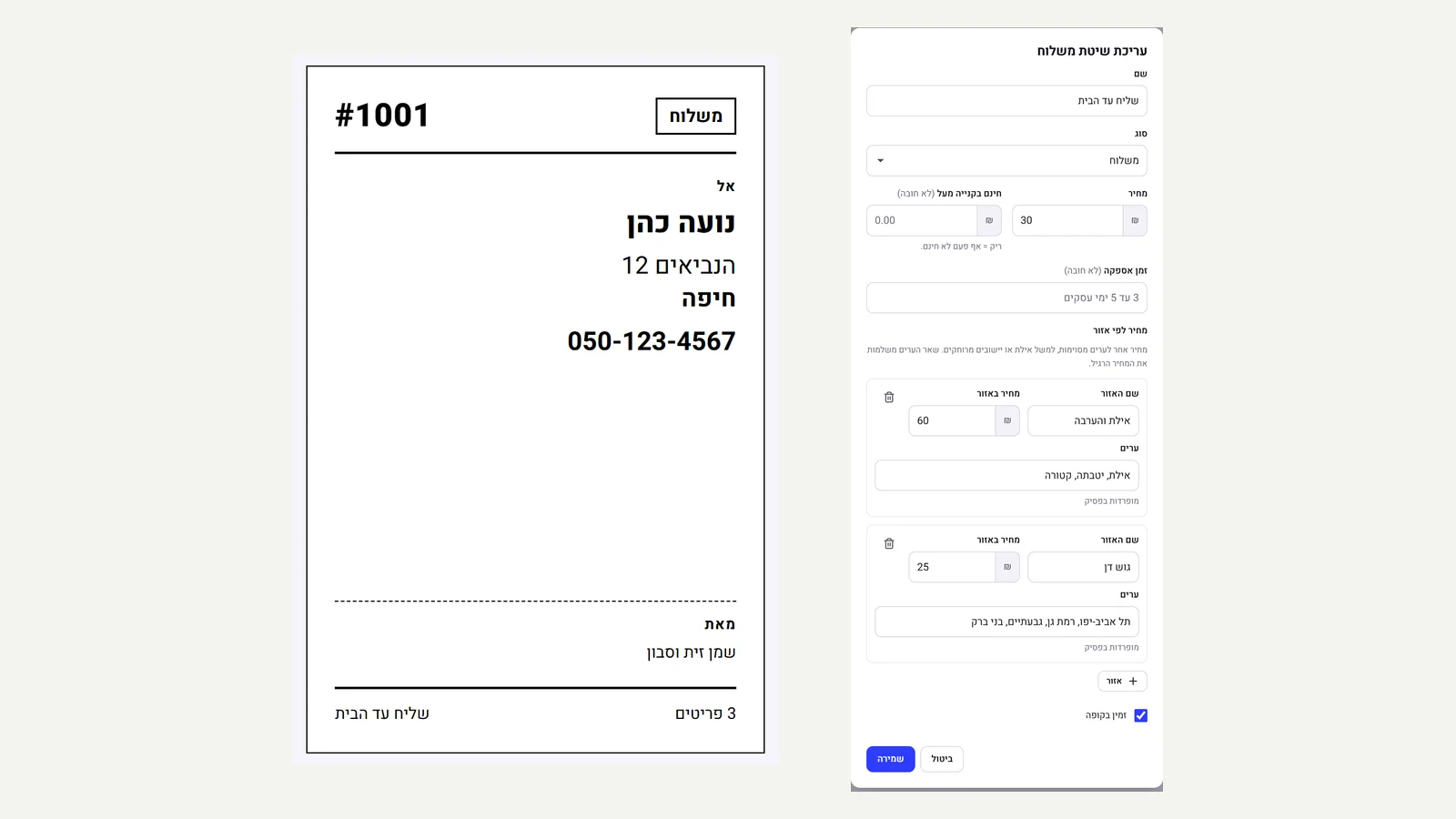 Couriers: delivery note, tracking and price by zone
From any order you can print a delivery note at the 10×15 cm label size, with a large name, address and phone number the courier can read at a glance, the number of items and a mark when cash has to be collected. When you mark an order as shipped with Israel Post, UPS, DHL or FedEx, the tracking link is built automatically from the tracking number and shown to the customer on the order page. And on a shipping method you can set a different price for zones, for example Eilat at one price and Gush Dan at another, and the checkout calculates by the city the customer entered.
New
- A printable delivery note from any order, for a label printer or an A4 sheet
- An automatic tracking link for Israel Post, UPS, DHL and FedEx, on the customer's order page too
- Shipping price by zone: a list of cities and a price for each zone
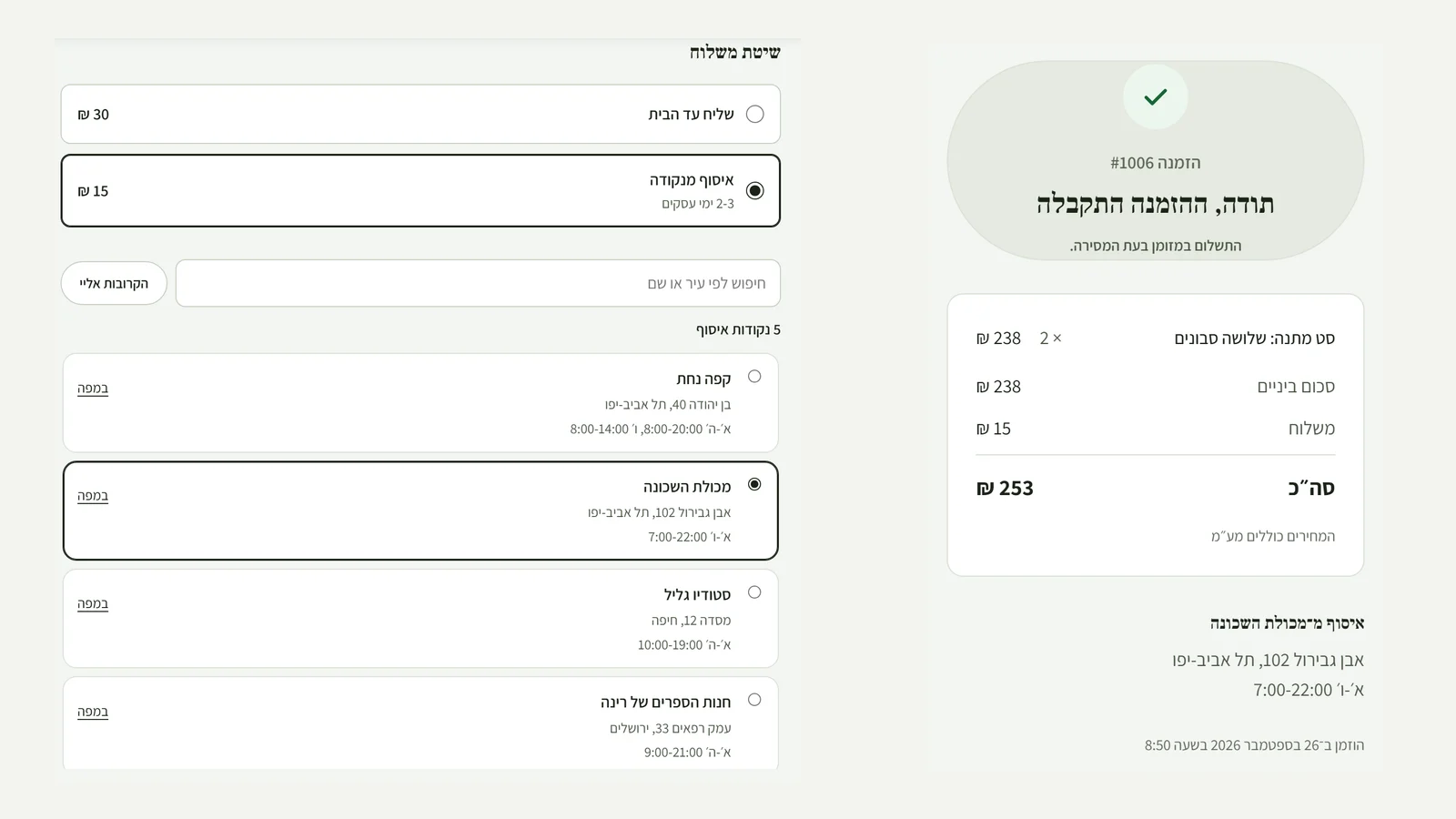 Pickup points
A 'Pickup' shipping method can now include several points: a cafe, a grocery, a studio. At checkout the customer searches by city or name, clicks 'Nearest to me' to sort by distance, and opens any point in the map on their phone. When pickup is chosen, the checkout asks only who is collecting, not for a street address. The chosen point appears on the customer's order page and on the order in the admin.
New
- Several pickup points for one shipping method, with address, hours and map location
- At checkout: search by city, sort by distance from the customer and a map link for each point
- Paste a list of points straight from a spreadsheet
Fixed
- For pickup, the checkout no longer requires a street and house number
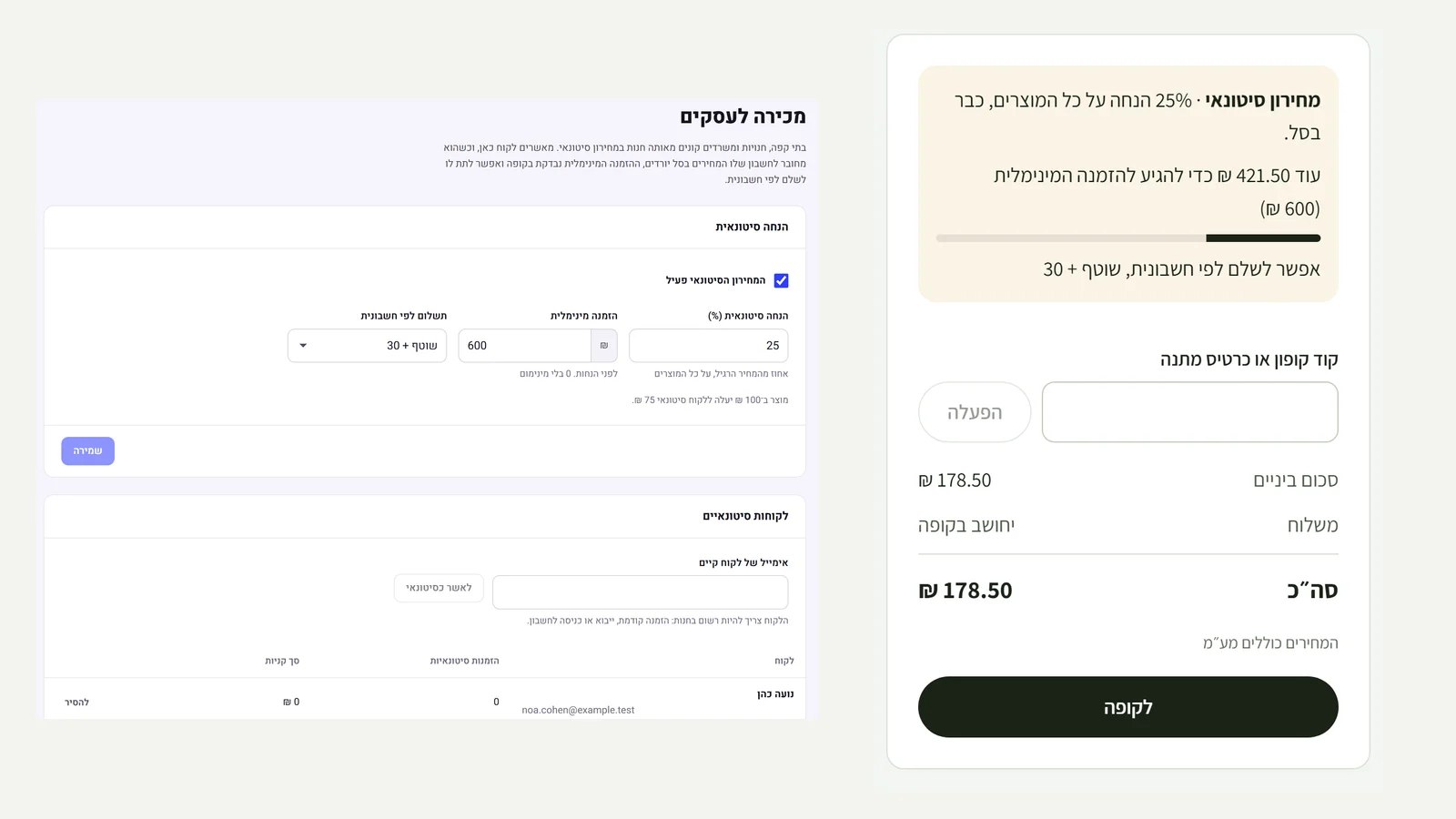 Selling to businesses
Cafes, shops and offices now buy from the same store at wholesale prices. On the 'Wholesale' page you set a discount percentage, a minimum order and payment terms, and approve customers by email. An approved customer who is signed in to their account sees their prices in the cart and how much is missing to reach the minimum, and can pay by invoice on end-of-month terms. Prices are set on the server by the signed-in customer, so they cannot be obtained without approval.
New
- Wholesale prices: a percentage discount on all products, for approved customers only
- A minimum order for wholesale customers, with a progress bar in the cart and a check at checkout
- Payment by invoice at end of month + 30 to 90, with a 'Paid' mark set from the order
Improved
- Wholesale orders are marked in the admin, and the cart remembers the signed-in customer
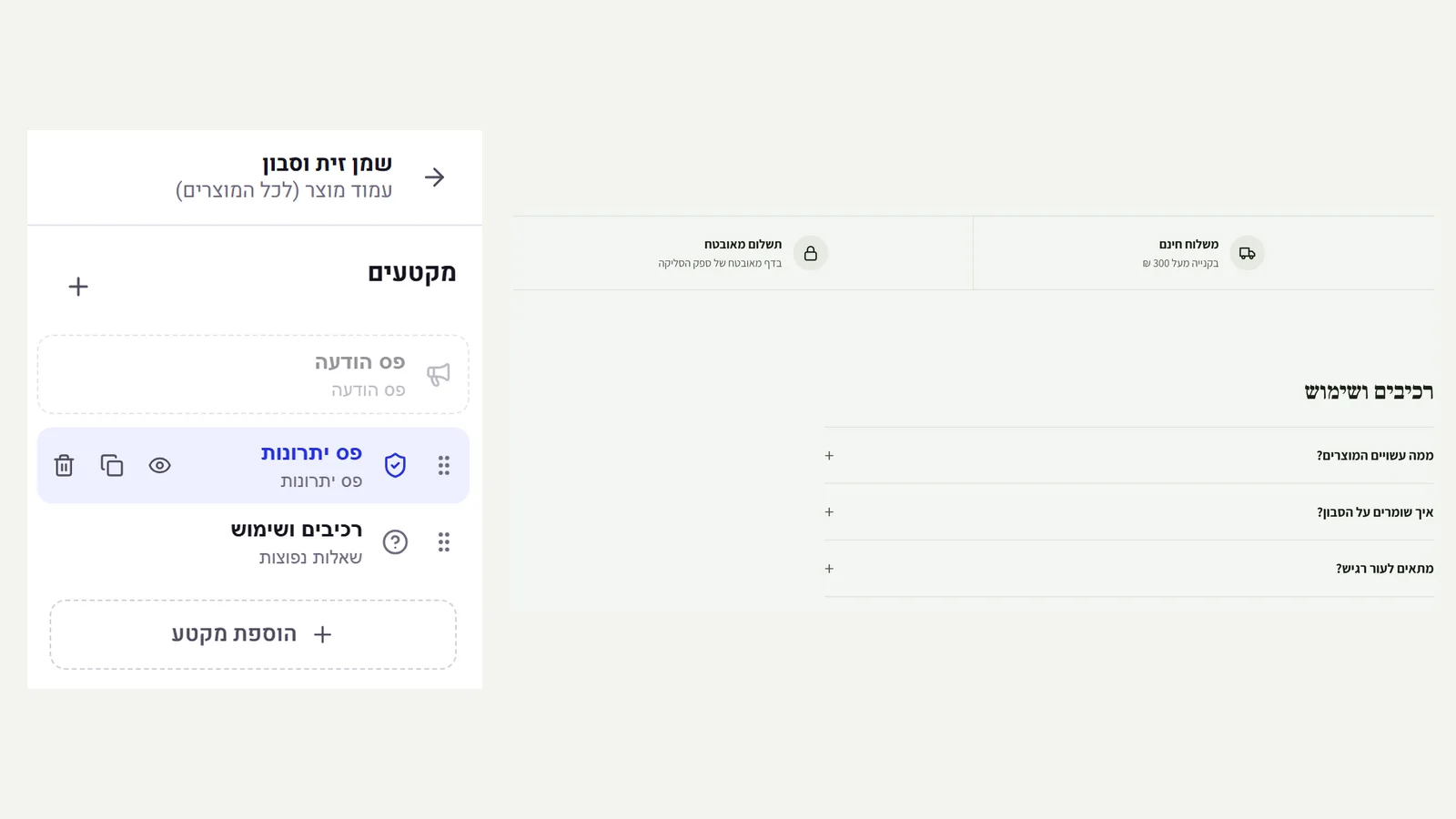 Designing the product page
The 'Pages' screen now has 'Product page': a template that opens in the same editor as the home page, and the sections you add to it appear below every product in the store. You can add questions about ingredients and use, a size chart, a video, a benefits bar, before and after or a banner, reorder by dragging and publish. What you change once updates on every product page.
New
- A product page template in the visual editor, with all the existing sections
- The sections appear below every product, above the reviews, and update on all products together
Improved
- Previous versions and restore work on the template too, as on any page
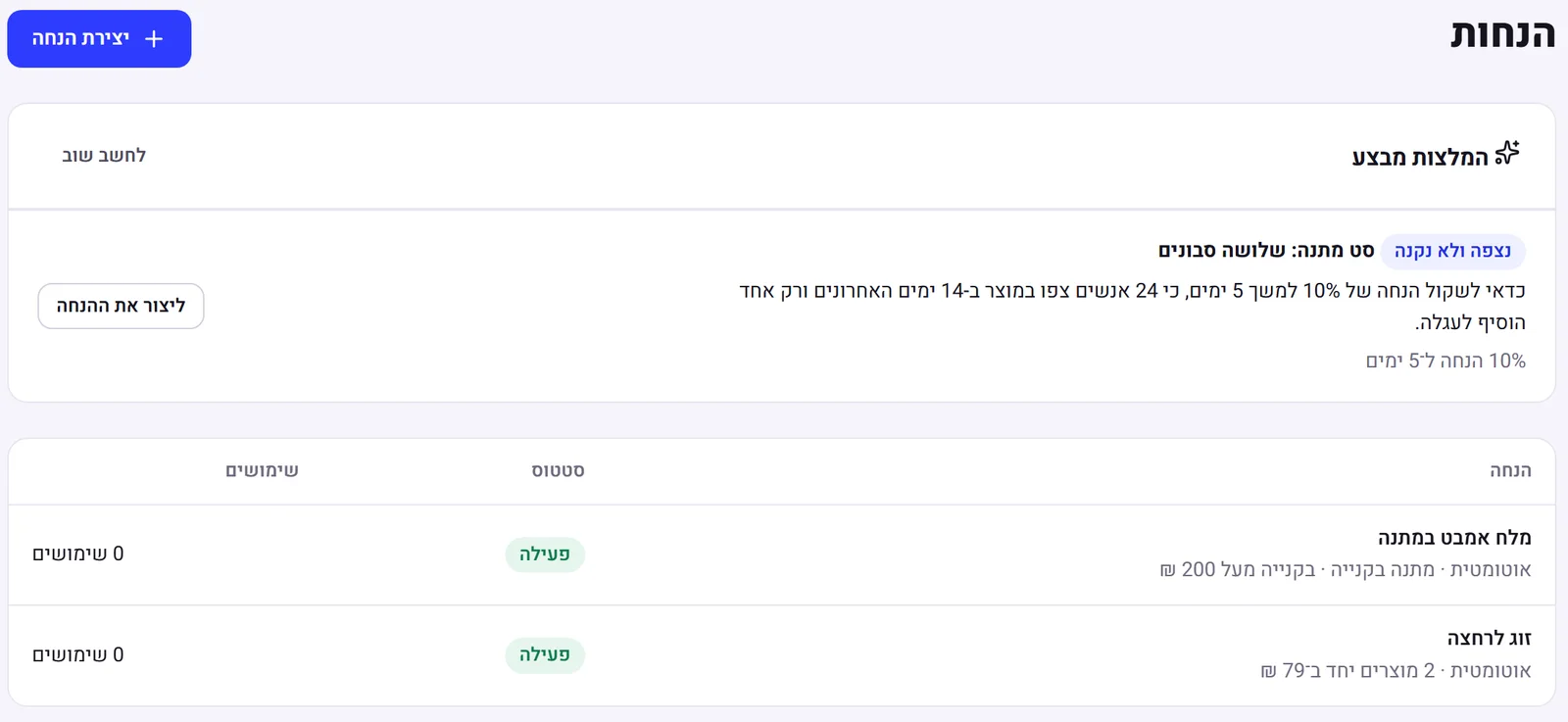 Promotion suggestions based on your data
At the top of the discounts page there are 'Promotion suggestions'. The system checks the store's inventory, sales and visits and looks for three situations: a product with a lot of stock that hardly sells, a product that many people view and few add to the cart, and customers who bought in the past and have not come back. Each one has a short explanation of what the data shows, and a suggested discount that is created in a click, switched off, so you can check it before turning it on. For products that sell well and have little stock left, the suggestion is not to run a promotion.
New
- Three kinds of suggestion: stock that is not moving, viewed and not bought, and winning customers back with a single-use code
- The suggested discount is created in a click, switched off and with an end date, and opens for review
Improved
- The choice is made by rules on your numbers, and the AI only writes the wording. It does not invent numbers or results
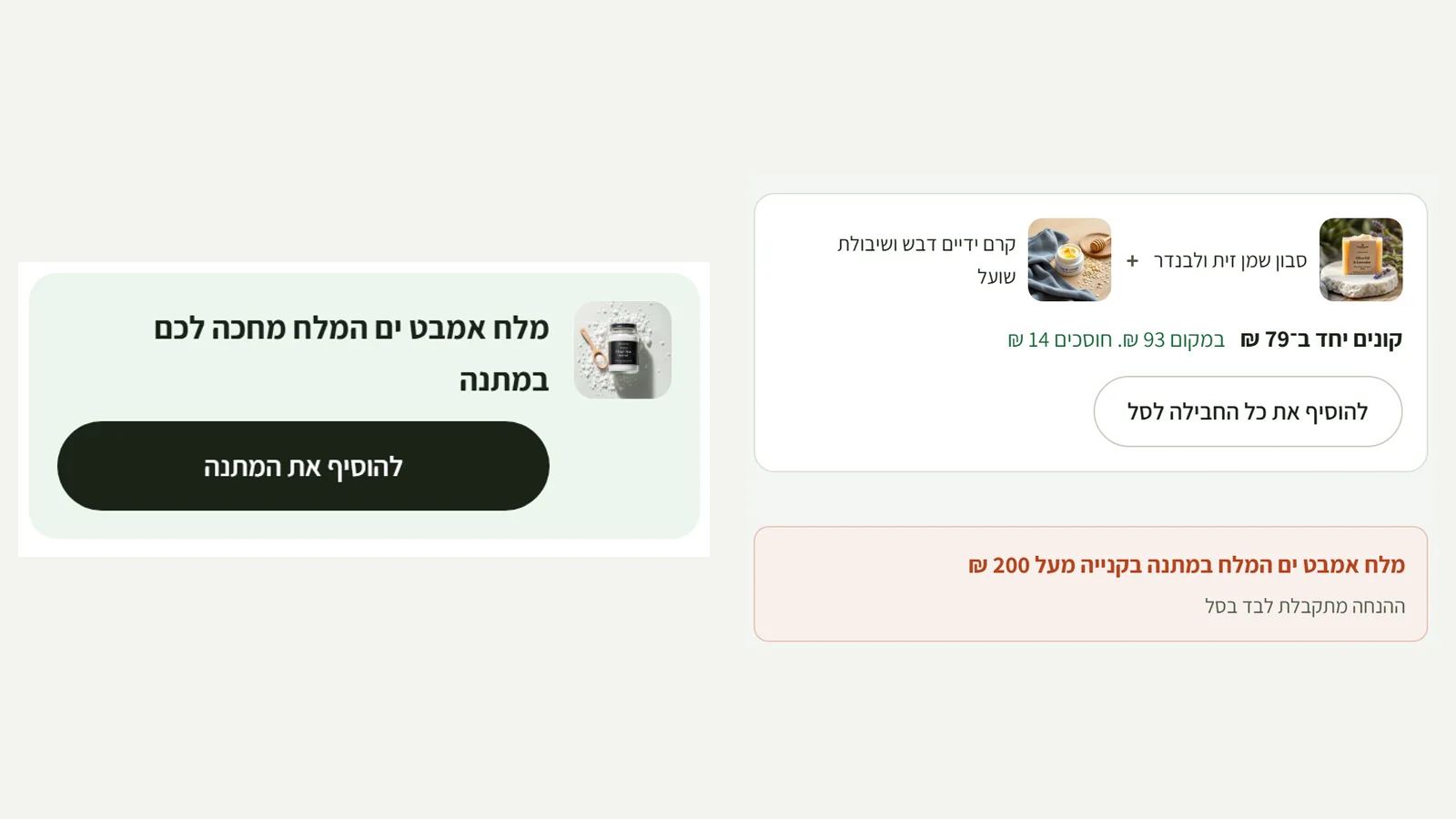 Bundles and a gift with purchase
Two new kinds of promotion on the discounts page. 'Bundle': you choose 2 to 5 products and one price for all of them together. On the page of every product in the bundle, 'Buy together for ₪79, instead of ₪93' appears with a button that adds the whole bundle to the cart, and the discount applies to every complete bundle. 'Gift with purchase': one product given free above an amount. The cart tells the customer how much is still missing, and offers to add the gift as soon as they reach the amount.
New
- Bundles: several products at one price, with images, the saving in shekels and a button to add everything
- A gift with purchase above an amount, with a progress bar in the cart towards the gift and one-click adding
- Product selection with images and prices in the discount editor
Improved
- The gift itself does not count towards the minimum amount, and only one unit is free even if several are added
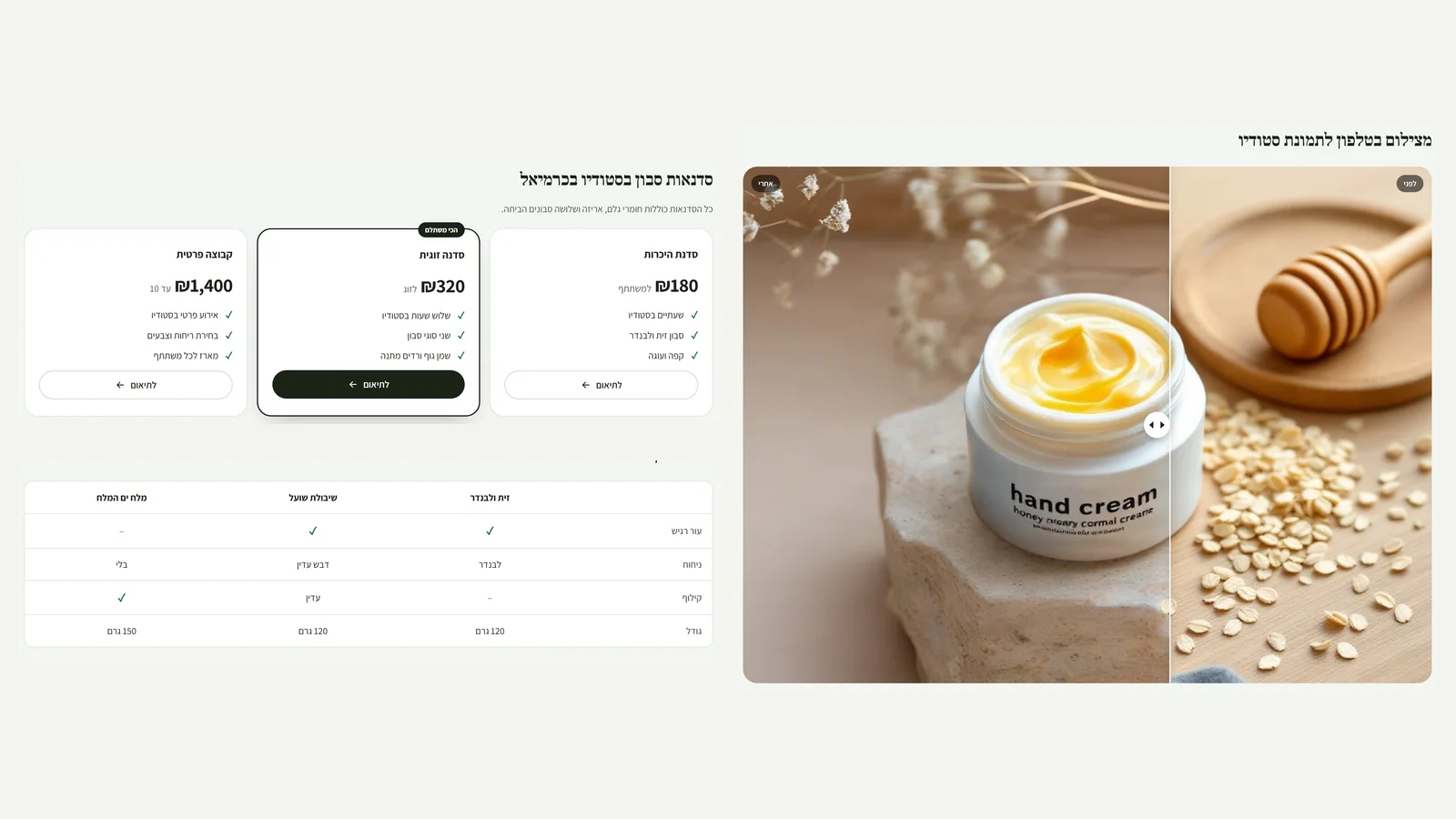 Four new sections in the editor
'Before and after': two images and a handle you drag between them, by finger on a phone or from the keyboard. 'Comparison table': up to three options side by side, where 'yes' or 'no' turns into a mark. 'Price list': up to three plans, with one marked as best value. 'Video': a YouTube or Vimeo link that loads only when someone presses play, so the page stays fast and nothing is sent to YouTube before the visitor chooses to watch. The AI assistant does not fill these sections, because prices, comparisons and images need to come from you.
New
- Before and after: drag by finger or mouse, arrow keys on the keyboard, and a label for each side
- A comparison table that scrolls sideways on a phone instead of being squeezed, and a price list with a recommended plan
- A YouTube or Vimeo video with a cover image, loaded only on click and in privacy mode
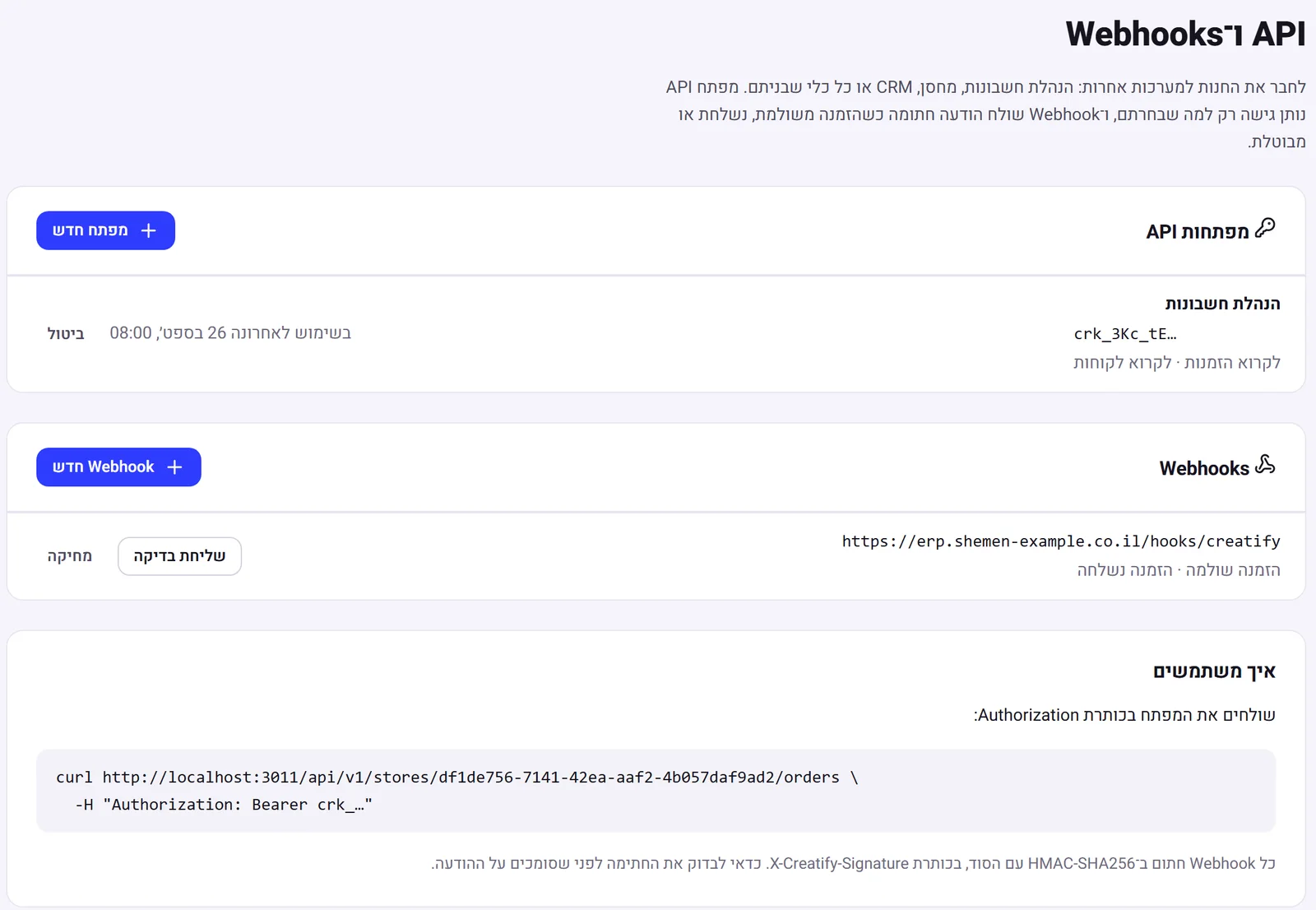 API and webhooks
A new 'Developers' page in the admin, for connecting your store to accounting, a warehouse, a CRM or any other tool. You create an API key and choose exactly what it can do (read orders, update inventory and so on). Account, payment and team settings are never reachable with a key, and you can revoke it at any moment. Webhooks send a signed message (HMAC-SHA256) to your URL when an order is paid, shipped or cancelled, with the full order details and retries if the URL does not respond.
New
- API keys with permissions you choose. The key is shown once, stored only as a hash, and you can see when it was last used
- Webhooks for an order that was paid, shipped or cancelled, signed, with retries and a test send
Improved
- Security: public https URLs only, a check against internal addresses at connection time, and a key cannot manage keys
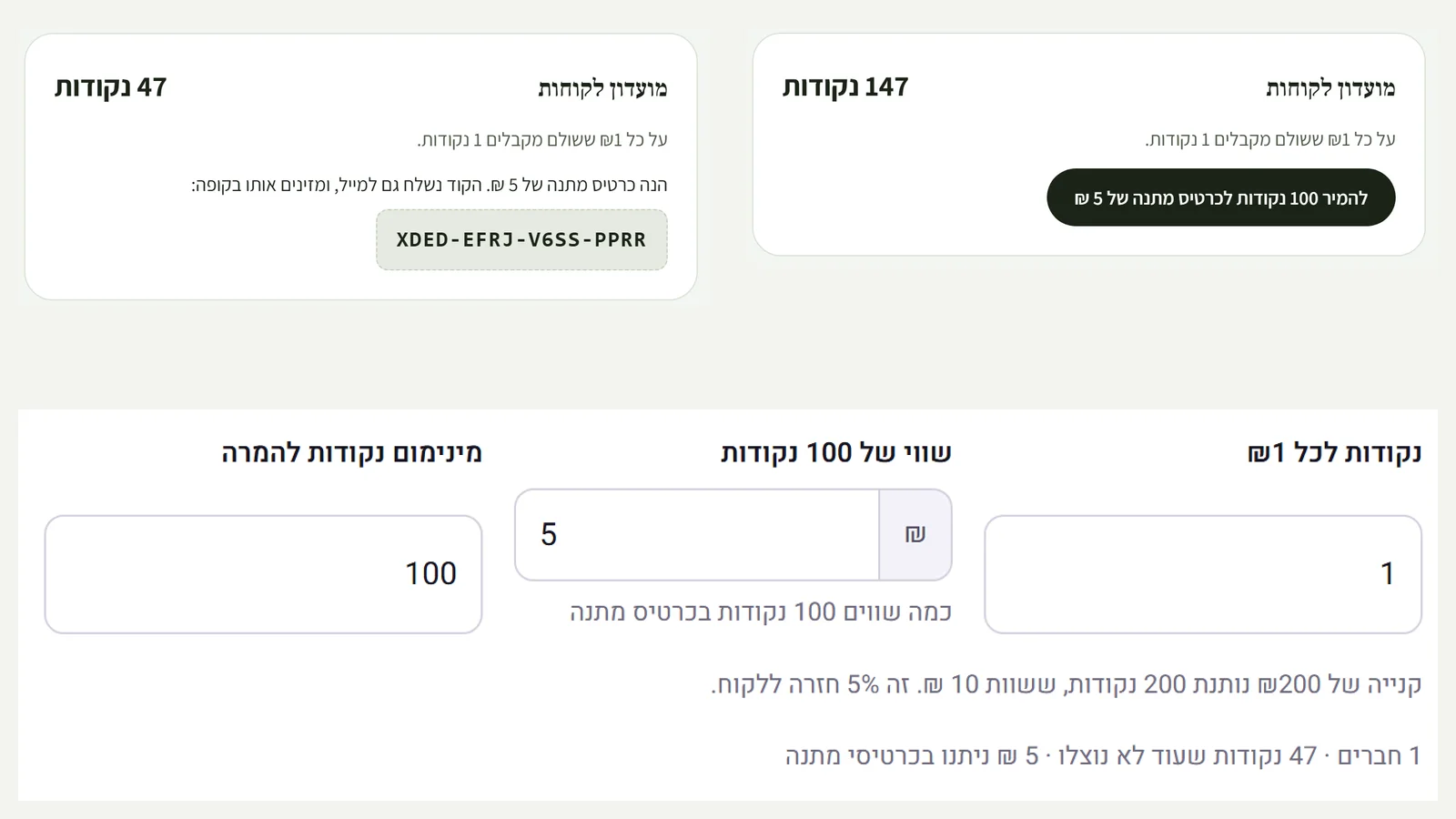 Loyalty club with points
Turn it on from the discounts page and set how many points each shekel earns, what 100 points are worth, and the threshold for redeeming. The page shows straight away what percentage goes back to the customer. Customers with an account earn points on every paid order and see their balance in their account, with a progress bar to the next card. One click turns the points into a gift card, which is also sent by email and works at checkout like any other card. Cancelling an order takes back the points it gave.
New
- Points on every shekel paid (excluding the part a gift card covered), once per order
- Balance and progress bar in the customer account, and one-click redemption for a gift card that is also sent by email
- In the admin: a live calculation of the percentage back to the customer, and how many points are still unused
Improved
- Cancelling an order cancels its points, and redemption is locked so it cannot run twice in parallel
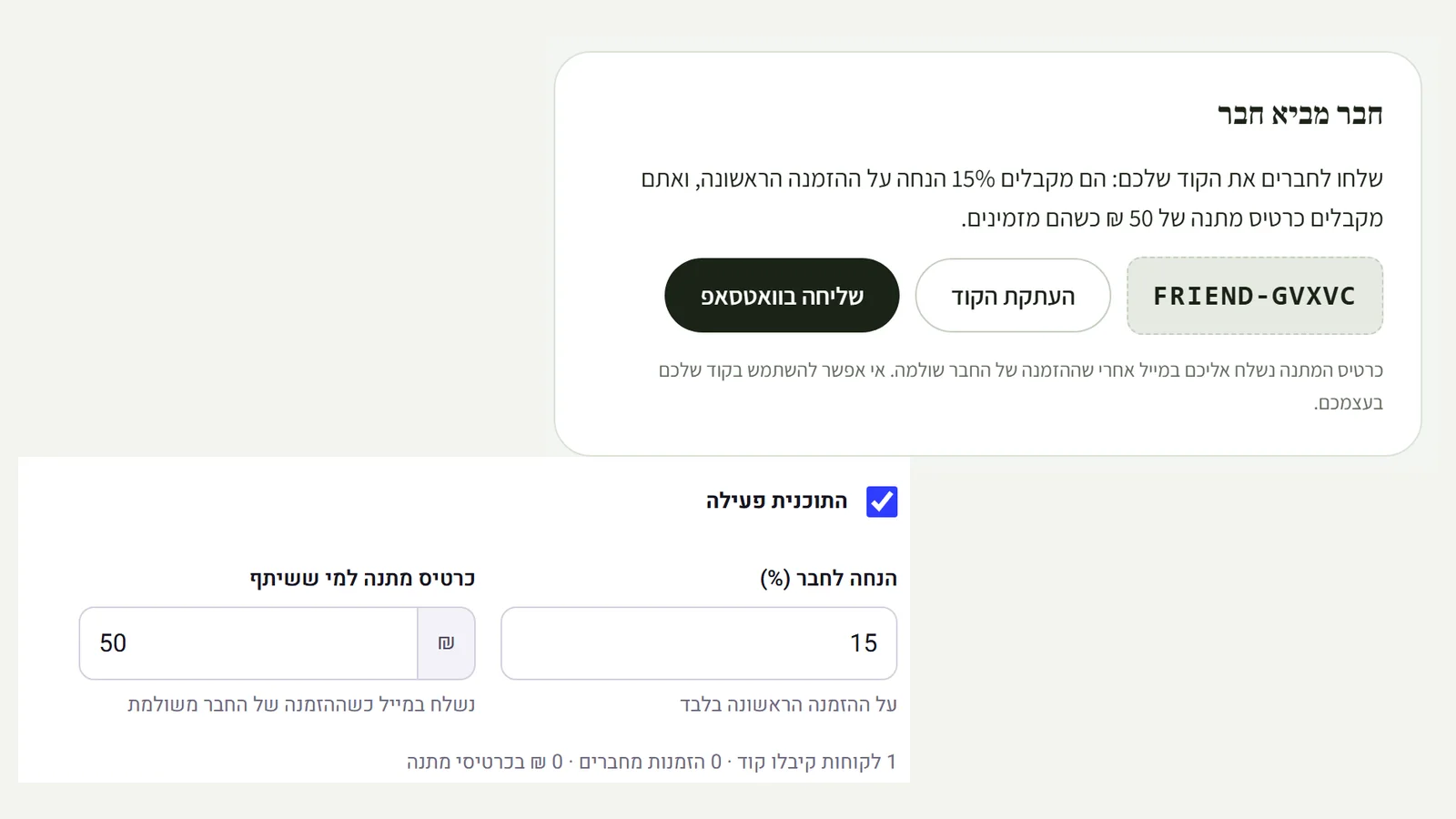 Refer a friend
Turn it on from the discounts page, then choose the discount the friend gets and the gift card the person who shared gets. Every customer with an account sees a personal code in their account, with a copy button and a WhatsApp share with a ready-made message. A friend who orders for the first time with the code gets the discount, and once their order is paid, the person who shared gets a gift card by email, once per order. You cannot use your own code, and the discount applies to a first order only.
New
- A personal code for every customer with an account, with copy and WhatsApp sharing
- A discount for the friend on their first order, and an automatic gift card by email for the person who shared, only after the friend has paid
- Settings and statistics on the discounts page: how many codes, how many orders from friends, and how much was given in cards
Improved
- Safeguards: no using your own code, and once per order even if the payment is confirmed twice
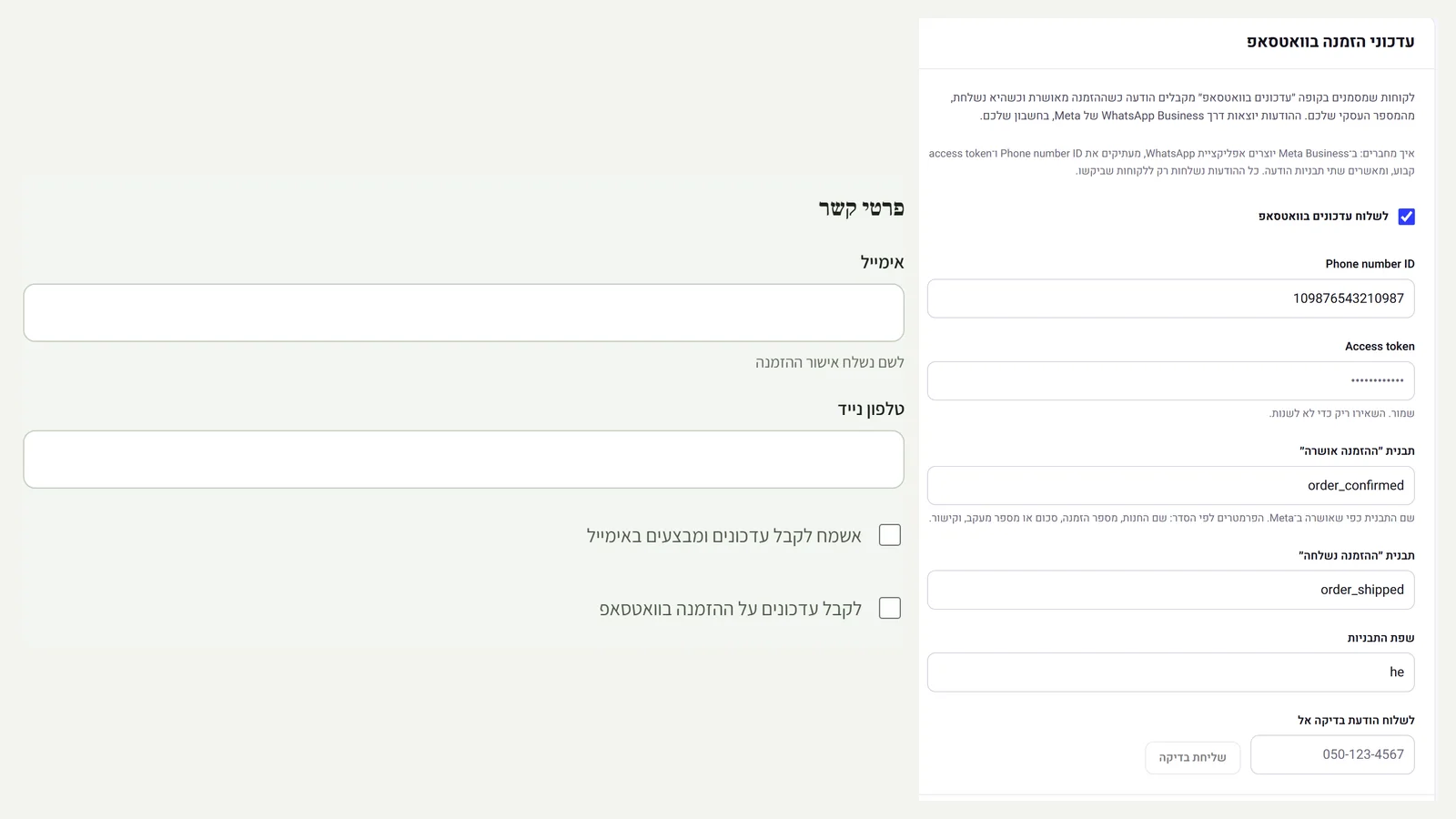 Order updates on WhatsApp
Connect your business's WhatsApp Business (your own Meta account) in settings, and customers see the option 'Get order updates on WhatsApp' at checkout. Anyone who ticks it gets a message from the business number when the order is confirmed and when it ships, with the tracking number and link. It is a module: off until you connect it, and everything is set up from the admin. A 'Send test' button confirms the connection works before customers rely on it.
New
- WhatsApp Business connection in settings: phone number ID, token and template names. The token is stored encrypted and never shown again
- A message when the order is confirmed and when it ships, only to customers who ticked the box at checkout. The box is not pre-ticked
- A test send from the admin, with the exact reason if Meta refuses
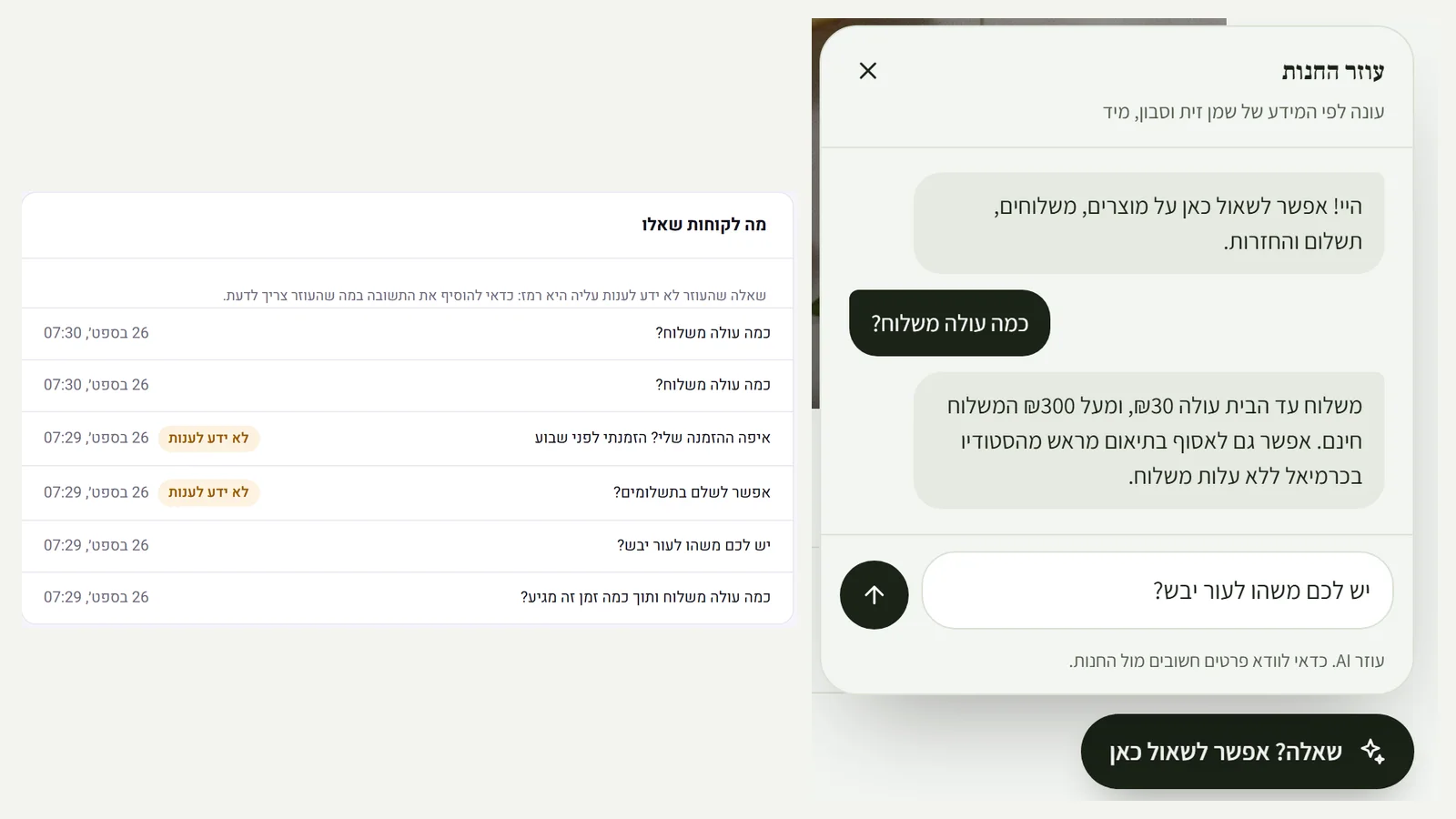 An AI assistant that answers customers in your store
Turn it on in the admin, and 'Got a question? Ask here' appears in the corner of your store. Customers get an answer straight away, even at night: how much shipping costs, what suits dry skin, whether they can pay in installments, what the returns policy is. The assistant answers only from the information in your store (products, prices, stock, shipping, payment, returns) and from what you wrote for it, and adds links to products. What it does not know, such as an order's status, it does not make up: it says so and suggests WhatsApp or email. In the admin you see what customers asked, with the questions it could not answer marked.
New
- A chat in the store that answers straight away, in gender-neutral Hebrew, with links to the products it mentions
- A 'What else should the assistant know' box: hours, pickup, packaging, ingredients. It answers only from that and from your store data
- In the admin: try it as a customer would, and see what customers asked and what it did not know, with no detail about who asked
Improved
- When it does not know, it points to the store's WhatsApp or email. It does not appear at checkout
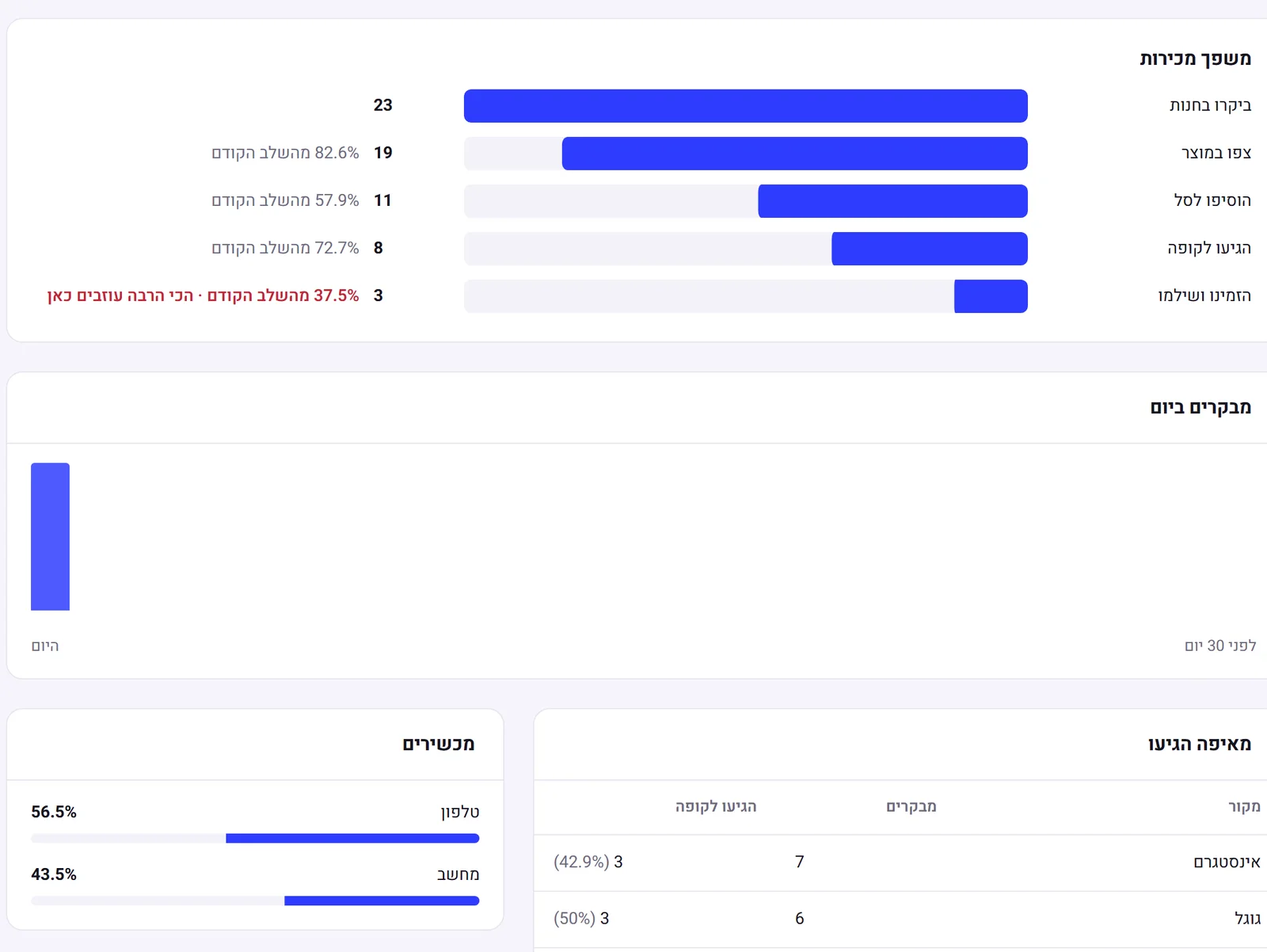 Analytics and sales funnel
A new 'Analytics' page in the admin: how many people visited the store, viewed a product, added to cart, reached checkout and paid, with the step where most people leave marked. You see where they came from (Google, Instagram, Facebook, WhatsApp, email) and how many from each source reached checkout, phone against desktop, and which products are viewed and added to cart. Everything is measured without cookies and without personal data, so no consent request is needed: a visitor is counted as a random number that changes every day.
New
- A sales funnel from visit to payment, with the conversion rate between steps and the step that loses the most
- Traffic sources, including how many from each source reached checkout, and utm_source tags from campaigns
- Visitors per day, phone against desktop, and the most viewed products with their add-to-cart rate
Improved
- Privacy: no cookies, no stored IP address, bots and previews are not counted, and the data is deleted after 13 months
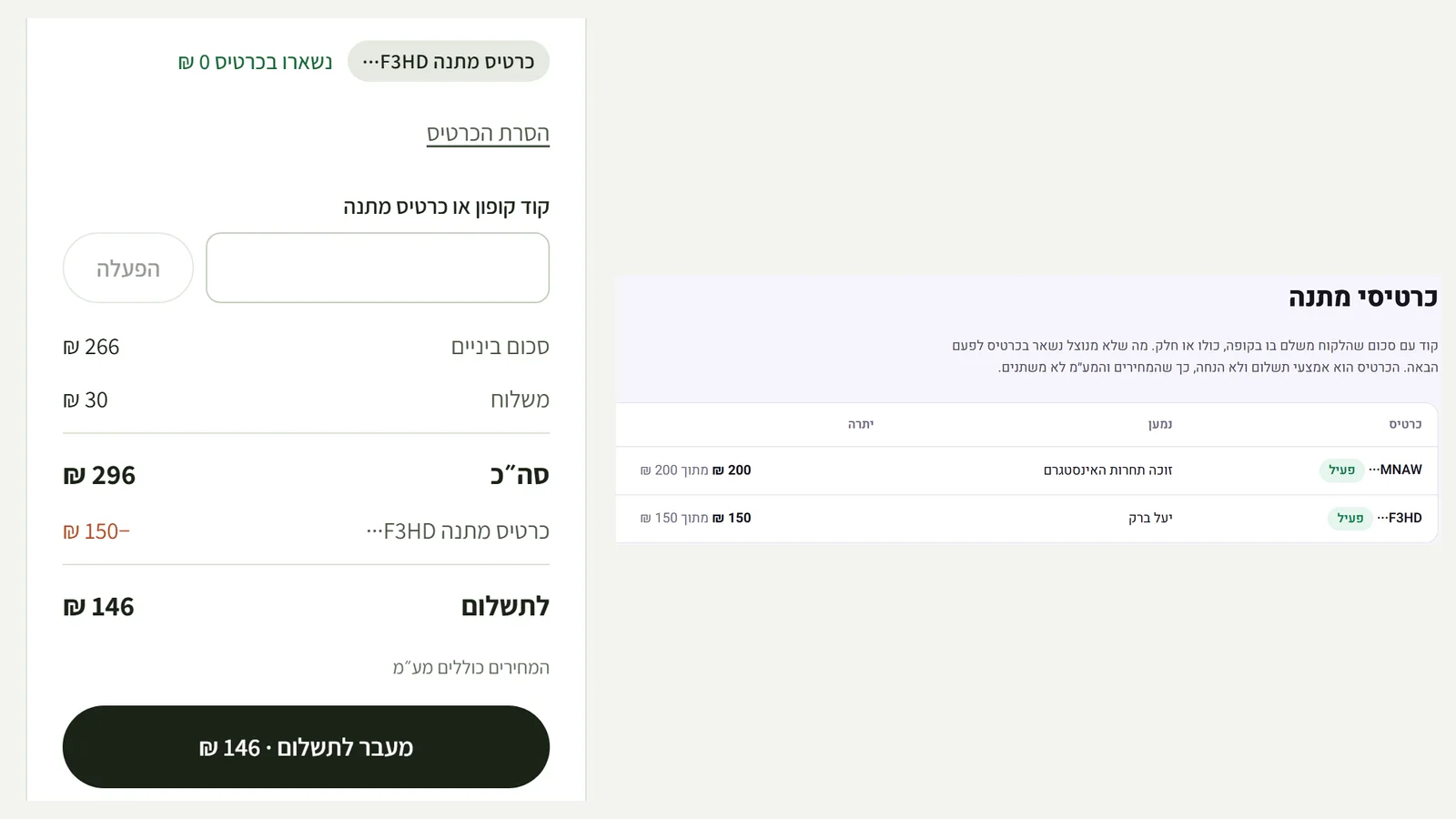 Gift cards
The admin now has 'Gift cards': choose an amount, who it is for and a greeting, and the code is emailed to the recipient. At checkout the customer types the code into the same box as the coupon code, and the card pays for part of the order or all of it. Whatever is left to pay goes to the payment provider, and whatever is not used stays on the card for next time. A gift card is a payment method, not a discount, so the prices and VAT on the invoice do not change.
New
- Create a gift card with an amount, recipient, greeting and expiry, and send the code by email
- Pay by card at checkout, in part or in full. A card that covers everything completes the order with no card payment
- A balance and transactions for every card, and immediate deactivation of a lost card
Improved
- A failed payment or a cancelled order returns the money to the card. We do not store the code itself, only a fingerprint of it
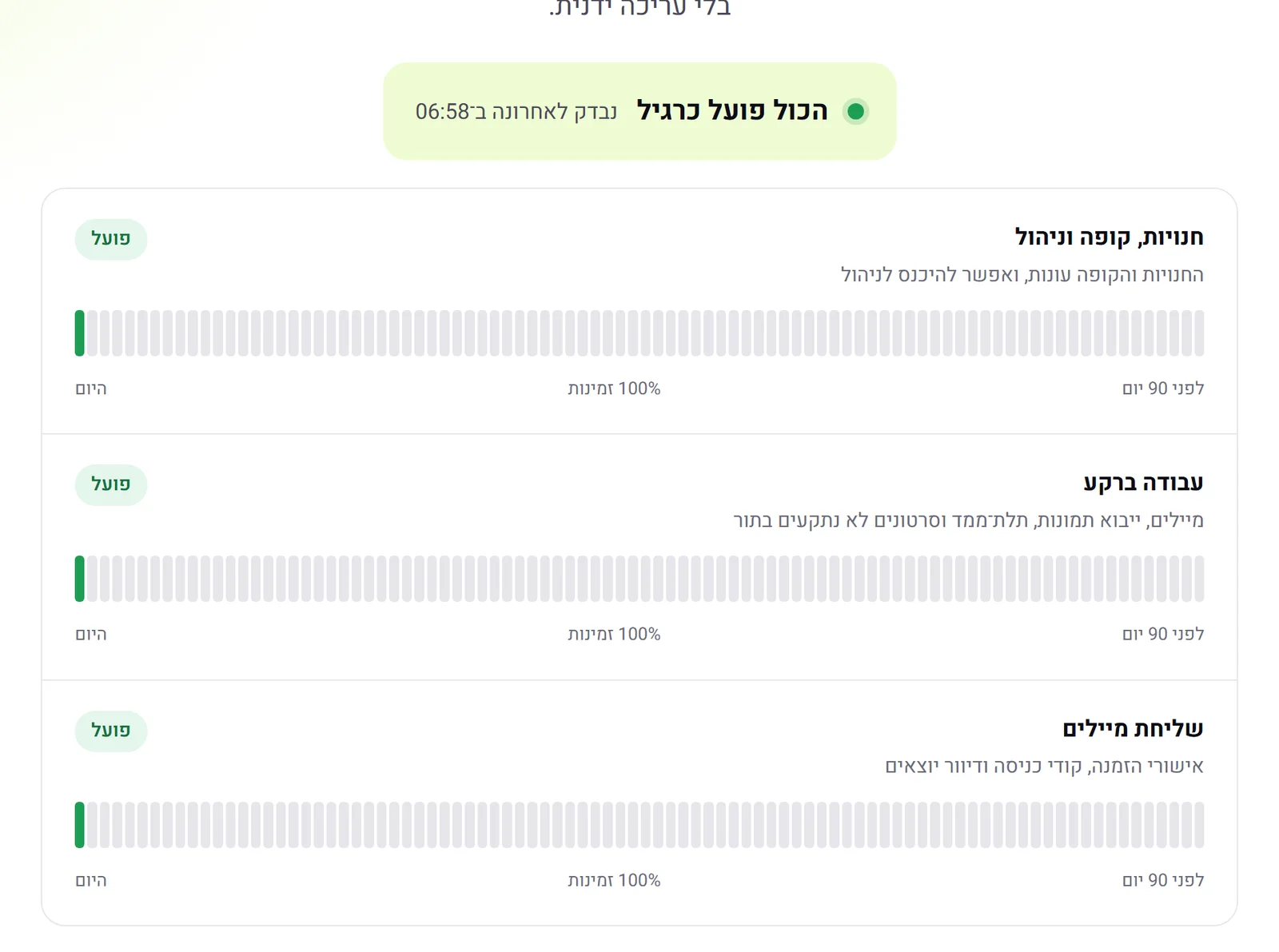 Public status page
At /status you can see whether Kreaza is working right now, and its availability over the last 90 days. The system checks itself every minute the way a customer would experience it: whether stores and checkout respond, whether background work (emails, images, 3D, videos) is not getting stuck, and whether emails are going out. Nobody edits the page by hand, and an incident shows up on it by itself.
New
- A /status page with the current state and a 90-day availability bar for each part of the system
- An automatic check every minute, from the server itself. If the checks themselves stop, the page says 'No data', not 'Running'
Improved
- The 'Product' menu on the site now shows the latest release, product videos
 A product video from one image
The product page in the admin now has 'Product video': choose a camera move (rotation, zoom in or shifting sunlight), and within a minute or two you have a 5-second video in high quality. The product stays exactly as it is in the image, with the same label, and only the camera and the light move. In the store a 'Video' button appears on the gallery, next to 3D.
New
- A 5-second video from a product image, with three camera moves to choose from
- A 'Video' button in the gallery on the product page. It plays only on click, without sound, with pause controls
Improved
- On a phone, the 'Video' and '3D' buttons appear on the image. Previously the 3D button was hidden behind the header
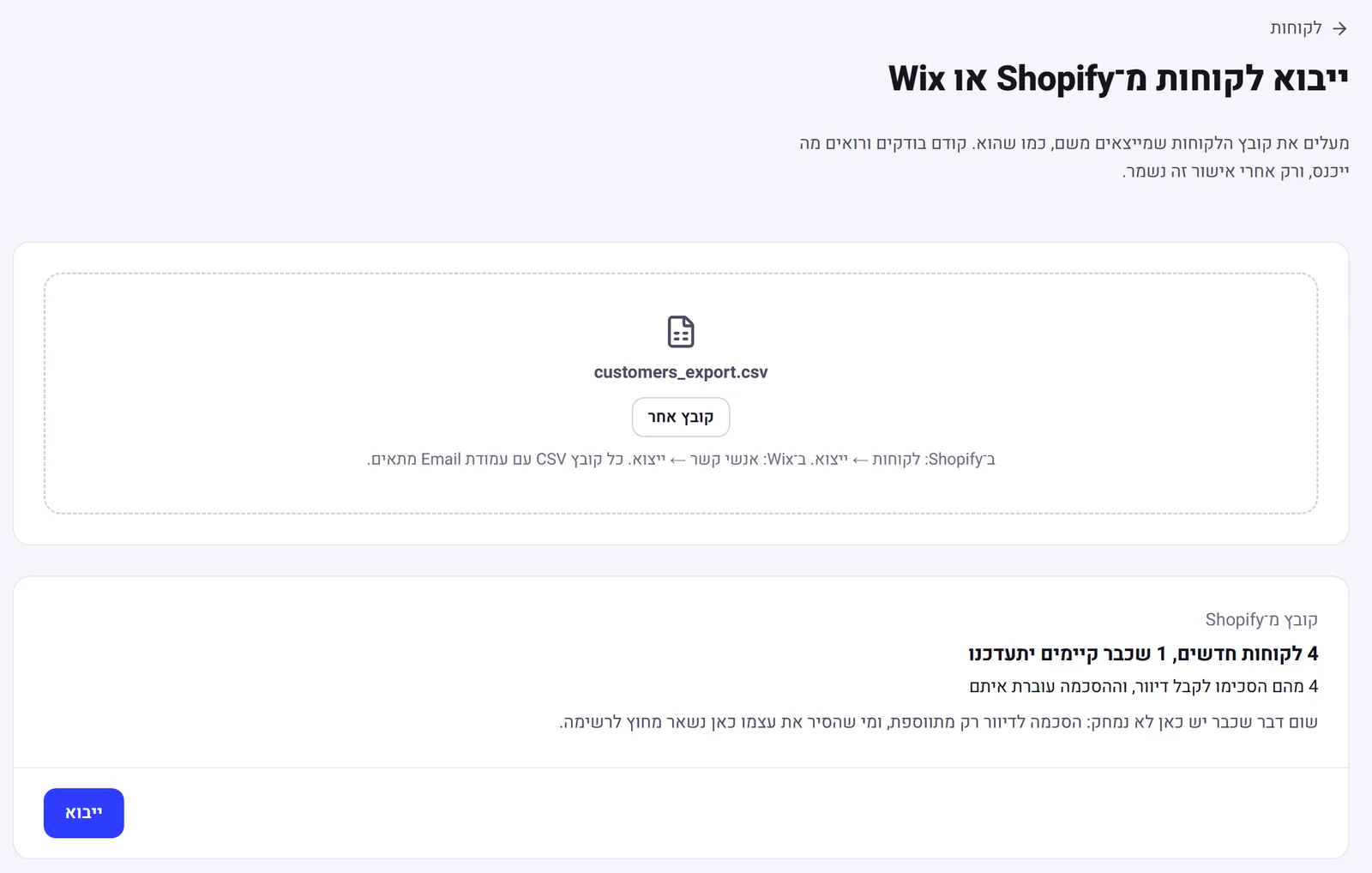 Move your customers from Shopify and Wix
Upload the customer file you export from Shopify or Wix, as it is. Kreaza detects where the file came from, shows how many new customers will come in, how many existing ones will be updated and how many of them agreed to email marketing, and saves only after you confirm. Customers arrive with their order count and total spend, so groups such as VIP and returning work from day one, and you can email them straight away.
New
- Customer import from the Shopify or Wix export file, with no column sorting
- A check before saving: new, existing, email marketing subscribers, and rows with a problem, with the row number
- Order count and total spend carry over, so segmentation works straight away
Improved
- Nothing is overwritten: consent is only added, anyone who unsubscribed stays out of email marketing, and a repeat import creates no duplicates
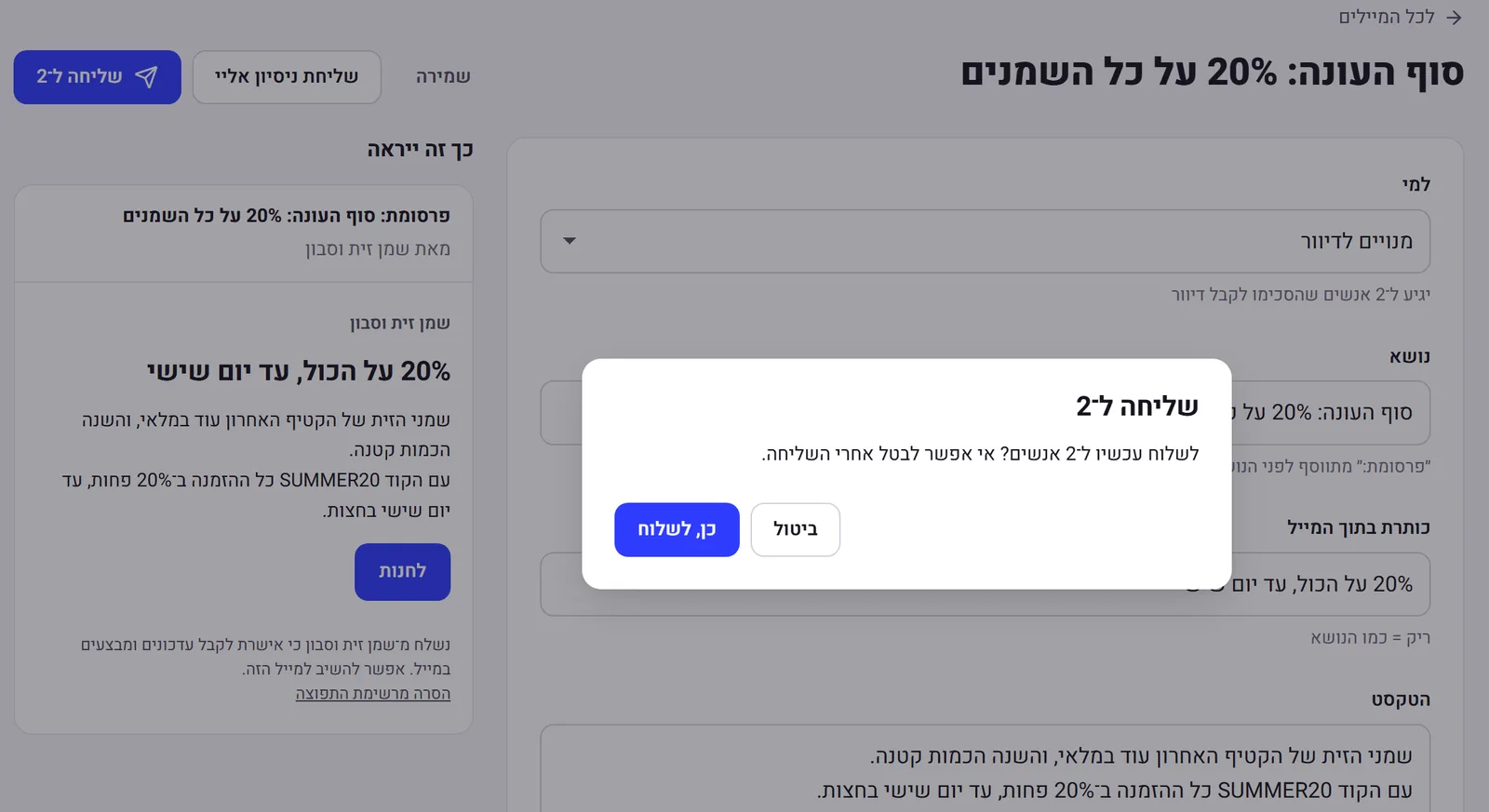 Email marketing to customers, by the law
Write one email, choose who gets it (all subscribers, VIP, new customers or those who have not bought in a while), and see next to it how it will look in the inbox. First you send a test to yourself, then sending asks for confirmation with the exact number of recipients. The email goes only to people who agreed to receive email marketing and have not unsubscribed.
New
- An 'Email marketing' page in the admin: subject, heading, text and a button to a page in the store, with a live preview
- Audience by the customer groups from 0.38, and the recipient count updates when you switch group
- 'Advertisement:' in the subject, the sender's name, and one-click unsubscribe in every email, as Israel's anti-spam law requires
- A test send to yourself, and a real send only after confirmation. A sent email is saved and is not sent twice
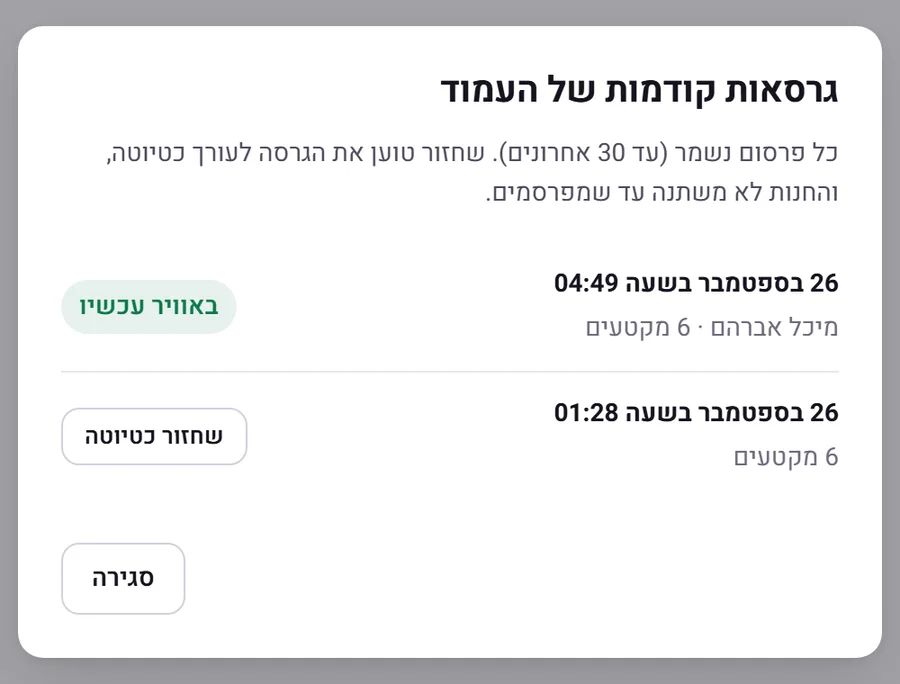 Version history for every page
Every publish of a page is saved. The editor has a history button: you see when each version was published and by whom, and one click brings an earlier version back into the editor as a draft. The store does not change until you publish, and you can undo with Ctrl+Z.
New
- Every publish is saved, up to the last 30 for each page, including pages that were already live
- A history dialog in the editor: date, who published, how many sections, and which version is live now
- 'Restore as draft' loads an earlier version into the editor. The store does not change until you publish, and you can undo
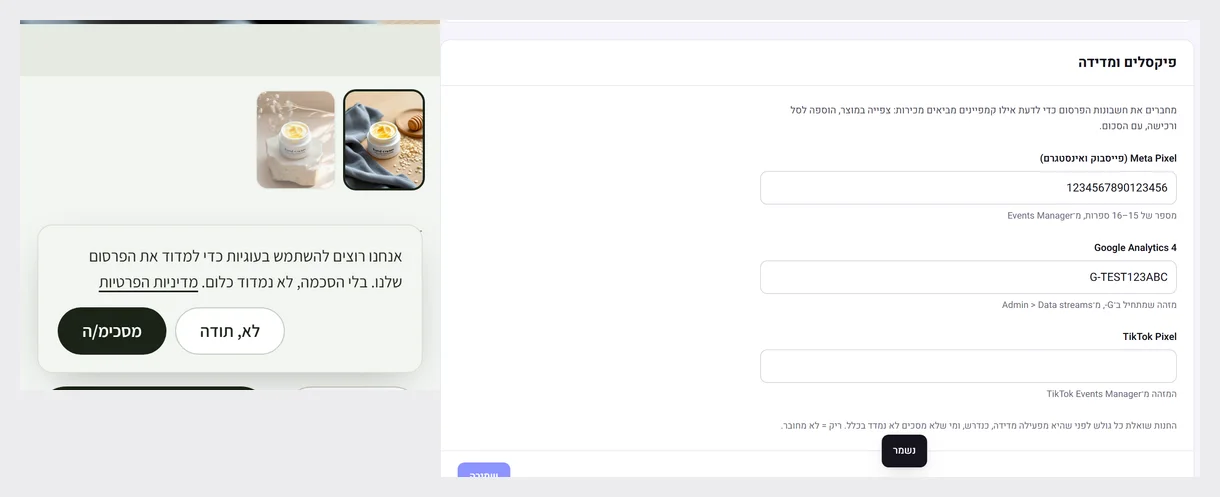 Meta, Google and TikTok pixels, with consent
Connect your advertising accounts in settings and measure which campaigns bring sales: product view, add to cart and purchase with the amount. The store asks every visitor before it measures anything, and anyone who does not agree is not measured at all.
New
- A 'Pixels and measurement' card in settings, with a check that the ID is in the right format
- Product view, add to cart and purchase events with the amount and currency, and a purchase is counted only once
- A consent request in the store, only in stores that connected a pixel. Until the visitor agrees, no measurement script is loaded
Improved
- 'No, thanks' is remembered just like 'I agree', and the store preview is not measured
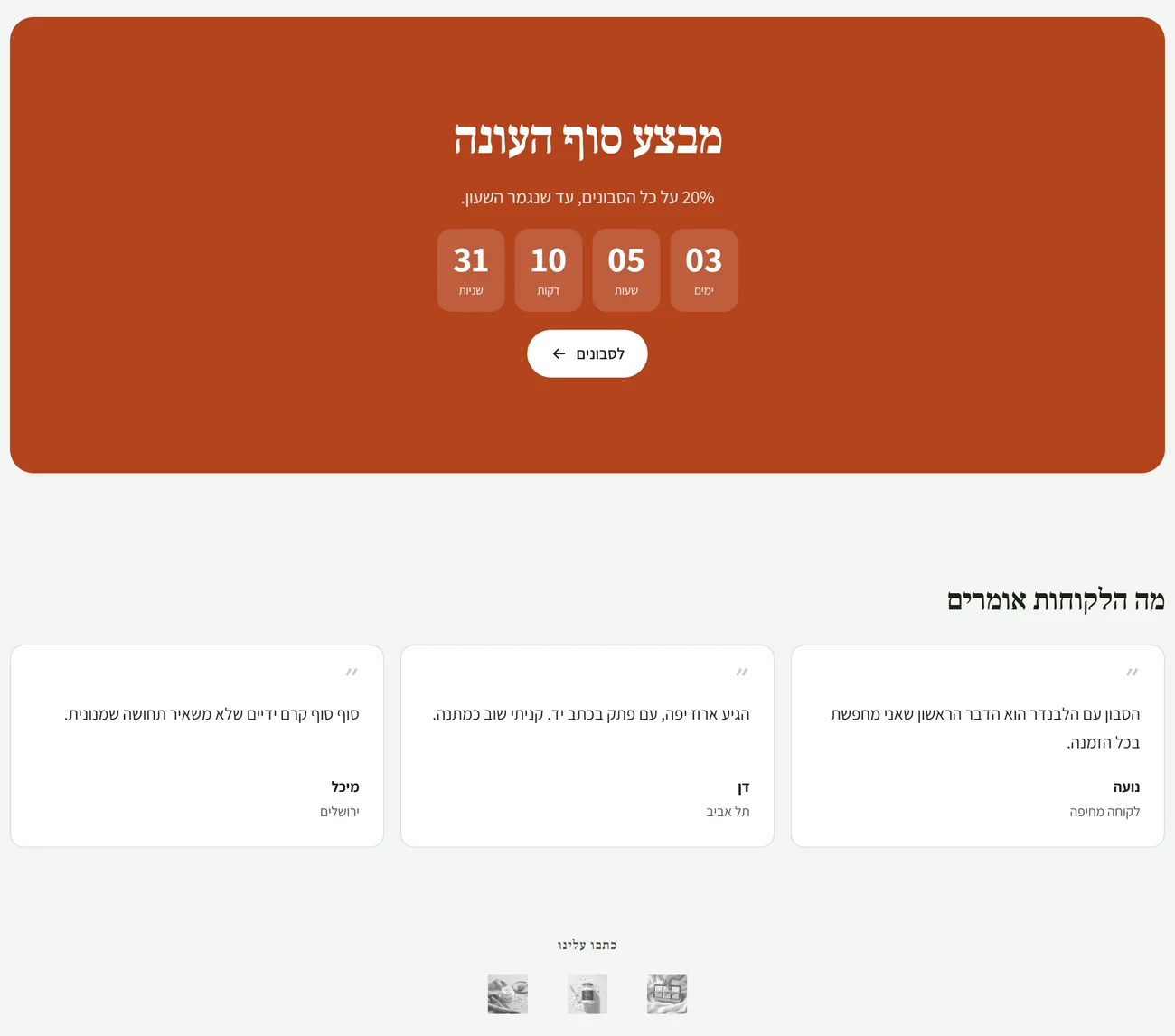 Three new sections in the editor
'Countdown' for a clock to the end of a sale or a launch, which disappears by itself once the time has passed. 'What customers say' for quotes that you enter. And 'Logos' for an 'As featured in' strip or the brands in your store. All of them work in Hebrew right-to-left and on a phone.
New
- Countdown: heading, text, date and time, and a button. After the time has passed the section is not shown
- What customers say: up to 6 quotes with a name and one more detail
- Logos: up to 10, in a soft grey that takes on colour on hover
Improved
- The AI assistant does not write customer quotes. It does not know about the section, and whatever it returns there is replaced with what you wrote
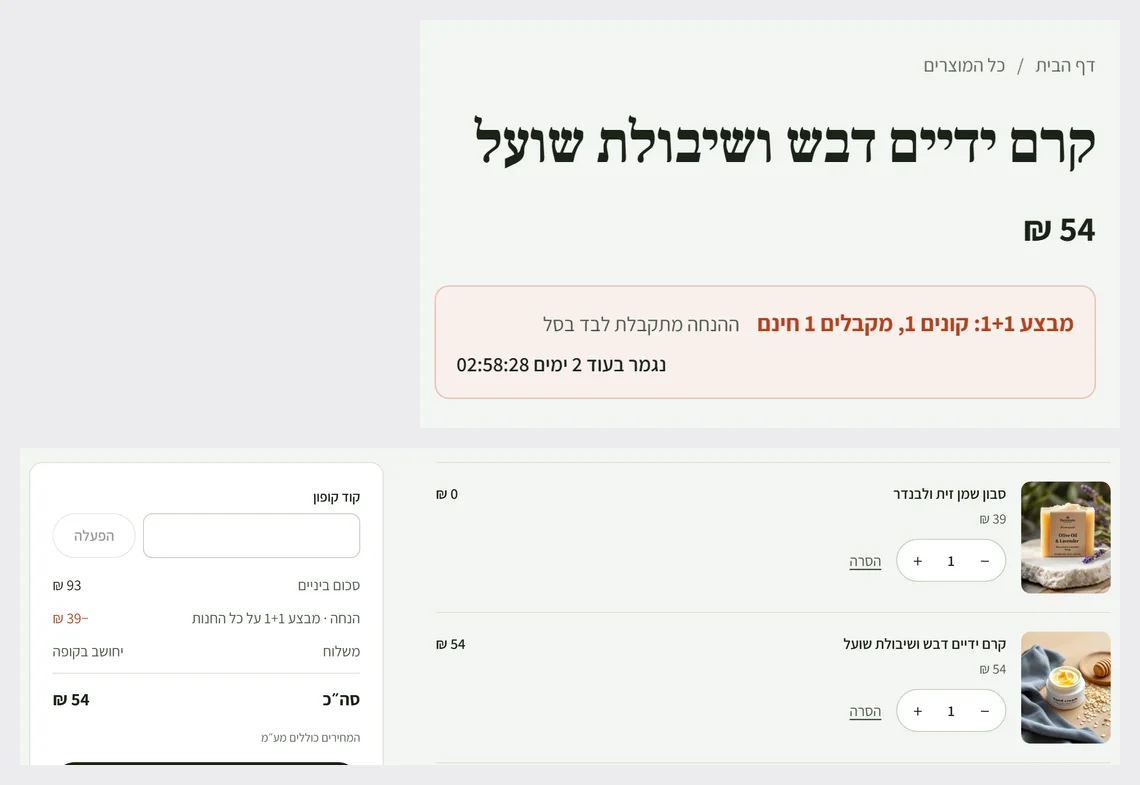 A 1+1 deal, with a clock on the product page
A new discount type: buy X, get Y free. You set 1+1 or 2+1, and the cheapest item in each group comes out free automatically in the cart. The product page shows a notice about the deal, and if it ends within the coming week, a countdown clock too.
New
- A 'Buy X, get Y free' discount: 1+1, 2+1 and up to 10+10
- A notice on the product page about every automatic deal that applies to it, with a clock when the deal ends within a week
Improved
- In each group the free item is the cheapest one, so the maths is fair and cannot be gamed
- VAT is calculated on what is actually paid, as with any discount
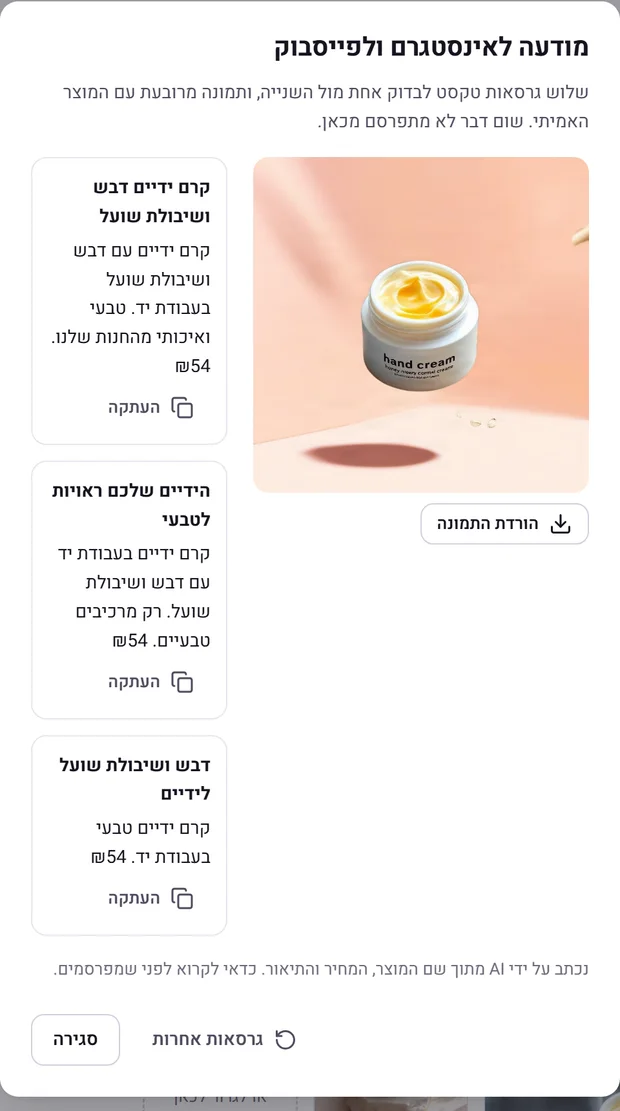 An Instagram ad, from one product
Every product's page has an 'Ad with AI' button. In about 20 seconds you get three text versions to test against each other and a square image of the real product on an ad background, to copy and download. Nothing is published by itself.
New
- Three text versions: emotional, practical and short, to test against each other
- A square image for the ad, with the product from your own photo and not a drawing of it
Improved
- The text is written only from the name, the price and the description: no deals, reviews or claims about what the product does that you have not written yourself
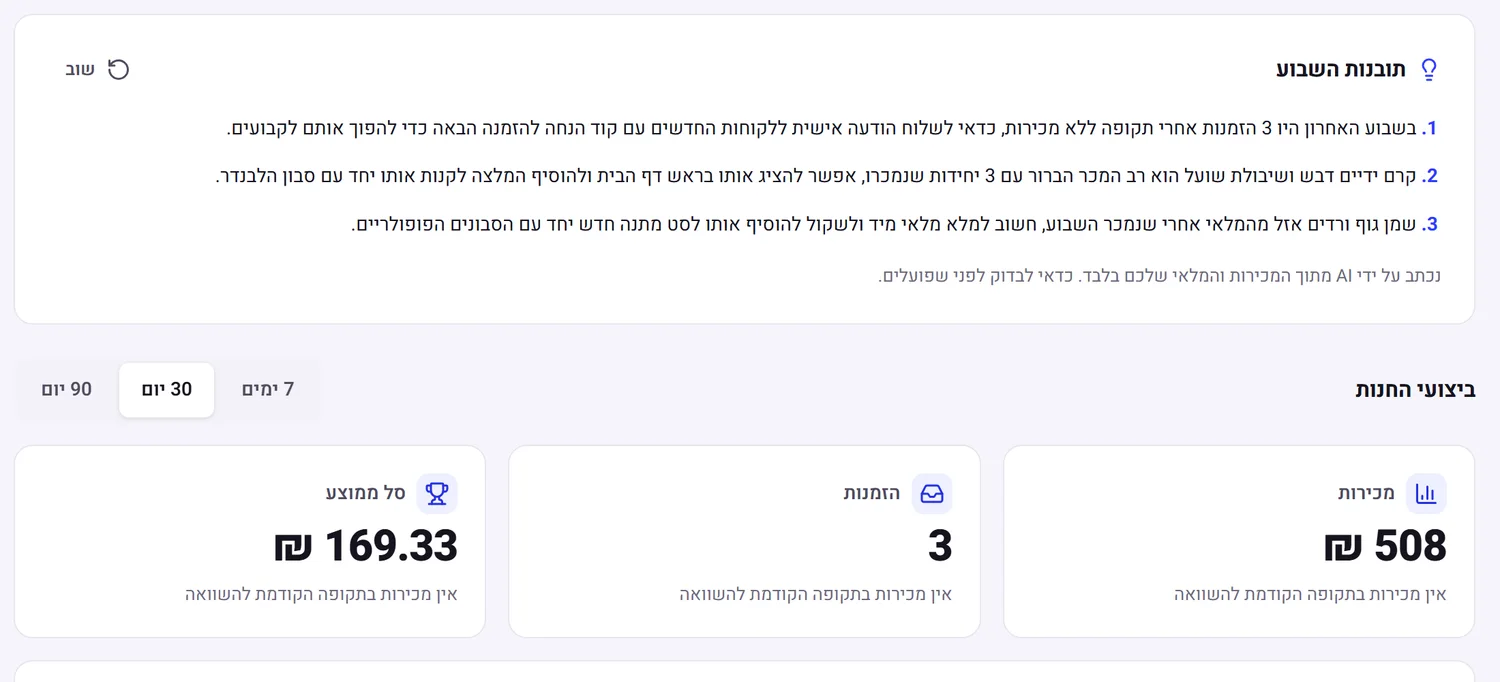 This week's insights, from your numbers
The admin home page has a 'This week's insights' card: on a click, the AI reads the sales and stock of the last 7 days against the week before, and writes three insights, each with one thing to do today. Only from the real data, with no invented numbers.
New
- Three weekly insights with an action for each: what to feature, what to restock, who to write to
- Based only on the store's sales, best sellers and stock. With no orders, the card says so and does not guess
Improved
- Neutral Hebrew wording, with no assumption about the store owner's gender
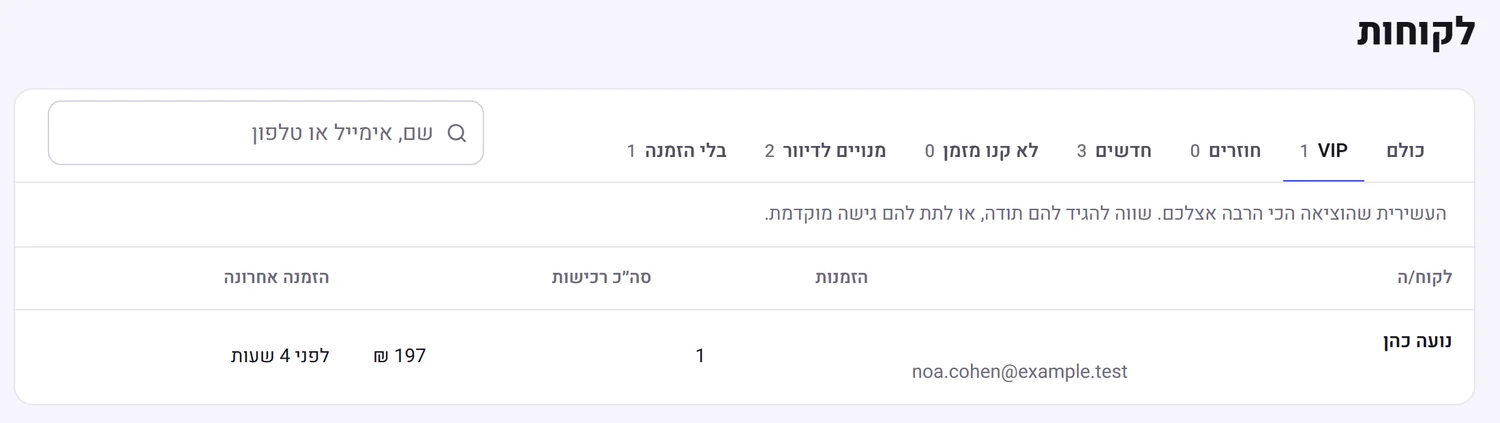 Customer segments, with no maths to do yourself
The customers page now has ready-made groups that update by themselves with every order: VIP, returning, new, those who have not bought in a while, email marketing subscribers and those who have not bought yet. Next to each group it says who is in it and what is worth doing with it.
New
- VIP: the tenth of customers who spent the most
- New: first order in the last 30 days
- Not bought in a while: bought before, no order in 90 days
Improved
- The number of customers in each group on its tab, and a short explanation of what to do with it
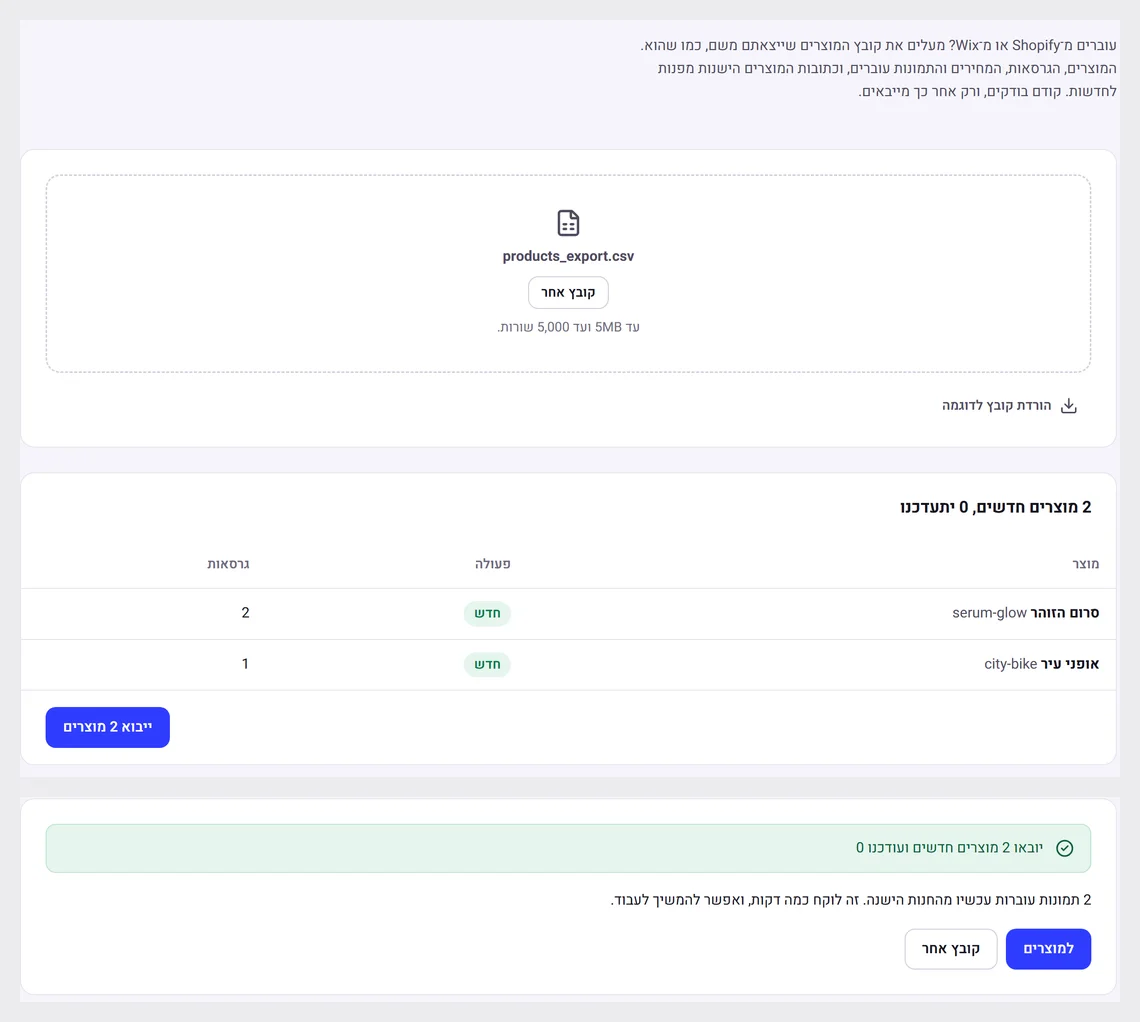 Move from Shopify and Wix, images included
Upload the product file you exported from Shopify or Wix, as it is. Products, variants, prices and stock come across straight away, the images come across in the background from the old store, and the old product URLs redirect to the new ones so you do not lose Google.
New
- Product images from a Shopify file come across automatically, with their descriptions, with no uploading one by one
- A Wix product file is accepted as it is: variants, price surcharge per variant, stock, category and images
- The old URLs (/product-page, /category, /collections/all) point to the new URLs with a permanent redirect, so links and Google ranking are kept
Improved
- Importing the same file again does not duplicate images
- Downloads run only from public internet addresses, never from the server's internal network
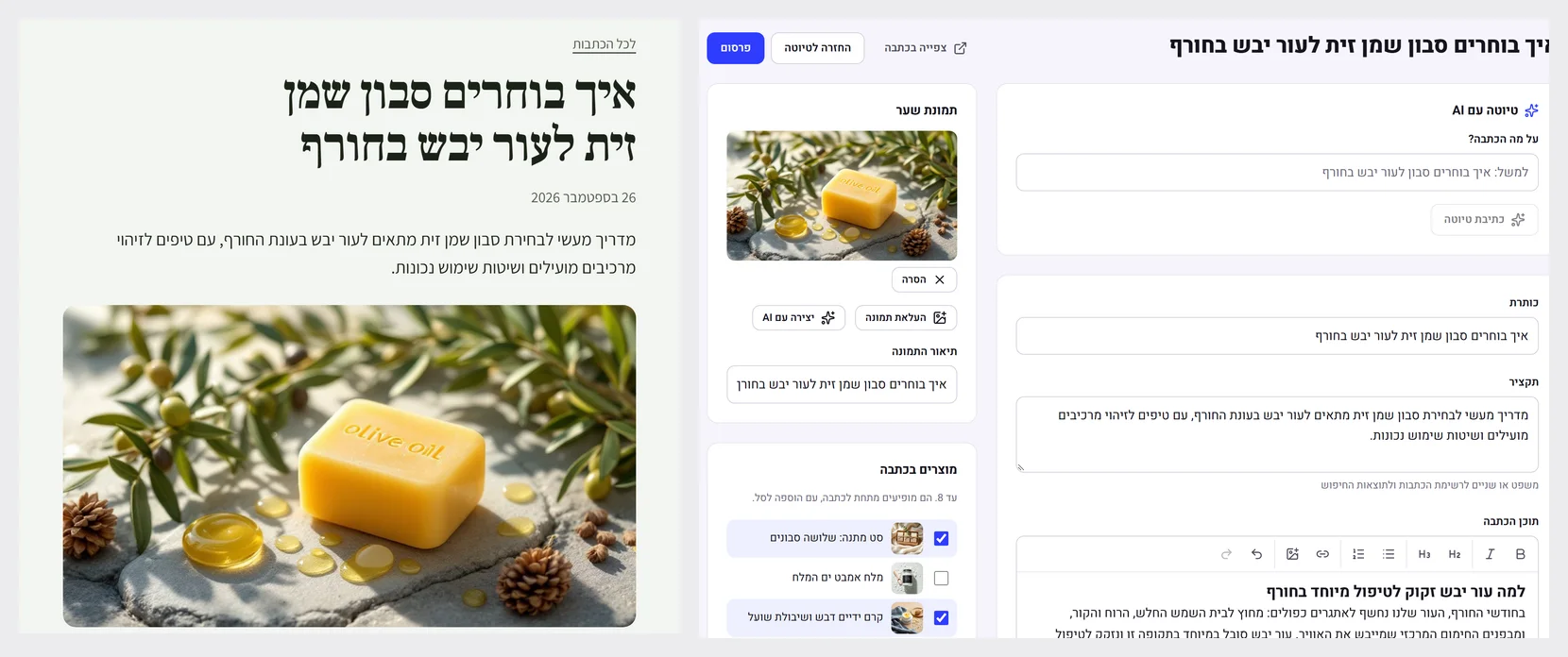 A blog that brings customers from Google
Every store now has a magazine. You write one topic, the AI writes a draft of a full article and creates a cover image for it, and you choose which products appear below it. Articles go into the sitemap with the data Google looks for.
New
- A 'Blog' page in the admin: articles in draft or published, with a text editor, an excerpt and a URL in Hebrew
- 'Draft with AI': one topic becomes an article with a title, an excerpt and four sections, with no invented prices or claims
- Cover image: upload one, or create it with AI from the title
- Up to 8 products in each article, shown below it with add to cart
Improved
- Every article gets BlogPosting data and breadcrumbs for Google, and goes into the sitemap
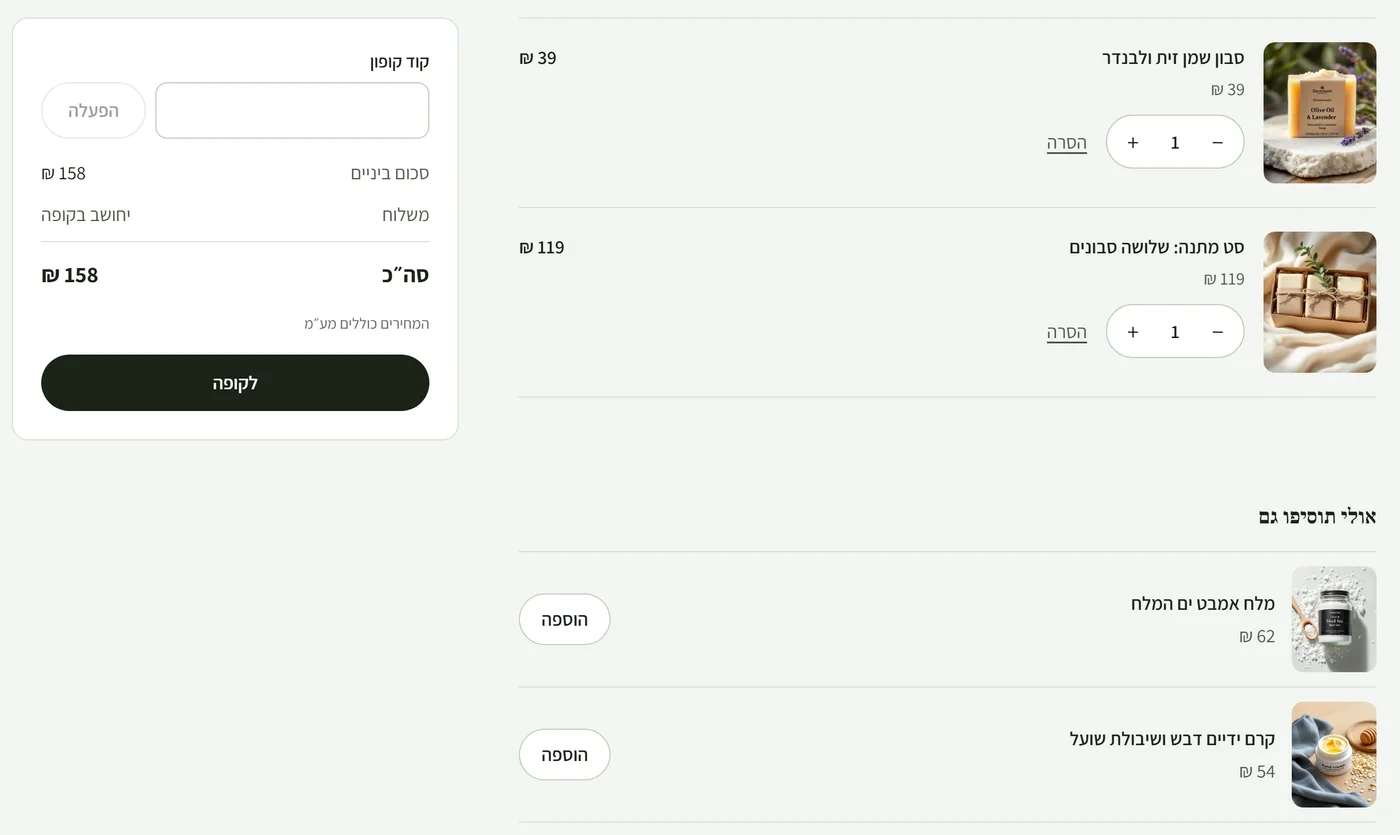 Suggestions in the cart, in one click
The cart shows up to four suggestions: first what other customers bought together with the products in the cart, then products from the same categories. A product with no options goes into the cart in one click, without leaving the page.
New
- 'You might also add' in the cart, based on what was bought together in paid orders
- One-click add for products with no options. For a product with a size or colour, a link to choose
Improved
- Only products in stock, never what is already in the cart. On a phone the suggestions appear after the checkout button
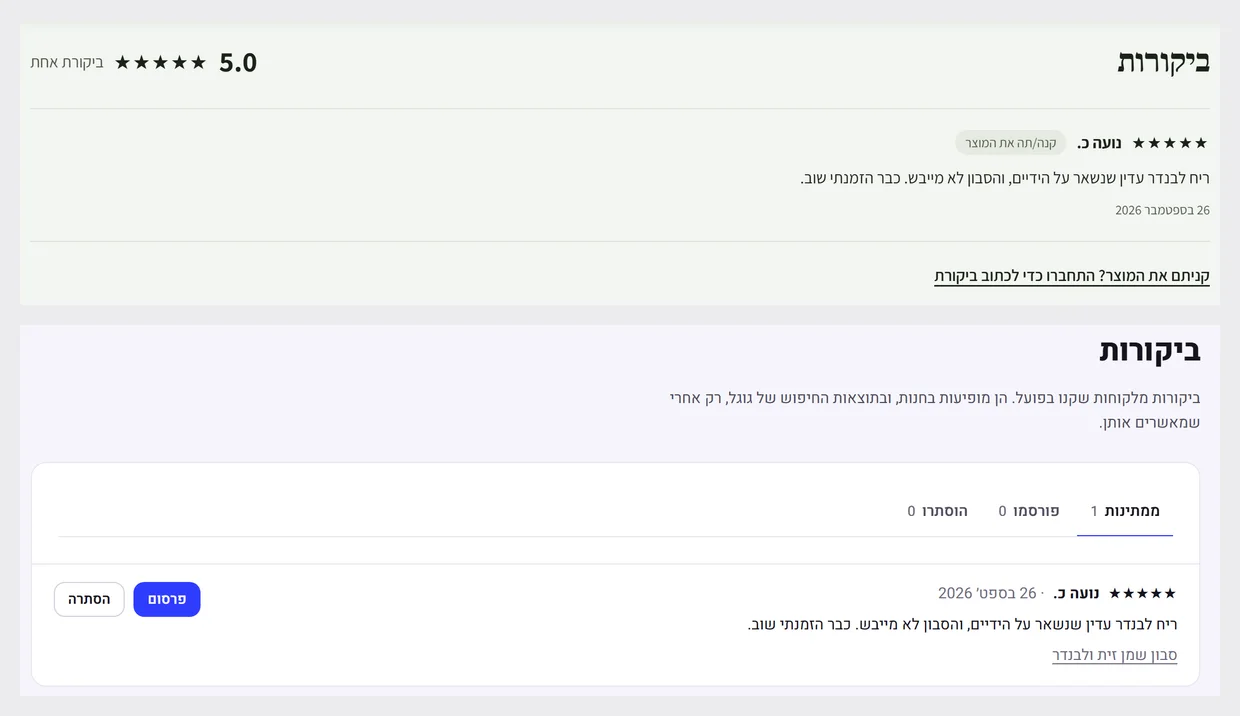 Reviews from customers who really bought
A customer who bought and paid can rate a product and write a review from the product page. The review waits for your approval on the 'Reviews' page in the admin, and only after approval does it appear in the store, with the stars in Google's search results.
New
- A star rating and review on the product page, only from people who bought and paid for the product
- A 'Reviews' page in the admin: pending, published and hidden, with one-click publishing
- The average rating and review count are sent to Google, so stars appear in search results
Improved
- One review per customer for each product. Editing sends it back for approval
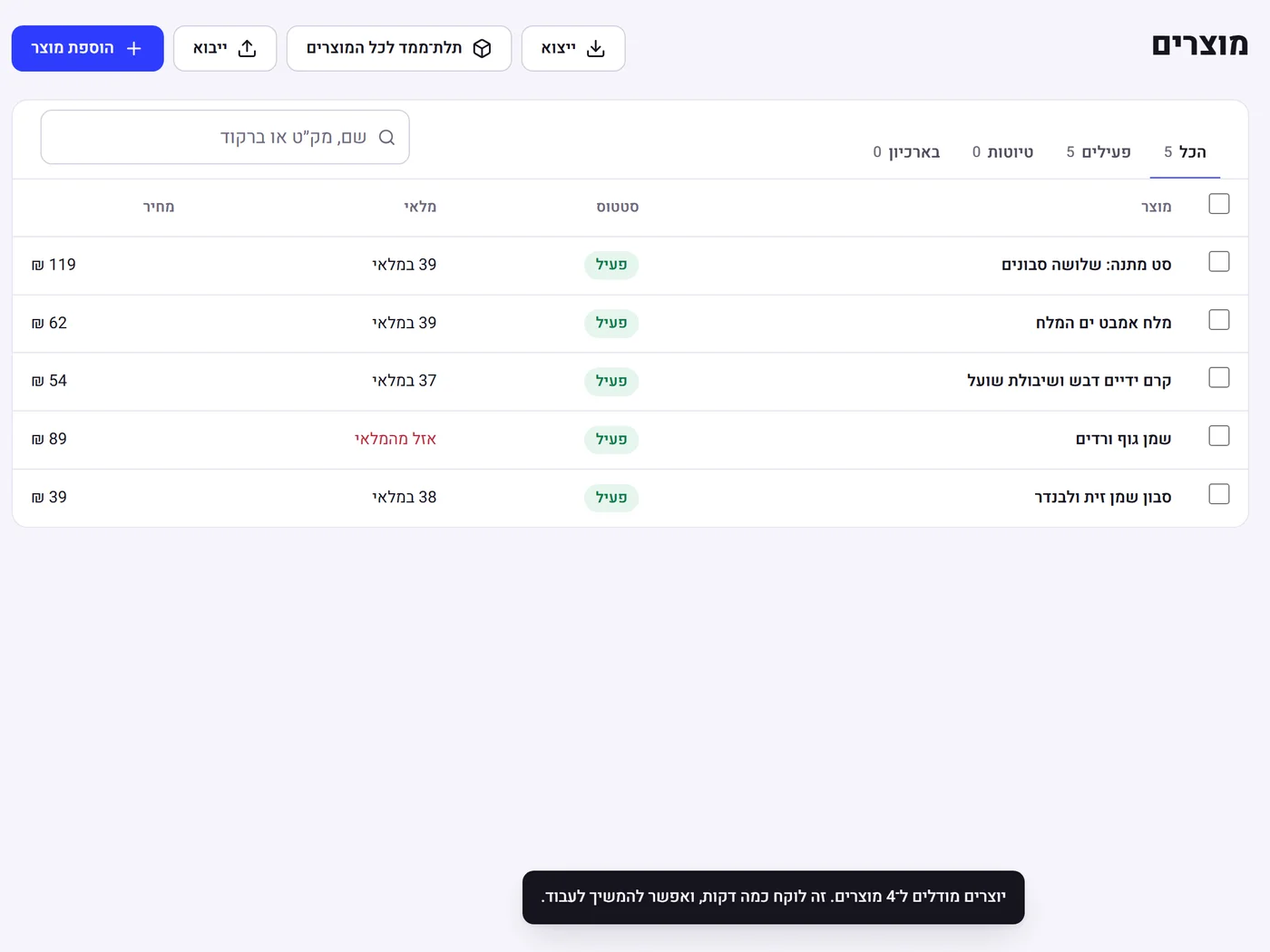 3D for the whole catalogue, in one click
Instead of creating a 3D model product by product, one button in the product list creates models for every product that has an image. Customers can rotate any product in the store, and on a phone place it in their own home.
New
- A '3D for all products' button in the product list
- Only active products with an image and no model are sent, so the same model is never created twice
Improved
- Up to 10 models a day per store. The rest wait for tomorrow, and the message says how many
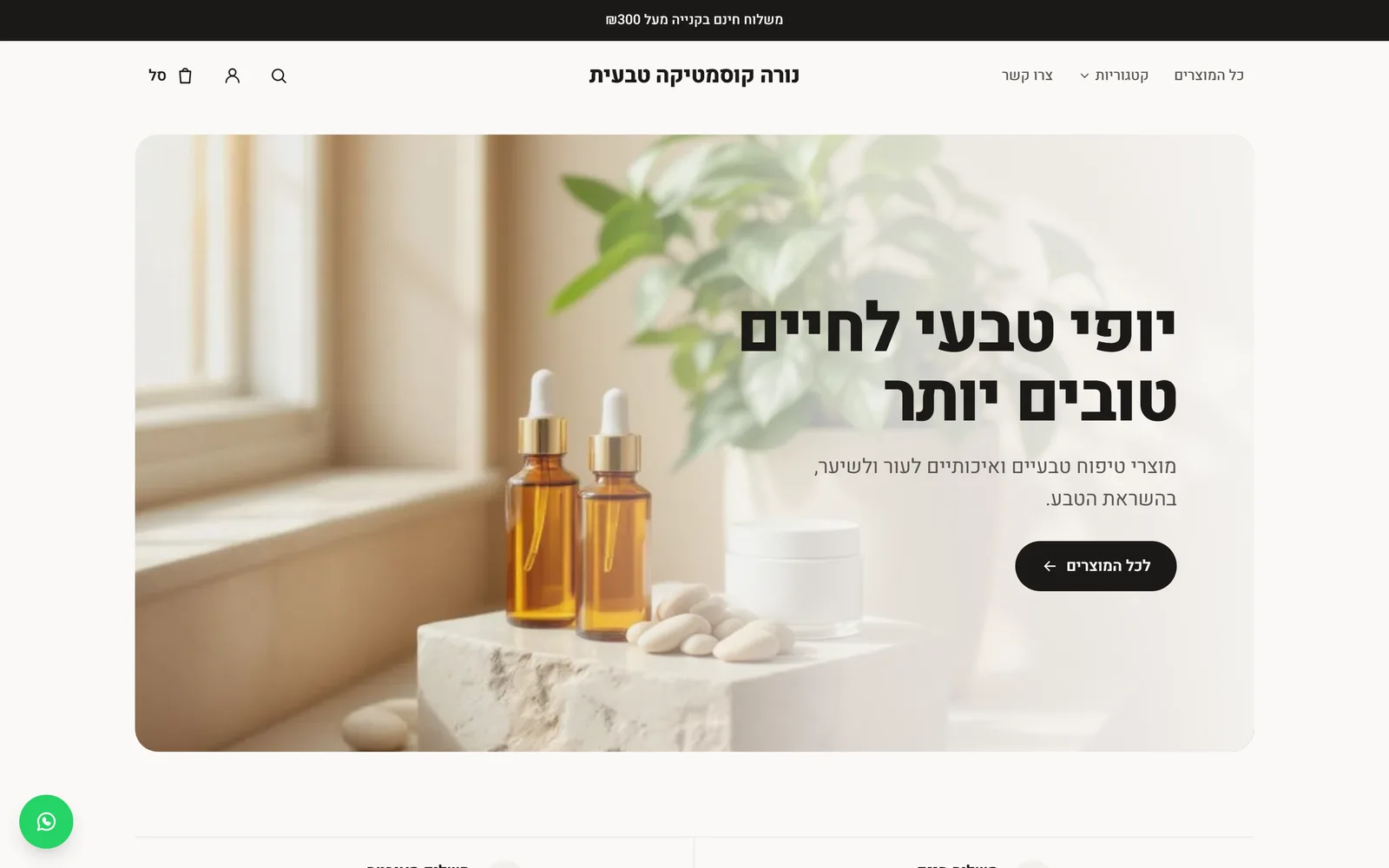 WhatsApp in your store, in one click
In Israel, people ask on WhatsApp. Every store that has entered a WhatsApp number gets a fixed chat button in the corner of the screen. From a product page the message is already written, with the product name and a link to it, so you know straight away what the question is about.
New
- A floating WhatsApp button on every store page, when the store has a WhatsApp number under Design > Menu
- From a product page: 'Hello, I have a question about…' with the product name and link, ready to send
Improved
- It does not appear at checkout, so it does not distract from payment, and on a phone it moves above the 'Add to cart' bar
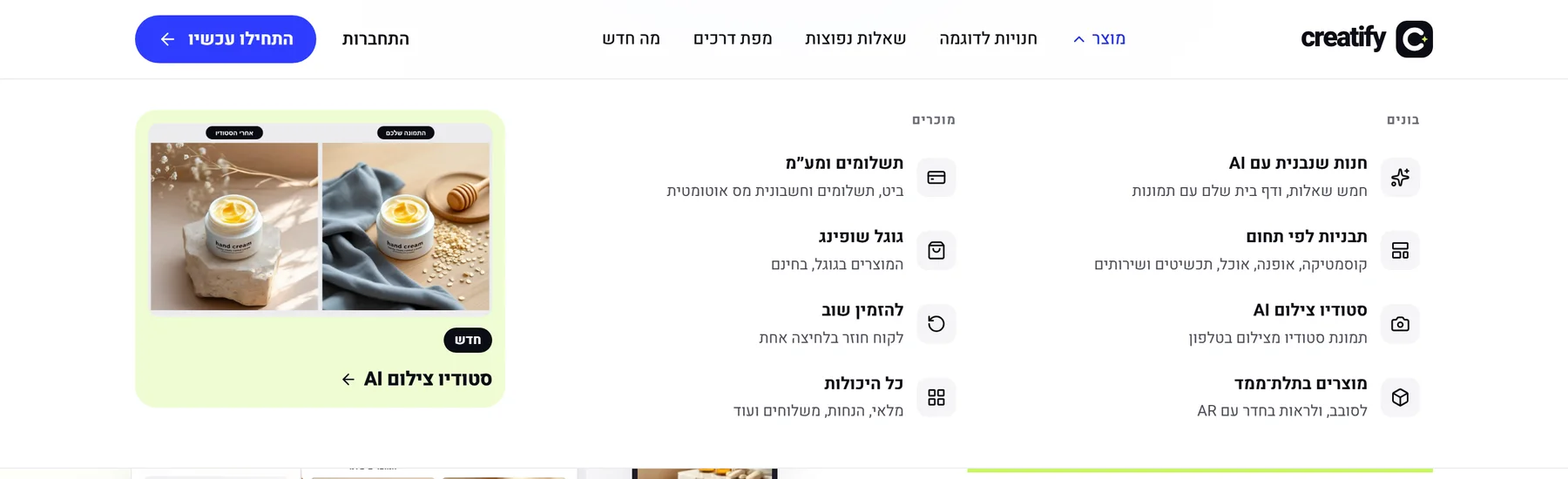 A new menu for the Kreaza site
The site's header got a 'Product' menu that shows at a glance what Kreaza does: building, templates, photography, 3D, payments and Google Shopping, each with one plain line. On a phone the same links appear in one short list.
New
- A 'Product' menu in the header: eight capabilities in two groups, with an icon and a short explanation for each
- A 'New' card in the menu that shows the latest capability released, with a real image
- 'What's new' in the main menu, on every page of the site
Improved
- Opens on hover or click, closes with Escape or a click outside, and works fully from the keyboard
- Flat, clean buttons, with no shadow
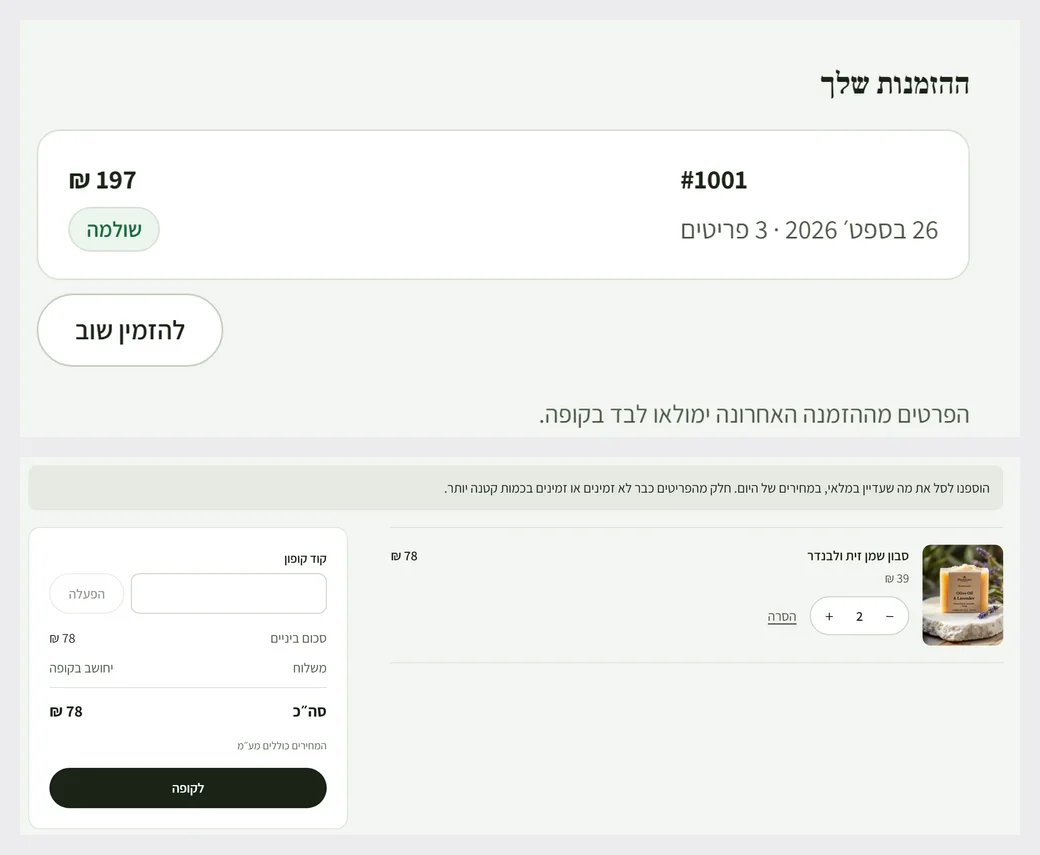 Order again, in one click
A returning customer signs in to their account and clicks 'Order again' next to a previous order. The items go back into the cart at today's prices and stock, and anything no longer available is said openly instead of quietly disappearing.
New
- An 'Order again' button next to every order in the customer account
- Items go into the cart at today's prices, up to the quantity in stock
Improved
- The cart says what happened: everything was added, some was added, or the items are no longer available
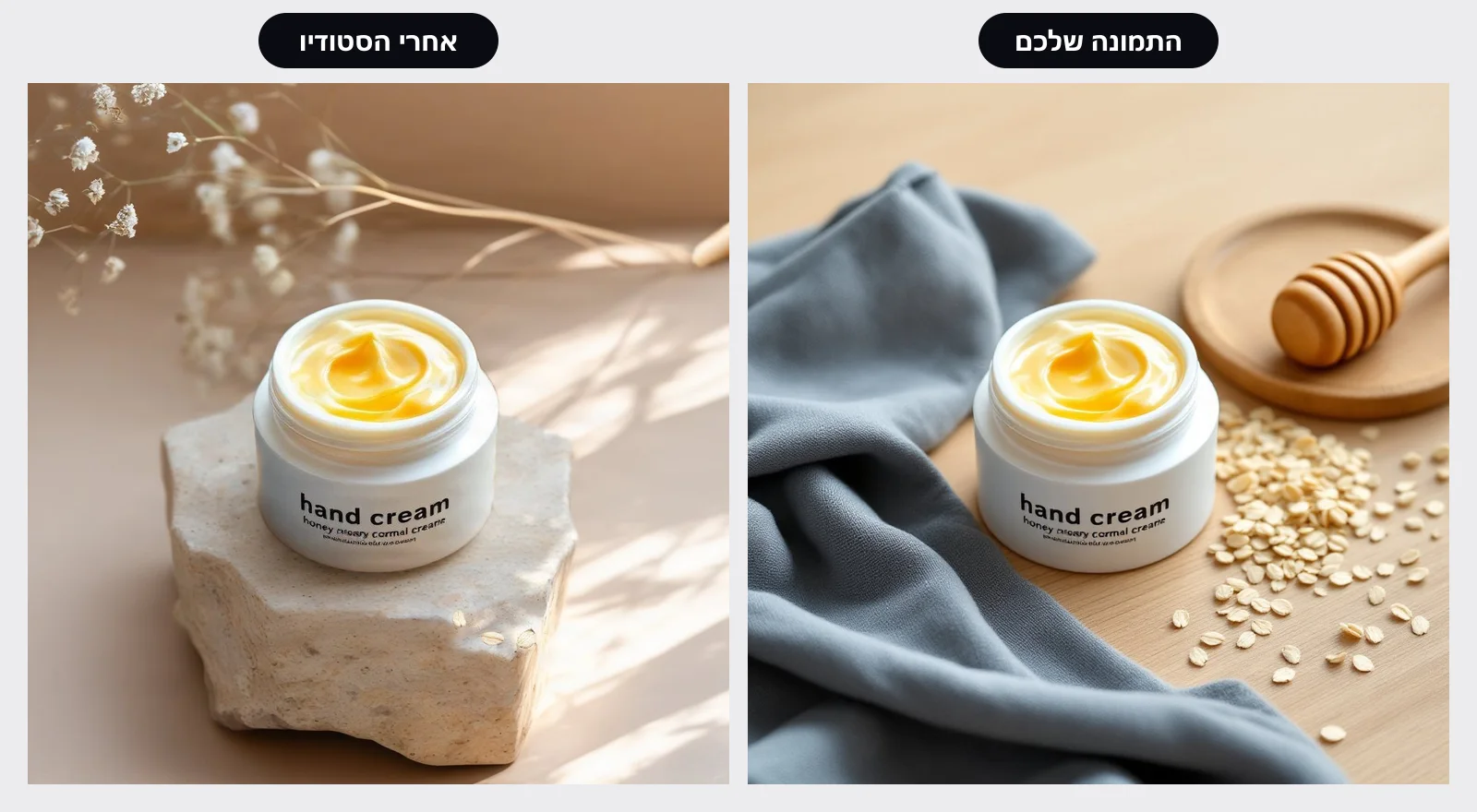 AI photo studio for products
Photograph the product wherever is convenient, and in one click get a studio shot or a lifestyle shot. The product itself stays exactly as it is in your photo, with the same label and the same colour, so the customer gets what they see.
New
- On every product image: 'AI photo studio' with five ready-made backgrounds (bright studio, stone and flowers, wooden table, linen, Mediterranean light)
- You can also describe a background in your own words, in Hebrew
- The new image is added alongside the original, with the same accessibility description. The original does not change
Improved
- The product is cut out of your photo, not redrawn: size, shape and label are kept
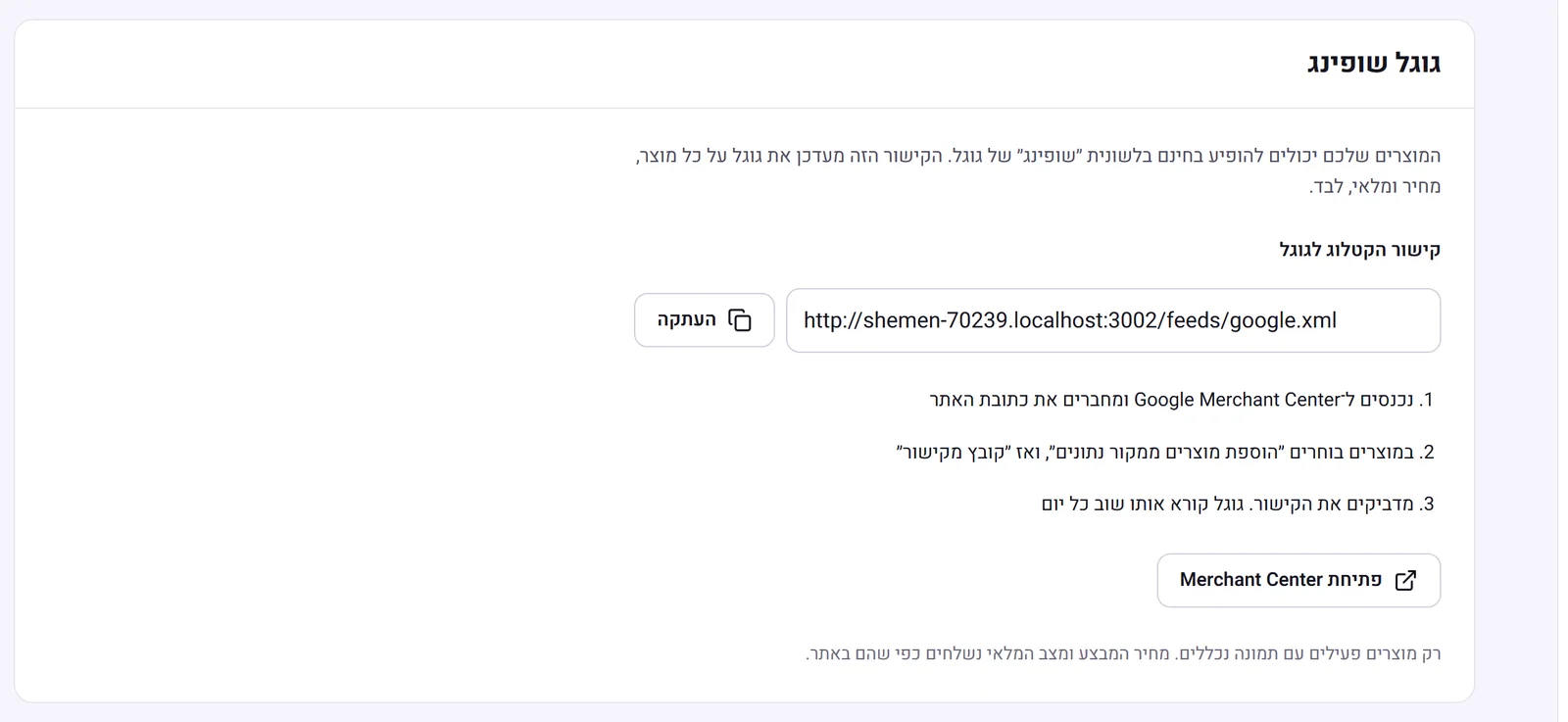 Your products on Google Shopping
Every store now has a catalogue link for Google. Paste it once into Google Merchant Center, and from then on Google updates itself every day with your products, prices, sales and stock, so they appear for free in the 'Shopping' tab.
New
- A catalogue link for Google in settings, with a copy button and three steps for connecting
- Every variant of a product (size, volume, colour) is sent as its own item with its own price and stock, grouped under the product
- A sale price is sent together with the original price, so Google shows the discount
Improved
- A link to a specific variant of a product opens on that variant, with its price, so what Google shows is what the customer sees
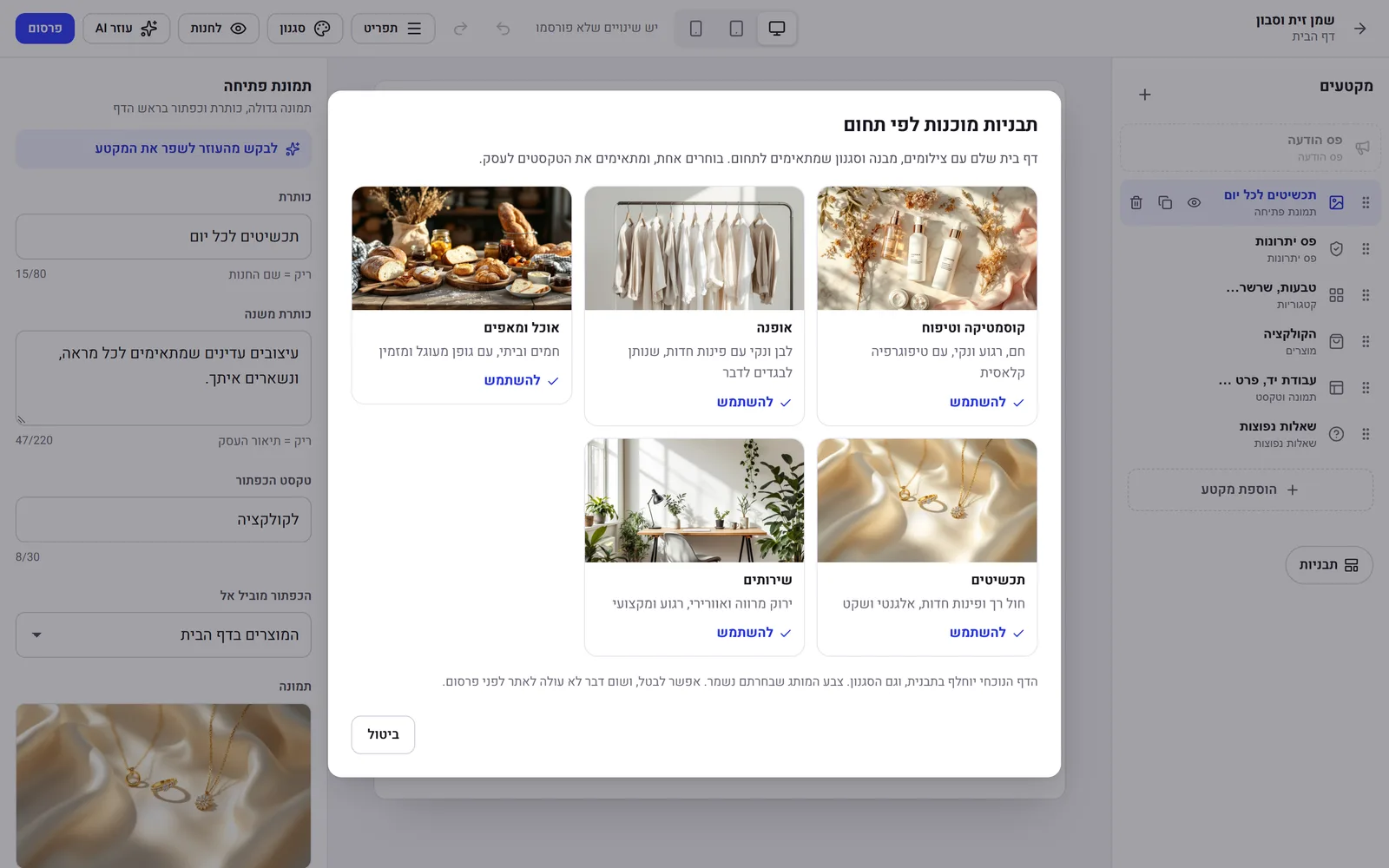 Ready-made templates by industry
Five home page templates, each with real photography, structure and style that suit the industry: cosmetics, fashion, food, jewellery and services. Pick one in the editor, adjust the text, and publish.
New
- A 'Templates' button in the home page editor: a whole page with a hero, benefits, categories, products, a story and FAQ
- Each template has its own photos, which are saved with the store and come with Hebrew alt text for accessibility and for Google
- The template also brings colours, a font and corners that suit the industry, and your brand colour is kept
Improved
- Nothing goes live before you publish, and you can undo in one click
- The text is an honest base for editing: no invented reviews, numbers or promises. The FAQ answers point to the store's policy pages
Fixed
- In the editor on a narrow screen, the save status is no longer hidden under the device picker
- Every page ready for Google, even when you wrote nothing
Every page ready for Google, even when you wrote nothing
We checked what Google and social networks see in a real store, and closed every gap: a description for every page, a sharing image, and fuller product data for rich results.
Improved
- A product with no description gets a description for Google from the facts alone: name, store, price and stock
- The home page has a description and a sharing image taken from the store's hero image
- Sharing a product on WhatsApp and Facebook also shows the price
- Product data for Google includes brand, product condition and the store's returns policy (when the business details are complete)
Fixed
- Account pages and the mailing list unsubscribe page are no longer crawled by search engines
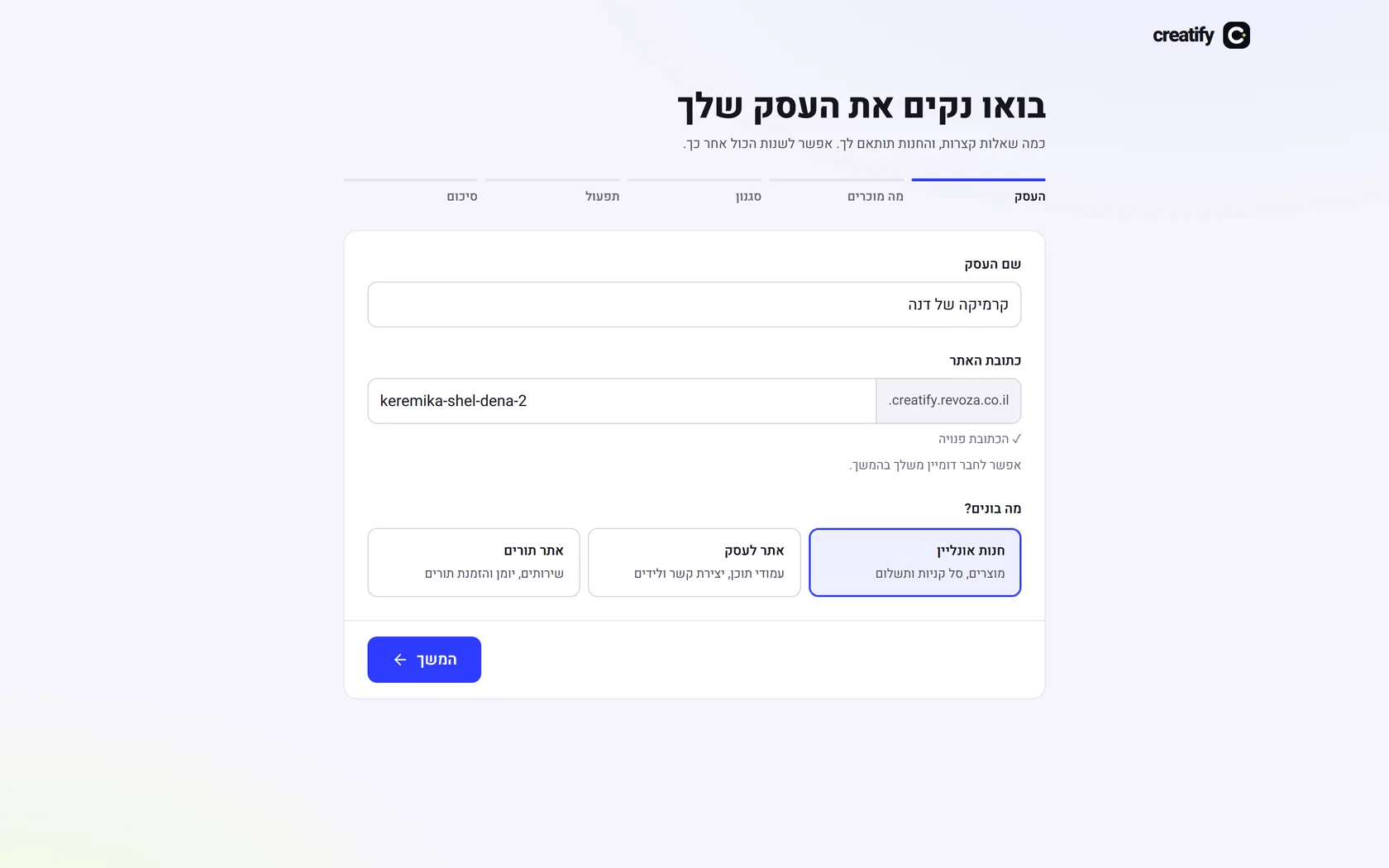 From sign-up to a built store, without stopping
We walked the path of a new business from the first moment and removed every stop: a site address created automatically even from a Hebrew name, styles you see before you choose, and a store that builds itself at the end of the questions.
New
- A business name in Hebrew automatically creates a readable site address in English, which you can change
- If the address is taken, a free alternative is found automatically, with no error message
- When choosing a style, each option shows the colours, font and corners the store will get
- At the end of the questions the store builds itself: design, home page, about, contact and categories, with no extra click
Improved
- The 'Write with AI' button says what it needs to get started, on a phone too
- AI setup is more resilient: an automatic retry when the service does not respond for a moment
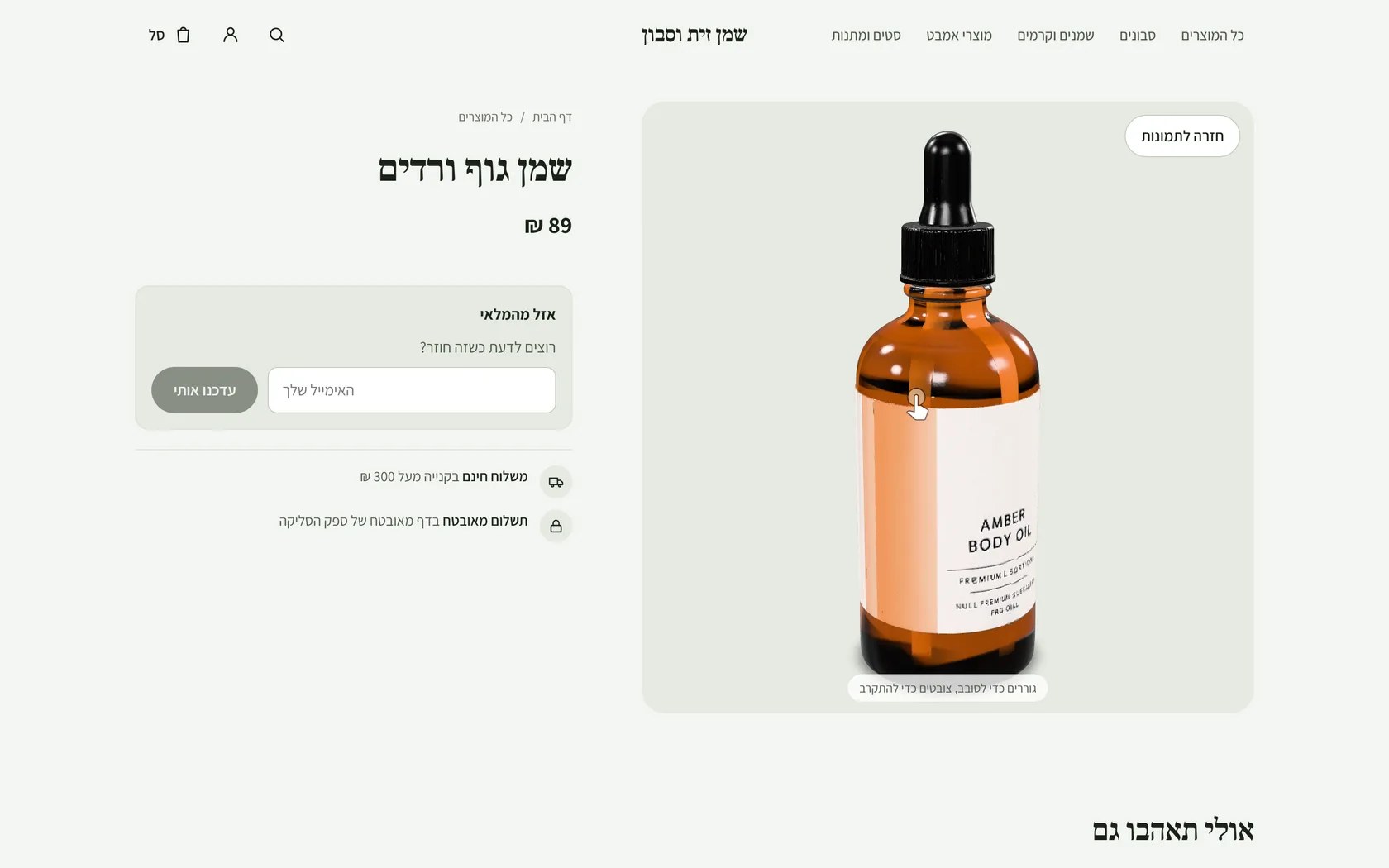 Your products in 3D
One click on the product page, and a 3D model is created from the main image. Customers rotate it in the store, and on a phone they place it in their own home.
New
- 'Create 3D model' on the product page in the admin: the model is created from the main image within a few minutes, with a progress percentage
- In the store, a '3D' button on the product image opens a model you can rotate, drag and zoom
- On a phone, 'View in your home' places the product in the room (AR), on iPhone and Android
Improved
- The 3D viewer loads only when it is opened, so product pages stay fast
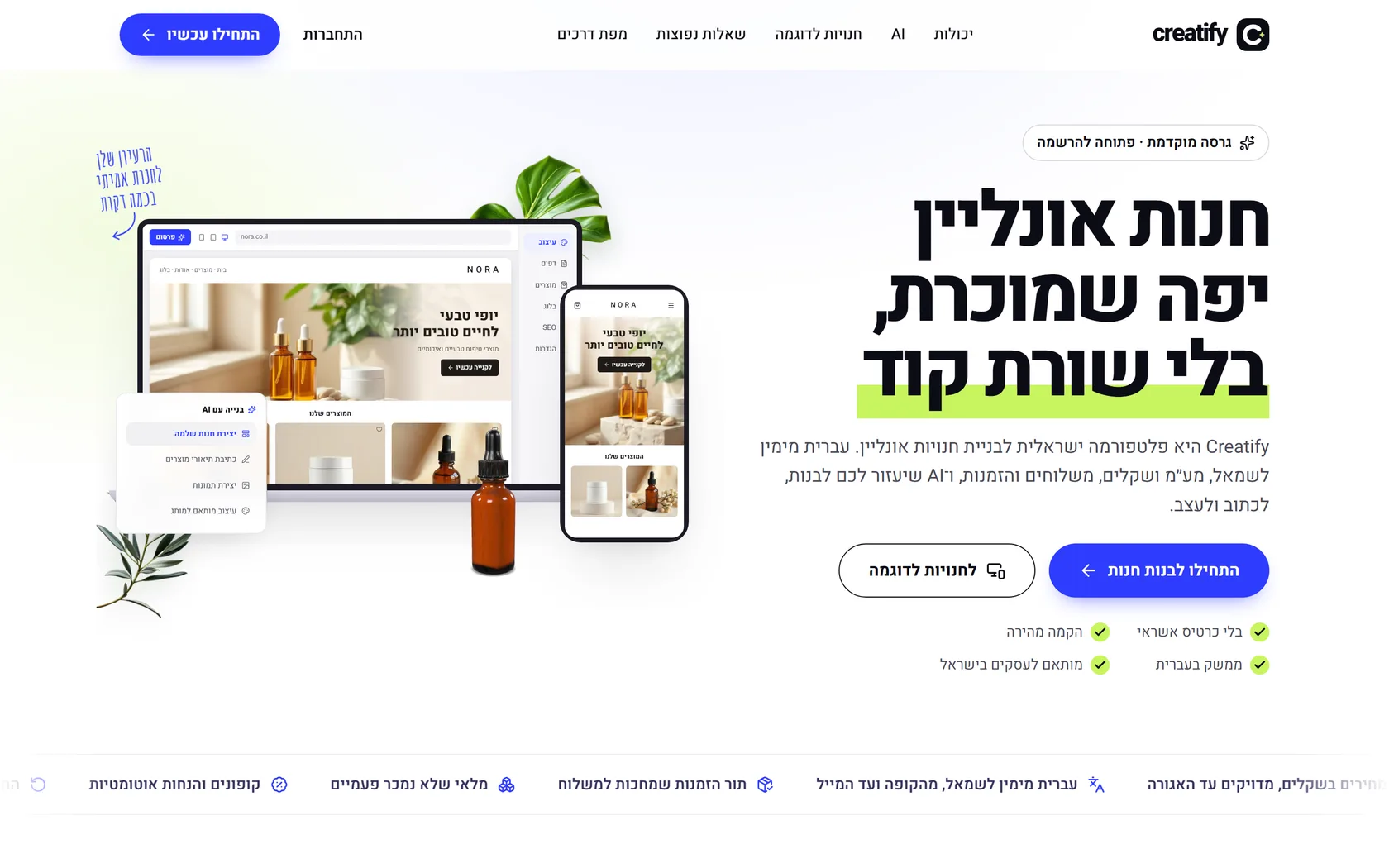 A new look, and a store that is built complete from the first moment
A new logo and design for Kreaza, and AI setup that prepares a whole home page: images shot specially for the store, categories already filled with products, and a ready menu.
Before and after: the header and logo on desktop Before and after: the menu on a phone New
- A new logo and a bright, airy look for the site and the admin, with large headings and rounded buttons
- A new menu: a clean top bar, and on a phone a full-screen menu with large type that is easy to tap
- AI setup shoots a hero image and an image for the business story, specially for the store, with a description for screen readers
- The categories the AI creates are already filled with the store's products, and appear straight away on the home page and in the menu
Improved
- All section headings in the store are the same size, and the product grid on the home page shows complete rows
Fixed
- AI setup sometimes lost the page's text; now it is always saved
- On a phone, the site shifted sideways by about 20 pixels because of the hero image decorations
 Customer accounts without a password
Customers sign in with a code sent by email, see all their orders, and the checkout fills itself in from the previous order.
New
- Sign in to the account with a 6-digit code by email, no password; the code is submitted automatically when the sixth digit is typed
- 'Your orders': every order with date, amount and status (paid, shipped, refunded), and a link to the details
- A signed-in customer reaches the checkout with email, phone and address from the last order
- An account icon in the store header
Improved
- Security: a code is valid for 10 minutes and for one use, 5 wrong attempts and it is void, one account per store
Fixed
- On a phone, the header icons were too narrow to tap and overlapped the store name; search moved into the menu
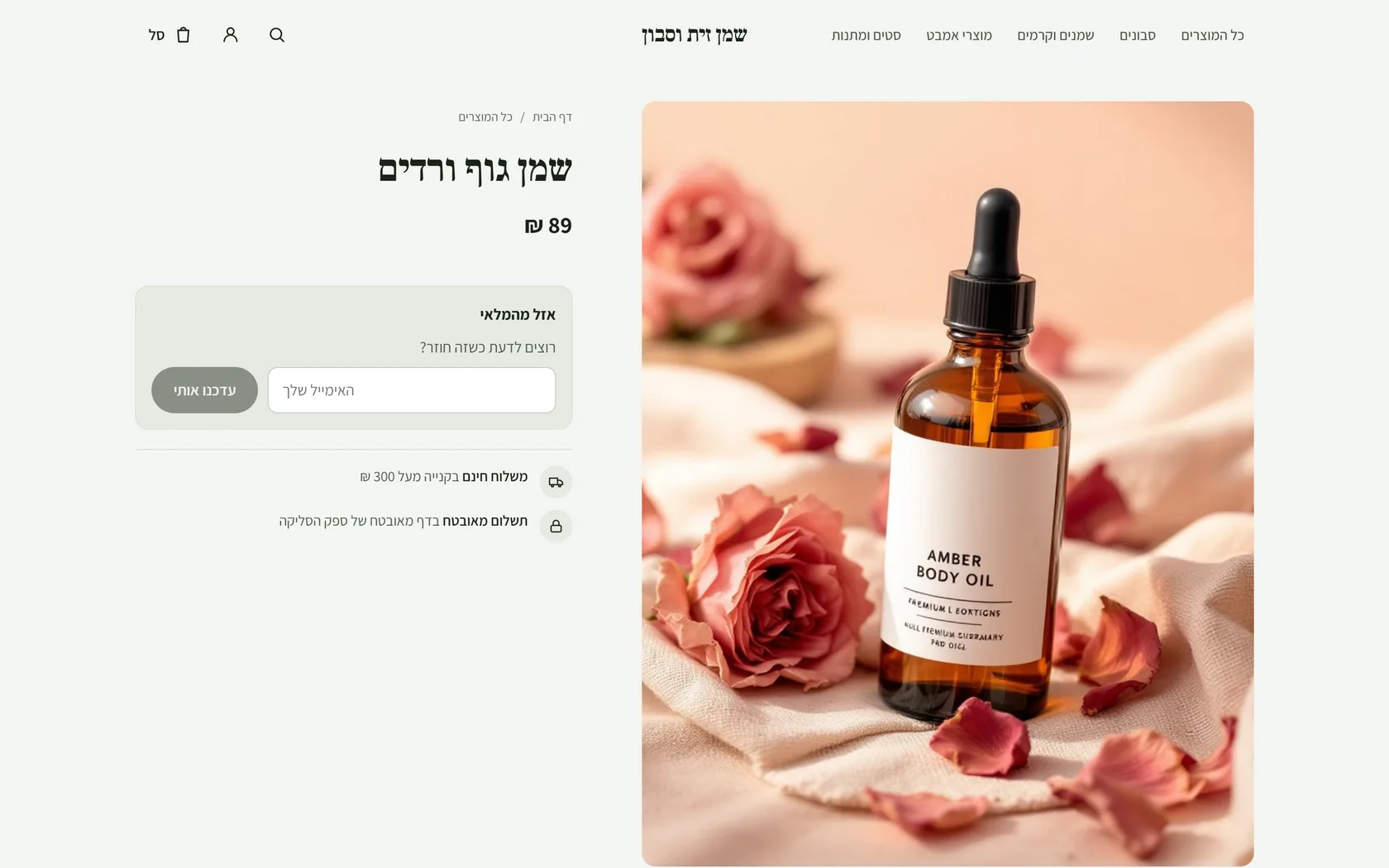 Back-in-stock alerts
A sold-out product no longer stops a sale: the customer leaves an email and gets a message the moment the product is back, and in the admin you see how many customers are waiting.
New
- On a sold-out product, in place of a grey button: 'Want to know when it's back?' with a single email field
- The moment you update the quantity, everyone who was waiting gets one email with a link to the product
- On the product page in the admin: how many customers are waiting, right next to the quantity field
Improved
- Abandoned carts: the settings are on one line that saves itself, and the list is visible straight away, on a phone too
- Documents on an order: the amount is aligned beside the name, a credit is shown as a minus, and there is a way forward when a document was not issued
25 September 2026
15 releases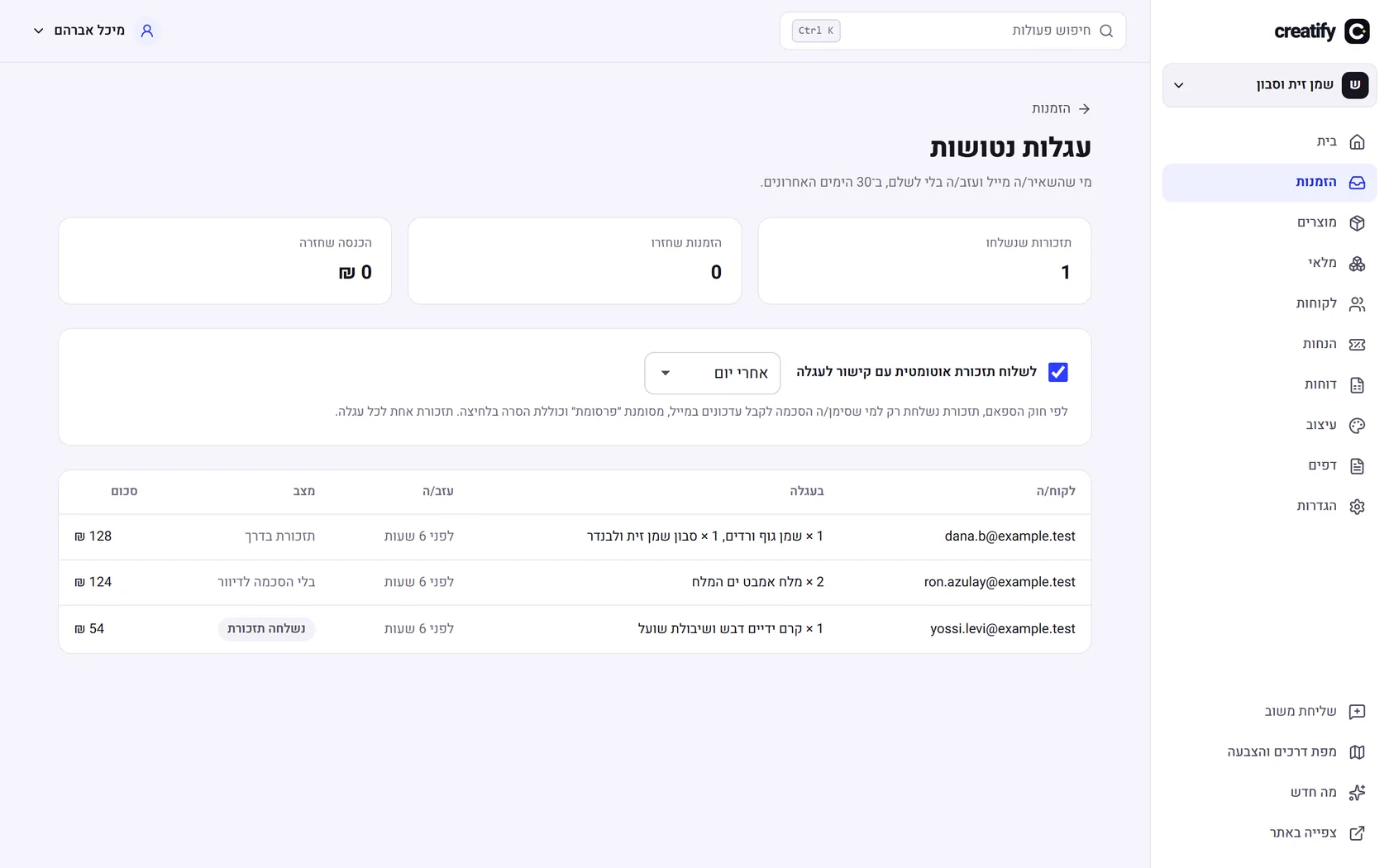 Abandoned cart reminder
Anyone who entered an email at checkout and left without paying gets a reminder with a link that restores exactly what was in the cart, on any device. Only for those who agreed to email marketing, as the law requires.
New
- An automatic email reminder, after one hour to one day as you choose, with the items and the total
- The link in the email rebuilds the cart in any browser, even on a different phone
- An 'Abandoned carts' screen: who left, what they left, whether a reminder was sent and whether they came back to buy
- How many reminders were sent, how many orders came back and how much money, in the last 30 days
- In line with the Israeli anti-spam law: only with consent, marked 'Advertisement', one-click unsubscribe from inside the inbox too, and one reminder per cart
Improved
- The email and the marketing consent are saved as soon as they are filled in at checkout, not only on clicking pay
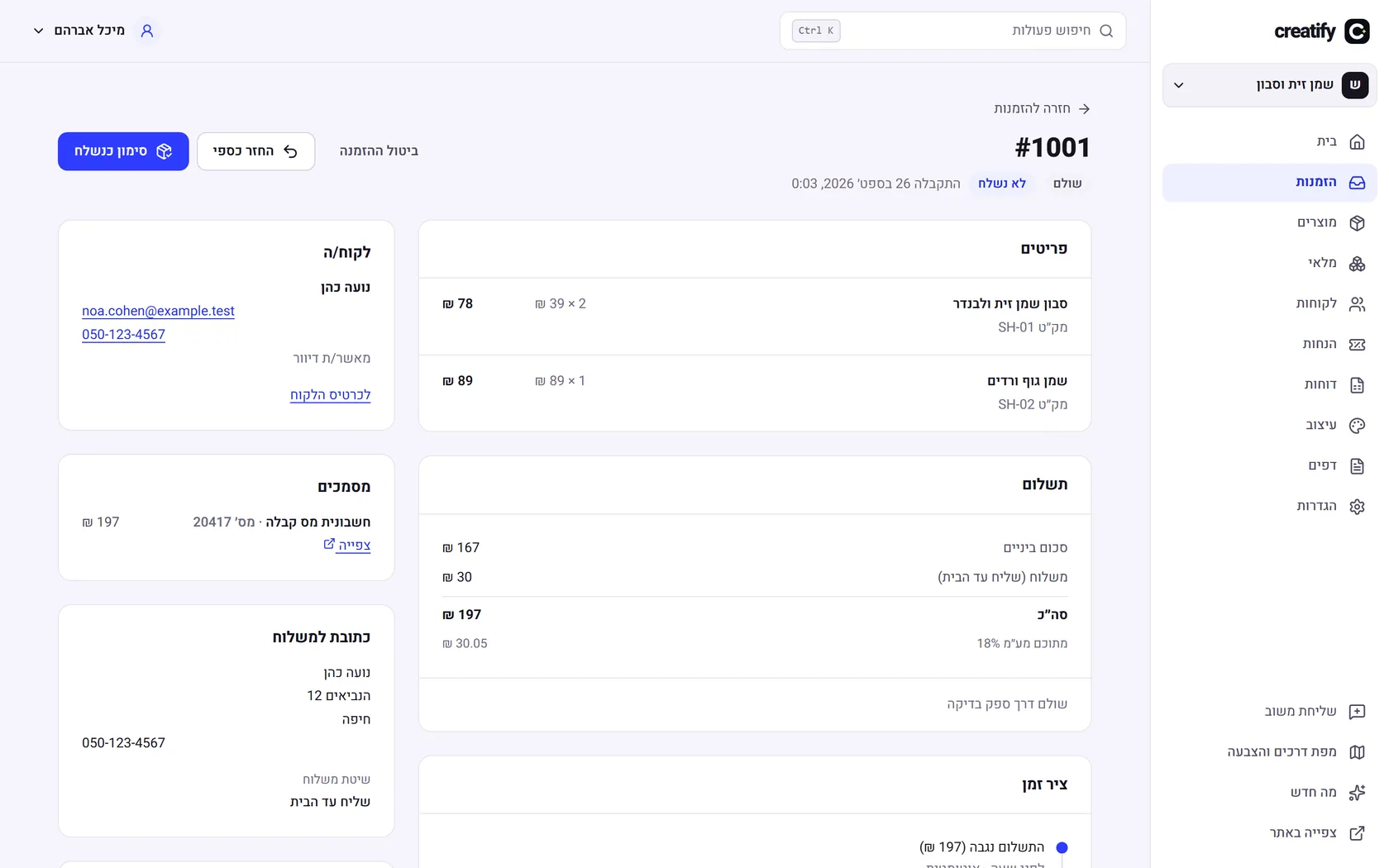 Automatic invoices and receipts
Connect Morning (Green Invoice) once, and from then on every paid order gets a tax invoice receipt, and the customer receives it by email.
New
- A tax invoice receipt for every paid order, by card, cash or bank transfer, from your own Morning account and in your own numbering
- A VAT-exempt dealer gets a receipt instead of an invoice, according to the business details
- A credit invoice for every refund, linked to the original invoice
- The customer receives the document by email from the store, with a link to view and download it
- On every order you see the documents that were issued; if Morning refused, you see why and retry in one click
- You can pause automatic issuing and issue manually from the order, including for orders from before the connection
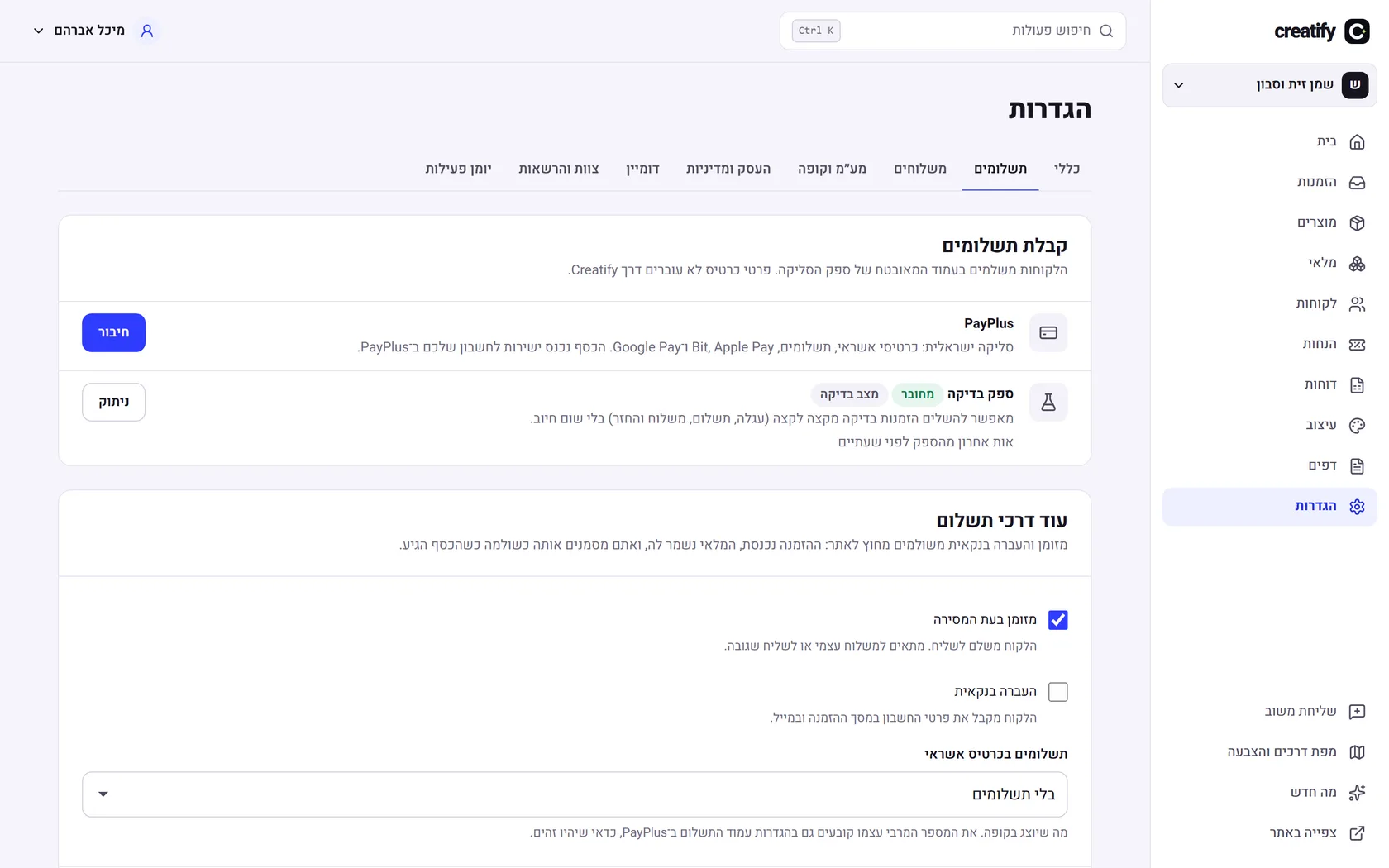 Payments, your own domain and phone notifications
More ways to pay, a site address of your own, a VAT report for your accountant, flagging of suspicious orders, and a notification on your phone for every new order.
New
- A PayPlus connection for every store with its own keys, including refunds from the order. Still being tested against the PayPlus test environment
- Payment by cash on delivery or by bank transfer: the customer gets payment instructions by email, and the business marks the order 'Paid'
- Interest-free installments, with a minimum amount the business sets
- A monthly VAT report and a CSV file for your accountant
- Your own domain: ownership check in DNS, and a security certificate that is issued automatically
- Flagging of suspicious orders before shipping, and a limit on repeated payment attempts from the same cart
- A phone notification for every new order: add Kreaza to your home screen and turn it on from the account page
Fixed
- The rate limit for shoppers was shared by everyone; now each shopper is counted separately
 Pages, menus and AI that builds with you
About, contact, FAQ and landing pages, a menu and footer you edit yourself, and AI that writes product descriptions and prepares a first draft of the site.
New
- More pages in the editor: about, contact, FAQ and landing pages, with starter templates
- A contact form that sends an email to the business, with spam protection
- Editing of the menu and the footer: links, a category menu and social networks
- A product description, a title and description for Google, and tags, from a few words and an image
- From your sign-up answers: a style, a draft home page, about and contact pages, and categories
- Emails, legal documents, accessibility and SEO
Emails, legal documents, accessibility and SEO
Everything a store needs before it opens: emails that arrive, terms and a privacy policy, accessibility to the standard, and a correct appearance on Google.
New
- An email to the team for every new order, and an email to the customer when the order has shipped, with a tracking number
- Terms, cancellation policy, shipping, privacy (Amendment 13) and an accessibility statement, written from the business details
- An accessibility check in the editor before publishing
- A sitemap, canonical URLs and structured data for products, so Google shows them correctly
Improved
- Colour contrast to WCAG 2.1 AA in every colour scheme, on every store and checkout page
- Style, rich descriptions and product import
Style, rich descriptions and product import
Choose colours, fonts and corners for the whole store at once, write product descriptions with headings, lists and images, and move a whole catalogue over from a file.
New
- Four colour schemes, four Hebrew font pairs, three corner styles and a brand colour for buttons, with a live preview in the editor
- The text colour on buttons is chosen automatically so it is readable, and there is a warning when the brand colour almost disappears into the background
- A description editor with bold, headings, lists, links and images with a description for screen readers
- Product import from a CSV file in Shopify's format: a full check before importing, and problems listed by row and column
- Importing again updates existing products instead of duplicating them, and keeps their stock and orders
- Export of all products to a file that opens correctly in Excel in Hebrew
 Visual editor and AI assistant
The 'Design' screen has become a full editor: build the home page from sections, drag to reorder, see every change on the real store, and ask the assistant to write, arrange and create images.
New
- Nine section types: hero image, benefits, categories, products, image and text, text, banner, gallery and FAQ
- Drag to arrange sections, and from the keyboard too: space to pick up, arrows to move
- A live preview of the real store on desktop, tablet and phone; clicking a section in the preview opens its settings
- Automatic saving as a draft, undo and redo (Ctrl+Z), and publishing only when you decide
- An AI assistant that knows your products and categories: it builds sections, writes and rewrites, and does not invent prices, reviews or promises
- Image creation from a description in words, straight into the section, with a description for screen readers
Improved
- Everything the assistant returns goes through the same check as manual editing: links only inside the store, images only from the store
- A new 'All products' page in the store, with sorting
- The roadmap has grown to six stages and more than 50 items, with progress for each stage
- Inventory screen
Inventory screen
All your inventory in one table: what is available, what is reserved for orders and what is on its way, with quick updates and a history for every product.
New
- An inventory table with product image, search by name or SKU, and a low-stock filter
- Update a quantity directly in the table, with a reason: goods received, count correction, damaged, lost or return
- A movement history for every product: who changed it, when and why, including orders and shipments
Fixed
- Tables in the admin made the whole page scroll sideways on narrow screens
- Preview before opening
Preview before opening
You can see the store exactly as a customer does before you open it: the home page, the products, the categories and the cart.
New
- A 'Preview' button on the admin home page while the store is not yet open or is paused
- The link is personal and valid for 24 hours; only someone who holds it sees the store
- A bar at the top of every page that reminds you this is a preview, with a one-click exit
Improved
- In preview you can fill a cart, but ordering and payment open only when the store is open
- Roadmap voting and feedback
Roadmap voting and feedback
Beta users decide what gets built first: a vote on every roadmap item, and feedback straight from the admin.
New
- A vote button next to every roadmap item, with the real number of votes
- 'Send feedback' in the admin menu: an idea, something that did not work, or other
- Links to the roadmap and to 'What's new' from every screen in the admin
Improved
- Anyone who is not signed in sees the count and a link to sign in, with no button that does not work
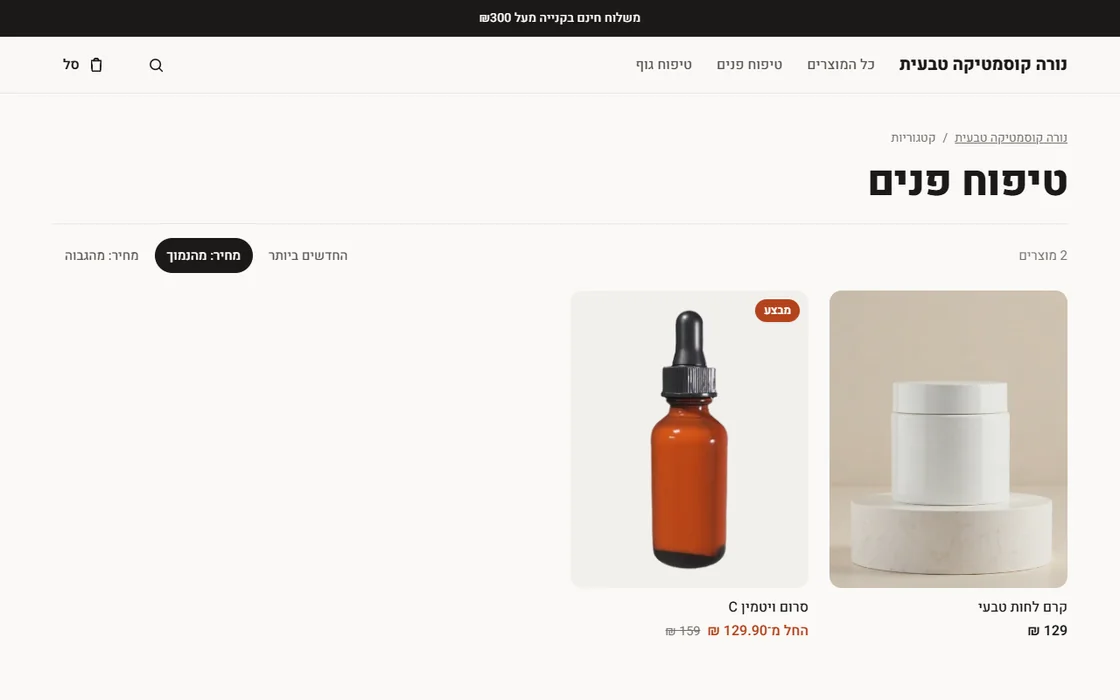 Categories and search in the store
Collections from the admin now appear in the store: on the home page, in the menu and on a page of their own, with sorting. And customers can search for products.
New
- A categories section on the home page, each category with an image and a product count
- A page for every category, in the order you set, with sorting by newest or price
- Product search by name, description, brand and tags, in Hebrew too
- Category links in the top menu and a search button
Fixed
- A new product or a price change appeared in the store only after a few seconds; now it is immediate
- Dashboard
Dashboard
The admin home page now shows how the store is doing: sales, orders and average order value, against the period before, with a daily chart.
New
- Sales, orders and average order value for 7, 30 or 90 days, with the percentage change from the previous period
- A daily sales chart on the store's clock, with a dashed line for the previous period
- Recent orders, low-stock products and best sellers
Improved
- The numbers include only paid orders, net of refunds; a refunded item drops out of the best sellers
- There is no conversion rate or visitor count here, because visits are not measured yet; no number is better than an invented one
 Store design
A new 'Design' screen in the admin: hero image, headings, benefits bar and an announcement in the header, with a live preview of the store as you edit.
New
- A wide hero image with a heading, a subheading and a button that the business writes
- An automatic benefits bar: it shows only what is true according to your settings, such as free shipping above an amount and secure payment
- Or your own benefits, up to four, with icons
- An announcement in the header, for example a sale or shipping times
- A live preview in the admin with your real products
Improved
- On a phone the image is shown above the text, so neither hides the other
- Roadmap and changelog
Roadmap and changelog
One page that shows what already works, what is being built now and what comes next, and a log of everything released since the beta began.
New
- A public roadmap with what is available, what is in progress and what is planned
- A changelog with every version since the beta opened
Improved
- A link to 'What's new' from the admin
 The store opens to customers
Customers can buy: home page, product page, cart, checkout and an order tracking page. Store owners open the store from the admin home page.
New
- A store home page with the business description and a product grid
- A product page with a gallery, a choice of size or colour, and a sale price with the saving
- A cart with quantity changes, a coupon code, and an explanation of why a code did not apply
- A checkout with an Israeli address, a choice of shipping and errors in Hebrew for every field
- An order tracking page: paid, awaiting payment or cancelled
- Opening and pausing the store from the admin home page, with a list of what is missing
Improved
- Adding more than is in stock keeps the quantity that is possible and says so
Fixed
- Store owners who tested their own store could not pay on the test payment page
- Opening or pausing the store took up to 15 seconds to reach customers
- A mistake in one checkout field erased everything that had been typed
24 September 2026
5 releases- Product images
Product images
Upload images for every product, arrange them, choose the main one and add a description. Images are resized and stripped of hidden data.
New
- Upload by dragging or choosing, up to 20 images per product
- A main image, reordering and a description for screen readers
Improved
- Hidden data in an image (such as GPS location) is removed on upload
- A small copy of every image, so lists load quickly
Fixed
- The product editor overflowed the screen on a phone
- Store admin
Store admin
Admin screens for products, orders, customers and coupons, and settings for payment, shipping and VAT.
New
- Products with up to 3 options (size, colour, material), a compare-at price and cost with profit
- Orders: partial shipment with a tracking number, refund by item, cancellation
- Customers with total purchases and recorded consent to email marketing
- Coupons and automatic discounts: a percentage, a fixed amount or free shipping
- VAT settings, including VAT-exempt dealers and prices that include VAT
Fixed
- Adding sizes to an existing product erased the original variant
- The commerce core
The commerce core
Everything that happens behind a purchase: cart, inventory, prices, VAT, payment and order.
New
- Prices and VAT calculated in shekels and agorot, with no rounding errors
- Stock that is held for 30 minutes for an unpaid order, and is never sold twice
- Payment in a test environment: an order is paid only on a signed confirmation from the payment provider
- An order confirmation email template with a tracking link (sent once an email provider is connected)
Fixed
- A payment that arrived after the stock was released was not recorded; now it is honoured and flagged for review
- A new site for Kreaza
A new site for Kreaza
The marketing site was redesigned: a home page with a store mock-up, an AI section, sample stores and FAQ.
New
- A new home page with a 3D store mock-up
Improved
- A menu for phones, and a menu that marks where you are on the page
- The beta opens
The beta opens
Accounts, businesses and teams: the foundation everything else is built on.
New
- Sign-up, email verification and two-step verification
- Several businesses in one account, roles and permissions for the team
- Activity log: who did what and when