Moving from Shopify, Wix or another site
Import products and customers from a file, and redirect the old addresses to keep your Google ranking.
Export from the old site
Shopify and Wix both export products and customers to a CSV file. Save the files on your computer.
Check before you import
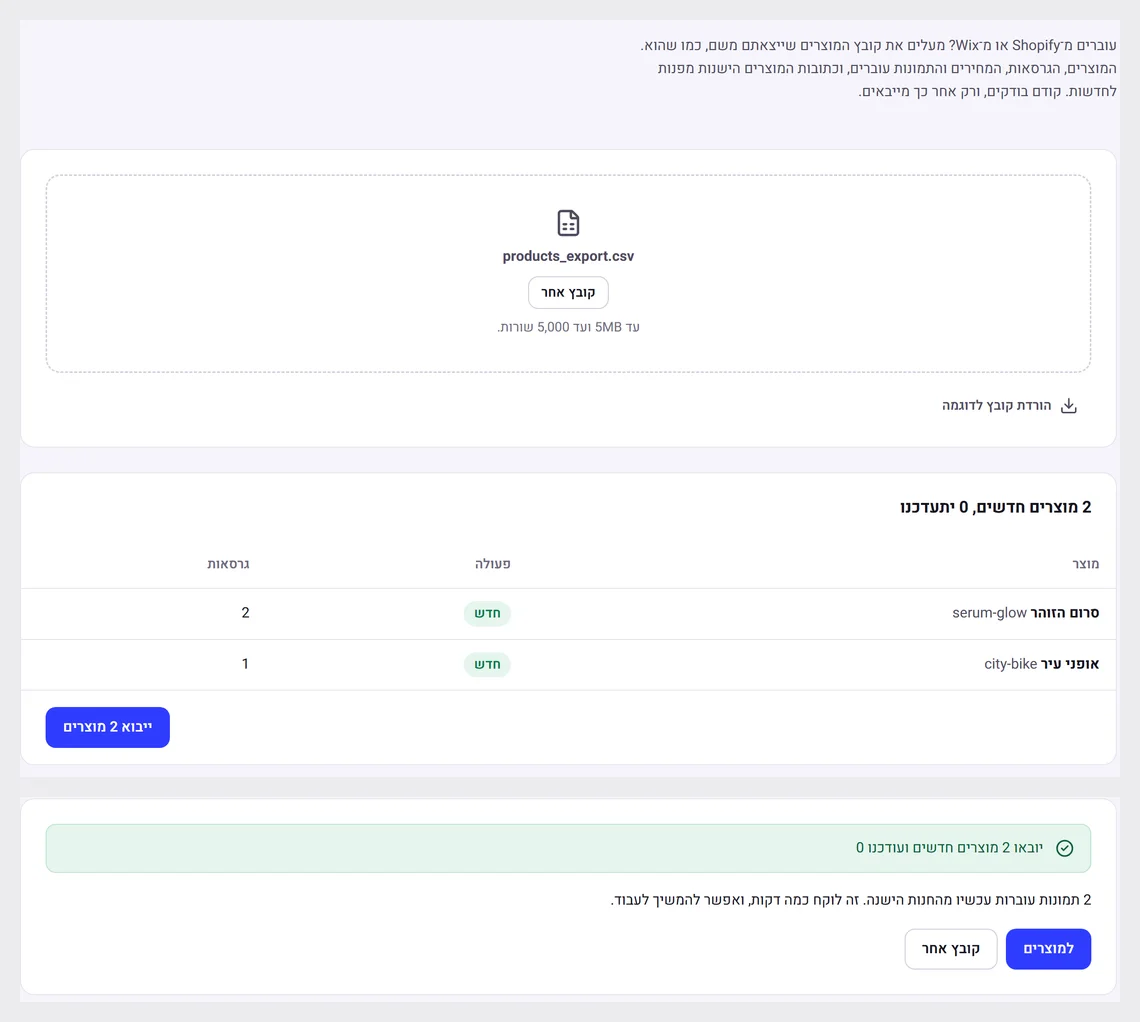
On the "Products" or "Customers" page, choose "Import" and upload the file. You first see a check: how many rows were read and what is not valid. Only then do you confirm.
Old addresses
In Settings, under "Redirects", paste addresses from the old site and choose where they lead now, so links and Google ranking are not lost.
Did not find an answer? In the admin, the "Help" button lets you write to us directly, and we reply by email.