Connecting payments
Card processing, Bit and Apple Pay, or payment in cash and by transfer.
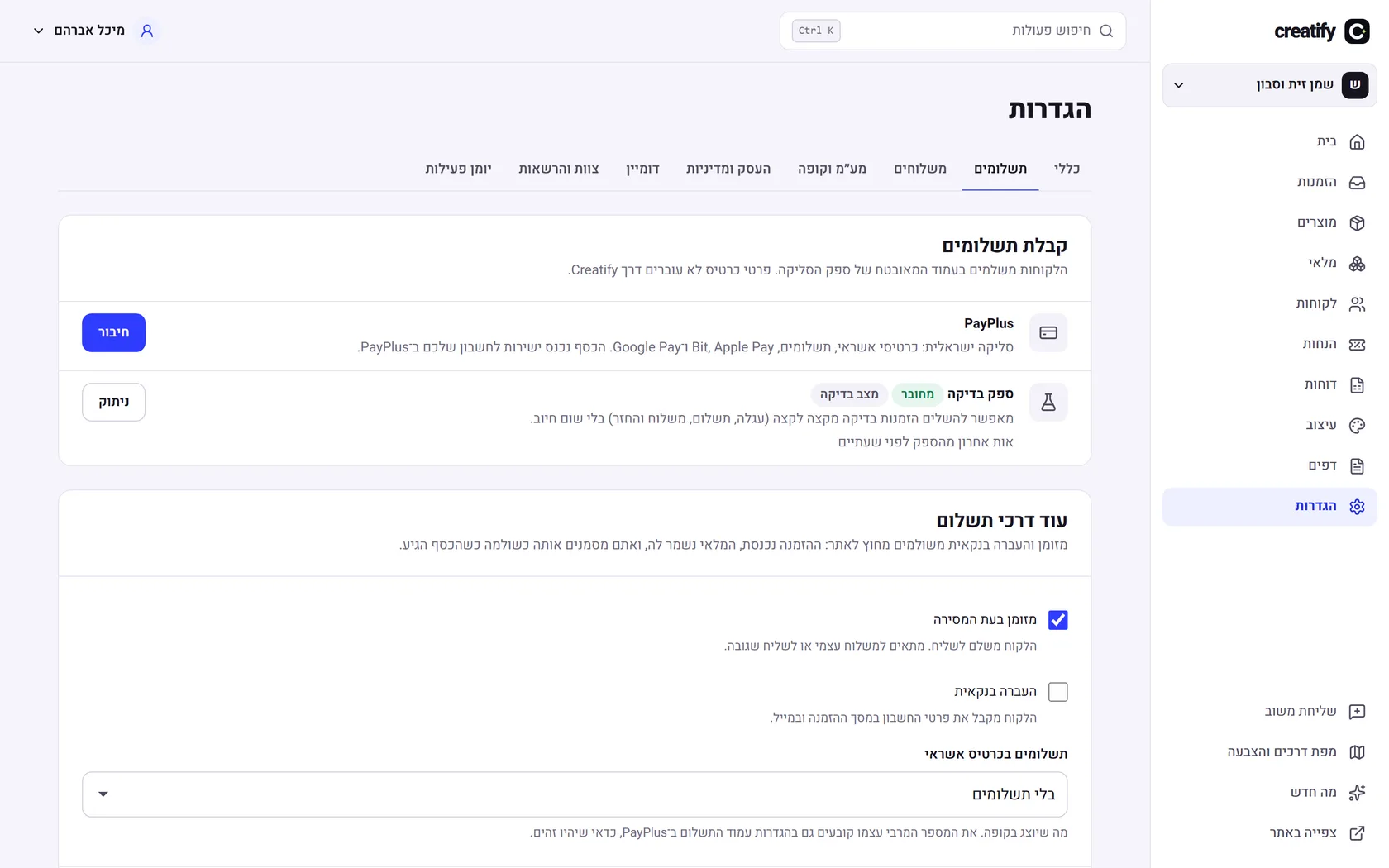
Payment processor
In Settings, under "Payments", choose the payment processor you have an account with and enter the details it gave you. "Test and connect" confirms they work.
Without a processor
You can start with cash on delivery or bank transfer. The order waits as "Awaiting payment", and you mark it as paid when the money arrives.
Invoices
Connecting Morning issues a tax invoice receipt for every paid order, and a credit invoice for every refund.
Did not find an answer? In the admin, the "Help" button lets you write to us directly, and we reply by email.