Forms and the inbox
A sign-up or quote request form on any page, and every message in one place.
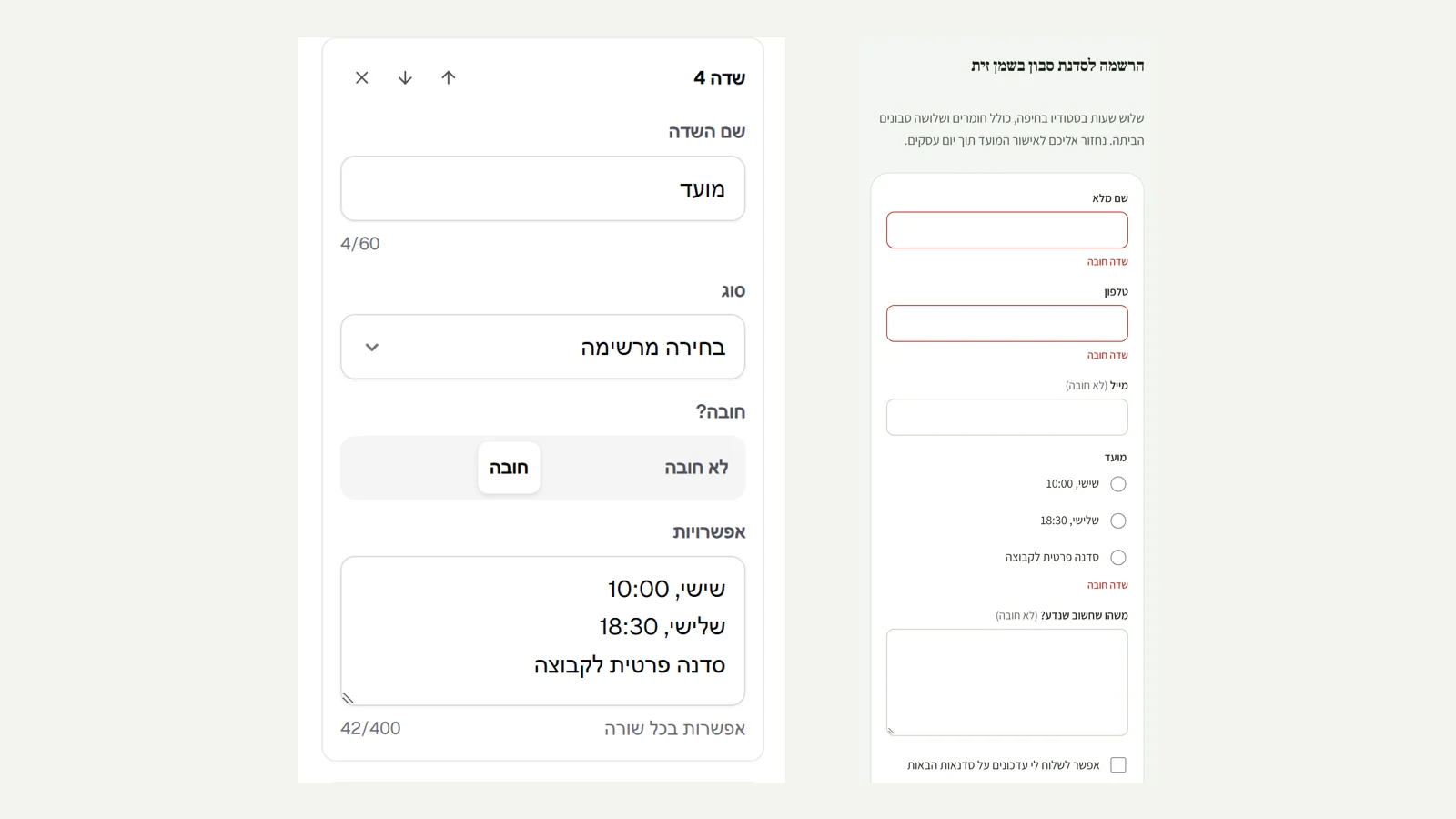
Add a form
In the editor, "Add section" and then "Form". For each field, choose a type (text, email, phone, date, pick from a list or checkbox) and whether it is required.
What happens after sending
Write the text on the button and the message visitors see after they send.
Read and reply
Every message arrives on the "Inbox" page and by email. Opening it marks it as read, "Reply by email" opens a reply, and "Archive" clears it from the inbox.
Did not find an answer? In the admin, the "Help" button lets you write to us directly, and we reply by email.