Designing the site in the editor
Sections, colours and fonts, the phone view, and publishing.
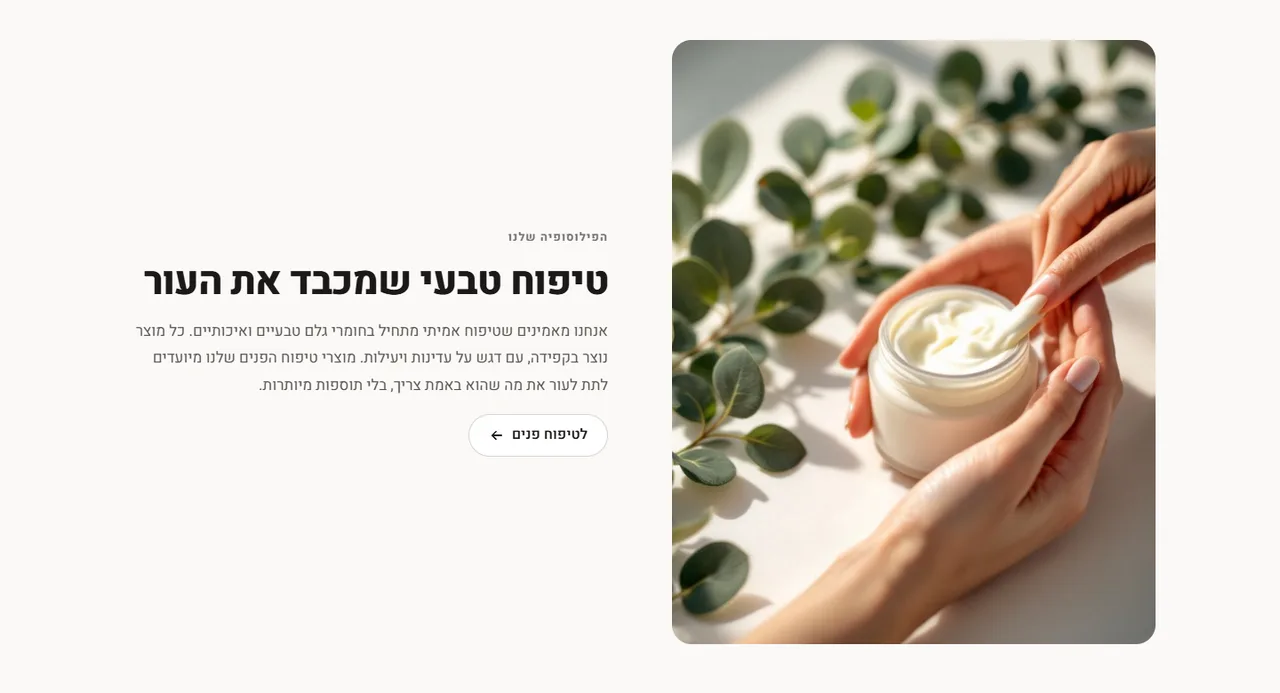
Sections
Every page is built from sections: hero, products, picture and text, FAQ, form and more. Add one with "Add section", and drag to change the order.
Style
The "Style" button is where you choose the brand colour, fonts, button shape and logo. The change applies to the whole site.
Check on a phone
In the top bar, switch between desktop, tablet and phone. Most shoppers arrive on a phone, so it is worth checking there.
Publish
The editor saves a draft all the time. Customers see the changes only after "Publish". Earlier versions are kept in "Version history".
Did not find an answer? In the admin, the "Help" button lets you write to us directly, and we reply by email.