Exporting all your data and closing the site
Your data in one file, and closing with 30 days to change your mind.
Export
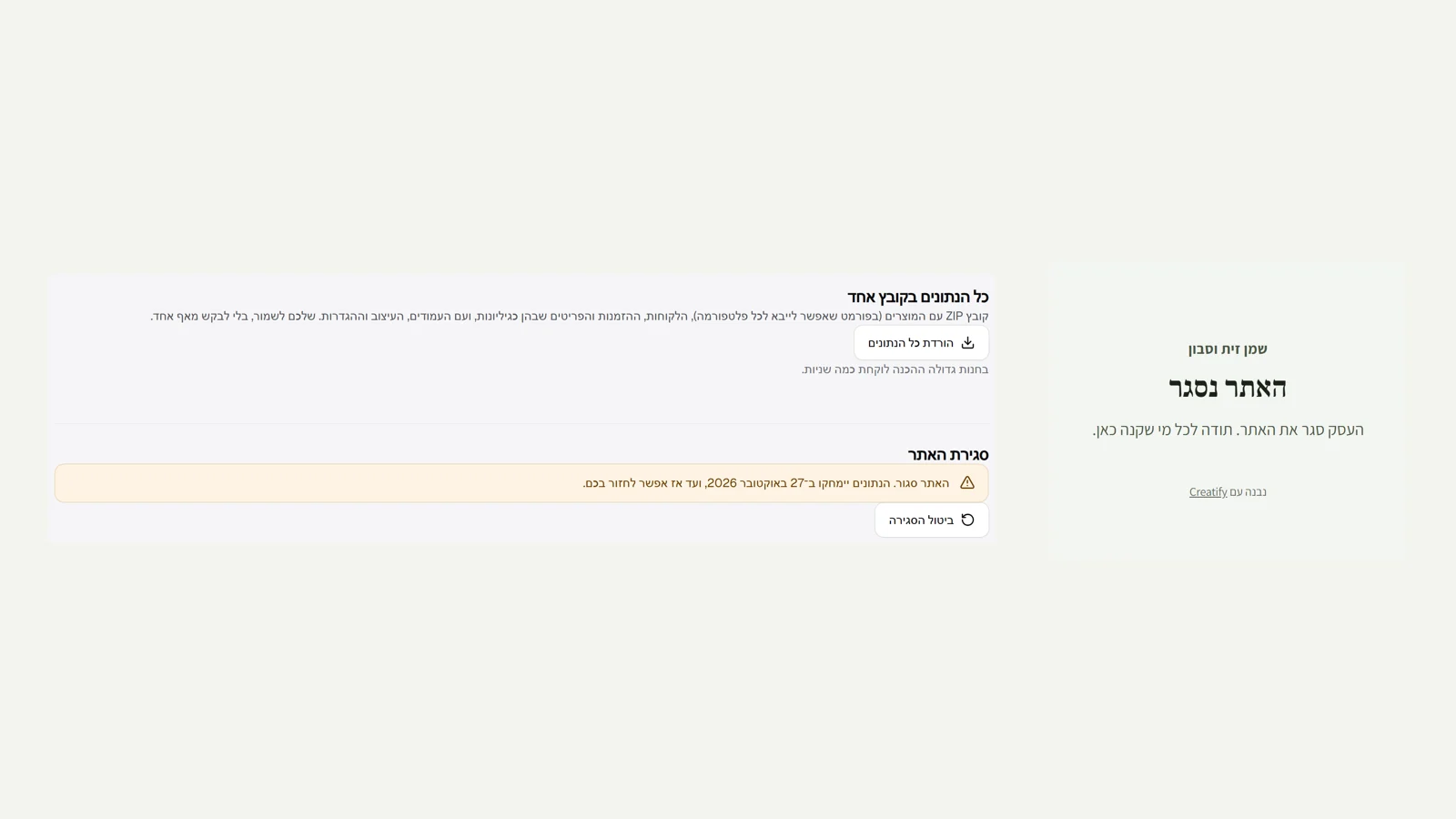
In Settings, under "Data and closing", "Download all data" downloads a ZIP with products, customers, orders, pages, design and settings.
Closing
The owners type the store name to confirm. The site goes offline immediately, and active subscriptions are paused.
30 days
For 30 days you can click "Cancel closing". After that the data is deleted, and the orders are kept without the buyers' details as a record of sales.
Did not find an answer? In the admin, the "Help" button lets you write to us directly, and we reply by email.