Opening your store for the first time
Three things that need to be ready before the site opens to customers, and how to open it.
At least one product
On the "Products" page, add a product with a name, a price and a picture, and mark it as active. You can also import products from a previous site.
A way to get paid
In Settings, under "Payments", connect a payment processor, or turn on cash on delivery or bank transfer.
Shipping, if any products ship
In Settings, under "Shipping", set up at least one rate. Digital products and services do not need shipping.
Open
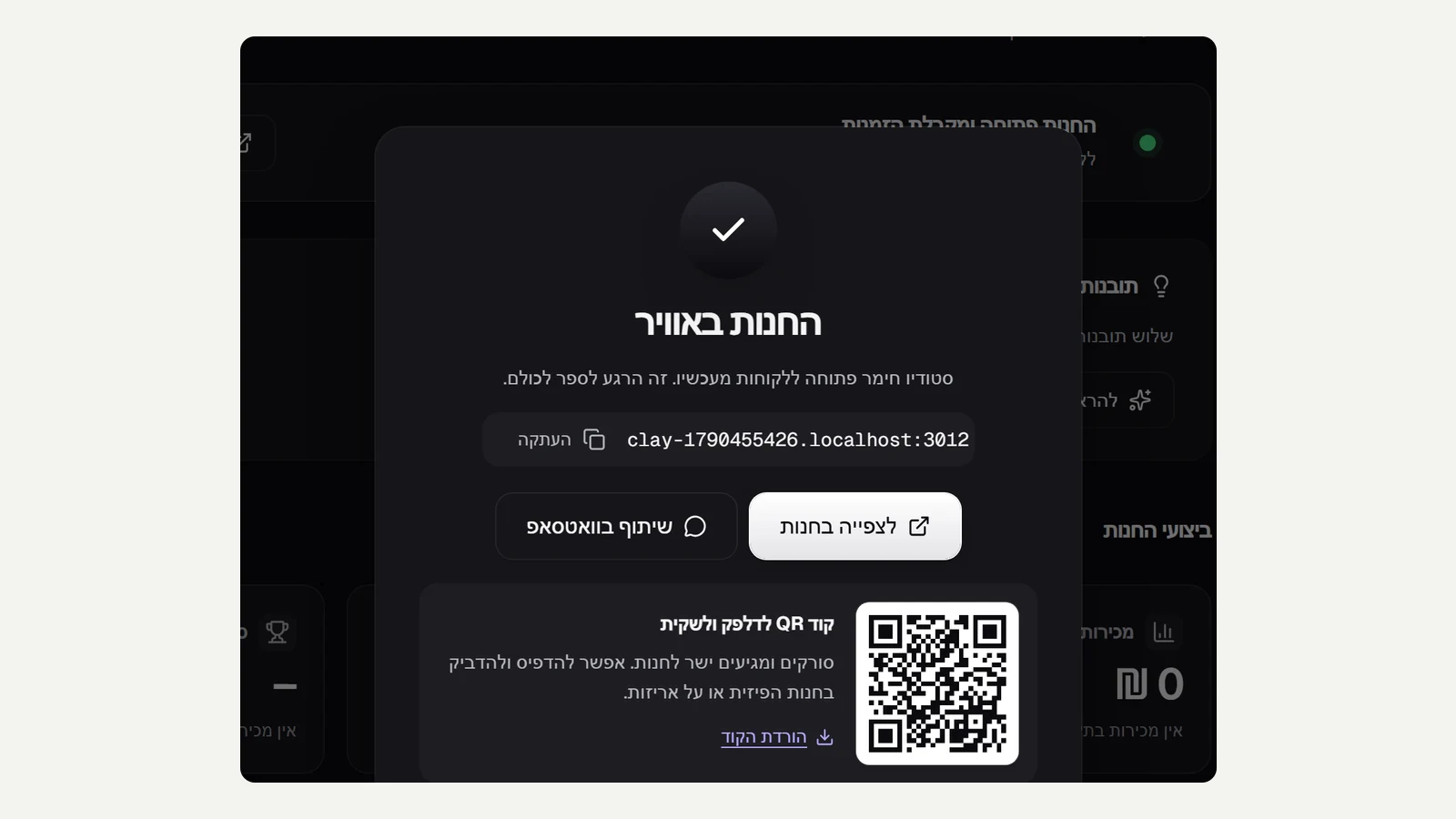
When all three are ticked on the admin home page, click "Open the store". From that moment the site is open to everyone, and you get a link to share and a QR code.
Did not find an answer? In the admin, the "Help" button lets you write to us directly, and we reply by email.